

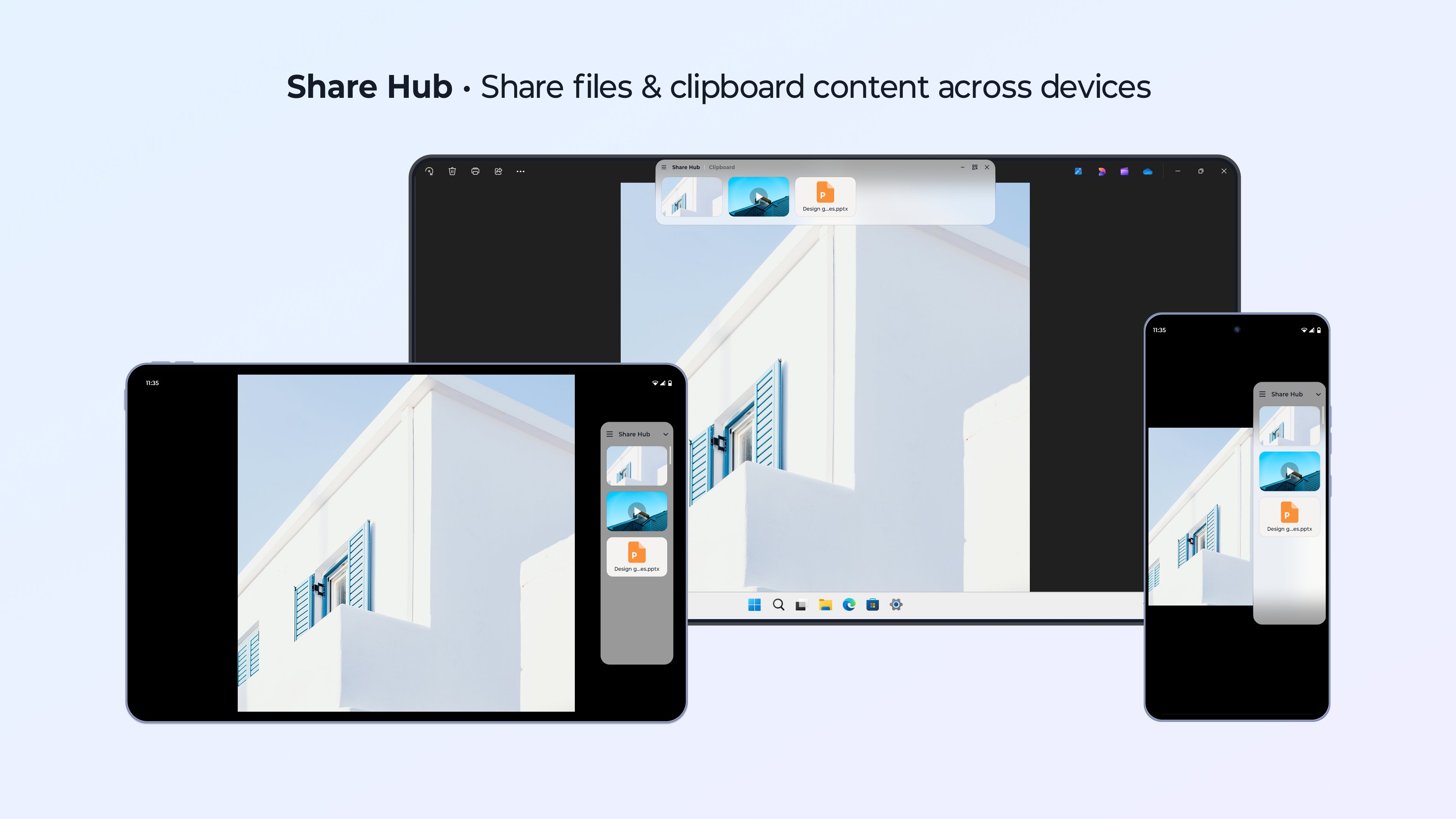
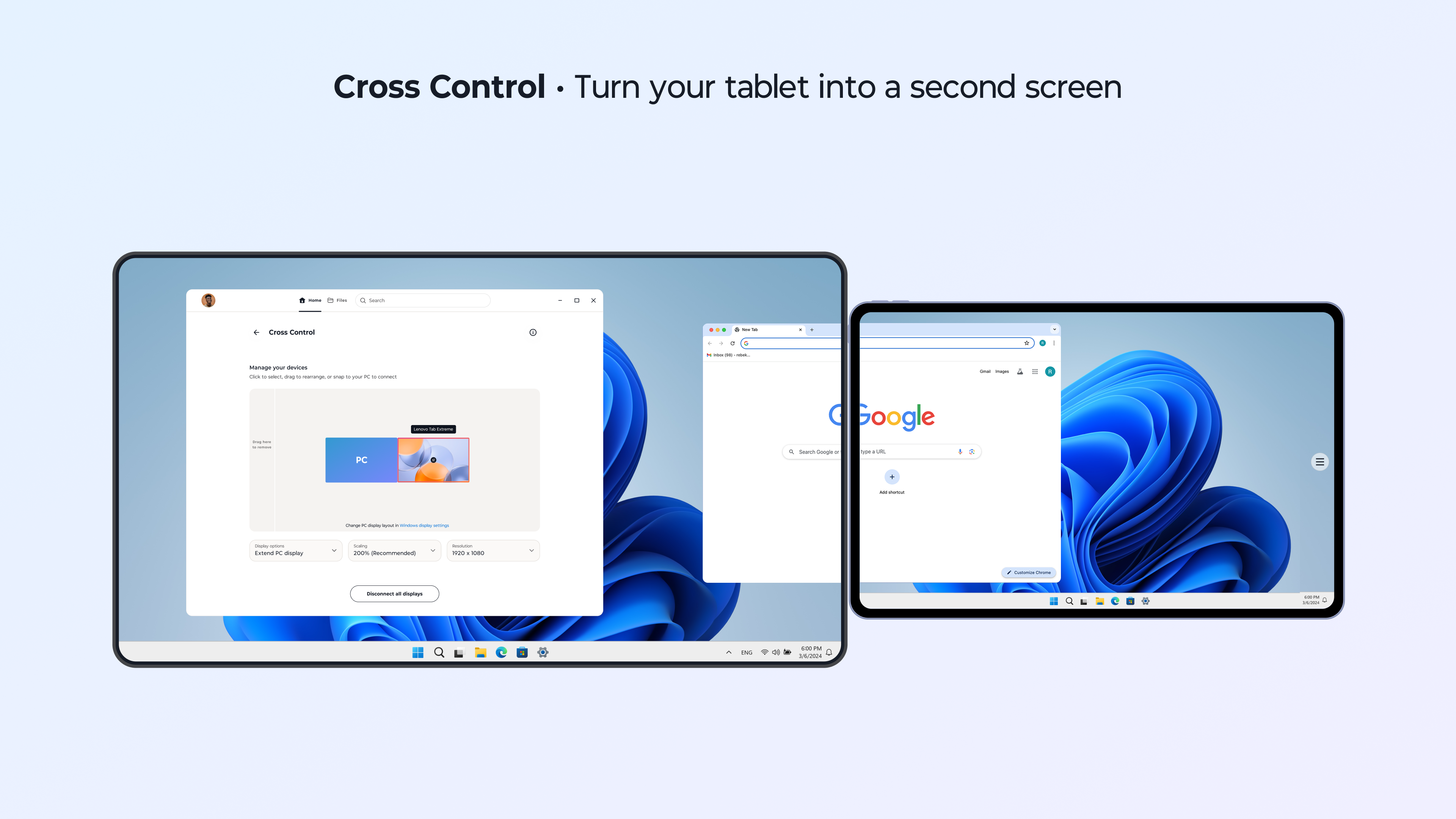
- Name Smart Connect
- Category Productivity
- Available on PC
- OS Windows 10 version 0.0 or higher
- languages Arabic, Azerbaijani, Bangla (Bangladesh), Bulgarian, Catalan, Cherokee, Chinese (Simplified), Chinese (Traditional) (Taiwan), Croatian, Czech, Danish, Dutch, English (India), English (United Kingdom), English (United States), Filipino, Finnish, French (Canada), French, German, Greek, Hebrew, Hindi, Hungarian, Indonesian, Italian, Japanese, Khmer, Korean, Macedonian, Malay, Marathi, Norwegian (Bokmål), Persian/Farsi, Polish, Portuguese (Brazil), Portuguese (Portugal), Romanian, Russian, Serbian, Sinhala, Slovak, Slovenian, Spanish (Spain), Spanish (United States), Swedish, Tamil, Thai, Turkish, Ukrainian, Urdu, Vietnamese
Seamless Connectivity at Your Fingertips: An Overview of Smart Connect for Windows
Smart Connect for Windows, developed by LENOVO INC., is designed to streamline device pairing and management, making multi-device workflows more efficient and less cluttered. It aims to diminish the hassle traditionally associated with managing numerous peripherals, delivering a smoother user experience for professionals and tech enthusiasts alike.
Fundamental Information and Target Audience
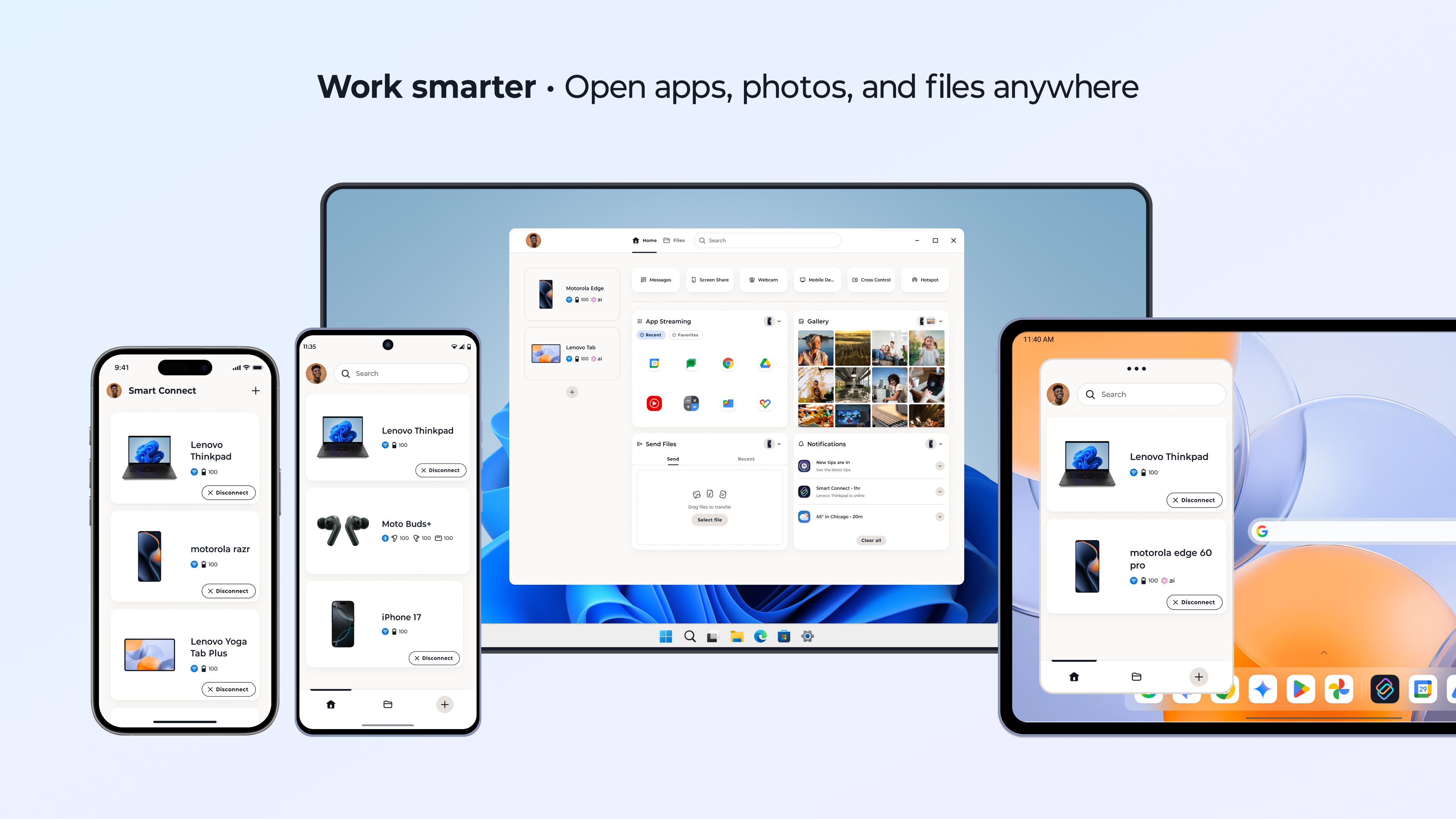
In essence, Smart Connect simplifies connecting your Windows device with your peripherals, from wireless accessories to other smart devices, offering intelligent automation and quick setup.
Developer: LENOVO INC.
Main Features Highlights:
- Automatic device recognition and pairing, reducing manual effort
- Intelligent device management with customizable profiles
- Seamless workflow integration to enhance productivity
- Reduction of cognitive load by automating routine device configurations
Target Users: IT professionals, remote workers, students, and anyone who frequently manages multiple smart devices or peripherals, seeking to improve connectivity efficiency and workspace tidiness.
Engaging the User: Why Smart Connect Stands Out
Imagine walking into your workspace, and with a single click, your Bluetooth keyboard, mouse, wireless speakers, and even smart home devices spring into action, all flawlessly synchronized. Smart Connect makes this scenario a reality—taking the friction out of device setup and letting you focus on what truly matters. Its intuitive automation feels like having a personal assistant for your tech ecosystem, quietly working behind the scenes so you can stay productive without interruptions.
Core Functionality One: Intelligent Device Pairing
This feature is the star of the show. Unlike conventional apps that require you to manually pair and re-pair devices each time, Smart Connect learns your device preferences and automates the process. Whether you're switching between work and leisure setups or reconnecting devices after restart, it intelligently recognizes previous pairings, significantly reducing setup time. The pairing process is smooth and straightforward, akin to leaving your keys in an intuitive spot—you don't need to think twice.
Core Functionality Two: Workflow Optimization and Management
Smart Connect doesn't just stop at pairing—it acts as a controller hub for your connected devices. You can configure profiles for different scenarios, like 'Work Mode' with specific printers and peripherals, or 'Gaming Mode' with optimized audio and input devices. Switching between profiles is effortless, empowering you to adapt your workspace on-the-fly without diving into complex settings menus. This aspect encourages a more organized and distraction-free environment, enhancing overall workflow efficiency.
Design, User Experience, and Differentiation
The app interface presents a clean, minimalistic design that resembles a well-organized workspace—easy to navigate with clear icons and logical grouping of controls. The overall operation feels fluid; actions like device discovery, pairing, or profile switching happen swiftly and predictably. For newcomers, there's little learning curve—it's a familiar yet thoughtfully crafted experience, like learning a shortcut that saves you days of routine work.
Compared to other productivity apps, Smart Connect excels in reducing cognitive load. While many apps aim for feature richness, they often become overwhelming. Here, LENOVO INC. prioritizes workflow integration—focusing on automating repetitive tasks, thus reducing mental effort. Its key advantage is smart automation that pre-emptively manages device states based on your preferences, rather than forcing you to configure numerous settings manually, making it stand out in a crowded market.
Final Verdict: A Handy Companion for Smarter Connectivity
Overall, I recommend Smart Connect for users who appreciate streamlined automation and efficient device management. It's particularly beneficial if you frequently switch between multiple peripherals or manage complex setups. While it might be less suited for users seeking extensive customization or niche device support, it strikes a healthy balance between simplicity and functionality.
If your goal is to make your Windows workspace smarter, less cluttered, and more responsive to your needs, this app warrants a try. Think of it as your digital butler—quietly working in the background to keep your devices in harmony, so you can focus on what truly requires your attention.
Pros
- Intuitive User Interface
- Seamless Bluetooth Connectivity
- Automated Device Recognition
- Customizable Settings
- Reliable Performance
Cons
- Limited Device Compatibility
- Occasional Connection Drops
- Battery Consumption
- Lack of Advanced Customization Options
- Inconsistent Notification Alerts











