

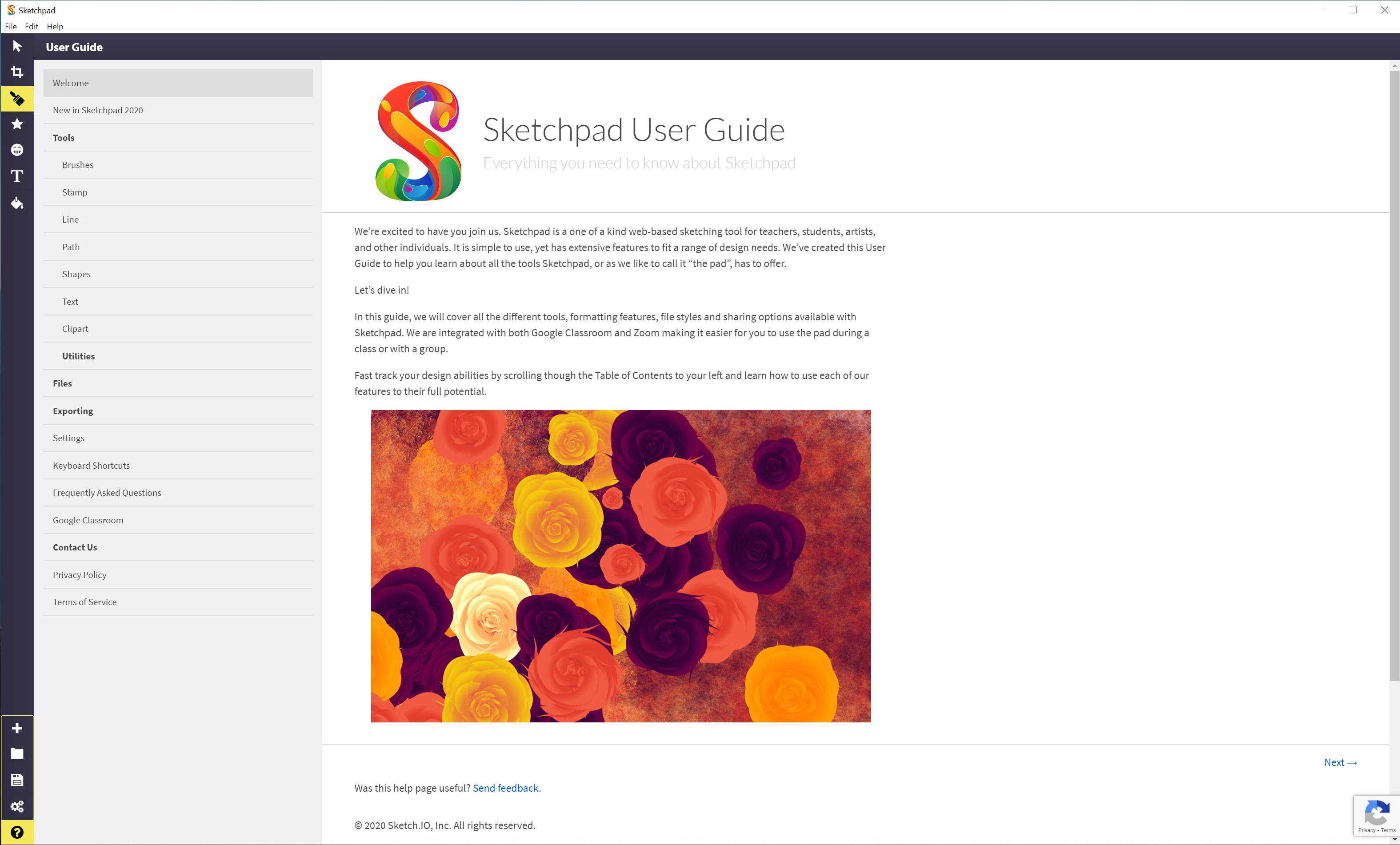
- Name Sketchpad Premium
- Category Productivity
- Developer Sketch.IO, Inc.
- Available on PC
- OS Windows 10 version 14316.0 or higher
- Keyboard Not specified
- Mouse Not specified
- Memory Not specified
- languages English (United States)
Introducing Sketchpad Premium for Windows: A Versatile Digital Drawing Companion
Sketchpad Premium for Windows stands out as a comprehensive digital drawing tool designed to cater to artists, designers, and hobbyists alike. With its intuitive interface and powerful features, it transforms your Windows device into a creative studio, making sketching, designing, and annotating a breeze.
About the Developer and Core Features
Who's Behind It?
Developed and published by Sketch.IO, Inc., a reputable name known for crafting accessible and versatile graphic tools, Sketchpad Premium aims to bring professional-grade drawing capabilities to everyday users.
Key Highlights
- Rich Toolbox & Styling Options: Offers a wide array of brushes, pencils, and shape tools, along with advanced layering and styling features for detailed artwork.
- Intuitive Interface with Customization: Clean, organized workspace that supports customizing tool layouts for optimal workflow.
- Seamless Windows Integration: Designed specifically for Windows, enabling smooth interactions with other Microsoft apps and system functions.
- Export & Sharing Functions: Supports exporting in various formats and direct sharing options, making collaboration straightforward.
Targeted primarily at creative professionals, digital artists, student designers, and anyone in need of quick prototyping or visual note-taking, Sketchpad Premium effectively bridges casual sketching and professional design needs.
Vivid Experience: Diving Into the Creative Waters
Imagine opening a Windows app that feels less like launching a software and more like lifting the lid off a well-organized art studio. Sketchpad Premium welcomes you with a user-friendly interface that invites exploration without overwhelming. Whether you're drafting thumbnail sketches or refining complex illustrations, this app makes your creative process feel natural and enjoyable.
Powerful Drawing & Illustration Tools
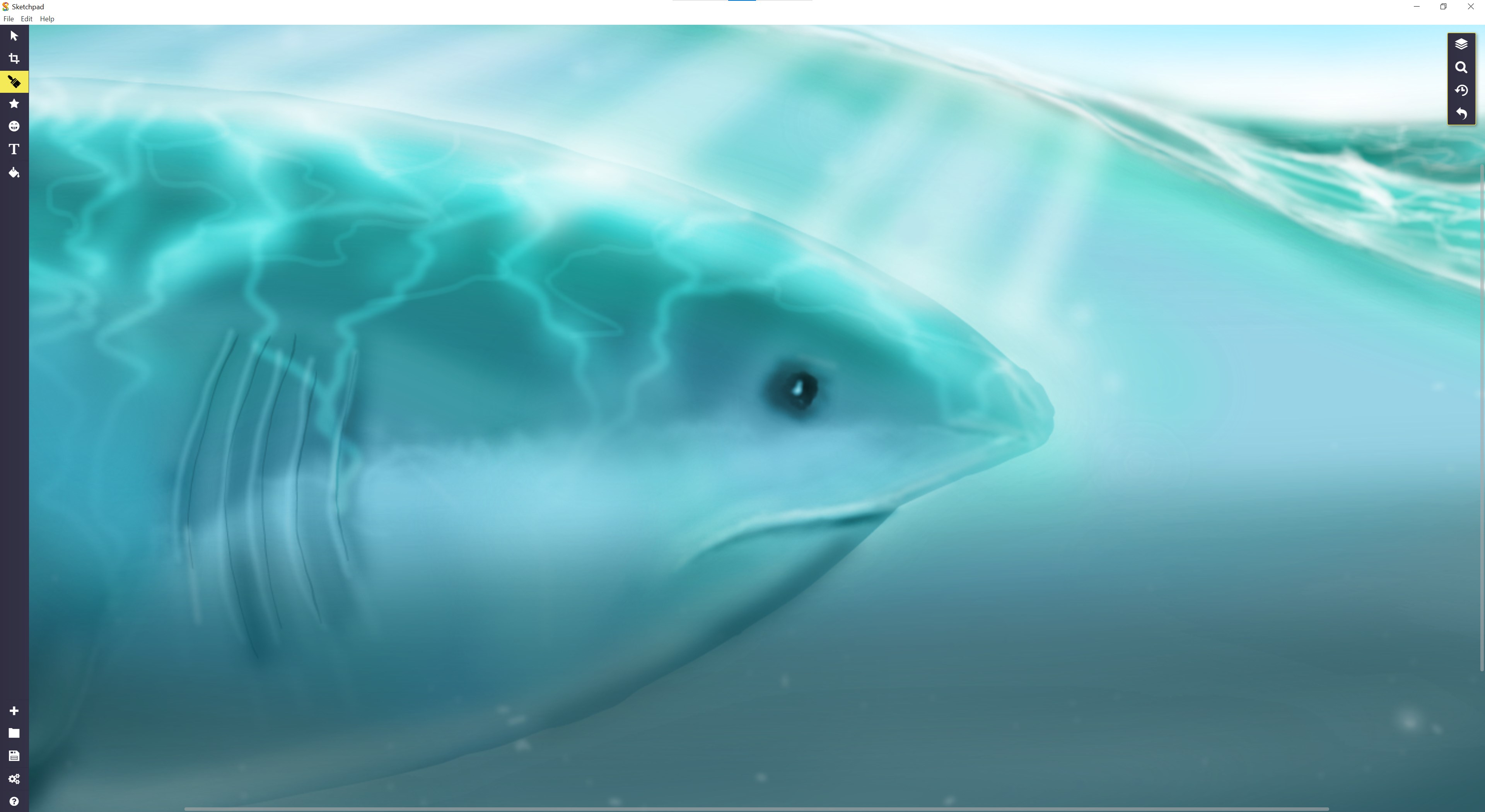
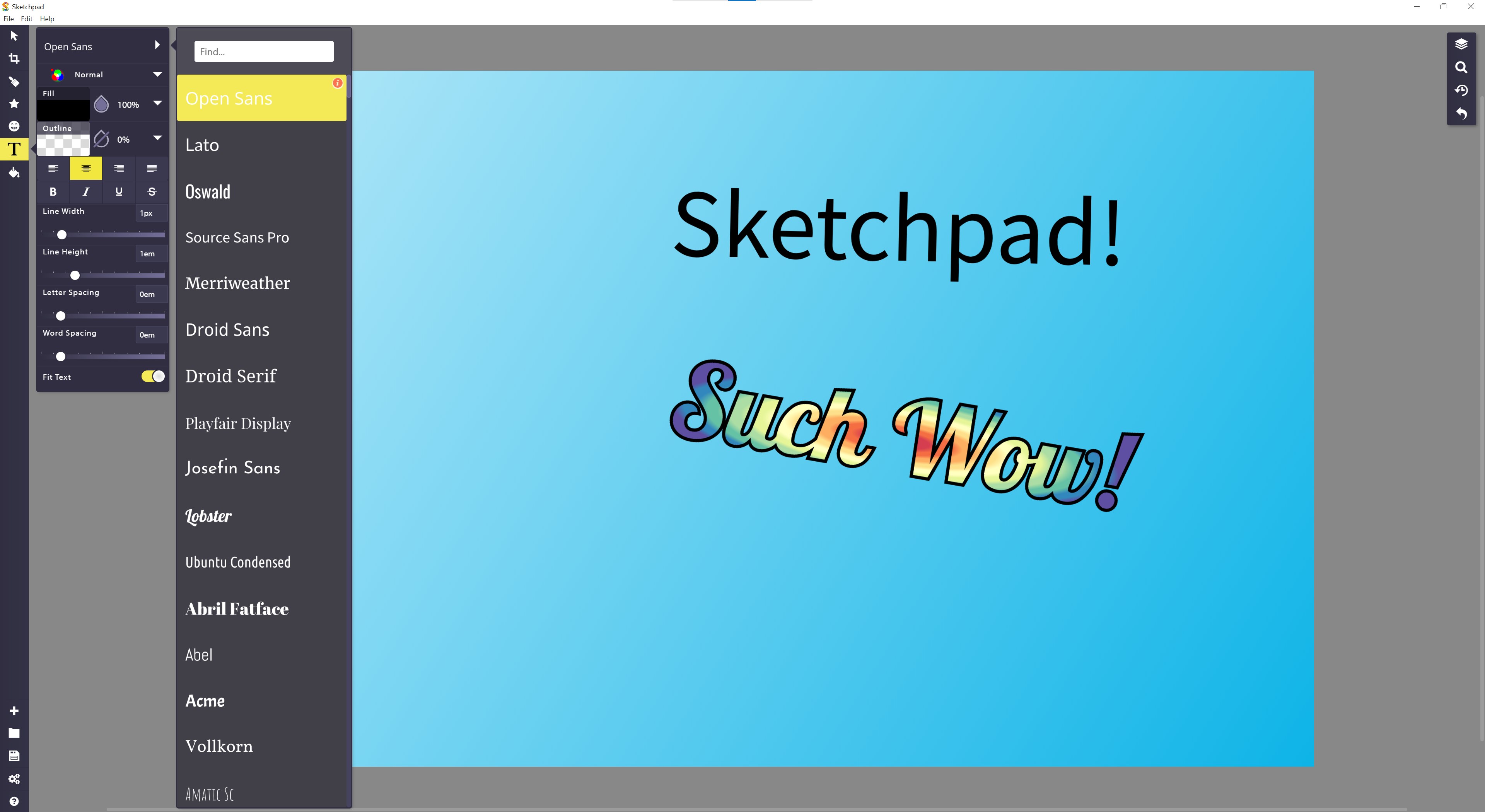
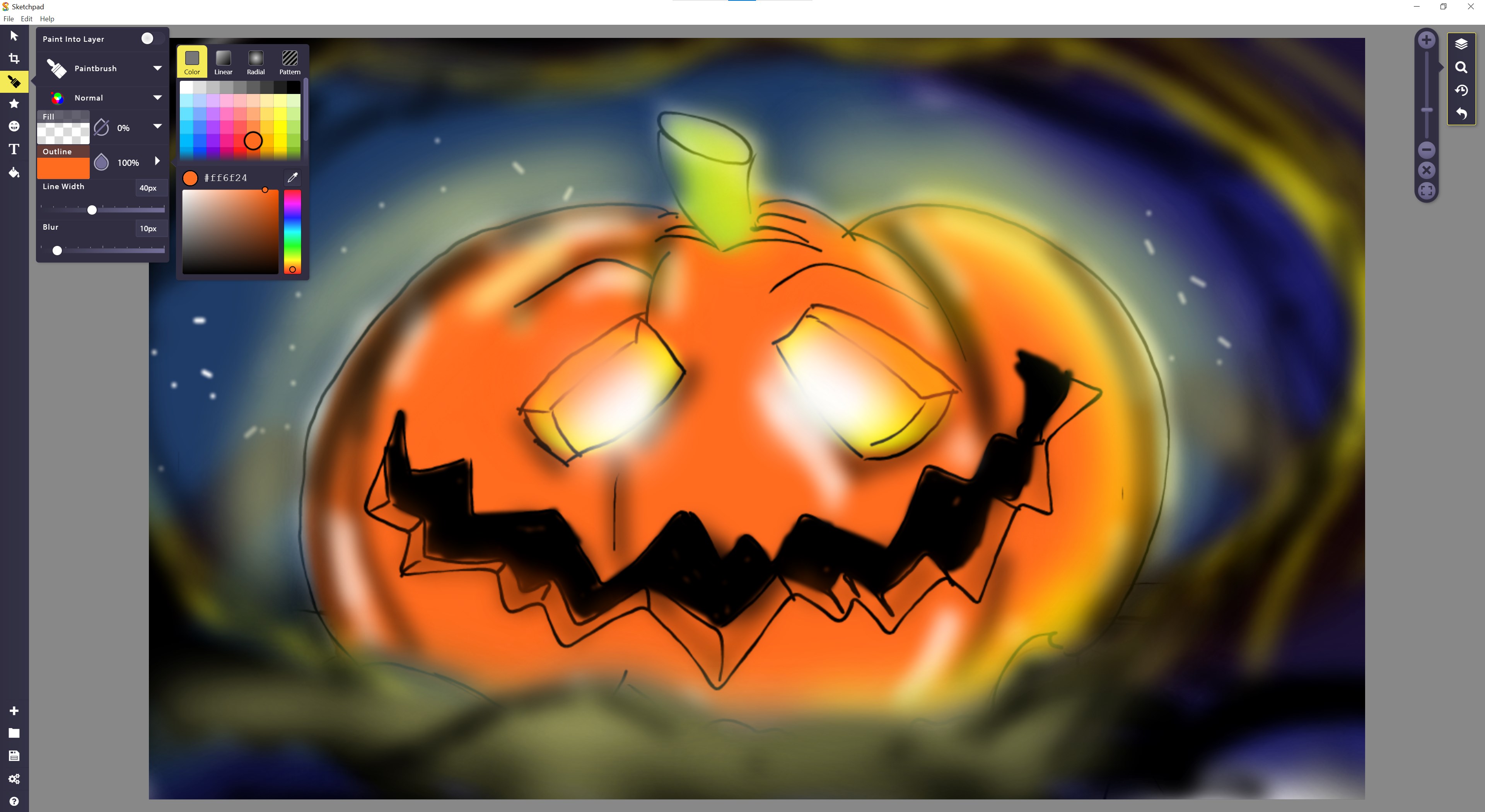
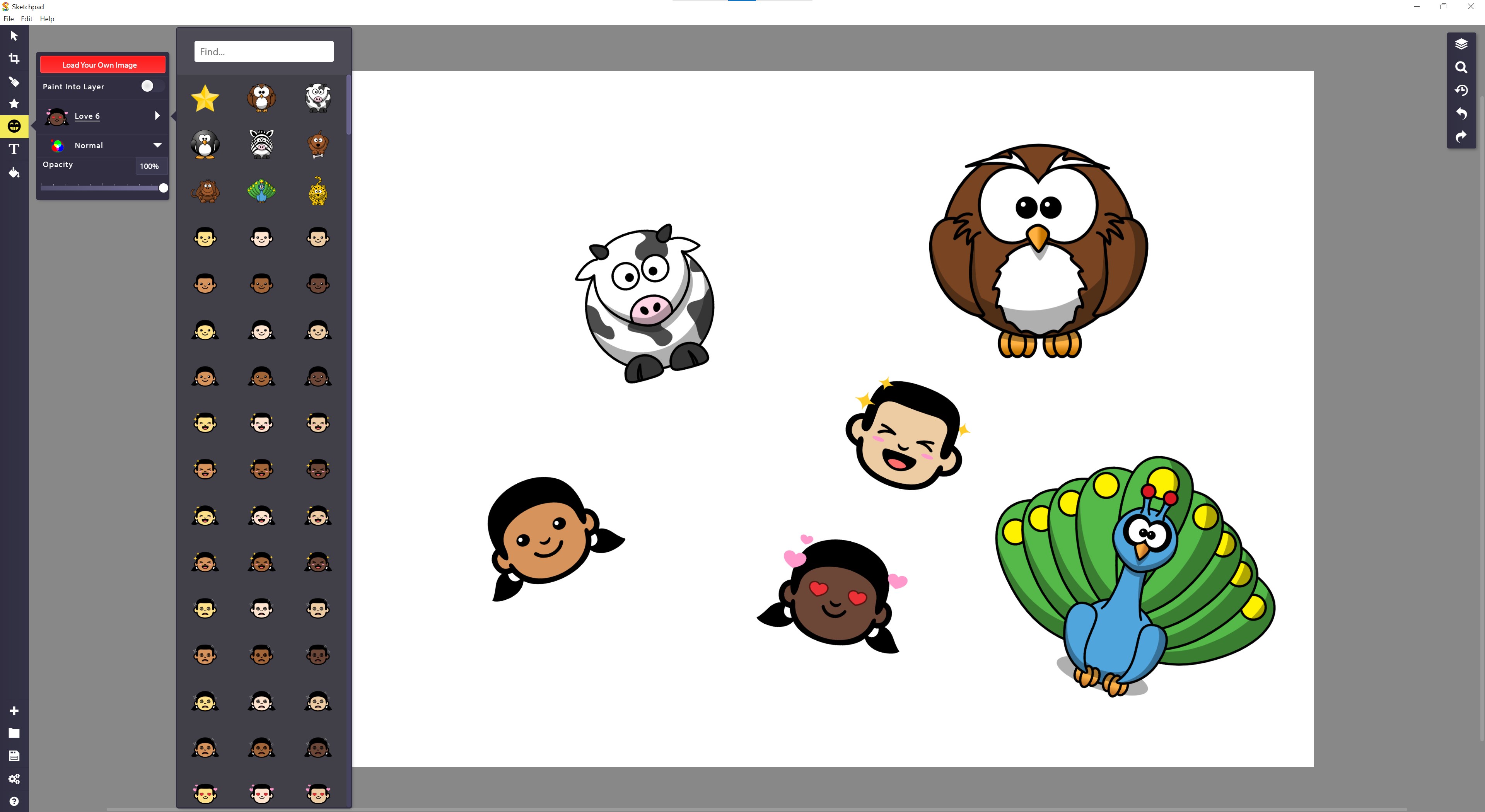
The heart of Sketchpad Premium lies in its versatile toolbox. From fine-tipped pencils for delicate details to broad brushes for bold strokes, the app offers a comprehensive palette that meets diverse artistic needs. The layering system is intuitive, allowing you to build complex images step-by-step, much like layering transparent sheets, giving control over each element without complexity. Advanced styling options—such as gradients, shadows, and blend modes—are readily accessible, enabling professional-quality finishes even for beginners.
Smooth & User-Friendly Interface
The interface strikes a balance between simplicity and depth. Its design resembles a well-organized artist's palette, with tools and options logically grouped yet easily customizable. The app's responsiveness is impressive—drawing feels fluid, with minimal lag—turning even elaborate projects into smooth experiences. Learning curve? Gentle ramp-up, with a wealth of tutorials and a help center that eases new users into advanced features gradually.
Workflow & Compatibility: An Efficient Canvas for Ideas
Unlike many standalone drawing apps that operate in isolation, Sketchpad Premium integrates efficiently within the Windows ecosystem. It plays nicely with clipboard functions, supports native file formats, and syncs with cloud storage, ensuring your work is always at your fingertips. Its streamlined interface reduces cognitive load—what you see is what you get—allowing you to focus on your creation rather than navigating clutter.
Compared to other productivity or illustration applications, Sketchpad Premium excels in reducing feature overload. It emphasizes core creative functions with clarity, making it easier to stay in your flow. Its real strength lies in providing just enough tools to craft detailed artwork without overwhelming the user with settings and options—ideal for those who prefer a straightforward yet potent drawing environment.
Final Thoughts: A Clear Choice for Creative Windows Users
All considered, Sketchpad Premium offers a well-rounded, thoughtfully designed digital drawing environment. Its strongest features—particularly its versatile toolkit and seamless workflow integration—set it apart from many competitors. I would recommend it to anyone looking for a reliable, easy-to-use drawing app that balances functionality with simplicity. Whether you're a professional designer seeking a portable companion or a hobbyist wanting to doodle effortlessly, Sketchpad Premium for Windows proves to be a trustworthy partner behind your creative efforts.
Pros
- Intuitive user interface
- Wide range of drawing tools
- High-resolution export options
- Cloud synchronization
- Regular updates and feature improvements
Cons
- Limited free features
- Occasional app lag or crashes
- Learning curve for advanced features
- Export format restrictions
- Occasional UI bugs











