
- Name Simple XPS Viewer-XPS Read and Write
- Category Productivity
- Developer YWHAPPS
- Available on PC, Mobile, Surface Hub, HoloLens
- OS Windows 10 version 18362.0 or higher
- languages Chinese (Simplified), Chinese (Traditional Chinese), Czech, Danish, Dutch, English (United States), French, German, Italian, Japanese, Korean, Polish, Portuguese, Russian, Spanish, Swedish
Introducing Simple XPS Viewer - Your Efficient XPS Reader and Writer
Simple XPS Viewer-XPS Read and Write is a streamlined application designed for Windows users who frequently handle XPS files, aiming to simplify viewing and editing workflows with ease and precision.
About the Developer and Core Highlights
Developed and published by YWHAPPS, this tool consolidates core functionalities into a cohesive, user-friendly package. Its main features include seamless XPS viewing, straightforward editing capabilities, and smooth file management—making it ideal for professionals and casual users alike. The target audience encompasses individuals involved in document workflows requiring quick viewing, adding annotations, or editing XPS documents without complex software overhead.
Engaging the User: Making XPS Files Accessible and Manageable
Imagine opening a cluttered drawer full of intricate documents—now, envision having a neat, organized desk where each XPS file is just a click away, ready to be read or modified. Simple XPS Viewer makes this a reality, transforming potentially complicated tasks into a straightforward experience. Whether you're reviewing technical specifications, legal documents, or academic papers, this app strips away the need for bulky software, offering a focused environment tailored for efficiency and clarity.
Core Functionality 1: Smooth Viewing Experience and Interactive Navigation
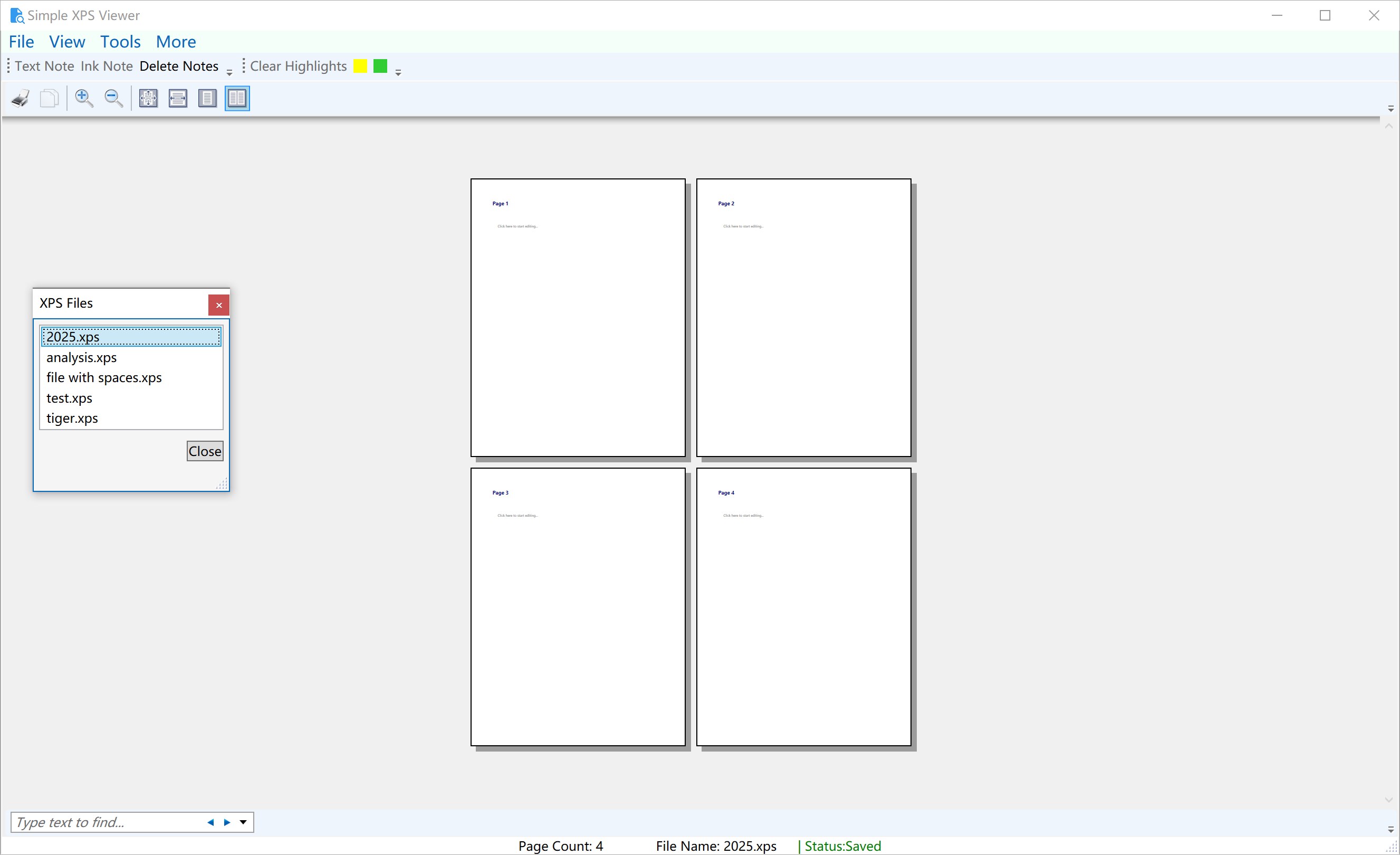
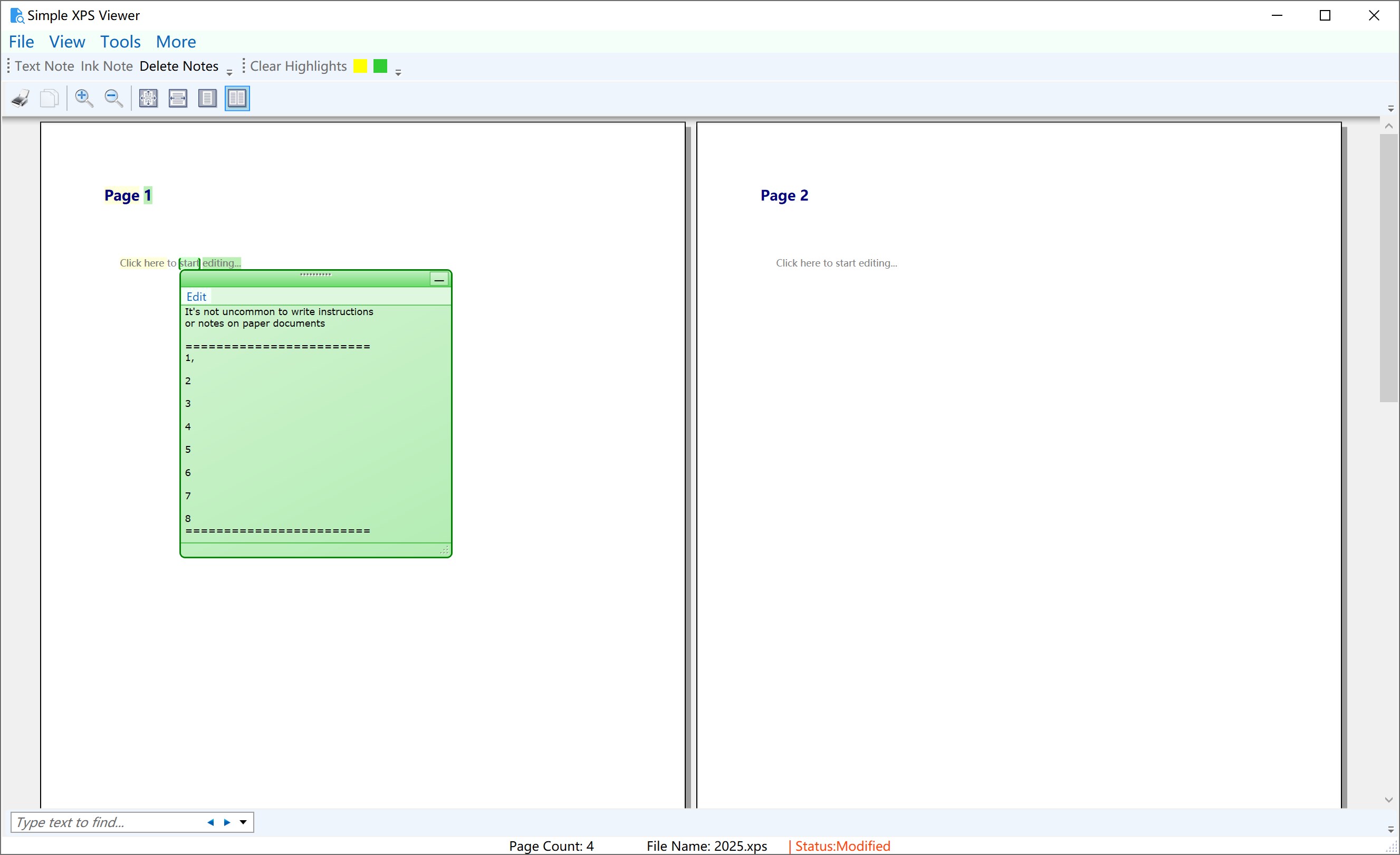
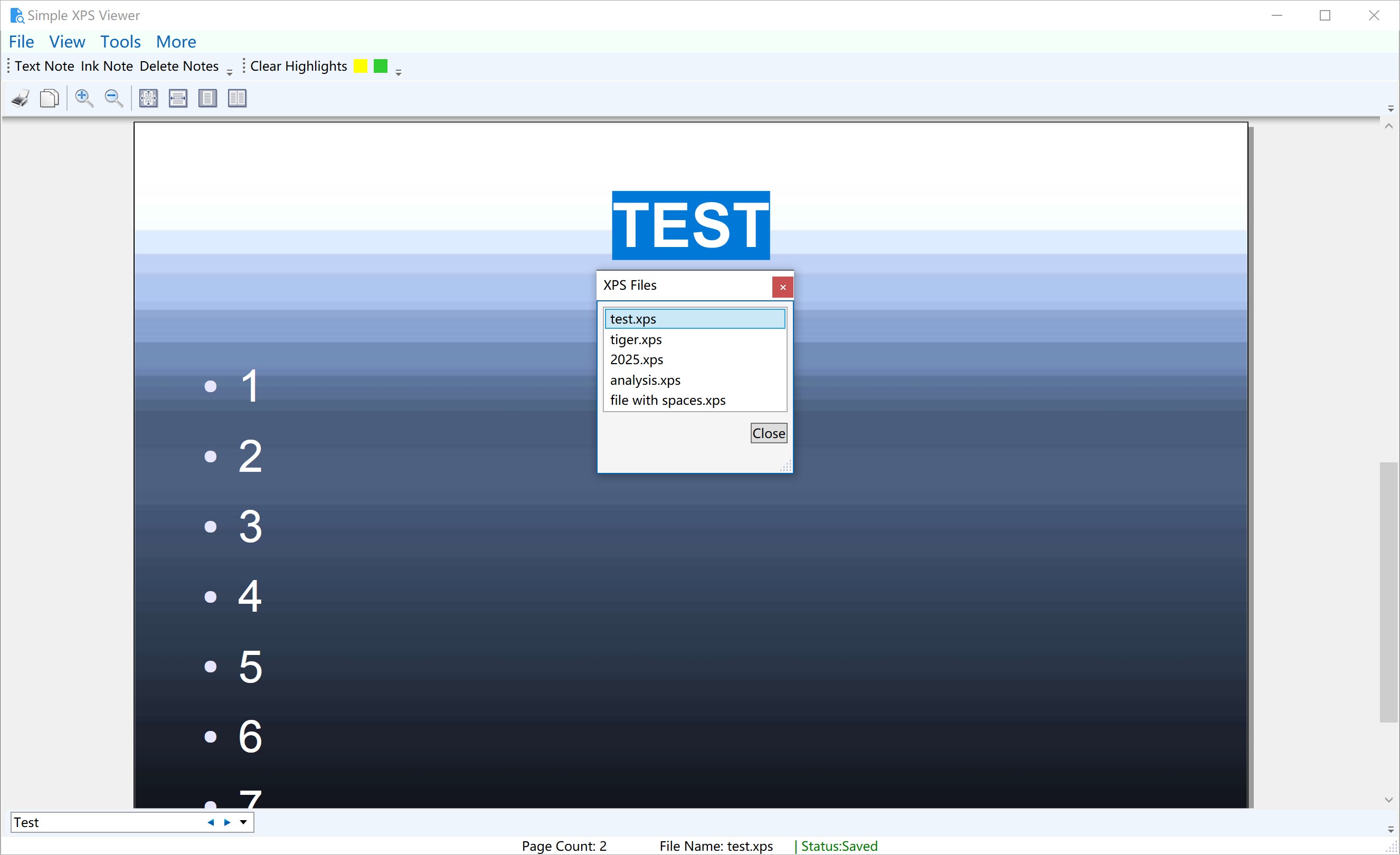
The primary draw of Simple XPS Viewer is its clean and intuitive interface that provides smooth navigation through multi-page documents. Users can easily scroll, zoom, and jump between pages with minimal effort, much like flipping through a well-organized photo album. The app handles large files gracefully, ensuring no lag or stutter, which is critical for professional settings where time is of the essence. The responsive performance enhances the overall user experience, making document review a seamless process rather than a frustrating chore.
Core Functionality 2: Basic Editing and Annotation Tools
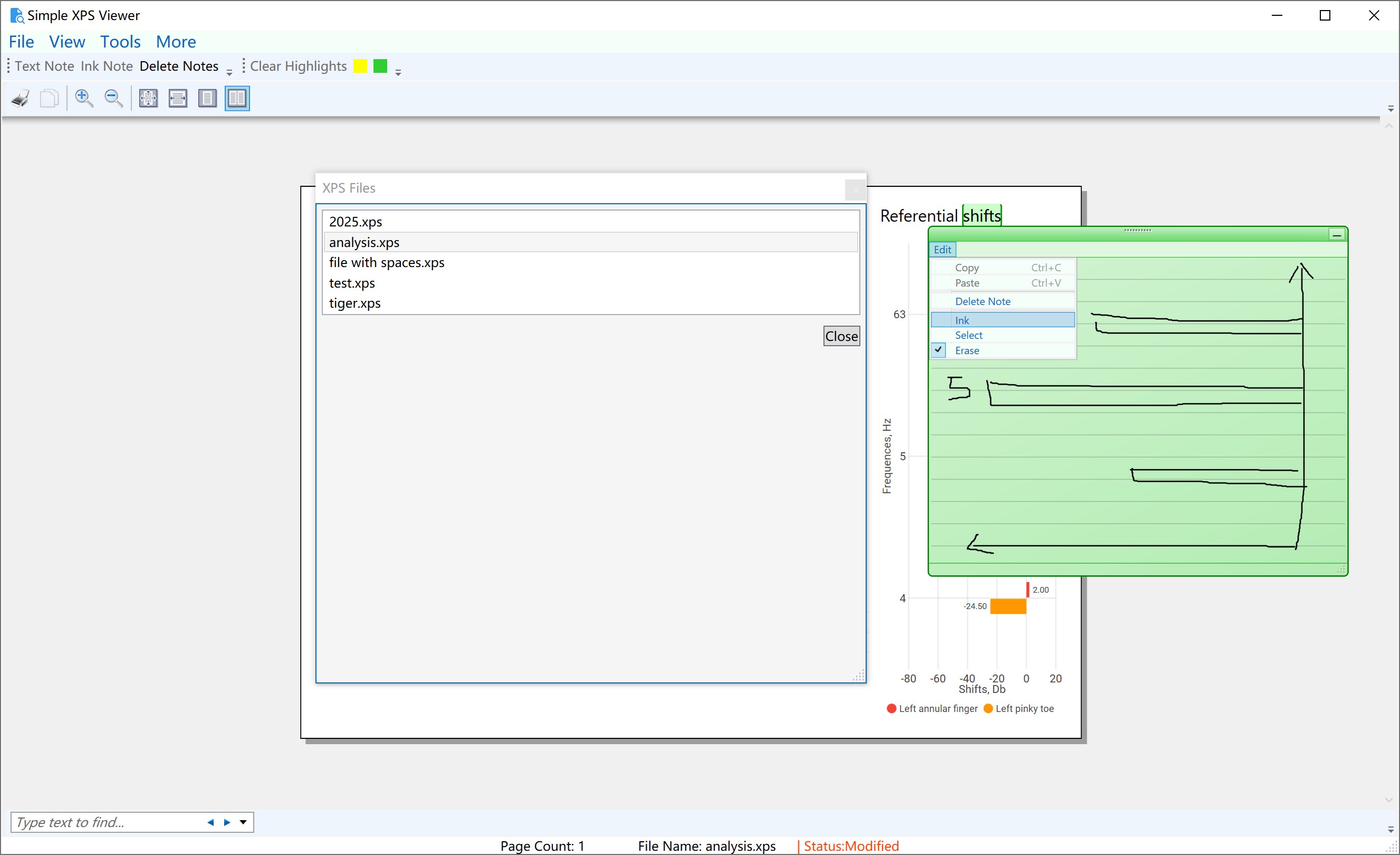
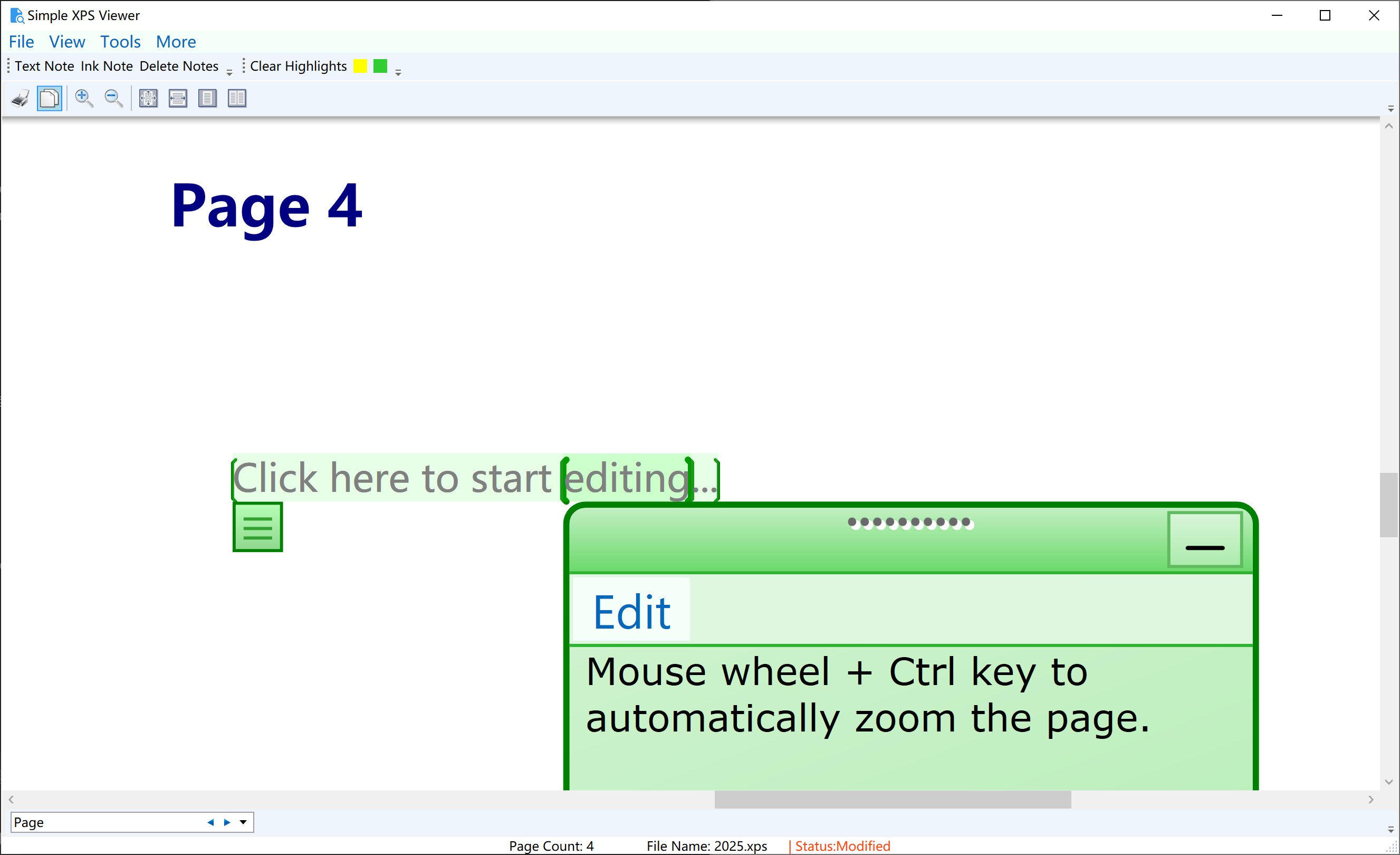
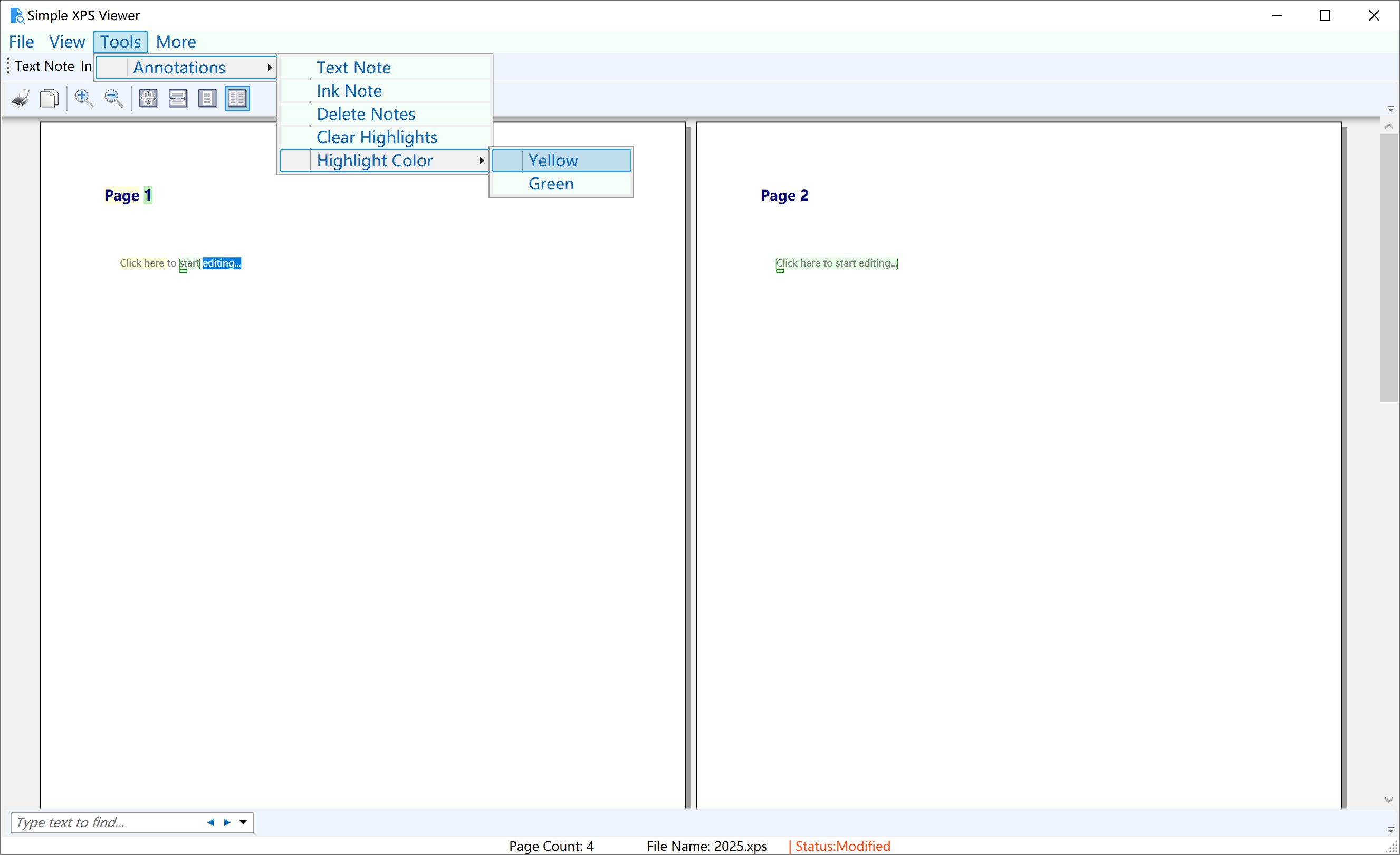
Beyond just viewing, Simple XPS Viewer introduces practical editing features that allow users to add annotations, highlights, or make minor modifications directly within the document. Think of it as turning a static photo into a dynamic storyboard—comments and edits can be incorporated effortlessly. The editing tools are deliberately simple, focusing on essential tasks without overwhelming users with complex options. This targeted approach reduces cognitive load, allowing users to concentrate on their content rather than wrestling with convoluted menus.
Design, Usability, and Differentiation
The app boasts a minimalist yet functional interface that emphasizes clarity and ease of use. Navigating through menus feels natural, akin to flipping through the pages of a familiar book, speeding up the learning curve for new users. Unlike many productivity tools that drown users in a sea of features, Simple XPS Viewer prioritizes workflow efficiency—reducing unnecessary complexity while providing just enough tools for effective document handling.
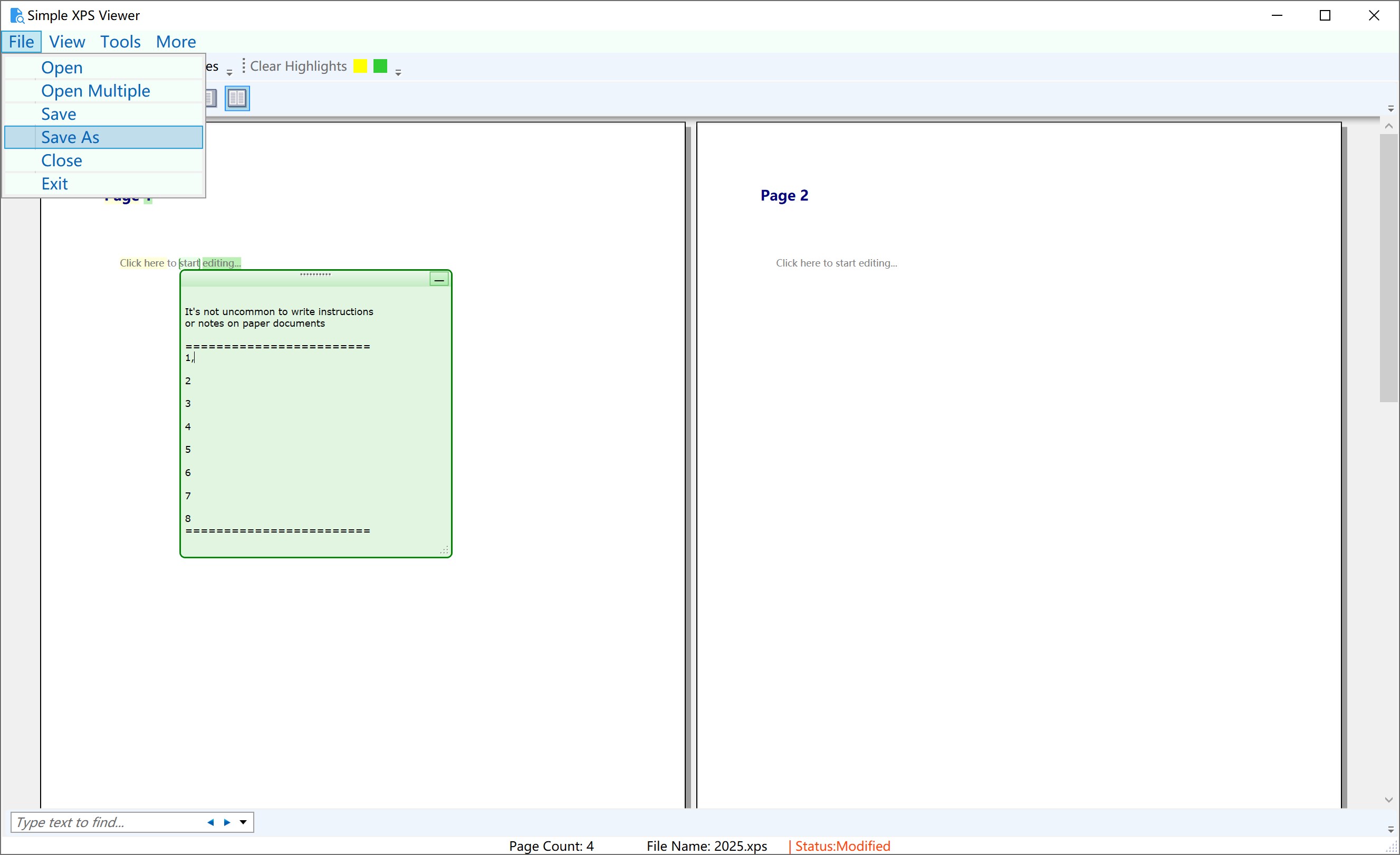
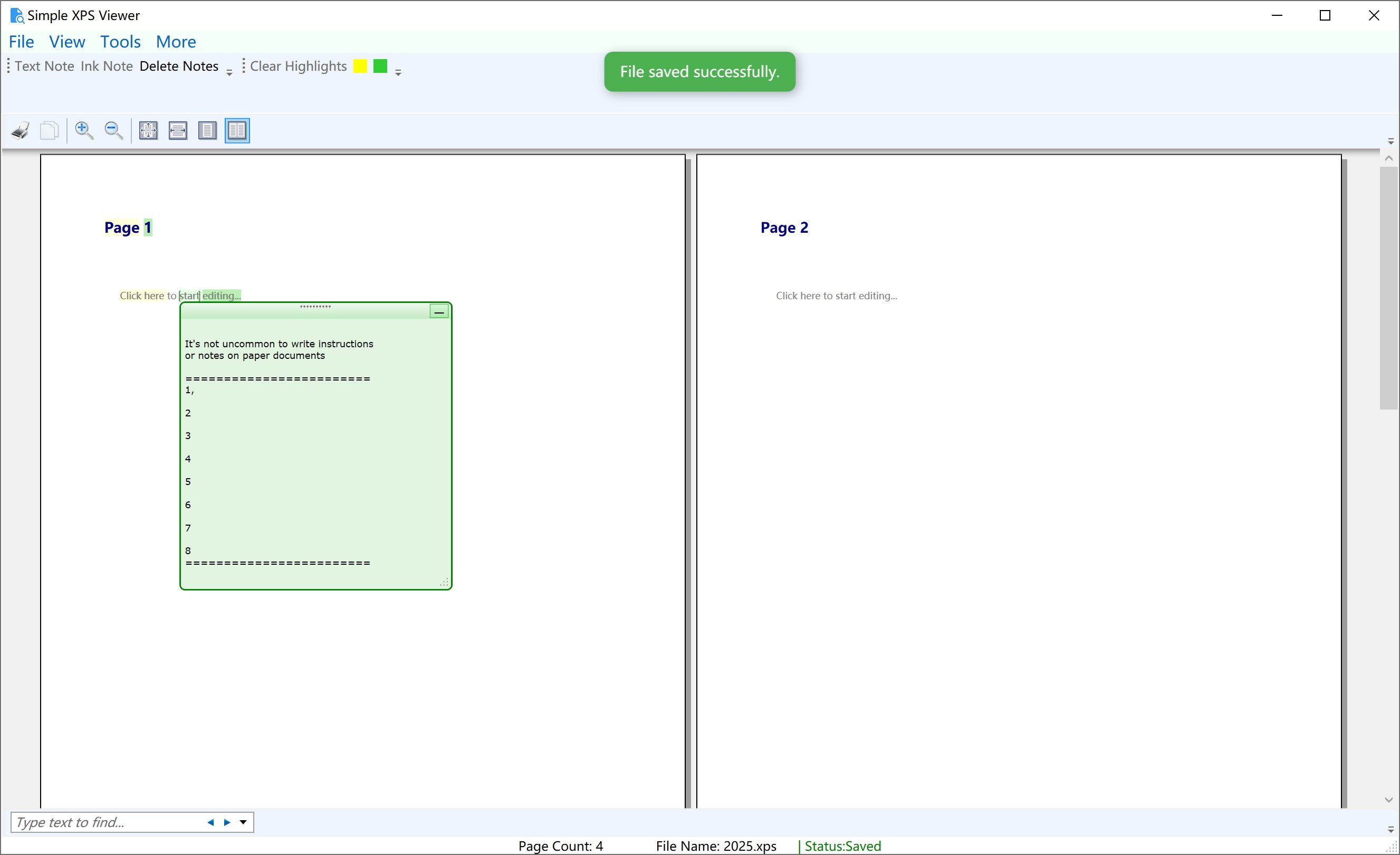
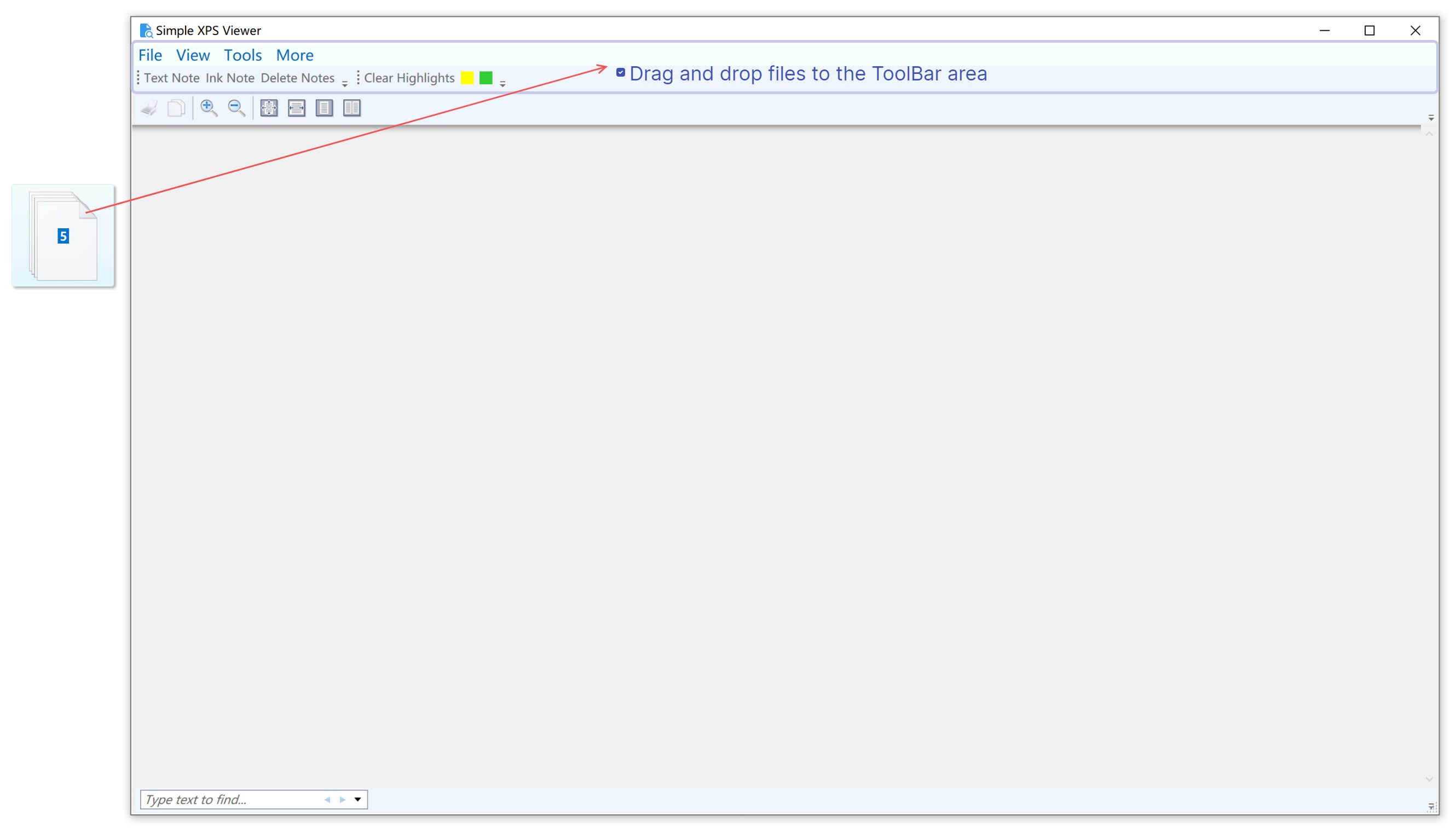
One of its standout features is the optimized workflow integration; it supports straightforward opening, editing, and saving of XPS documents with minimal steps, akin to pulling out a key from your pocket and opening the door effortlessly. This focus sharply contrasts with feature-heavy applications that often impose higher cognitive loads, making this app more suitable for users who value simplicity without sacrificing core functionality.
Final Verdict and Recommendations
Given its clean design, responsive performance, and targeted feature set, Simple XPS Viewer earns a solid recommendation for anyone needing a lightweight, efficient XPS management tool. It's particularly beneficial for users who require quick access, basic editing, and minimal distraction, making it ideal for workflows where speed and clarity are paramount. For those seeking a no-nonsense, straightforward app that bridges the gap between simplicity and functionality, this application is definitely worth trying out.
Pros
- User-friendly interface
- Supports reading and editing XPS files
- Fast performance
- Lightweight application
- Regular updates and improvements
Cons
- Limited editing features
- No support for exporting to other formats
- Occasional crashes when opening large files
- Limited annotation tools
- Inconsistent syncing features











