

- Name Shotcut
- Category Multimedia design
- Available on PC
- OS Windows 10 version 14393.0 or higher
- Memory 4 GB
- Keyboard Not specified
- Mouse Not specified
- DirectX Not specified
- languages Catalan, Chinese (Simplified), Chinese (Traditional), Czech, Danish, Dutch, English, English (United Kingdom), Estonian, Finnish, French, German, Greek, Hungarian, Italian, Japanese, Nepali, Norwegian (Bokmål), Norwegian (Nynorsk), Polish, Portuguese (Brazil), Portuguese (Portugal), Russian, Slovak, Slovenian, Spanish, Swedish, Turkish, Ukrainian
Shotcut for Windows: A Powerful Open-Source Video Editor Now Ready for Prime Time
Imagine having a versatile, free tool at your fingertips that can handle your video editing needs with ease and professionalism—Shotcut for Windows delivers just that. Designed to cater to beginners and seasoned editors alike, this application from Meltytech offers a robust platform for crafting polished videos without the hefty price tag or complex interfaces typical of high-end software.
What Sets Shotcut Apart? Core Highlights
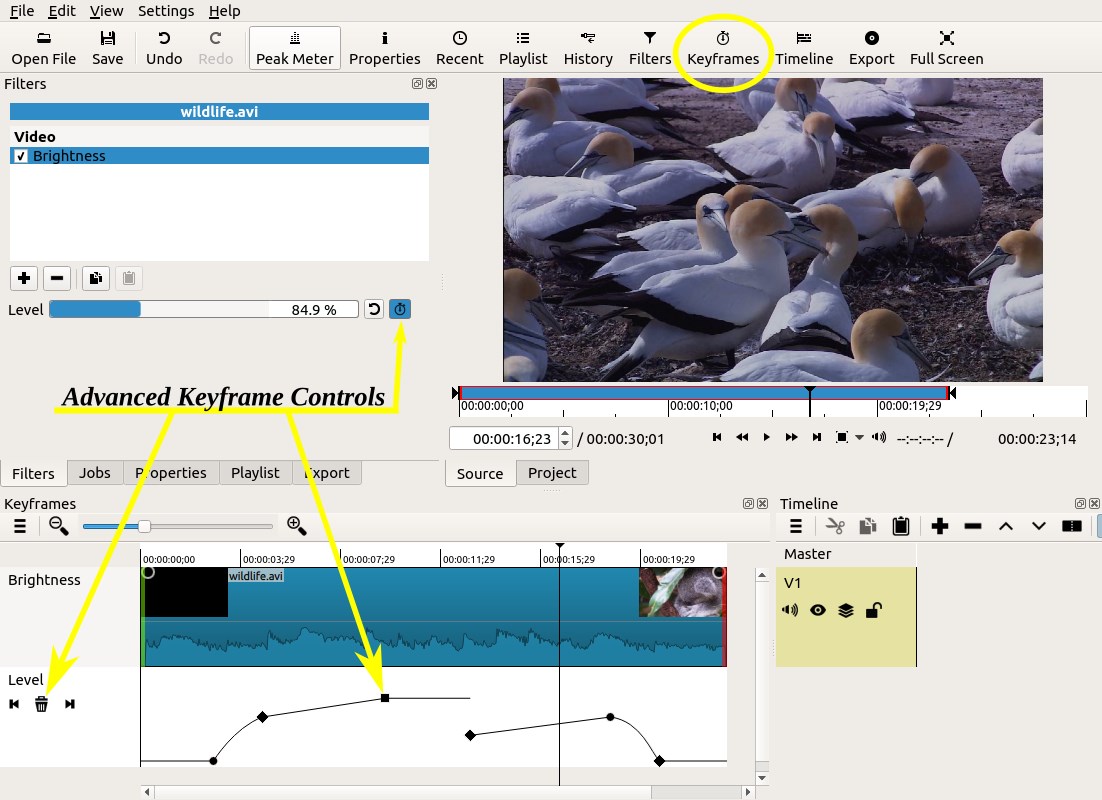
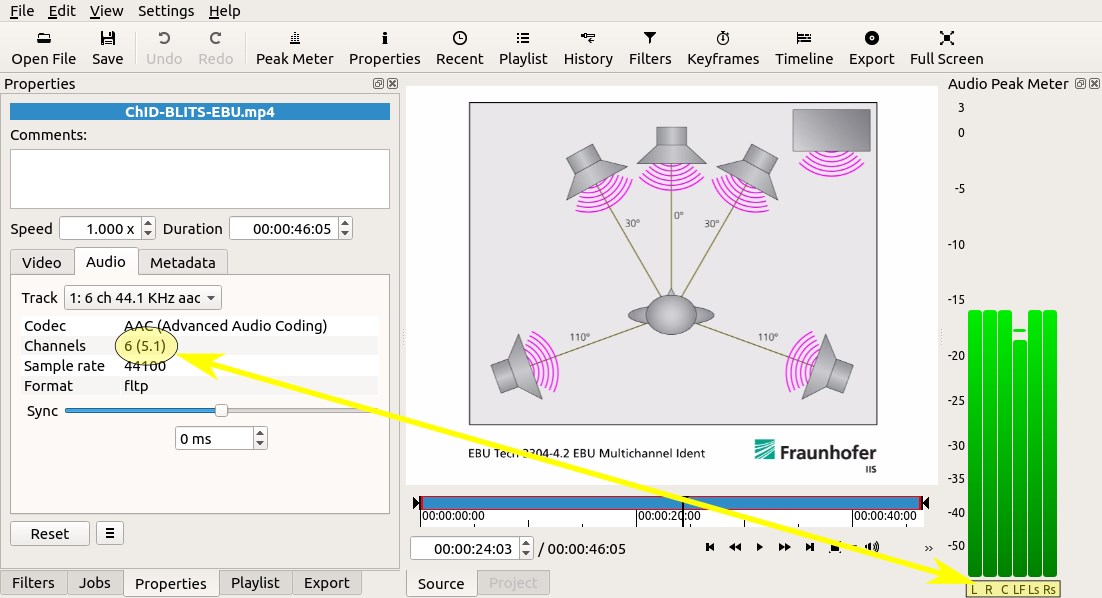
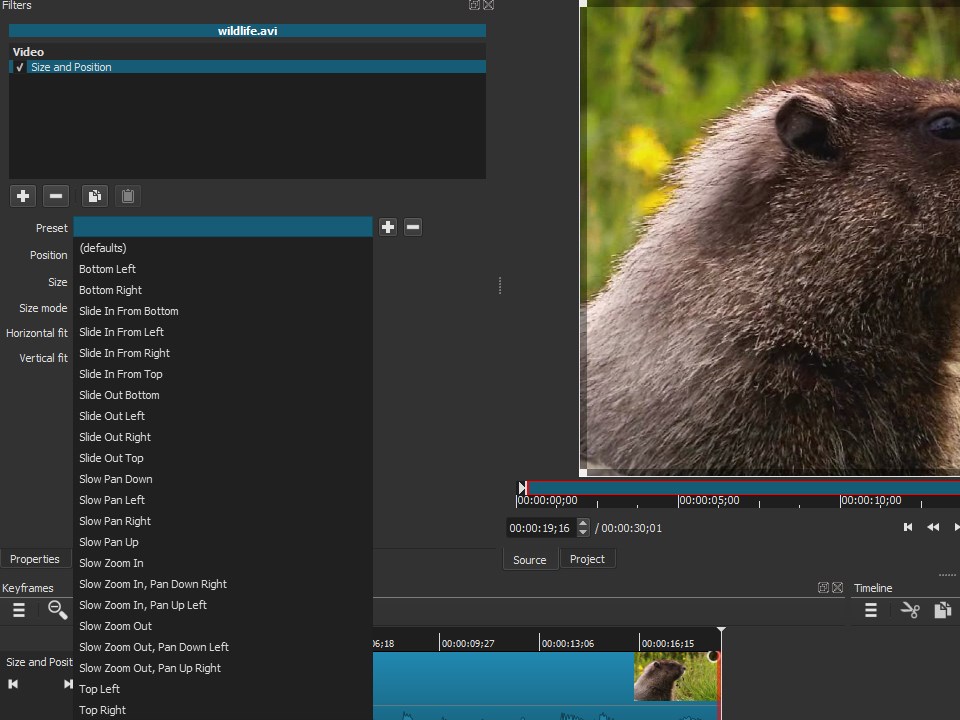
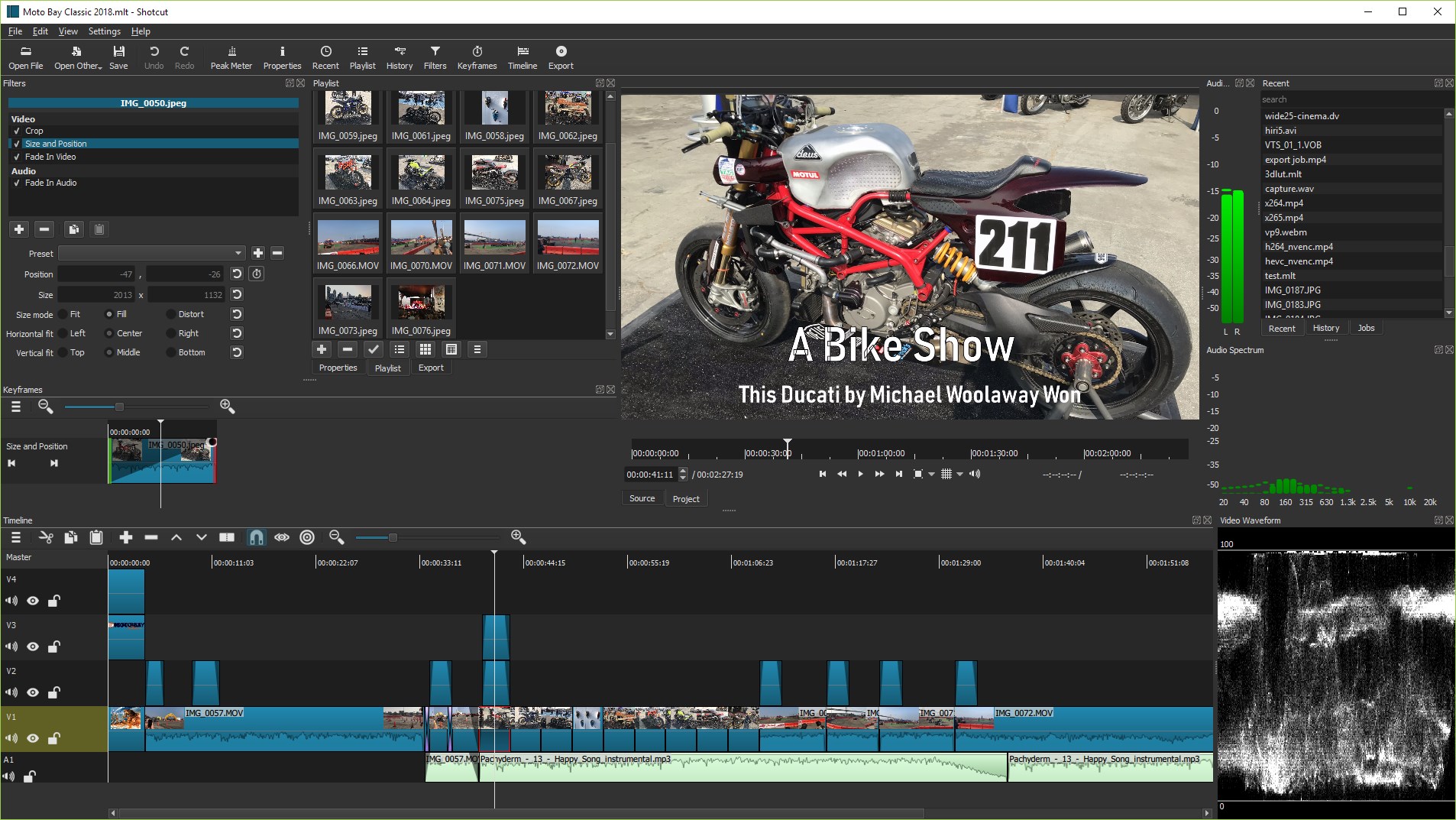
At its core, Shotcut boasts an impressive collection of features that make video editing both accessible and powerful. Its customizable interface adapts to your workflow, and its wide format support ensures no project is out of reach. Notably, Shotcut excels in providing multi-format timelines, native editing of 4K videos, and a rich array of audio and video effects—making it ideal for diverse editing scenarios.
Intuitive Design and Seamless Experience
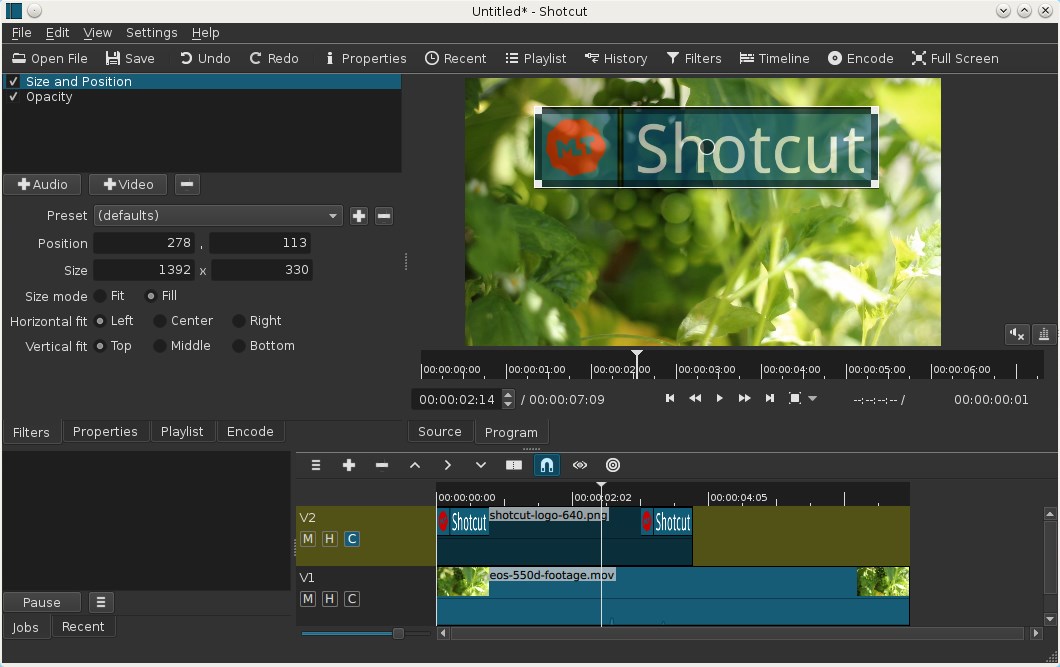
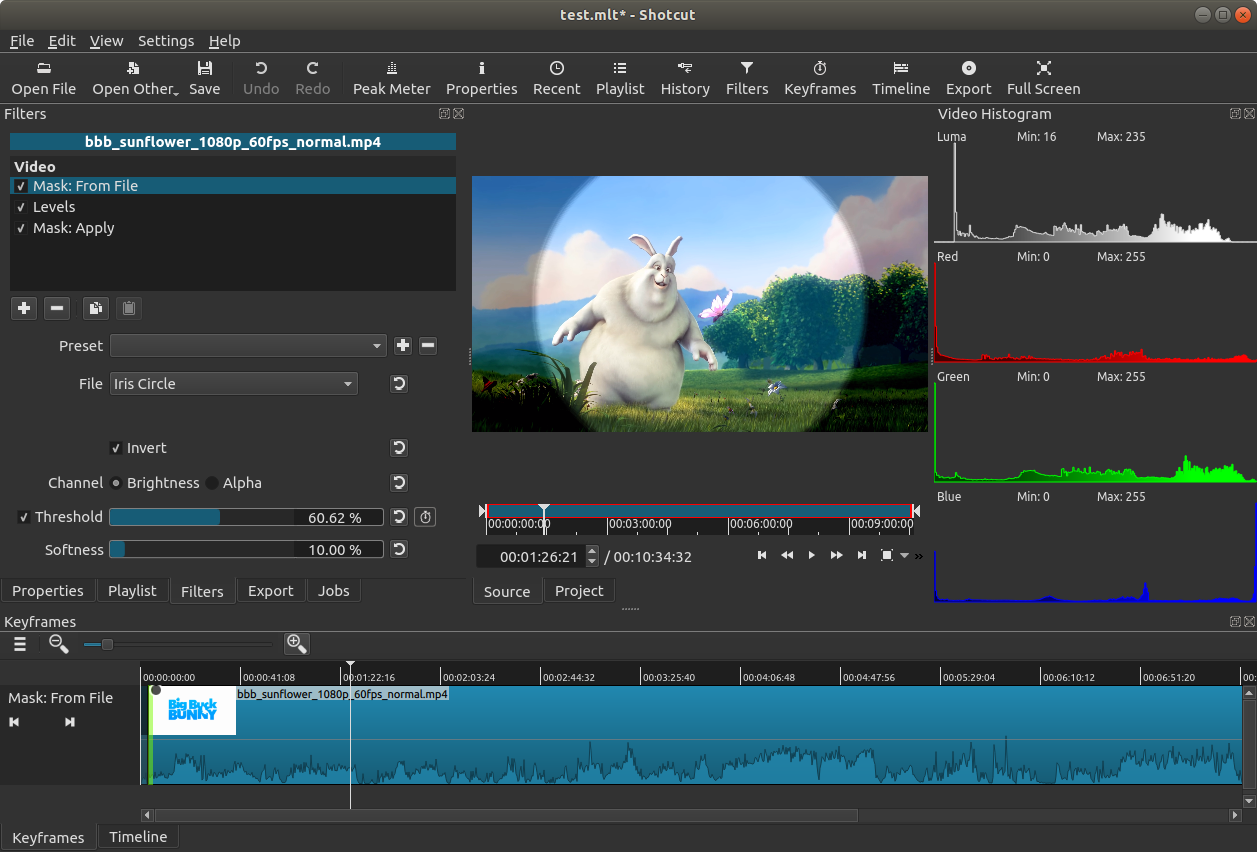
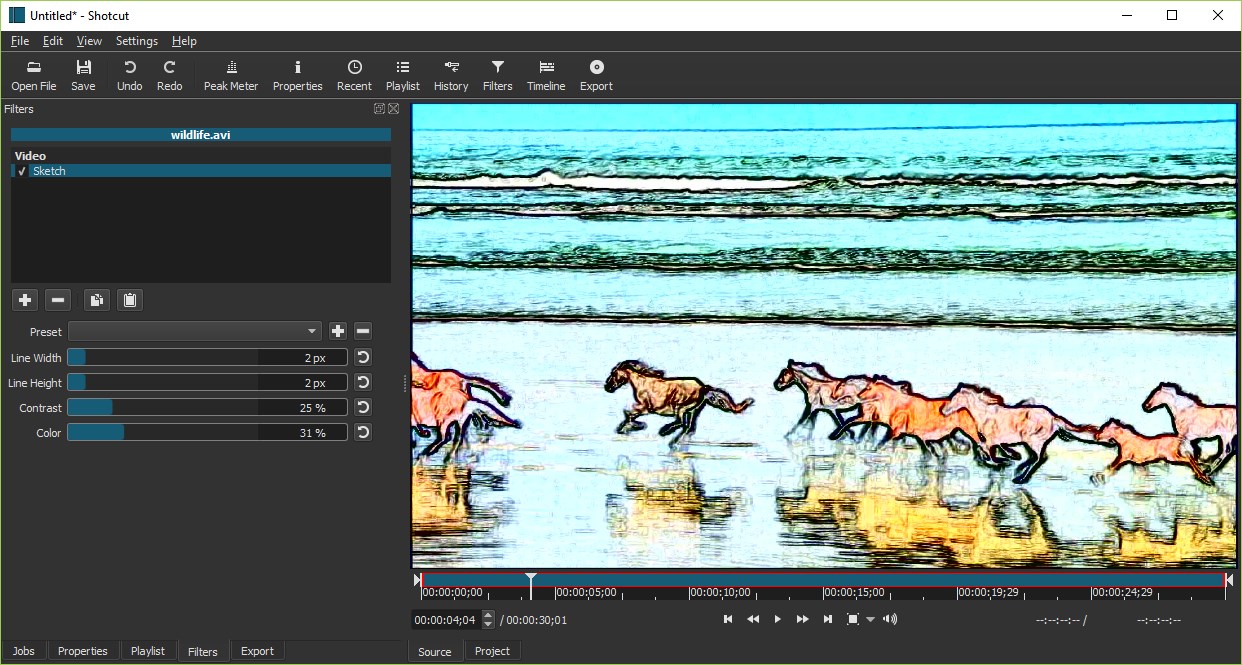
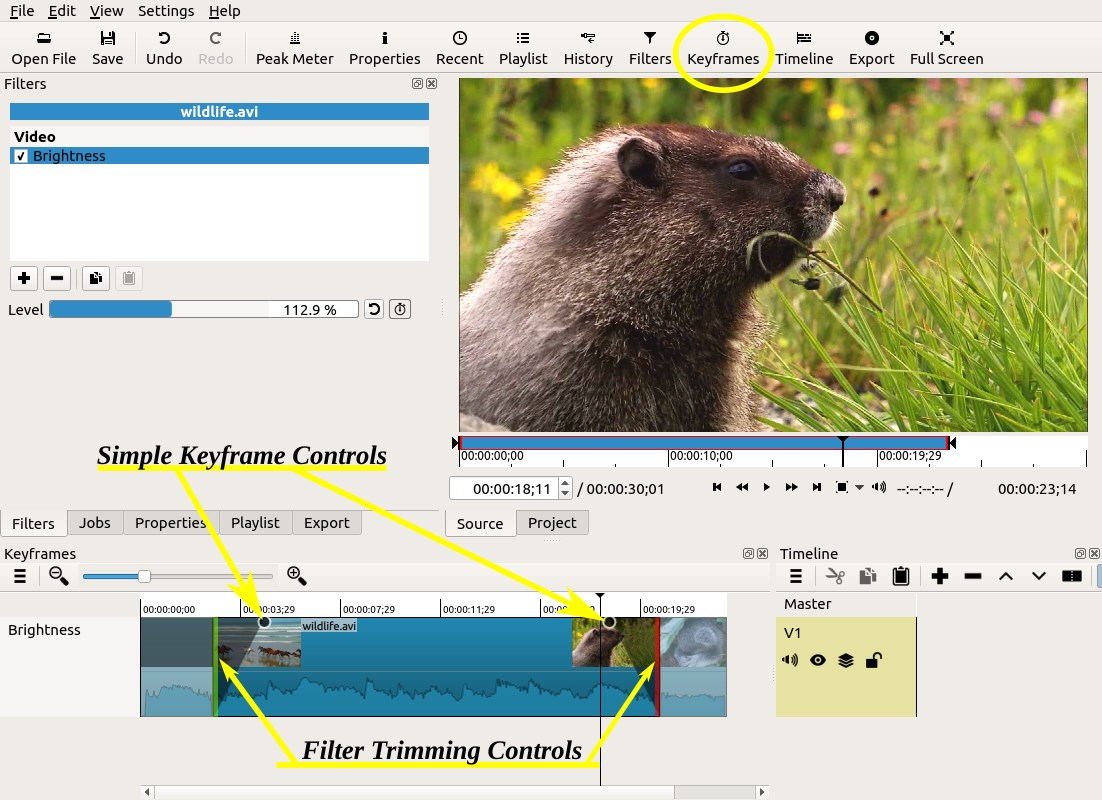
Stepping into Shotcut feels akin to entering a well-organized workshop. The interface is clean, uncluttered, and thoughtfully arranged, allowing users to focus on the creative process rather than battling with confusing menus. Drag-and-drop functionality makes importing footage straightforward, while the timeline view feels smooth and responsive, even during intensive editing tasks. For novices, the learning curve is gentle enough to get started quickly, yet the depth of options keeps seasoned editors engaged. Transitions, filters, and overlays can be added with simple clicks, transforming raw clips into compelling stories—it's like having a versatile toolkit that fits into a pocket.
Unique Features That Elevate Shotcut
Among its many capabilities, two features stand out as particularly innovative: first, its wide native format support, which means fewer conversions and faster workflows—think of it as having a universal translator for video formats. Second, Shotcut's customizable workspace adapts to different editing styles, from simple cut-and-trim to complex multi-track projects, giving users the flexibility to tailor their environment as they see fit. Unlike some competitors that constrain workflows with rigid layouts or limited format compatibilities, Shotcut's adaptability makes it a standout choice for diverse projects.
Comparison and Recommendations
Compared to other multimedia editors like DaVinci Resolve or Adobe Premiere Elements, Shotcut offers an open-source, free alternative that doesn't sacrifice essential features. While it may lack some of the ultra-advanced color grading tools or collaborative features of high-end software, it compensates with ease of use, flexibility, and a robust set of core editing tools. For hobbyists, educators, or small content creators seeking a reliable, no-cost solution, Shotcut is highly recommended. Its straightforward learning curve paired with professional-grade capabilities makes it a practical choice for those ready to move beyond basic trimming.
In conclusion, Shotcut for Windows shines as an accessible yet powerful video editing tool that can handle a variety of projects with grace. Whether you're aiming to produce a quick social media clip or a more polished video presentation, its features and user experience make it worth exploring—think of it as the Swiss Army knife of free video editors on Windows.
Pros
- Open-source and free to use
- Supports a wide range of video formats
- User-friendly interface with customizable layout
- Rich set of editing features
- Cross-platform compatibility
Cons
- Occasional stability issues during intensive editing
- Limited advanced video effects compared to paid software
- Steep learning curve for advanced features
- Limited official online tutorials
- Rendering speed can be slow on older hardware











