

- Name Shapr3D
- Category Productivity
- Available on PC
- OS Windows 10 version 19041.0 or higher
- DirectX Version 11
- languages Arabic, Chinese (Simplified), Chinese (Traditional Chinese), English, French, German, Italian, Japanese, Korean, Portuguese (Brazil), Russian, Spanish
Introduction: A New Dimension in 3D Design for Windows
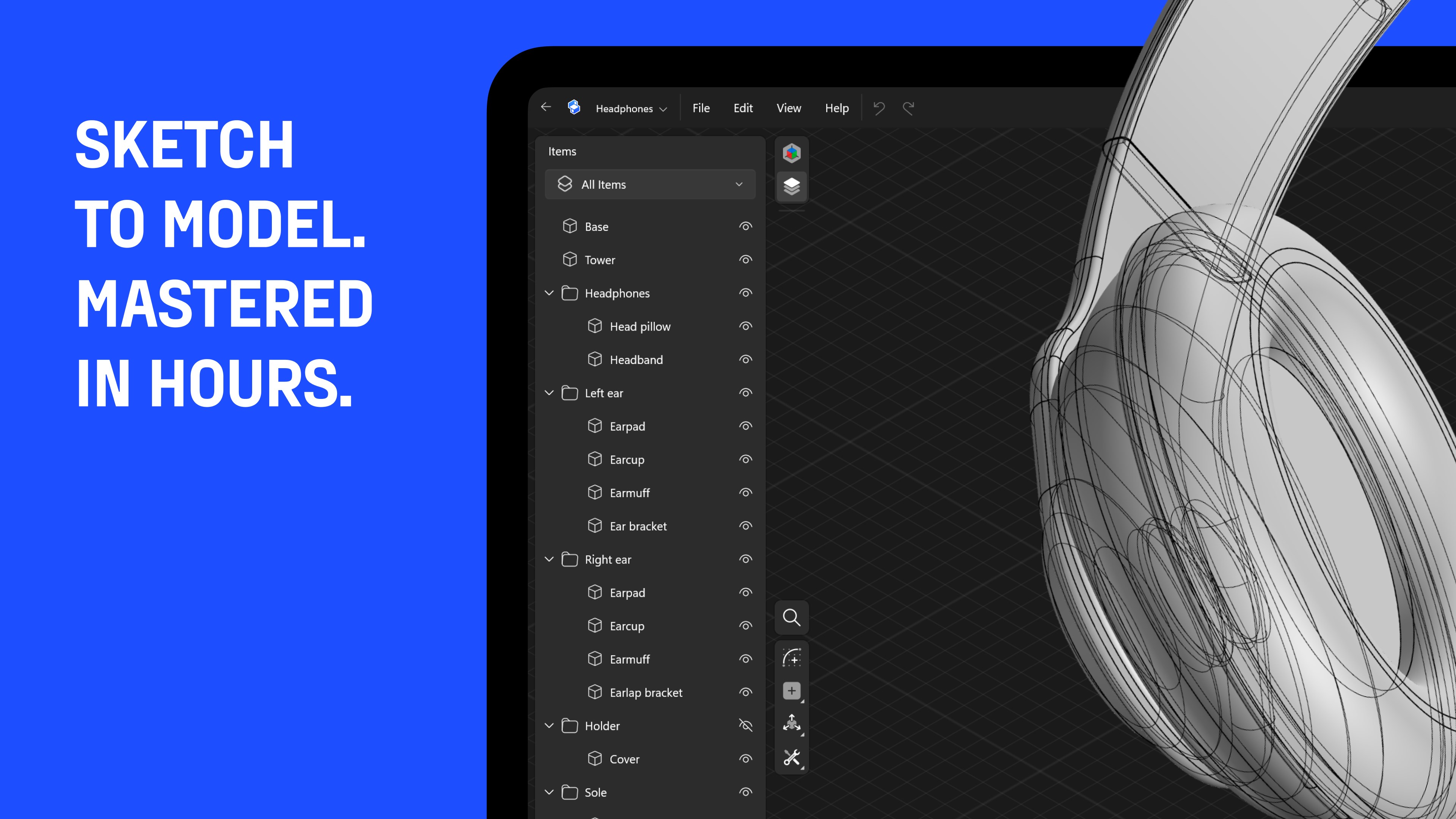
Imagine being able to sketch, model, and iterate your complex ideas seamlessly on a Windows device — Shapr3D for Windows aims to deliver just that. This app brings the power and intuitiveness of a professional 3D CAD tool into a flexible, user-friendly package tailored for engineers, designers, and hobbyists alike. With its polished interface and direct modeling capabilities, Shapr3D transforms traditional CAD workflows into a more fluid creative experience.
Core Features: Powerfully Simple Yet Packed with Potential
Intuitive 3D Modeling with Direct Approach
At the heart of Shapr3D for Windows is its straightforward yet robust modeling engine. Unlike parametric CAD systems that require a series of complex steps, this app emphasizes direct modeling—think of it as sculpting with your mouse, where you can push, pull, and tweak your model directly. This approach significantly reduces the learning curve, making it accessible for newcomers while still offering depth for seasoned professionals. Users can sketch ideas rapidly in 2D, then extrude or modify in 3D with a few intuitive gestures, streamlining the design process from concept to reality.
Pressure-Sensitive Pen Support and Precise Input
Leveraging Windows devices that support stylus input, Shapr3D offers a responsive experience akin to sculpting clay with a fine-tipped tool. This makes detailed, precise adjustments more natural and less cumbersome. Whether you're sketching rough concepts or adding minute details, the app responds smoothly to pressure sensitivity, resulting in a workflow that feels organic rather than mechanical. This feature widens its appeal to designers who prefer drawing directly or those who aim for meticulous craftsmanship in their models.
Seamless Workflow Integration and Export Options
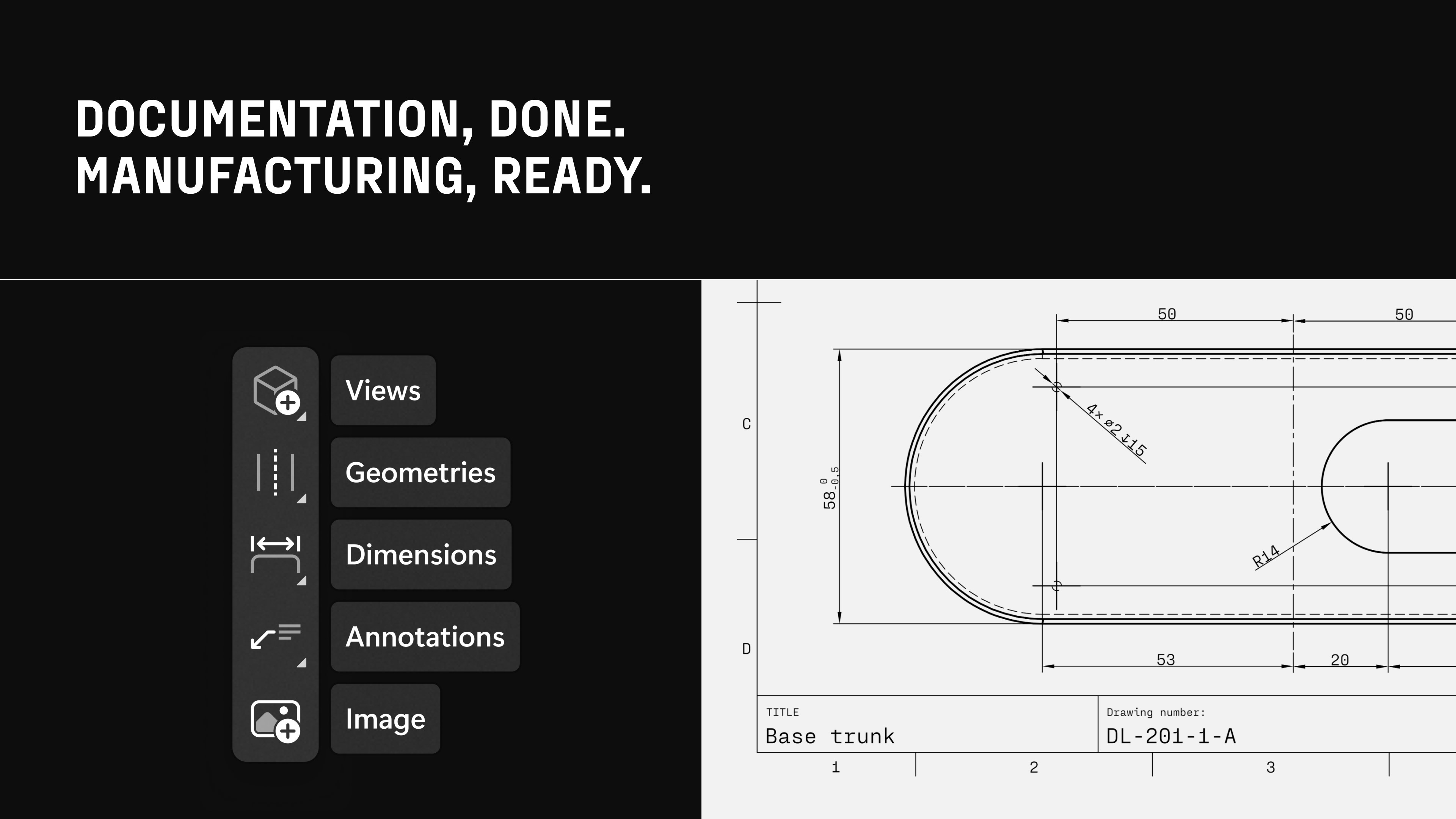
One standout feature is Shapr3D's ability to integrate smoothly into existing workflows. The app allows easy export to common CAD formats like STEP and STL, facilitating rapid prototyping, 3D printing, or further refinement in other professional software. Additionally, its cloud connectivity means models can be accessed across devices or shared effortlessly with team members, making collaboration more efficient. This focus on interoperability differentiates Shapr3D from other design tools that often require convoluted import/export procedures.
User Experience and Design Elegance
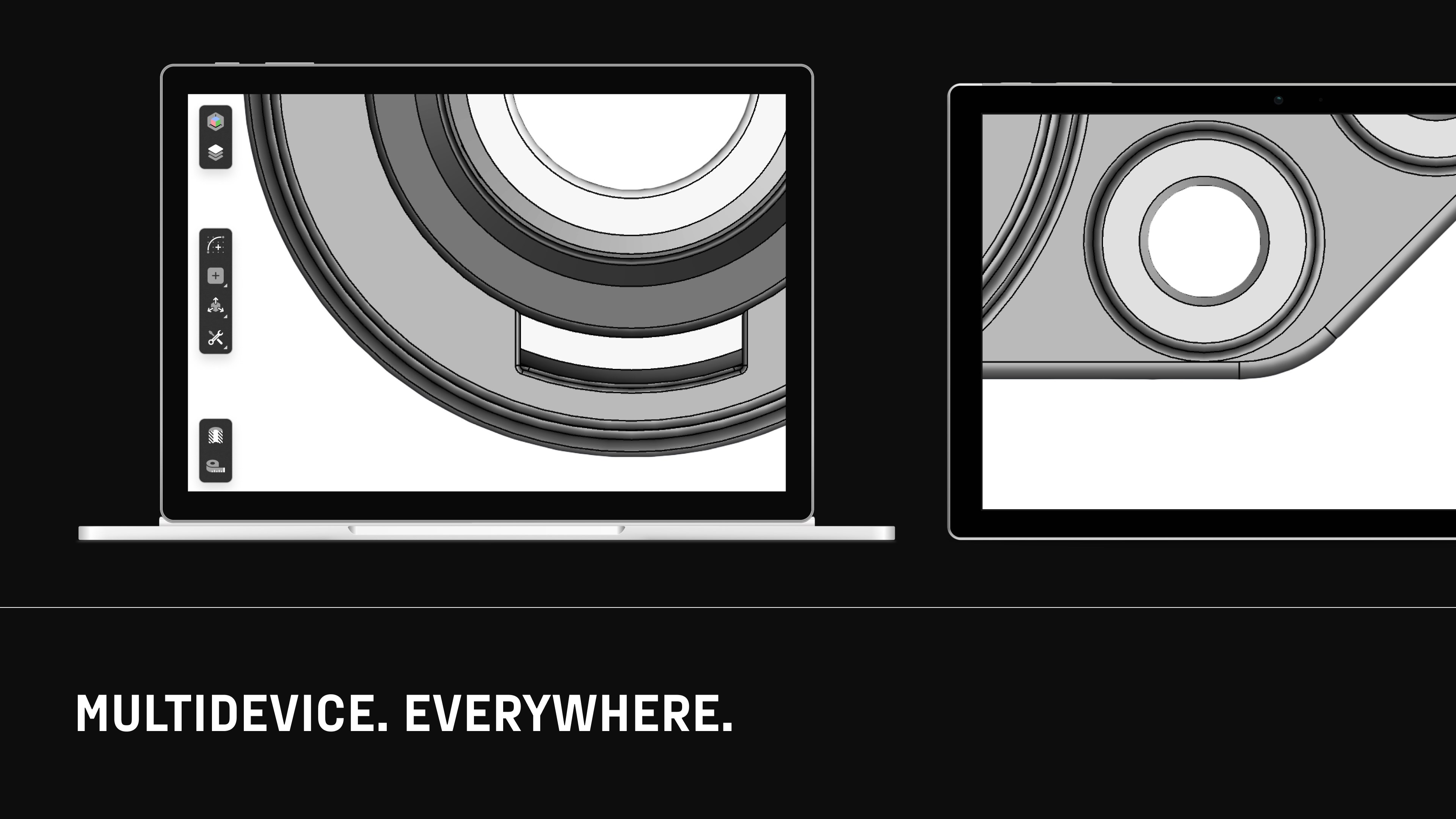
The interface design of Shapr3D is notably thoughtful—clean, uncluttered, and organized like a well-stocked workshop. Navigating through menus feels natural, and the workspace adapts gracefully to various screen sizes and input methods. The application maintains a smooth operation pace, even when handling complex models, thanks to optimized performance that minimizes lag. Learning curve is gentle; most users find themselves creating 3D shapes within minutes of exploring the interface, thanks to clear icons and guided tutorials integrated into the app. For users familiar with CAD, advanced features like constraints and assembly tools are accessible without overwhelming the primary workflow.
Standout Advantages: Focus on Workflow and Cognitive Load
Compared to traditional CAD applications that often present a daunting array of features, Shapr3D's key strength lies in its focus on reducing cognitive load. Its natural modeling approach, combined with minimalistic UI design, ensures users don't get lost in an ocean of options. This setup enhances workflow integration—allowing designers to swiftly translate ideas into 3D models without switching contexts or wrestling with overly complex menus.
Moreover, for those integrating design into manufacturing or prototyping pipelines, Shapr3D offers a pragmatic trade-off: it delivers essential tools for creation and communication, avoiding unnecessary complexity—thus enabling users to remain focused on their creative process rather than managing software intricacies. Its real-time, fluid interaction makes modeling feel like a conversation between your hand and your screen, rather than a series of technical hurdles.
Conclusion: Is It Worth Your Time?
All in all, Shapr3D for Windows emerges as a compelling choice for anyone seeking a capable, yet approachable 3D CAD solution on a Windows platform. Its standout features, especially direct modeling with stylus support and seamless export workflows, make it particularly attractive for designers who value speed, clarity, and ease of use.
While it might not replace highly specialized CAD software for advanced engineering projects, it excels as a versatile, accessible tool that bridges the gap between creative ideation and technical realization. I recommend giving it a try if you're looking for a professional-grade application that respects your workflow and minimizes unnecessary complexity. Whether you're a hobbyist, a student, or a professional in need of a quick sketching tool, Shapr3D for Windows is worth exploring.
Pros
- Intuitive User Interface
- Powerful 3D Modeling Tools
- Excellent Apple Pencil Support
- Cloud Synchronization
- Offline Mode Availability
Cons
- Limited Compatibility with Non-iOS Devices
- Learning Resources Are Still Growing
- Performance Issues with Very Complex Models
- File Export Options Are Currently Limited
- Occasional Stability Bugs on Certain Devices











