


- Name ScreenMix - Screen Recorder by Mixilab
- Category Productivity
- Developer Mixilab LLC.
- Available on PC, Surface Hub
- OS Windows 10 version 17763.0 or higher
- DirectX Version 11
- Memory 1 GB
- languages Chinese (Simplified), English (United States), French, German, Italian, Japanese, Korean, Polish, Portuguese (Brazil), Russian, Spanish, Ukrainian
Introducing ScreenMix: Your Ultimate Screen Recording Companion for Windows
In today's fast-paced digital world, capturing your screen effortlessly is essential—whether you're creating tutorials, gaming recordings, or professional presentations. ScreenMix by Mixilab LLC stands out as a straightforward yet powerful screen recorder designed to streamline your workflow on Windows PCs without unnecessary complexity.
Meet the Makers: Mixilab LLC
Developed and published by Mixilab LLC, a team dedicated to crafting user-friendly productivity tools, ScreenMix is built with the goal of integrating seamlessly into your digital routine. Their focus on simplicity combined with robust features ensures users from various backgrounds—students, content creators, or professionals—can quickly adapt and benefit from this application.
Key Features That Make ScreenMix Shine
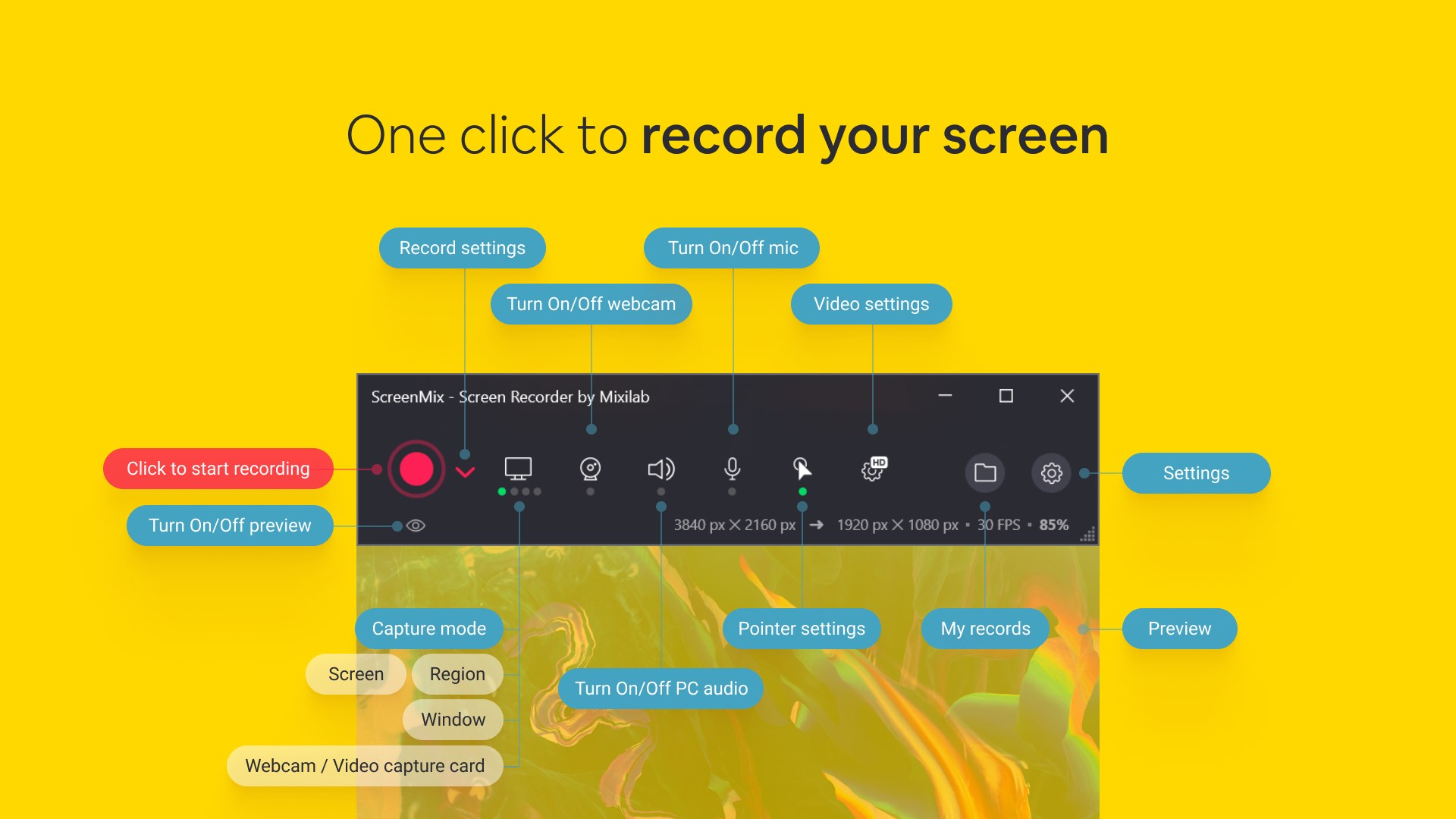
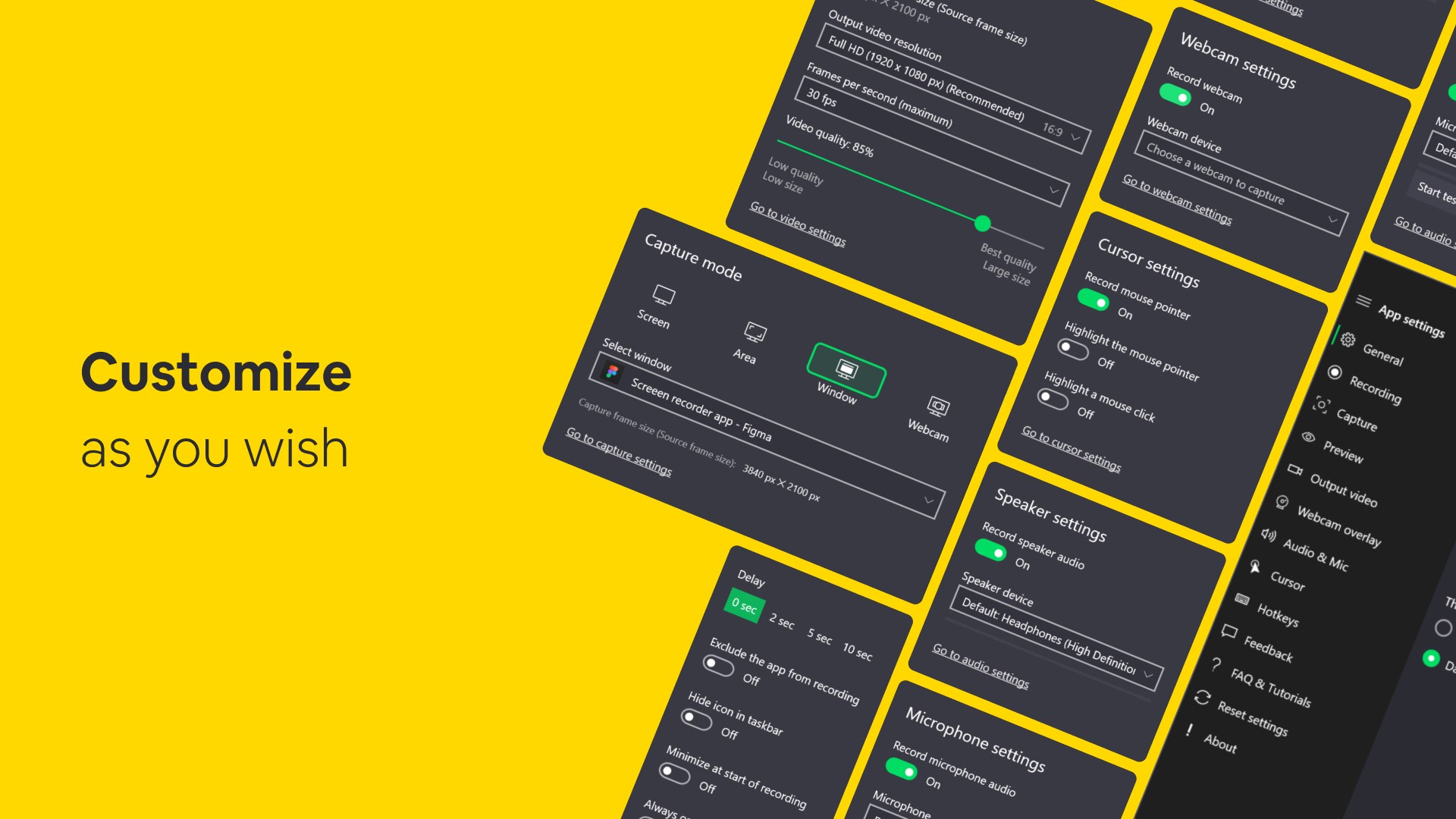
- Intuitive Recording Controls: Easily start, pause, and stop recordings with minimal fuss, thanks to a clean, accessible interface.
- Flexible Output Options: Save your recordings in multiple formats, ensuring compatibility across different platforms and needs.
- Built-in Annotation Tools: Highlight, draw, or add notes directly on your recordings, making edits or explanations clear and engaging.
- Lightweight Yet Powerful: Despite offering rich features, the app remains lightweight, ensuring your system runs smoothly during heavy recording sessions.
Vivid Appraisal: A Friendly Deep Dive
Imagine sitting at your desk, ready to share an intricate game strategy, a tech tutorial, or a business presentation—ScreenMix becomes your reliable ally, capturing every flicker, click, and comment with clarity. Its minimalistic yet thoughtfully designed interface invites you in, almost like a well-organized toolbox where everything's just a click away, avoiding the clutter that often plagues similar apps.
Core Functionality Examination
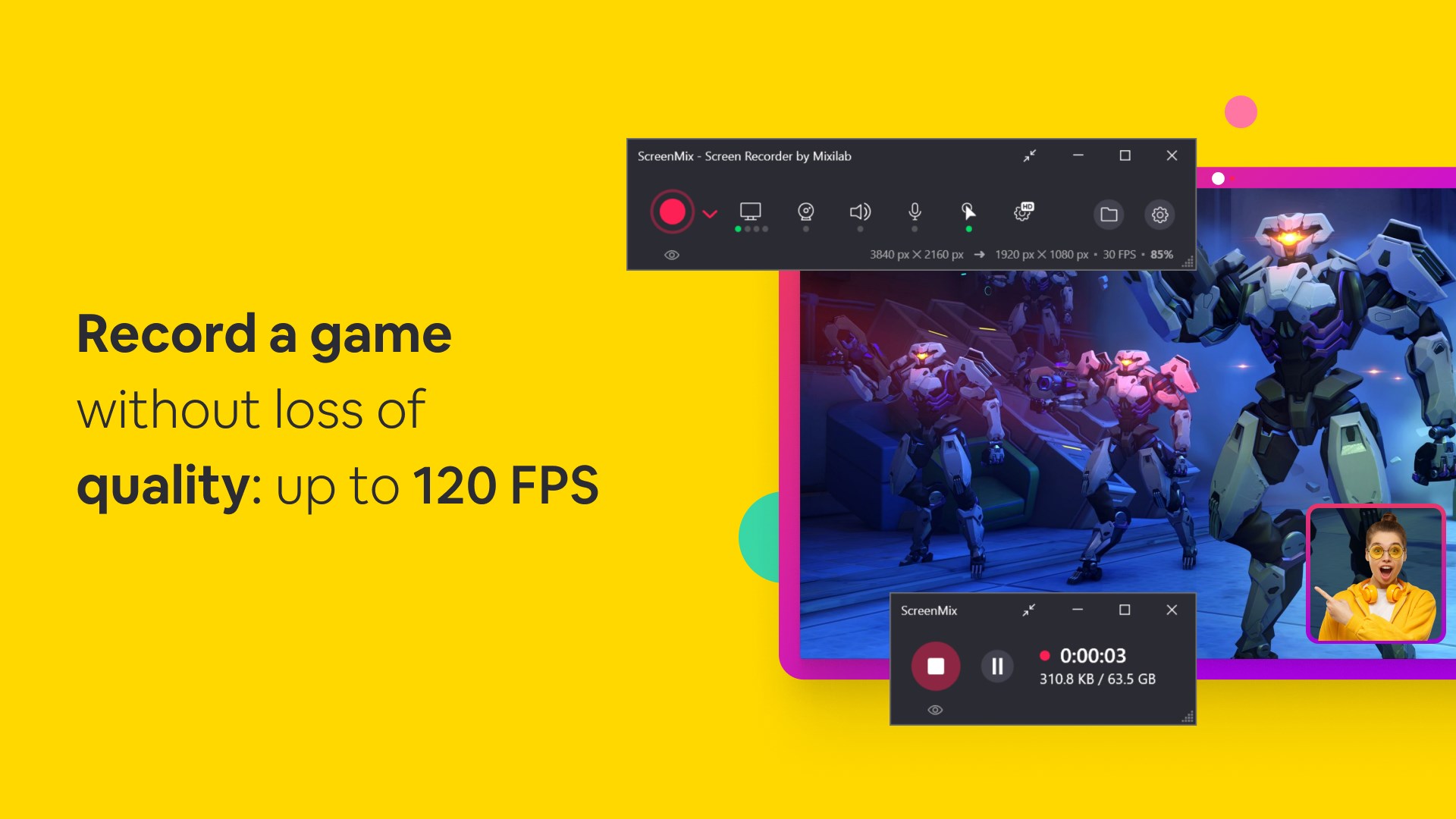
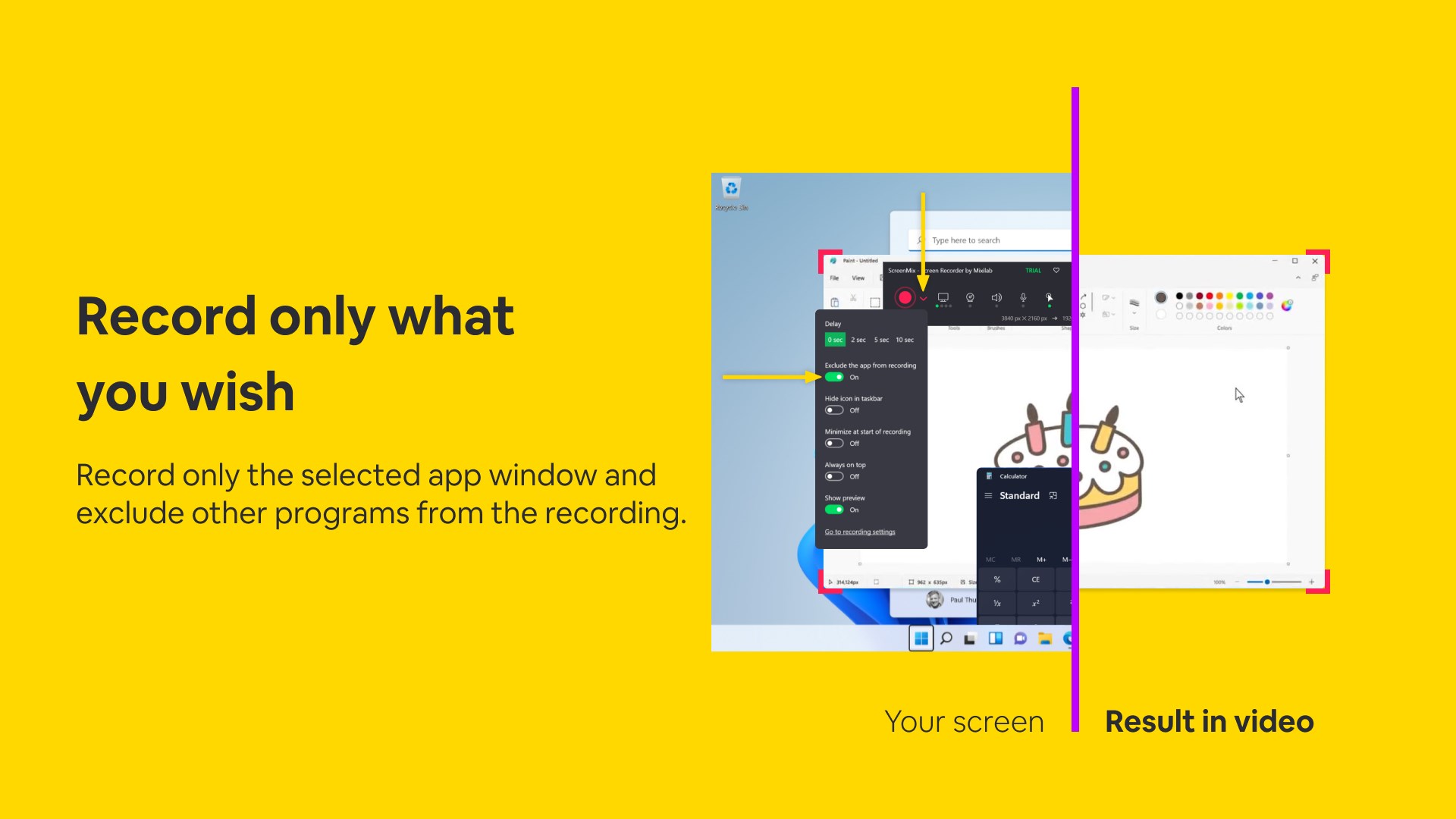
First, let's talk about the recording controls. ScreenMix shines here with its straightforward operation—pressing a single button initiates a full or partial screen capture, with options to include audio from system or microphone sources effortlessly. The interface's simplicity means you don't waste time figuring out how to start; it's as natural as flipping a switch.
Next, the annotation features are a highlight. During recording or after, you can draw annotations, add text, or highlight key sections—transforming plain videos into interactive, professional-looking content. This is particularly useful for educators or trainers aiming to deliver pointed lessons without needing complex editing tools.
Finally, the export options provide flexibility. Whether you need an MP4 for quick sharing or another format for editing, ScreenMix ensures your files are compatible and high-quality, saving you from unnecessary conversions or quality loss.
User Experience and Design
The app's interface embodies a minimalist philosophy—no overwhelming menus, just clear buttons and options. Navigation is intuitive, making it easy for newcomers to start recording without a steep learning curve. Moreover, the performance remains smooth, with snappy response times, letting users focus on their content rather than technical hiccups. Even during longer sessions, the app's lightweight footprint ensures it won't bog down your system.
Unique Selling Points in a Crowded Market
Unlike many screen recorders packed with complex features that can overwhelm users, ScreenMix emphasizes workflow efficiency and cognitive load reduction. Its one-click controls and seamless annotation tools enable quick content creation, saving you time and mental effort. Specifically, the integrated annotation feature is a game-changer—allowing you to mark up videos on the fly—eliminating the need for external editing software and reducing the overall workflow steps.
Should You Give It a Try?
Considering its user-friendly interface, robust core functionalities, and focus on reducing unnecessary complexities, I recommend ScreenMix for users seeking a straightforward, efficient screen recording solution. Whether you're a teacher preparing instructional videos, a gamer capturing highlights, or a professional documenting processes, this app can integrate effortlessly into your routine. It's particularly valuable if you prioritize a clutter-free experience over an overstuffed feature set.
In sum, if you're looking for a reliable, easy-to-use screen recorder that emphasizes workflow efficiency and clarity, ScreenMix deserves a spot on your desktop. Its focused features and thoughtful design turn the sometimes tedious task of recording into a simple, even enjoyable, part of your digital life.
Pros
- Intuitive user interface
- High-quality video recording
- Multiple recording options
- Built-in editing tools
- No watermark in recordings
Cons
- Limited editing features in app
- Occasional lag during high-resolution recording
- Free version has daily usage limitations
- Lack of tutorials for new users
- Audio recording options could be more flexible











