

- Name SamsungPhone
- Category Productivity
- Available on PC
- OS Windows 10 version 17763.0 or higher
- languages Chinese (Simplified), Chinese (Traditional), Chinese (Traditional, Hong Kong SAR), Danish, Dutch, English, English (United Kingdom), English (United States), Finnish, French, French (Canada), German, Hungarian, Italian, Korean, Norwegian (Bokmål), Polish, Portuguese, Portuguese (Brazil), Portuguese (Portugal), Russian, Spanish, Spanish (Latin America), Spanish (Mexico), Spanish (Spain), Spanish (United States), Swedish
Samsung Phone for Windows: A Seamless Companion for Your Smartphone and PC
Samsung Phone for Windows is a dedicated app designed to bridge the gap between your Samsung mobile device and Windows PC, aiming to streamline your digital workflow without the clutter.
Basic Information and Target Audience
This application is primarily positioned as an efficient tool to integrate your Samsung phone with your Windows environment. Developed by Samsung Electronics Co., Ltd., it leverages Samsung's extensive hardware ecosystem to provide a cohesive, cross-device experience.
- Main features highlights:
- Easy screen mirroring and phone-to-PC notifications
- Quick access to mobile apps directly from the PC
- File transfer and content sharing between devices
- Remote control capabilities for your Samsung phone on Windows
The target users are Samsung smartphone owners who seek to enhance productivity by integrating their mobile workflows with their desktop. This includes busy professionals, students, and tech enthusiasts looking for a unified, efficient digital environment.
Engaging Introduction: Your Digital Twin in Windows
Imagine having your Samsung smartphone not just as a device in your pocket, but as an extension of your Windows desktop—a seamlessly connected partner that keeps you in the flow without constant switching. Samsung Phone for Windows aims to turn that vision into reality, making your mobile and desktop work smarter, not harder. Whether you're responding to messages mid-task or transferring photos without reaching for cables, this app strives to be your trusty sidekick in the digital realm.
Core Functionality Breakdown
Unified Notifications and Quick Replies
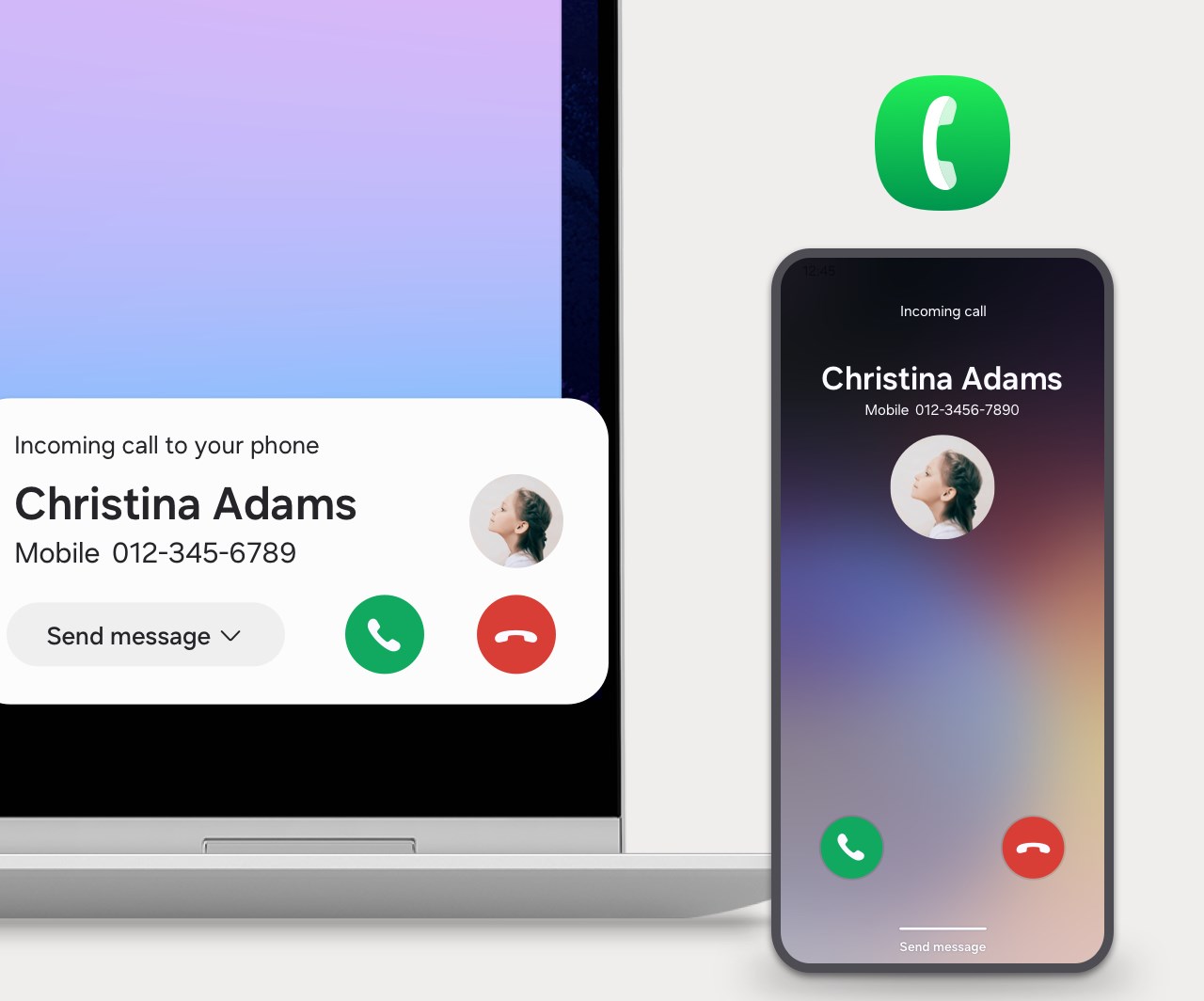
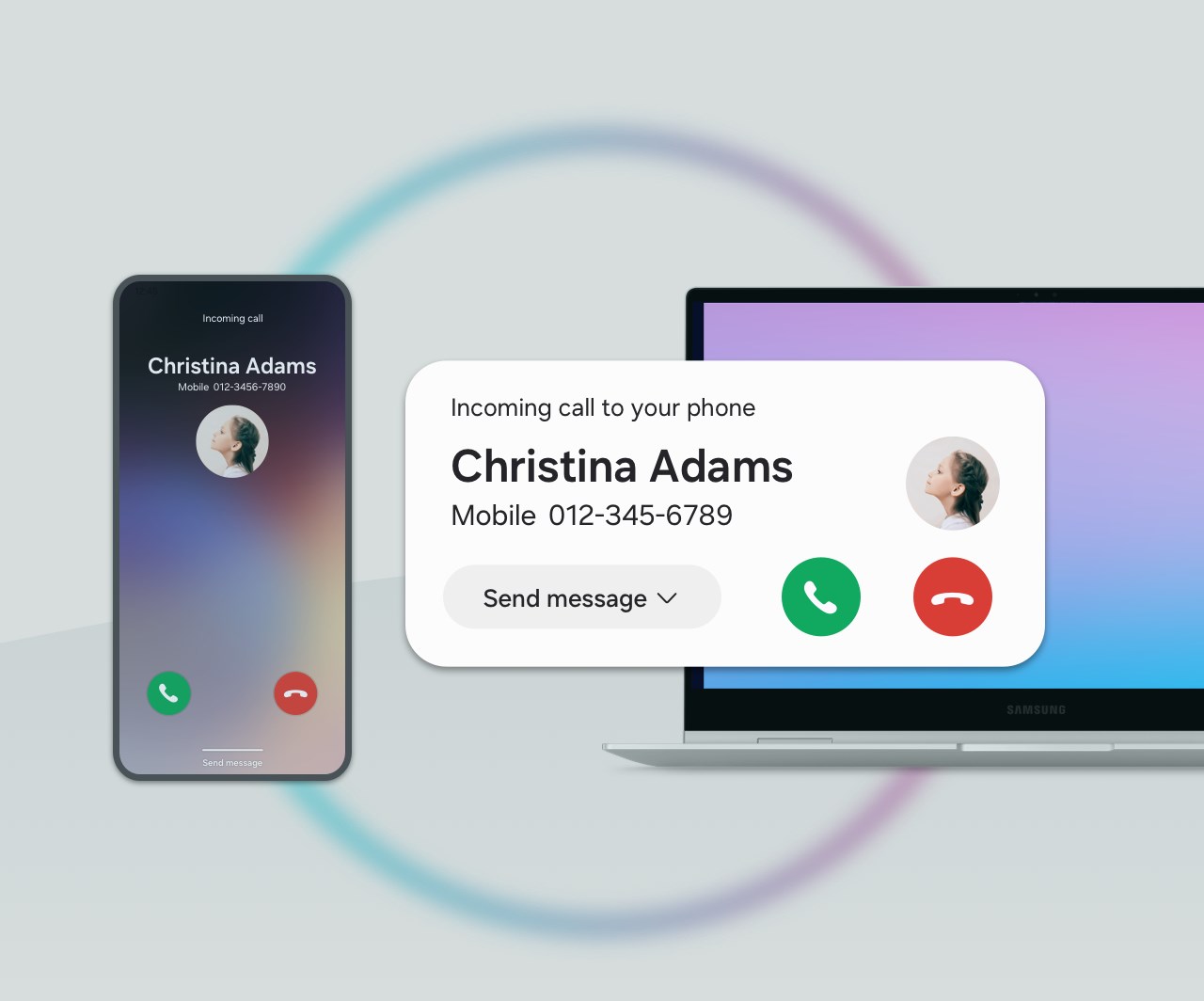
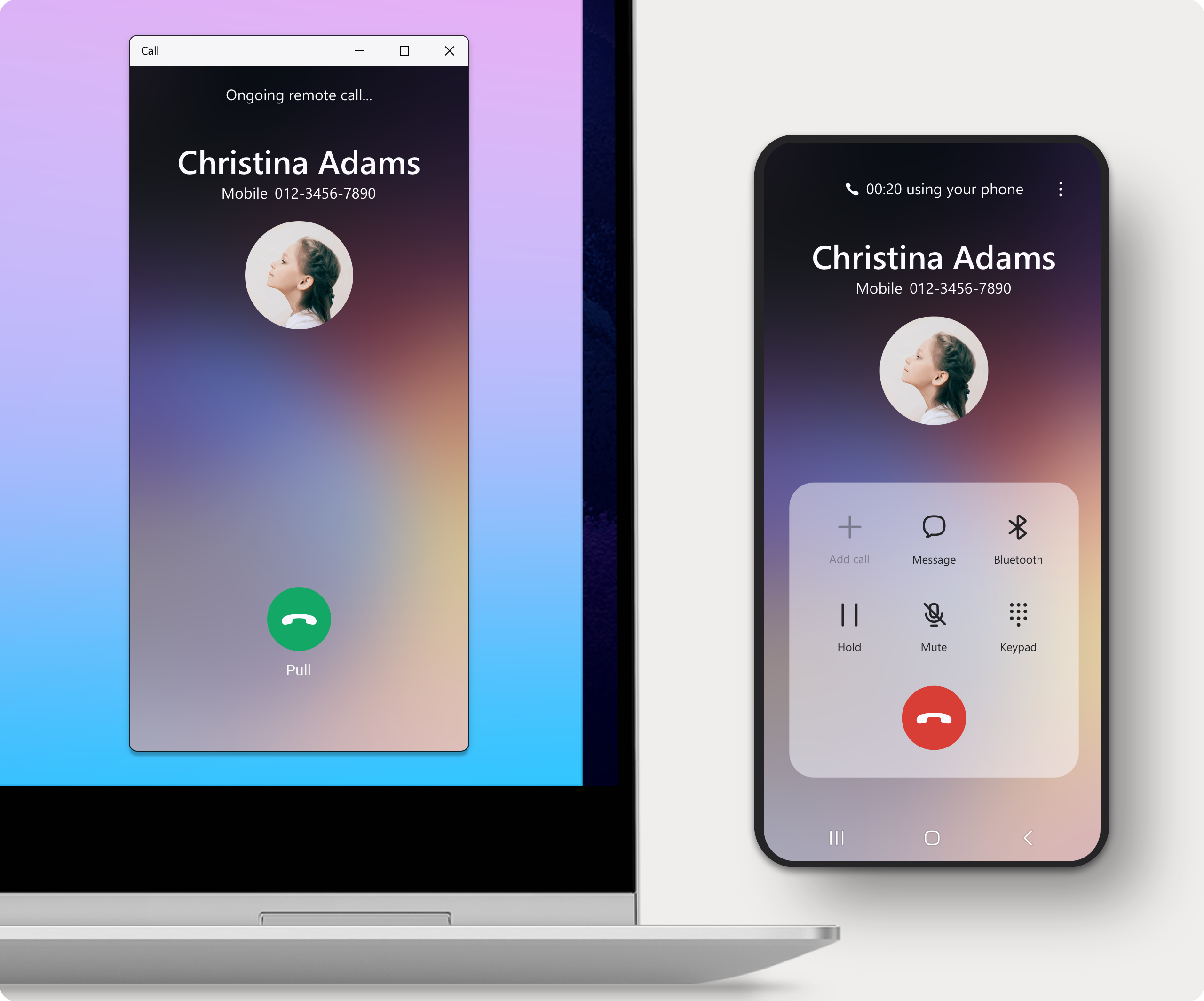
One of the most compelling features is the unified notification system. Incoming calls, messages, and app alerts appear directly on your PC, much like a busy receptionist quietly handing you post-it notes—except now, you can glance at your screen and decide whether to answer, snooze, or dismiss. This capability minimizes interruptions and helps maintain your workflow's momentum. The app also supports quick reply options for SMS and notifications, allowing responses without hunting for your phone—think of it as having an extension of your arm right on your desktop.
App Continuity and Content Sharing
Perhaps the most innovative aspect is launching mobile apps directly on your Windows device. Imagine you're drafting an email on your PC, but want to double-check data in a mobile-only app—no problem. Samsung Phone for Windows lets you run apps side-by-side, simplifying multitasking. Content sharing is equally streamlined: drag files from your desktop to your phone or vice versa, akin to sliding papers across a desk, removing the need for cumbersome cloud uploads or external drives. This feature notably enhances workflow efficiency, especially when managing multimedia content or documents.
Remote Control and Screen Mirroring
Turning your PC into a remote control for your Samsung phone offers an intuitive interaction mode. You can unlock your mobile from your desktop, browse apps, or even type texts using your keyboard—like controlling a smart TV, but for your personal device. Screen mirroring allows you to display your mobile UI on your PC monitor, a handy tool during presentations or when needing a bigger view of photos and videos. These features exemplify Samsung's focus on making device interconnectivity as seamless as flipping a switch.
Design, Usability, and Unique Advantages
The interface of Samsung Phone for Windows adopts a clean, minimal design that underscores functionality without overwhelming the user. Navigating through notifications, app launches, or content sharing feels intuitive, requiring little to no learning curve—imagine stepping into a familiar workspace where everything is in the right place.
The app responds swiftly, with minimal lag, providing a smooth experience akin to gliding on a well-paved road. Its emphasis on reducing cognitive load is evident—features are consolidated under straightforward menus, avoiding the feature explosion common in many productivity apps. This contrasts sharply with competitors that often prioritize an array of tools at the expense of usability.
What sets Samsung Phone for Windows apart is its focus on workflow integration. Rather than juggling multiple apps or platforms, it consolidates key functions—notifications, app access, content transfer—into a unified hub, doubling as a bridge that "connects your dots" efficiently. This approach avoids the maze of complex features, ensuring users get value without feeling overwhelmed.
Recommendation and Usage Suggestions
For Samsung users seeking to tighten their device ecosystem, I'd rate this app as highly recommended—especially if productivity and seamless device interaction top your list. Whether you're multitasking across apps, managing media files, or looking for quick ways to stay connected, Samsung Phone for Windows offers a practical, straightforward solution.
However, it's best utilized by those already embedded in the Samsung + Windows environment. New users might need a brief setup, but the learning curve is gentle. For optimal use, ensure your phone and PC are on the latest software versions to maximize compatibility and performance.
In conclusion, Samsung Phone for Windows isn't just another productivity app—it's a thoughtfully crafted tool that minimizes clutter and maximizes workflow efficiency. For Samsung device owners, it's a step toward a more harmonious, connected digital life. Give it a try and see how smoothly your mobile and desktop can dance together.
Pros
- Intuitive user interface
- Fast performance
- Excellent search functionality
- Regular updates with new features
- Secure payment process
Cons
- Limited regional availability
- Occasional app crashes during updates
- Slow customer support response
- Inconsistent app recommendations
- Limited customization options for notifications











