

- Name SafeShell VPN - Stream Freedom
- Category Productivity
- Developer GEARUP PORTAL PTE. LTD.
- Available on PC
- OS Windows 10 version 0.0 or higher
- languages English
SafeShell VPN - Stream Freedom for Windows: Unlocking a Seamless and Secure Browsing Experience
SafeShell VPN by GEARUP PORTAL PTE. LTD. presents itself as a straightforward yet powerful tool designed to provide users with the freedom to browse the internet without borders. With increasing concerns over digital privacy and regional restrictions, this app positions itself as a reliable solution for quick, secure, and efficient VPN access on Windows devices.
Streamlined Development Backed by GEARUP PORTAL PTE. LTD.
Developed by GEARUP PORTAL PTE. LTD., a company focused on delivering user-centric digital solutions, SafeShell VPN aims to bridge the gap between accessibility and security. Their expertise in creating intuitive applications is evident in this VPN service's thoughtful design and straightforward functionality.
Key Features that Shine Bright
- One-click Connection for Instant Accessibility: The app offers an effortless connection process, allowing users to activate the VPN with a single click—making privacy protection as easy as flipping a switch.
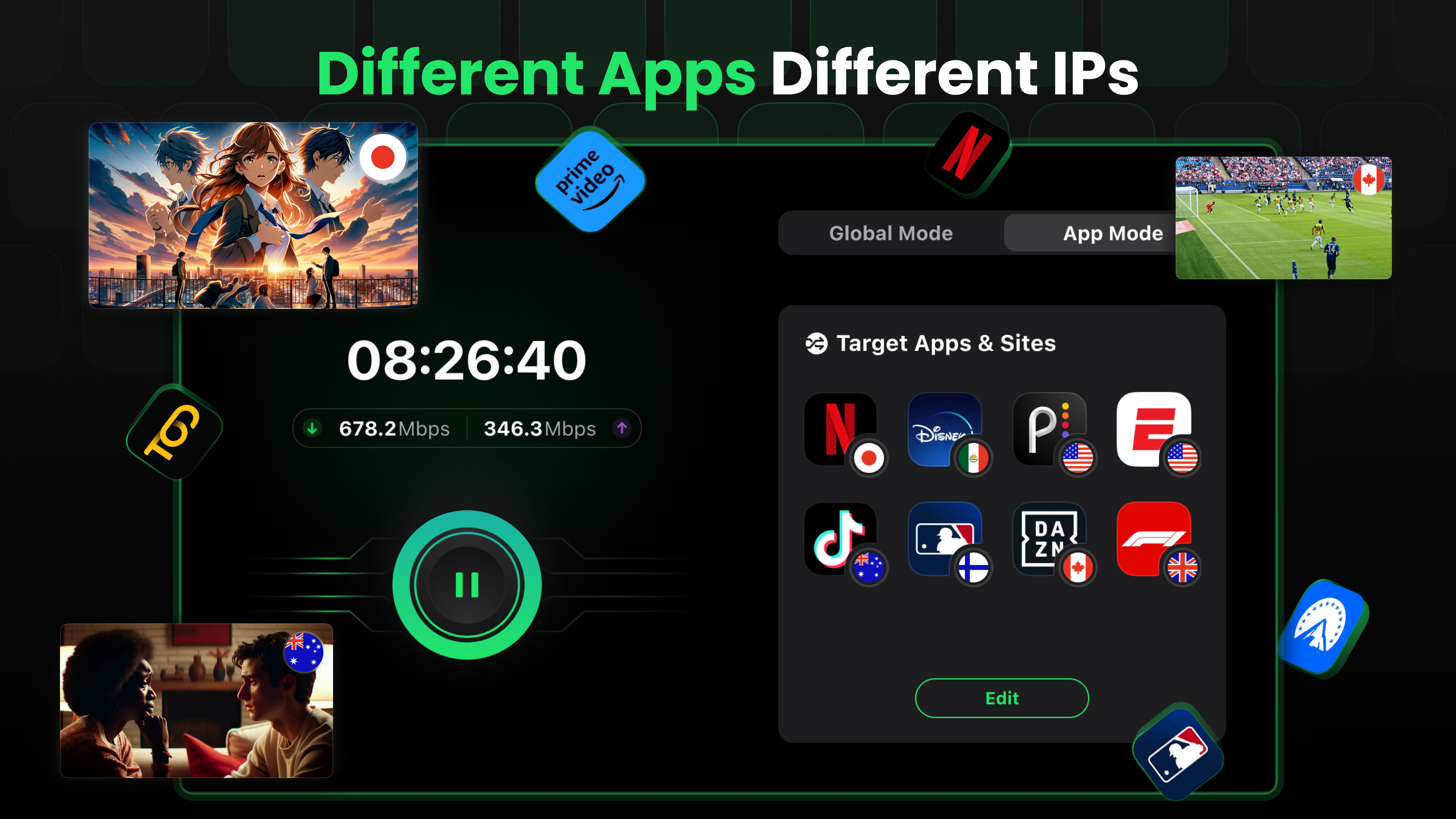
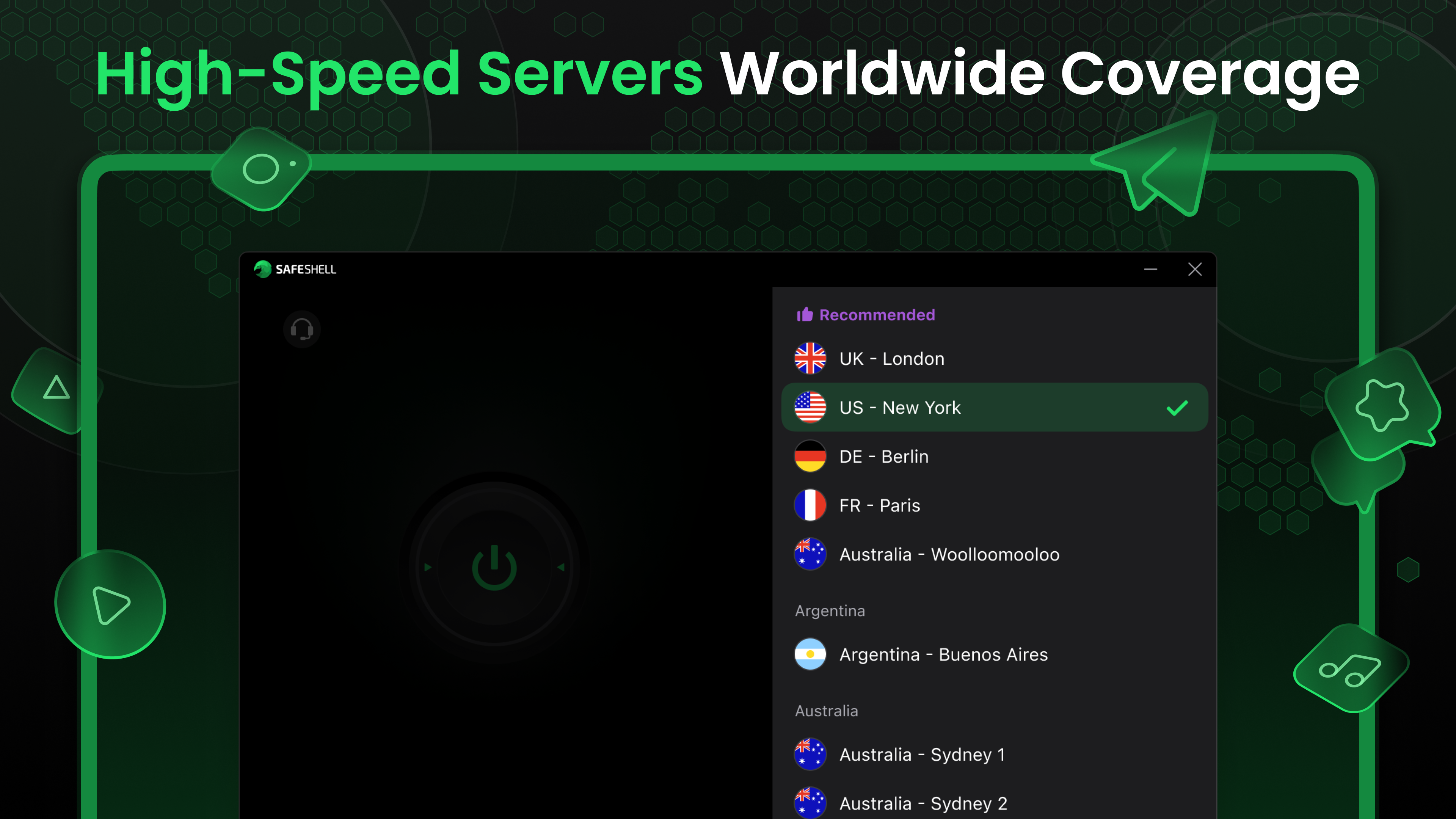
- Wide Server Network for Robust Streaming: With a diverse array of server locations worldwide, SafeShell VPN enables users to bypass geo-restrictions and stream content seamlessly from various regions.
- Designed for Performance and Stability: Prioritizing a smooth browsing experience, it ensures high connection speeds and minimal disruptions, even during intensive streaming or torrenting activities.
This straightforward yet effective set of features makes SafeShell VPN a suitable companion for users seeking quick and reliable internet freedom.
Vivid App Experience: Making VPN Usage Feel Effortless
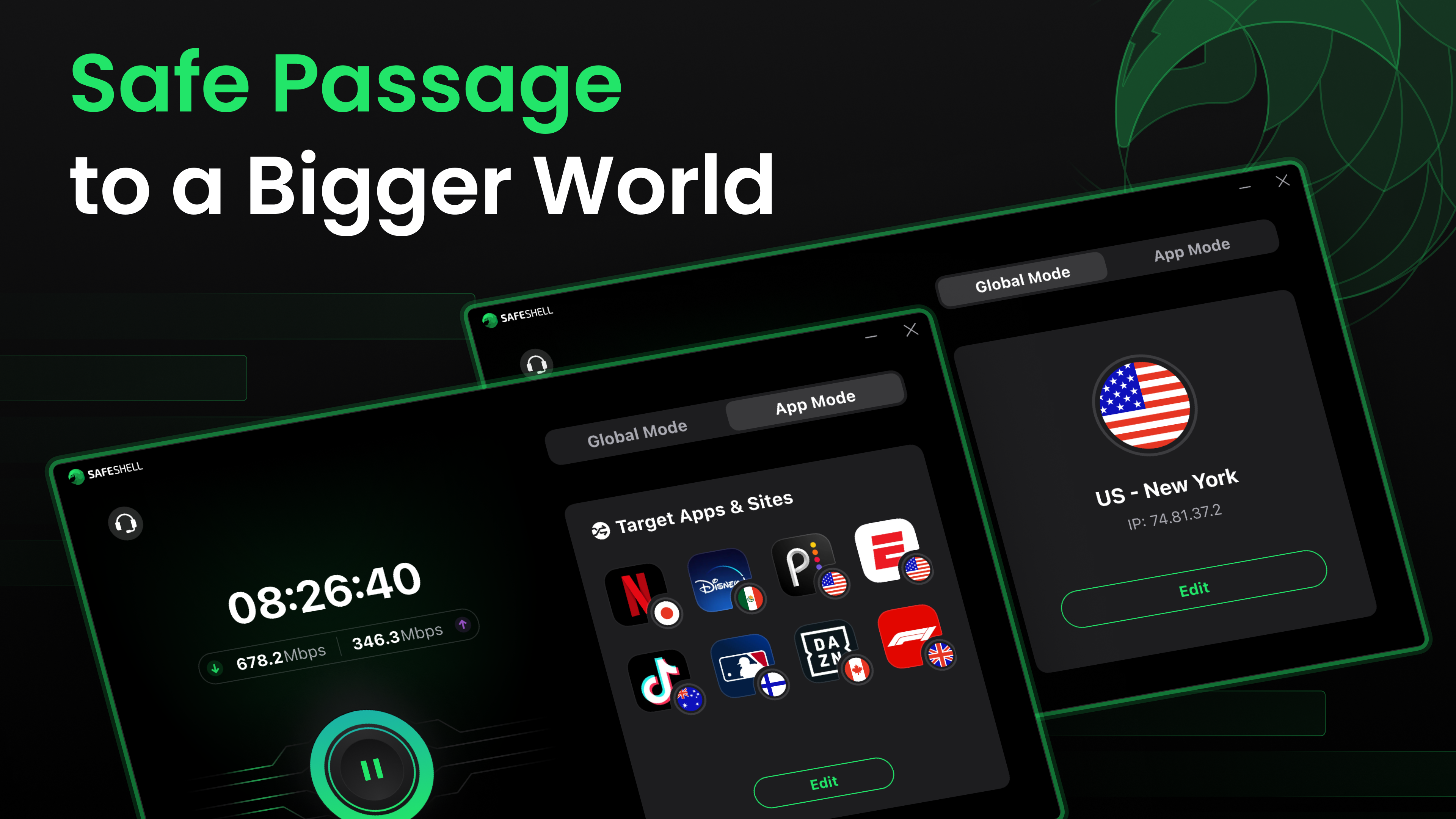
Imagine sitting comfortably at your desk, eager to access a streaming service that's blocked in your region. SafeShell VPN acts like an invisible shield—lightweight yet formidable—making access effortless. The application's interface borrows from familiar design cues: a clean, minimalistic layout that's instantly navigable. Connecting or disconnecting feels like a gentle tap on a button rather than a complex operation, reducing the cognitive load often associated with VPN setups.
User Interface and Ease of Use
SafeShell VPN's interface resembles the dashboard of a well-organized cockpit—intuitive and uncluttered. The primary connection button is prominently placed, accompanied by clear server location options. The app's minimalism means even VPN novices can get started within seconds, with no steep learning curve to navigate. The design also promotes a stress-free experience, avoiding the often overwhelming feature sets seen in more complex VPN tools.
Performance and Workflow Integration
Efficiency is the name of the game here. The app's lightning-fast connection times and stable performance significantly reduce the time spent troubleshooting connection issues, meaning users can focus more on their productive tasks. Compared to more feature-heavy VPN clients, SafeShell minimizes unnecessary options, reducing decision fatigue—a key factor in streamlining workflows. Its ability to integrate effortlessly into daily browsing routines positions it as a practical choice for those who value time and simplicity.
Unique Advantages and Differentiation
What truly sets SafeShell VPN apart is its emphasis on reducing cognitive load. Many VPN services sport a tangle of features that, while powerful, can overwhelm users—turning privacy into a puzzle rather than a straightforward tool. SafeShell counters this by focusing on core functionalities: quick setup, reliable performance, and regional accessibility. This targeted approach makes it ideal for users seeking unobtrusive protection and streaming capabilities without wading through complex menus or settings.
Furthermore, its emphasis on streamlining workflow—enabling quick toggling and broad server availability—not only enhances user experience but also boosts productivity by minimizing potential downtime or frustration.
Final Verdict: A Solid Recommendation for everyday VPN needs
SafeShell VPN stands out as a user-friendly, reliable, and efficient solution for those who want quick access to the internet's full potential. Its core strengths lie in its simplicity, performance stability, and targeted server network, making it especially suitable for streaming and casual browsing. While it may lack some advanced customization options found in premium VPNs, its focus on reducing complexity and cognitive overhead makes it a refreshing choice for users prioritizing ease of use.
For anyone seeking a straightforward, no-fuss VPN that integrates seamlessly into daily workflows—whether to unblock streaming services or safeguard online privacy—I recommend giving SafeShell VPN a try. It's like having a reliable co-pilot ready to keep your digital journey smooth and secure, anytime you need it.
Pros
- Easy-to-use interface
- Reliable connection speeds
- Multiple server locations
- Strong encryption protocols
- Affordable subscription plans
Cons
- Limited free trial
- Occasional connection drops
- Lack of detailed server info
- Customer support response time
- Limited customization options











