
- Name Raycast
- Category Productivity
- Developer Raycast Technologies, Inc.
- Available on PC
- OS Windows 10 version 19041.0 or higher
- Keyboard Integrated Keyboard
- Mouse Integrated Mouse
- languages English (United States)
Introducing Raycast for Windows: A Power-User's Command Center
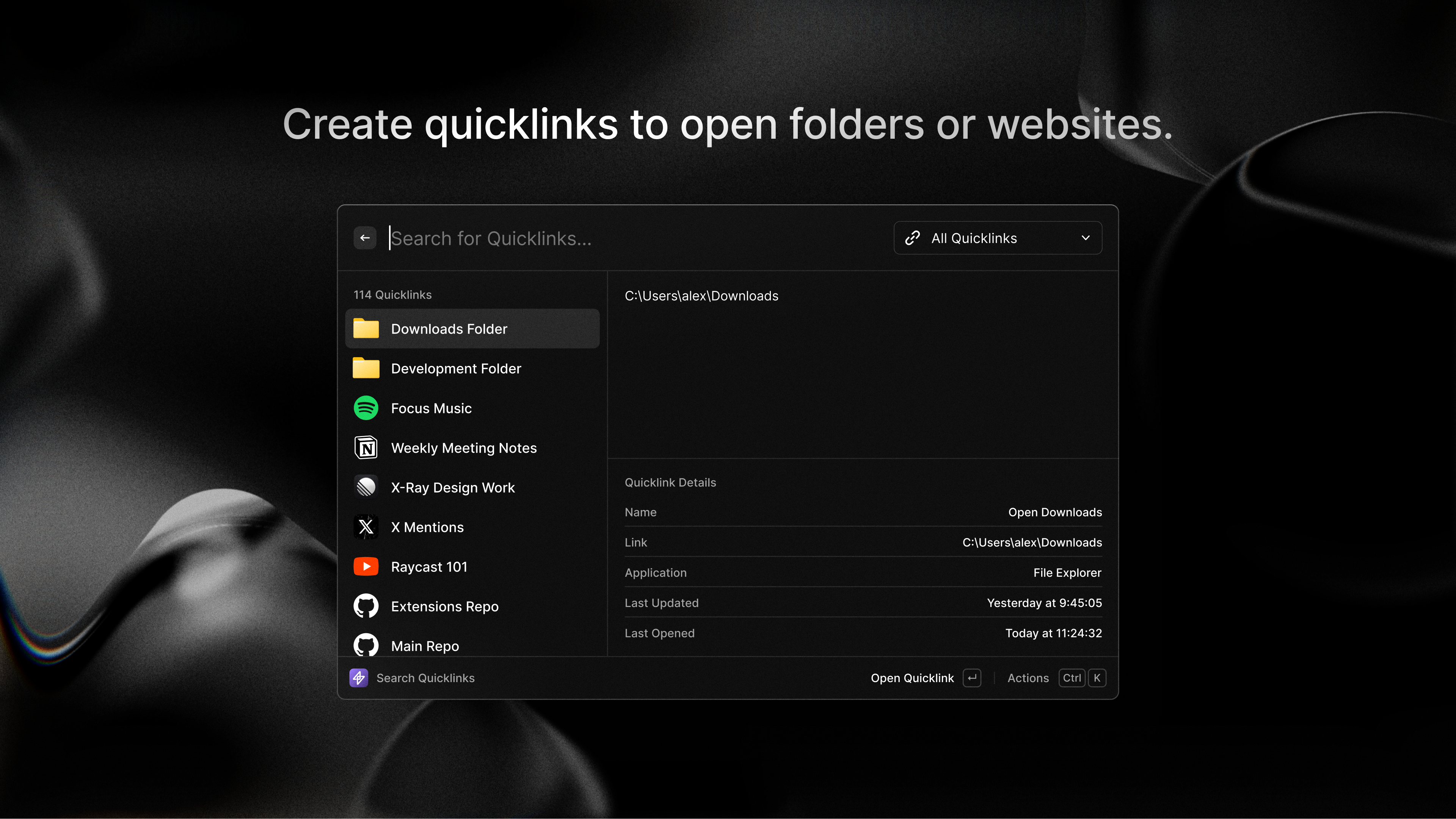
Raycast for Windows aims to transform how users interact with their PCs by providing a streamlined, keyboard-first command launcher that consolidates workflows, files, and system controls into a single, accessible interface. Designed to boost productivity without the clutter, it seeks to be the digital Swiss Army knife for Windows enthusiasts.
Meet the Brain Behind the Tool: Raycast Technologies, Inc.
Developed by Raycast Technologies, Inc., this team has a solid background in creating intuitive productivity tools, originally famed for their Mac app. Their mission? To bring the same level of efficiency, customization, and sophistication to the Windows ecosystem, bridging the gap between power-user needs and accessibility.
Key Features that Make a Difference
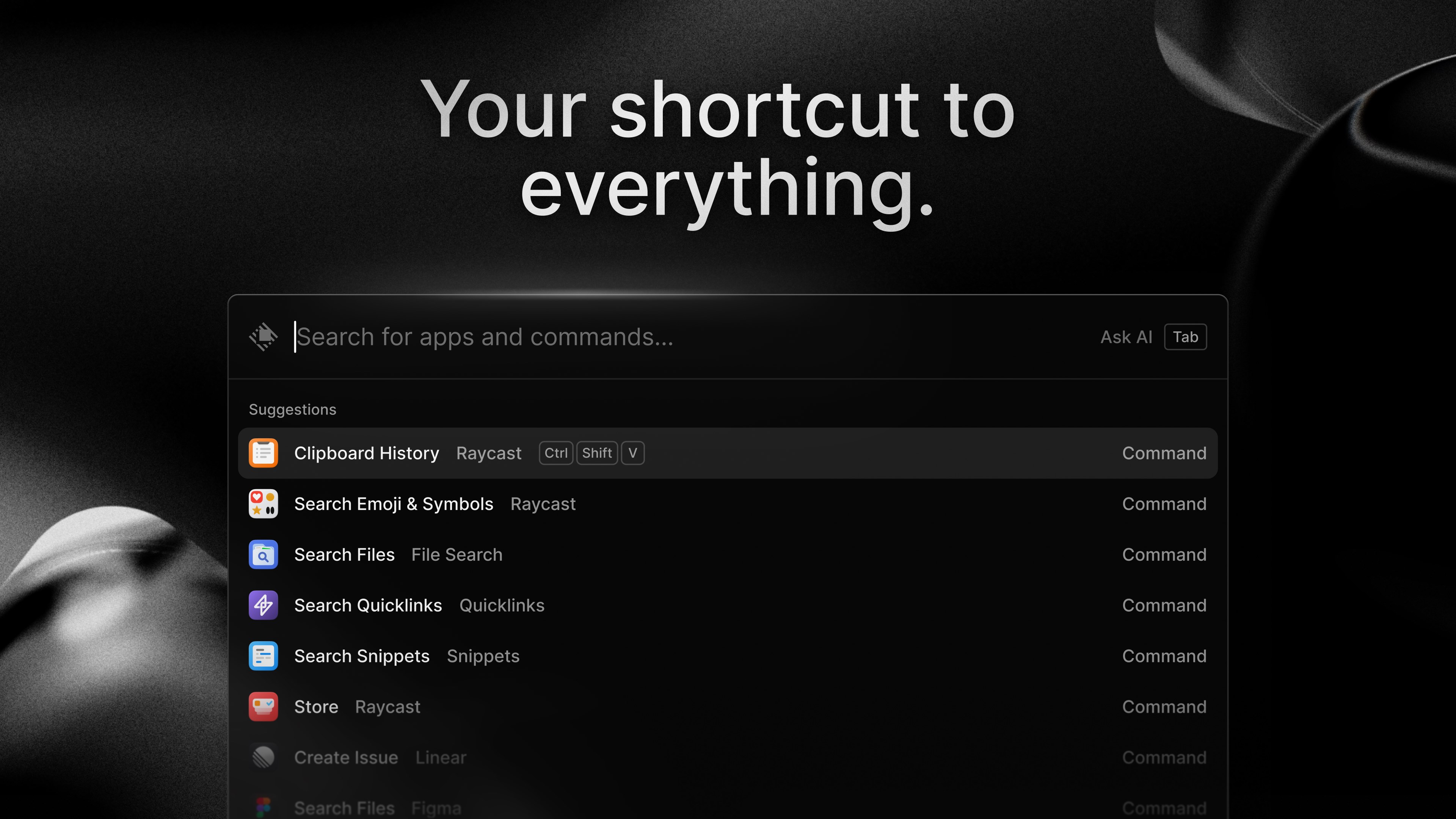
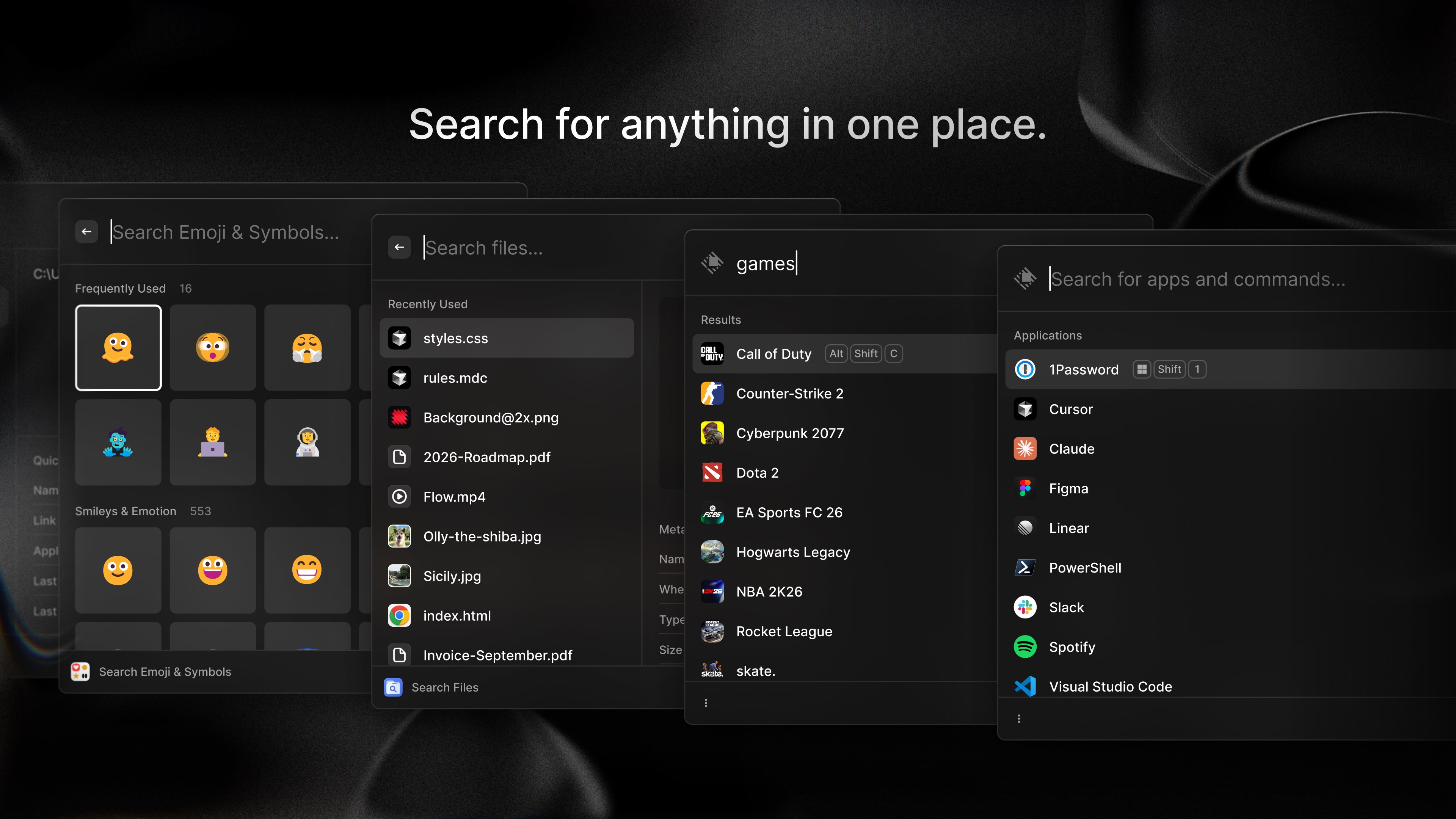
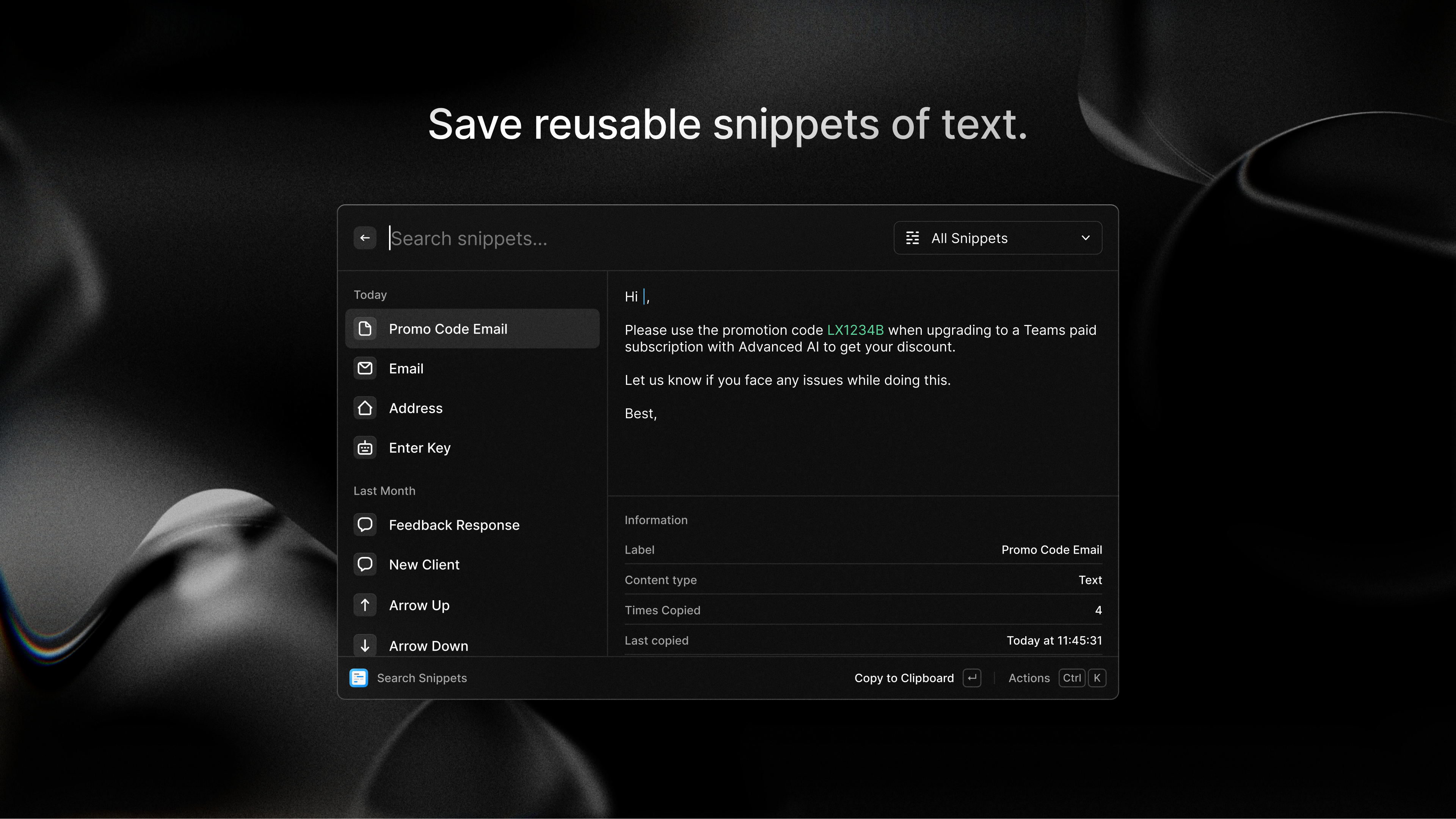
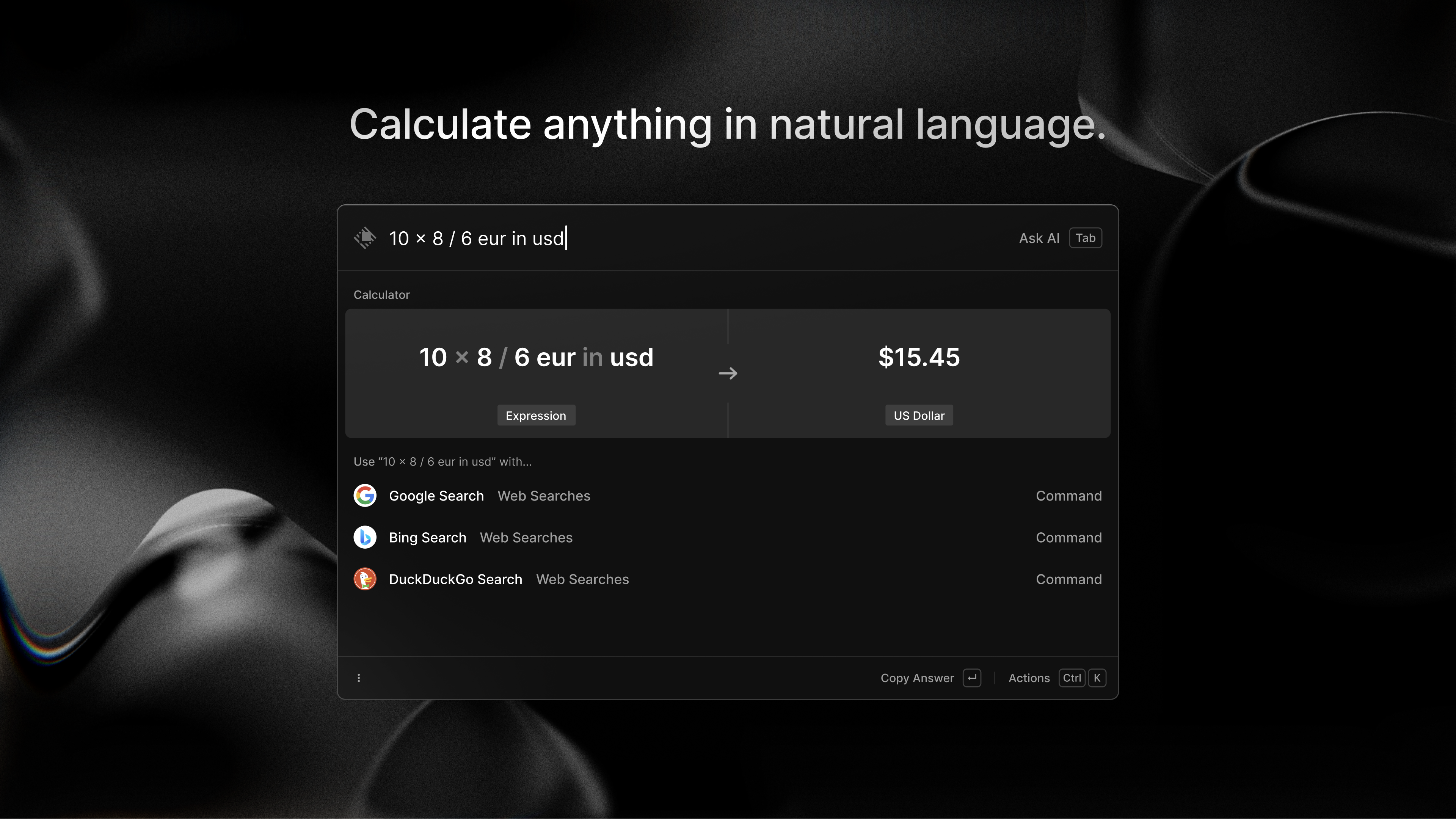
- Unified Command Palette: Just like a digital "Swiss Army knife," it allows users to quickly launch apps, search files, or execute commands — all through a simple keyboard interface.
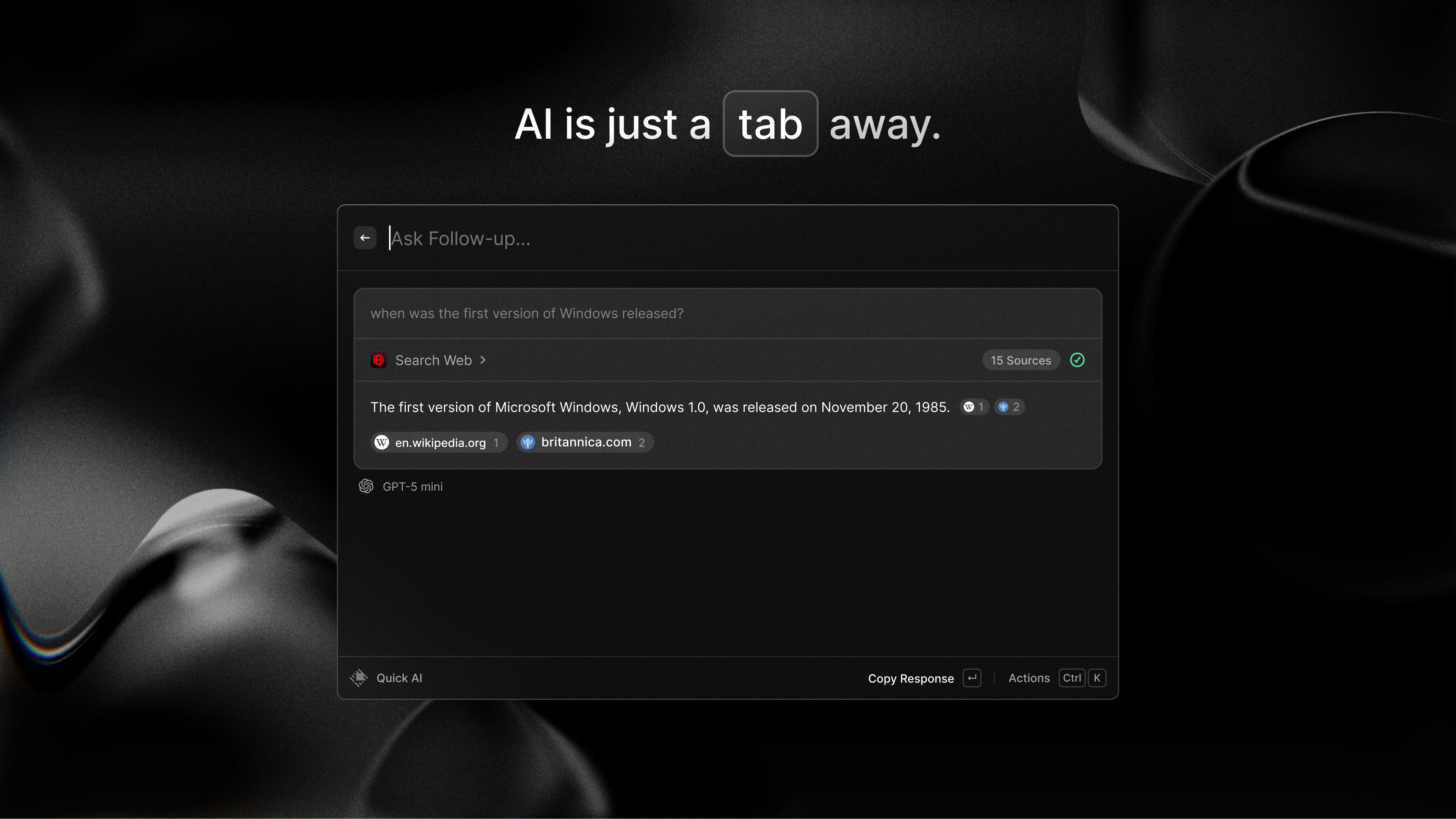
- Workflow Automation and Integration: Supports connecting with tools like Microsoft 365, Outlook, and even custom scripts, enabling seamless automation without leaving the command interface.
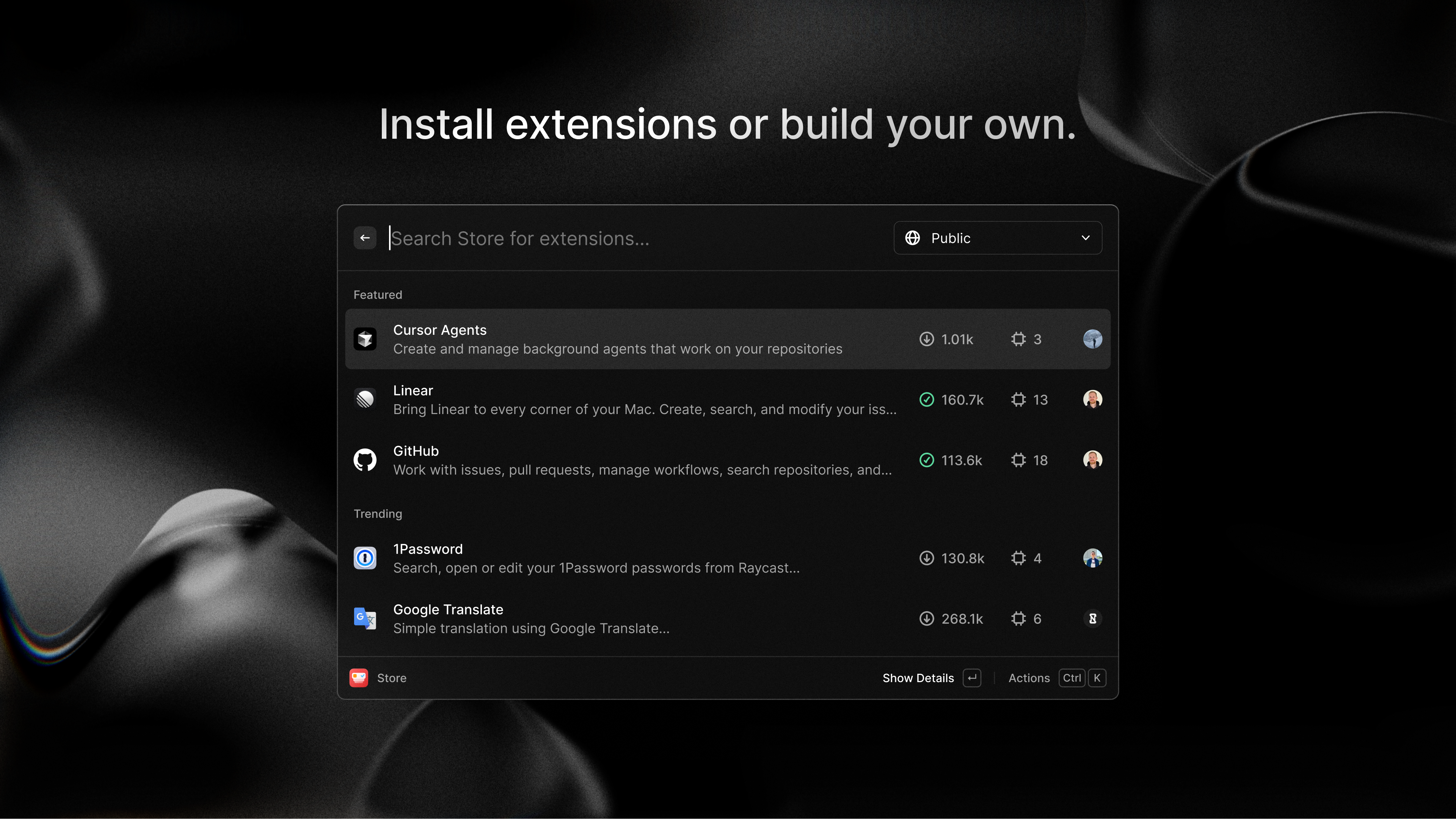
- Extensibility via Plugins: The app's modular nature allows for third-party extensions, turning it into a versatile hub tailored to individual workflows and preferences.
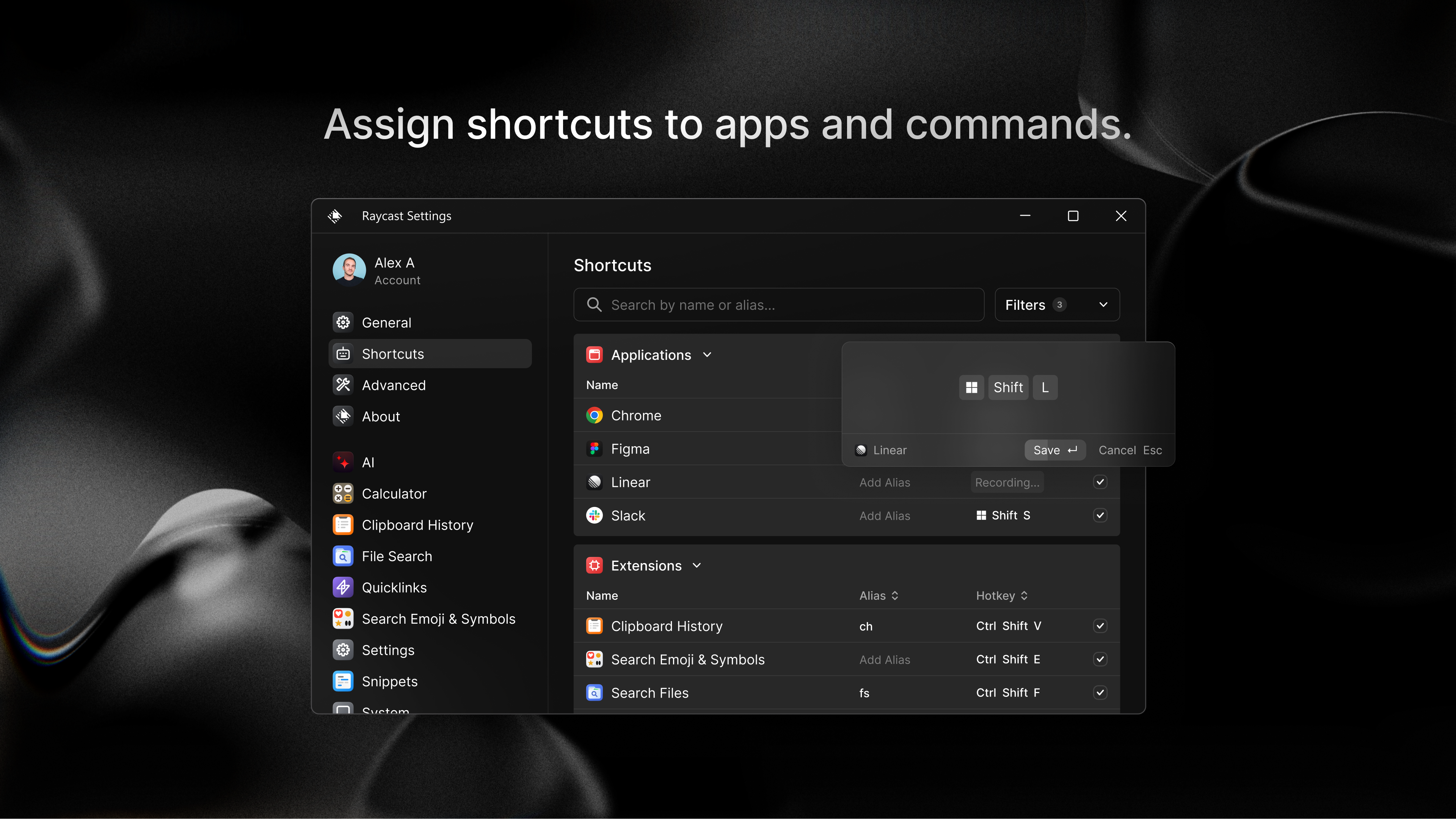
- System Control & Quick Actions: Offers rapid access to system functions such as volume adjustment, network toggles, and more, reducing interruptions during tasks.
An Enthralling User Experience, Crafted for Efficiency
Stepping into Raycast for Windows feels akin to entering a sleek cockpit—minimalist, yet packed with instant power. Its interface adopts a clean, dark-themed palette that's easy on the eyes during long work sessions. The command palette itself is swift and responsive, delivering search results or actions instantaneously, which makes you feel like you have a supersonic assistant at your fingertips.
From a usability standpoint, the app impresses with its intuitive setup and logical command flow. Learning curve? Minimal. The transparent design guides users effortlessly—once familiar, you'll find yourself executing complex workflows with just a few keystrokes, freeing up mental space for creative and strategic tasks.
Workflow Efficiency & Unique Selling Points
Compared to similar productivity apps, Raycast for Windows shines with its focus on workflow integration. Unlike traditional launchers that often become a menu of features, Raycast reduces cognitive load by contextualizing commands and automations within a unified interface. Its ability to handle custom scripts and third-party plugins means workflows can be tailored deeply, turning what once was a bunch of disjointed tools into a cohesive ecosystem.
This app's clever integration with Windows system functions and enterprise tools like Microsoft 365 elevates its practicality—something many competitors overlook. It's not just a launcher; it's an intelligent control center, designed to streamline daily routines, reduce context switching, and facilitate a more fluid interaction with your digital environment.
Recommendations and Use Cases
If you're a power-user, developer, or someone who constantly juggles multiple applications and workflows, Raycast for Windows is worth exploring. It offers a notable increase in efficiency by minimizing mouse movements and simplifying complex sequences into single commands. For casual users, the learning curve remains manageable, and the added control over system and app functions can significantly enhance everyday productivity.
Overall, I would rate it as a strong recommend for those seeking to optimize their Windows experience. Start with basic commands and gradually expand through plugins—you might find your workflow becoming more intuitive, less stressful, and considerably faster. Whether for professional tasks or personal automation, Raycast for Windows is a handy new companion for a cleaner, smarter desktop.
Pros
- Enhanced productivity with quick launch features
- Intuitive and customizable user interface
- Wide range of integrations and extensions
- Regular updates and active community support
- Speaker mode and advanced search options
Cons
- Limited free features in the basic version
- Learning curve for new users
- Occasional instability or bugs
- Incomplete documentation on some advanced features
- Limited language support











