

- Name Printer Management - Printer Driver Installer
- Category Productivity
- Developer Flick
- Available on PC, Mobile, Surface Hub, HoloLens
- OS Windows 10 version 17763.0 or higher
- languages English (United States)
Streamlining Printer Management with Ease
In an era where office efficiency hinges on seamless device coordination, Printer Management - Printer Driver Installer for Windows offers a straightforward solution to simplify printer driver installations. Designed to reduce the hassle associated with setting up multiple printers, this app aims to be a reliable companion for both individual users and IT professionals seeking an organized printing environment.
About the Developer and Core Features
Developed by Flick, a developer with a focus on productivity tools, this app emerges as a targeted tool aimed at minimizing downtime caused by printer setup issues. The main highlights include:
- Automated Driver Installation: Quickly detects and installs the necessary drivers, saving users time compared to manual setup.
- Batch Printer Management: Handles multiple printers efficiently, facilitating mass updates or installations without repetitive manual interventions.
- Compatibility and Easy Integration: Designed for Windows systems, it seamlessly integrates into existing workflows without requiring extensive technical knowledge.
- User-Friendly Interface: Clear, minimalistic design focused on intuitive operation, minimizing user learning curve.
This app is particularly suited for office administrators, IT support staff, or any user managing multiple printers regularly.
Vivid Experience and Key Functionality Breakdown
Imagine walking into a busy office; your printer is stubbornly refusing to cooperate, and the last thing you want is to dive into complex driver configurations. That's where Printer Management steps in like a dependable assistant, quietly streamlining the chaos. Its most conspicuous feature is undoubtedly the automated driver installer—that's like having a digital wizard handle tedious driver downloads in the background. Expect to see a reduction in setup time, freeing you up to focus on more pressing tasks.
Intuitive User Interface & Smooth Operation
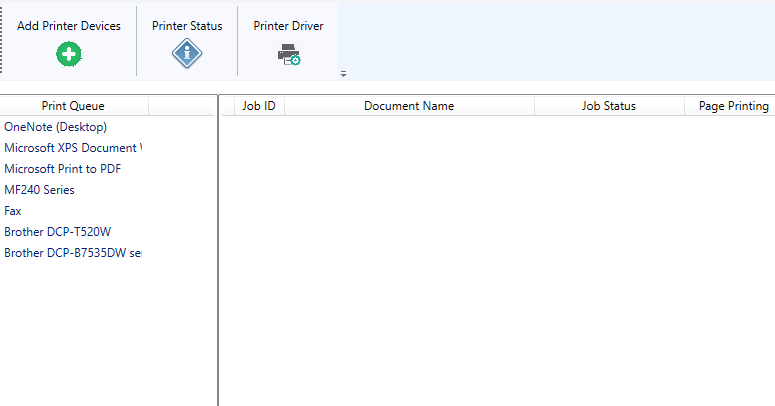
The app's interface can be likened to a well-organized toolbox: everything is at your fingertips, clear and uncluttered. Navigating through options requires minimal effort, and the process of adding or managing printers feels like a polite dance rather than a chaotic scramble. Load times are swift, and actions are executed seamlessly, ensuring users aren't bogged down by sluggish responses. For those wary of new software, the learning curve is gentle—much like assembling a simple LEGO set, not an intricate puzzle.
Workflow Integration & Cognitive Load Reduction
Compared to other productivity apps cluttered with myriad features that often overwhelm users, this app stands out by focusing sharply on its core purpose: efficient printer driver management without unnecessary complexity. Its design reduces cognitive load by automating tedious tasks, so you don't have to think about driver compatibility or manual installs. This clear focus makes it ideal for scenarios where quick setups are needed—think of it as the rapid deployment unit for your printing infrastructure, which enhances overall workflow efficiency markedly.
Final Verdict: Is It Worth Your Attention?
All in all, Printer Management - Printer Driver Installer for Windows strikes a commendable balance between simplicity and functionality. Its most remarkable strength is the automated, seamless driver installation coupled with batch management, making it a practical tool for anyone who seeks to eliminate printer setup frustrations. If your work involves frequent printer deployment or updates, this app can become a steadfast ally, easing workload without the bloat of overly complex features.
While it might not replace more comprehensive printer management solutions for large-scale enterprise environments, it certainly offers enough punch for small to medium-sized setups. I would recommend giving it a try if you find yourself often entangled in printer driver woes—consider it your quiet hero behind the scenes, making everyday printing less of a chore.
Pros
- User-friendly interface
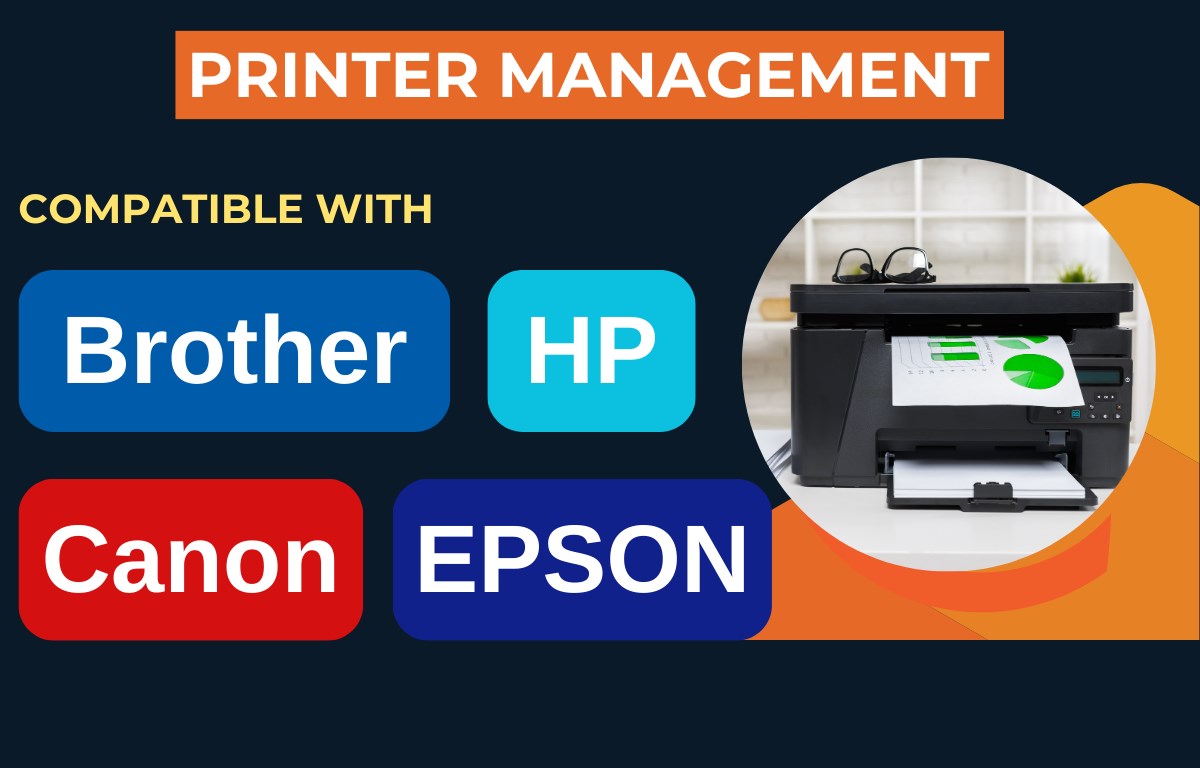
- Supports a wide range of printers
- Automates driver installation
- Provides driver updates
- Minimal system resource usage
Cons
- Limited support for some older printer models
- Occasional failed driver installations
- Lack of detailed troubleshooting guidance
- No batch installation feature
- Updates depend on app version











