

- Name PDF Reader - View and Edit PDF
- Category Productivity
- Available on PC
- OS Windows 10 version 18362.0 or higher
- languages Chinese (Simplified), Chinese (Traditional), English (United States), French, German, Italian, Japanese, Korean , Portuguese, Russian, Spanish (Spain)
An Efficient Companion for Your PDF Needs
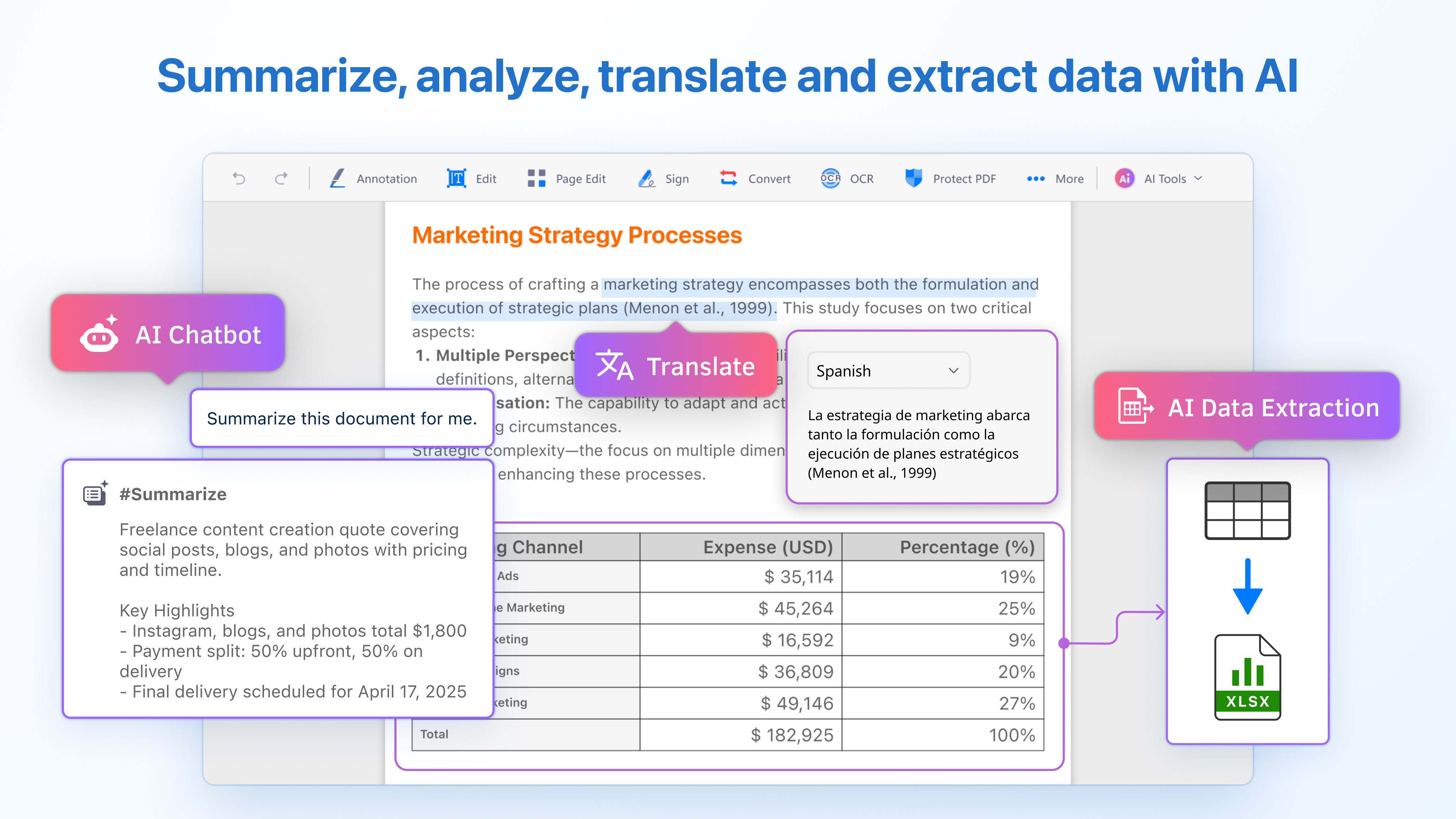
PDF Reader by Kdan Mobile Software Ltd. stands out as a versatile and thoughtfully designed application that simplifies reading, editing, and managing PDF documents on Windows. Whether you're a student, a professional, or anyone needing to handle PDFs regularly, this app promises to streamline your workflow without the clutter of overly complex features.
Streamlined Interface with User-Friendly Design
Right from the moment you open PDF Reader, you're greeted with a clean, intuitive interface that feels more like flipping through a well-organized binder than navigating an abstract digital tool. The layout minimizes distractions, allowing users to focus on their documents rather than grappling with confusing menus. The app's design strikes a balance between functionality and simplicity, making it accessible for novices but powerful enough for seasoned users.
Navigation is smooth, with accessible icons and logical workflows. Switching between viewing, annotating, and editing modes feels seamless, reducing the cognitive load typical of multi-feature suites. The app adapts well to different screen sizes and doesn't require a steep learning curve, which is especially important for users who need quick, efficient PDF management without bogging down in unnecessary options.
Core Features That Boost Productivity
Robust PDF Viewing and Annotation Tools
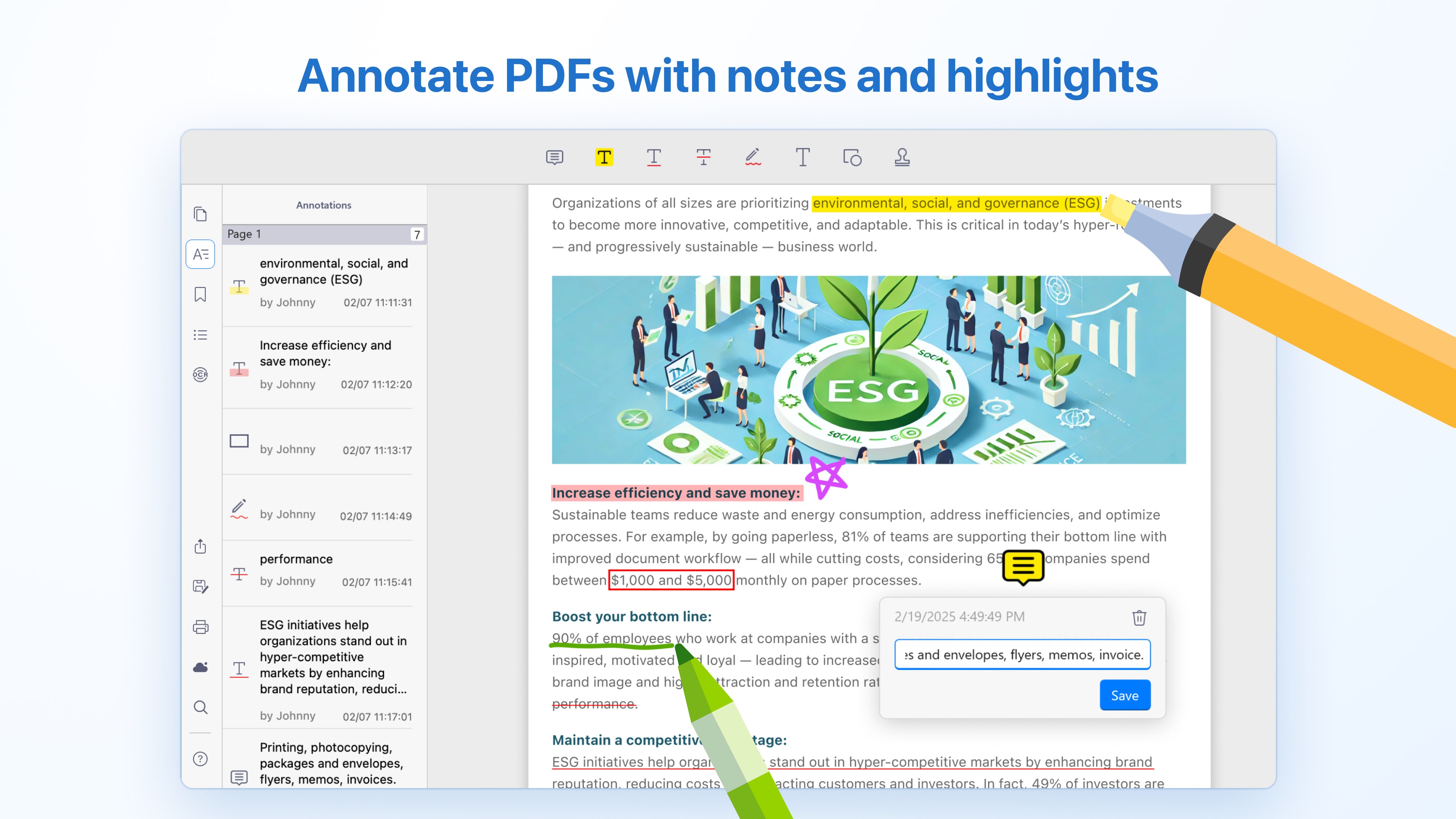
At its core, PDF Reader excels at providing crisp, high-quality viewing capabilities with multiple viewing modes—single page, continuous scroll, or even split view. Annotations are equally stellar, with tools for highlighting, underlining, adding notes, and drawing directly on the document. These features make revising or reviewing PDFs intuitive and visually clear, turning static documents into interactive, collaborative spaces.
Powerful PDF Editing and Form Handling
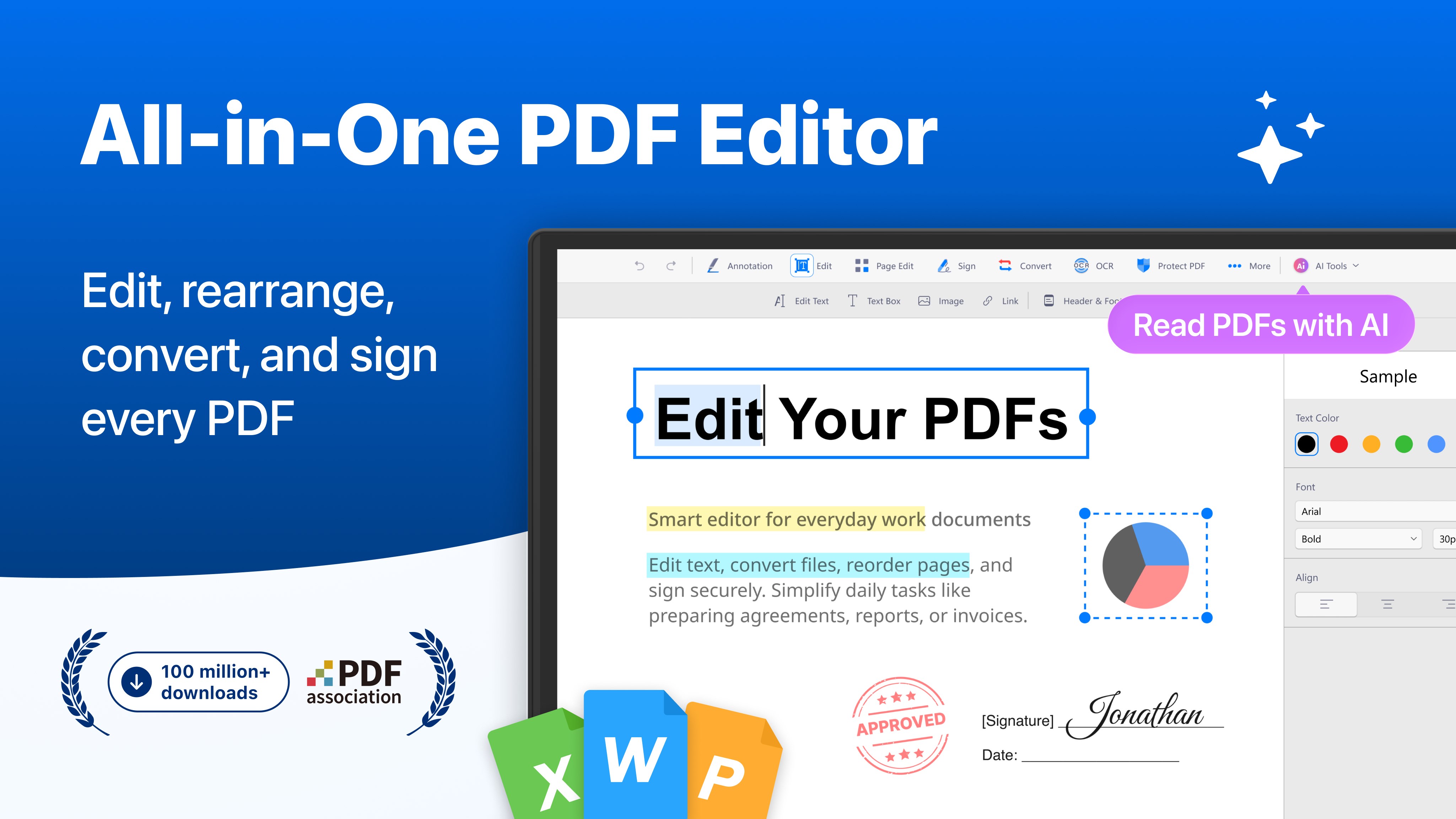
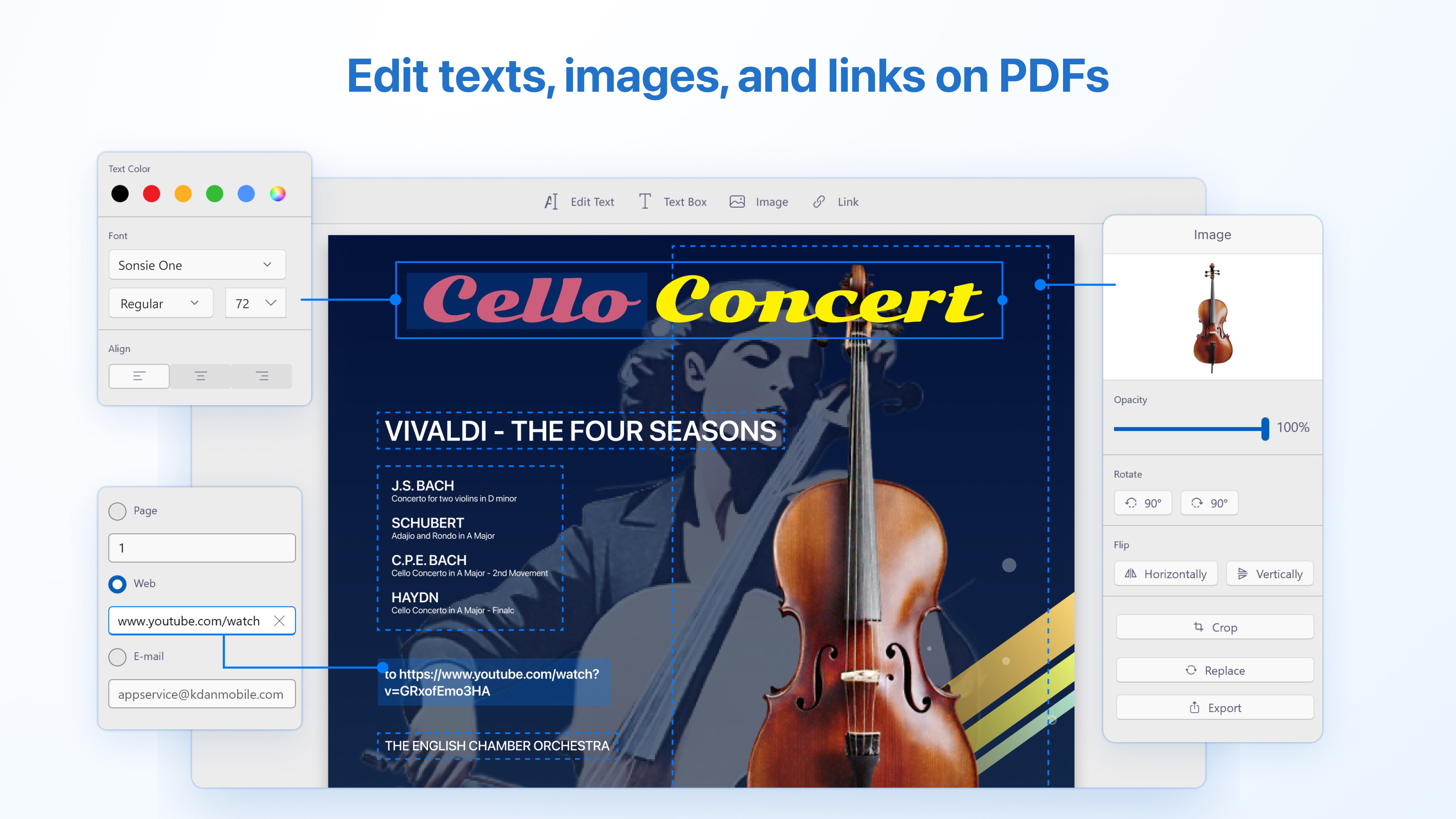
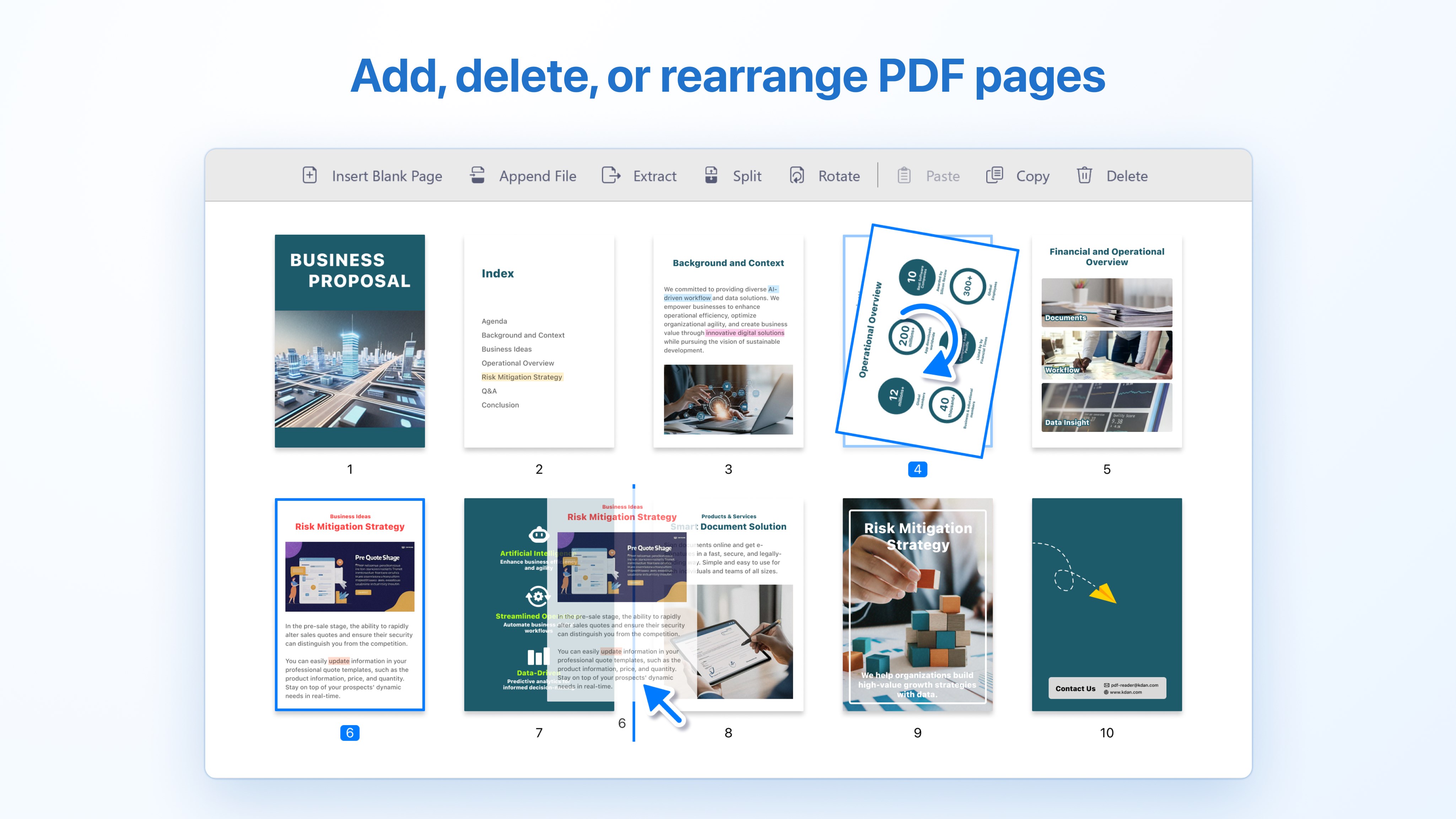
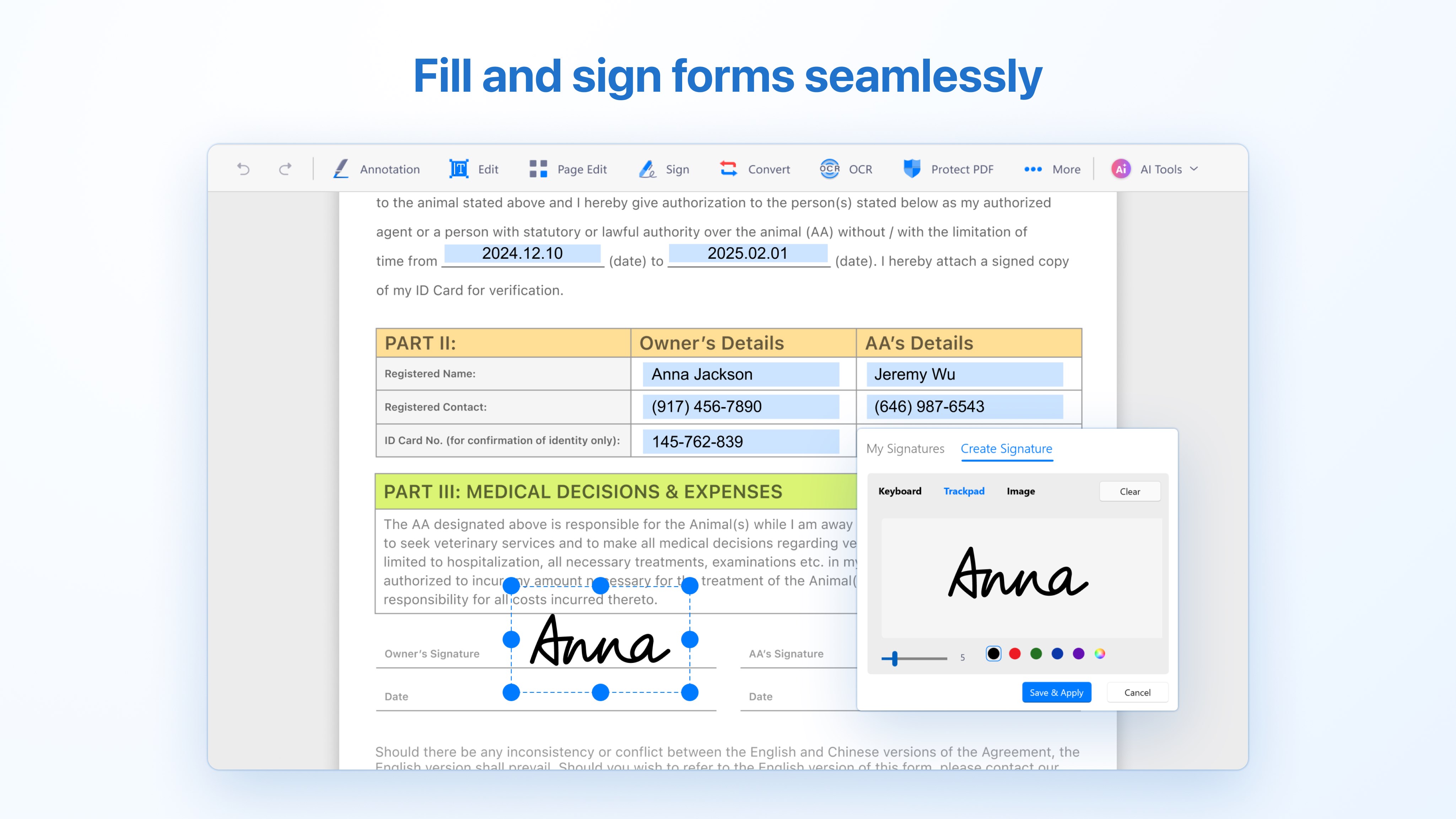
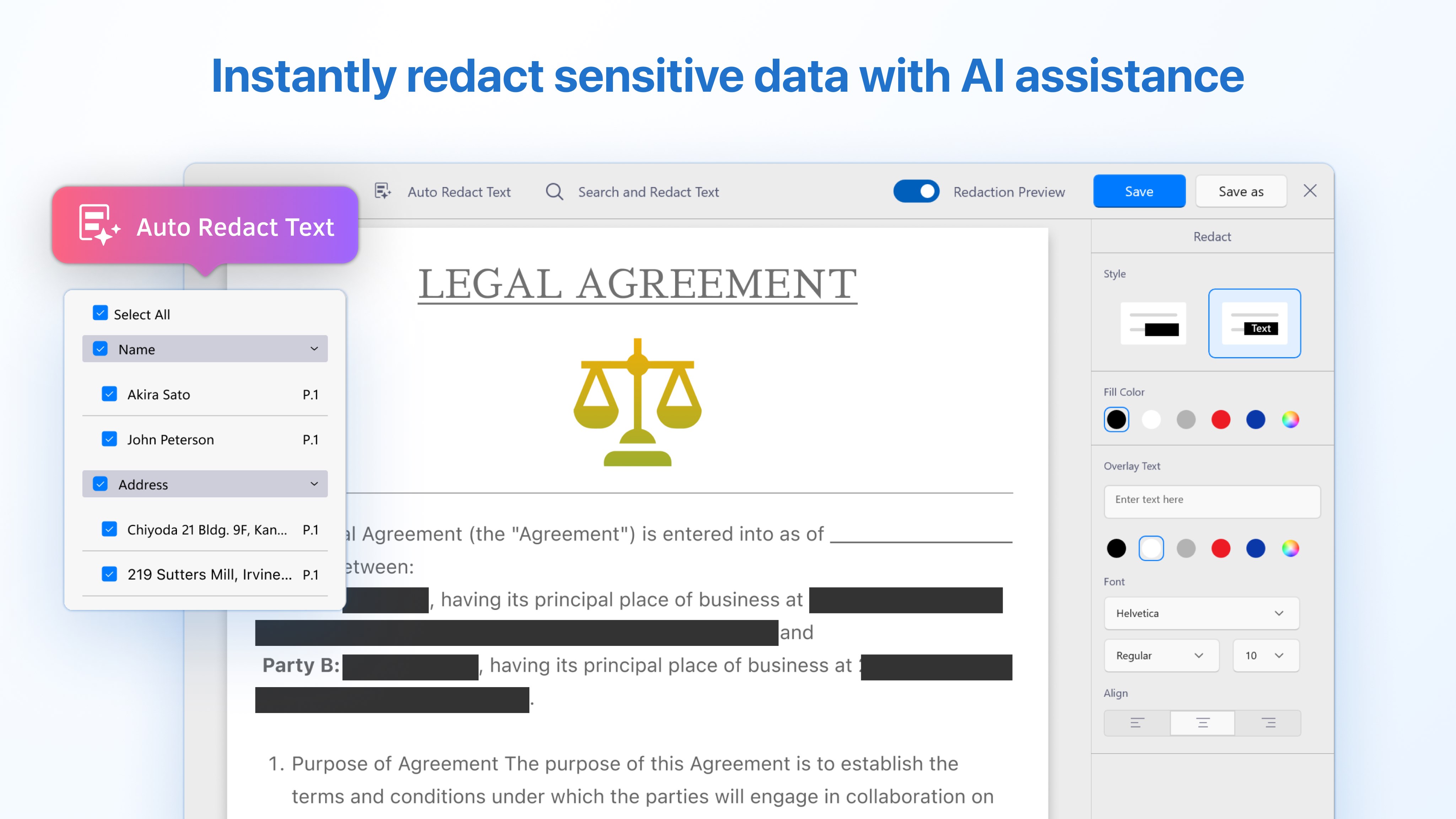
One of the standout features is the editing capability—users can modify text, rearrange pages, and insert images or signatures with ease. The app also handles form filling remarkably well, supporting interactive fields and enabling users to quickly complete or modify forms. This function is especially useful for professionals dealing with contracts or official documents in a hurry, blending editing flexibility with straightforward interface design.
Seamless File Management and Sharing
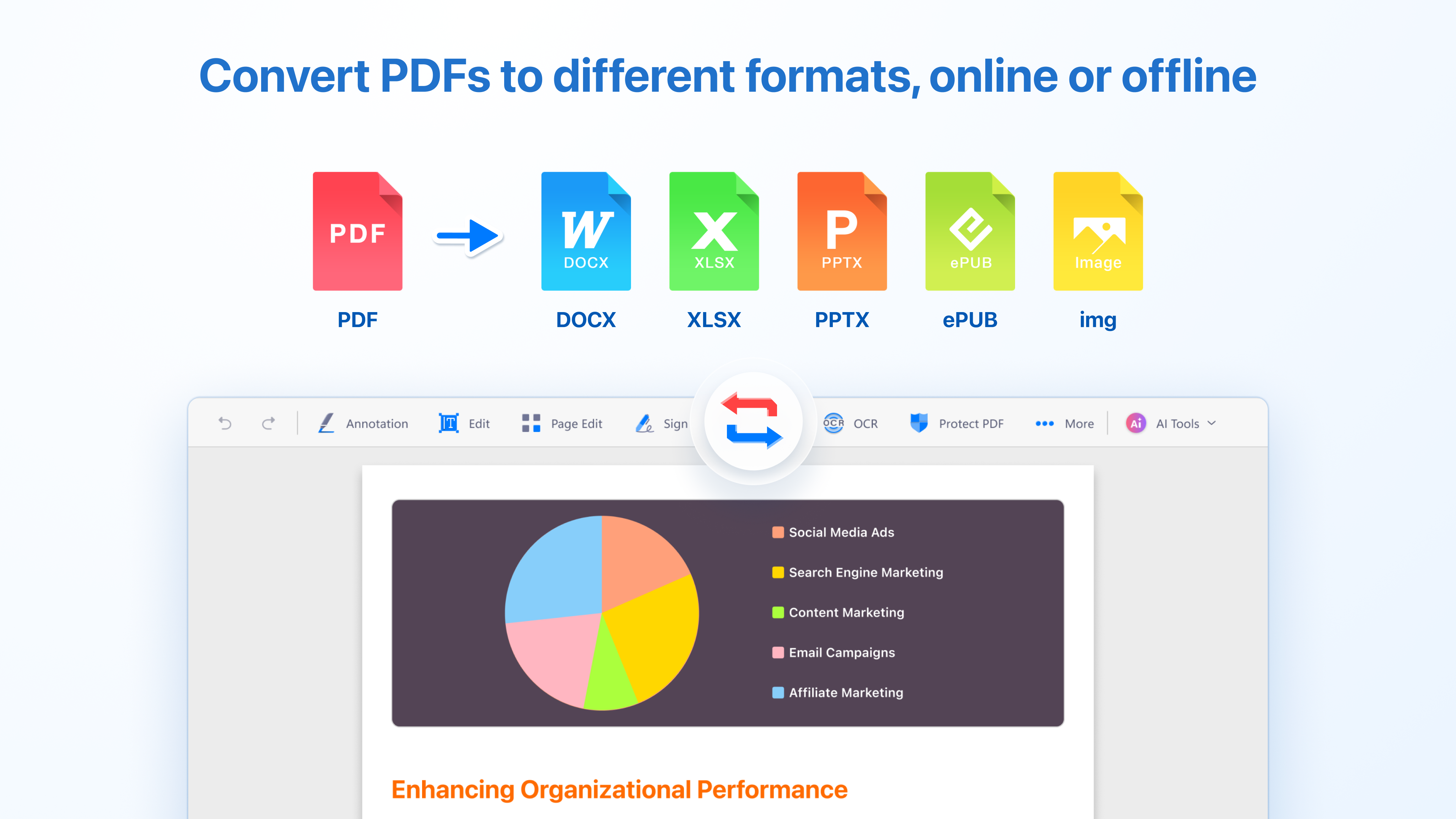
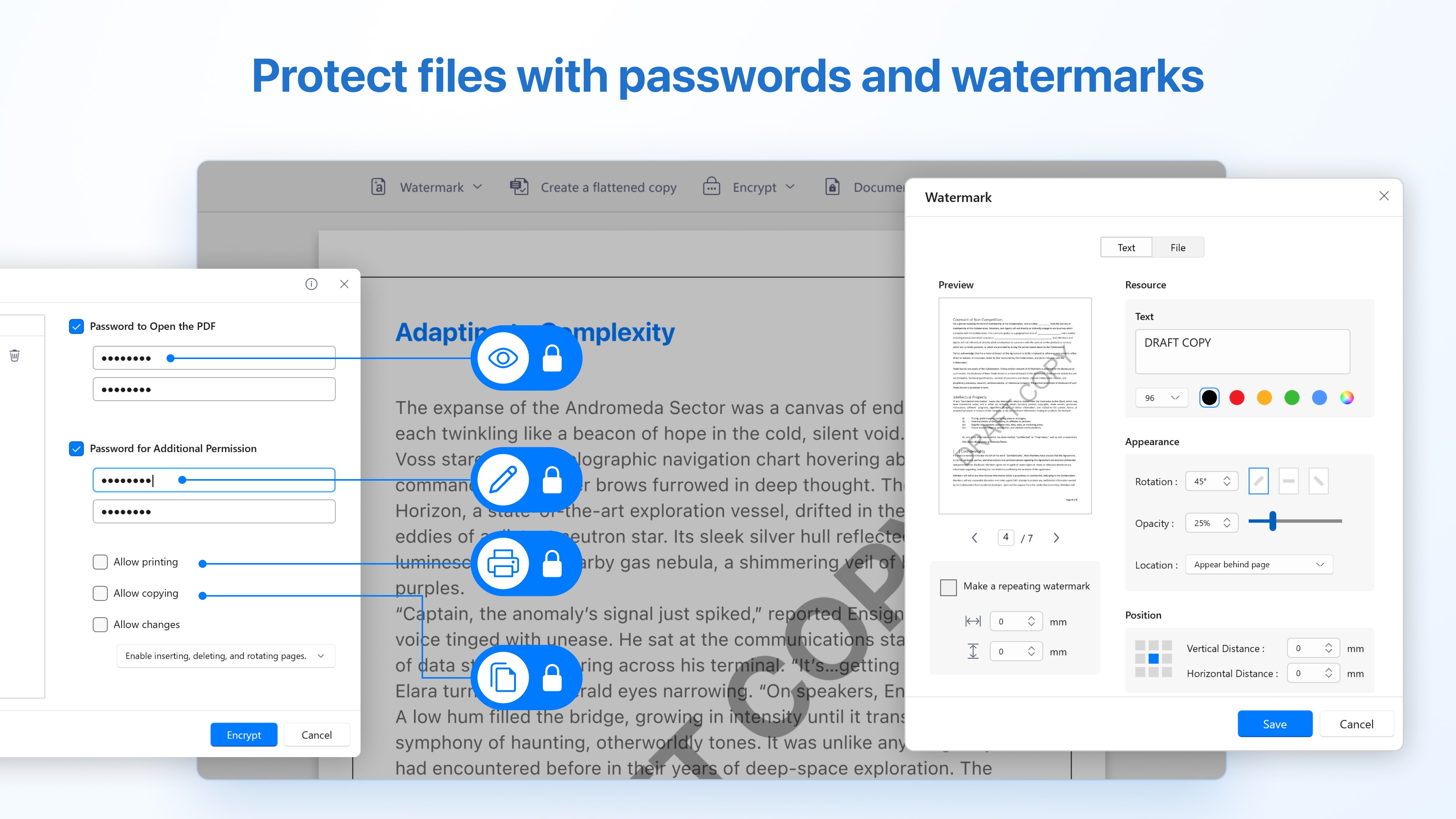
The app offers integrated file management, allowing you to organize your PDFs within folders, search quickly, and even sync with cloud services. Sharing options are simple, enabling export as PDF, image, or directly sharing via email or other platforms. This holistic approach helps reduce steps and cognitive load when handling multiple documents or collaborative workflows.
Experience and Unique Advantages
Using PDF Reader feels like having a digital assistant that understands your need for efficiency. The app's standout feature is its minimalistic yet comprehensive interface combined with features that integrate smoothly into your workflow. Unlike many competing apps that bombard users with endless options, this app emphasizes essential functions in a logical sequence, reducing mental clutter and helping users focus on the content rather than the tool.
Its ability to handle editing and annotation without compromising on performance makes it attractively balanced—powerful enough for complex tasks, yet simple enough to avoid feature overload. The accessibility and fluidity it offers make it especially suitable for those who need quick document access and modifications during busy workdays or study sessions.
Final Recommendation
Overall, PDF Reader by Kdan Mobile is recommended for users seeking a reliable, straightforward PDF tool that integrates core productivity features into a cohesive package. It's particularly suitable for professionals and students who value a clean interface, efficient workflow, and reduced learning curve. While it may not compete with high-end enterprise solutions on every advanced editing feature, its focus on essential functions and ease of use makes it a strong choice for everyday PDF management.
If you're looking for a smart, user-friendly app that respects your time and reduces the cognitive strain of managing multiple PDFs, this app is worth trying out. Its most distinctive strength—combining simplicity with powerful editing and annotation capabilities—sets it apart from many cluttered alternatives. Give it a shot and see how it complements your digital workspace!
Pros
- Intuitive user interface
- Strong annotation tools
- Supports extensive file formats
- Cloud synchronization
- Quick search feature
Cons
- Limited editing capabilities
- Occasional app lag
- Basic annotation options only
- Limited free features
- No text-to-speech functionality











