
- Name Paint
- Category Multimedia design
- Available on PC
- OS Windows 11 version 22000.0 or higher
- languages Afrikaans, Albanian, Amharic, Arabic, Armenian, Assamese, Azerbaijani, Bangla (India), Basque, Bosnian (Latin, Bosnia and Herzegovina), Bulgarian, Catalan, Chinese (Simplified), Chinese (Traditional), Croatian, Czech, Danish, Dutch, English (United Kingdom), English (United States), Estonian, Filipino, Finnish, French, French (Canada), Galician , Georgian, German, Greek, Gujarati, Hebrew, Hindi, Hungarian, Icelandic, Indonesian, Irish, Italian, Japanese, Kannada, Kazakh, Khmer, Konkani, Korean , Lao, Latvian, Lithuanian, Luxembourgish, Macedonian, Malay, Malayalam, Maltese, Maori, Marathi, Nepali, Norwegian (Bokmål), Odia, Persian, Polish , Portuguese (Brazil), Portuguese (Portugal), Punjabi (India), Quechua, Romanian, Russian, Scottish Gaelic, Serbian, Serbian (Cyrillic, Bosnia and Herzegovina), Serbian (Latin, Serbia), Slovak, Slovenian (Slovenia), Spanish (Mexico), Spanish (Spain), Swedish, Tamil, Tatar, Telugu, Thai, Turkish, Ukrainian, Urdu, Uyghur, Uzbek, Valencian, Vietnamese, Welsh
Introducing Paint for Windows: Your Digital Canvas Redefined
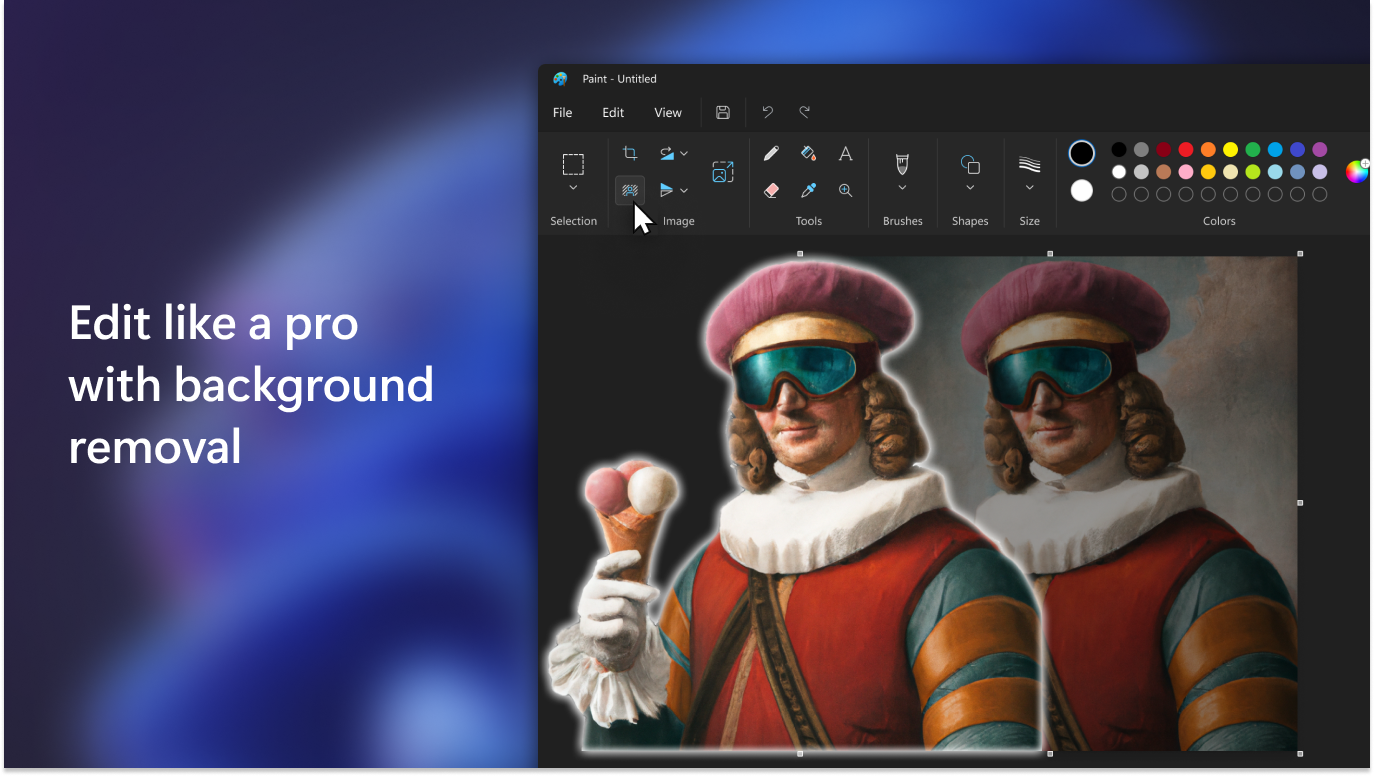
Paint for Windows is a versatile and user-friendly drawing application designed to bring creativity right to your desktop. Whether you're sketching quick ideas or creating detailed artwork, this app aims to make digital painting accessible for all users. Developed by Microsoft Corporation, it emphasizes a straightforward experience combined with powerful features, making it an appealing choice for both casual hobbyists and budding designers.
Bright Spot Features That Make Painting a Piece of Cake
Intuitive Drawing Tools and Customization
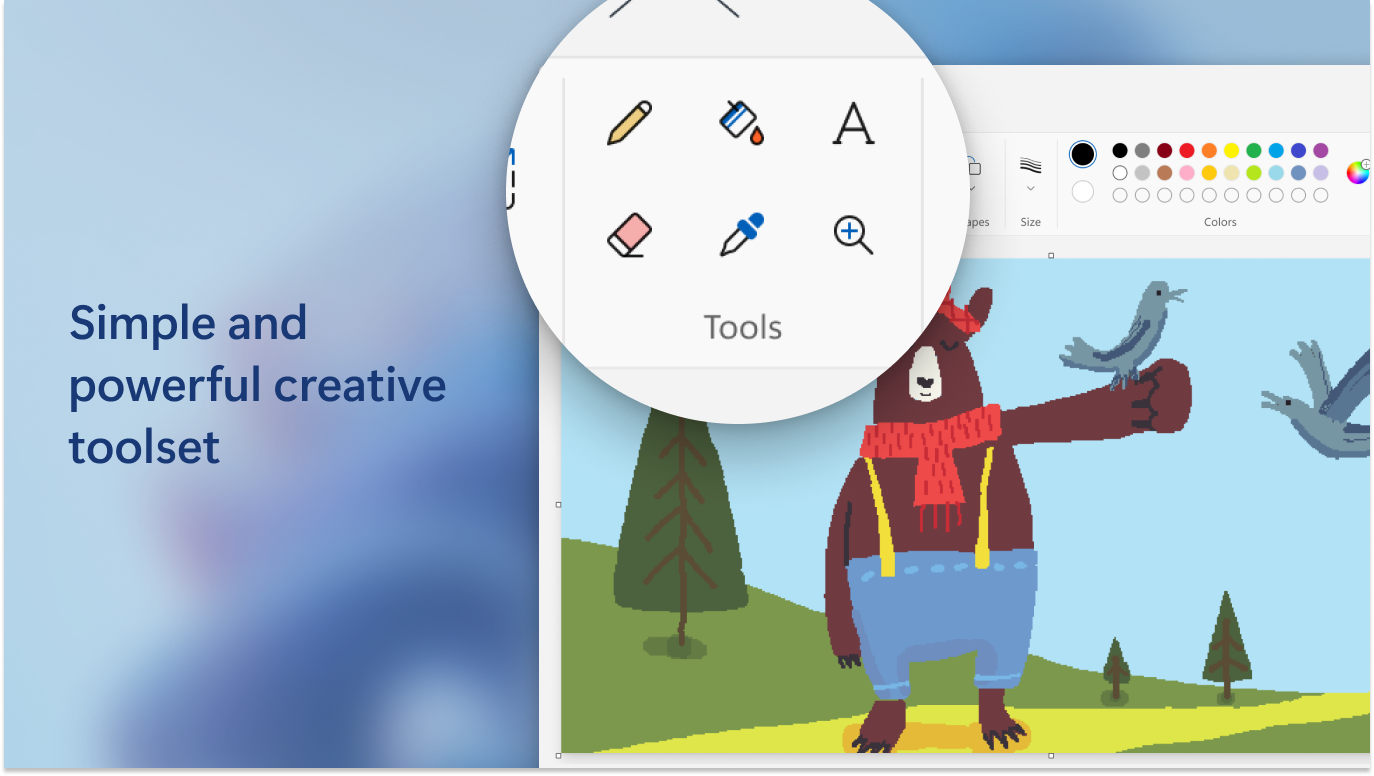
One of Paint's standout features is its range of intuitive tools, from basic brushes to shape tools. Users can easily select and customize brushes — adjusting size, opacity, and color — enabling nuanced creativity. This flexible toolkit mimics traditional painting and drawing methods, allowing seamless transition from physical to digital work. The simplicity of tool access means even beginners can start creating without a steep learning curve.
Layer Management for Complex Creations
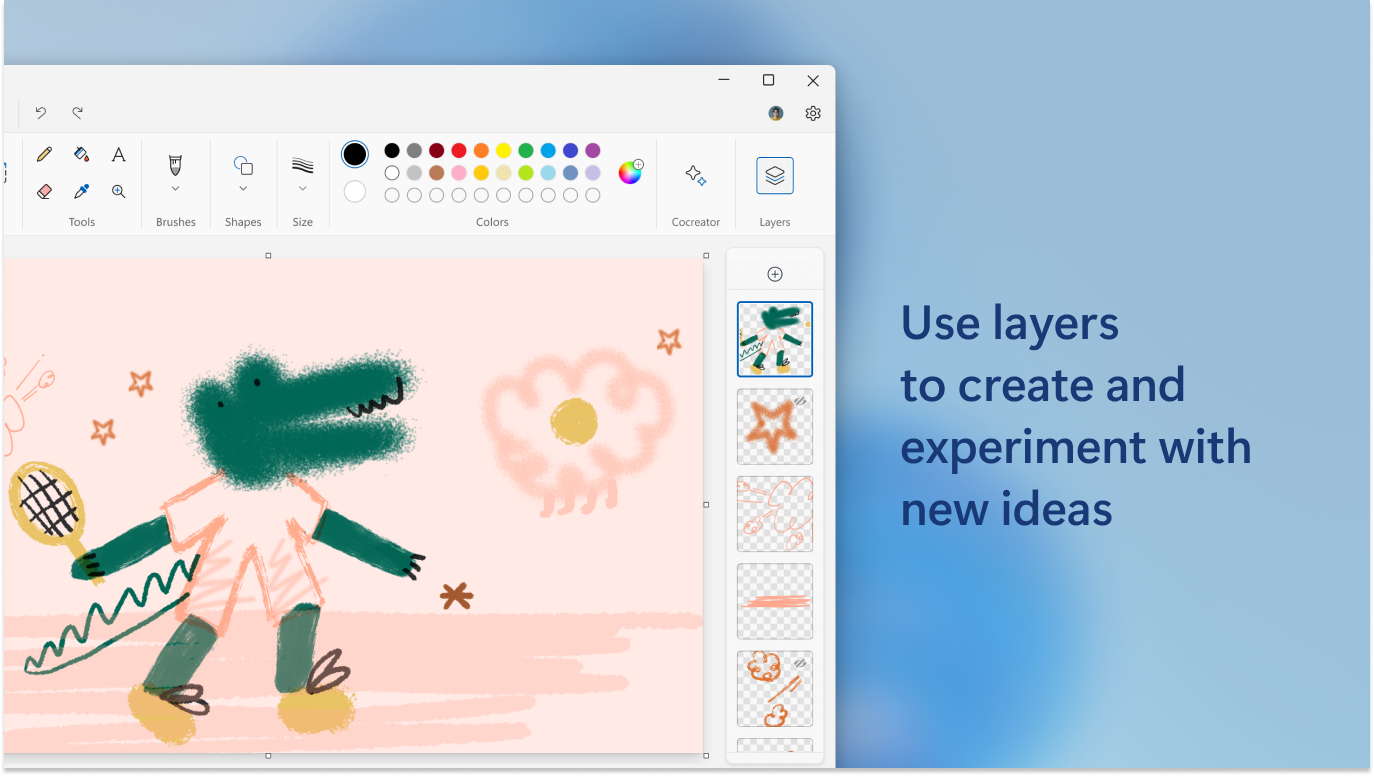
Unlike classic paint programs, Paint integrates a simple yet effective layer system, which empowers users to work on complex compositions without the chaos of overlapping elements. Layers can be added, renamed, and repositioned effortlessly, giving users control to build images step by step. This feature is particularly beneficial for those wishing to experiment with different design elements or make adjustments without disturbing the entire artwork.
Seamless Export and Sharing Options
Once your masterpiece is complete, the app simplifies exporting with multiple formats available, including PNG and JPEG. The sharing feature is smoothly integrated, allowing you to upload directly to social media or save to OneDrive with just a few clicks. This focus on easy dissemination turns your desktop creations into shareable digital stories, perfect for social personas or professional portfolios.
User Experience: Simple, Smooth, and Friendly
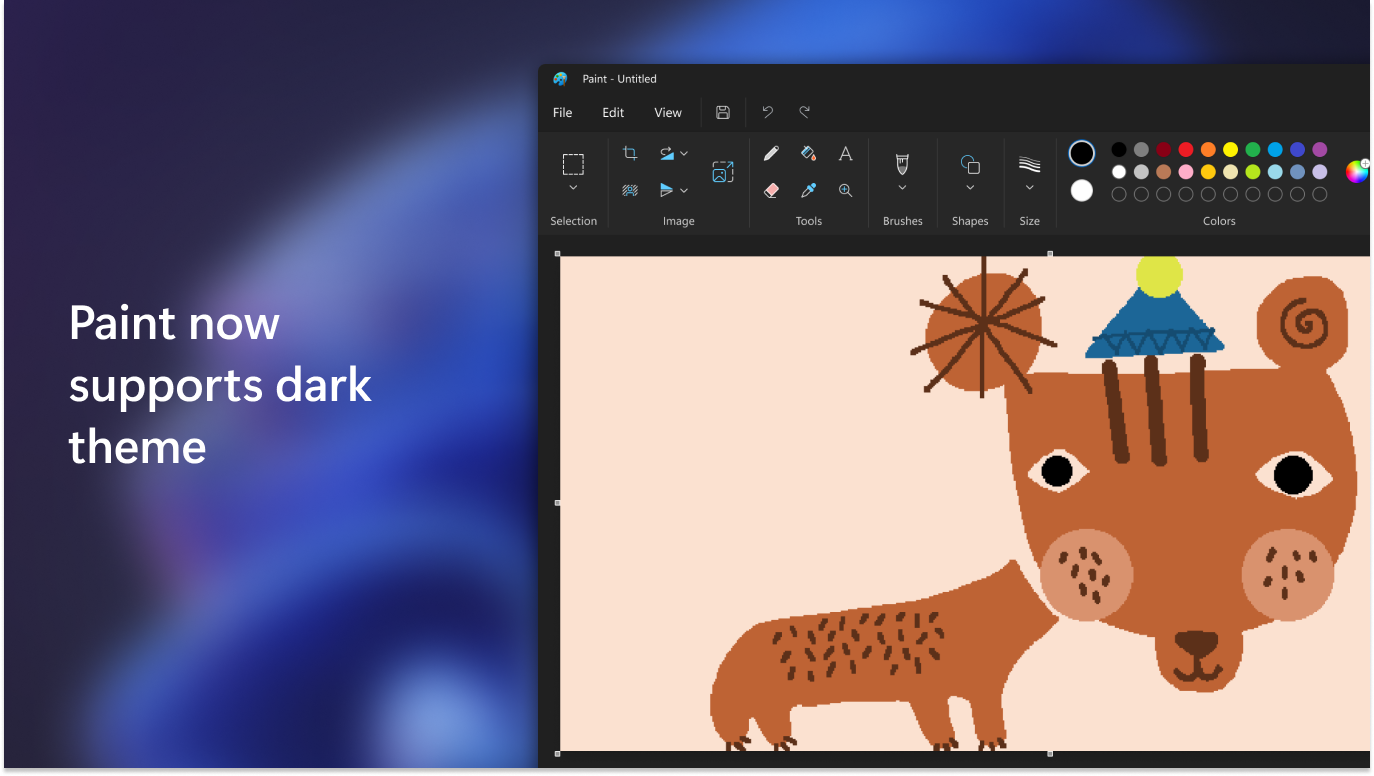
Paint for Windows showcases a clean, minimalistic interface, reminiscent of traditional paper and canvas, which makes it inviting for newcomers. The layout is straightforward, with tools organized intuitively along the side, and the workspace remains clutter-free. Drawing with a mouse or stylus feels natural, with minimal lag, ensuring a fluid creation process.
The application's learning curve is gentle; users can jump in immediately or consult straightforward tutorials for more advanced features. The app's performance is reliable, running smoothly even on modest systems, which is a plus for casual users or those testing out digital artistry for the first time. Overall, it balances ease of use with enough depth to explore different creative techniques.
What Sets Paint Apart from Other Multimedia Design Apps?
While several digital painting tools exist, Paint's key differentiator lies in its simplicity paired with essential features that keep the experience accessible yet functional. Its layer management is particularly notable, resembling more advanced software like Photoshop but without overwhelming users. Furthermore, the app's integration within the Windows ecosystem and compatibility with touch and stylus input provide a natural feel akin to traditional drawing tools, setting it apart from browser-based or collage-centric apps.
Final Thoughts: Is Paint for Windows Worth It?
For anyone seeking an easy-to-use digital painting app that doesn't sacrifice fundamental features, Paint for Windows is a compelling choice. Its user-friendly interface, practical tools, and seamless sharing options make it suitable for beginners and enthusiasts alike. While it may not replace professional-grade software for intricate projects, it excels at encouraging creativity and experimentation in a comfortable environment.
My recommendation: If you're just starting your digital art journey or want a lightweight program to sketch ideas, give Paint a try. Its simplicity and practicality might become your go-to digital canvas for daily creativity.
Pros
- Intuitive and user-friendly interface
- Rich basic drawing tools
- Fast performance with minimal lag
- Supports stylus input and touchscreen devices
- Free to download and use
Cons
- Limited advanced editing features
- Basic color palette options
- No support for import/export in PSD or SVG formats
- Occasional crashes on some devices
- Lack of advanced tutorials or community resources











