

- Name Open Chatbot - Chat with AI
- Category Productivity
- Developer Free Conn AI
- Available on PC
- OS Windows 10 version 17763.0 or higher
- languages English (United States)
An Introduction to Open Chatbot – Your AI Companion on Windows
Open Chatbot for Windows from Free Conn AI is a practical AI assistant designed to streamline your daily tasks and foster more productive workflows through conversational AI. It aims to be an accessible, user-friendly tool for individuals seeking quick, intelligent interactions directly on their desktop, making AI assistance more integral to everyday work and leisure.
Developer and Core Features Overview
Developed by Free Conn AI and published by Free Connected Software Limited, this application stands out as a straightforward AI chat interface tailored for the Windows environment. Its main features include seamless chat-based interactions, customizable assistant behaviors, and easy integration with your existing workflows, all wrapped in an intuitive user interface. Designed to cater to both casual users and professionals, it strives to provide an efficient AI conversation experience in a familiar desktop setting.
Let's Dive Into the User Experience
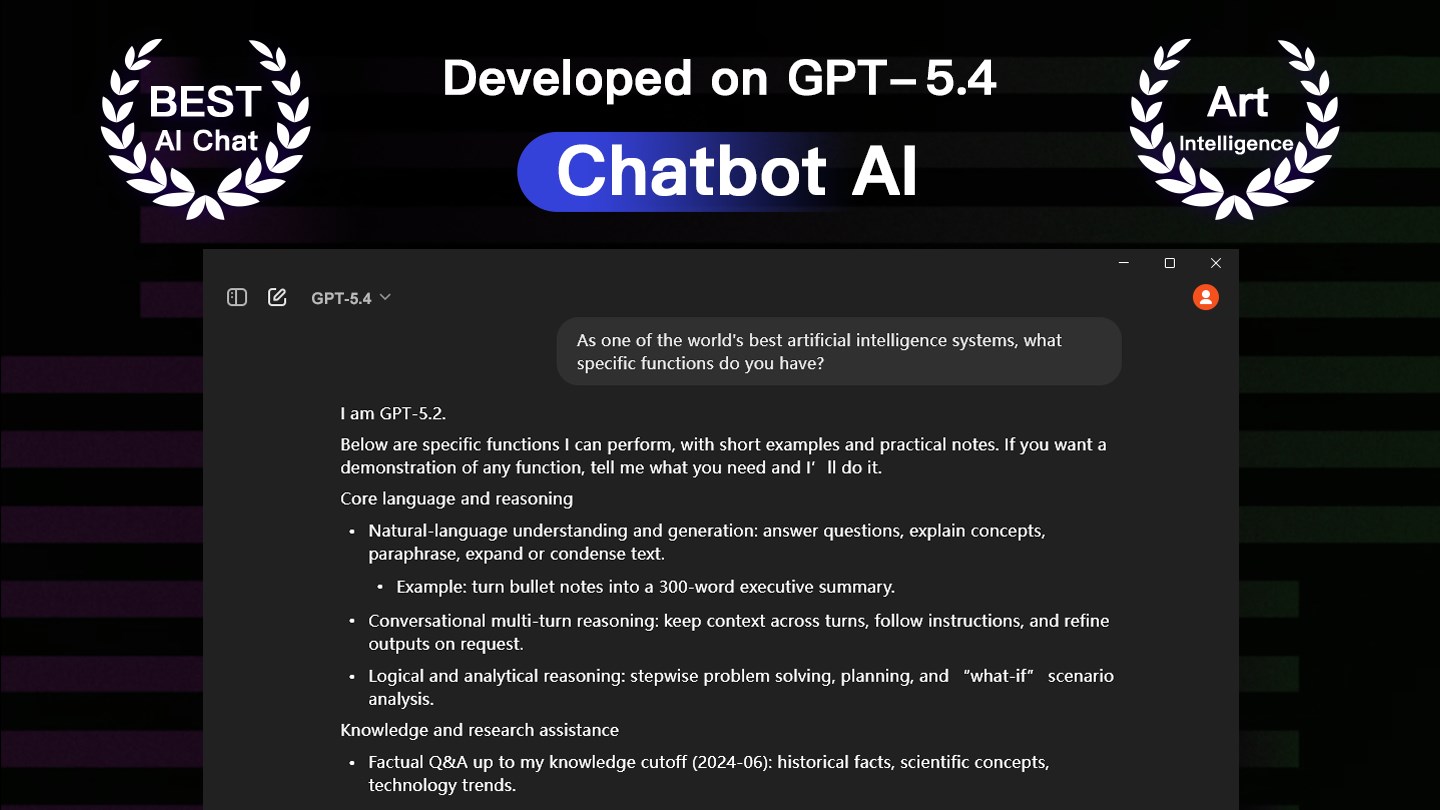
Stepping into Open Chatbot feels like greeting a helpful friend straight out of your screen. The interface showcases a clean and modern design, featuring a chat window reminiscent of your favorite messaging app—familiar, inviting, and clutter-free. Navigating the app is remarkably smooth, even for those less tech-savvy, thanks to its minimal learning curve. It's like having a conversation in a cozy café—simple, effortless, and engaging.
Core Functionality 1: Intelligent Chat and Context Preservation
The standout feature of Open Chatbot lies in its ability to hold context-aware conversations, making interactions feel natural and coherent. Whether you're asking for a quick fact, seeking advice, or brainstorming ideas, the chatbot responds thoughtfully, maintaining the thread of dialogue without confusion. This feature shifts the AI from a simple query-response tool to a collaborative partner—much like having a knowledgeable assistant sitting right beside you.
Core Functionality 2: Workflow and Task Integration
Another impressive aspect is how the app supports integration with various productivity tasks. You can draft notes, set reminders, or even compile snippets of information directly through conversations. It's akin to having a virtual sidekick that not only responds but also actively helps manage your workflow, reducing the cognitive load typically associated with switching between different apps or tools. This focus on efficient task handling distinguishes it from many standalone chatbots.
Assessing User Experience: Design, Performance, and Ease of Use
The app's interface feels polished and thoughtfully designed, with a focus on clarity and ease of navigation. Responsive and snappy, it handles user inputs smoothly, without noticeable lag—an essential trait for maintaining conversational fluency. Its learning curve is gentle; even new users can get started within minutes, making it an appealing choice for both tech aficionados and casual explorers alike.
What Sets It Apart: Workflow Efficiency and Cognitive Load Reduction
Unlike some AI tools that bundle an overwhelming array of features, Open Chatbot emphasizes core functionalities that directly enhance your workflow. Its ability to integrate seamlessly into daily tasks means you don't need to learn a complex system or jump between multiple applications—it's about smart assistance without the clutter. This reduction in cognitive load allows users to focus on what truly matters, making productivity feel less like a chore and more like a natural extension of your mind.
My Recommendation and Usage Suggestions
Considering its focus on streamlined conversational interaction and workflow support, I'd recommend Open Chatbot to anyone looking for an accessible AI assistant that won't complicate their desktop experience. It's particularly valuable for those needing quick answers, drafting aid, or task management within a single, easy-to-use interface. If you prefer straightforward tools that aid rather than overwhelm, this app deserves a spot on your Windows device.
In summary, Open Chatbot distinguishes itself by prioritizing core AI communication functions paired with workflow integration, effectively reducing the mental effort required to manage your tasks. While it may not yet match the full breadth of larger AI platforms, its clarity, responsiveness, and focus make it a reliable—and friendly—choice for everyday productivity enhancement.
Pros
- Intuitive Chat Interface
- Fast Response Times
- Broad Knowledge Base
- Customizable Settings
- Free Access
Cons
- Occasional Inaccurate Responses
- Limited Context Awareness
- Lack of Advanced Integration
- Occasional Latency
- Limited Multilingual Support











