

- Name One Calendar
- Category Productivity
- Available on PC, Mobile, Surface Hub, HoloLens
- OS Windows 10 version 17134.0 or higher
- languages Catalan, Chinese (Simplified), Czech, Danish, Dutch, English, French, German, Hindi, Italian, Japanese, Korean, Polish, Portuguese, Russian, Spanish, Turkish
An Overview of One Calendar for Windows: Streamlining Your Daily Schedule
One Calendar for Windows by Code Spark is a sleek, integrated calendar application designed to bring clarity and efficiency to your planning. With its emphasis on seamless workflow integration and user-friendly design, it serves as a dependable tool for busy professionals and productivity enthusiasts alike.
Core Features that Make One Calendar Stand Out
Unified View of Multiple Calendars and To-Do Lists
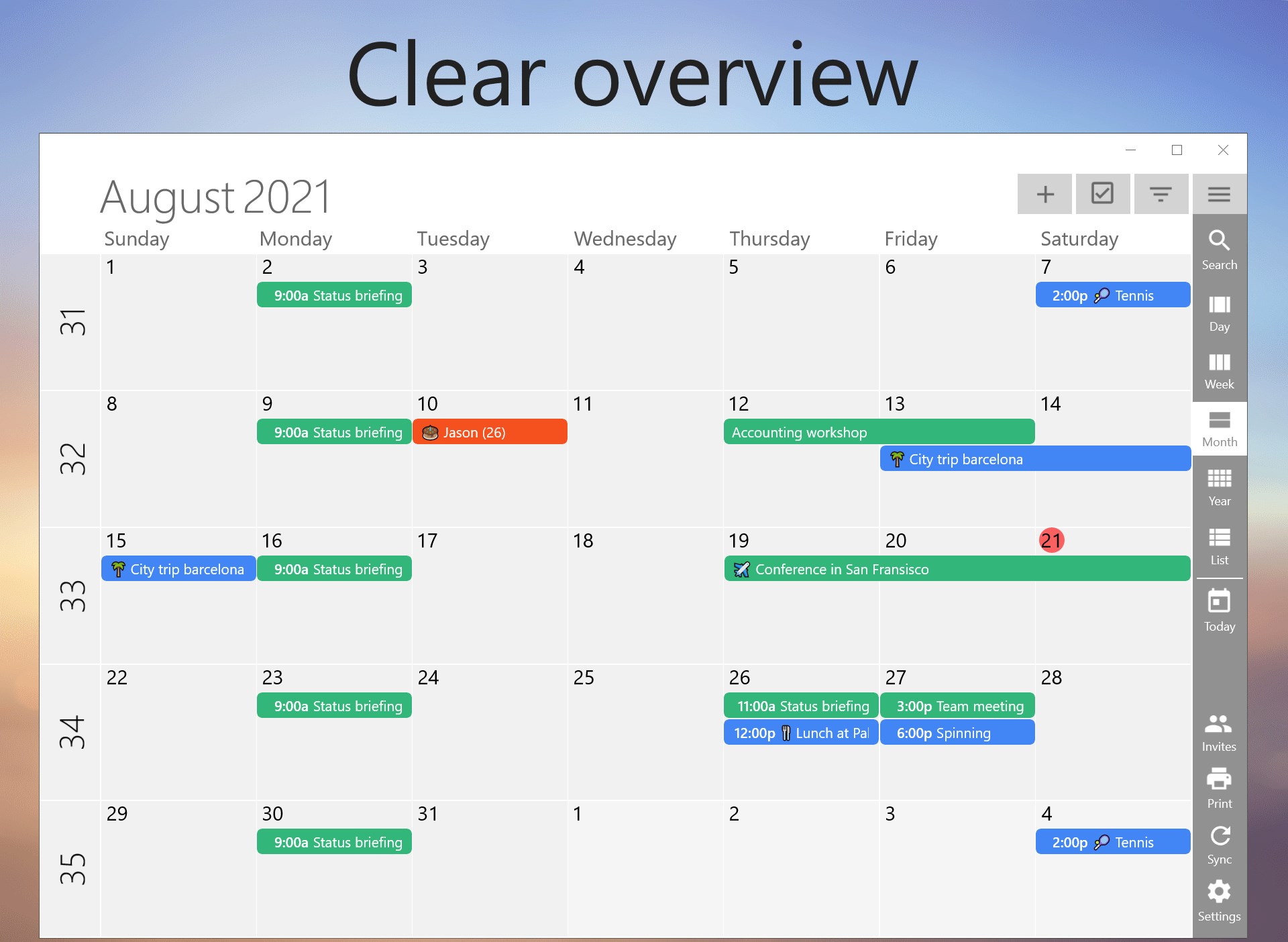
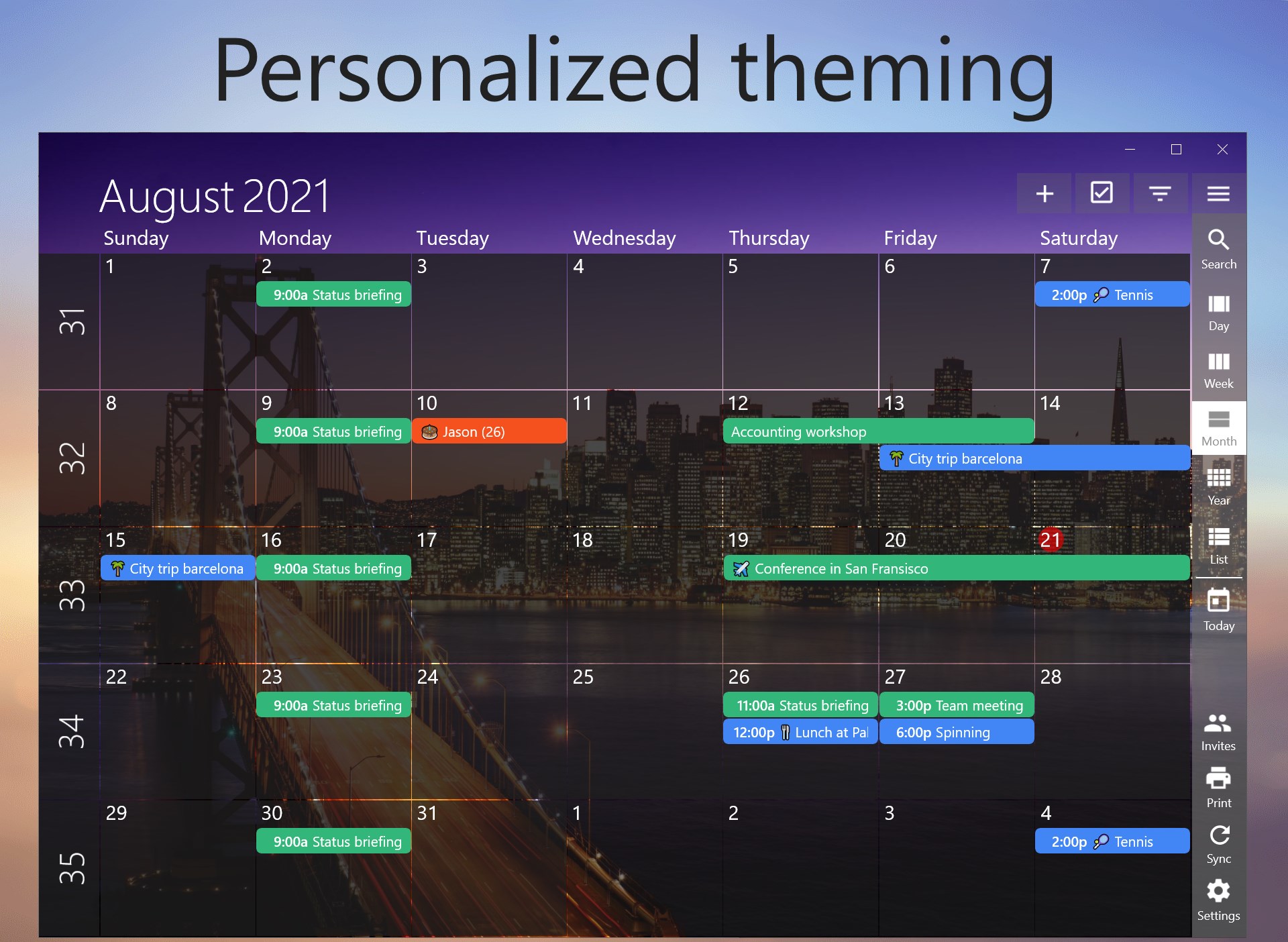
This app consolidates your various calendars and task lists into a single, coherent interface, reducing the chaos often associated with managing multiple scheduling platforms. Imagine having your work meetings, personal appointments, and task reminders all layered harmoniously—making it easier to visualize your day without hopping between apps.
Intuitive Event Management with Smart Suggestions
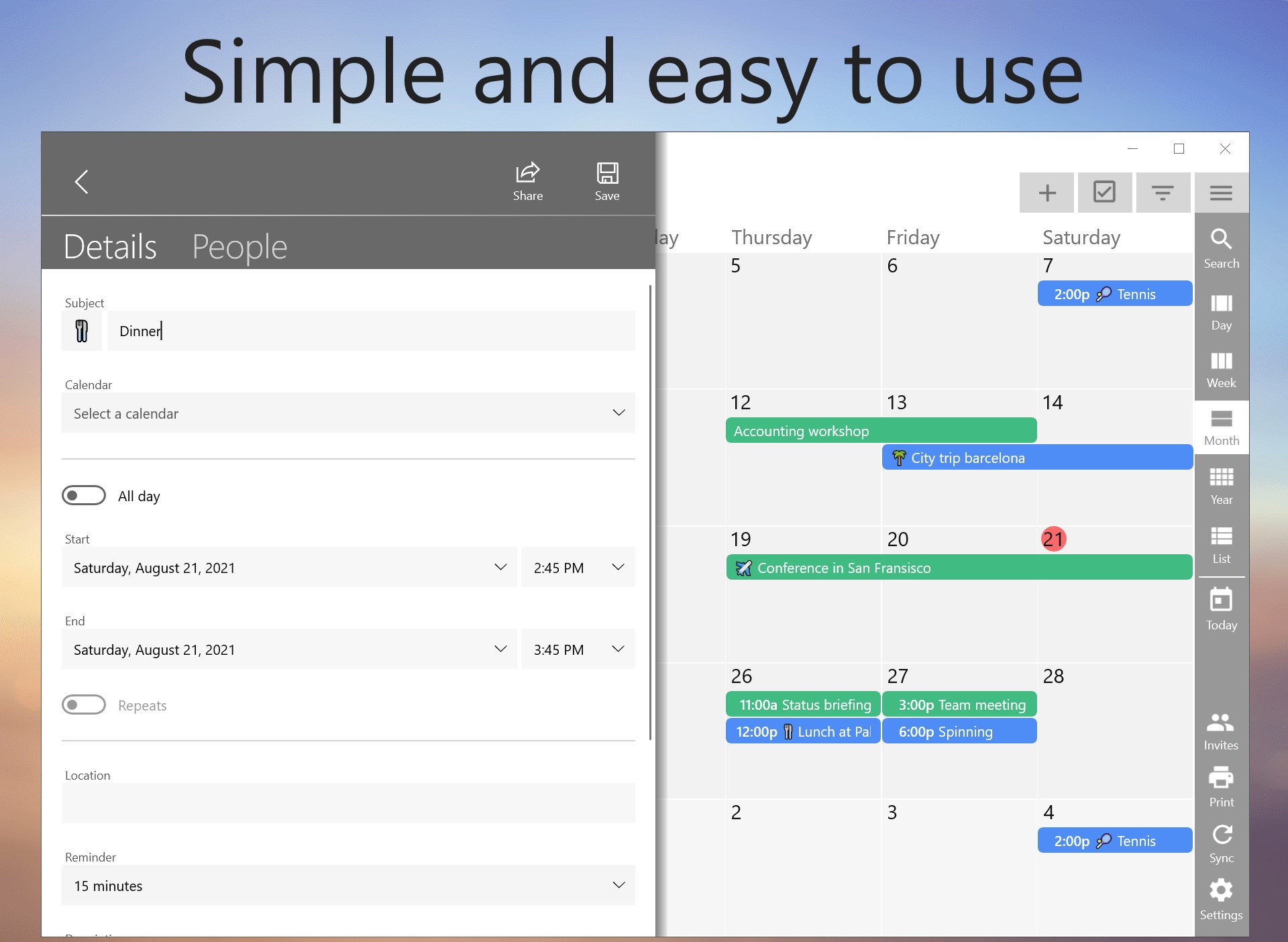
One Calendar's intelligent scheduling features include quick event creation coupled with smart suggestions that anticipate your needs based on your habits. It feels almost like a trusted assistant, helping you add meetings or reminders effortlessly—highlighting its focus on reducing cognitive load and simplifying planning tasks.
Deep Workflow Integration for Enhanced Productivity
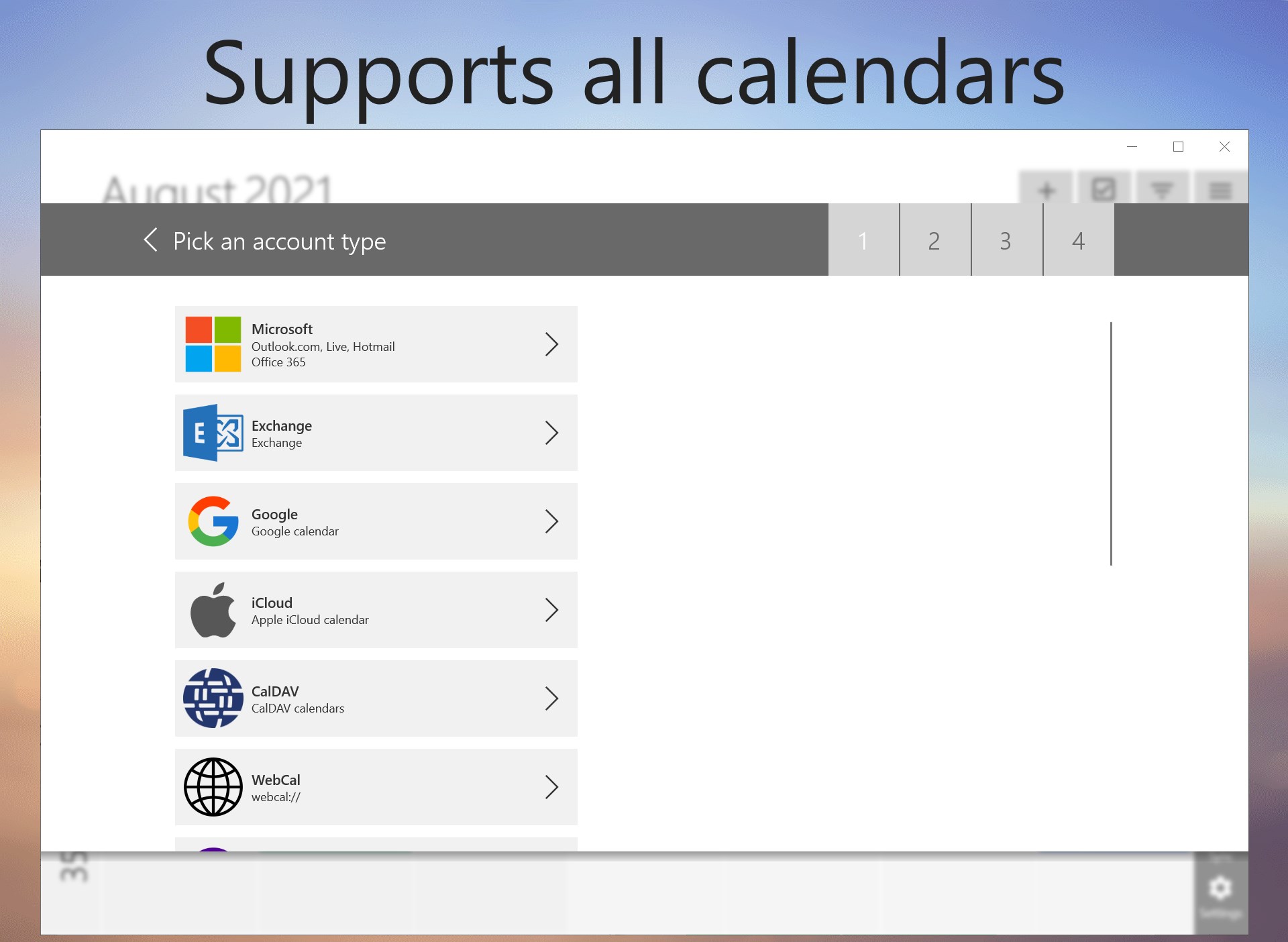
This app shines in how it integrates with your existing workflows. It syncs smoothly with other productivity tools and email platforms, enabling you to stay updated without switching contexts. Think of it as an orchestra conductor aligning various instruments for a harmonious performance—that's the level of streamlined coordination One Calendar offers.
Design, Usability, and Experience
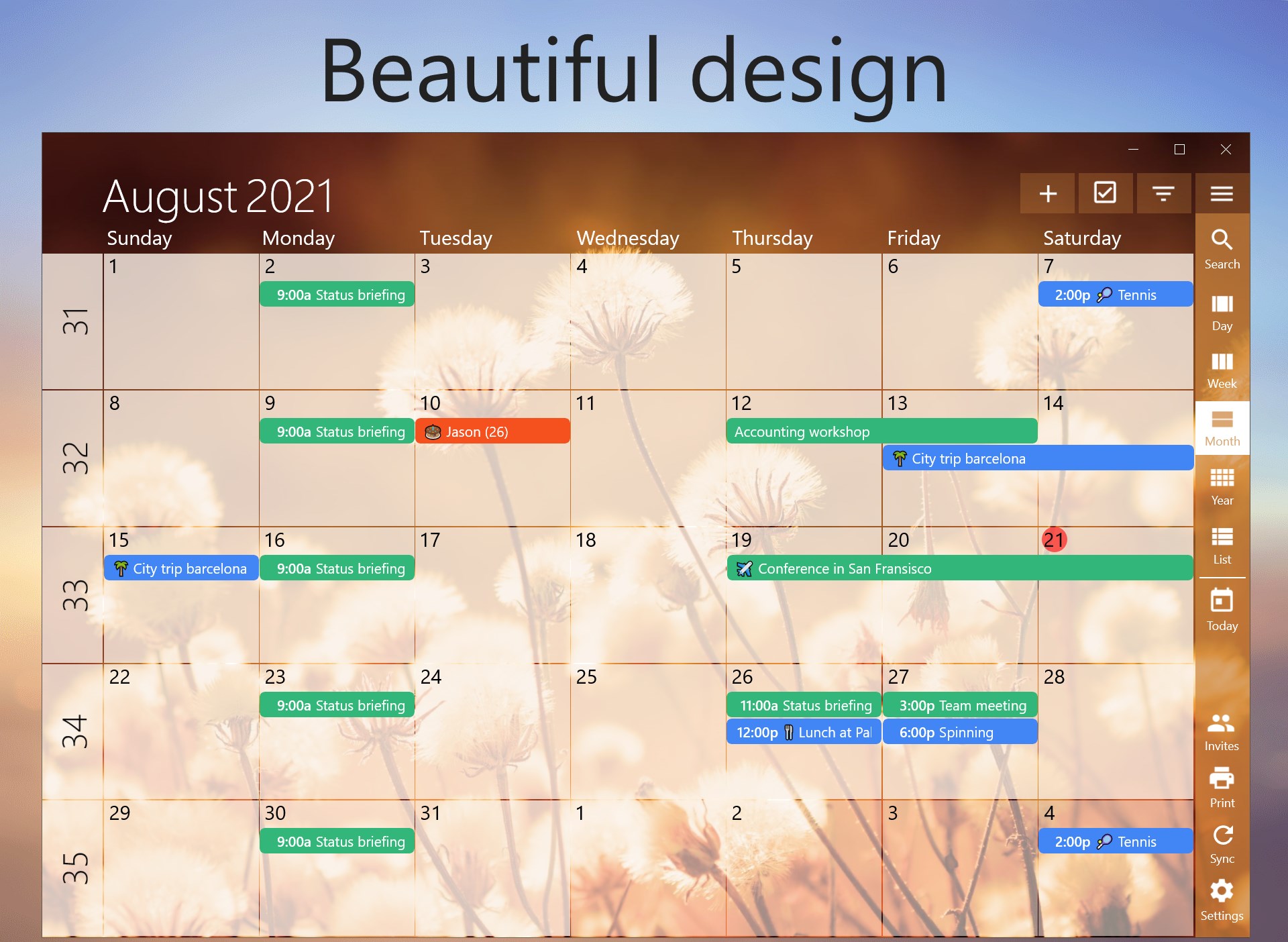
The interface of One Calendar is refreshingly clean and thoughtfully organized. The minimalist design employs calming colors and clear icons, which make navigating through days, weeks, and months feel almost instinctive. The operation flows seamlessly, with rapid responses to user inputs and smooth transitions that feel natural. Its learning curve is gentle—users can start managing plans quickly without deciphering complicated menus, making it accessible for both tech-savvy individuals and casual users.
What Sets It Apart from Other Productivity Apps?
While many calendar apps tout similar features, One Calendar's standout advantage lies in its focus on reducing cognitive load through simplified workflow integration. Unlike complex productivity tools that have dozens of bells and whistles which can overwhelm users, this app emphasizes essential scheduling functionalities designed for efficiency. Its smart suggestions and effortless synchronization make planning feel like an extension of your thought process, rather than an additional task.
Final Recommendations and Usage Tips
Overall, I recommend One Calendar for anyone seeking to declutter their scheduling habits and elevate their daily planning. It's especially suitable for busy professionals who juggle multiple calendars or anyone who values a harmonious digital environment. Use it as a central hub to coordinate your activities, and leverage its intelligent features to optimize your workflow. While it may not replace full-fledged project management tools, it is a reliable companion for creating order amidst everyday chaos.
In conclusion, One Calendar for Windows offers a balanced combination of simplicity and smart functionality, making it a worthy addition to your productivity toolkit. If your goal is less mental clutter and more efficient daily planning, this app might just become your new favorite digital organizer.
Pros
- Intuitive User Interface
- Cross-Platform Synchronization
- Integrated Task Management
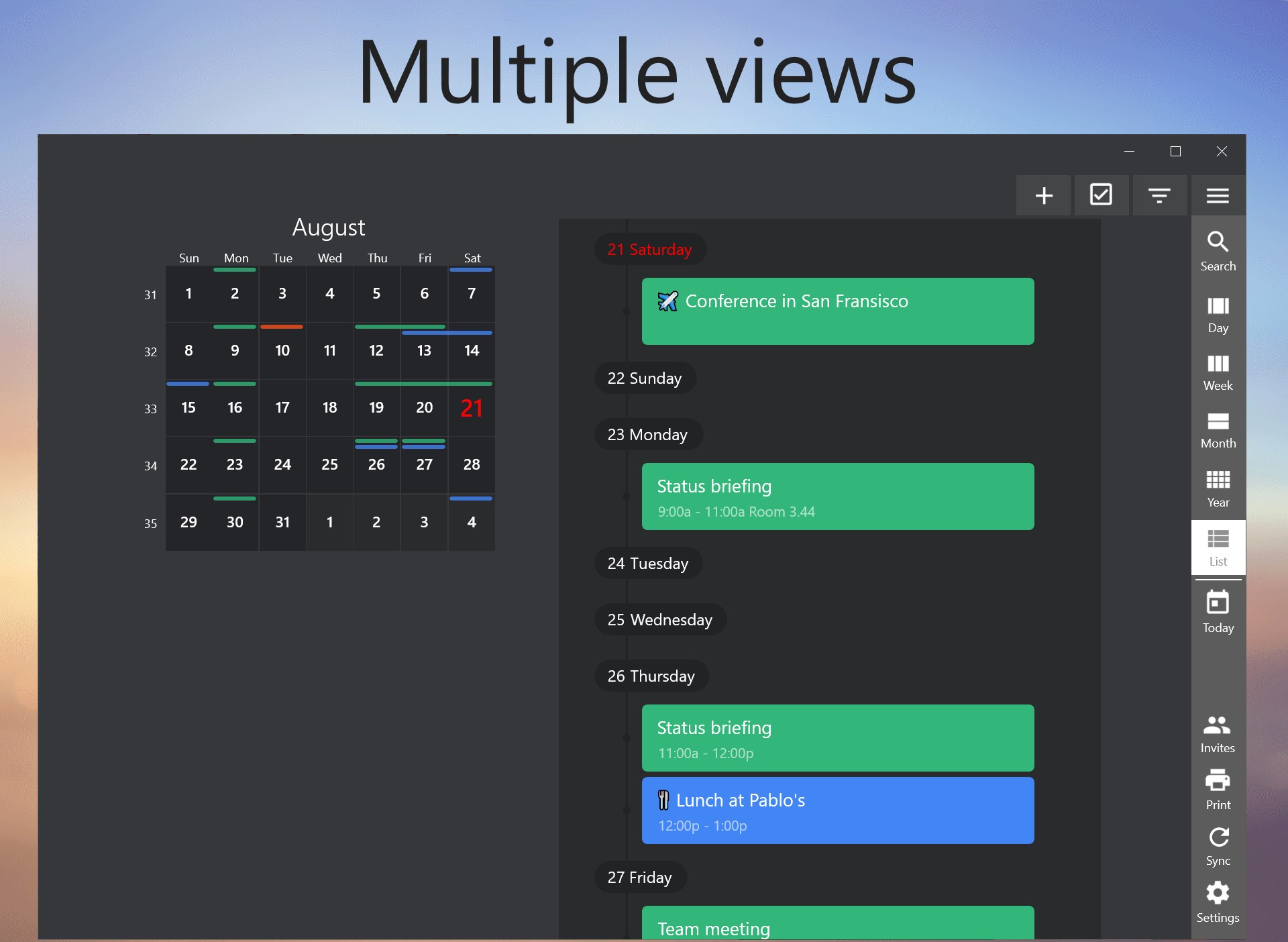
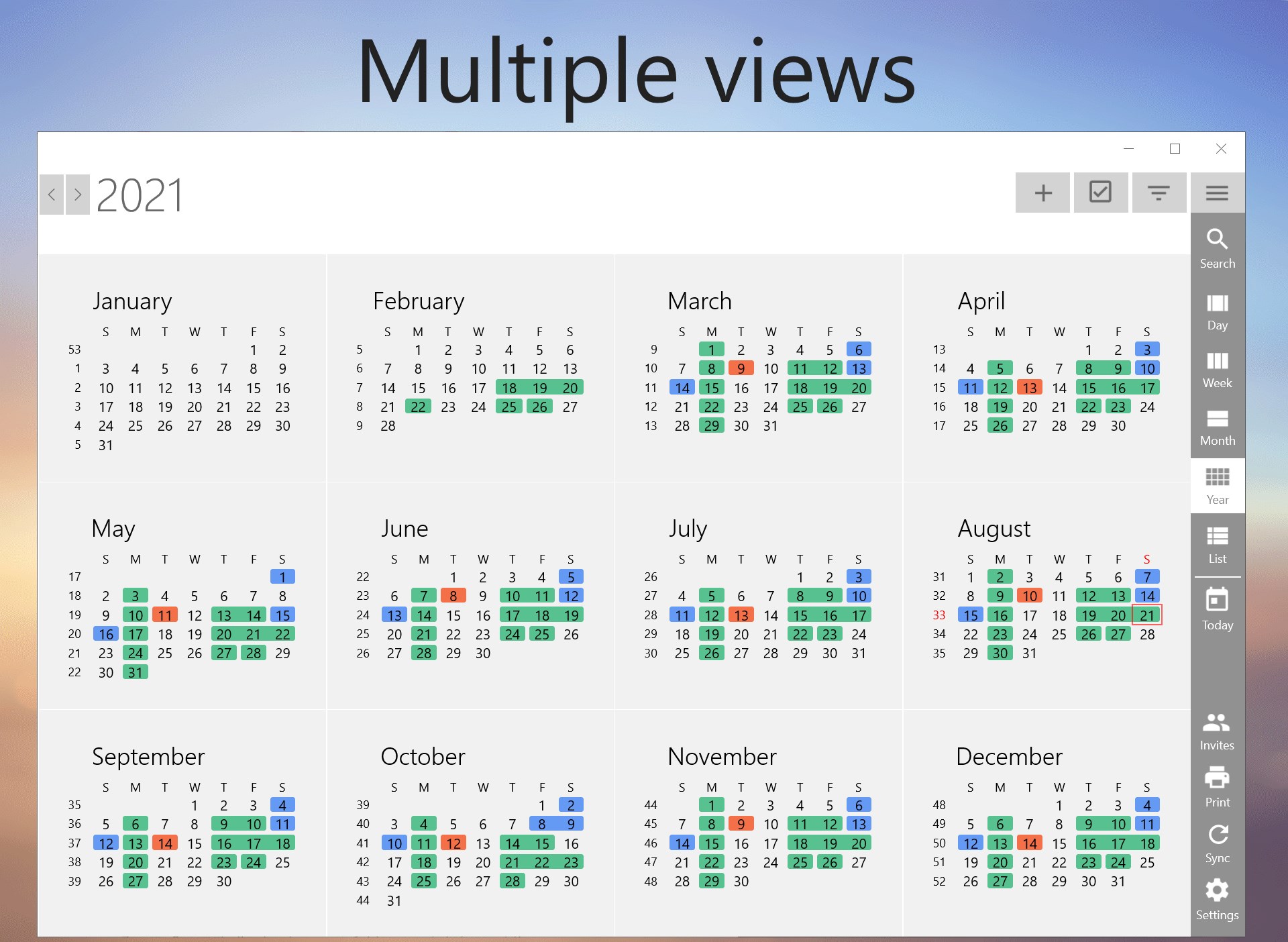
- Customizable Views
- Timely Notifications
Cons
- Limited Export Options
- Lacking widget Support
- Minimal Personalization
- Occasional Sync Delays
- Limited Integration with Third-Party Apps











