

- Name OfficeSuite Office Pack & PDF Editor - MobiOffice
- Category Productivity
- Developer MobiSystems Inc.
- Available on PC, Mobile, Surface Hub
- OS Windows 10 version 17763.0 or higher
- Memory 1 GB
- languages Arabic (Egypt), Bulgarian, Chinese (Simplified), Czech, English (United States), French, German, Hebrew, Hindi, Italian, Japanese, Polish , Portuguese (Brazil), Portuguese (Portugal), Russian, Spanish (Spain), Swedish, Thai
OfficeSuite Office Pack & PDF Editor: A Comprehensive Productivity Companion for Windows
In a world where efficiency is king, OfficeSuite Office Pack & PDF Editor by MobiSystems offers an all-in-one suite designed to streamline your document handling and boost workflow productivity on Windows. It promises a seamless blend of editing, viewing, and managing multiple document formats—much like having a portable office in your pocket but tailored for your desktop experience.
Developer and Core Features
Developed by MobiSystems Inc., a reputable entity in mobile and desktop office solutions, OfficeSuite Office Pack & PDF Editor presents a set of robust tools aimed at simplifying complex document tasks. The key highlights include:
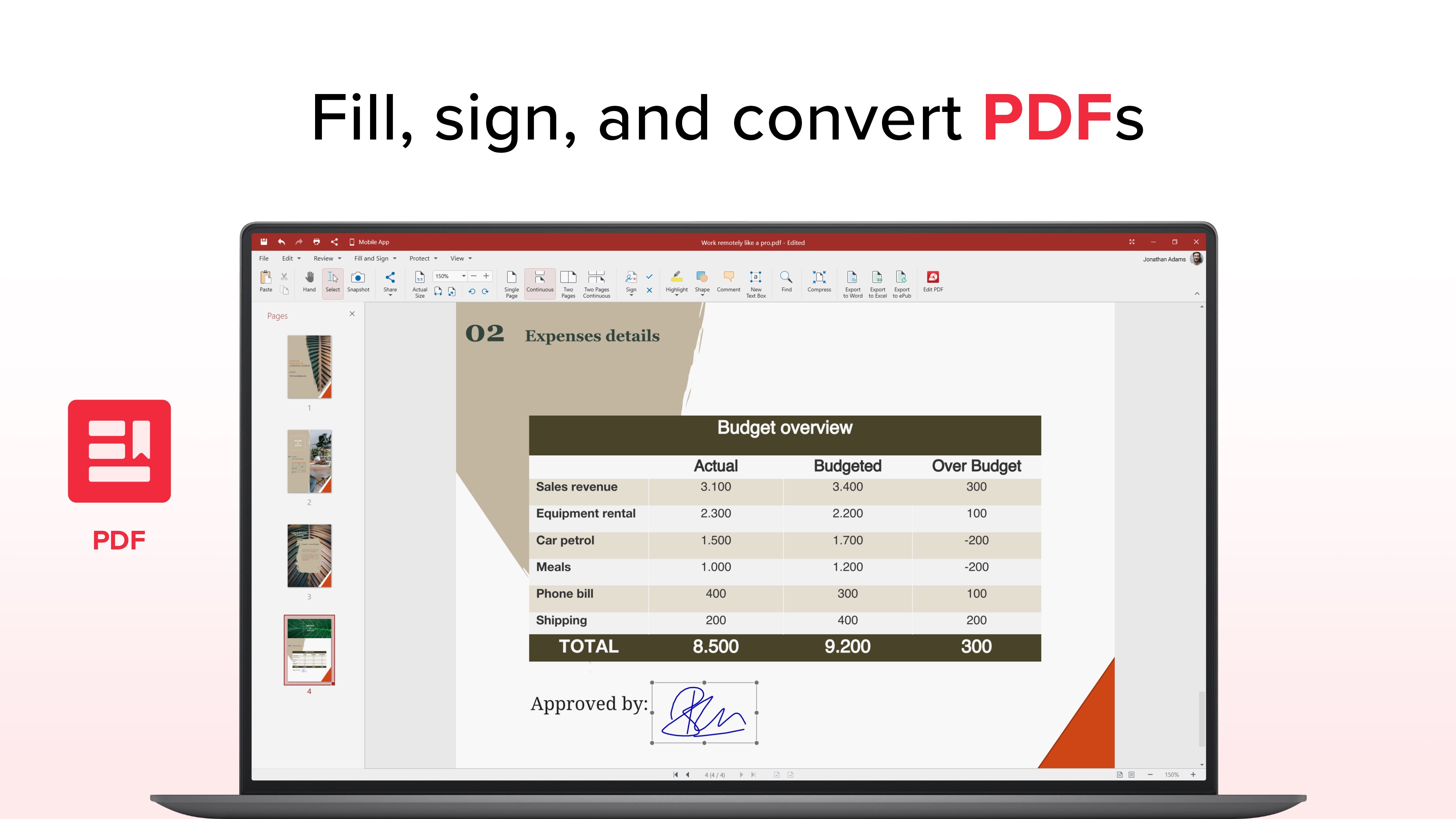
- Intuitive PDF Editing and Conversion: Edit PDFs directly—annotate, highlight, and modify text—plus easily convert PDFs into editable formats.
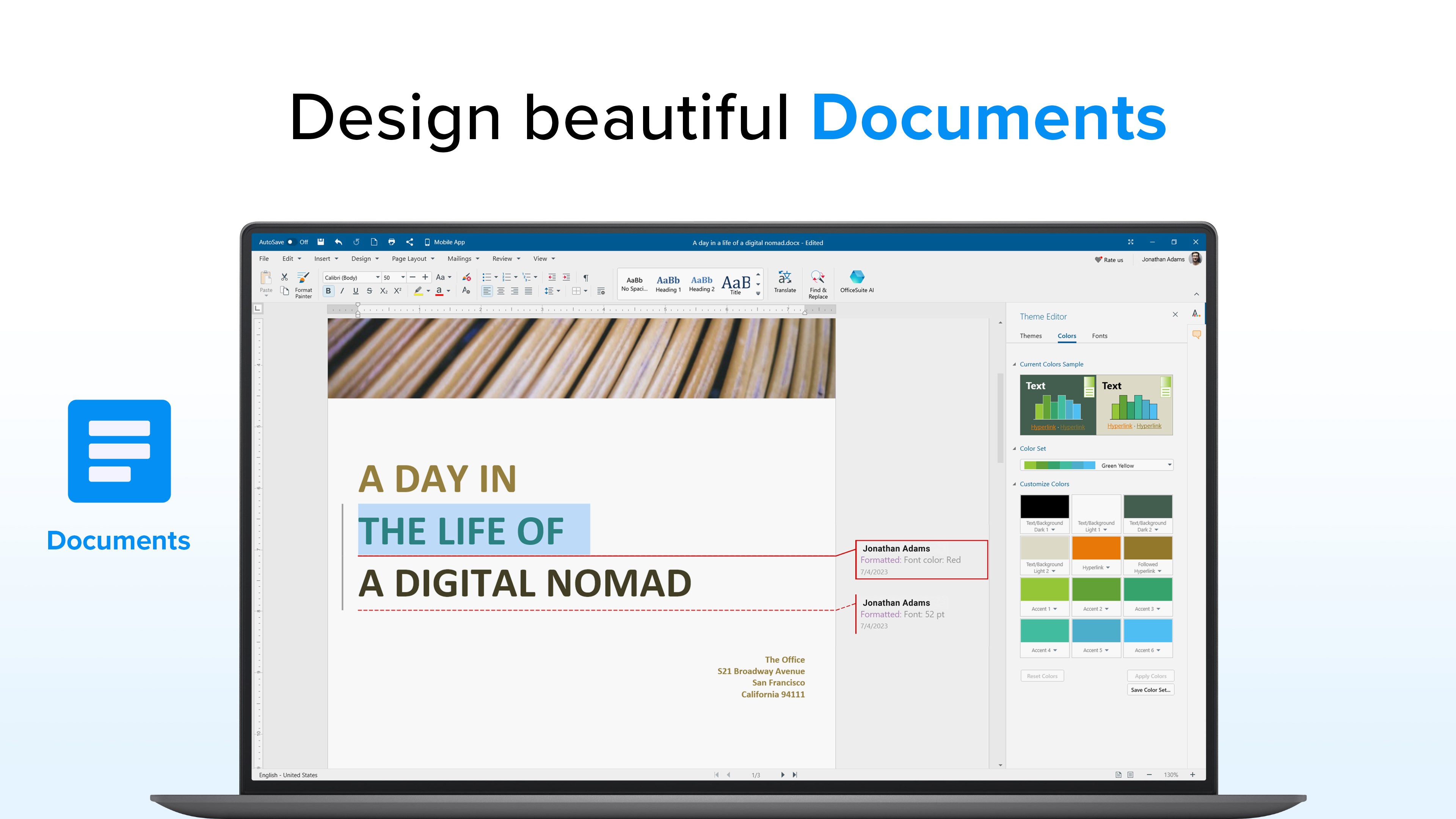
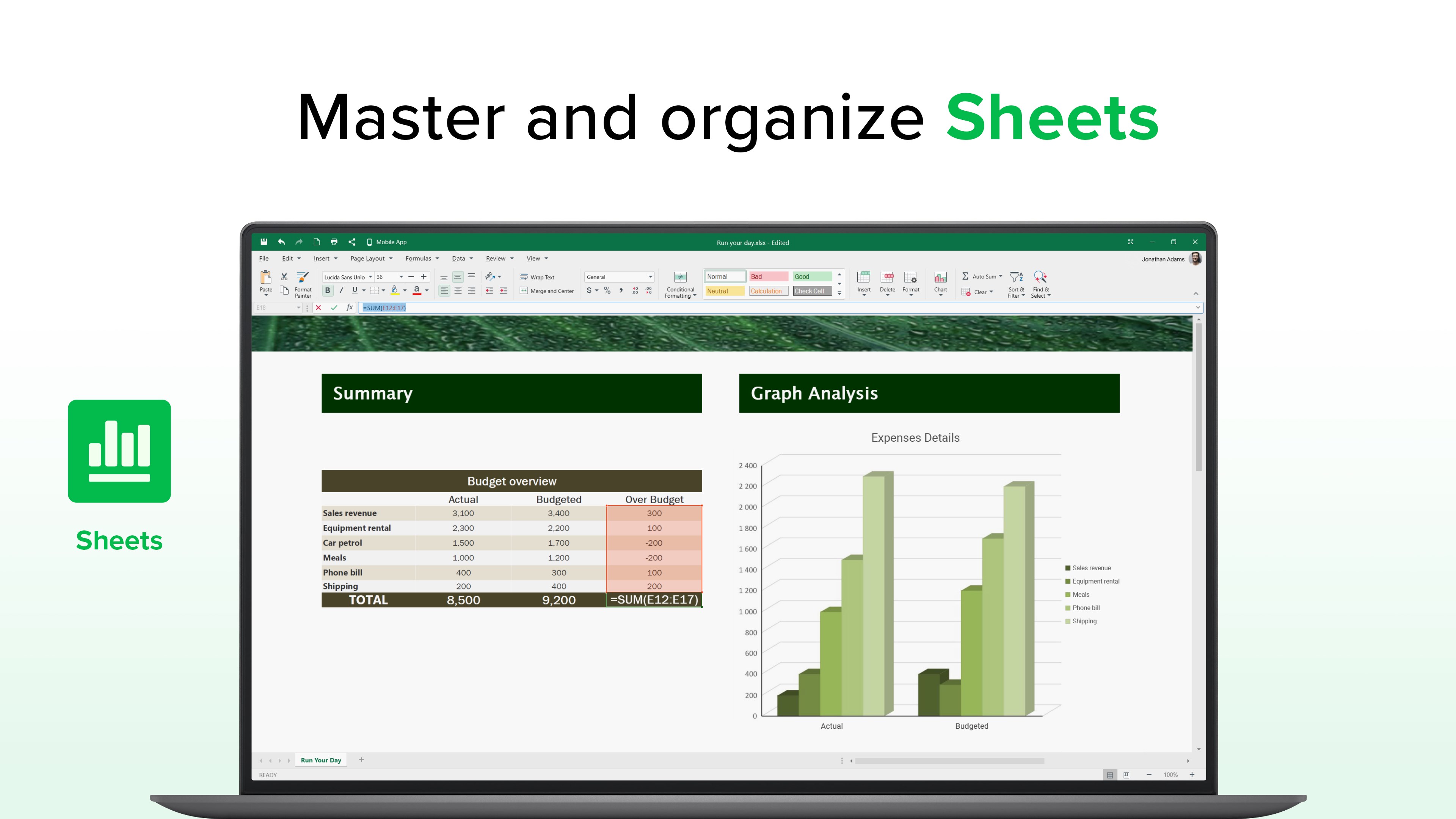
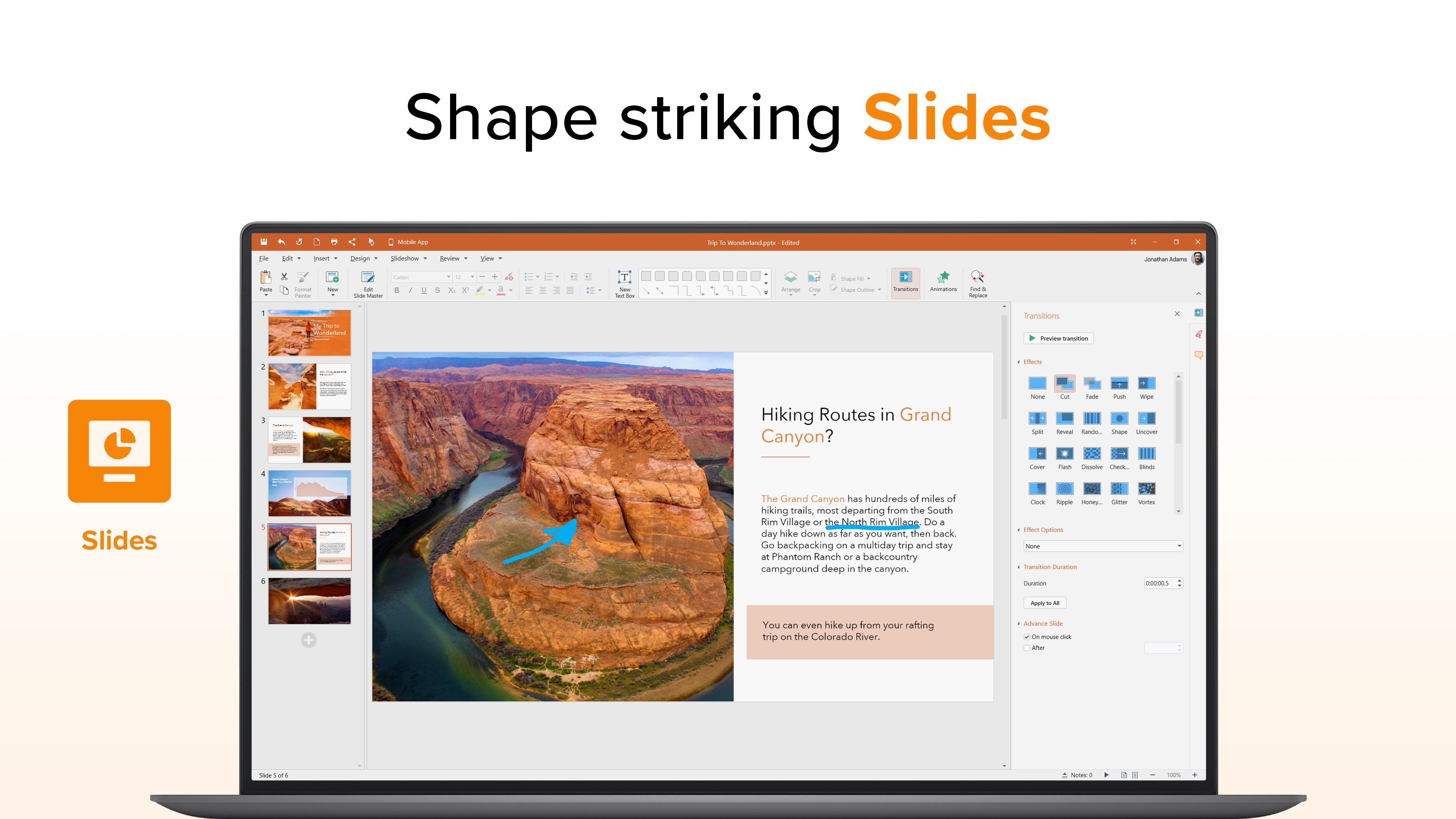
- Comprehensive Document Suite: Create, open, and edit Word, Excel, PowerPoint, and other file types within a clean, unified environment.
- Cross-Format Compatibility: Seamlessly work across different formats, reducing the need for multiple applications and ensuring compatibility with various file types.
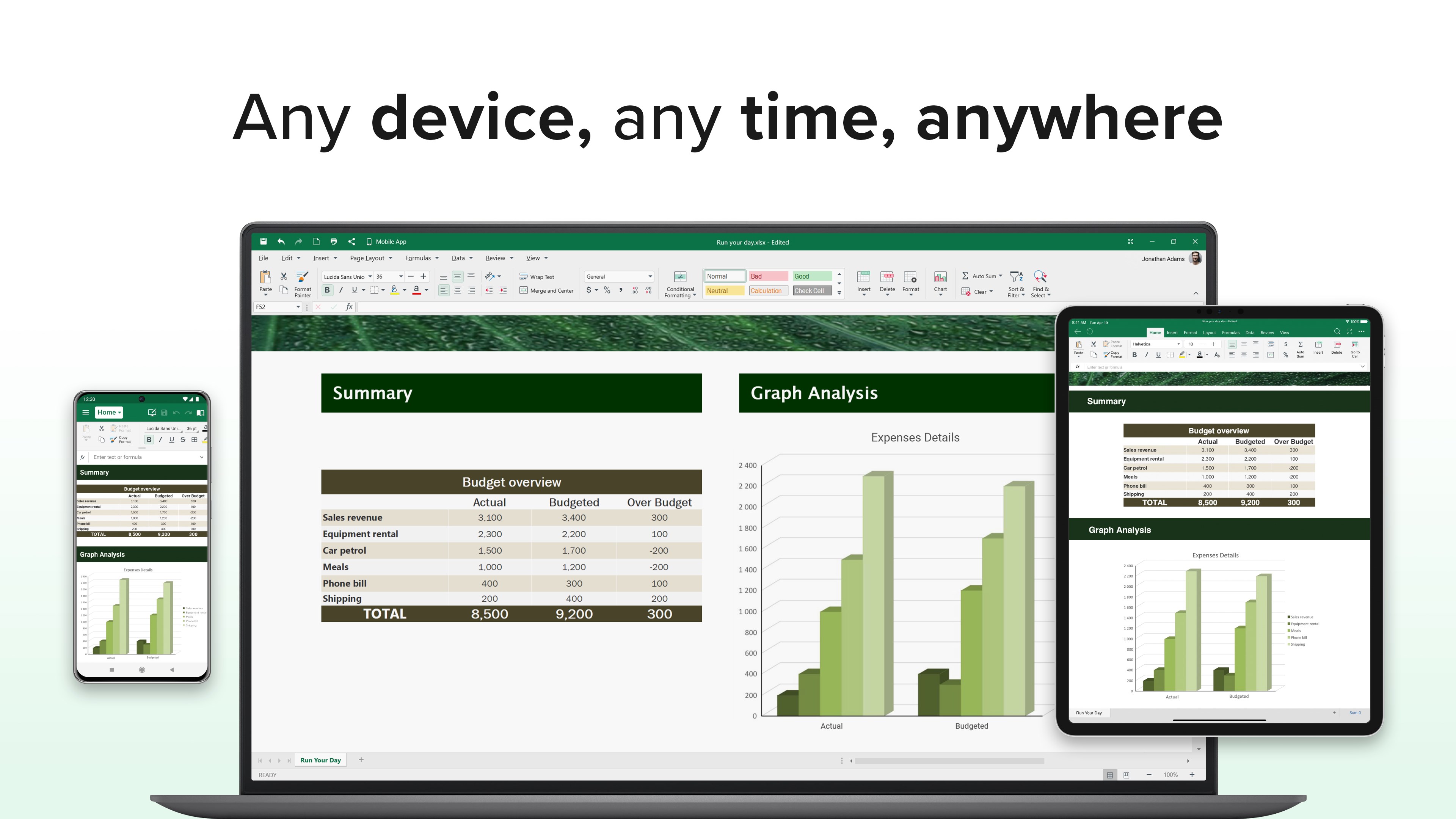
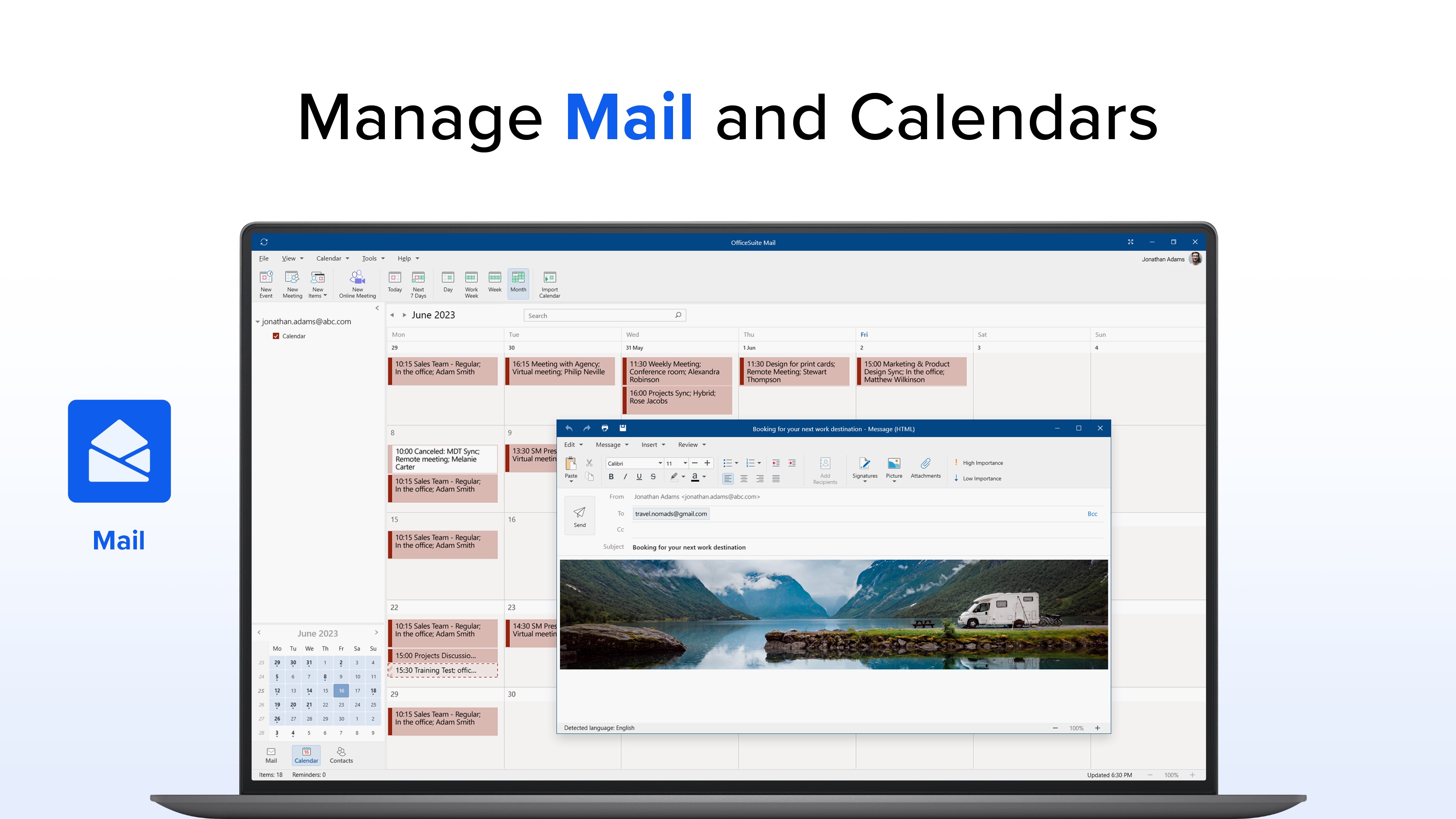
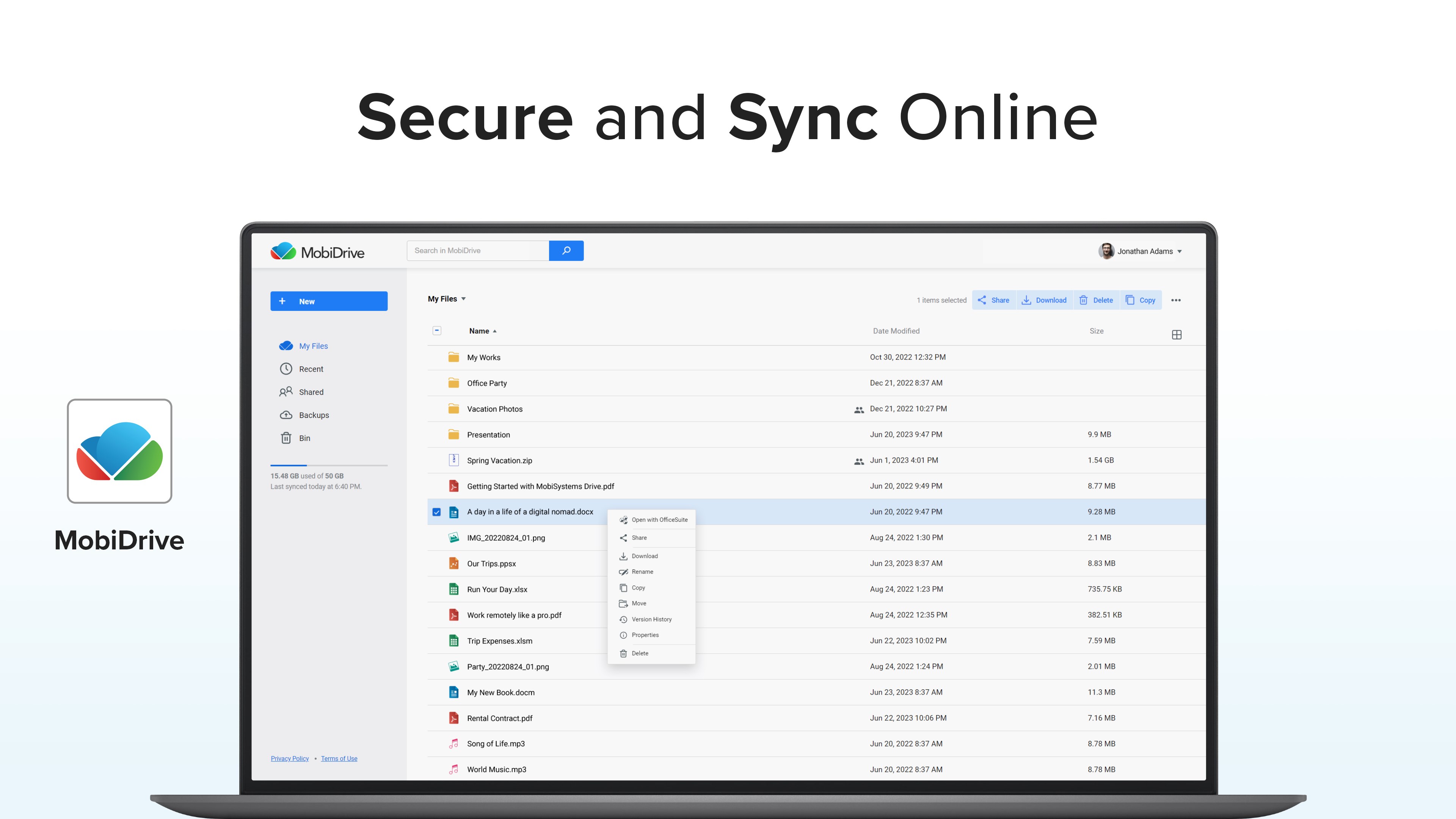
- Cloud Integration & Collaboration: Access your files from cloud storage and share documents effortlessly, promoting teamwork and remote collaboration.
Targeted at professionals, students, and casual users who need an efficient, reliable office solution with a focus on PDF management, this app aims to be your versatile workspace tool.
A Whimsical Tour Through the OfficeSuite World
Step into the digital workspace of OfficeSuite Office Pack & PDF Editor—where every click feels like a well-choreographed dance, and your documents respond effortlessly to your commands. Imagine having a Swiss Army knife for all your office needs, wrapped neatly in a sleek interface designed to minimize headaches and maximize efficiency. Whether you're reviewing complex legal documents or preparing a quick presentation, this app promises to be the reliable sidekick in your everyday productivity battlefield.
Streamlined PDF Editing: The App's Crown Jewel
Among its standout features, OfficeSuite's PDF editing capabilities shine brightest. Unlike some competitors that treat PDFs as static images or static documents, OfficeSuite enables you to modify text directly within the PDF—making corrections or updates as simple as editing a Word document. Annotate with highlights, comments, and shapes, turning your PDFs into living, editable documents. This feature dramatically reduces the need for multiple apps and simplifies document workflows, especially in settings where quick revisions matter.
Unified Document Workspace for Seamless Multiformat Workflows
Another core strength is how it consolidates various document types into a single interface. Creating a PowerPoint presentation, editing an Excel spreadsheet, or drafting a Word document all happen smoothly within the same environment. This integrated approach cuts down on app-switching and cognitive load—imagine not having to juggle multiple windows or learning different UI patterns. The workflow feels natural and intuitive, akin to having a well-organized physical office space that's always ready for business.
Design and User Experience: Simplicity Meets Functionality
The interface strikes an admirable balance—professional yet approachable. The layout is clean, with well-organized toolbars and clear icons that guide users effortlessly through tasks. Operation feels swift; documents open promptly, and editing responses are immediate, ensuring a lag-free experience. The learning curve is gentle enough for beginners but sufficiently rich in features for power users. Plus, cloud synchronization options minimize disruptions, allowing you to transition seamlessly between devices or collaborate with colleagues without missing a beat.
What Sets It Apart from Other Productivity Suites?
While many office apps aim to offer extensive features, OfficeSuite emphasizes workflow integration and cognitive load reduction. Its unique selling point lies in how it reduces the mental effort required to manage multi-format documents—by centralizing editing and viewing functions in one app, it spares users from deciphering complex menus or dealing with incompatible file issues. In this way, it prioritizes a fluid user experience similar to a well-organized desktop workspace, rather than overwhelming users with a plethora of options that complicate rather than simplify their workflow.
Final Thoughts and Recommendations
If you're seeking a versatile, reliable office toolkit that unites PDF editing with comprehensive document management, OfficeSuite Office Pack & PDF Editor is worth considering. It is particularly suited for those who value efficiency and straightforwardness over feature bloat. For professionals who regularly handle PDFs, reports, and presentations across formats, this app provides a unified environment that genuinely streamlines your daily tasks.
While not the most flashy or feature-heavy suite in the market, its focus on workflow efficiency and reducing cognitive load makes it an intelligent choice for users who appreciate clarity and ease of use. I'd recommend trying it out if your workflow involves frequent document conversions, edits, or cross-format management, especially in a professional or academic setting. Its balanced design and thoughtful features make it a dependable companion for your desktop productivity needs.
Pros
- Comprehensive Office Suite
- User-Friendly Interface
- PDF Editing Capabilities
- Cloud Integration
- Affordable Pricing
Cons
- Limited Advanced Features
- Occasional Compatibility Issues
- Performance Lag on Older Devices
- In-App Advertisements
- Occasional Sync Delays











