
- Name Notification Logger
- Category Productivity
- Developer GagarinSoft
- Available on PC, Mobile, Xbox console, Surface Hub, HoloLens
- OS Windows 10 version 16299.0 or higher
- Keyboard Not specified
- Mouse Not specified
- languages Arabic, Chinese (Simplified), Dutch, English (United States), French, German, Hindi, Italian, Japanese, Korean , Polish , Portuguese (Portugal), Russian, Spanish (Spain), Turkish
Introducing Notification Logger for Windows: Your Personal Notification Archivist
If managing endless alerts feels overwhelming, Notification Logger for Windows steps in as a calm, organized companion, quietly capturing every notification to keep you informed without distractions. Developed by GagarinSoft, this tool is designed for users seeking a seamless way to log and review their notifications effortlessly.
What Makes Notification Logger Stand Out?
Developed by GagarinSoft, a team dedicated to creating productivity-enhancing tools, Notification Logger offers a handful of standout features:
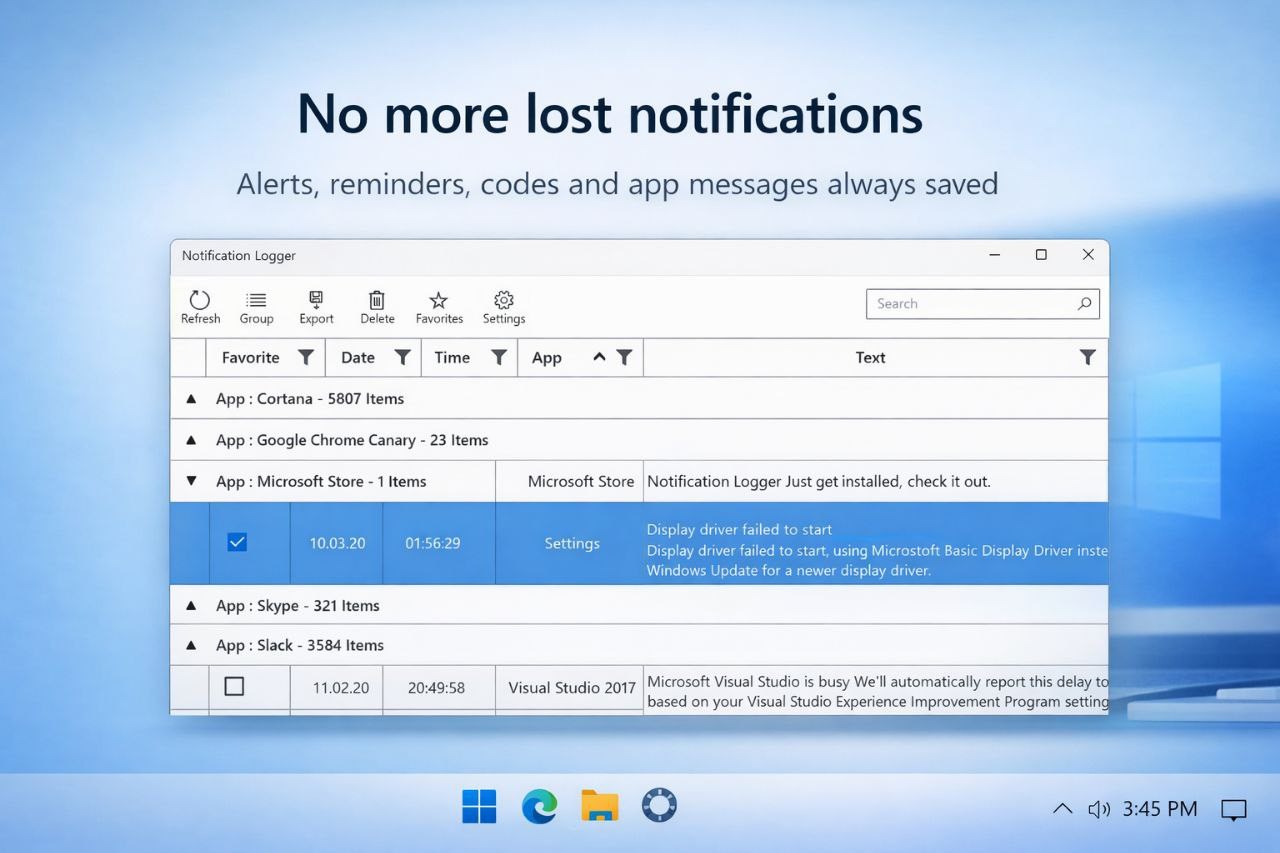
- Comprehensive Notification Tracking: Records all system and app notifications in real-time, providing a centralized log at your fingertips.
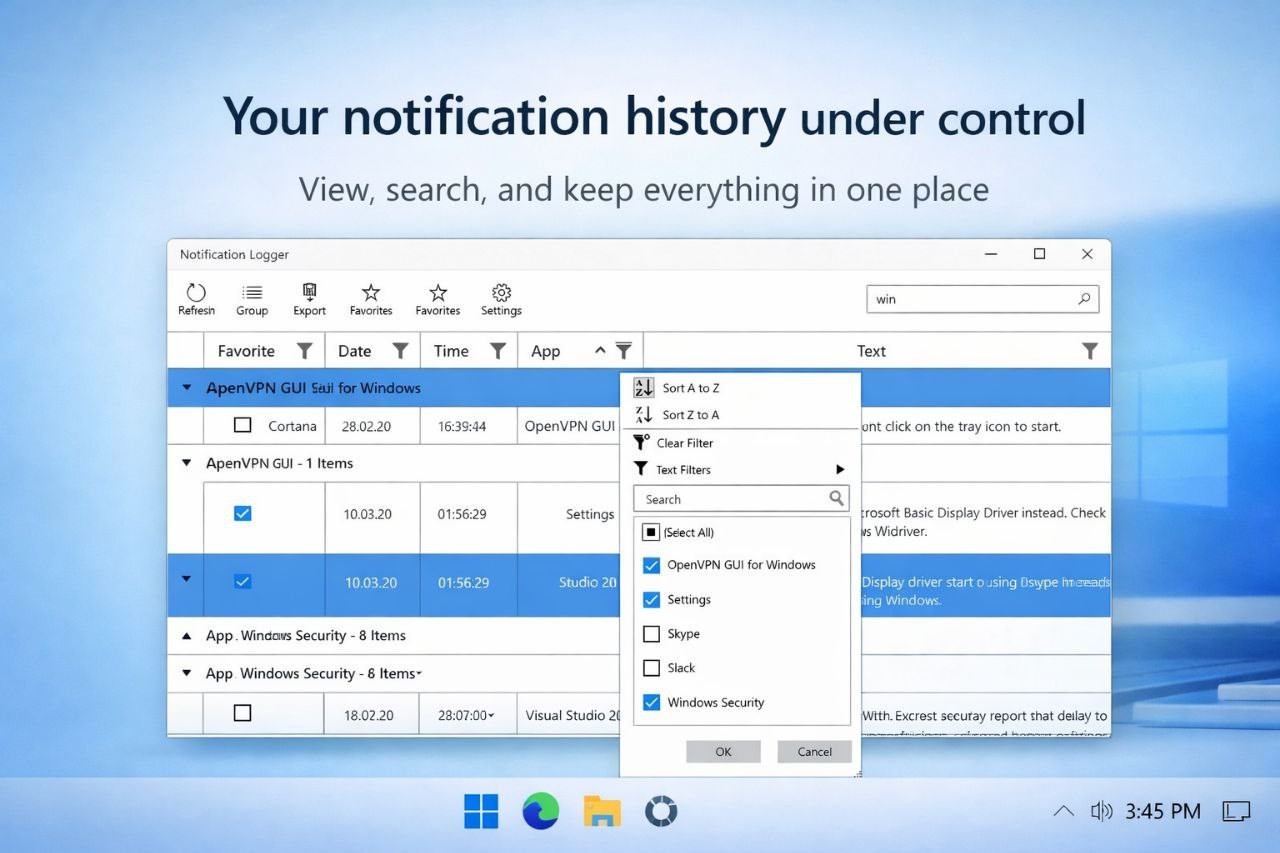
- Ease of Review and Search: Allows users to browse past alerts swiftly, with filtering options for efficient retrieval of information.
- Minimalist and Intuitive Interface: Features a clean design that emphasizes ease of use, reducing clutter and confusion.
- Lightweight and Low Resource Consumption: Operates smoothly without taxing system resources, maintaining performance while working quietly in the background.
The application caters primarily to professionals, developers, or anyone who relies on notification-heavy workflows and wishes to stay organized without missing vital updates.
A Walkthrough of Key Features
1. Capture and Record Every Notification
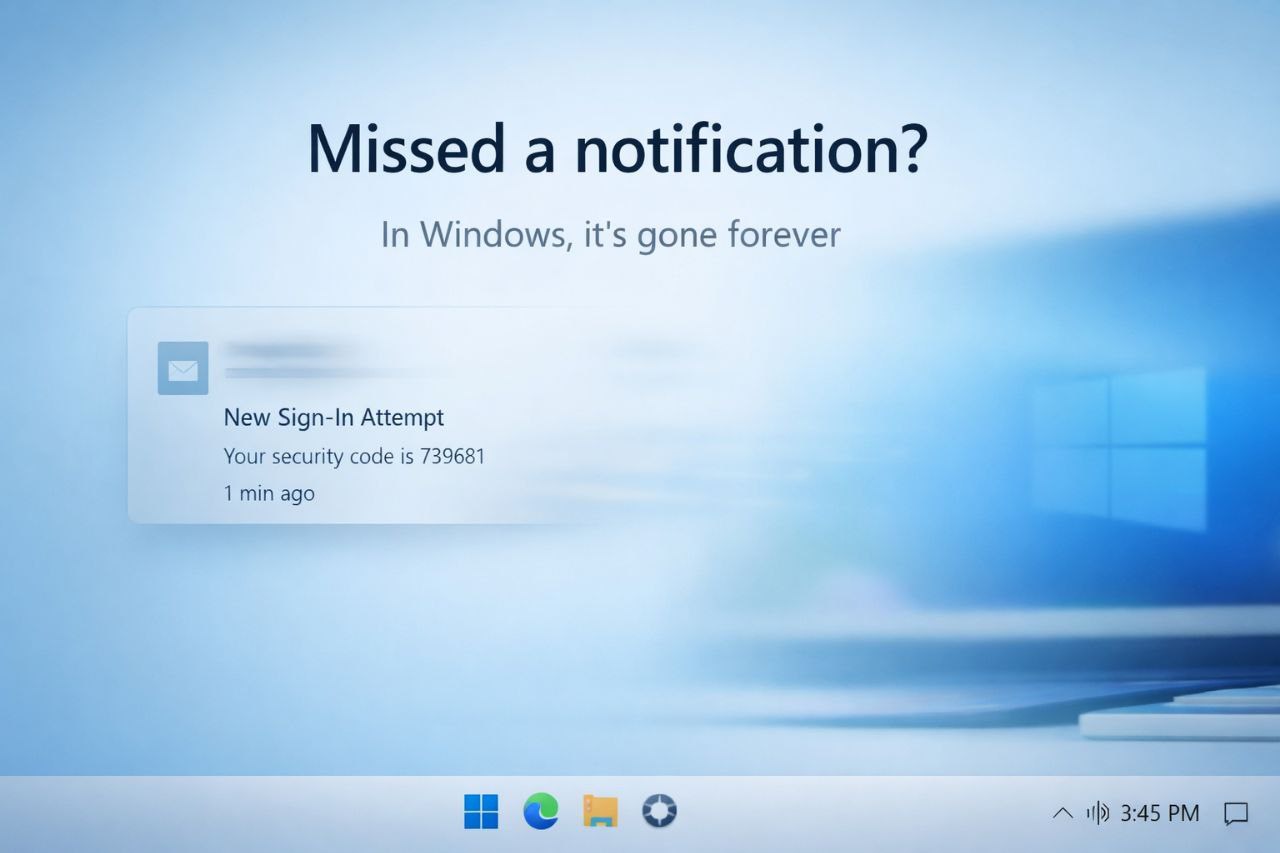
Imagine having a diligent assistant who logs every message, alert, and reminder that pops up on your screen. That's exactly what Notification Logger provides. It continuously monitors your system's notification center, saving each entry into an accessible history. Whether it's a crucial work alert or a casual social media ping, the app ensures nothing slips through the cracks. This function is particularly useful for those who need to review past notifications for context or accountability, such as support teams or researchers.
2. Streamlined Review and Search Capabilities
Gone are the days of sifting through cluttered notification logs. Notification Logger enables you to filter notifications by timestamp, source application, or type, making review sessions efficient and stress-free. Think of it as a well-organized diary, where you can flip through entries like pages of memories. This feature not only saves time but also reduces cognitive load, helping users stay focused on their primary tasks while keeping an eye on important alerts archived neatly in the background.
3. User Interface and Performance
The design philosophy behind Notification Logger is simplicity akin to a well-organized desk—everything in its place, easy to access. The interface is minimalist, avoiding unnecessary complexity, which supports quick learning curves even for new users. Software responsiveness is impressive; the app runs smoothly without causing noticeable lag or high CPU usage, thanks to its lightweight architecture. Users report that operating the app feels natural, like chatting with a friendly assistant rather than wrestling with a complicated tool.
How Does It Compare? Standing Out in the Productivity Crowd
Many notification management tools exist, but Notification Logger distinguishes itself through its focus on workflow integration and cognitive load reduction. Instead of overwhelming users with features that demand steep learning curves or introduce clutter, it centers on a core mission: capturing and presenting notifications in a straightforward manner. Its unique advantage lies in its ability to seamlessly integrate into your daily workflow—you simply let it run quietly, and it does the recording and organizing behind the scenes.
Compared to apps that provide extensive feature sets but may complicate usability, Notification Logger emphasizes efficiency. It reduces mental effort—think of it as removing the noise from the process—so you can focus on what truly matters, whether that's work, study, or personal projects. It's like having an understated, highly reliable secretary who never forgets a detail but never gets in your way.
Final Thoughts and Recommendations
I'd recommend Notification Logger for Windows to users who value organization and efficiency in their notification management. If your daily digital life is filled with alerts, reminders, or messages that you need to track but find cumbersome to sift through later, this app provides a handy solution. Its intuitive design and focus on core logging functions make it suitable even for non-technical users looking for a simple yet effective tool.
While it may not boast a myriad of advanced customization options or flashy features, its understated approach to functionality is its biggest selling point. For those seeking to reduce distraction, improve workflow, and keep a tidy record of notifications without added complexity, Notification Logger is a commendable choice. Consider integrating it into your daily routine—you might find your digital clutter significantly diminished, and your focus greatly improved.
Pros
- User-friendly interface
- Real-time notification logging
- Detailed notification records
- Customizable notification filters
- Lightweight and fast
Cons
- Limited filtering options
- No export feature for logs
- Occasional sync delays
- Basic customization options
- Lack of detailed troubleshooting guidance











