

- Name Noteshelf
- Category Productivity
- Developer Fluid Touch Pte. Ltd.
- Available on PC, Mobile, Surface Hub, HoloLens
- OS Windows 10 version 19041.0 or higher
- Memory 2 GB
- DirectX DirectX 12 API, Hardware Feature Level 11
- Memory 8 GB
- languages English (United States), Korean
Noteshelf for Windows: Your Digital Notebook Companion
Noteshelf for Windows by Fluid Touch Pte. Ltd. positions itself as a versatile and user-friendly digital note-taking app designed to replicate the natural feel of handwriting while integrating seamlessly into your workflow. Its primary aim is to bridge the gap between traditional pen-and-paper notes and modern productivity tools, making it an ideal solution for students, professionals, and creativity enthusiasts alike.
Introduction: Bringing Creativity and Functionality Together
Imagine sitting at your desk, surrounded by the gentle scratch of a pen as you jot down ideas, sketch diagrams, or annotate documents—all within a clean, intuitive interface. Noteshelf for Windows offers this experience, transforming your touchscreen device into a digital paper pad that adapts to your working style. With its elegant blend of simplicity and powerful features, this app strives to make note-taking less of a chore and more of an enjoyable ritual.
Core Features That Elevate Your Note-Taking Experience
Flexible Notebook Organization and Rich Content Support
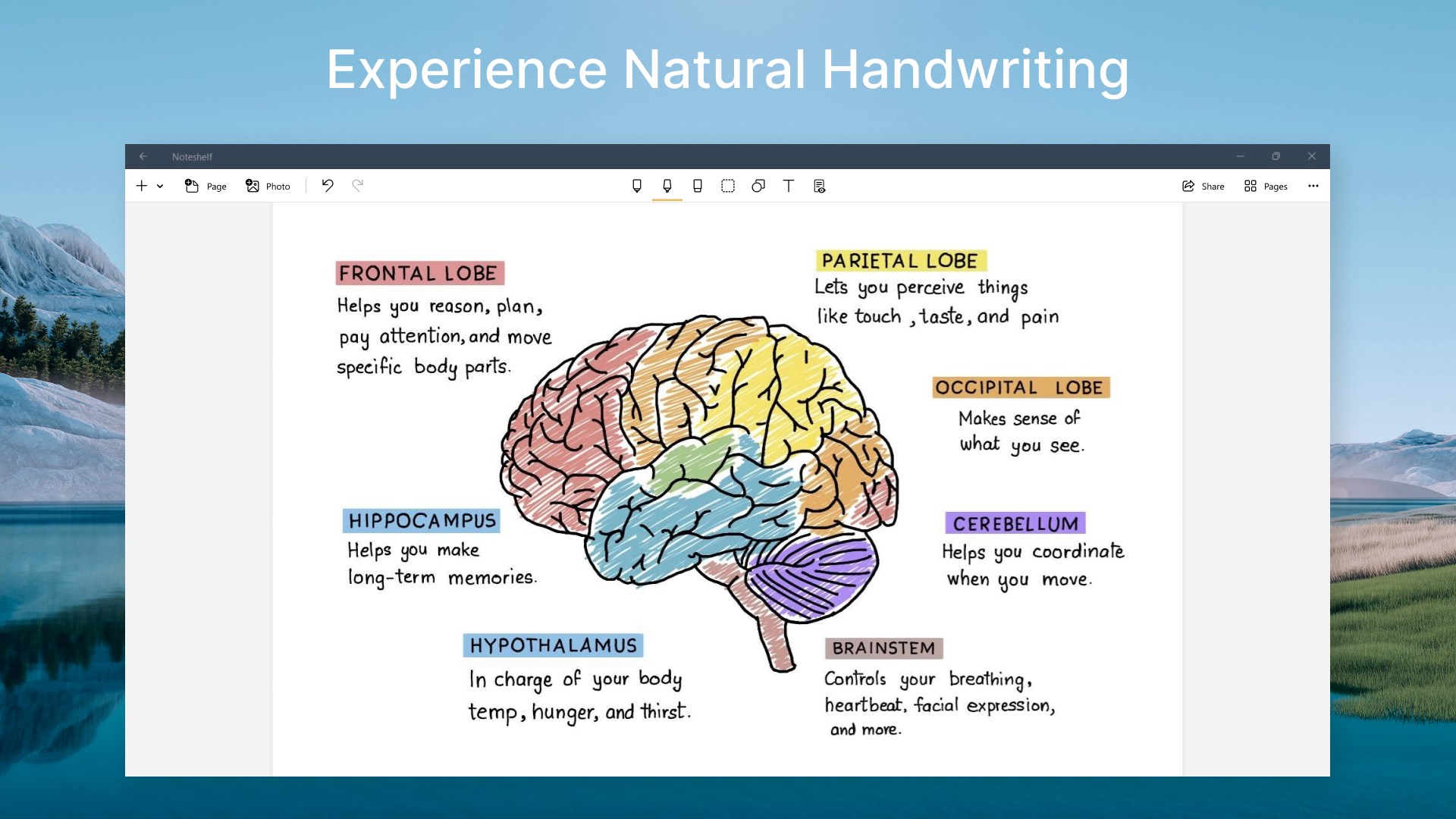
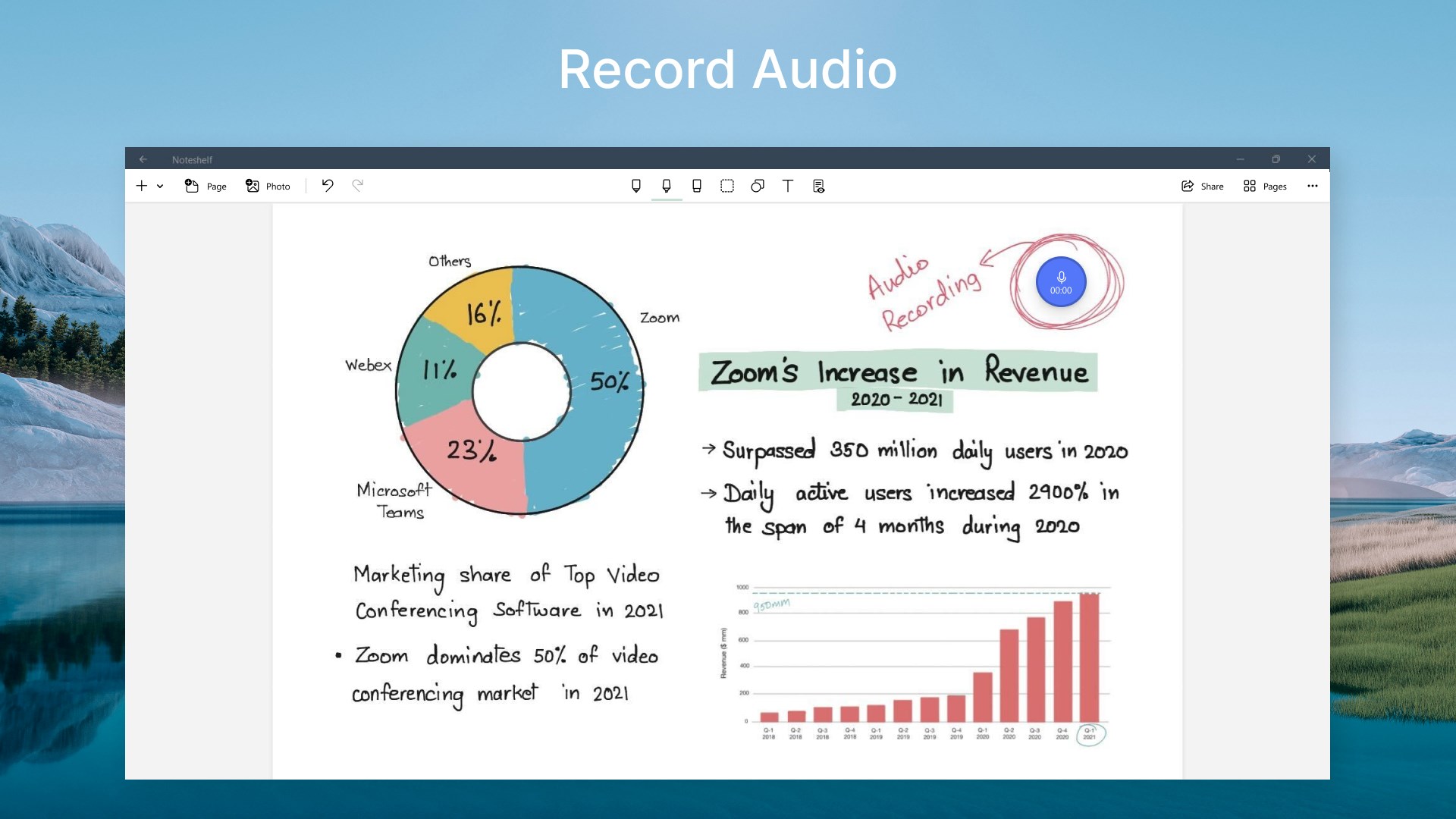
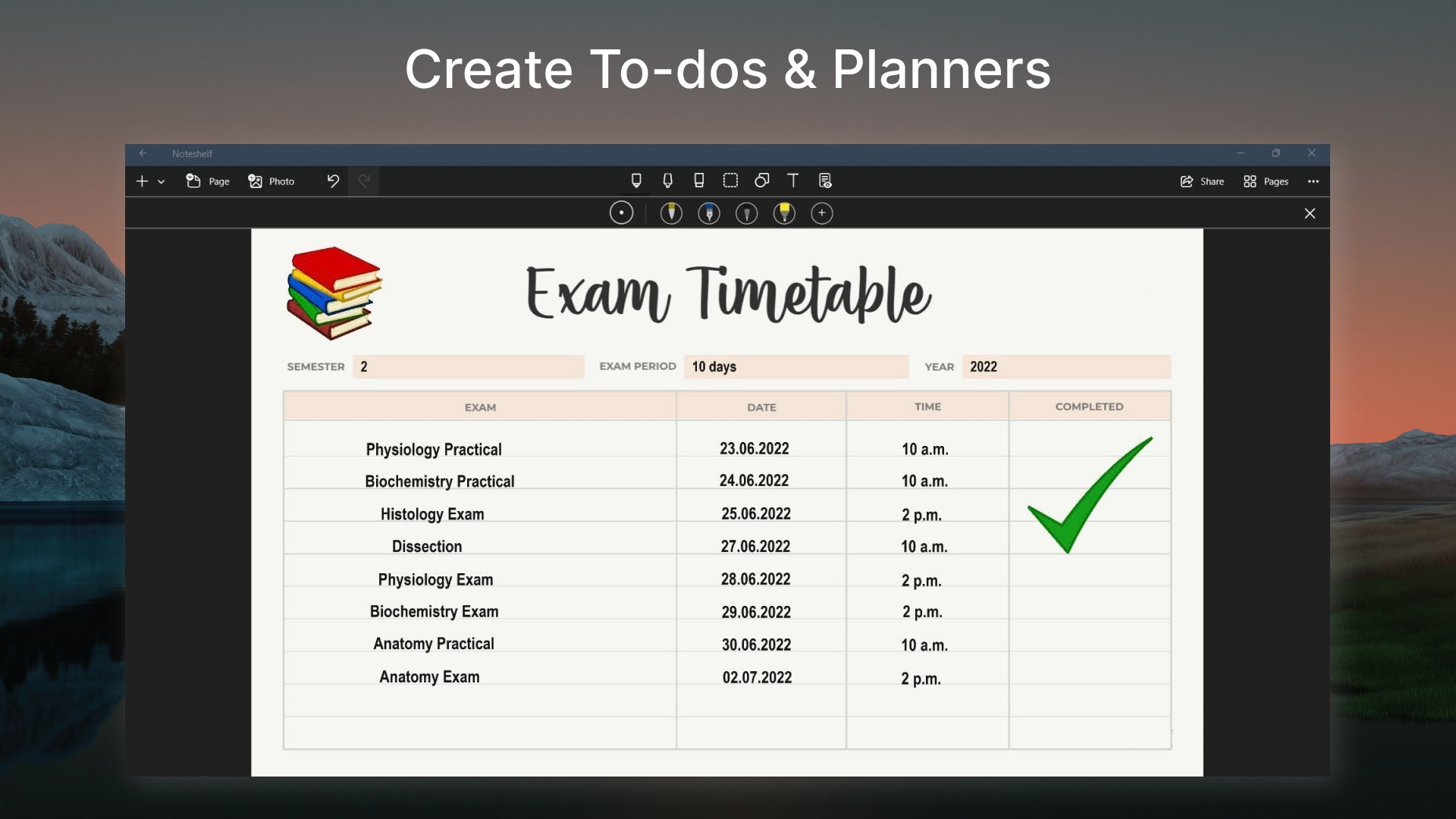
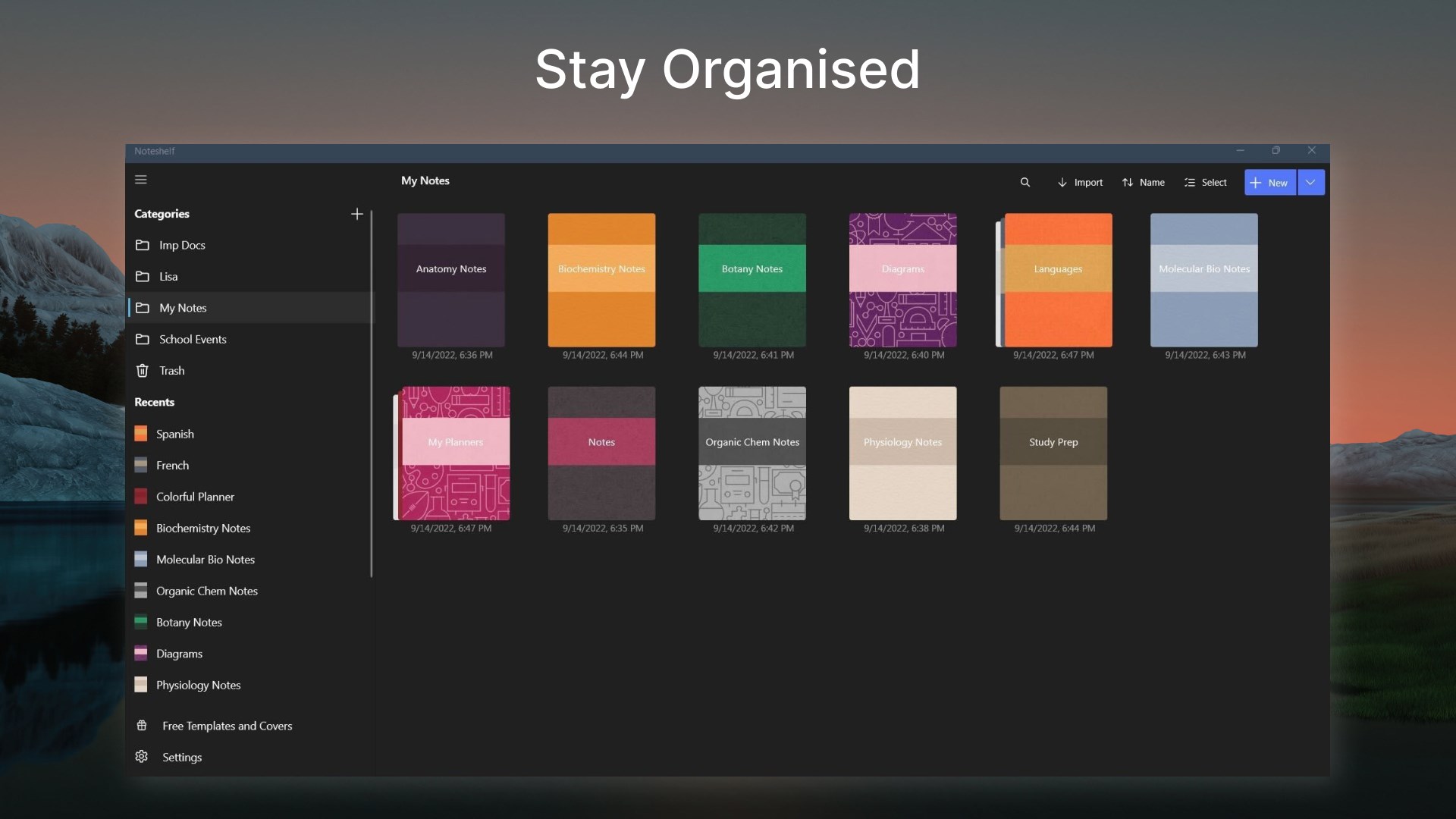
At the heart of Noteshelf lies its versatile notebook system. Users can create multiple notebooks, each customizable with different covers, colors, and page templates—lined, grid, blank, or dotted—catering to various note types. The app excels at supporting a mix of handwritten notes, sketches, images, and even audio recordings, establishing itself as a comprehensive digital workspace. Whether you're recording a lecture, sketching a quick idea, or annotating a PDF, Noteshelf adapts seamlessly, preserving the natural feel of paper while offering the advantages of digital storage and searchability.
Intuitive Handwriting and Annotation Experience
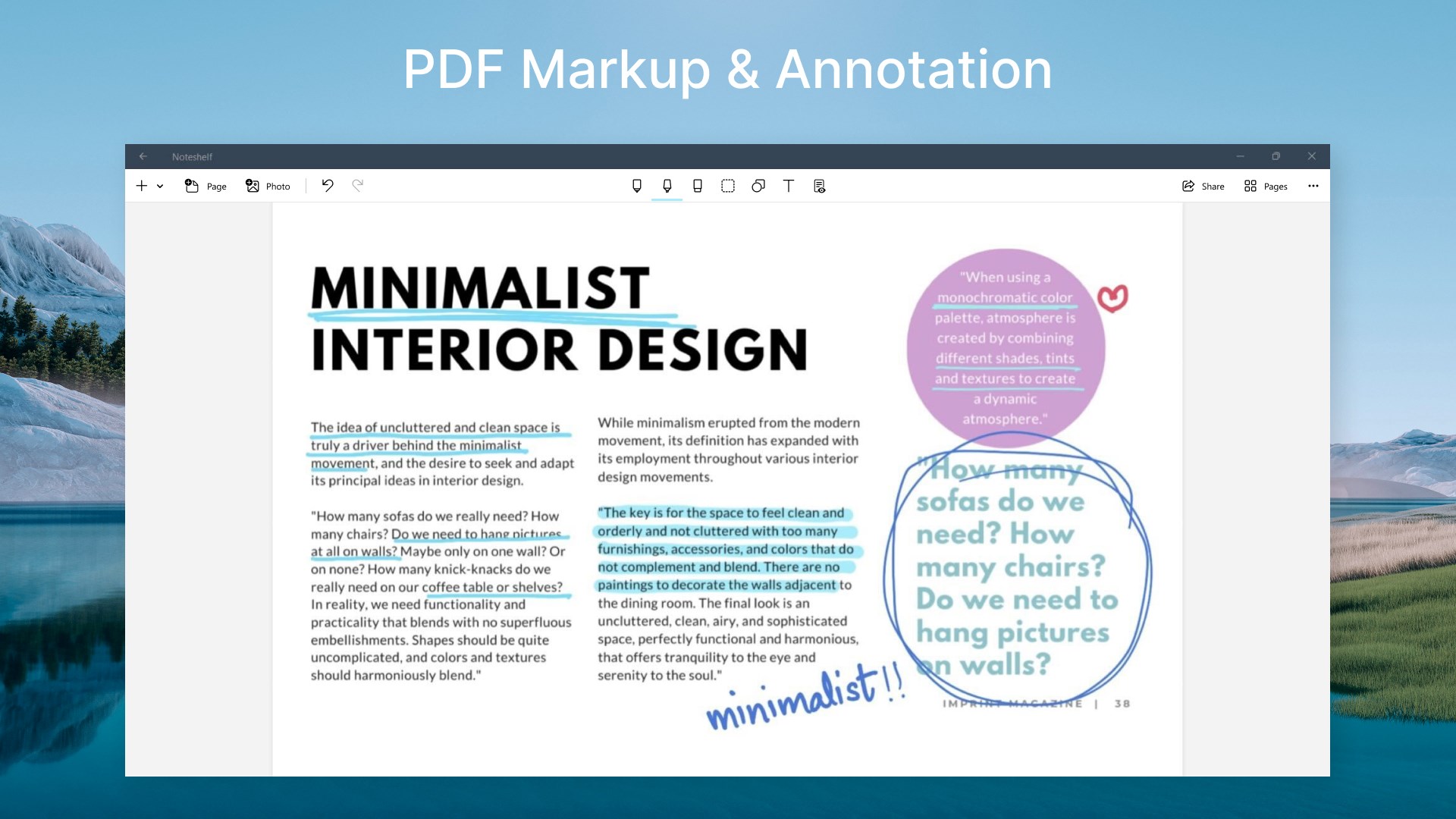
One of the most captivating aspects of Noteshelf is its handwriting fidelity. The app employs real-time stroke smoothing and pressure sensitivity, making your digital handwriting resemble that on real paper. The gesture-based interface minimizes clutter, allowing you to quickly favorite, undo, or redo strokes. Annotating PDFs or images is a breeze, thanks to precise selection tools and customizable pen options. For those who prefer sketching, the app provides an array of brushes and color palettes, enabling creative expression without constraints. This feature particularly shines for users who rely heavily on handwritten inputs for brainstorming or study notes.
Seamless Workflow Integration and User-Centric Design
Noteshelf's interface is thoughtfully designed to reduce cognitive load. The layout emphasizes efficiency; the main toolbar remains accessible but unobtrusive, enabling fluid navigation between pages and notebooks. The app's learning curve is gentle, especially for users familiar with traditional notebooks and handwriting, allowing for quick familiarization. Additionally, syncing options with cloud services like OneDrive and Dropbox facilitate effortless cross-device access, promoting a smooth workflow. Unlike some productivity tools burdened by feature overload, Noteshelf strikes a balance—offering enough functionality to satisfy power users without overwhelming beginners.
What Sets Noteshelf Apart from Its Competitors
Compared to other note-taking apps, Noteshelf's standout feature is its emphasis on the natural handwriting experience combined with intelligent content organization. Its adaptive handwriting recognition and clear interface significantly reduce user frustration—minimizing the need to navigate complex menus or customize endless settings. Moreover, its focus on workflow efficiency—by integrating with common cloud services and supporting multiple content types—ensures that your notes are not just stored but are actively contributing to your productivity rather than becoming digital clutter.
Final Verdict and Recommendations
Overall, Noteshelf for Windows is a thoughtfully crafted app that excels in delivering a natural and efficient handwriting experience. Its unique strengths lie in its intuitive design, versatile content support, and workflow integration, making it suitable for students, professionals, and creative minds. For users seeking a digital notebook that closely mimics the feel of physical paper while enhancing productivity through seamless organization and cloud compatibility, Noteshelf is a commendable choice.
While it may not have the extensive AI-driven features of some competitors, its focus on the core act of writing and annotating makes it stand out. I recommend giving it a try if you value natural handwriting and a clutter-free workspace, especially for note-taking, sketches, or annotations in a professional or academic setting. For those who prioritize a smooth, frustration-free experience and reliable multi-format support, Noteshelf for Windows is well worth considering.
Pros
- Intuitive handwriting recognition
- Rich set of annotation tools
- Cloud synchronization support
- Multi-platform compatibility
- User-friendly interface
Cons
- Limited free features
- Occasional lag during intensive tasks
- Lacks advanced text formatting options
- Limited note sharing options
- Offline access may be restricted for some features











