

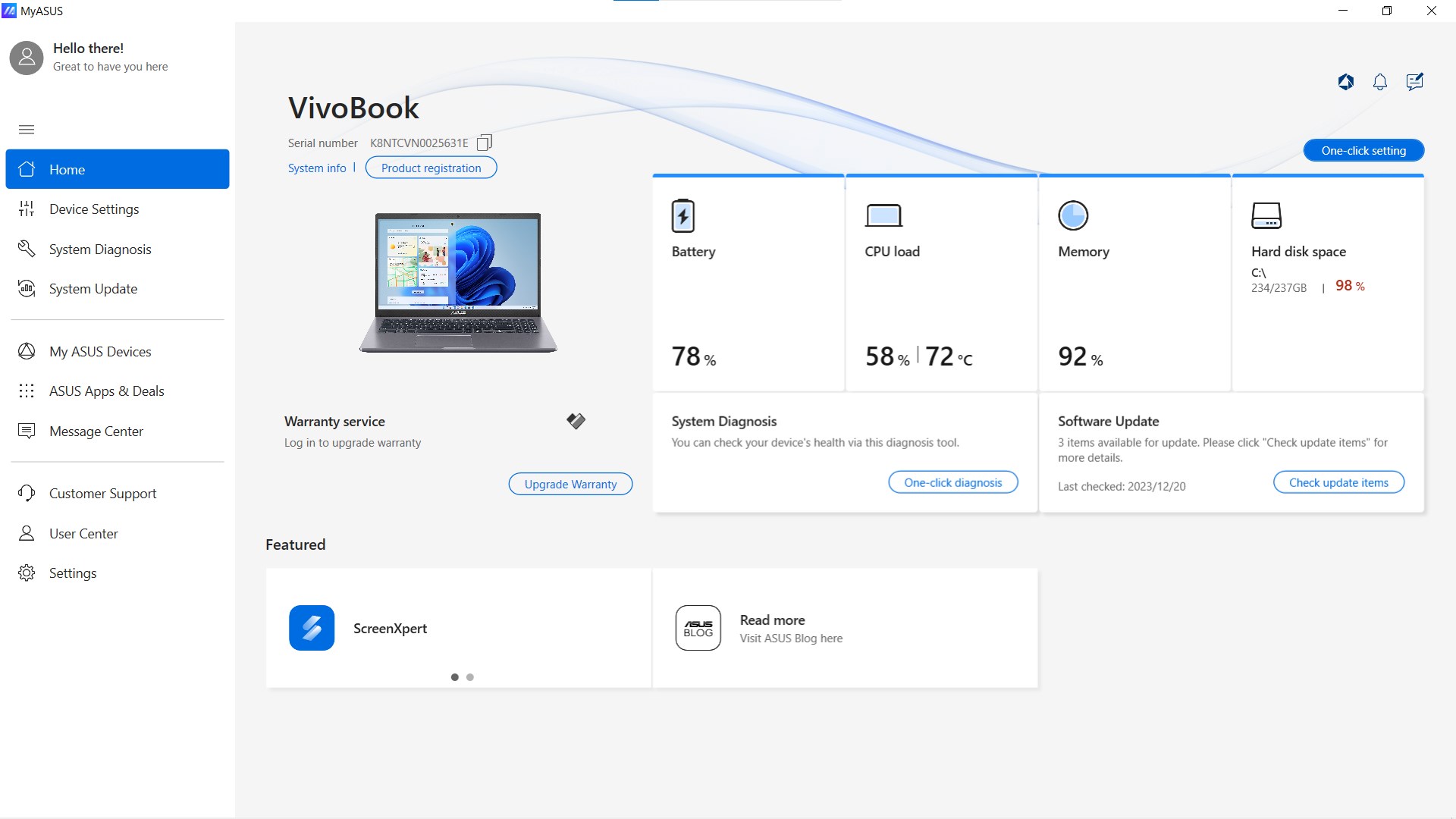
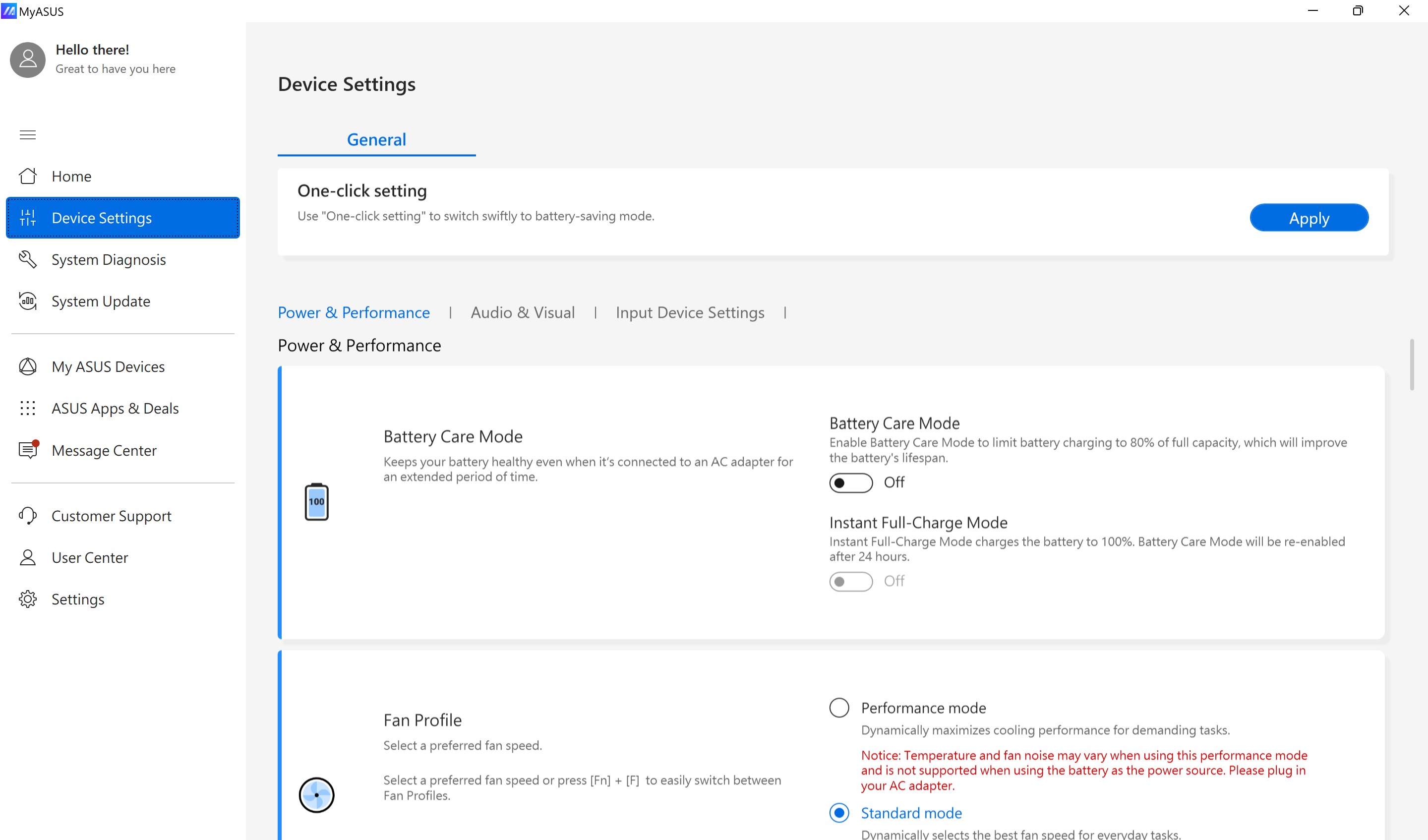
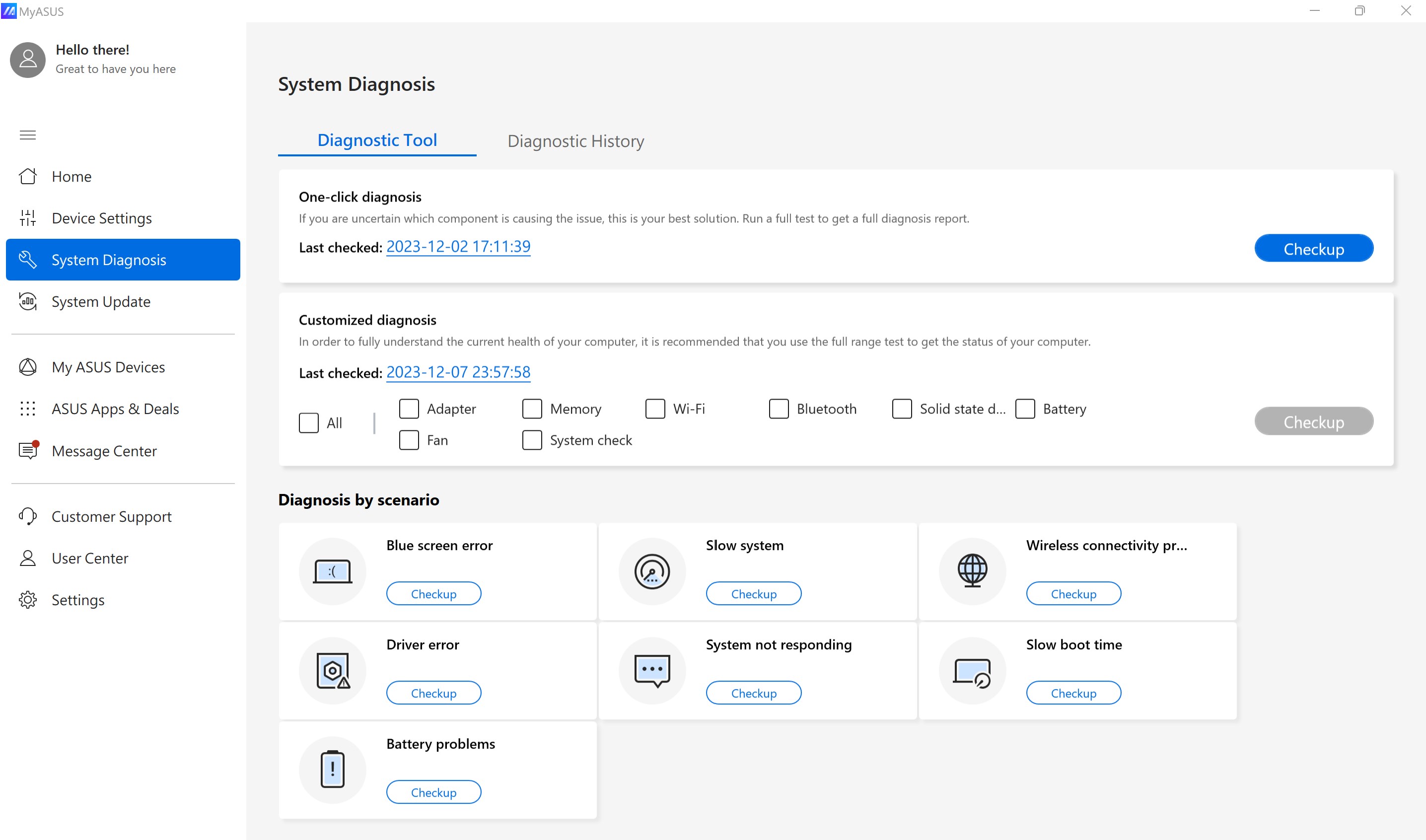
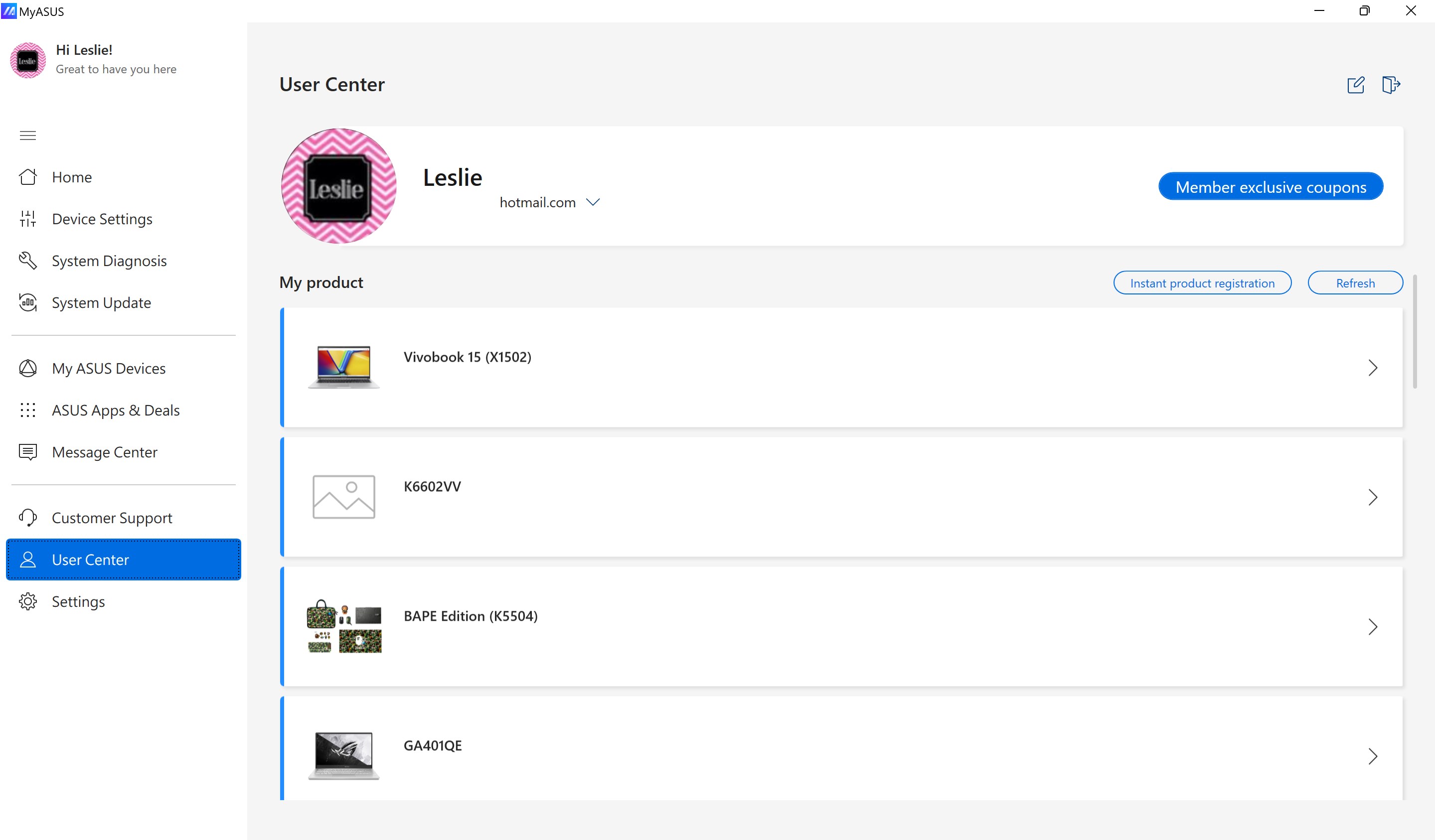
- Name MyASUS
- Category Productivity
- Developer ASUSTeK COMPUTER INC.
- Available on PC, Mobile, Xbox console, Surface Hub, HoloLens
- OS Windows 10 version 16299.0 or higher
- languages Arabic, Chinese (Simplified), Chinese (Simplified) (China), Chinese (Traditional Chinese), Chinese (Traditional), Chinese (Traditional) (Hong Kong), Chinese (Traditional, Hong Kong SAR), Czech, Danish, Dutch, English, English (United States), Finnish, French, German, Greek, Hebrew, Hungarian, Indonesian, Italian, Japanese, Korean, Korean , Norwegian (Bokmål), Polish, Polish , Portuguese (Brazil), Portuguese (Portugal), Romanian, Russian, Slovak, Spanish, Spanish (Spain), Swedish, Thai, Turkish, Ukrainian, Vietnamese
MyASUS for Windows: A Seamless Hub for ASUS Laptop Users
Think of MyASUS as your personalized command center—crafted by ASUS to streamline your device management, performance monitoring, and accessory optimization all in one place.
Who's Behind the Magic?
Developed by ASUSTeK COMPUTER INC., a renowned leader in computer hardware and consumer electronics, MyASUS reflects the company's commitment to enhancing user experience through innovative and integrated software solutions.
The Main Highlights at a Glance
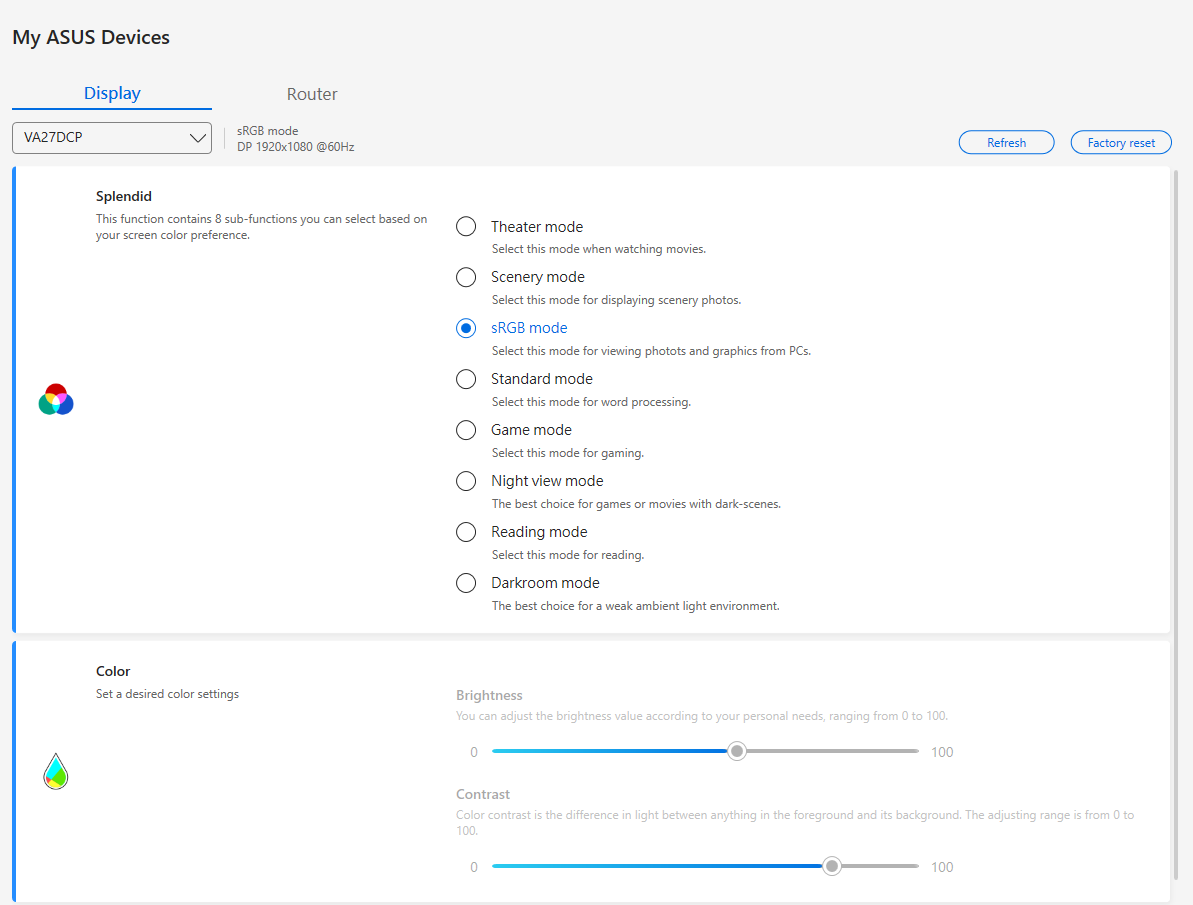
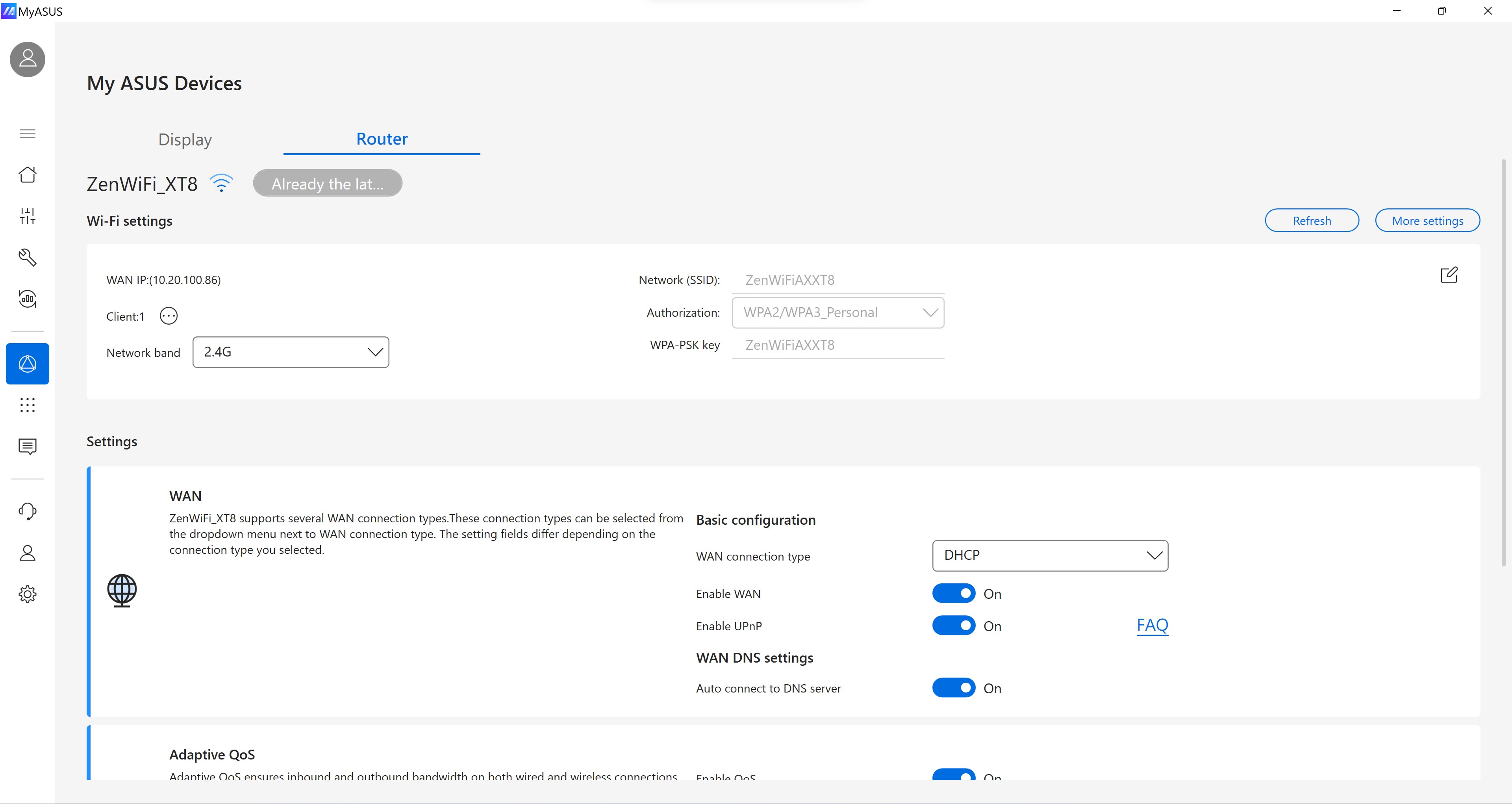
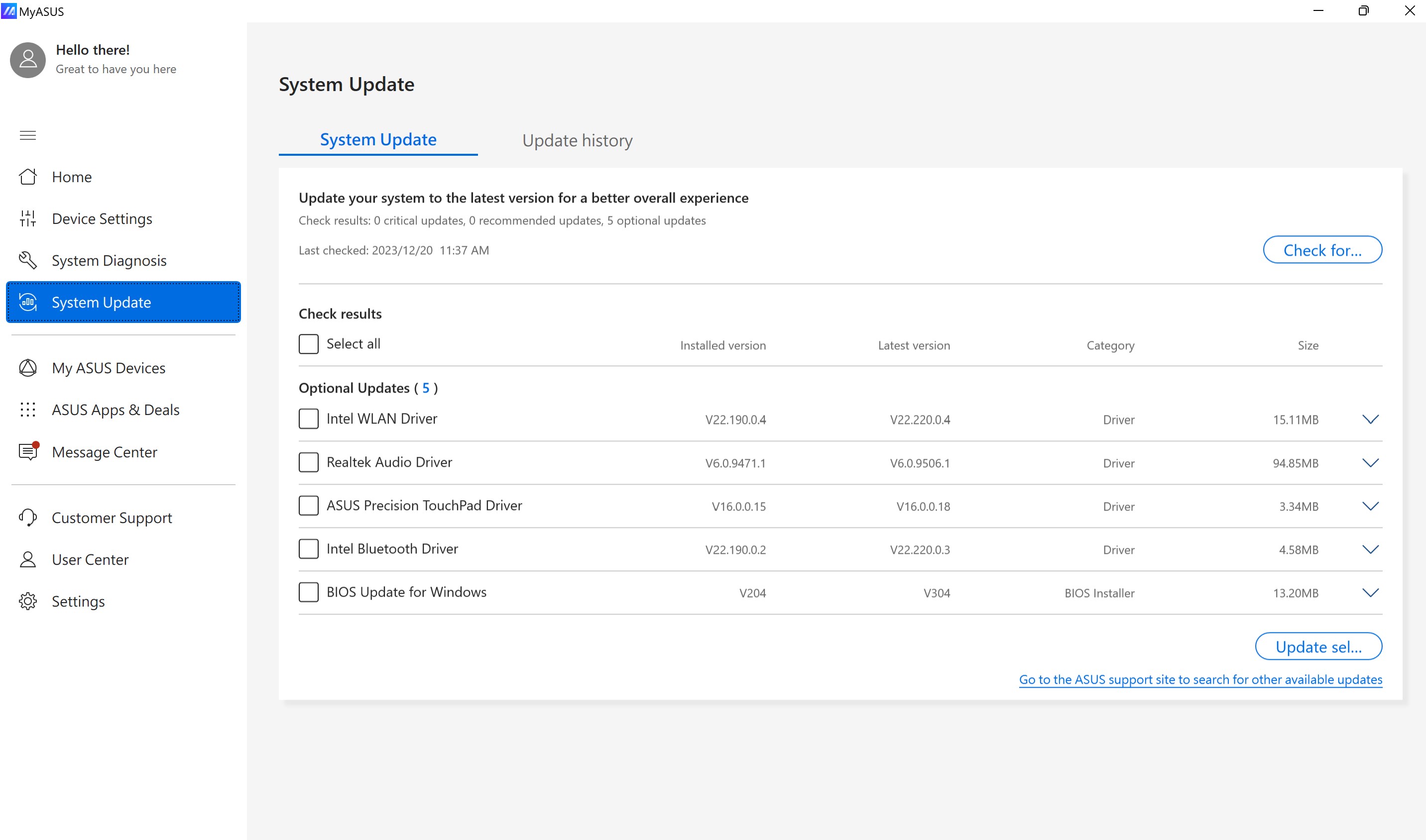
- Comprehensive Device Management: Easily access system diagnostics, firmware updates, and troubleshooting directly from the app.
- Performance Optimization Tools: Monitor hardware health, perform battery diagnostics, and tweak settings to maximize efficiency.
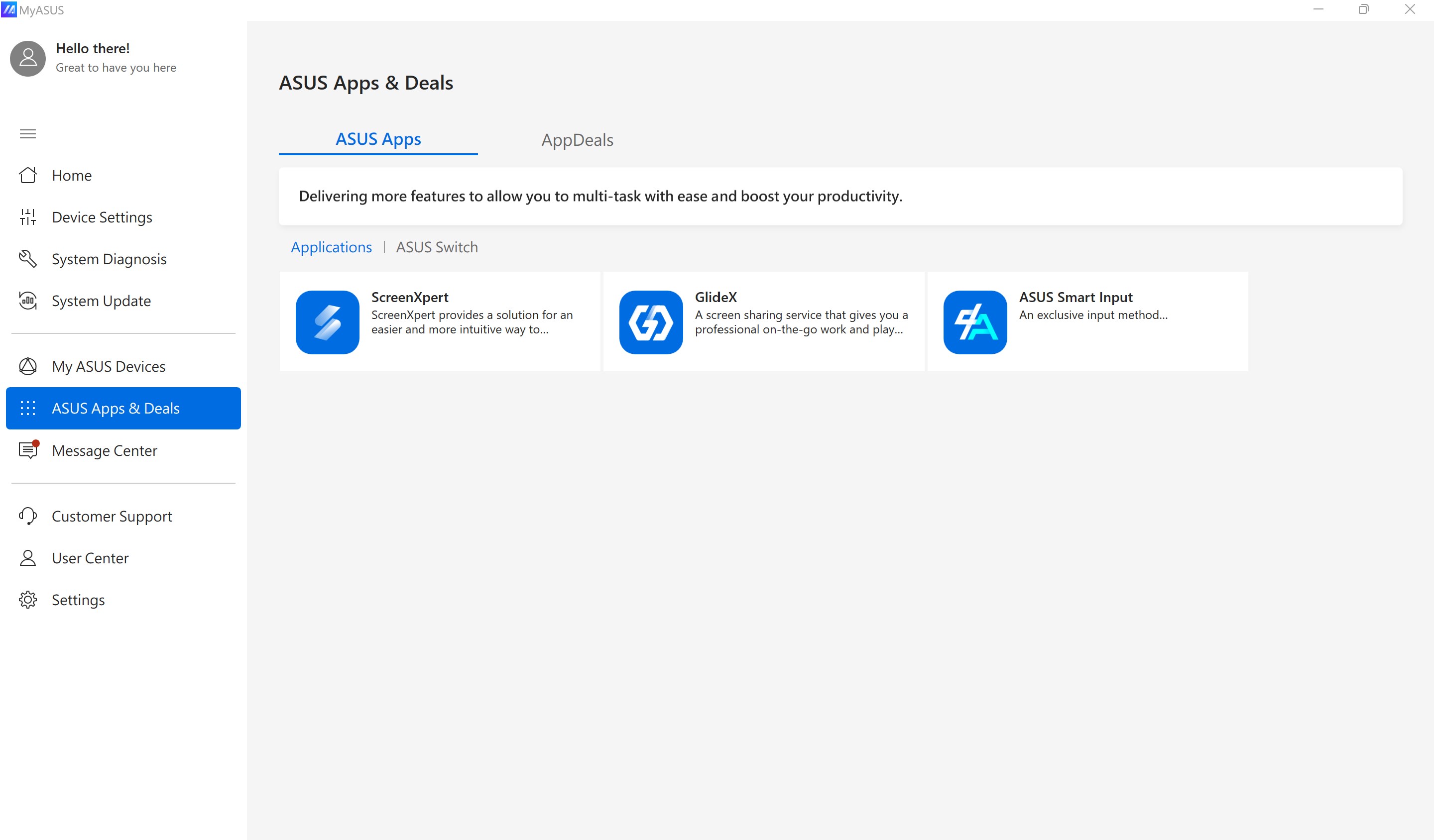
- Accessory and Support Integration: Connect and manage ASUS accessories, access customer support, and find relevant resources effortlessly.
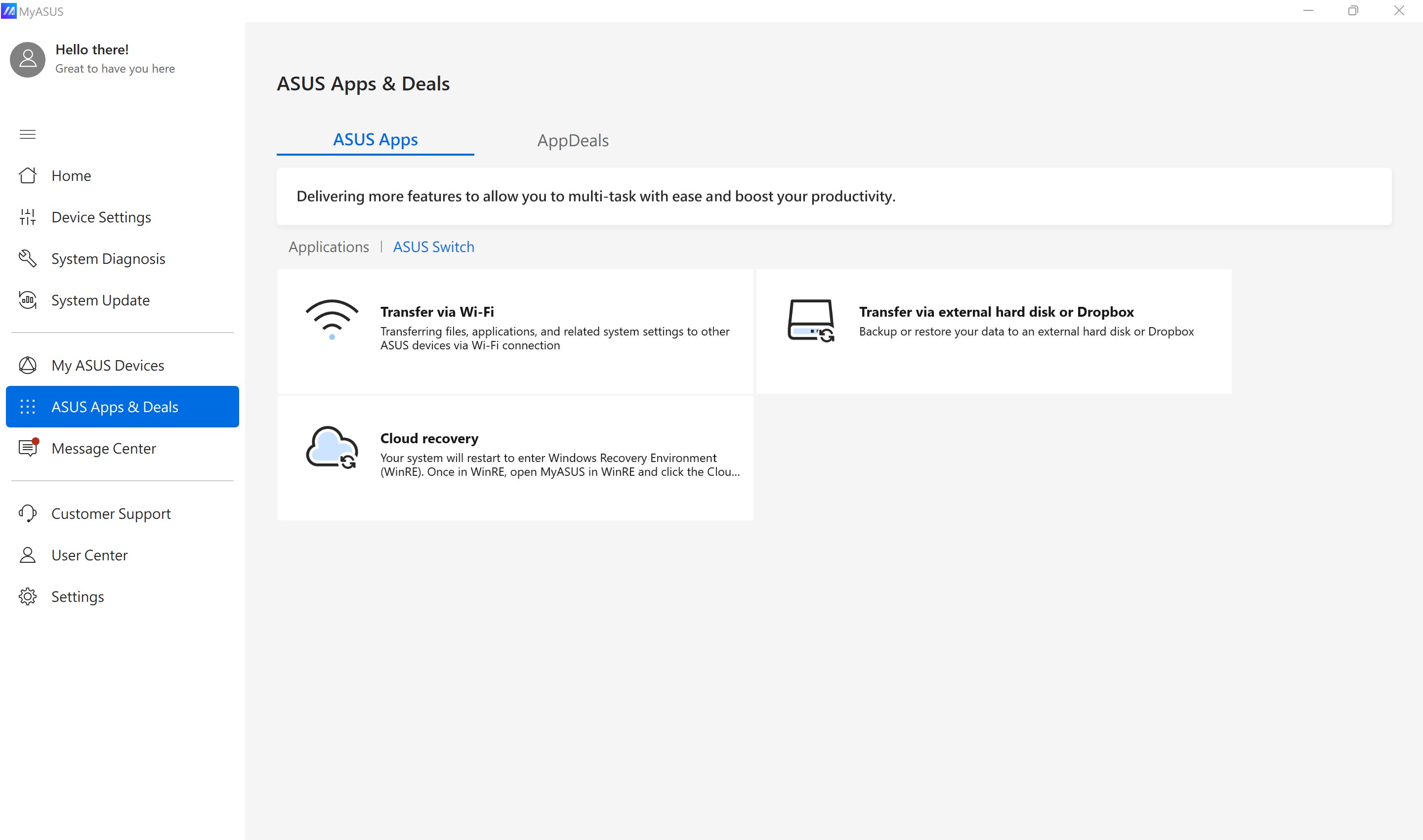
- Streamlined Workflow: Combines multiple essential tools within a unified interface, reducing the need to juggle multiple apps.
A Joyful Journey: Unlocking the Potential of MyASUS
Imagine sitting at your desk, your ASUS device humming quietly as you open MyASUS—a virtual assistant that instantly makes complex tasks feel like a breeze. Whether you're a power user eager to fine-tune your laptop or a casual user intent on keeping your device healthy, MyASUS welcomes you into a world where managing your device is as intuitive as chatting with a friend. Its clean design and thoughtful features make support, maintenance, and customization feel less like chores and more like part of your daily digital routine.
Efficiency Meets Simplicity in Device Management
The core strength of MyASUS lies in its comprehensive device management ecosystem. From a single dashboard, users can run system diagnostics, perform cleanups, and even update drivers and firmware—tasks typically scattered across multiple menus and utilities. Its real-time hardware monitoring keeps you in the know about your CPU temperature, battery health, and storage status, ensuring your device runs smoothly without the need for third-party tools. This integration minimizes cognitive load, allowing users to focus on tasks rather than troubleshooting issues.
Performance Enhancements with a Single Tap
Another standout feature is the performance tuning suite. Imagine having a toolkit that effortlessly toggles between energy-saving modes and high-performance configurations, aligning your device's power profile with your current activity. Battery diagnostics feature provides insights into remaining lifespan, helping you plan ahead. The app's intelligent suggestions streamline adjustments—saving time and reducing the mental effort involved in manual tweaks. This approach exemplifies a design aimed at reducing feature complexity while maximizing workflow efficiency, giving users effective control without overwhelming options.
Supporting Accessories and Expert Help at Your Fingertips
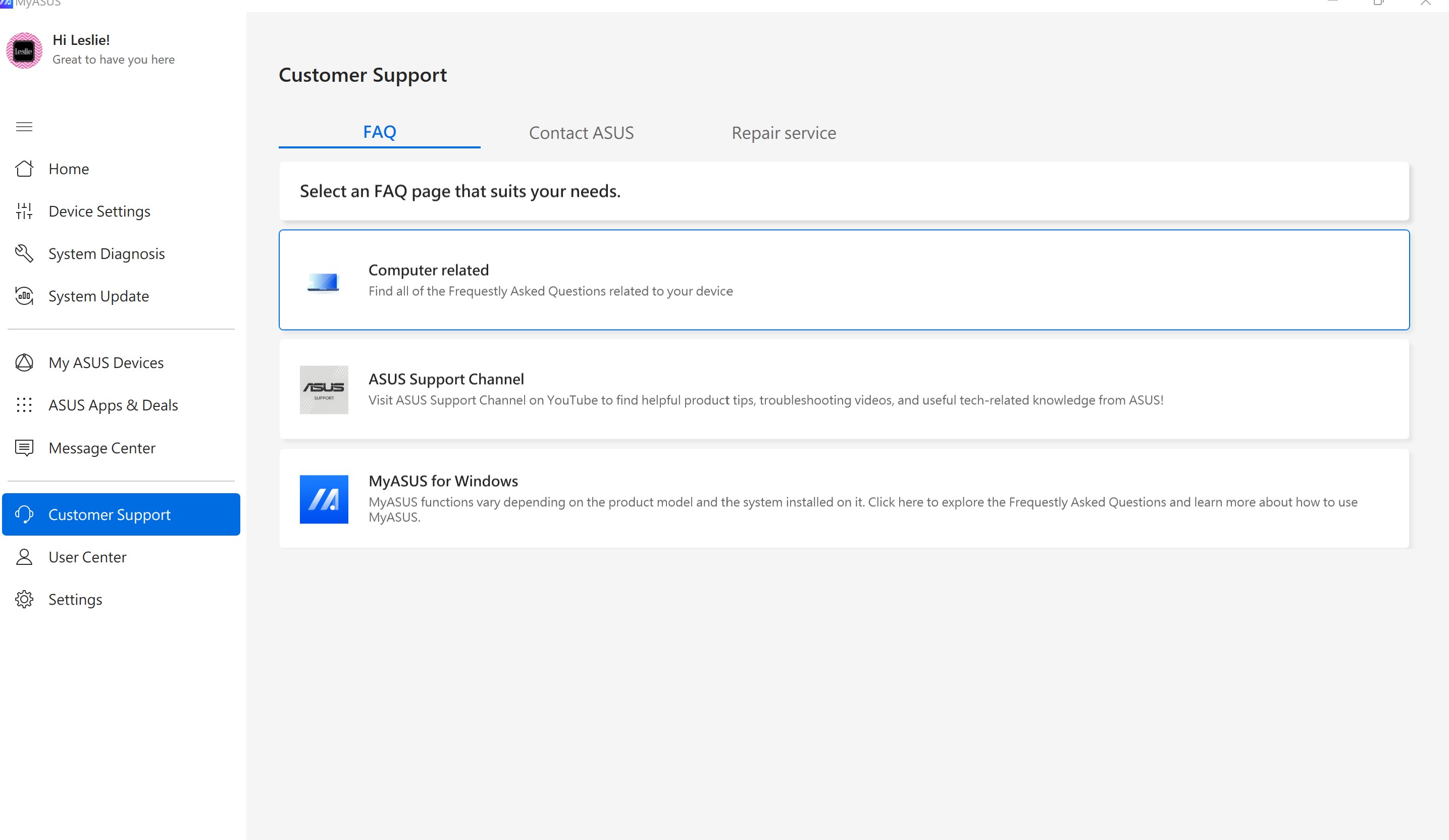
Beyond performance management, MyASUS excels in integrating accessory control and customer support. It offers seamless pairing with ASUS peripherals and even connects you directly with support resources, including troubleshooting guides and service requests. For users juggling multiple ASUS devices or peripherals, this unification simplifies the experience, turning what could be a fragmented workflow into a cohesive process. This aspect underscores the app's focus on reducing cognitive load—by making device ecosystem management straightforward and approachable.
Final Verdict: A Tool That Works Behind the Scenes
Overall, MyASUS isn't just another utility app; it's a thoughtfully designed gateway that brings multiple device management facets together in a harmonious interface. Its most compelling feature is perhaps its ability to streamline tasks that typically require multiple apps or manual interventions, effectively reducing user effort and mental fatigue. While it may not boast a flashy interface, its strategic focus on workflow integration and cognitive load reduction makes it a highly recommended companion for ASUS laptop owners. Whether you're a tech novice or a seasoned power user, MyASUS offers a calm, organized space to keep your device optimized and supported—making digital life a little easier each day.
Pros
- Seamless device management
- Official ASUS support access
- App update notifications
- Personalized device recommendations
- Integration with Microsoft Store
Cons
- Occasional app crashes
- Limited device compatibility
- Slow update rollout
- User interface navigation issues
- Limited language options











