

- Name My Calendar
- Category Productivity
- Available on PC, Mobile, Surface Hub, HoloLens
- OS Windows 10 version 17763.0 or higher
- languages Chinese (Simplified), Dutch, English (United States), Finnish, French, French (Canada), German, Hungarian, Italian, Polish , Portuguese, Portuguese (Brazil), Portuguese (Portugal), Russian, Spanish, Spanish (Mexico), Spanish (Spain)
Introducing My Calendar for Windows: A Clean and Efficient Scheduling Companion
My Calendar for Windows by KineApps is a thoughtfully designed productivity tool that aims to streamline your daily planning with a simple yet powerful interface. It positions itself as an accessible, easy-to-use calendar app for users seeking to organize their schedules without the clutter of unnecessary features.
Developer Background and Core Highlights
Developed by KineApps, a dedicated team specializing in Windows productivity solutions, My Calendar offers a focused approach to personal scheduling. Its main features include seamless calendar integration, intuitive event management, customizable views, and synchronization capabilities—all crafted to enhance your workflow. The app targets busy professionals, students, or anyone wanting a straightforward, reliable calendar assistant to keep their lives on track.
A Fresh Take on Digital Scheduling: Why This App Stands Out
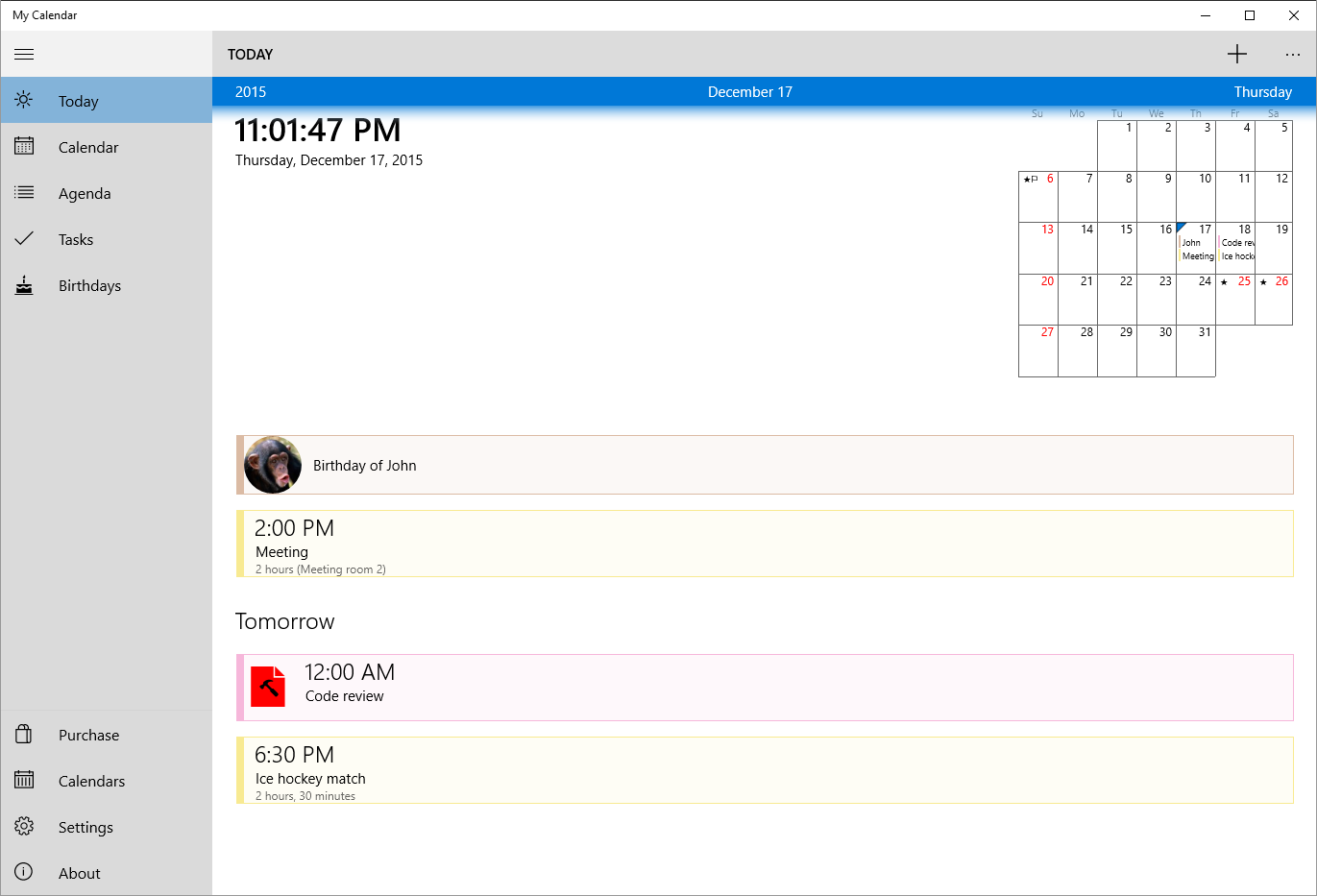
Imagine having your digital planner as a friendly companion that simplifies your day without overwhelming you. From the moment you open My Calendar, its uncluttered design invites you into a space where scheduling feels natural and stress-free—much like jotting down notes in a well-organized notebook. It's not just about adding dates; it's about reclaiming your time with less cognitive load and more clarity.
Core Functionality 1: Streamlined Event Management with Smart Views
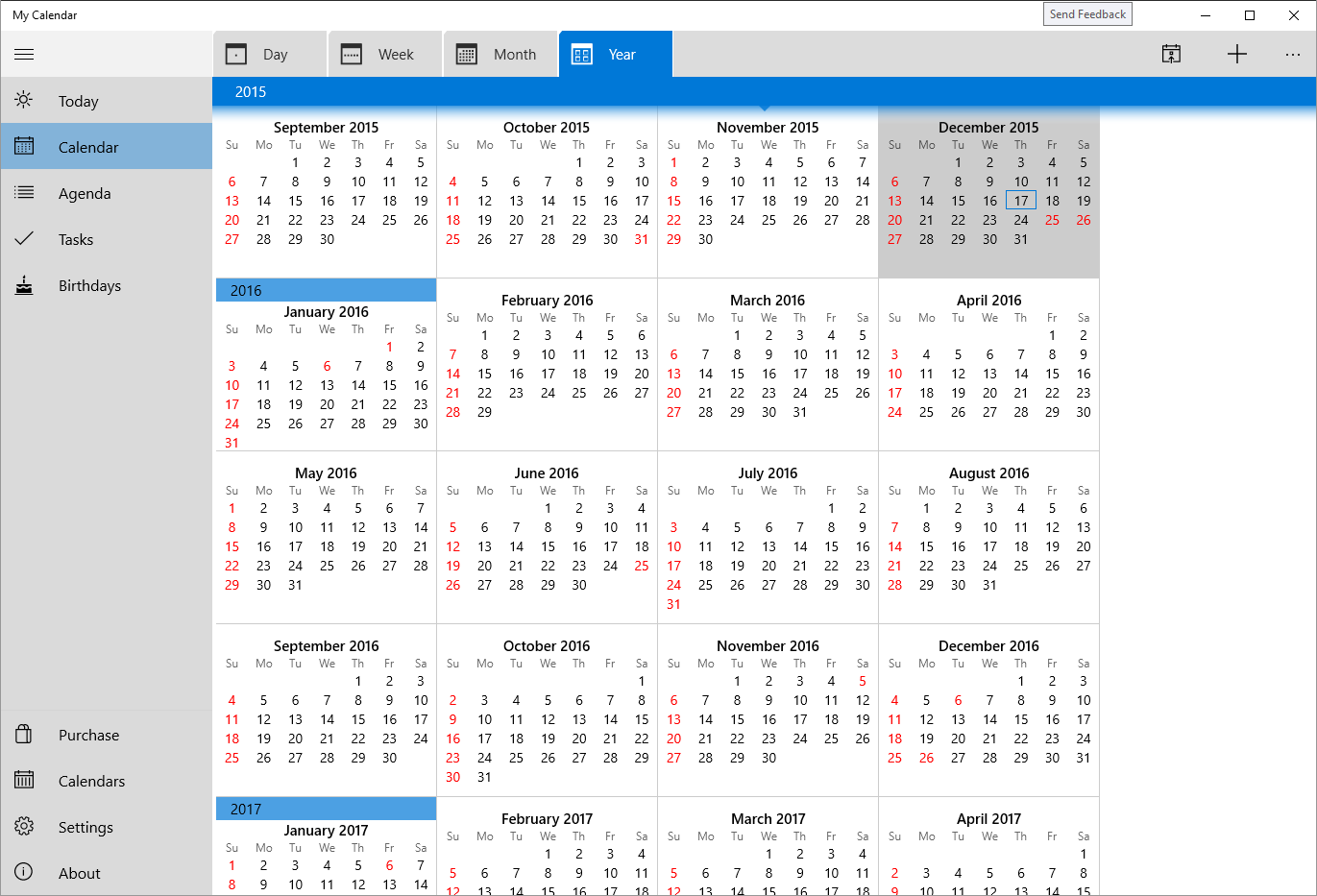
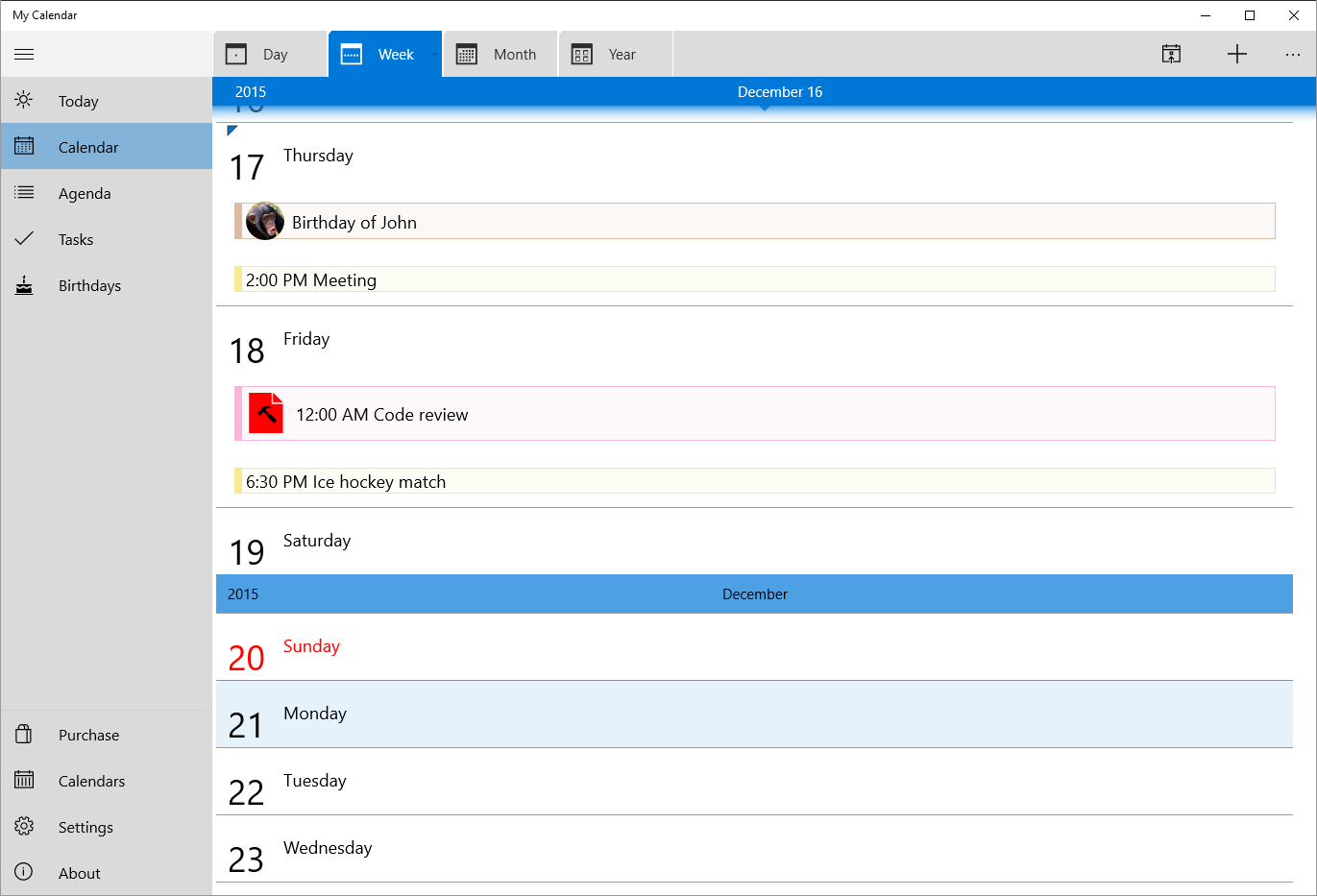
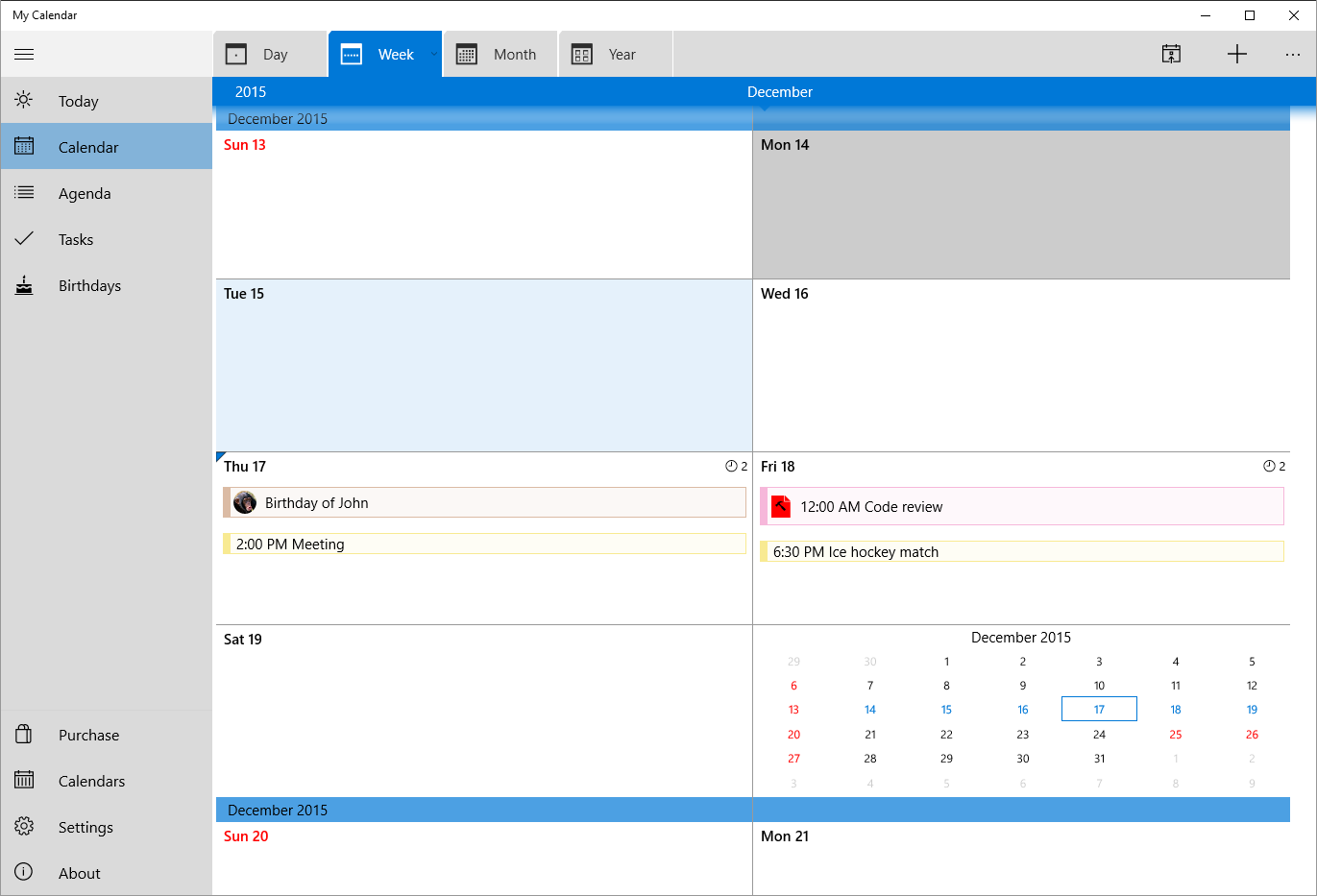
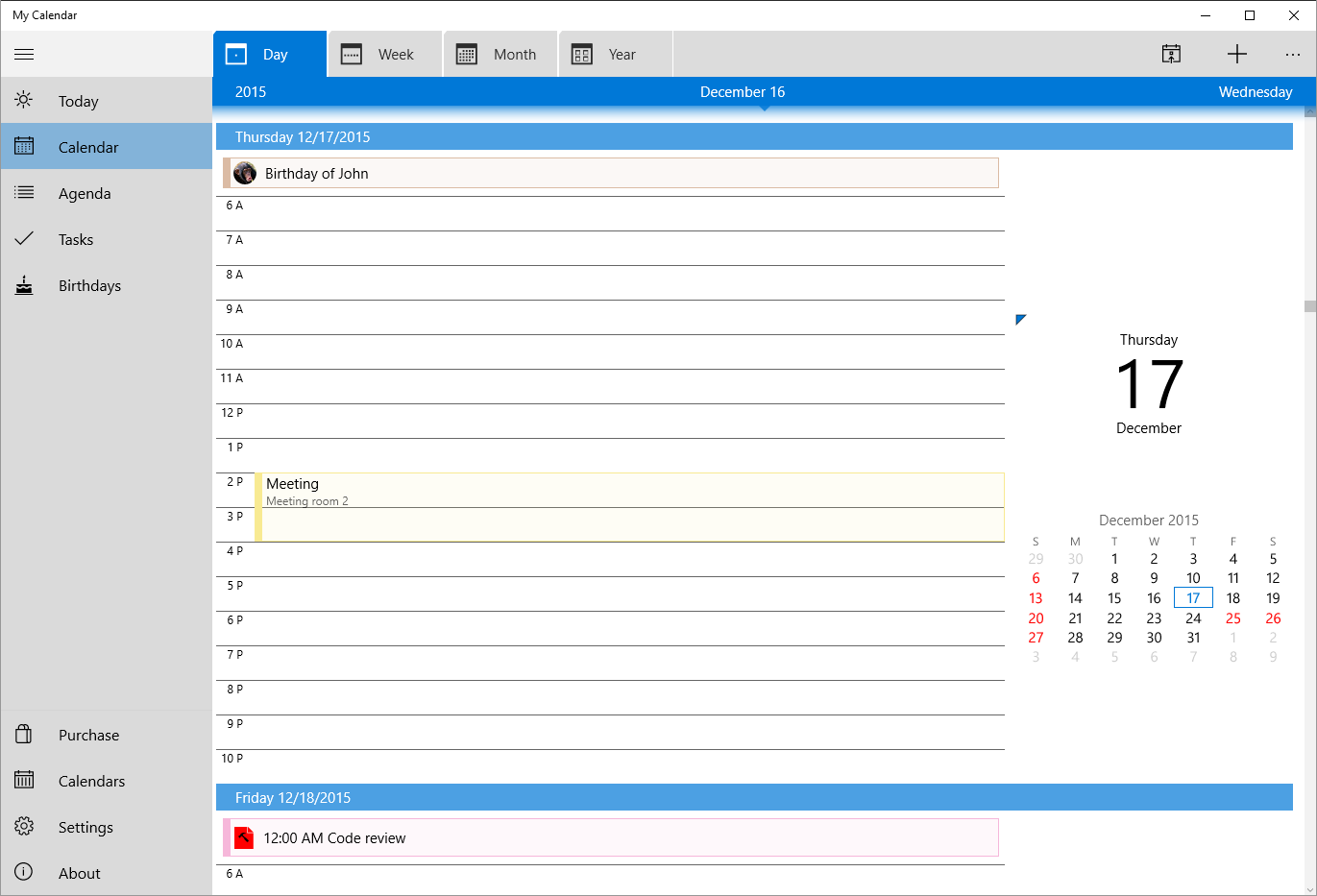
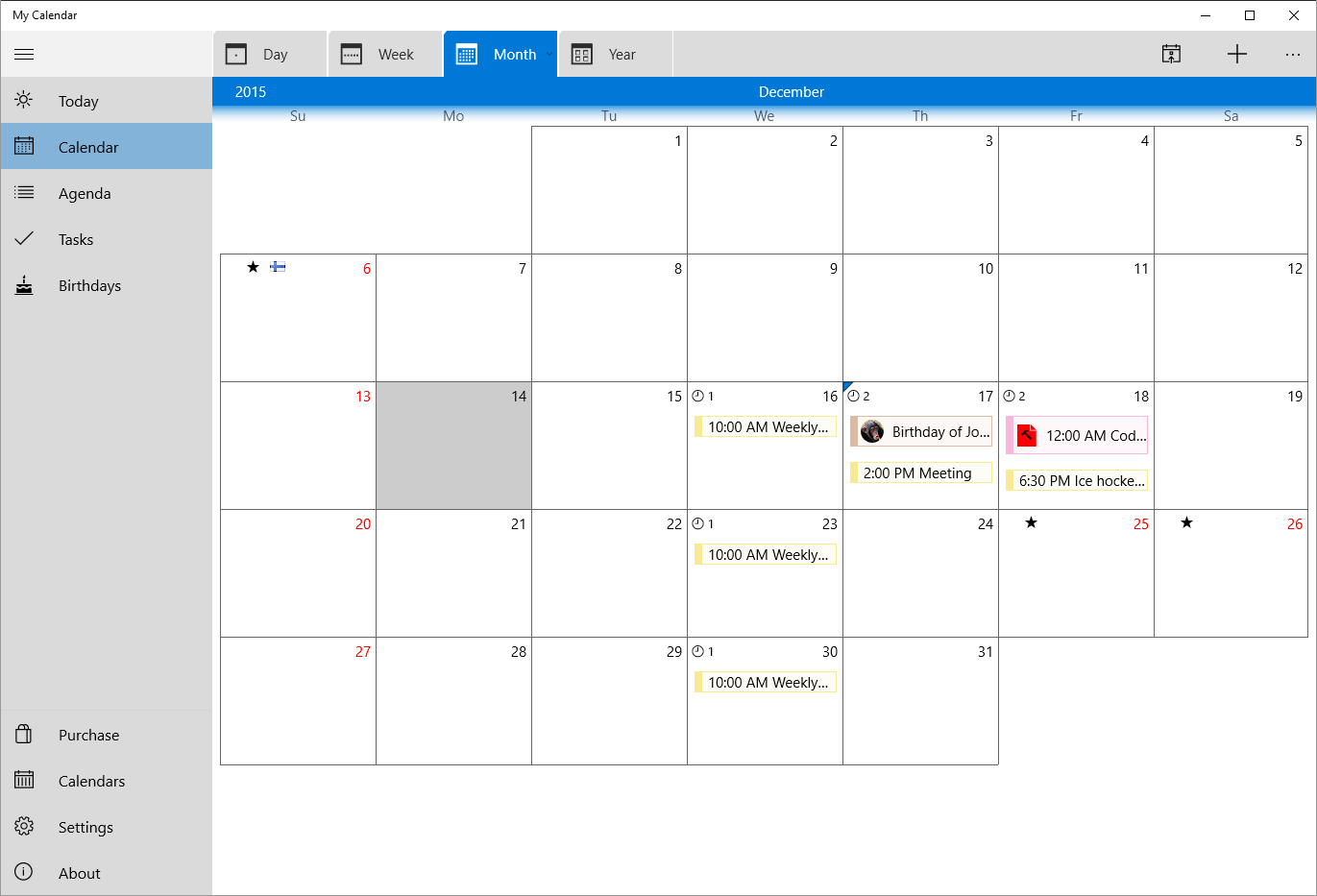
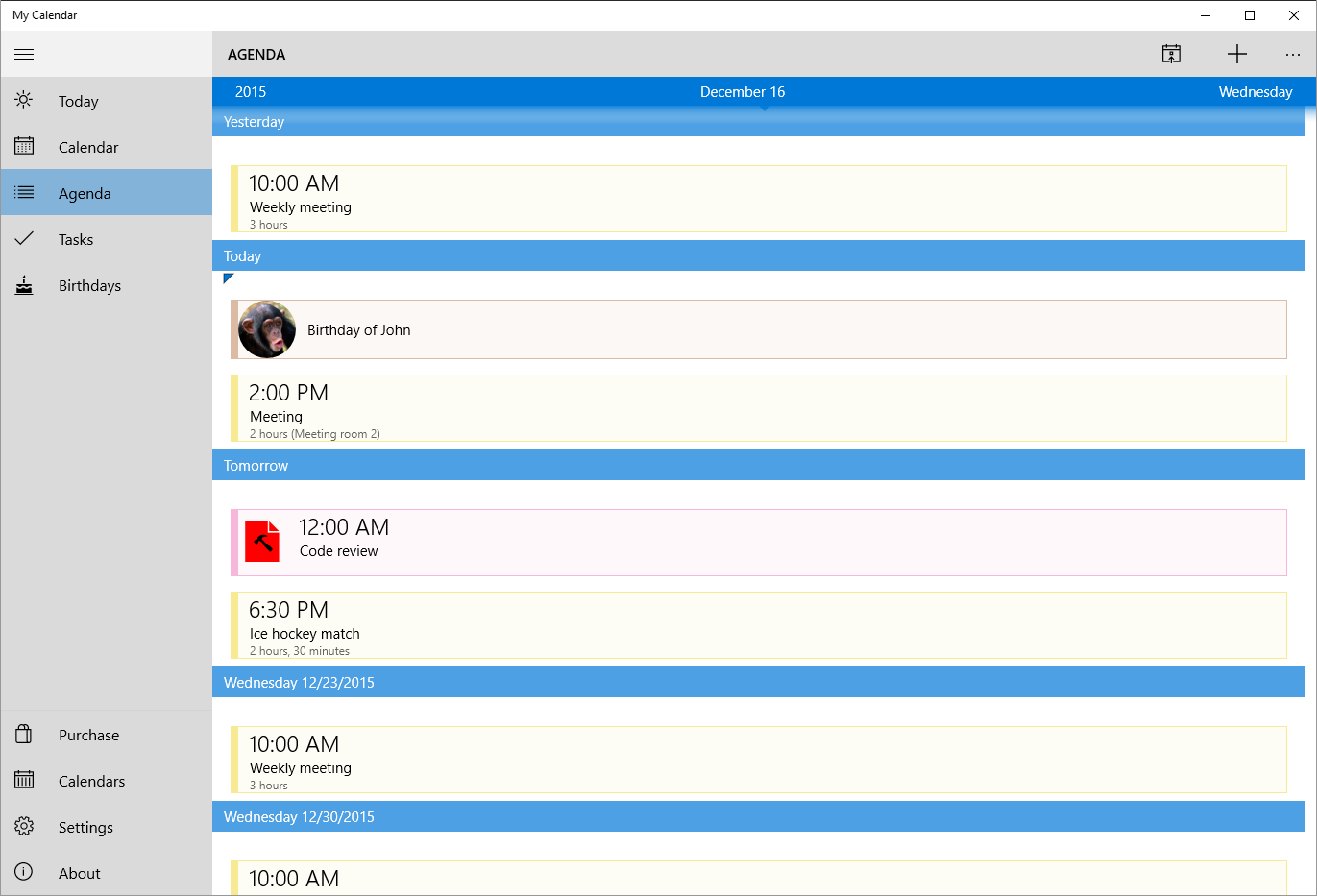
My Calendar's standout feature is its customizable view options. Whether you're a fan of day-by-day, week, or month-at-a-glance layouts, the app adapts seamlessly, allowing you to switch effortlessly between perspectives. This flexibility is particularly helpful during busy periods when you need a quick overview or in-depth schedule breakdown. Events are easily created with minimal clicks, and recurring events are straightforward to set up. This reduces the friction often felt in more bloated calendar apps, fostering a smoother workflow.
Core Functionality 2: Seamless Synchronization and Integration
While it might seem typical, My Calendar's integration capabilities are noteworthy for their simplicity and effectiveness. It supports syncing with popular calendars like Outlook, Google Calendar, and others, streamlining your planning across devices and platforms—akin to having your trusted planner always be in sync with your digital devices. Synchronization is designed to be stable and automatic, meaning less time troubleshooting and more time planning your day.
User Experience: A Gentle Learning Curve with Elegant Design
The app's interface is minimalistic yet inviting—think of it as a clean desk where everything has its place. Navigation is intuitive; new users can pick it up quickly without feeling overwhelmed by numerous options. The responsiveness is smooth—dragging events, switching views, and syncing happen fluidly, which contributes to an engaging user experience. For productivity apps, this ease of use is crucial, especially for those who may not be tech-savvy but still desire an effective organizational tool.
The Unique Value Proposition: Simplifying Without Sacrificing Power
Compared to feature-heavy competitors, My Calendar's strength lies in reducing cognitive load through thoughtful simplicity. Its core functionalities focus on clarity and ease of use—like decluttering your digital workspace—so users can focus on planning rather than figuring out where to click. Unlike complex calendar suites obfuscated with countless options, this app emphasizes workflow efficiency and effortless calendar management. This makes it particularly appealing for users who value straightforward, reliable tools that seamlessly integrate into their routines without demanding steep learning curves.
Final Thoughts and Recommendations
If you're searching for a lightweight yet capable calendar app that gets out of your way and keeps your schedule neatly organized, My Calendar for Windows is worth a try. It's best suited for users who prefer a no-nonsense, visually clean interface combined with essential planning features. For those overwhelmed by overly complicated scheduling tools, this app offers a refreshing balance—prioritizing practical usability over unnecessary bells and whistles. I recommend giving it a spin if you seek to enhance your workflow with a dependable, intuitive calendar companion.
Pros
- Intuitive user interface
- Strong calendar integration
- Customizable reminders
- Cross-platform accessibility
- Regular updates and improvements
Cons
- Limited synchronization options
- Basic customization features
- Offline access limitations
- Notification performance issues
- Learning curve for new users











