

- Name MT Auto Clicker
- Category Productivity
- Available on PC
- OS Windows 10 version 0.0 or higher
- languages English
A Deep Dive into MT Auto Clicker for Windows: Is It a Game-Changer?
Imagine a tool that transforms tedious mouse-clicking into a hands-free, effortless experience—welcome to the world of MT Auto Clicker. Designed for users who seek automation for repetitive tasks, this application offers a streamlined approach to automated clicking on Windows, promising both efficiency and simplicity without the clutter of unnecessary features.
Basic Information and Core Highlights
Developed by Web Treta, MT Auto Clicker aims to serve anyone needing reliable automation for mouse clicks, whether gamers, software testers, or productivity enthusiasts. The app's primary strengths lie in its intuitive design, precise automation controls, and customizable click patterns—making it a versatile tool across different scenarios. Its target users are Windows users who want a straightforward, user-friendly auto-clicking solution without the complexities often present in more advanced automation tools.
Intuitive and Playful User Experience
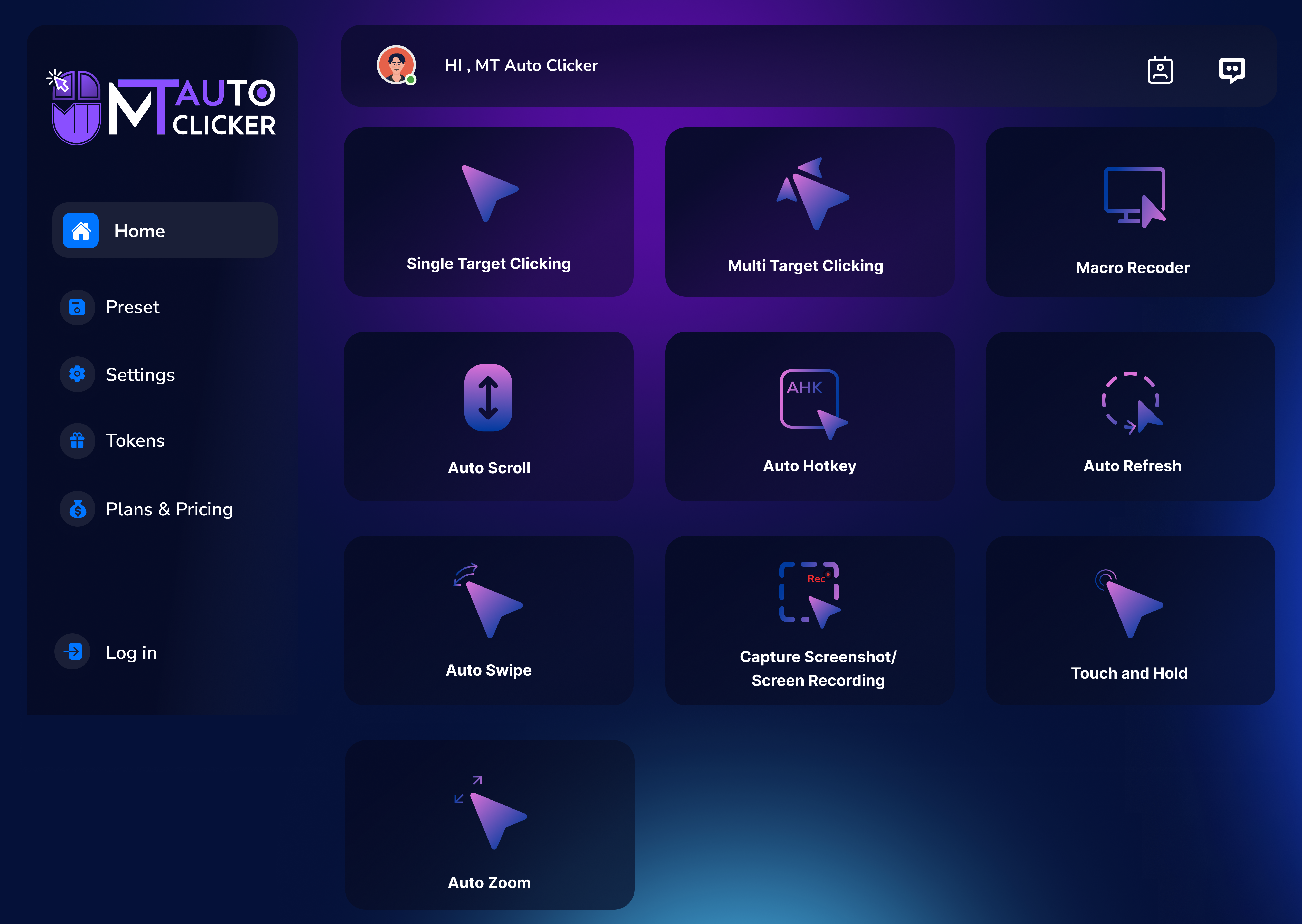
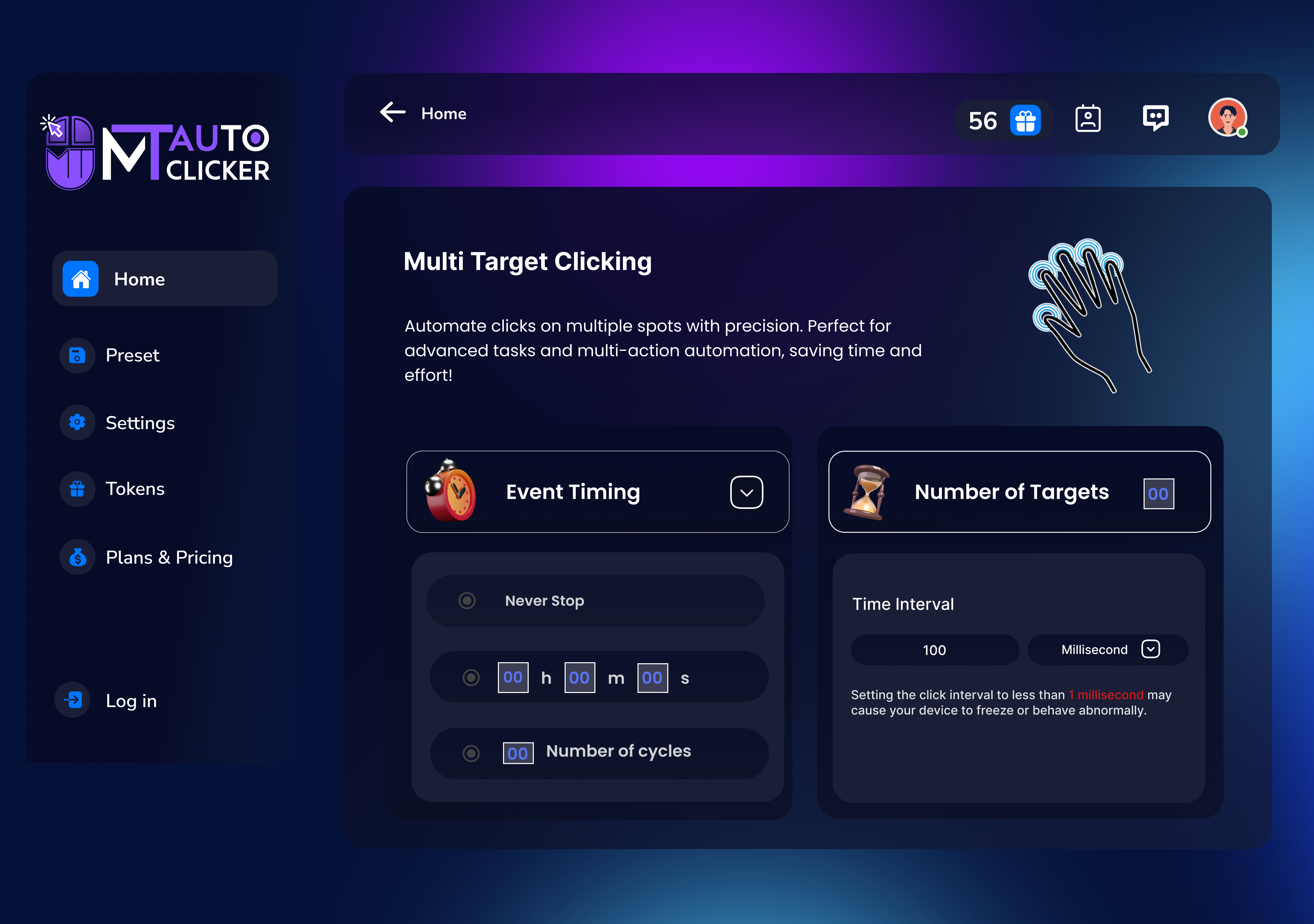
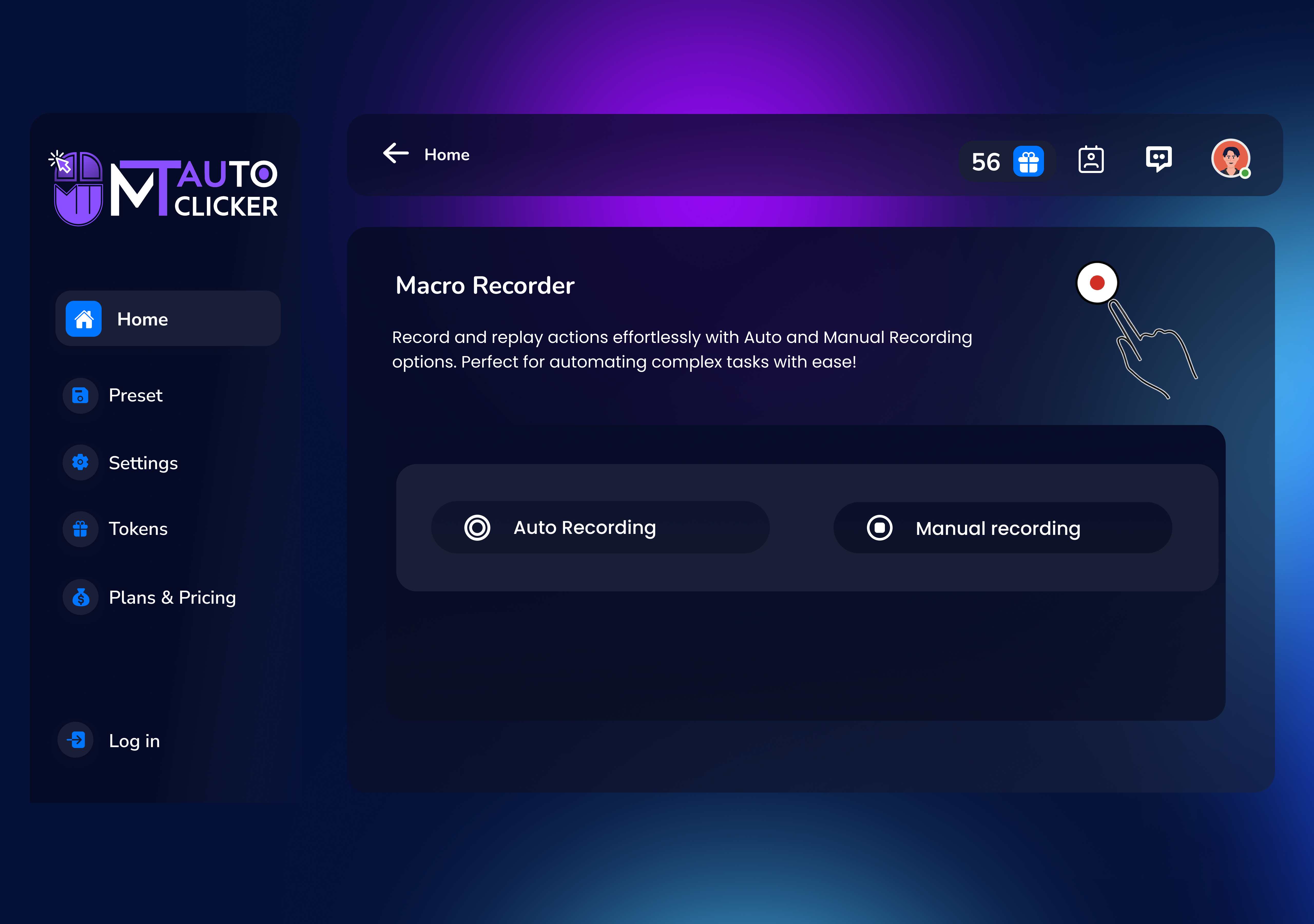
Picture opening a minimalistic dashboard that immediately feels familiar—like flipping a switch to turn on a dependable robot assistant. Setting up the auto-clicker is as simple as defining your click location, setting the interval, and choosing repeat modes. The interface is clean, with clear buttons and options, ensuring that even newcomers can navigate without a steep learning curve. The responsiveness of the app guarantees smooth operation, with virtually no lag between commands and on-screen actions. Users report that mastering basic configurations takes mere minutes, making it an ideal choice for quick setups or spontaneous tasks.
Focus on Core Functionality: Precision & Customization
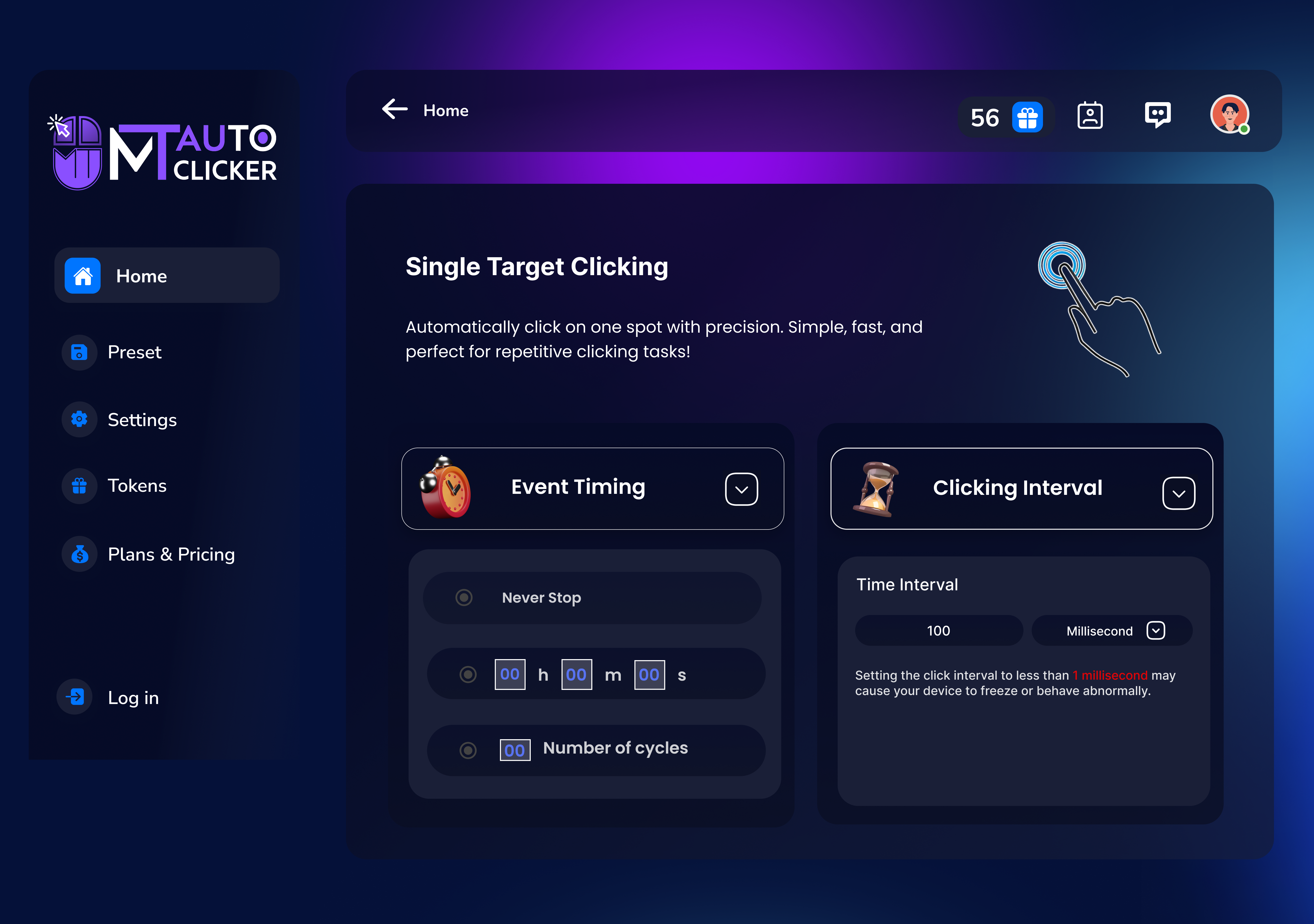
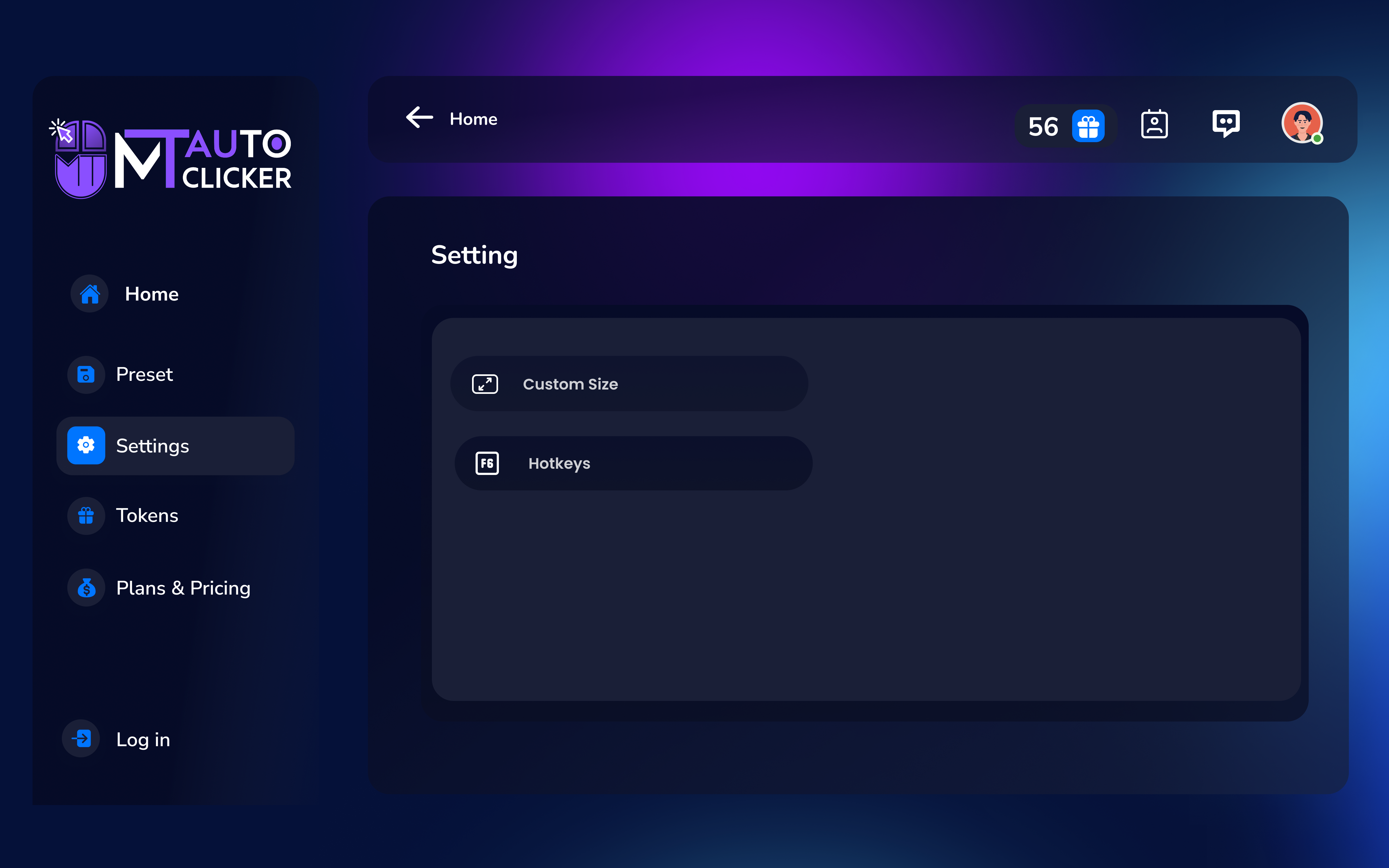
One of MT Auto Clicker's standout features is its precise control over click location and timing. Users can specify an exact spot on the screen, enabling targeted automation without affecting other areas—perfect for automating specific tasks like clicking buttons in a game or software routine. Additionally, the ability to customize click intervals, choose between single or multiple clicks, and set hotkeys elevates its usability for different workflows. This focus on precise, repetitive clicking reduces the need for manual intervention, freeing up mental energy for more complex activities. Unlike jam-packed automation tools overflowing with options, MT Auto Clicker emphasizes reliable performance through essential, effective controls, which helps to lower cognitive load and minimizes confusion.
Workflow Integration and Unique Advantages
Compared to other productivity apps that often prioritize maximal feature sets at the expense of usability, MT Auto Clicker stands out by streamlining automation into a seamless component of your workflow. Its straightforward design means you can quickly deploy auto-clicking without navigating through convoluted menus or risking configuration errors. This simplicity directly contributes to higher efficiency, especially in tasks requiring frequent, consistent clicking. Its minimalistic approach also reduces mental strain—users can focus on their primary work without constantly managing complex settings or worrying about crashing. This "less is more" strategy empowers users to integrate automation effortlessly into their routines, offering a clear advantage over more cumbersome tools that aim for versatility but often introduce unnecessary complexity.
Final Verdict & Recommendations
Overall, MT Auto Clicker for Windows is a reliable, easy-to-use automation tool that excels at providing targeted, customizable click automation without overwhelming the user. For anyone needing a straightforward solution to repetitive clicking—be it for gaming, testing, or productivity enhancement—this app is a solid choice. I would recommend it to casual users and professionals alike who value simplicity, precision, and quick setup.
While it might lack some advanced scripting features found in more complex automation suites, its focus on core clicking functionality makes it the go-to option for clean, effective automation. So, if your workflow involves a significant amount of repetitive mouse clicking, give this app a try—you might find that it transforms your tasks from tedious to effortless.
Pros
- User-friendly interface
- Highly customizable clicking options
- Lightweight and non-intrusive
- Free to use with no ads
- Supports multiple hotkeys for quick activation
Cons
- Limited advanced features
- Basic customization options
- No built-in pause or stop timer
- Occasional minor glitches on certain systems
- Limited support or documentation











