

- Name Microsoft Loop
- Category Productivity
- Developer Microsoft Corporation
- Available on PC, HoloLens
- OS Windows 10 version 19041.0 or higher
- languages Afrikaans, Albanian, Amharic, Arabic, Armenian, Assamese, Azerbaijani, Bangla (India), Basque, Bosnian (Latin, Bosnia and Herzegovina), Bulgarian, Catalan, Chinese (Simplified), Chinese (Traditional), Croatian, Czech, Danish, Dutch, English (United Kingdom), English (United States), Estonian, Filipino, Finnish, French, French (Canada), Galician , Georgian, German, Greek, Gujarati, Hebrew, Hindi, Hungarian, Icelandic, Indonesian, Irish, Italian, Japanese, Kannada, Kazakh, Khmer, Konkani, Korean , Lao, Latvian, Lithuanian, Luxembourgish, Macedonian, Malay, Malayalam, Maltese, Maori, Marathi, Nepali, Norwegian (Bokmål), Odia, Persian, Polish , Portuguese (Brazil), Portuguese (Portugal), Punjabi (India), Quechua, Romanian, Russian, Scottish Gaelic, Serbian, Serbian (Cyrillic, Bosnia and Herzegovina), Serbian (Latin, Serbia), Slovak, Slovenian (Slovenia), Spanish (Mexico), Spanish (Spain), Swedish, Tamil, Tatar, Telugu, Thai, Turkish, Ukrainian, Urdu, Uyghur, Valencian, Vietnamese, Welsh
An Innovative Canvas for Seamless Collaboration
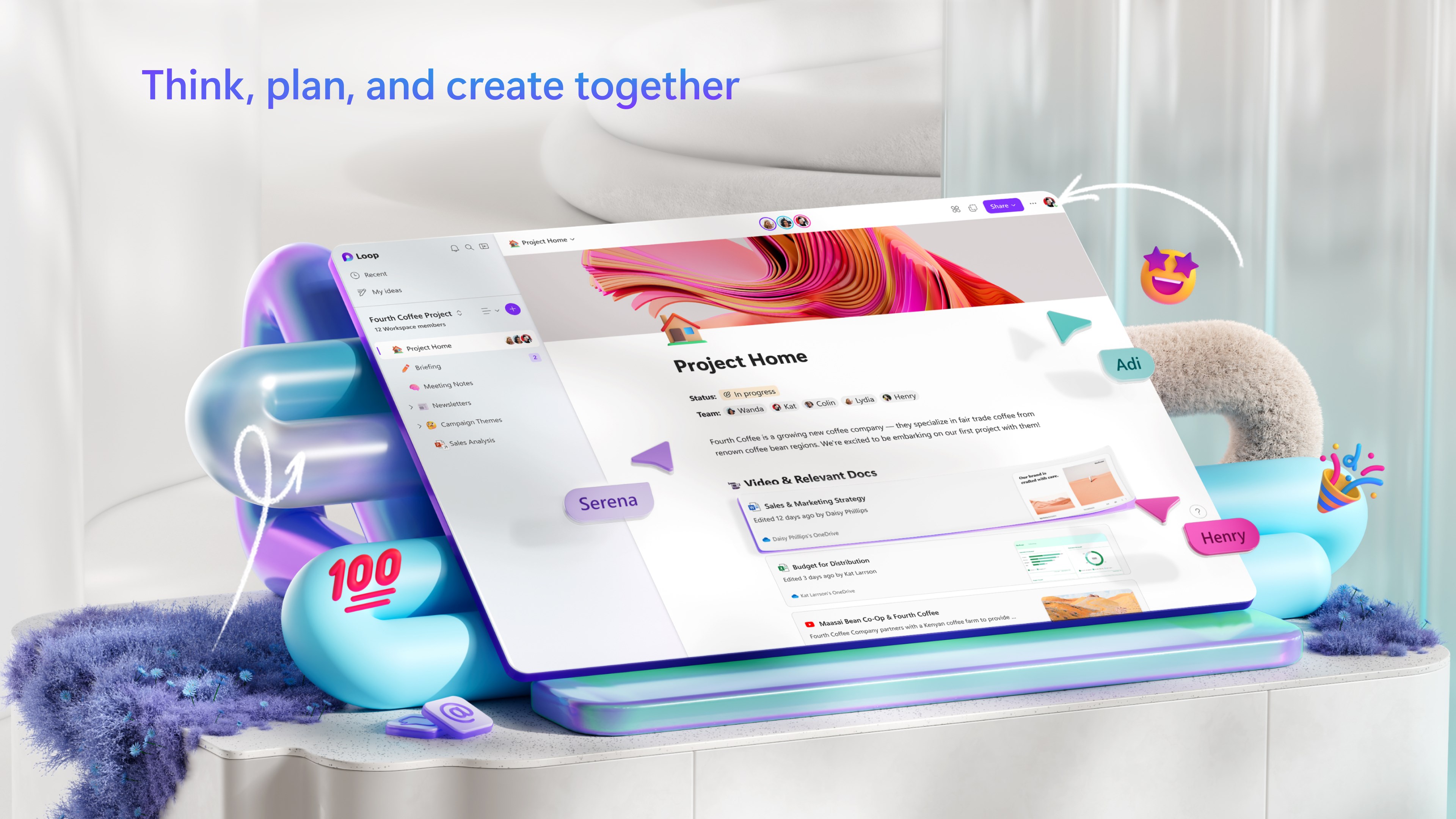
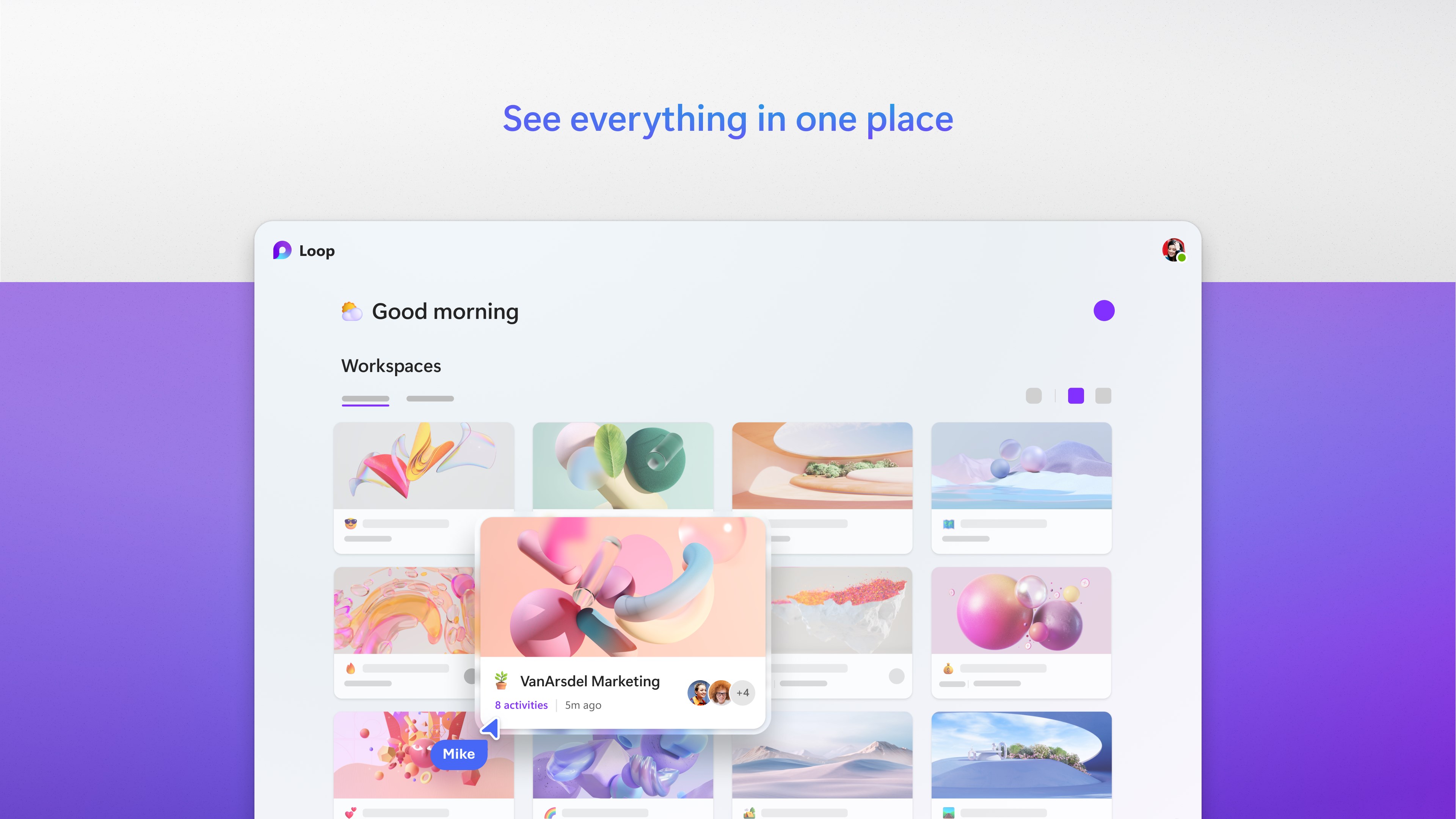
Microsoft Loop for Windows emerges as a fresh take on the modern workplace—an adaptable workspace designed to streamline team efforts and foster flexible collaboration. Built to fit into your daily routines, it aims to break down silos and bring your ideas, notes, and tasks into a unified, dynamic environment.
Developed by Microsoft Corporation
As expected from the tech giant, this app is crafted by a dedicated team at Microsoft, leveraging their extensive expertise in productivity tools to craft a cohesive experience tailored for Windows users.
Main Features That Set Loop Apart
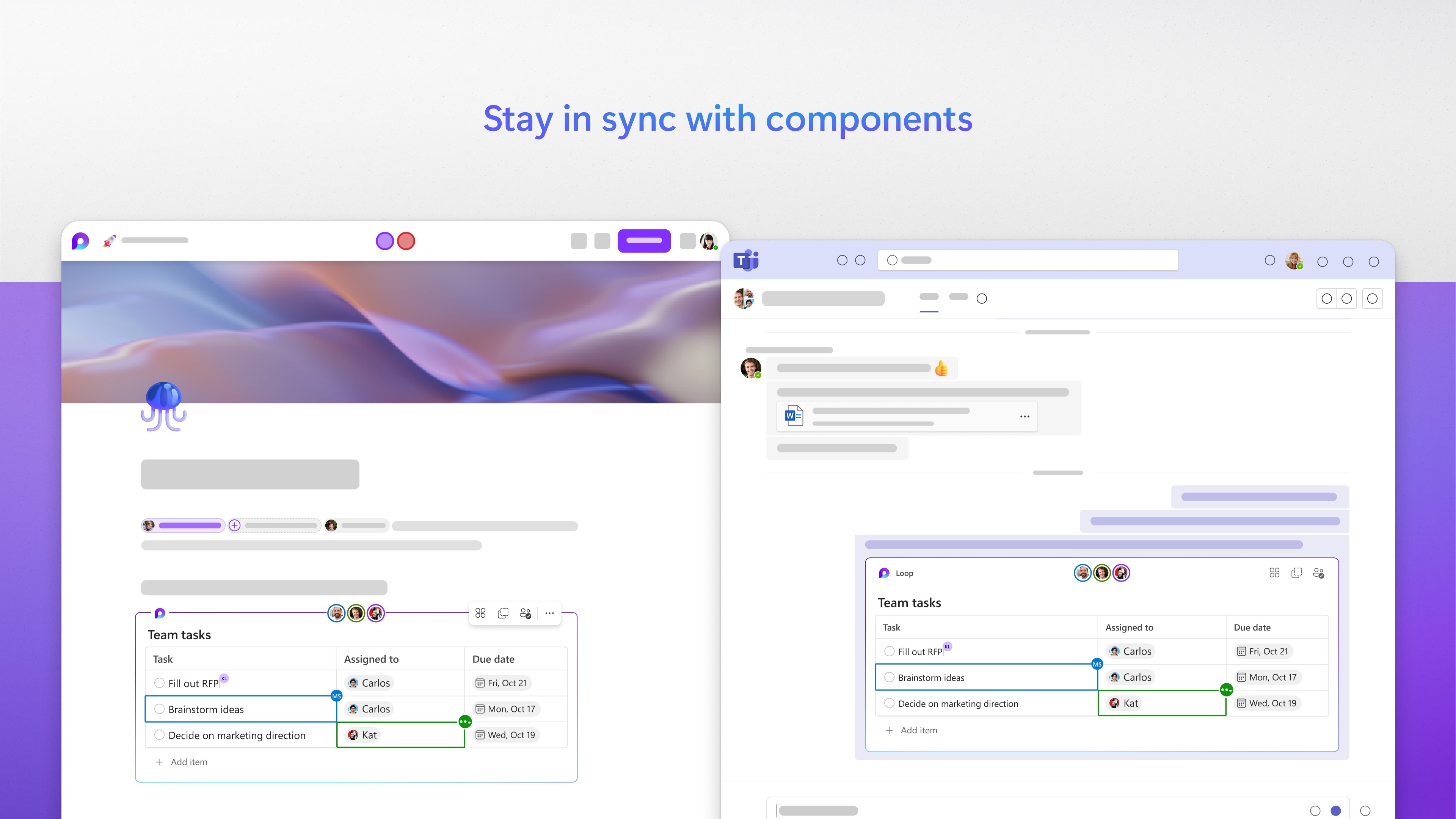
- Adaptive Workspaces: Dynamic modules called "components" that can be embedded across Microsoft 365 apps, allowing real-time updates and seamless information sharing.
- Fluid Content Collaboration: Multiple users can simultaneously edit and reorganize content, making teamwork feel as natural as a shared whiteboard.
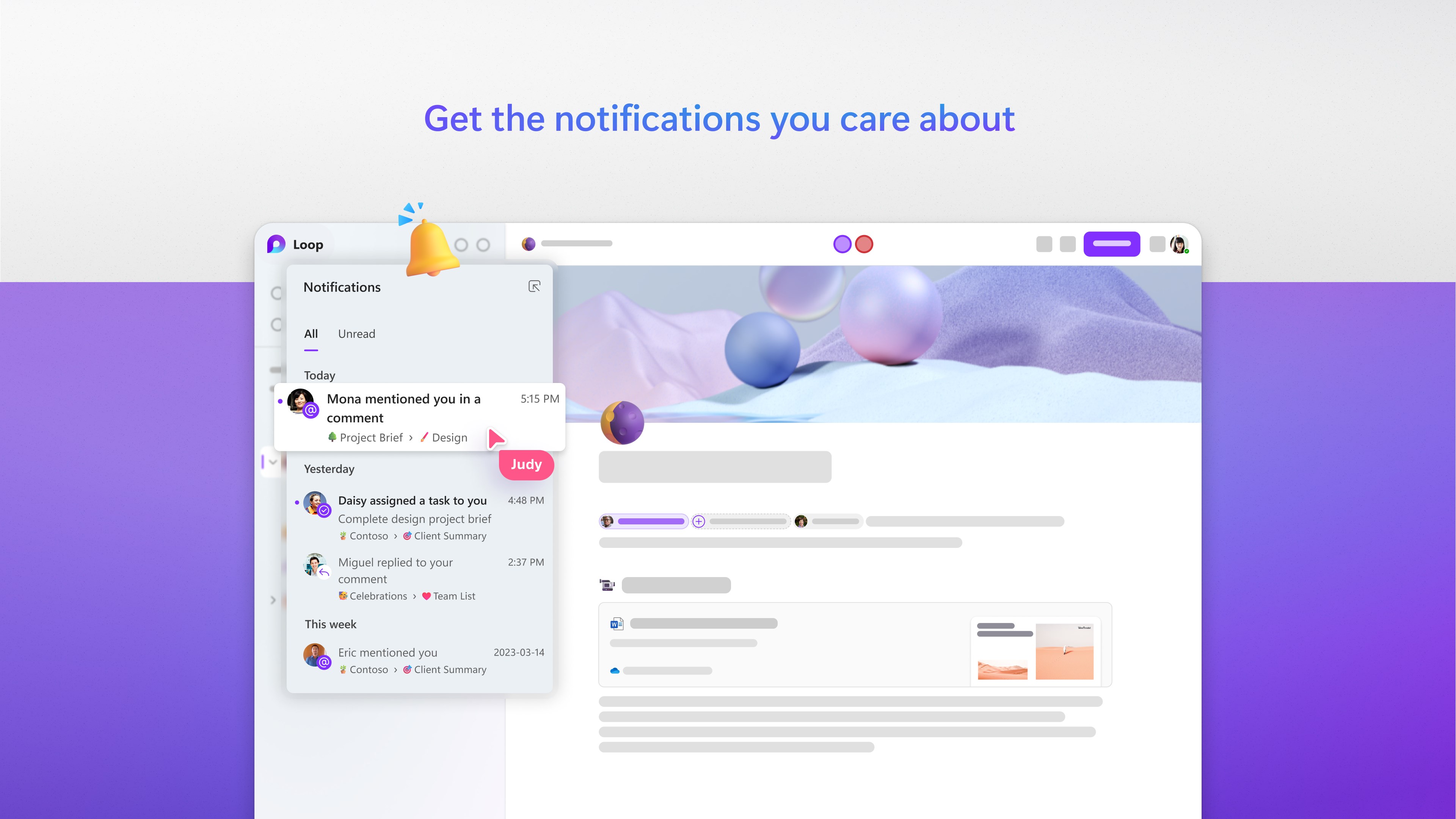
- Smart Integration: Tight integration with Microsoft 365, especially Teams and Outlook, ensures your workflows are interconnected, reducing context-switching and boosting efficiency.
- Intuitive Interface: Clean, minimalistic design that emphasizes ease of use, helping users focus on ideas rather than navigating complex menus.
Engaging the User: A Fresh Perspective on Productivity
Imagine sitting at your desk, surrounded by scattered notes and countless open tabs. Now, envision transforming that chaos into a harmonious digital workspace where ideas flow, evolve, and team members stay in sync—this is the promise of Microsoft Loop for Windows. Its promise isn't just about organizing your tasks but about reimagining how teamwork can be more organic and responsive. Think of Loop as your digital whiteboard, where collaboration happens naturally and effortlessly, rendering the traditional boundaries of workspace obsolete.
Core Functionality: Dynamic Components in Action
The cornerstone of Loop's innovation lies in its "components"—small, portable pieces of content like checklists, tables, or notes that are live and editable across various Microsoft apps. For instance, you can create a to-do list within Loop and embed it in an email draft; recipients see real-time updates without extra emails pinging back and forth. This cross-application fluidity translates into fewer context-switches, less cognitive load, and a more streamlined workflow. It effectively acts like a digital “brain extension,” holding pieces of your project in sync regardless of where you are working within the Microsoft ecosystem.
Design, Usability, and Learning Curve
Microsoft Loop for Windows sports a user interface that's both inviting and straightforward—akin to opening a neatly organized desk drawer. The layout emphasizes clarity, with minimal distractions and intuitive icons guiding actions seamlessly. For new users, the learning curve is gentle; basic functions are straightforward, and the logical flow mimics everyday thought patterns—creating content, sharing, collaborating. During extended use, however, mastering more advanced features like embedded components across multiple apps might take some exploration but remains accessible thanks to built-in guidance and familiarMicrosoft Office-like interactions. Overall, the app provides a satisfying user experience where functionality supports productivity without overwhelming.
Workflows vs. Feature Complexity: A Unique Edge
Compared to traditional productivity apps that tend to pile on features, often leading to cognitive overload, Microsoft Loop strikes a commendable balance. Its emphasis on seamless workflow integration and live content synchronization reduces mental load by eliminating redundant steps and messy versioning. While most apps require switching between multiple tools or juggling different files, Loop's dynamic components and tight Microsoft 365 integration offer a streamlined environment, much like having a shared digital workspace that evolves intuitively. This ensures users spend less time configuring and more time creating, making it a matter of optimizing workflow efficiency rather than just adding features.
Final Recommendation: A Thoughtful Tool Worth Exploring
Microsoft Loop for Windows is best suited for teams and individuals looking to cultivate flexible, real-time collaboration without drowning in a labyrinth of options. Its standout features—particularly the adaptive components and integrated workflows—offer tangible productivity benefits, especially within the Microsoft ecosystem. While it may not replace all traditional project management tools, it acts as a powerful supplement, encouraging a more natural, less fragmented work rhythm. I recommend giving it a try if you value seamless teamwork and are already invested in Microsoft 365 services, as Loop can serve as both a central hub and a catalyst for more cohesive collaboration.
Pros
- Seamless collaboration
- Cross-platform compatibility
- Intuitive interface
- Flexible content blocks
- Automatic updates
Cons
- Limited offline functionality
- Learning curve for new users
- Occasional sync delays
- Limited export options
- Feature set may feel basic for power users











