

- Name Microsoft Designer
- Category Productivity
- Developer Microsoft
- Available on PC
- OS Windows 10 version 19041.0 or higher
- languages English (United States)
Discovering Microsoft Designer: A Fresh Take on Creative Workflows
Microsoft Designer for Windows emerges as a thoughtfully crafted graphic design tool that aims to streamline the creative process by integrating seamlessly into the Microsoft ecosystem. Designed to cater to both beginners and seasoned designers, it offers an intuitive platform that simplifies visual content creation without sacrificing flexibility or power. This application promises to bridge the gap between professional-grade design and user-friendly workflows, making it an intriguing addition to the productivity and creativity toolbox.
About the Developer and Core Features
Developed and published by Microsoft Corporation, Microsoft Designer exemplifies their commitment to blending artificial intelligence with productivity tools. Its key highlights include:
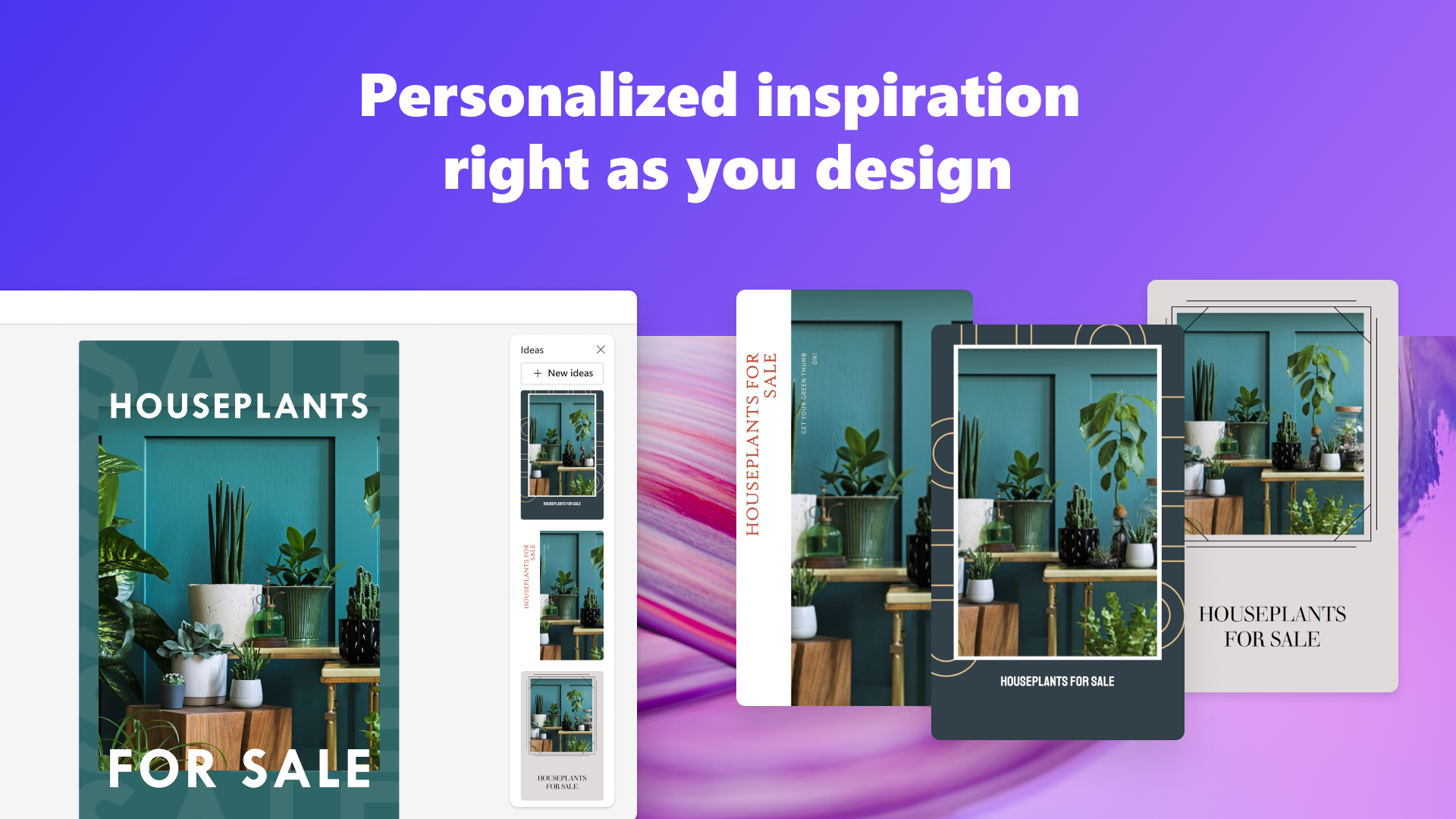
- AI-Driven Design Assistance: The app leverages AI to suggest layouts, color schemes, and element arrangements, significantly reducing creative indecision and workflow bottlenecks.
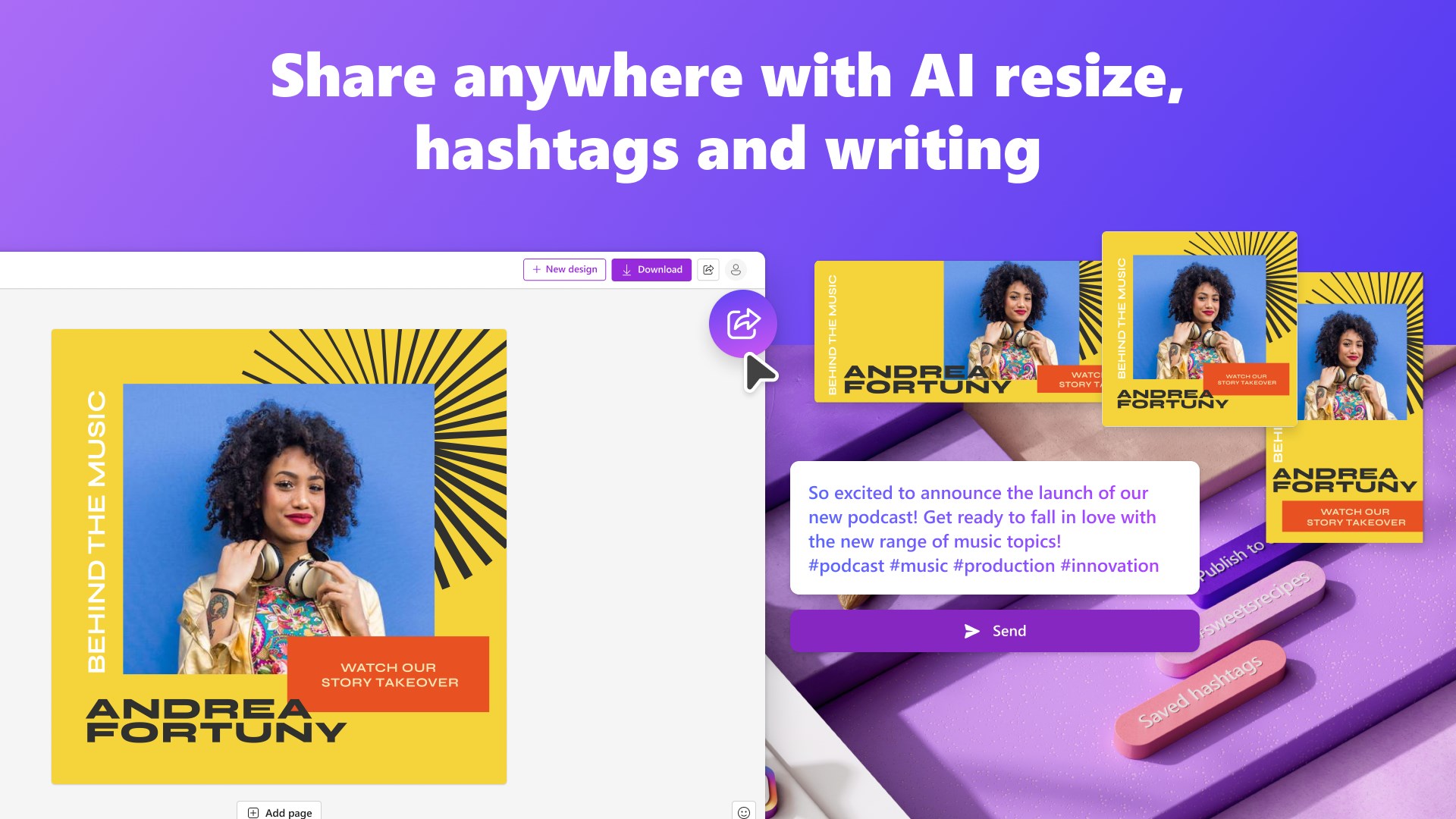
- Seamless Microsoft Ecosystem Integration: Designed to work smoothly with Windows, Office, and other Microsoft services, enabling quick imports, exports, and collaborative editing.
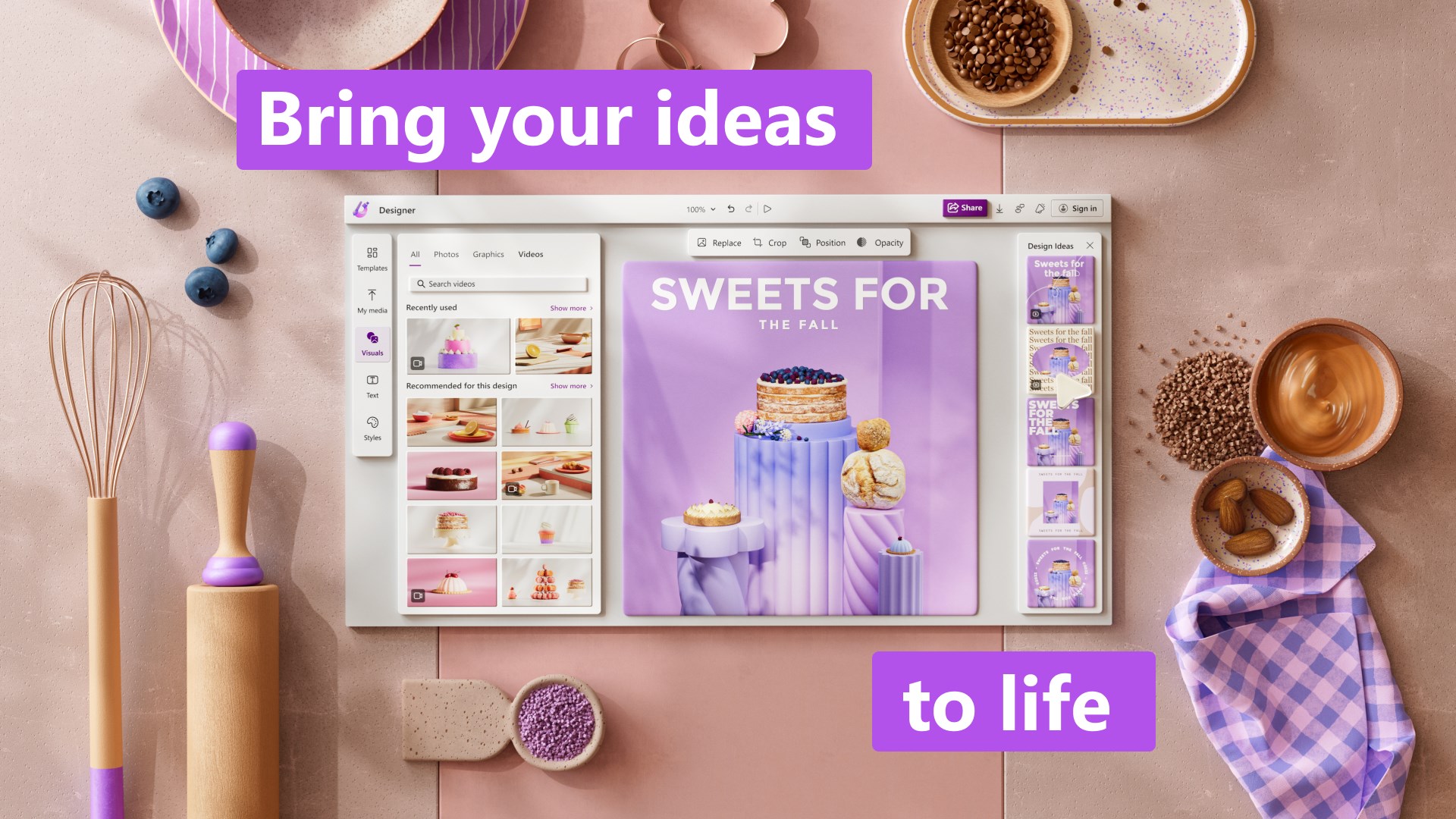
- Template-Rich Interface: Comes with a broad array of customizable templates catering to social media posts, presentations, posters, and more, speeding up content creation.
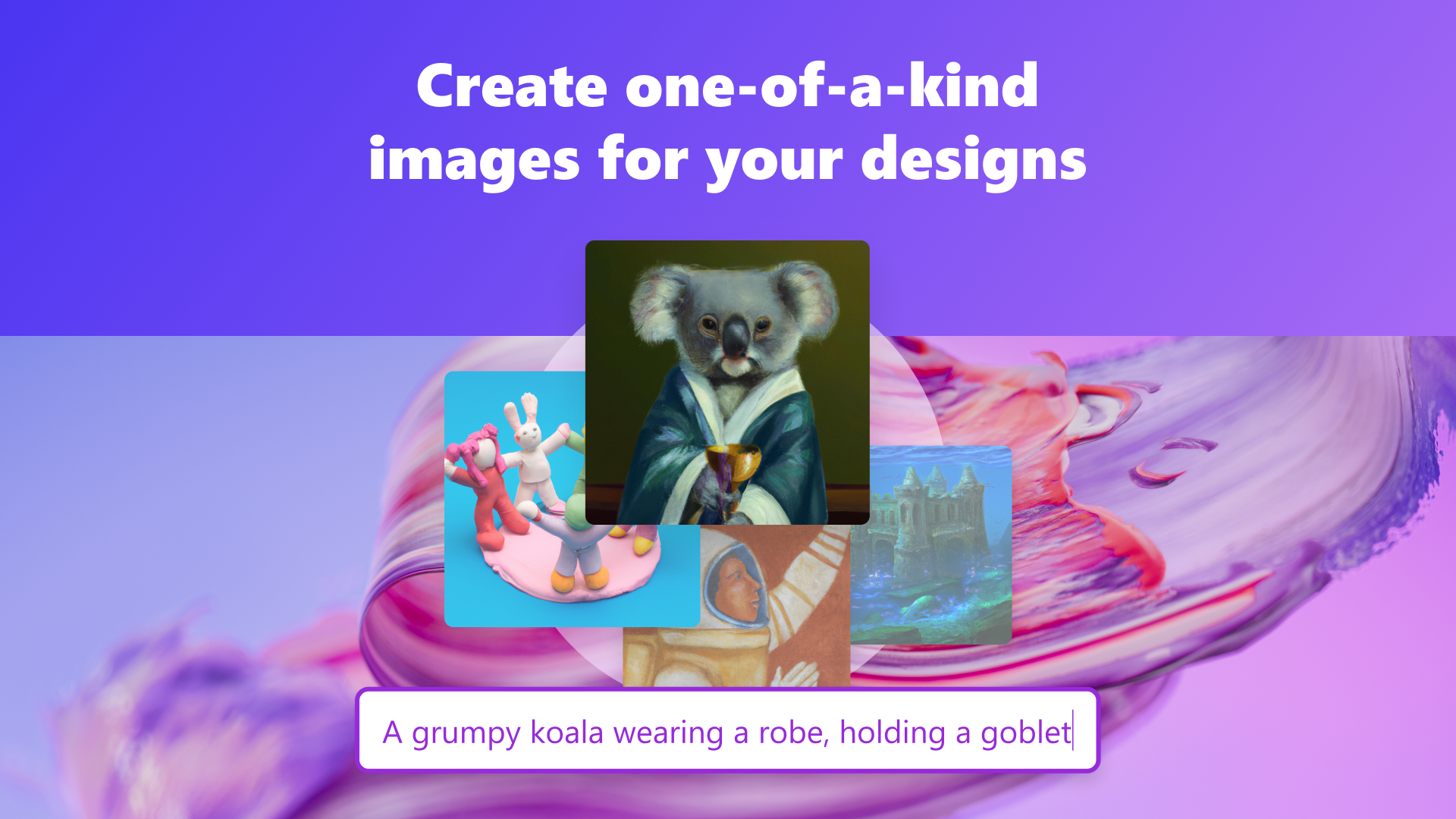
- Intelligent Asset Recommendation: The tool can automatically suggest relevant images and icons based on your project context, streamlining your design process.
Targeted at marketers, small business owners, educators, students, and creative individuals seeking an accessible yet powerful visual design tool, Microsoft Designer aims to democratize the art of effective storytelling through visuals.
Engaging with Microsoft Designer: A Closer Look
Imagine sitting at your desk, eager to whip up a stunning social media banner or an eye-catching presentation slide. Microsoft Designer feels like having a creative partner sitting right beside you—intuitive, insightful, and ready to assist. Its interface presents a clean, modern canvas that invites experimentation without overwhelm, akin to a painter's well-organized studio where every brush and tool is within arm's reach.
Smart Templates and AI-Powered Suggestions
The standout feature of Microsoft Designer lies in its AI-powered design assistance. When you start a new project, the app suggests templates based on your intent, whether for marketing, education, or personal use. This smart prompting acts like a seasoned designer whispering ideas into your ear, helping you choose layouts that balance aesthetics and functionality. The AI also offers color palette suggestions and element positioning, reducing cognitive load and allowing you to focus on the message rather than the minutiae of design rules.
Seamless Ecosystem Integration Enhances Workflow
Unlike standalone design tools, Designer's integration within the Microsoft environment ensures your workflow remains uninterrupted. Import images directly from OneDrive, collaborate effortlessly via Teams or Outlook, and export your finished pieces with a single click. This interconnectedness eliminates the friction often experienced when switching between disparate apps, akin to having a well-organized workspace where everything is just where you need it.
User Experience: Flow, Learning Curve, and Design Philosophy
The application's user interface is thoughtfully crafted, balancing simplicity with depth. The learning curve is mild; new users can produce appealing designs within minutes, while experienced users can delve into customization options. Transitioning from template to personalized masterpiece feels natural, much like customizing a familiar recipe—familiar steps with room for creative tweakings. Operation is smooth and responsive, thanks to efficient coding and thoughtful interface design, making every interaction feel effortless.
What Makes Microsoft Designer Stand Out?
While many graphic design tools exist, Microsoft Designer's unique advantage lies in its focus on workflow integration and cognitive ease. Its AI-driven suggestions act as a guiding hand, reducing the mental effort required to decide on effective layouts, colors, and assets. This is especially valuable for users who need quick, professional results without the steep learning curve or feature overload typical of advanced design software. The seamless ecosystem connectivity ensures your creative process isn't hampered by file transfers or app switching, much like a well-oiled machine.
Final Thoughts and Recommendations
All considered, Microsoft Designer is a compelling choice for users seeking a straightforward yet intelligent design tool embedded within the Microsoft environment. Its most impressive feature—AI-assisted design that simplifies complex decisions—sets it apart from many competitors. For small business owners, educators, or social media enthusiasts eager to create compelling visuals with minimal fuss, it's highly recommended. However, for those requiring high-end, pixel-perfect graphics or intricate editing capabilities, more advanced software might still be necessary.
In conclusion, if your goal is to enhance your visual communication efficiently without drowning in complexity, Microsoft Designer offers a smart, user-friendly, and practically integrated solution worth exploring. Treat it like your digital sketchbook—easy to start with, delightful to refine, and always ready for your next creative adventure.
Pros
- User-friendly interface
- Integration with Microsoft ecosystem
- Wide range of customizable templates
- AI-powered design suggestions
- Cloud-based storage support
Cons
- Limited advanced editing tools
- Occasional slow rendering
- Dependency on internet connection
- Limited export options
- Some template styles may feel generic











