
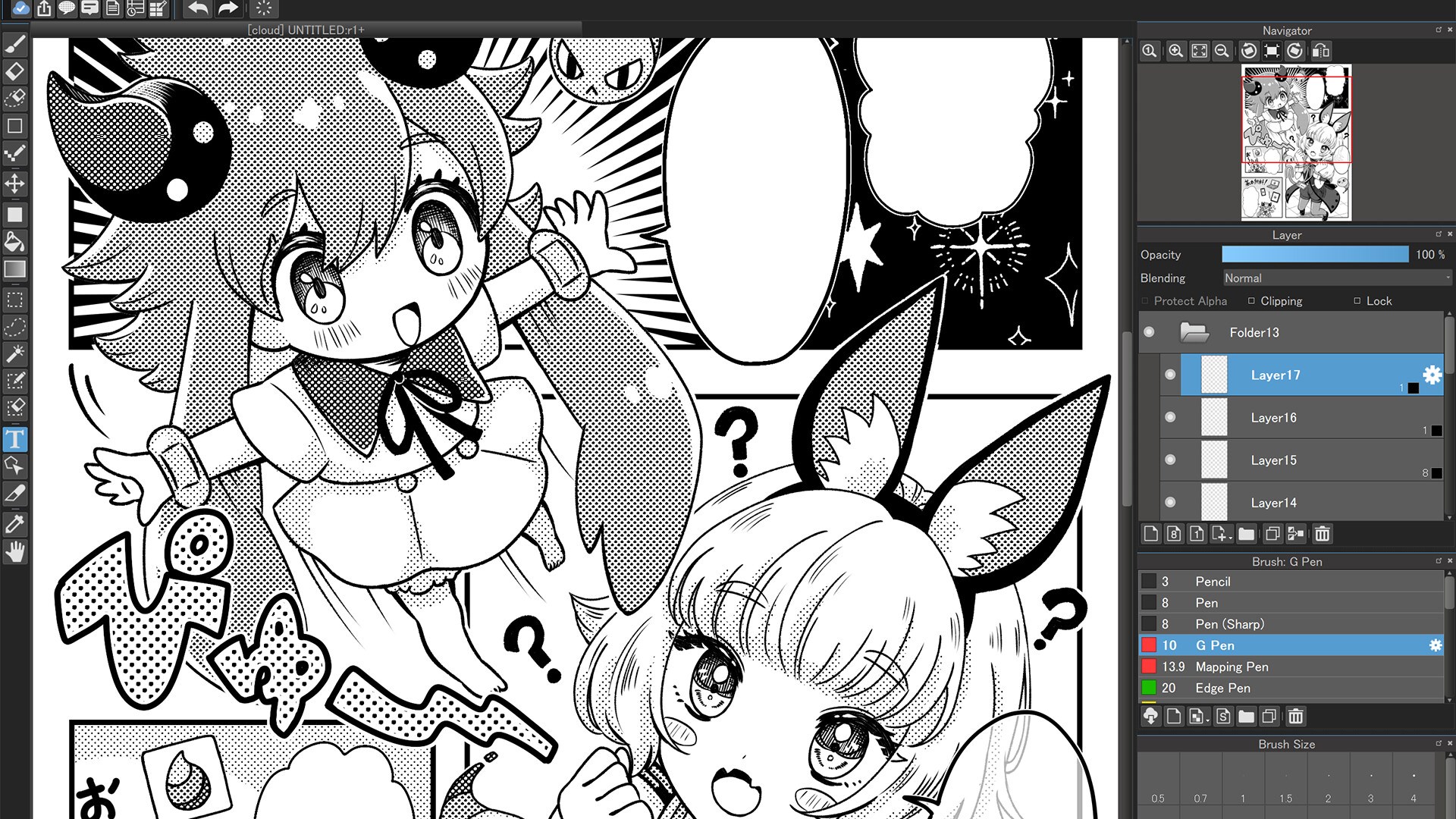
- Name MediBang Paint for Desktop
- Category Multimedia design
- Developer MediBang Inc.
- Available on PC
- OS Windows 10 version 17763.0 or higher
- Keyboard Integrated Keyboard
- Mouse Integrated Mouse
- Memory 8 GB
- languages Chinese (Simplified), Chinese (Traditional Chinese), English (United States), French, German, Indonesian, Italian, Japanese, Korean , Malay, Polish , Portuguese (Portugal), Russian, Spanish (Spain), Thai, Turkish, Vietnamese
MediBang Paint for Desktop on Windows: A Comprehensive Artistic Companion
Imagine a digital art studio packed into a sleek, user-friendly application—MediBang Paint for Desktop on Windows fits that image perfectly. Designed to cater to budding illustrators and seasoned artists alike, this free software offers a surprising depth of features, all wrapped in an accessible interface. Whether you're sketching, coloring, or creating comics, it might just become your go-to creative workspace.
About MediBang Paint: The Developer Behind the Magic
Developed and published by MediBang Inc., a globally recognized name in digital art tools, MediBang Paint is rooted in a mission to make creative expression accessible to everyone. With a background rooted in manga and comic art, the team has built a platform that balances professional features with simplicity, suitable for both hobbyists and aspiring professionals.
Nearly a decade into its journey, MediBang Inc. continues to refine its flagship software, emphasizing cloud integration, collaborative features, and an immense library of brushes and resources. Their focus on community-driven development makes MediBang Paint a constantly evolving landscape for digital artists.
Core Features That Brighten the Canvas
1. Cloud-Based Collaboration and Storage
What sets MediBang Paint apart from many other art programs is its seamless cloud integration. Artists can save their projects to MediBang's cloud server, enabling easy access across devices and effortless sharing with collaborators. Imagine working on a comic panel at your desk, then picking up right where you left off on your laptop during your commute. This feature fosters real-time teamwork, perfect for comic creators or team-based projects.
2. Extensive Brush and Tool Library
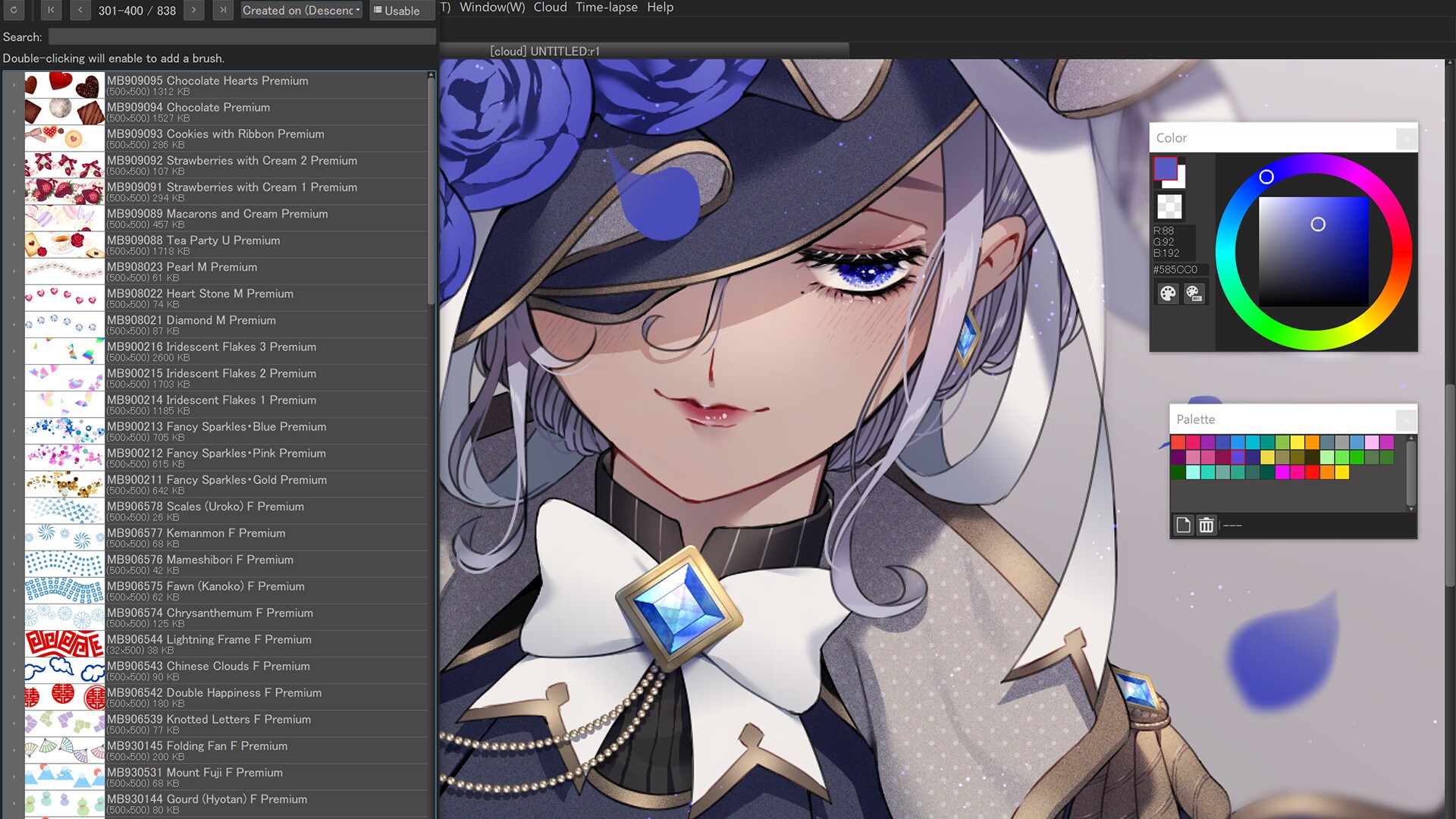
The software boasts a rich collection of brushes, pens, and tones designed to simulate real-world art materials. Whether you prefer the textured feel of watercolor brushes or the crisp lines of ink pens, MediBang provides a versatile toolkit. Plus, users can download additional resources or create their own custom brushes, offering endless possibilities for unique artistic styles.
3. User-Friendly Interface with Layered Workflow
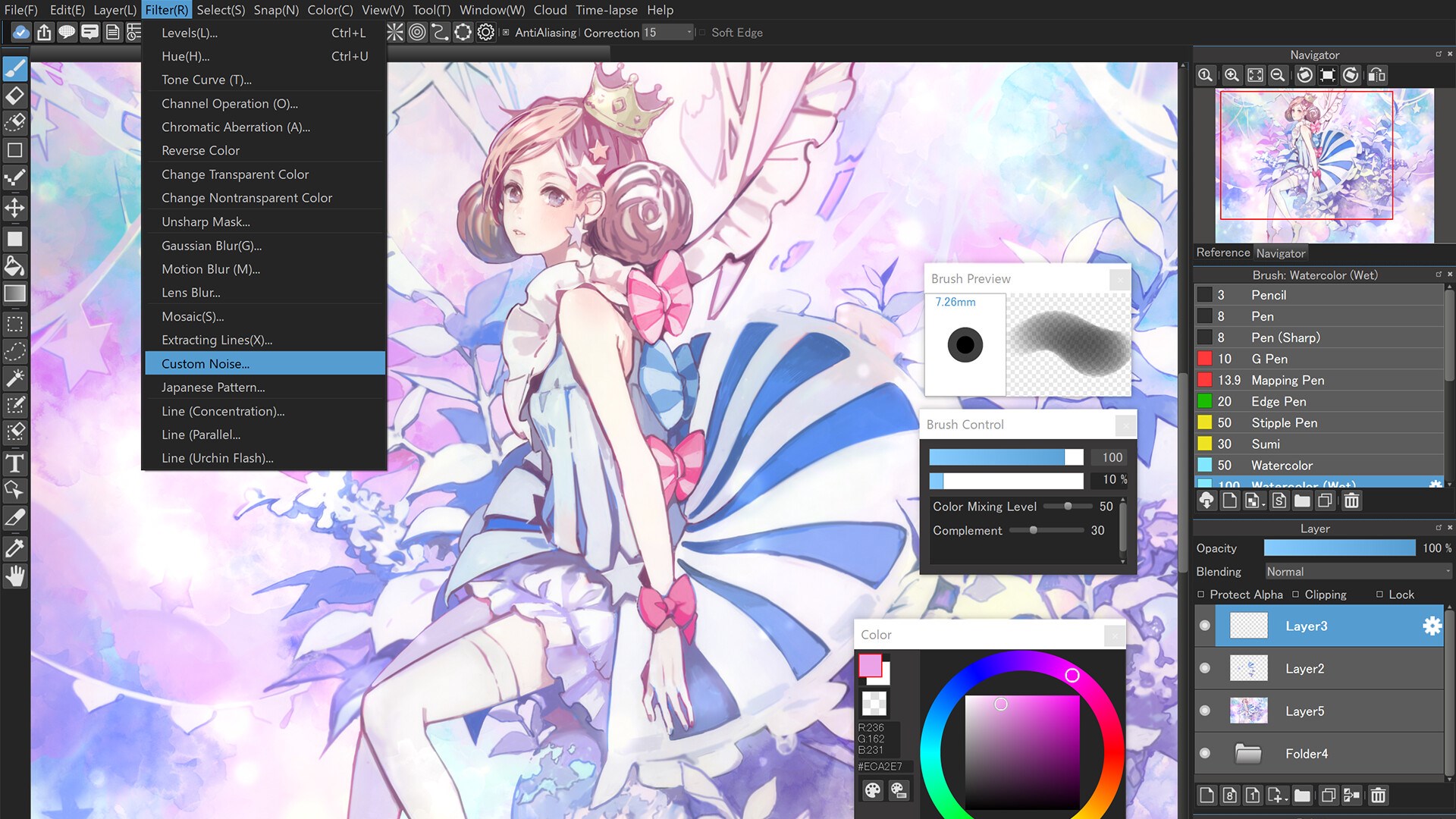
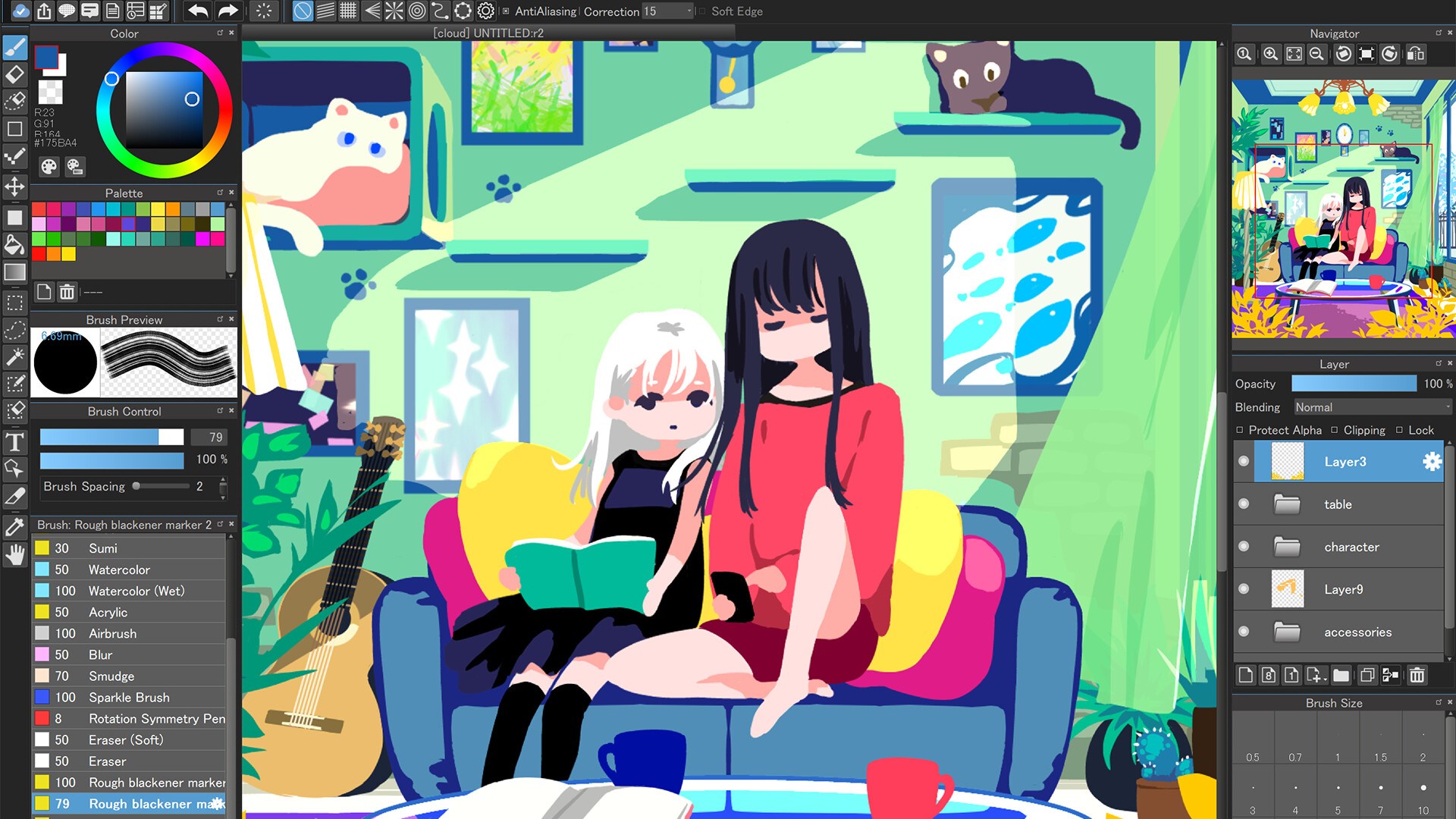
The interface resembles a traditional art studio, with dockable panels and customizable workspace, making it intuitive for beginners while offering enough depth for advanced users. The layered system supports various blending modes and clipping masks, which are essential for complex compositions. Its smooth operation ensures that even detailed illustrations flow naturally, minimizing frustration and maximizing creative flow.
Design, Usability, and Unique Advantages
The interface strikes a harmonious balance—visual clarity meets functional efficiency. Navigating through menus feels effortless, akin to strolling through a well-organized art supply store. The app runs smoothly on most Windows configurations, with minimal lag, allowing artists to focus on their work rather than technical hurdles. The learning curve is gentle, thanks to built-in tutorials and an active community sharing tips and resources.
Compared to other multimedia design tools like Krita or Clip Studio Paint, MediBang's standout feature is its cloud collaboration combined with an expansive free resource library. While Krita shines with its painting fidelity and Clip Studio excels in comic-specific tools, MediBang offers an all-in-one package that encourages collaboration and resource sharing without hefty price tags, making it particularly appealing to students and indie creators.
Final Verdict and Recommendations
In conclusion, MediBang Paint for Desktop on Windows emerges as a versatile, accessible, and community-oriented digital art platform. Its strongest suits are the cloud collaboration capabilities and the extensive, customizable brush library, which together foster an environment of shared creativity and exploration. While it may not have all the polishing effects of premium apps, its balance of features makes it an excellent starting point or supplementary tool for digital artists.
For those seeking a free, reliable, and easy-to-master painting application that encourages teamwork and resource sharing, MediBang Paint deserves a serious look. Whether you're just beginning your digital art journey or looking to connect with other creators, this app offers a friendly portal into the world of digital illustration.
Pros
- Intuitive user interface
- Rich set of brushes and tools
- Cloud sync and collaboration features
- Support for working with comic/layout templates
- Free to use with no major feature restrictions
Cons
- Occasional lagging with complex files
- Limited advanced image editing features
- Interface can become cluttered with many panels
- Some features are still in beta or under development
- Limited support for certain file formats











