

- Name Me Calendar
- Category Productivity
- Available on PC, Mobile, Surface Hub, HoloLens
- OS Windows 10 version 17763.0 or higher
- languages Chinese (Simplified), Chinese (Traditional Chinese), English, French, German, Italian, Japanese, Korean, Norwegian (Bokmål), Portuguese, Russian, Spanish, Swedish, Turkish, Vietnamese
Introducing Me Calendar for Windows: A Fresh Take on Digital Scheduling
In an era where productivity tools are abundant, Me Calendar for Windows carves out its niche by offering a straightforward, visually appealing approach to managing your schedule. Designed to streamline your day without overwhelming you, this app aims to bridge simplicity and function seamlessly.
Who's Behind the Curtain?
Developed by Design Me, a team committed to creating user-centric productivity solutions, Me Calendar embraces a minimalist philosophy while packing essential features to keep you organized. Their focus appears to be on reducing cognitive load by simplifying calendar management, making it accessible for everyone—from busy professionals to students trying to keep track of their assignments.
Core Highlights That Make Me Calendar Stand Out
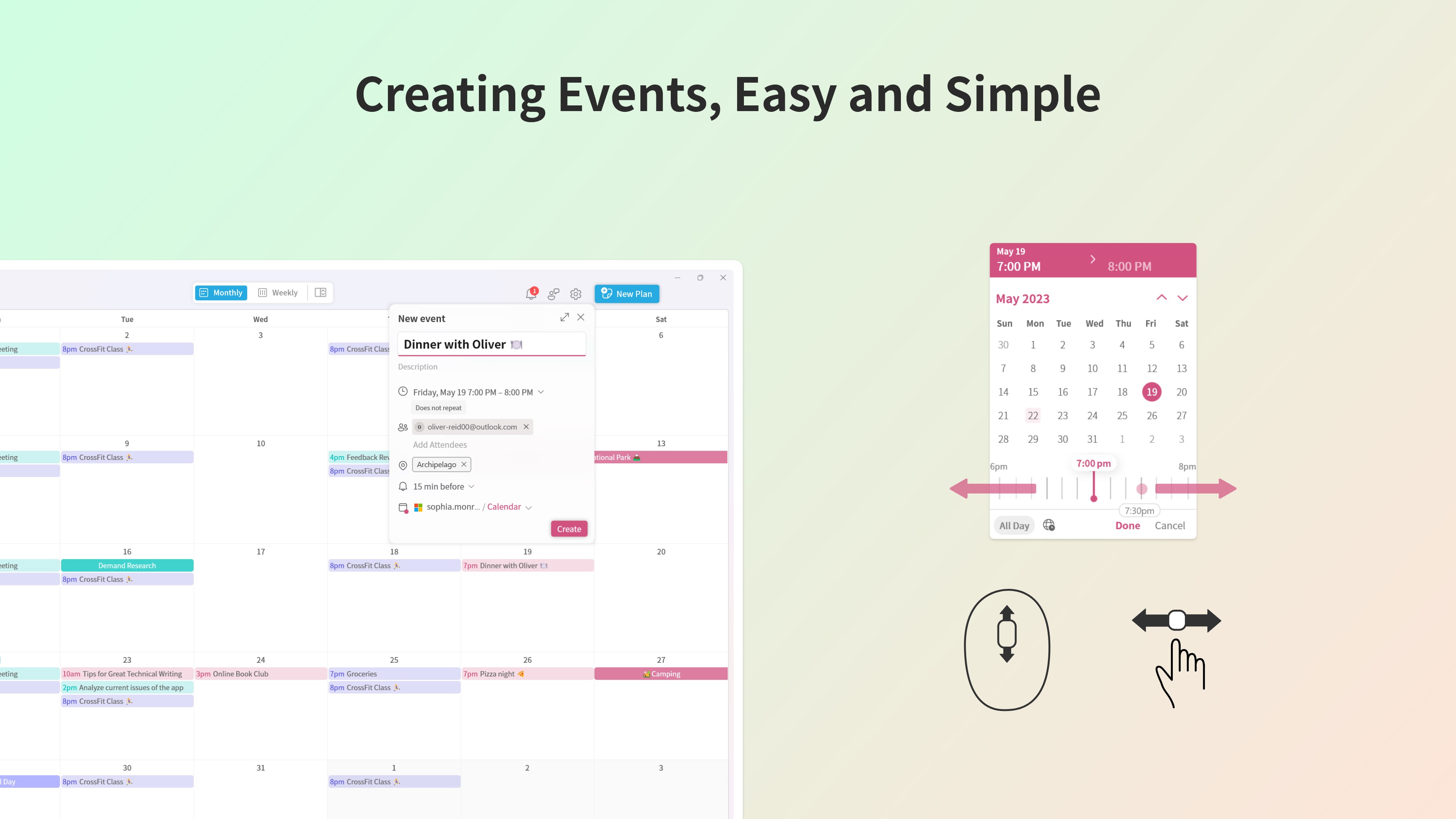
- Simplified Event Management: Intuitive creation and editing of events with minimal fuss, avoiding cluttered interfaces.
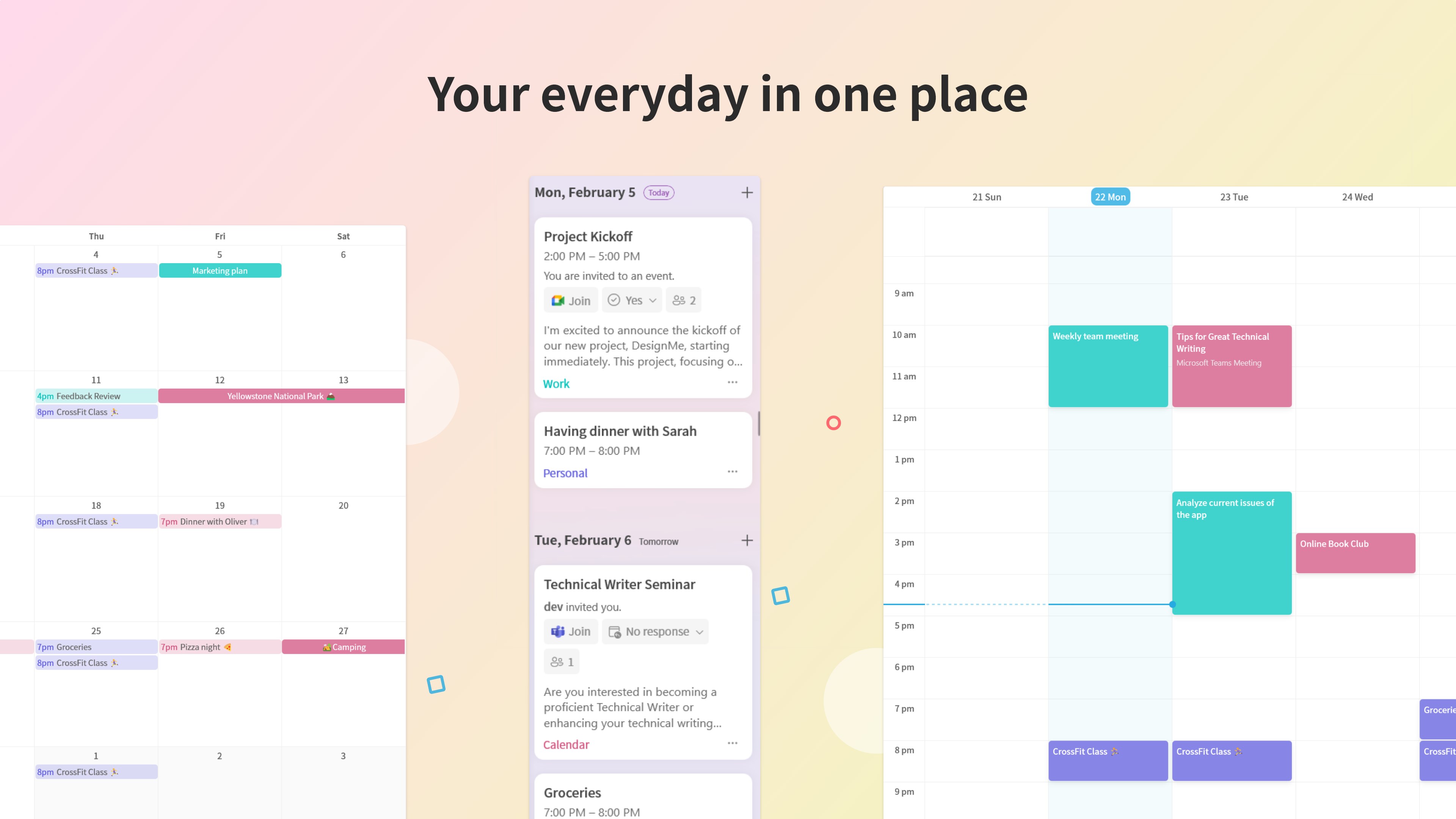
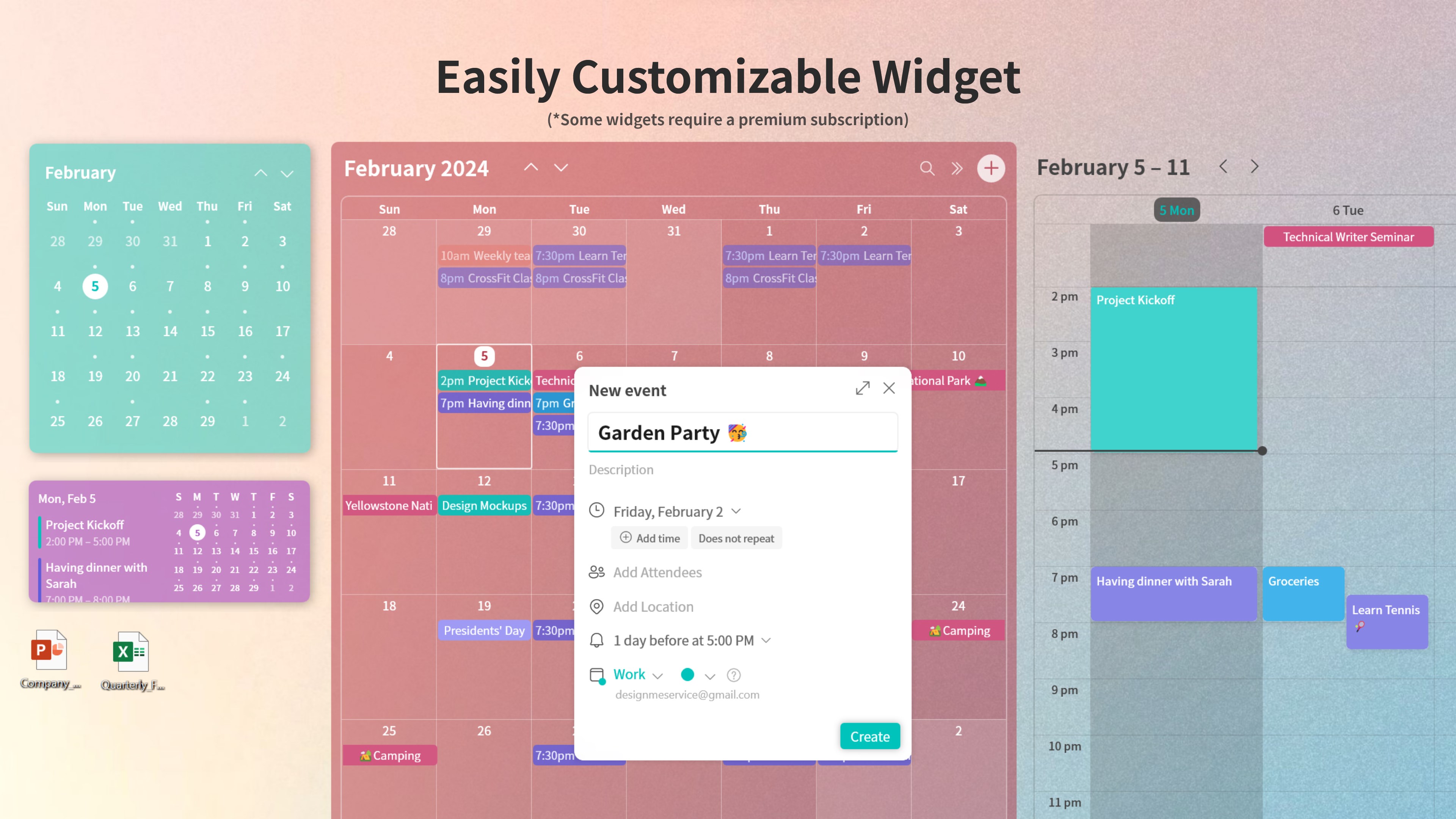
- Unified View & Customization: Multiple calendar views (day, week, month) with flexible customization options for a personalized experience.
- Seamless Interface with Modern Aesthetics: Clean, modern design that's easy on the eyes and enhances usability.
- Lightweight yet Powerful: Focuses on essential features without overwhelming the user with excessive options, thus reducing cognitive fatigue.
A Fresh Approach: Clean Design Meets Functionality
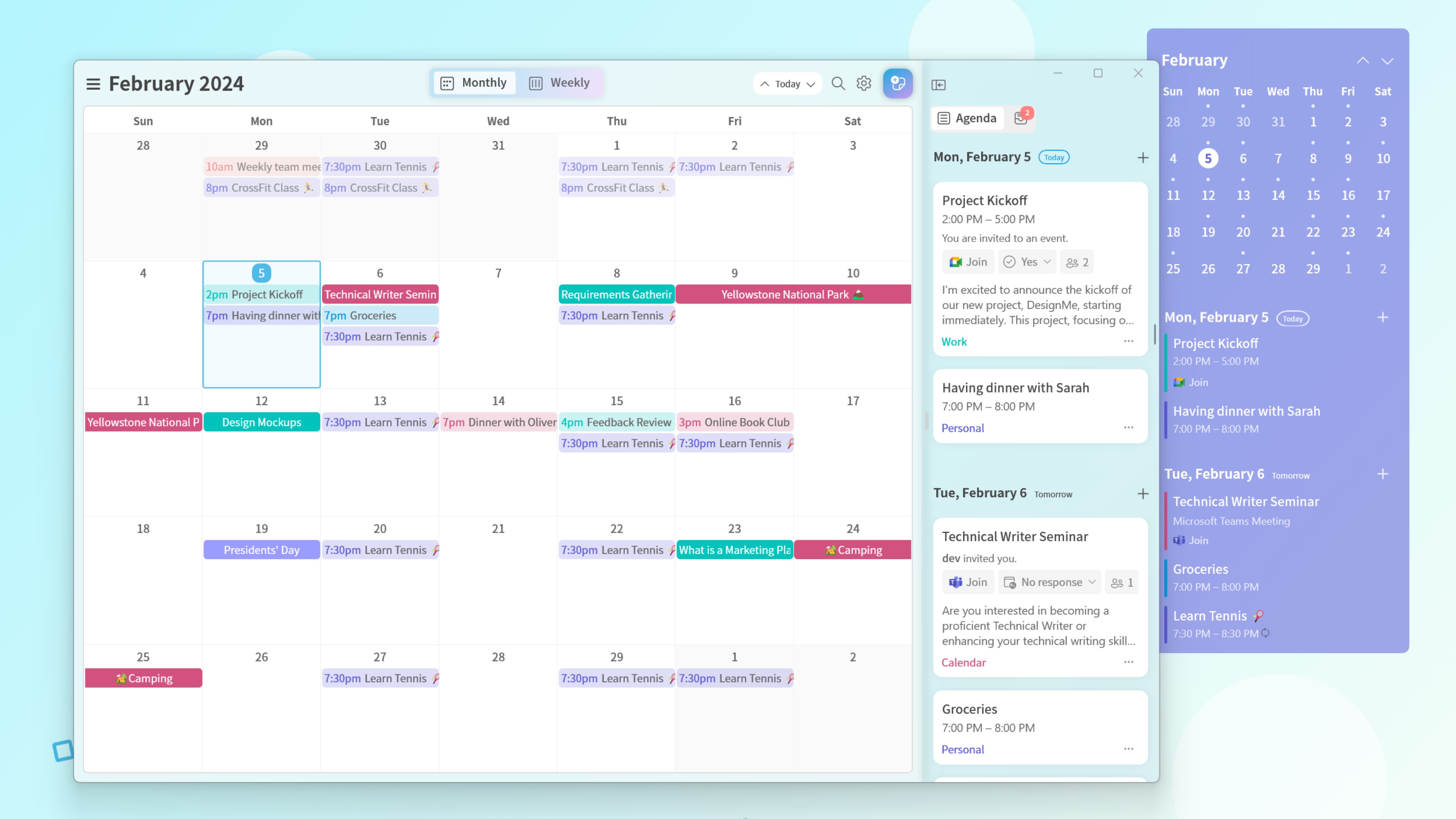
Imagine opening a calendar app that feels less like a digital wall and more like a well-organized workspace. Me Calendar's interface welcomes you with a sleek, minimalistic design, reminiscent of a tidy desktop. Transitioning between views is smooth as butter—clicks feel responsive, and the layout adapts neatly to your needs.
This app excels in providing a clutter-free environment, stripping away unnecessary bells and whistles. The intuitive controls mean that even first-time users can quickly grasp how to add events, adjust timings, or switch views. The learning curve feels like a gentle hill—easy to ascend but offering enough features to keep you engaged without feeling overwhelmed.
Streamlined Workflow & Unique Value Proposition
Unlike many calendar apps that pile on features—sometimes at the expense of usability—Me Calendar emphasizes reducing cognitive load. Its focus on minimalism isn't just aesthetic; it's strategic. The app's streamlined workflow allows users to quickly glance at their schedule and make adjustments without hunting through menus or settings. In this way, it effectively reduces mental friction, enabling you to focus on what matters.
One of the most distinctive features is its fluid integration of multiple calendars into a single, unified view—think of it as a symphony conductor seamlessly bringing different instrument sections into harmony. This makes multi-source scheduling effortless, enhancing productivity for users juggling work, personal life, and other commitments. Unlike more complex apps that require significant learning and setup, Me Calendar strikes a balance, offering enough flexibility while maintaining simplicity.
Who Should Use and How to Make the Most of It
I'd recommend Me Calendar for users seeking a straightforward, elegant calendar solution without the fuss. If you're tired of cluttered apps that demand a PhD to customize, this might be just the refresh your workflow needs. It's especially effective for those who prefer a minimal learning curve and appreciate visual clarity.
While it might lack some niche advanced features, its core strengths—ease of use, clean design, and reduced mental effort—make it a compelling choice for daily scheduling. To maximize its potential, pair it with your existing task management tools or workflows, using it as a central hub for your schedule. Remember, the goal here is efficiency and clarity, so avoid overloading it with unnecessary integrations or data.
In summary, Me Calendar for Windows stands out as a thoughtfully designed calendar app that champions simplicity without sacrificing essential functionality. Its focus on reducing cognitive overload and facilitating seamless workflow integration makes it an excellent choice for those seeking a calm, organized digital calendar. It's a practical, user-friendly tool that feels like having a personal assistant—efficient, unobtrusive, and always ready to keep your day on track.
Pros
- Intuitive User Interface
- Seamless Microsoft 365 Integration
- Customizable Reminders
- Cross-Device Synchronization
- Intelligent Event Suggestions
Cons
- Limited Customization Options
- Occasional Sync Delays
- Incomplete Offline Functionality
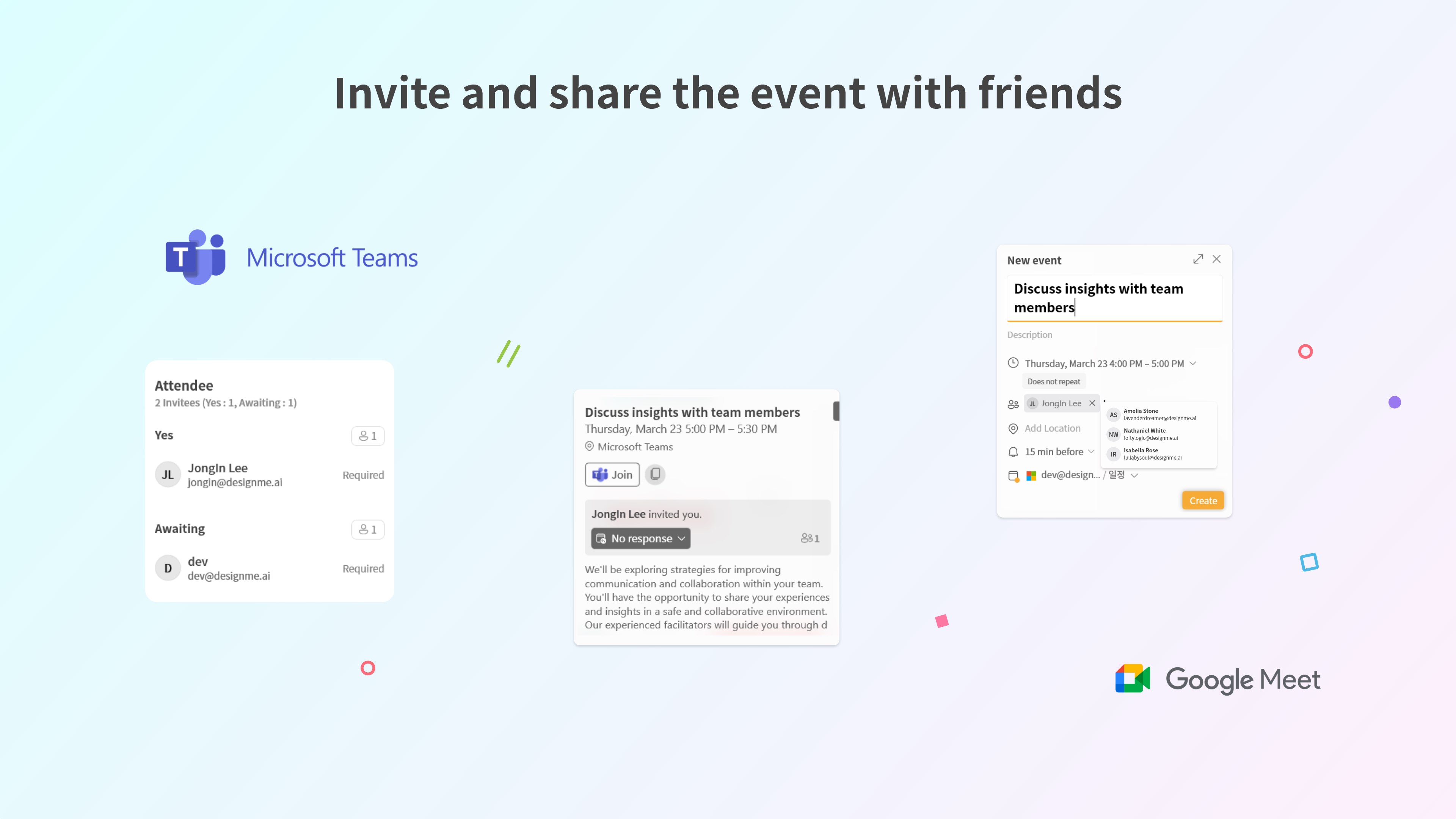
- Limited Event Sharing Features
- Simplistic Notification Settings











