

- Name LibreOffice
- Category Productivity
- Available on PC
- OS Windows 10 version 17763.0 or higher
- Memory 300 MB
- languages English (United States)
A Robust Open-Source Office Suite for Windows: LibreOffice
LibreOffice for Windows stands out as a free, comprehensive alternative to proprietary office software, offering users a powerful set of tools for document creation, data processing, and presentations without the hefty price tag.
Who's Behind It and What It Offers
Developer and Publisher
The Document Foundation, a global community of developers and contributors, maintains LibreOffice, ensuring it remains an independent, community-driven project dedicated to open standards and accessibility.
Main Features and Highlights
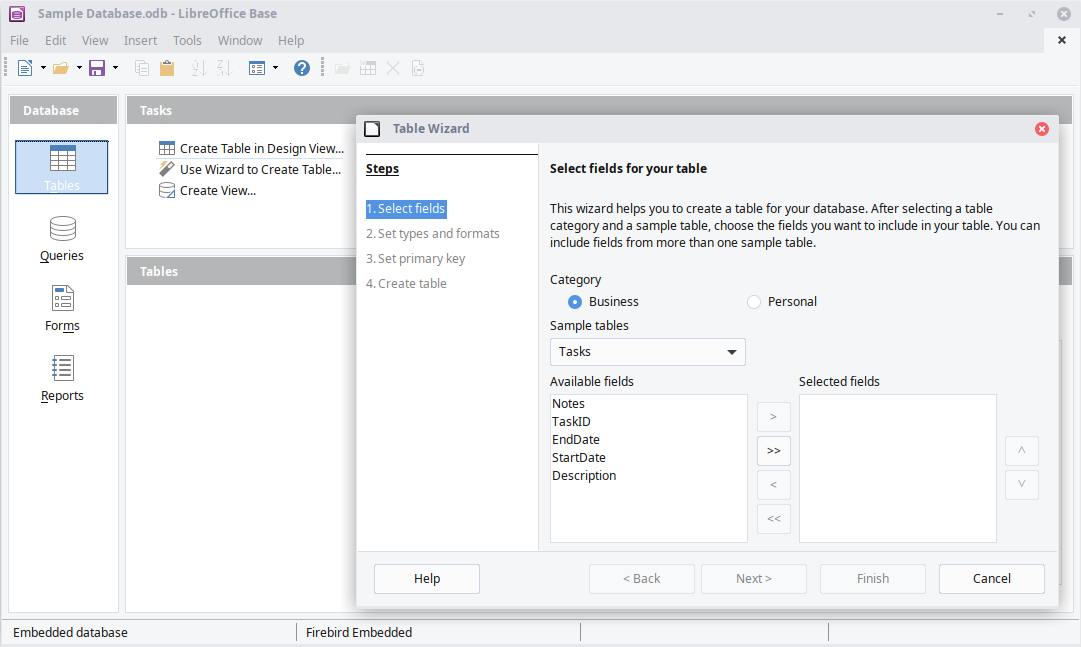
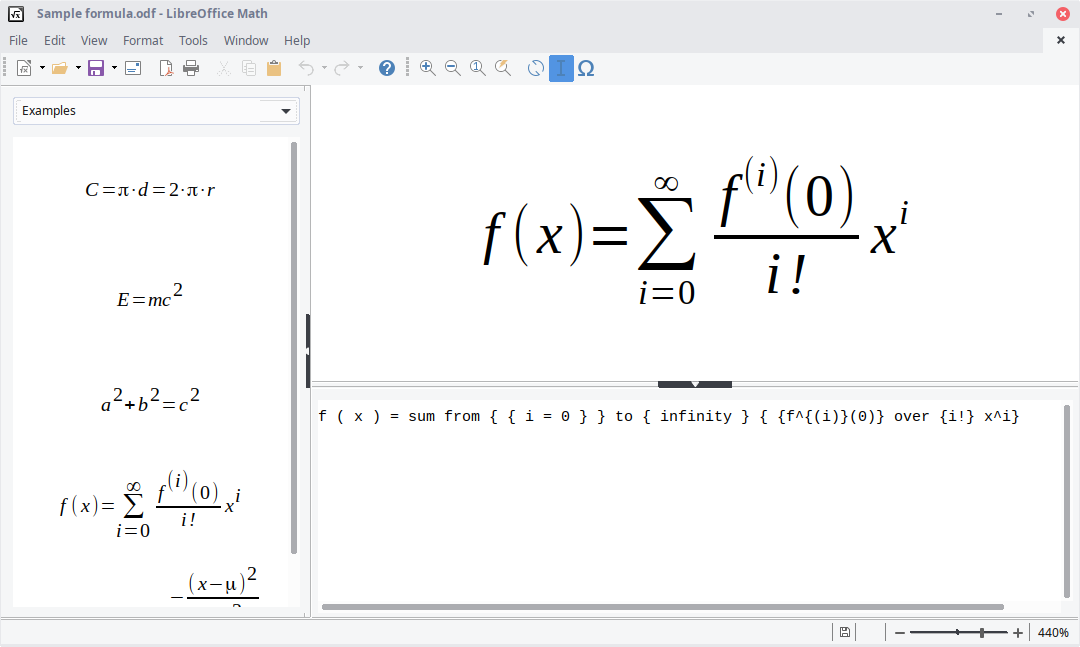
- Full Office Suite Compatibility: Includes Writer, Calc, Impress, Draw, Base, and Math, covering virtually all user needs for document, spreadsheet, presentation, and database management.
- Advanced Document Compatibility: Supports a wide range of formats including Microsoft Office files, ensuring seamless interoperability.
- Customizable and Extensible Architecture: Offers numerous extensions and templates, allowing users to tailor the software to their workflows.
- Accessibility and Multilingual Support: Designed to be accessible for users with disabilities and available in multiple languages.
Immersive and Intuitive User Experience
Imagine a workspace where switching between tasks feels as effortless as flipping through pages in your favorite notebook. LibreOffice's interface design strikes a thoughtful balance—clean enough to avoid clutter, yet packed with enough tools to handle complex documents. Users will find that navigating its menus feels familiar if you've ever used traditional office software, but with the added flexibility of open-source customization.
Core Functional Modules
- Writer: The Artful Wordsmith
- Calc: The Analytical Powerhouse
- Impress: The Creative Presentations
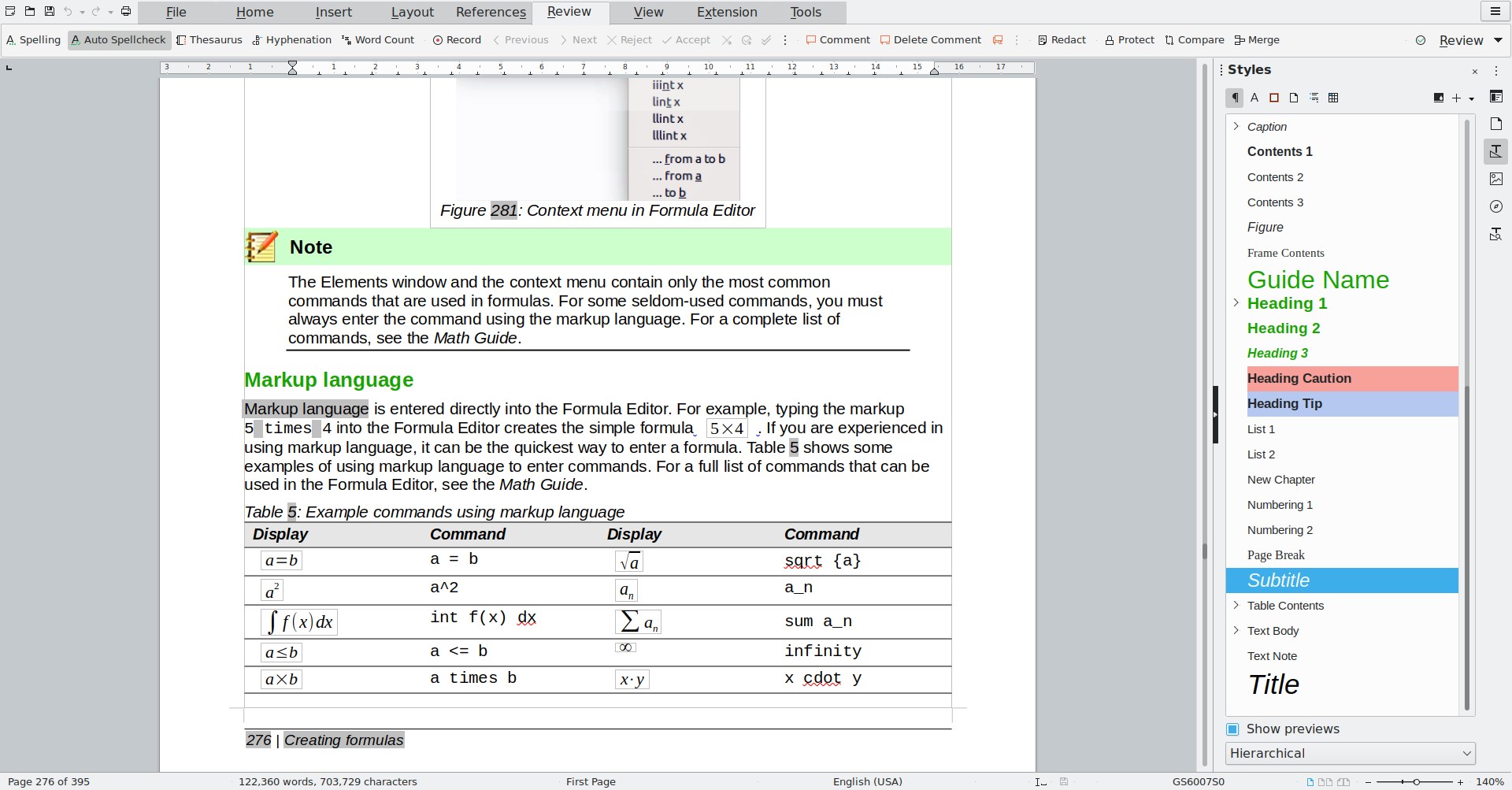
LibreOffice Writer is akin to a digital typewriter that enables you to craft everything from simple notes to elaborate reports. Its robust styling, formatting, and review features make it suitable for both casual users and professional writers. The integrated spell check and auto-correction streamline editing, while its ability to handle complex layouts rivals that of paid counterparts.
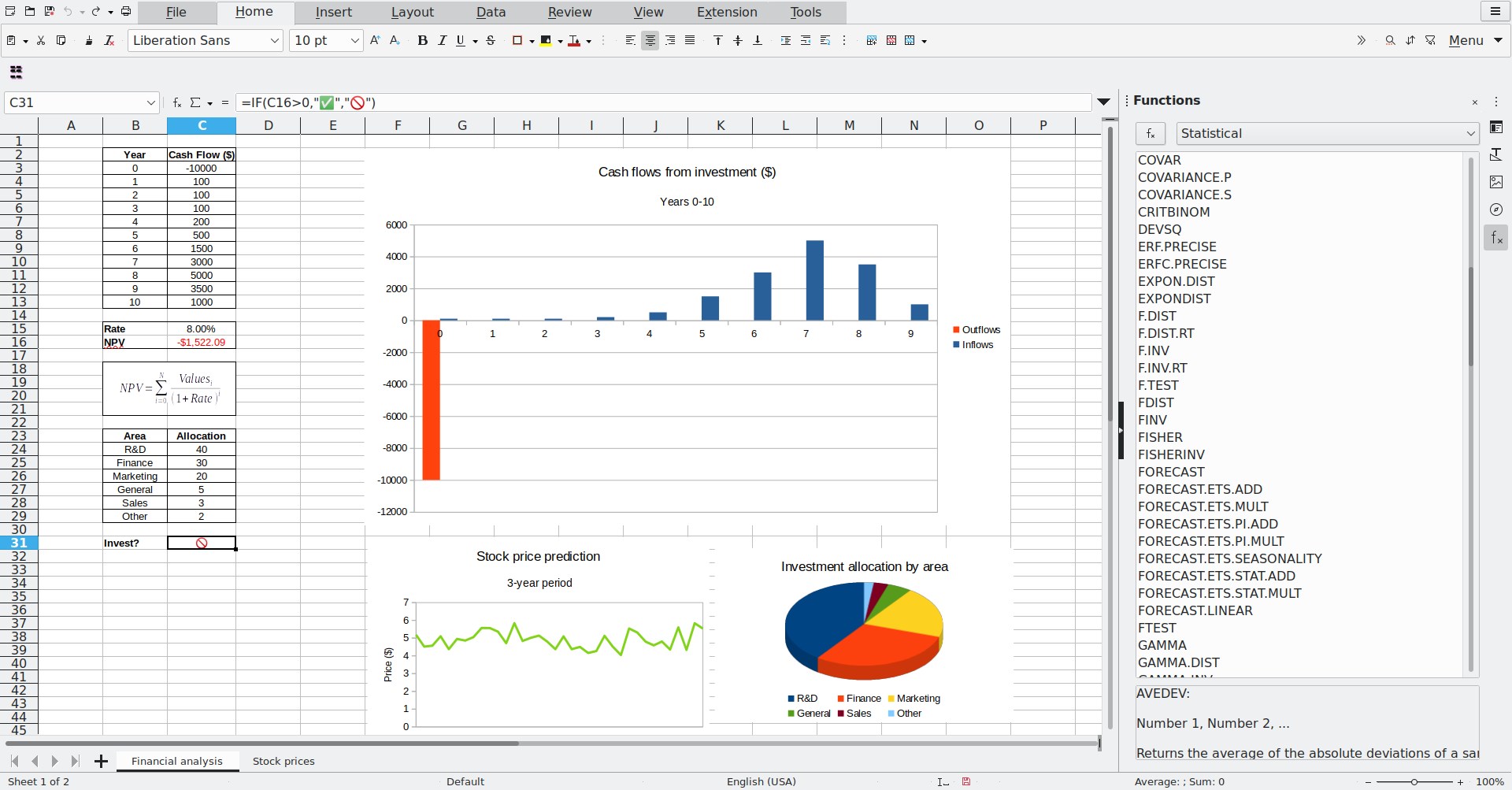
Calc transforms spreadsheets from tedious grids into dynamic, data-driven dashboards. Its formula editor and data visualization tools empower users to analyze business metrics or personal budgets with ease. Collaborative features, like comments and revisions, facilitate teamwork—making it a practical choice for projects requiring shared effort.
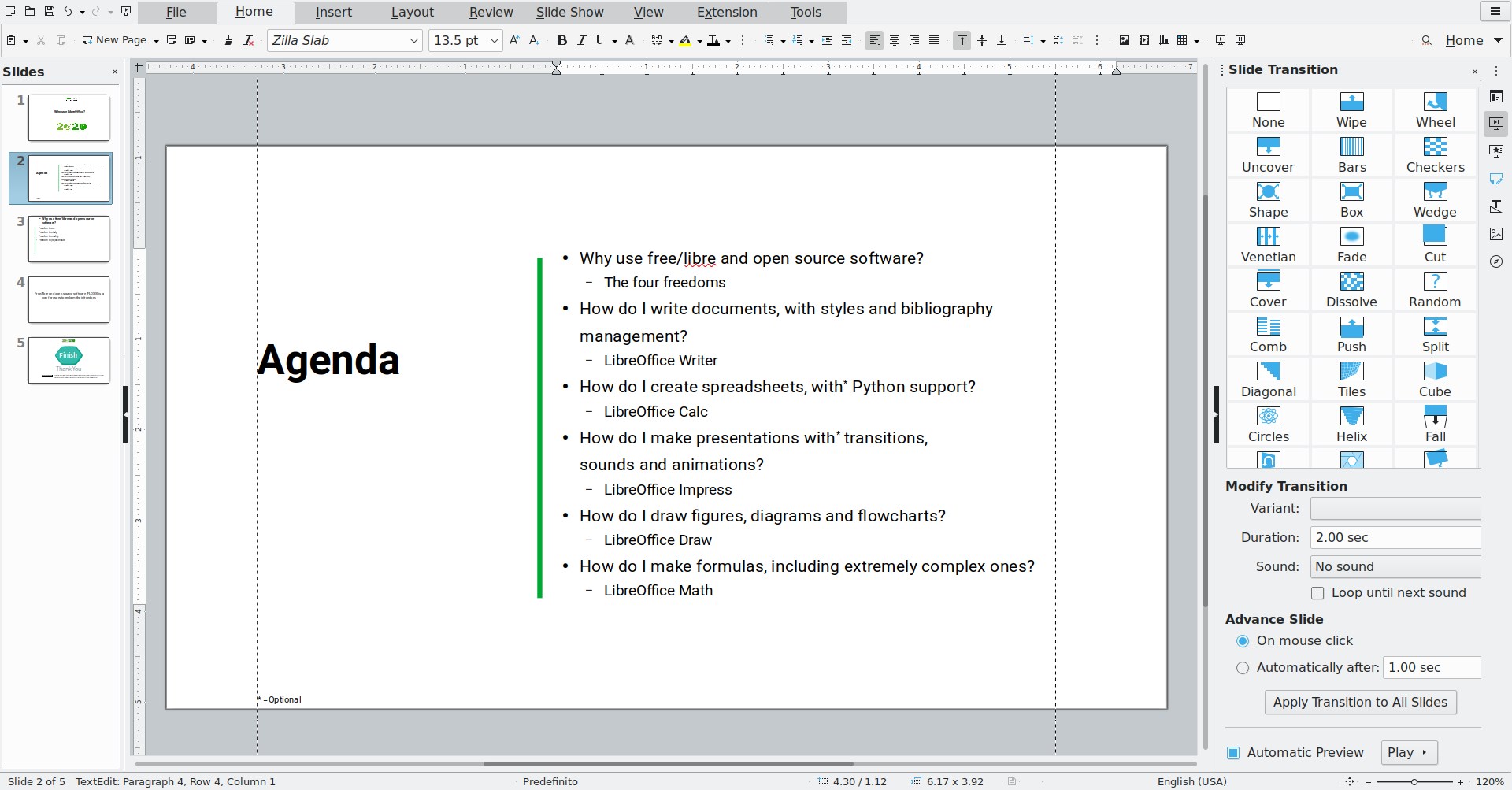
Creating captivating slideshows becomes a breeze with Impress. Its rich multimedia support and transition effects allow users to craft presentations that are as engaging as they are informative. Export options ensure compatibility across various devices and platforms.
Enhancing Workflow: Integration and Efficiency
Unlike some productivity tools that feel like standalone islands, LibreOffice offers a commendable level of workflow integration. Its compatibility with Microsoft Office formats ensures that switching back and forth between LibreOffice and Office applications doesn't feel like decoding hieroglyphs. The interface's simplicity significantly reduces cognitive load—users aren't bogged down by overly complex menus but are instead guided smoothly through their tasks.
One of LibreOffice's standout features is its extension system, which allows users to tailor the suite for specific needs without cluttering the core interface. This focus on streamlined functionality helps users stay focused on content creation rather than wrestling with a labyrinth of features, offering a clear advantage over more bloated alternatives.
Final Verdict and Recommendations
LibreOffice for Windows is a compelling choice for anyone seeking a free, open-source office solution that doesn't compromise on capability. Its ease of use, strong compatibility, and thoughtful workflow design make it suitable for both casual users and professionals. If you're looking to reduce software costs while maintaining a high level of productivity, LibreOffice deserves a place on your desktop.
I recommend this suite especially for environments where document fidelity across platforms is crucial, or where customization and community support are valued. Whether you're handling personal projects or collaborating on complex reports, LibreOffice offers a reliable, efficient, and accessible toolset—truly a hidden gem among office suites.
Pros
- Open-source and free to use
- Compatible with Microsoft Office formats
- Rich set of features including word processing, spreadsheets, and presentations
- Cross-platform support including Windows, macOS, and Linux
- Regular updates and community support
Cons
- User interface can be less intuitive for new users
- Certain complex formatting features may behave inconsistently
- Performance issues with very large documents
- Limited advanced collaboration tools compared to cloud-based solutions
- Some features depend on community-developed extensions











