

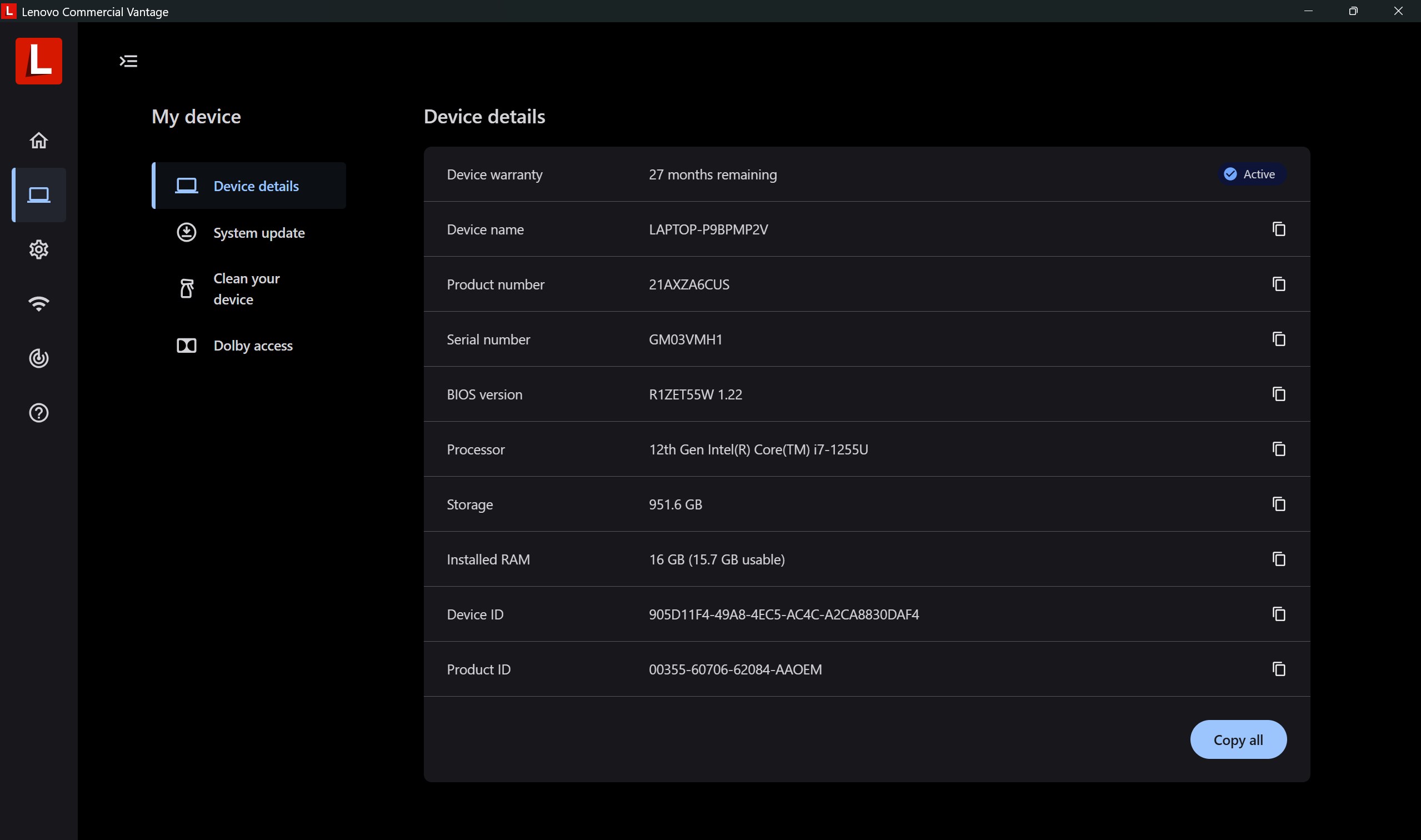
- Name Lenovo Commercial Vantage
- Category Productivity
- Available on PC
- OS Windows 10 version 17763.0 or higher
- languages Chinese (Simplified)
An Inside Look at Lenovo Commercial Vantage for Windows: Your Business's Digital Companion
Imagine having a personal assistant that ensures your corporate device runs smoothly, efficiently, and securely—Lenovo Commercial Vantage is precisely that, tailored specifically for enterprise users to streamline device management and security tasks within a user-friendly interface.
Basic Information: What Is Lenovo Commercial Vantage?
Lenovo Commercial Vantage for Windows is a comprehensive device management app designed to empower business users with quick access to hardware settings, system updates, and security configurations. Developed by LENOVO INC., it functions as a one-stop portal that simplifies the complex process of maintaining and optimizing Lenovo commercial laptops and desktops.
- Core features include:
- Hardware management and diagnostics to monitor device health.
- Streamlined access to driver updates and firmware management for optimal performance.
- Security enhancements including BIOS updates, fault detection, and privacy controls.
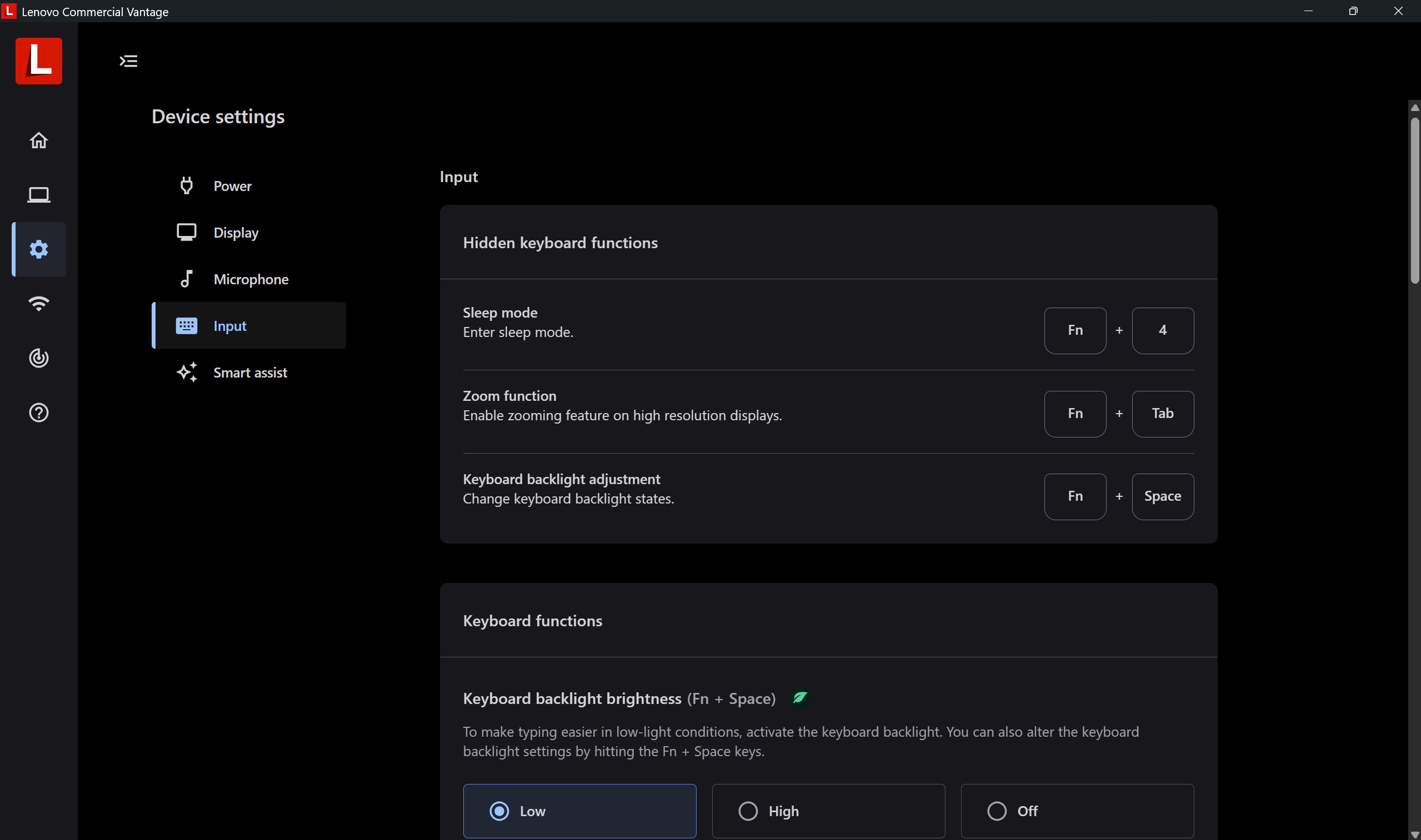
- Device customization options tailored for enterprise needs.
Targeted mainly at IT professionals, enterprise administrators, and individual business users, this app aims to reduce administrative overhead and improve device reliability across corporate environments.
Vivid Appraisal: Exploring the Heart of Lenovo Commercial Vantage
Stepping into Lenovo Commercial Vantage feels akin to entering a well-organized control room—everything imaginable to keep your Lenovo devices in tip-top shape, all within easy reach. Its interface gracefully balances simplicity with functionality, making even complex workflows feel unburdened and intuitive. Whether you're a tech novice or a seasoned administrator, this app beckons you to explore its features with ease.
Hardware and System Management: Your Device's Personal Physician
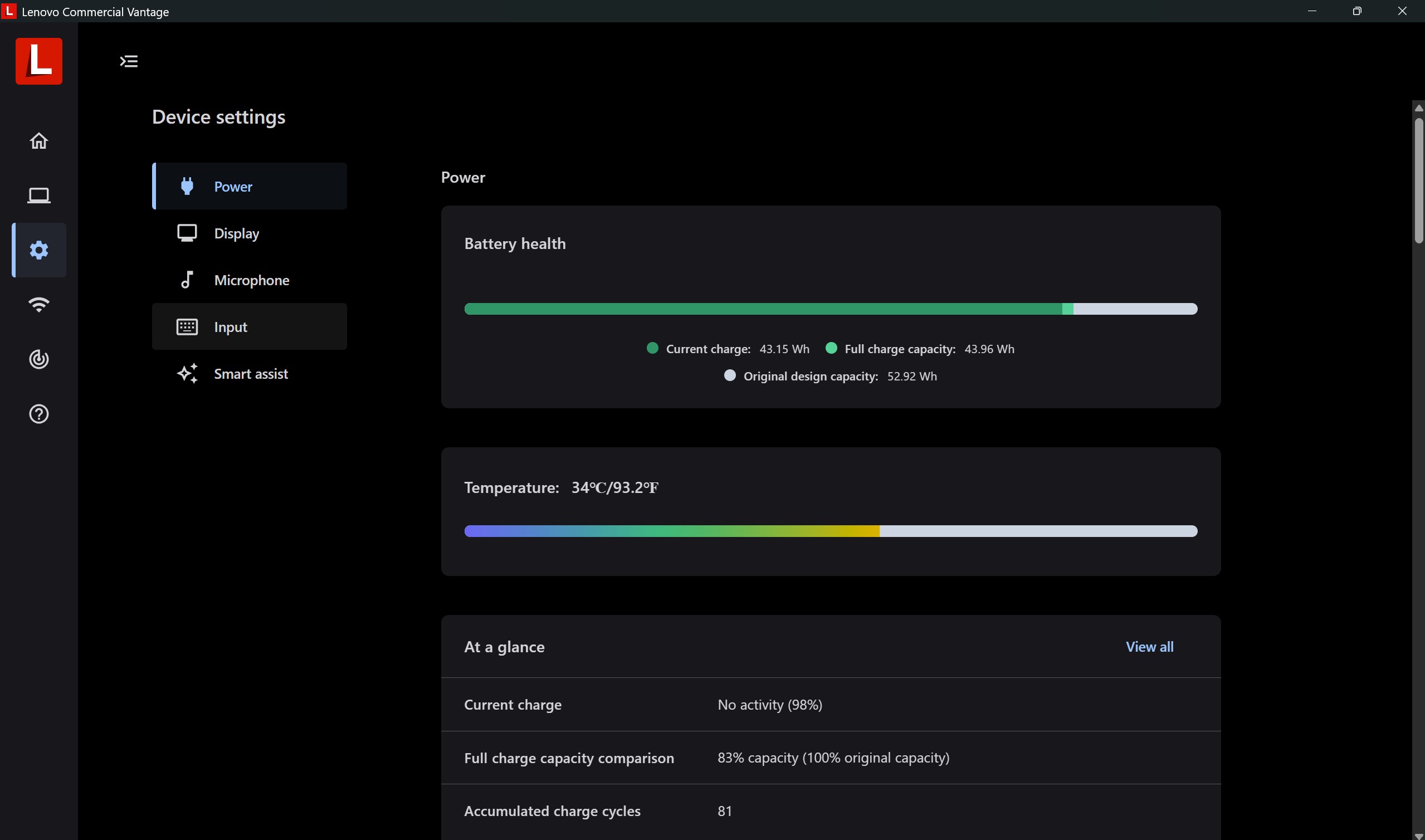
One of the most compelling features is its system diagnostics and hardware monitoring. Think of Lenovo Commercial Vantage as a health tracker for your device—constantly checking vital signs like battery health, thermal status, and storage health. The interface presents complex technical data in digestible formats, which helps users and IT staff quickly identify and address potential issues before they become critical. This proactive approach aids in prolonging hardware lifespan and maintaining consistent performance, making device management less guesswork and more assurance.
Driver and Firmware Updates: Keeping Your Device in Top Form
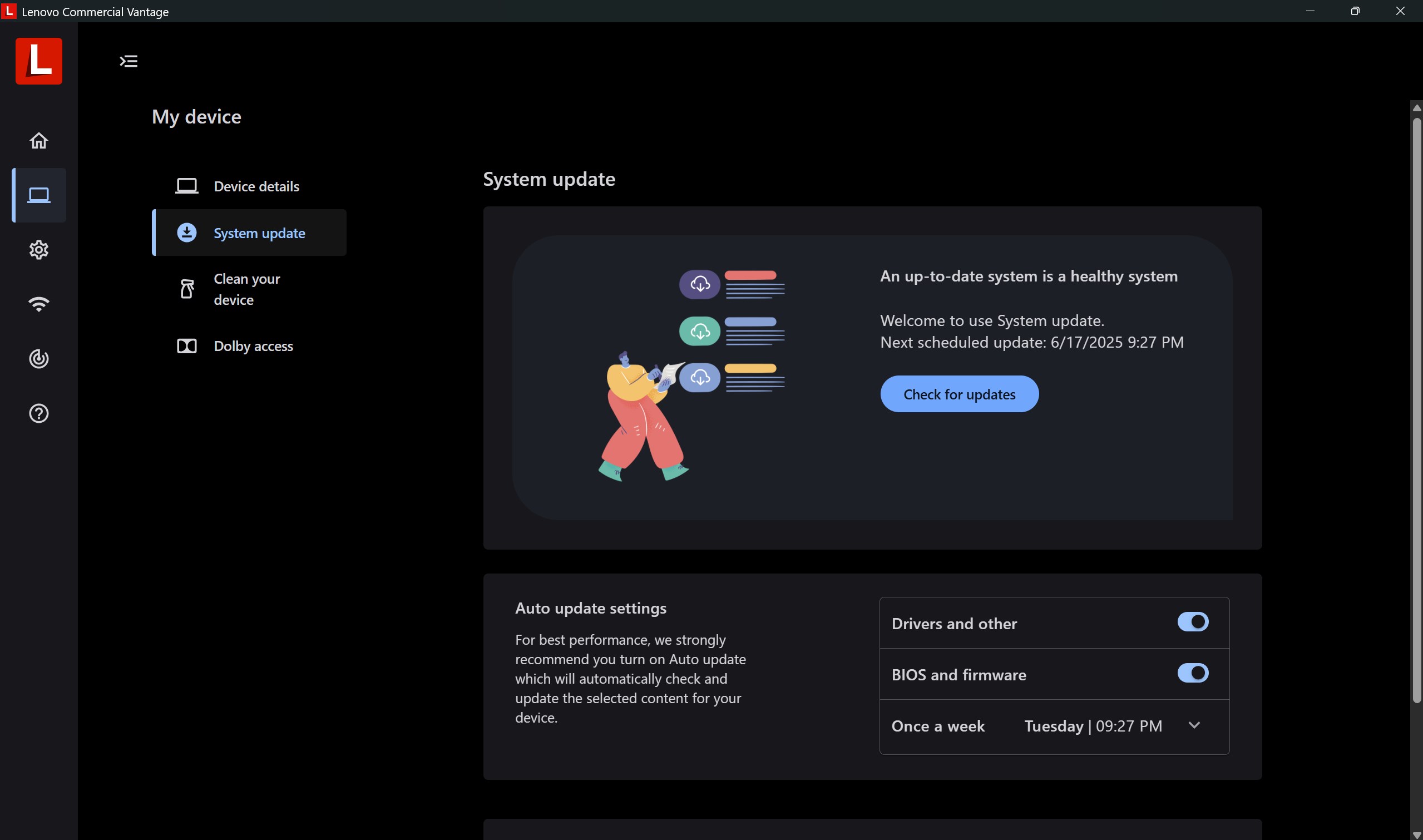
The app excels at simplifying what traditionally could be a tedious process. Instead of manually hunting down drivers or firmware patches, users are presented with a straightforward dashboard that highlights available updates. The automation reduces cognitive load, allowing users to keep their systems current with just a few clicks—no more lost time in the labyrinth of Lenovo's support pages. This feature embodies the app's core strongpoint: seamless integration with system components to optimize workflow efficiency.
Security and Privacy: Safeguarding Your Business Data
Security is at the forefront of Lenovo Commercial Vantage. It offers quick access to critical security settings like BIOS updates, privacy controls, and device fault diagnostics. For enterprises, this means reducing the risks associated with outdated firmware or overlooked security vulnerabilities. The interface's clear visual cues and step-by-step guidance make it approachable even for less tech-savvy users, ensuring that security tasks don't feel like cryptic chores but instead become part of routine device care.
Experience and Unique Selling Points
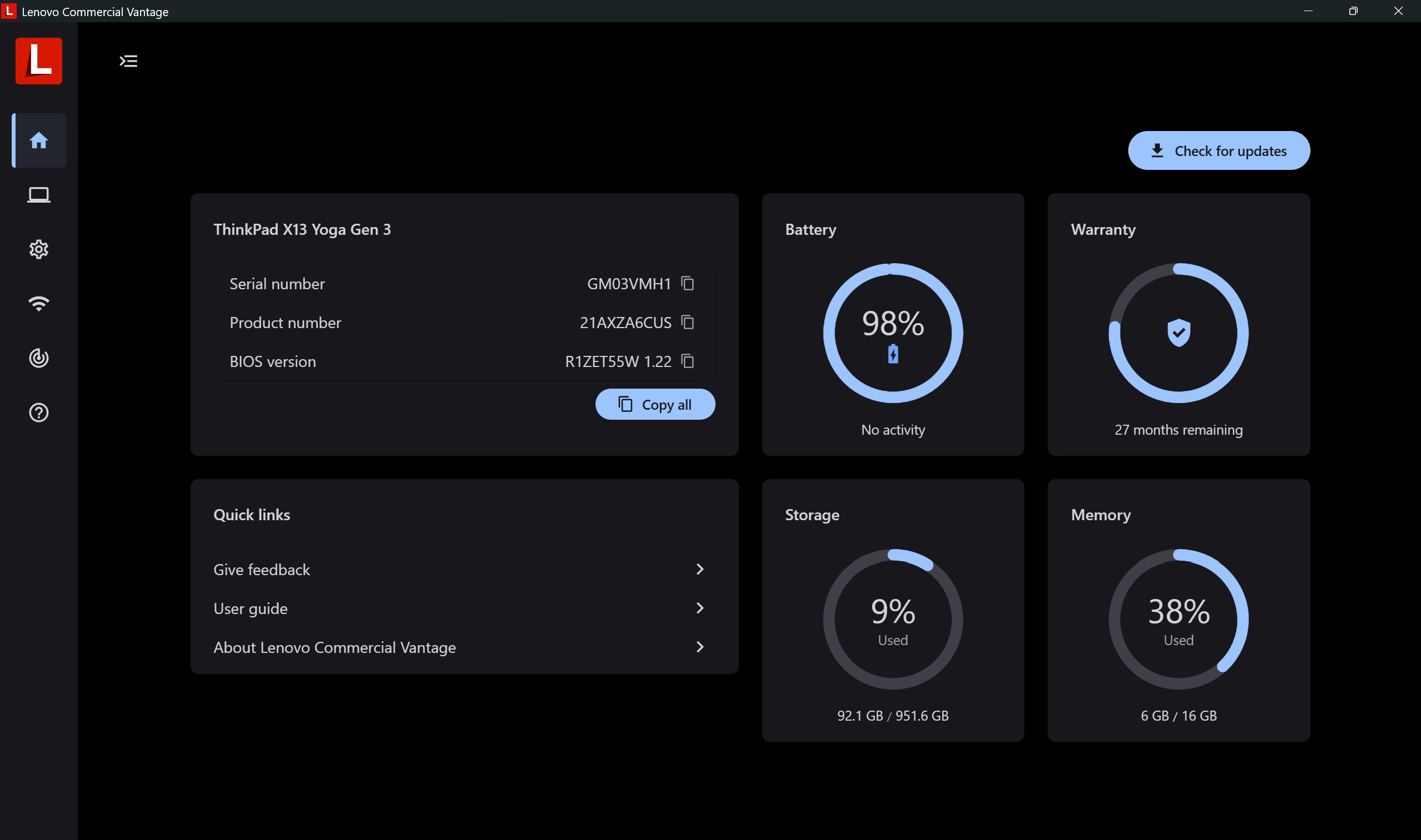
Designed with workflow harmony in mind, Lenovo Commercial Vantage stands out by emphasizing efficiency and reducing cognitive load. Its intuitive dashboard acts much like a control tower, consolidating key management functions into a single interface. Unlike other productivity apps that sometimes overwhelm users with feature bloat, this app keeps complexity at bay—focusing on essential, high-impact functions that streamline device maintenance.
Furthermore, its native integration with Lenovo hardware means less time troubleshooting compatibility issues and more streamlined workflows. This is particularly advantageous in enterprise contexts where device consistency and security are paramount. The app's minimalist yet comprehensive layout respects users' time and mental bandwidth, avoiding the clutter typical of many device management tools.
Final Verdict: A Steady Partner in Enterprise Device Management
All things considered, Lenovo Commercial Vantage earns a solid recommendation for business users who seek a trustworthy, straightforward, and efficient way to oversee their Lenovo devices. While it may not replace specialized IT management solutions for massive enterprise networks, for individual users and small to medium teams, it effectively reduces operational friction and enhances device reliability.
For those already embedded in the Lenovo ecosystem or wanting an easy-to-navigate management app, this is definitely worth exploring. It's like having a digital concierge dedicated to keeping your devices healthy, updated, and secure—without the headache.
Pros
- User-friendly interface
- Seamless device management
- Real-time updates and notifications
- Security features integration
- Customizable support options
Cons
- Limited device compatibility
- Occasional lag in updates
- Navigation can be slightly complex for basic users
- Offline functionality is limited
- In-app notifications may be overwhelming during peak times











