
- Name Krita
- Category Multimedia design
- Developer The Krita Team
- Available on PC
- OS Windows 10 version 17135.0 or higher
- Memory 2 GB
- Keyboard Not specified
- Mouse Not specified
- languages English (United States)
Discovering Krita for Windows: A Powerful, Artistic Companion
If you're into digital painting or illustration, Krita for Windows emerges as a compelling choice—combining robust features and an intuitive interface that fuels creativity. Think of it as a versatile sketchbook that adapts to your artistic needs, whether you're a hobbyist or a professional designer.
About the Developer and Core Highlights
Developed by the dedicated Krita Team, this application is a product of collaborative effort aimed at providing a comprehensive digital art workspace. Krita stands out with its rich set of features including customizable brushes, an advanced layering system, and a powerful color management tool. Its user-friendly design ensures artists can dive into their projects without a steep learning curve, making it suitable for beginners and seasoned artists alike.
Setting the Scene: Why Krita Stands Out
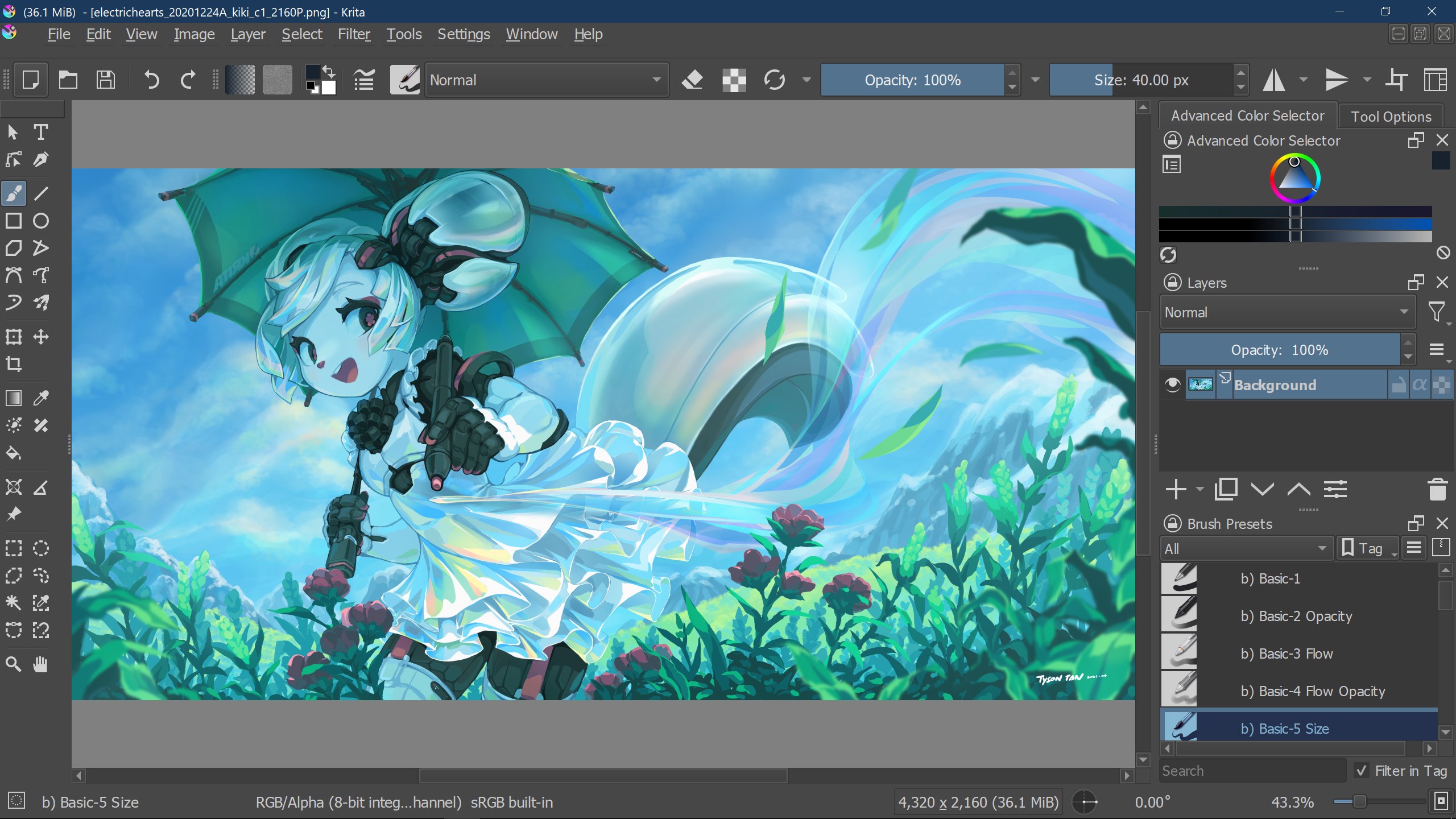
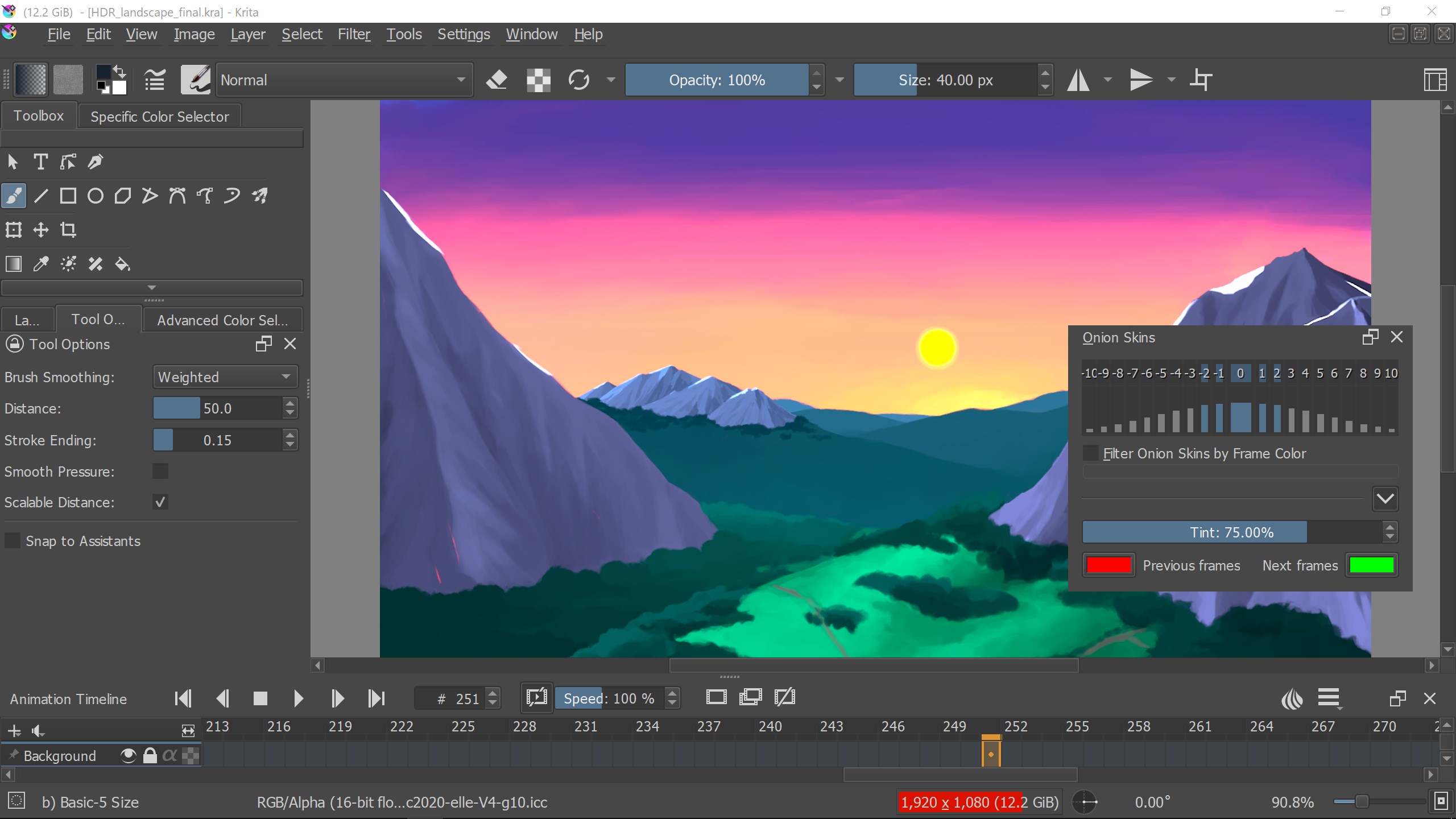
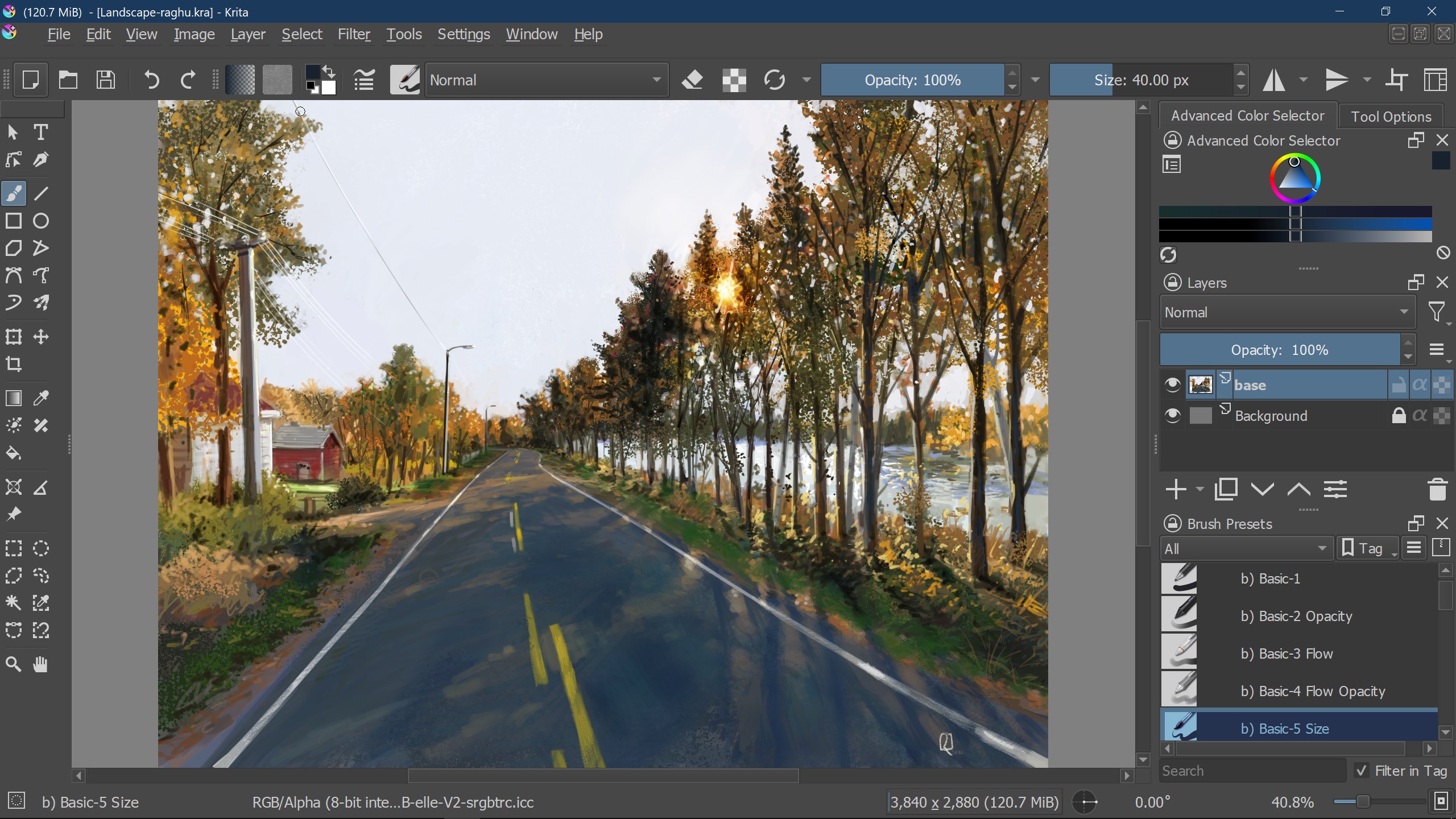
Imagine entering a digital studio where every tool is at your fingertips, ready to bring your imagination to life. Krita's interface feels like your personal art corner—organized, approachable, yet brimming with possibilities. Whether you're sketching, coloring, or experimenting with textures, Krita offers a canvas that understands your artistic rhythm and adapts to your flow.
Core Functionality Spotlight
Innovative Brush Engine
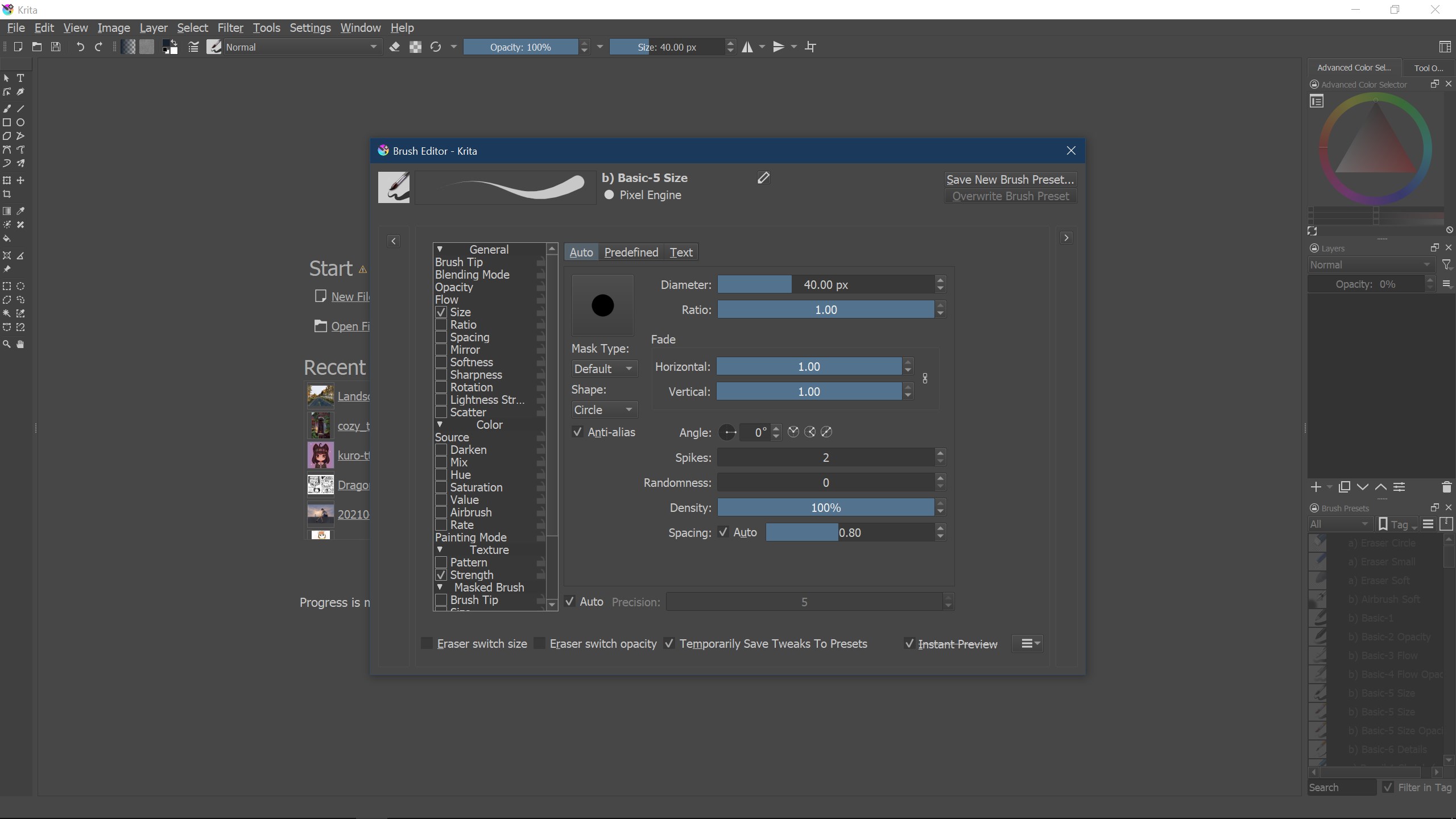
Krita's brush engine is arguably its crown jewel—think of it as a symphony of textures and strokes, meticulously crafted to mimic traditional media like oil, watercolor, or pencil. The engine allows for extensive customization, enabling artists to create unique brushes tailored to their style. This flexibility makes Krita a favorite among illustrators seeking both precision and organic strokes, setting it apart from many other multimedia design apps.
Advanced Layer and Masking System
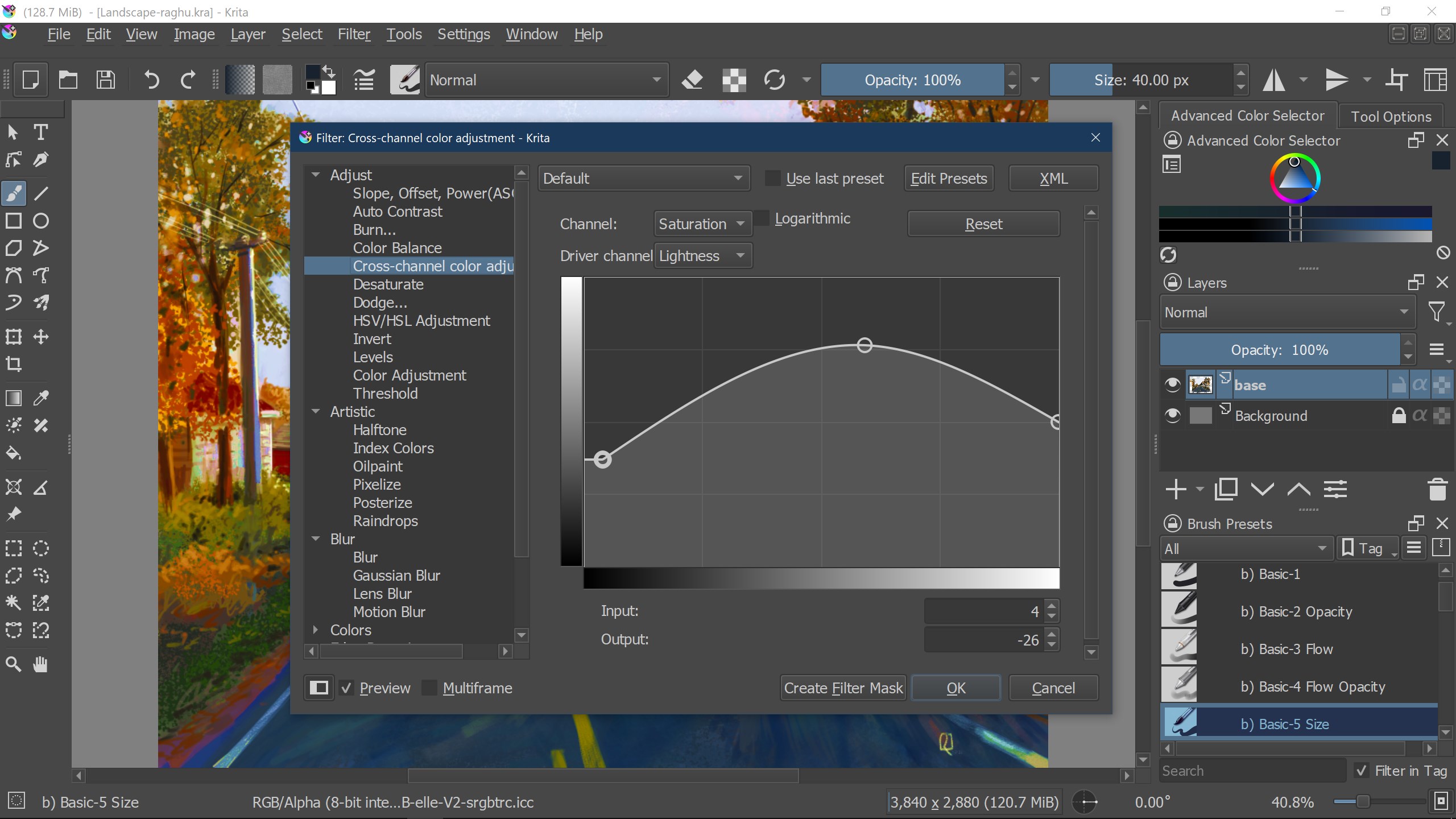
Layer management in Krita is like having a sophisticated filing cabinet—organized, accessible, and detailed. It supports numerous layer types, including vector, filter, and transformation layers, along with non-destructive masking options. This feature empowers artists to experiment freely, knowing their original artwork remains intact. Coupled with blending modes and adjustment layers, Krita offers a level of control that rivals professional-grade software.
User Interface and Experience
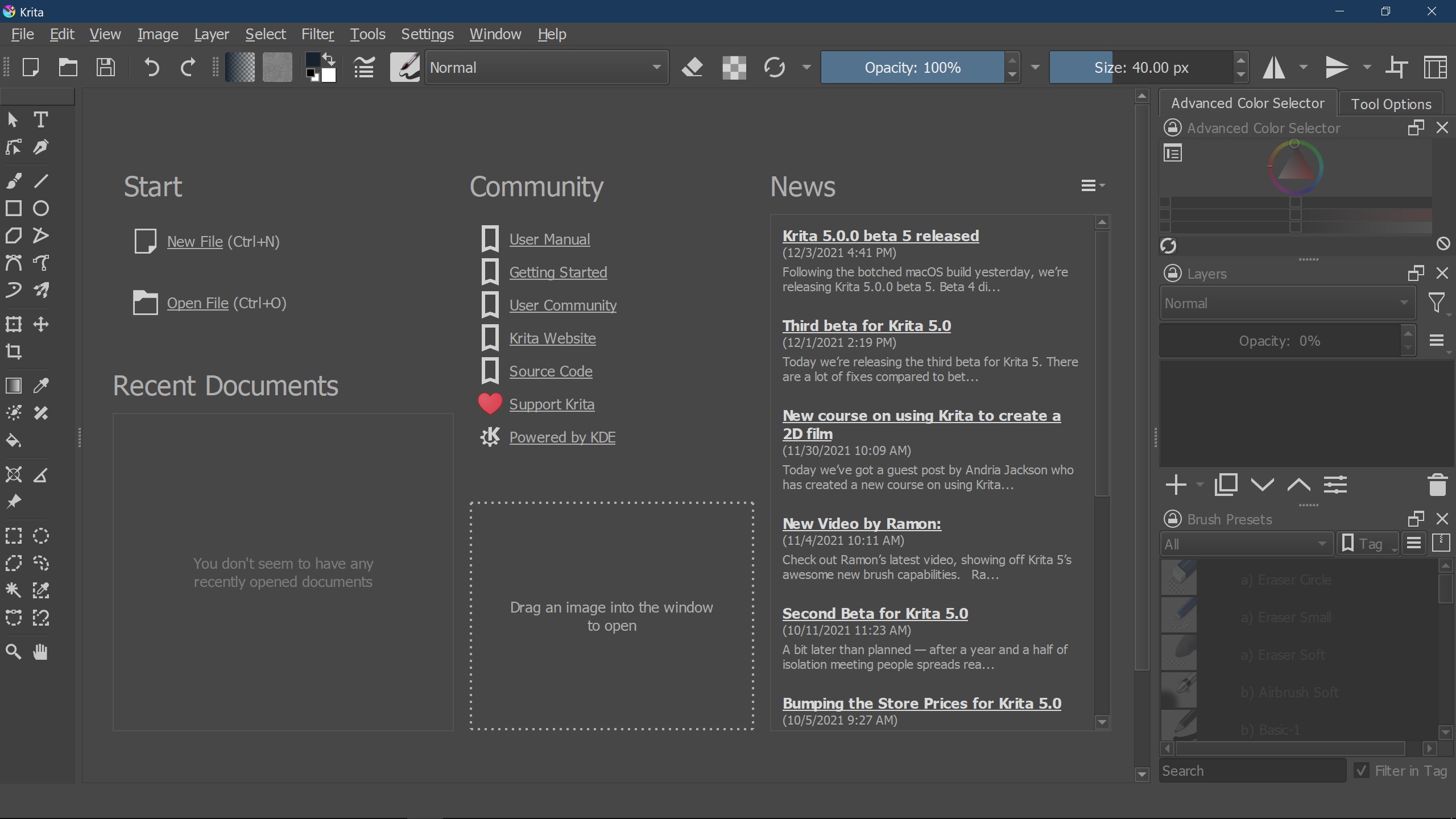
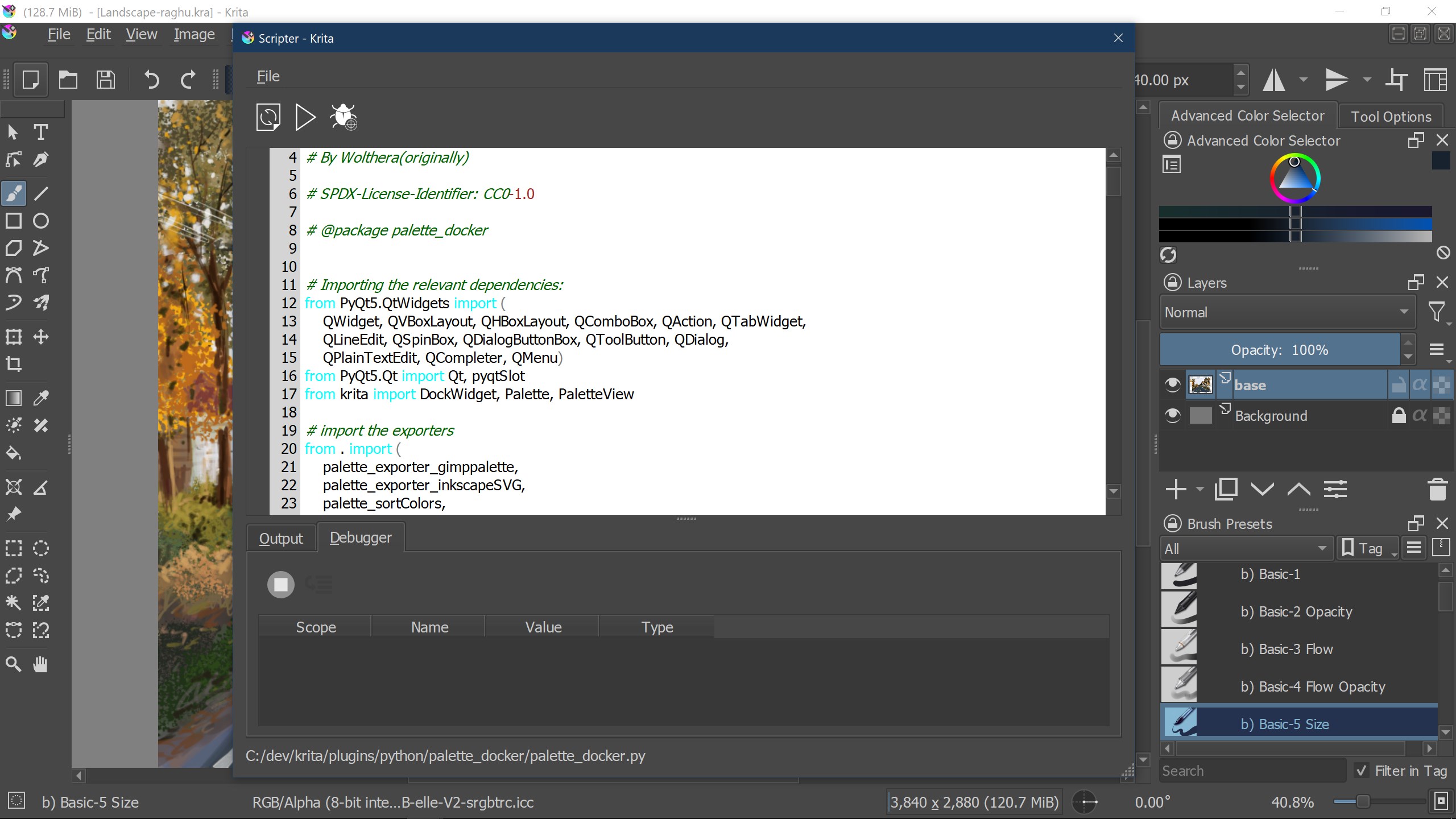
Krita's interface is thoughtfully designed—think of it as a well-organized artist's atelier, where tools are intuitively placed and customizable. The layout promotes smooth operation, with responsive tools and minimal lag, ensuring a seamless creative process. Its learning curve remains gentle for newcomers, thanks to helpful tutorials and a welcoming community. Even for seasoned artists, the interface offers enough depth to explore advanced techniques without feeling cluttered.
Unique Traits and Final Recommendations
Compared to other multimedia applications like Photoshop or Clip Studio Paint, Krita's standout features lie in its open-source nature and dedicated focus on painting and illustration workflows. Its powerful brush engine and flexible layer system cater specifically to digital painters, making it feel like a handcrafted, artist-centric tool. Additionally, its free availability removes barriers for emerging artists, providing a high-quality platform without upfront costs.
If you're seeking a free, innovative, and artist-friendly application that bridges traditional art techniques with digital flexibility, Krita for Windows is highly recommended. It excels in delivering a natural drawing experience while offering extensive customization options. Whether you're just starting out or refining your craft, Krita can be a reliable creative partner—promising to turn your ideas into visual masterpieces with ease and elegance.
Pros
- Powerful painting tools
- Open-source and free
- Excellent layer management
- Frequent updates and community support
- High flexibility with customizable interface
Cons
- Performance issues on older hardware
- Limited vector tools compared to specialized software
- Learning curve for beginners
- Some features are still in development
- Export options could be expanded











