

- Name iPrint and Scan - Document Scanner App
- Category Productivity
- Developer Cyan Soft
- Available on PC, Mobile, Surface Hub, HoloLens
- OS Windows 10 version 17763.0 or higher
- languages English (United States)
Introducing iPrint and Scan: Your Portable Document Companion for Windows
In an increasingly digital world where managing everyday documents efficiently can be a real game-changer, iPrint and Scan emerges as a straightforward yet powerful tool designed to streamline your scanning and printing needs directly from your Windows device. Whether you're a busy professional, a student, or someone who frequently handles paperwork, this app promises a clutter-free, hassle-free experience right at your fingertips.
Meet the Minds Behind the App
Cyan Soft, the developer of iPrint and Scan, specializes in creating user-focused applications that aim to simplify tasks and enhance productivity. Their approach emphasizes intuitive design coupled with practical functionalities, making their tools accessible across various user skill levels. With a clear focus on integrating core document management features into seamless workflows, Cyan Soft's expertise reflects in the straightforwardness and reliability of iPrint and Scan.
Key Features That Stand Out
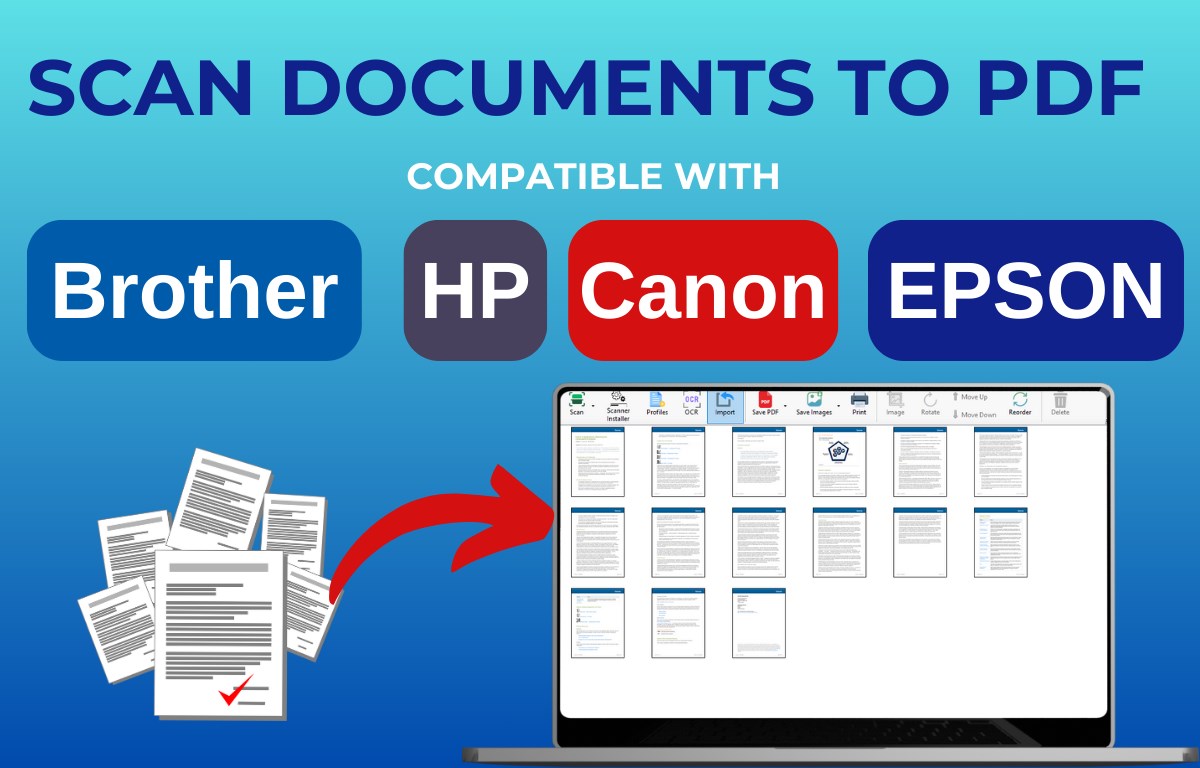
- Comprehensive Scanning Capabilities: The app allows users to easily scan documents, receipts, business cards, and even whiteboards into high-quality digital files with minimal effort.
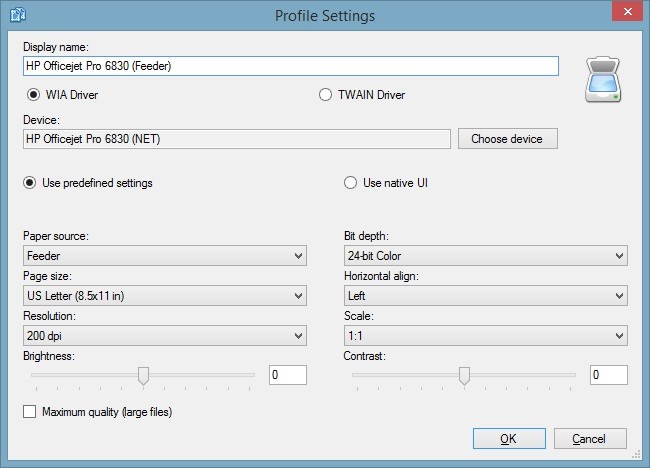
- Integrated Printing Solutions: Directly send files to your connected printers, simplifying the printing process without the need for complex setup or additional software.
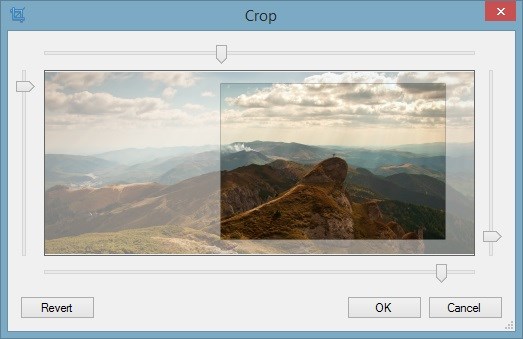
- Smart Document Management: Includes options for cropping, adjusting, and saving scans in multiple formats, making organization straightforward.
- User-Friendly Interface: Designed with simplicity in mind, even first-time users can navigate features intuitively without a steep learning curve.
A Fun Yet Functional User Experience
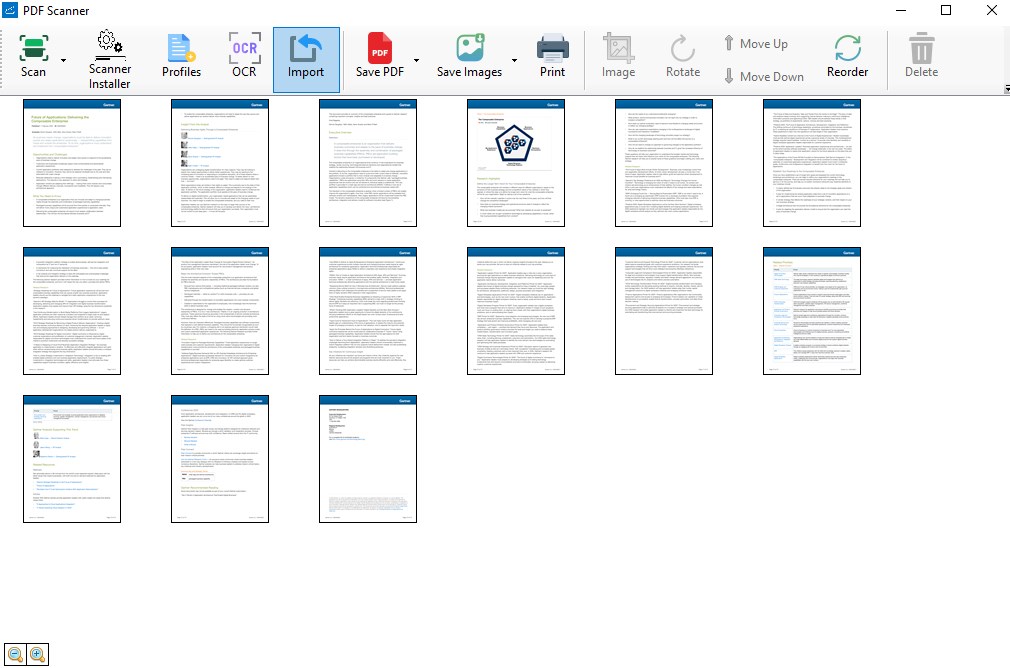
Imagine sitting down at your desk with a stack of receipts and important documents, feeling overwhelmed by assorted paper clutter—then, with a few clicks, each item is transformed into neatly organized digital files. That's the core charm of iPrint and Scan. Its visual interface is clean and engaging, almost like having a sleek scanner sitting right beside you—without the physical bulk. The design minimizes distractions and emphasizes essential functions, making the process feel like a casual, stress-free task rather than a technical chore.
Operationally, the app is remarkably smooth. Transitioning from capturing a scan to adjusting its edges or saving it is swift, with no noticeable lag. Learning the workflow takes mere minutes thanks to clear icons and straightforward prompts. This low cognitive load makes it suitable even for users less familiar with scanning and printing software, effectively lowering the barriers to entry often found in similar productivity tools.
Unique Advantages in Workflow and User-focused Design
What sets iPrint and Scan apart from other document management apps is its emphasis on reducing complexity without sacrificing functionality. Unlike many competitors that bury users under a plethora of features, this app focuses squarely on enhancing the essential tasks—scanning, editing, and printing—integrating them seamlessly into your existing workflow. Its design philosophies echo the idea of reducing cognitive load: instead of making users wrestle with multiple options, it offers streamlined, purpose-driven features that empower productivity with minimal mental effort.
This lean approach makes the app a valuable asset for professionals who need quick turnaround times and reliable results, as well as for students juggling various assignments. By consolidating core functions into a clean, cohesive interface, iPrint and Scan helps users focus on their tasks rather than the tools themselves.
Final Thoughts and Recommendations
Overall, iPrint and Scan is a practical and thoughtfully designed app—ideal for users seeking a straightforward solution to document scanning and printing. Its highlights—particularly the simplified workflow and reduced cognitive load—make it a recommended choice for anyone aiming to streamline their document management without dealing with feature overload. For those who prioritize reliable, easy-to-use tools integrated seamlessly into their daily routine, this app deserves serious consideration.
Whether you're converting a stack of receipts into organized digital files or printing a quick report, iPrint and Scan offers a dependable, user-centric experience. It's not just another scanner app; it's your handy assistant, turning what could be a frustrating chore into an effortless task.
Pros
- High-Quality Scanning
- Ease of Use
- Multiple Export Options
- Auto-Cropping and Enhancement
- Cloud Integration
Cons
- Limited Editing Features
- Occasional App Crashes
- Slow Processing Speed on Older Devices
- Watermark on Free Version
- Limited OCR Accuracy for Handwritten Text











