


- Name Inkscape
- Category Multimedia design
- Developer Inkscape team
- Available on PC
- OS Windows 10 version 17763.0 or higher
- Keyboard Not specified
- Mouse Not specified
- Memory Not specified
- languages Basque, Catalan, Chinese (Simplified), Chinese (Traditional), Croatian, Dutch, English (Australia), English (United Kingdom), English (United States), French, German, Greek, Hungarian, Icelandic, Italian, Japanese, Korean, Polish, Portuguese, Portuguese (Brazil), Romanian, Russian, Slovenian, Spanish, Swedish, Ukrainian, Vietnamese
Inkscape for Windows: A Robust Vector Graphics Editor Made Accessible
Positioned as a free, open-source alternative to premium design tools, Inkscape for Windows offers a comprehensive and user-friendly platform for creating scalable vector graphics, ideal for graphic designers, illustrators, and hobbyists alike.
Developed by the Inkscape Team
Crafted and maintained by the dedicated Inkscape development team, this application benefits from a strong community and continuous updates that ensure stability and feature enhancements.
Key Features That Shine
- Advanced Vector Drawing Tools: Precise bezier and pencil tools allow for detailed and flexible shape creation.
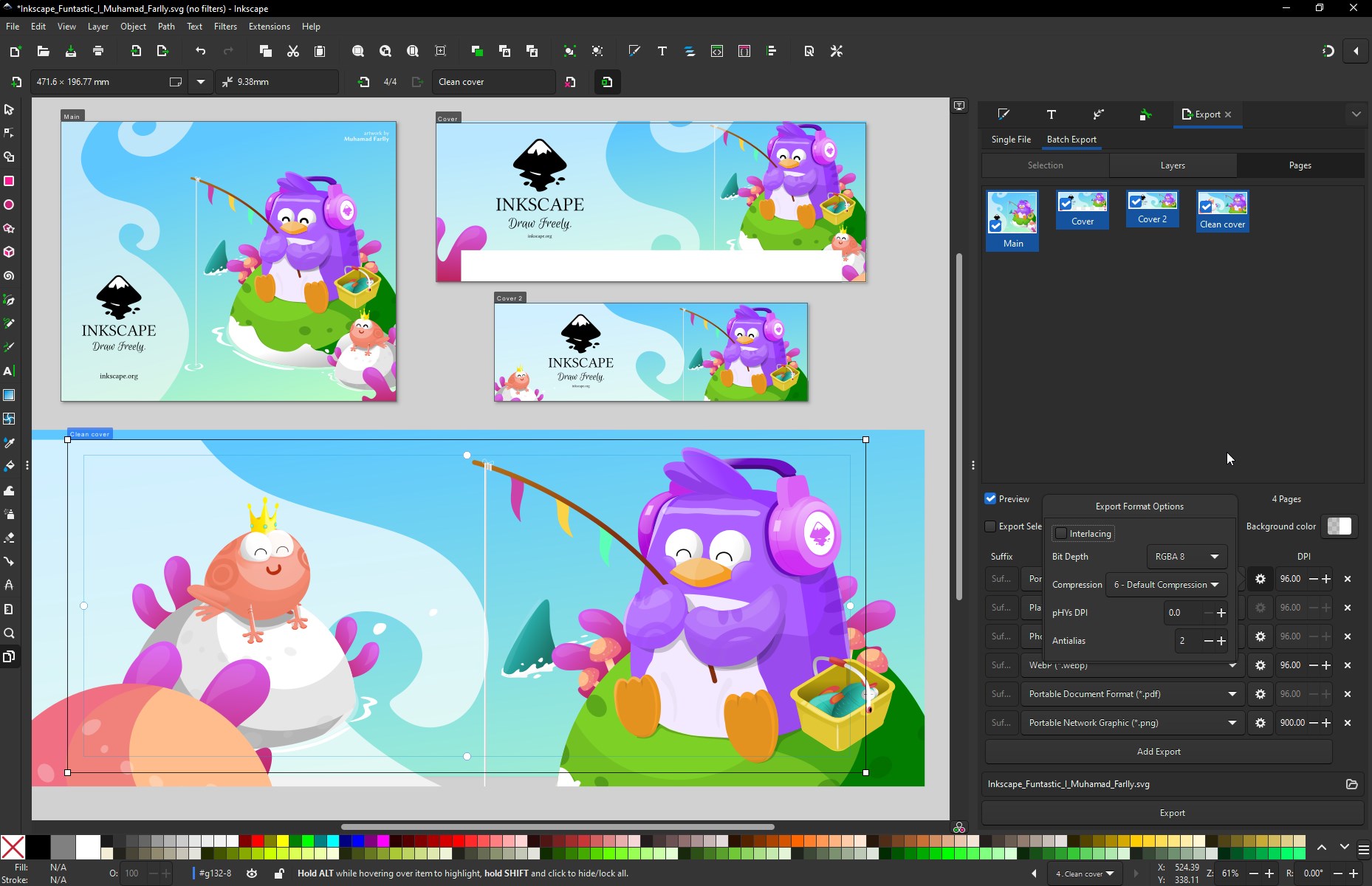
- Support for Multiple File Formats: Seamless import/export options including SVG, PDF, EPS, AI, and more, facilitating easy collaboration.
- Extensibility and Customization: A wide array of extensions and plugin support broadens the application's capabilities to meet diverse design needs.
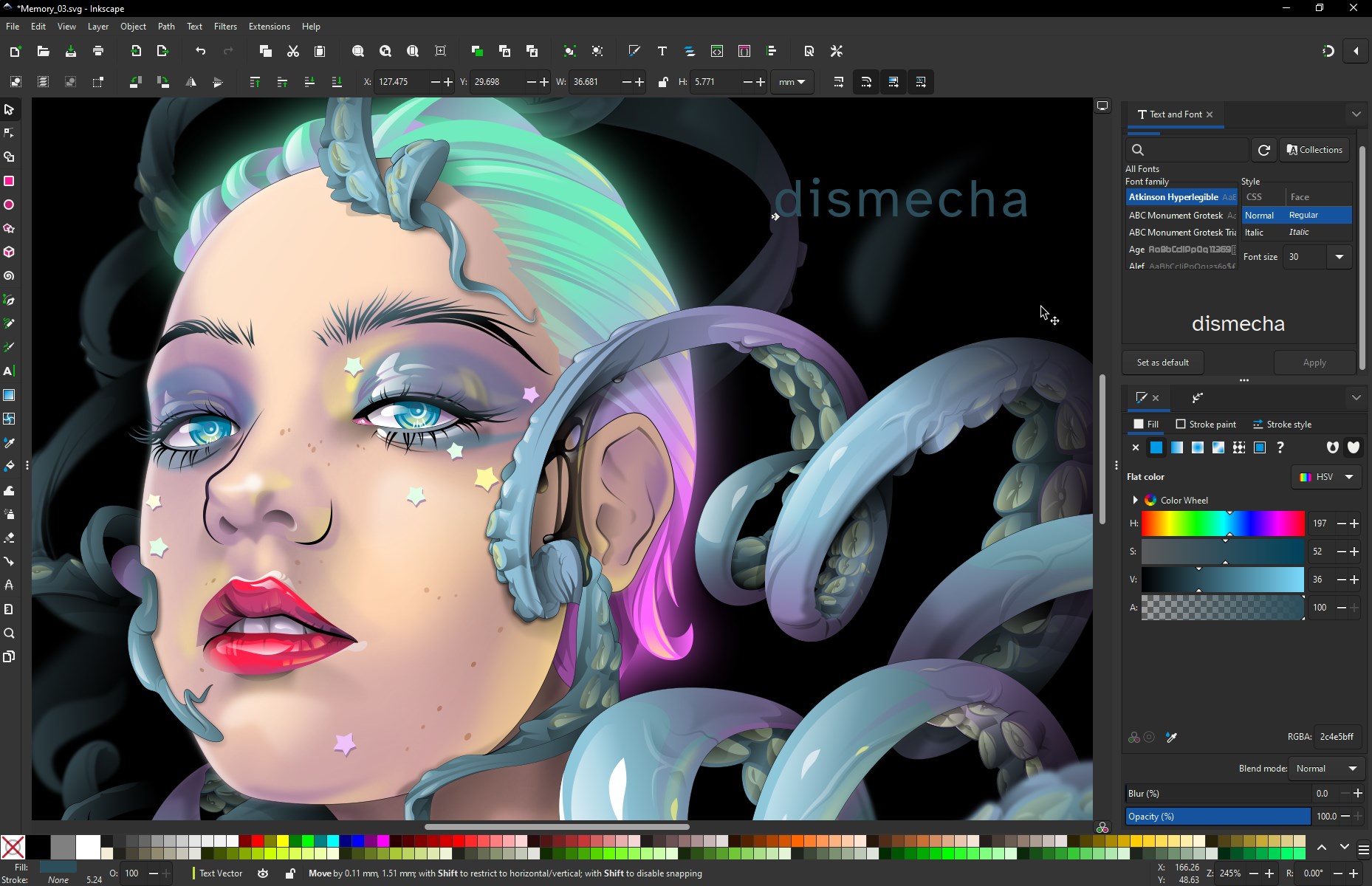
- Rich Text and Gradient Features: Text tool with flowing typography options and sophisticated gradient fills enhance creativity.
Engaging and Intuitive User Interface
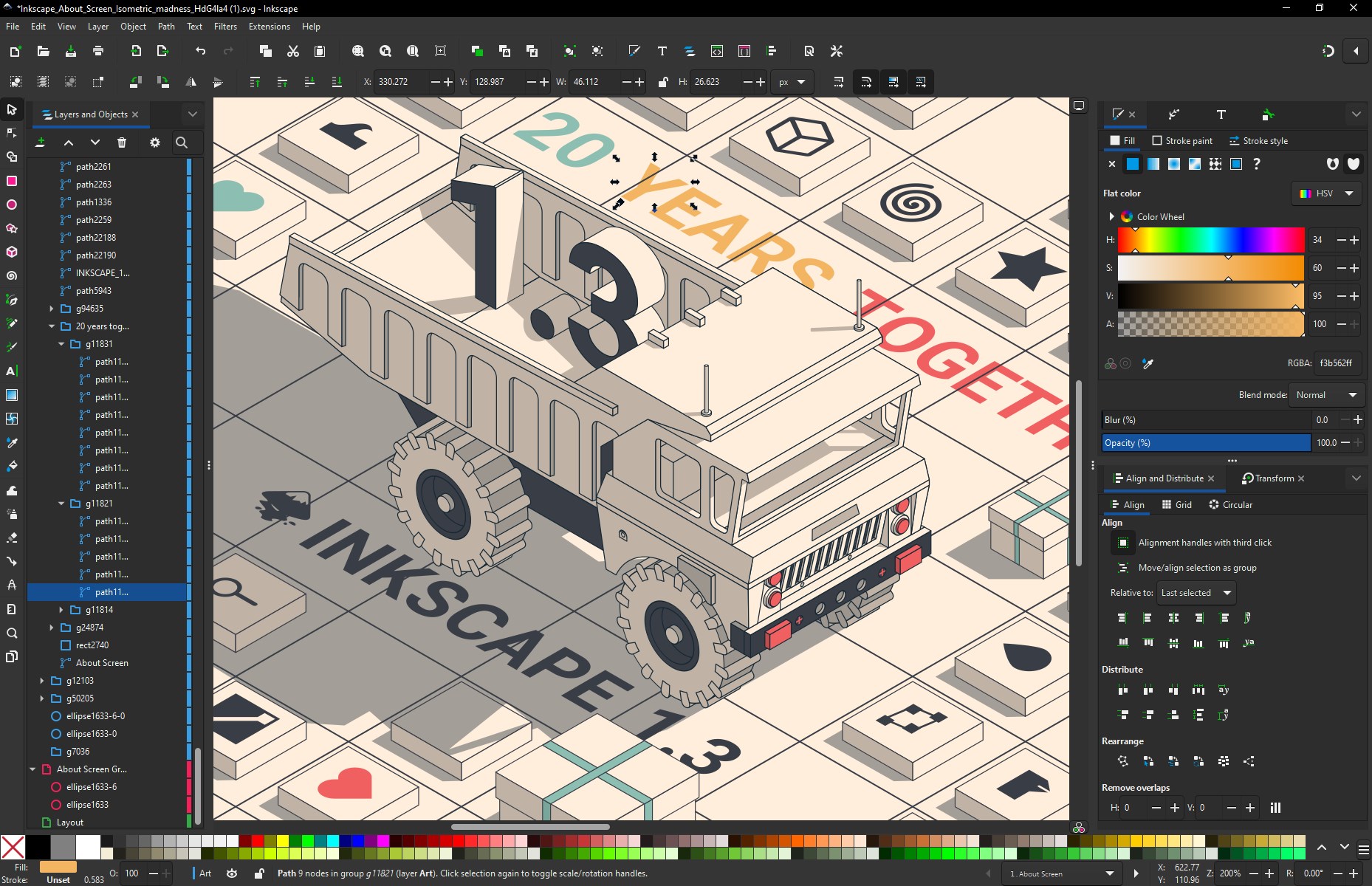
Inkscape presents a clean, logically organized workspace that invites users to dive into their projects. The interface's minimalist design, complemented by customizable toolbars, makes navigation feel effortless. Even newcomers will find the layout to be intuitive, with easily accessible menus and contextually relevant options. The application's responsiveness ensures that switching between tools or zooming into detailed sections feels fluid, akin to turning the pages of a well-bound sketchbook. For seasoned designers, the interface's flexibility supports personalized workflows, making long creative sessions much more comfortable.
Core Functionalities: Power and Precision
Vector Drawing and Path Editing
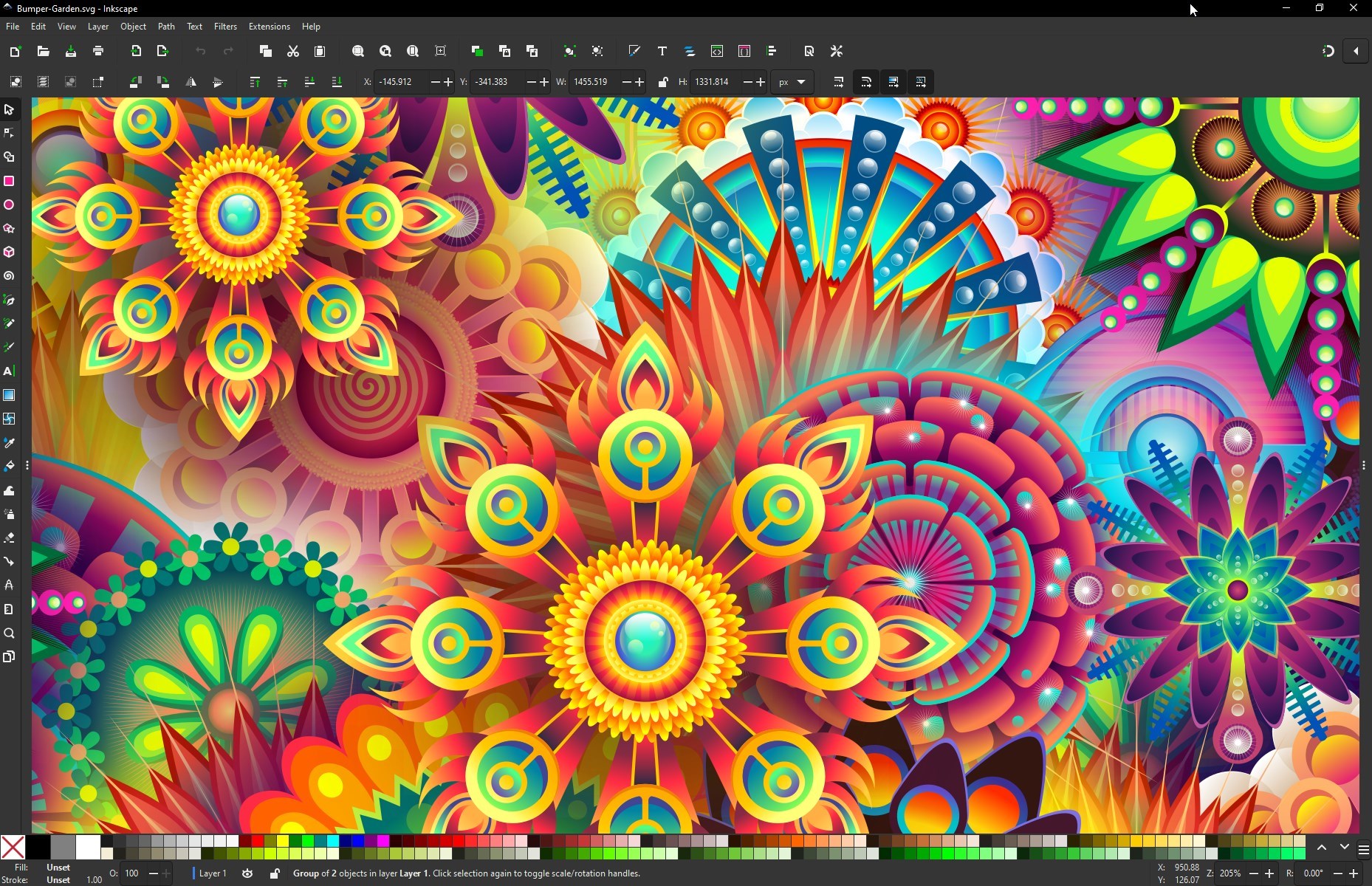
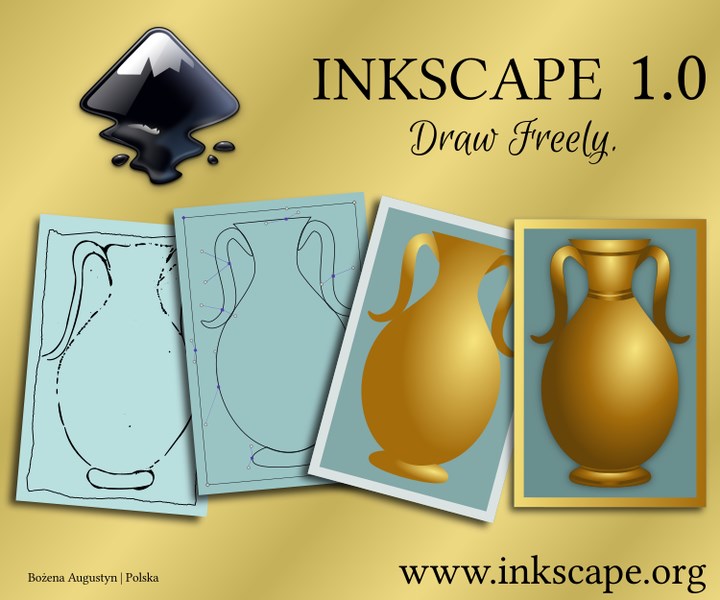
The heart of Inkscape is its vector drawing capability. Its bezier and pencil tools are akin to having a digital pencil and pen at your fingertips. The software excels in crafting intricate designs with smooth curves and clean lines. Its node editing feature is powerful yet accessible—think of it as a sculptor refining a clay model by adjusting tiny details. This precision allows for detailed logo design, icon creation, or complex illustrations, setting Inkscape apart from more simplistic graphic tools.
Transformations and Effects
Inkscape's transformation tools—scaling, rotating, skewing—are as easy to use as turning a paper sketch. Layer management and grouping facilitate complex compositions, akin to assembling a multi-piece puzzle. Meanwhile, a rich suite of effects, including blurring, shadows, or patterns, enables users to add depth without needing external plugins. The capability to manipulate objects with grid and snapping features ensures precise alignment, making professional-grade work accessible even to those still honing their skills.
Unique Advantages & Recommendations
What sets Inkscape apart from other multimedia design applications is its openness and extensibility. Unlike proprietary software with limited customization, Inkscape welcomes community-developed extensions—think of it as a toolbox that keeps growing as creative needs evolve. Its support for SVG, the standard format, guarantees that designs remain scalable and web-ready, making it a go-to for both print and digital projects. Additionally, its relatively lightweight footprint ensures that even mid-range Windows devices can run it smoothly, unlike some bulky competitors.
For hobbyists exploring vector design or small studios seeking a cost-effective yet robust solution, Inkscape for Windows is definitely worth a try. While it might have a learning curve comparable to mastering a musical instrument, the wealth of online tutorials and community forums make the learning journey manageable and rewarding. I'd recommend it especially for those who value open-source software that can be tailored to fit their unique workflows.
Final Verdict: A Craftsmanship Companion
All in all, Inkscape for Windows combines a wealth of professional-grade features with user-centric design, making it an excellent choice for a wide range of graphic creation needs. Its most remarkable attribute—the ability to extend and customize—gives it a unique edge over many competitors. Whether you're a beginner eager to learn or an experienced designer seeking a free yet powerful tool, Inkscape invites you to explore the world of scalable vector graphics with confidence and flexibility. Certainly, it's a tool that deserves a spot in your creative arsenal.
Pros
- Open-source and free to use
- Rich set of vector editing tools
- Active community and extensive tutorials
- Cross-platform compatibility
- Regular updates and improvements
Cons
- Steep learning curve for beginners
- Limited digital font and image editing features
- Performance issues with complex designs
- User interface could be more modern
- Export options may lack advanced settings











