

- Name iA Writer
- Category Productivity
- Developer Information Architects Inc.
- Available on PC
- OS Windows 10 version 0.0 or higher
- Keyboard Integrated Keyboard
- Mouse Integrated Mouse
- Memory 2 GB
- DirectX Version 9
- languages English, French, Spanish, German, Japanese
Sleek Minimalism Meets Focused Writing: An Honest Review of iA Writer for Windows
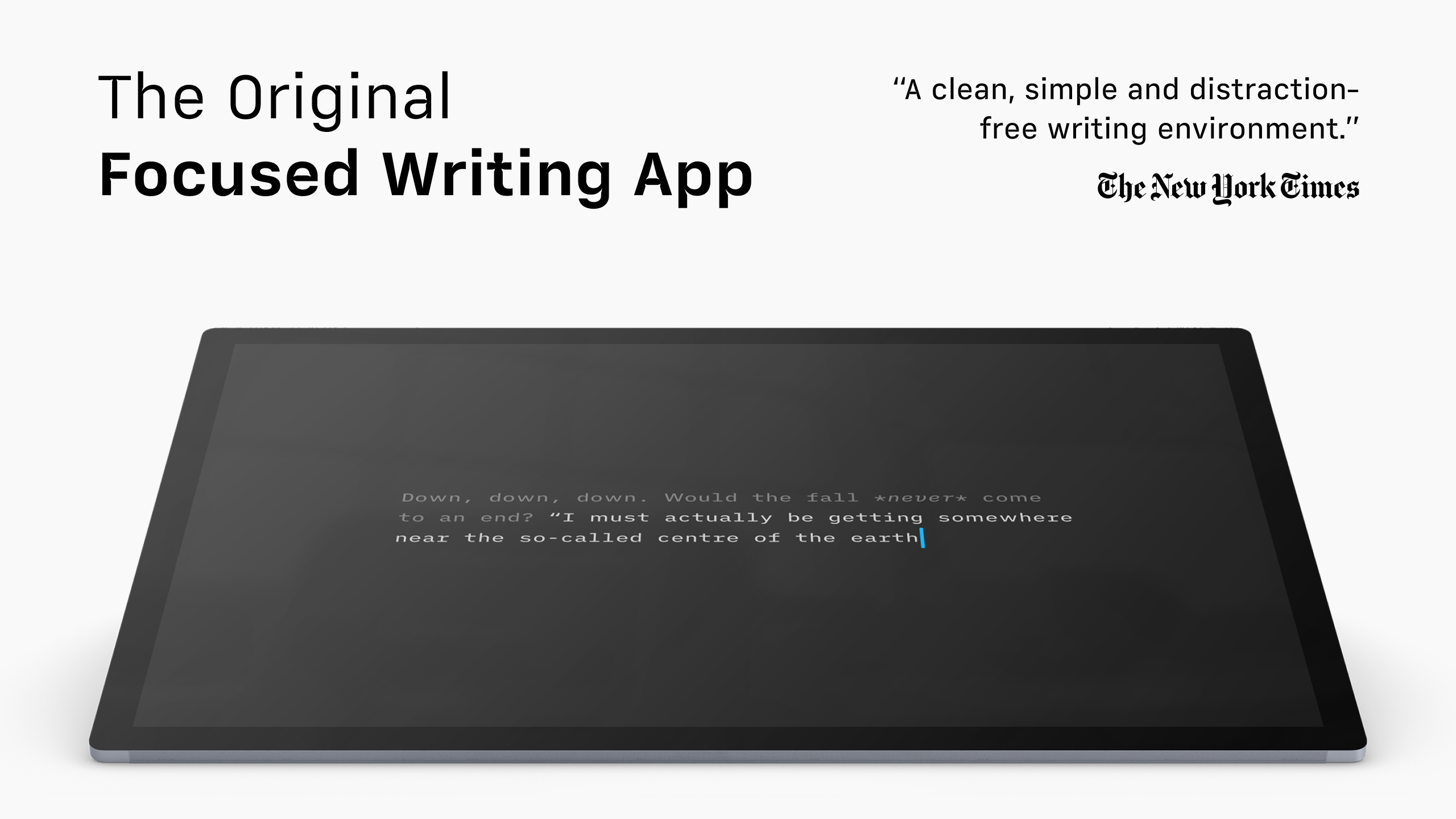
If you're someone who believes that good writing starts with a clean workspace and minimal distractions, iA Writer for Windows might just be your new best friend. Designed to bring clarity and simplicity into your writing process, this app promises to strip away clutter and help you focus on what truly matters: your words.
About the App: Clear-Words, Straightforward Approach
iA Writer for Windows is a minimalist writing tool developed by Information Architects Inc., aimed at writers, thinkers, and professionals who value straightforwardness over bells and whistles. The software's core identity is to provide an elegant, distraction-free environment for drafting and editing text, emphasizing clarity and focus.
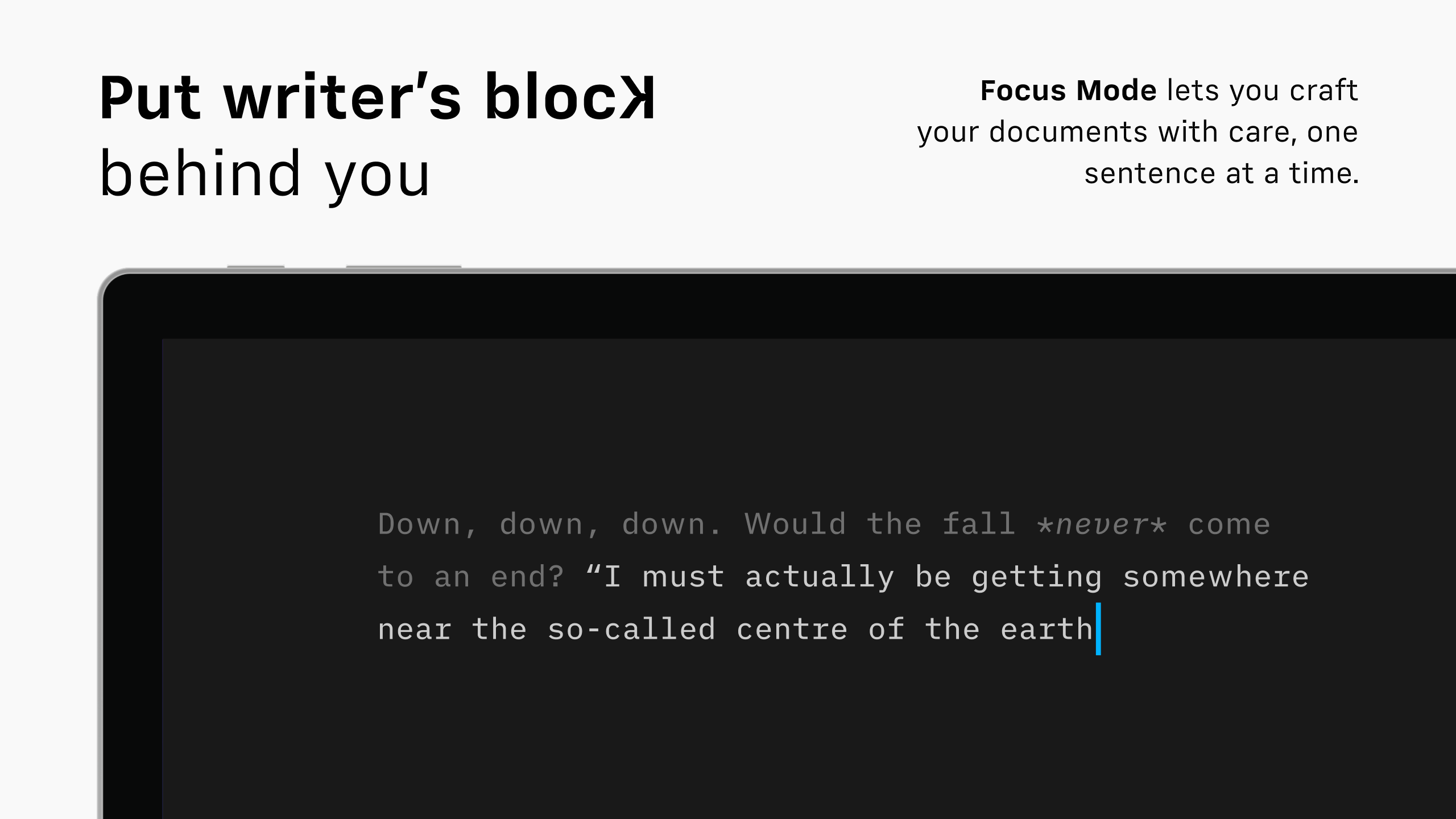
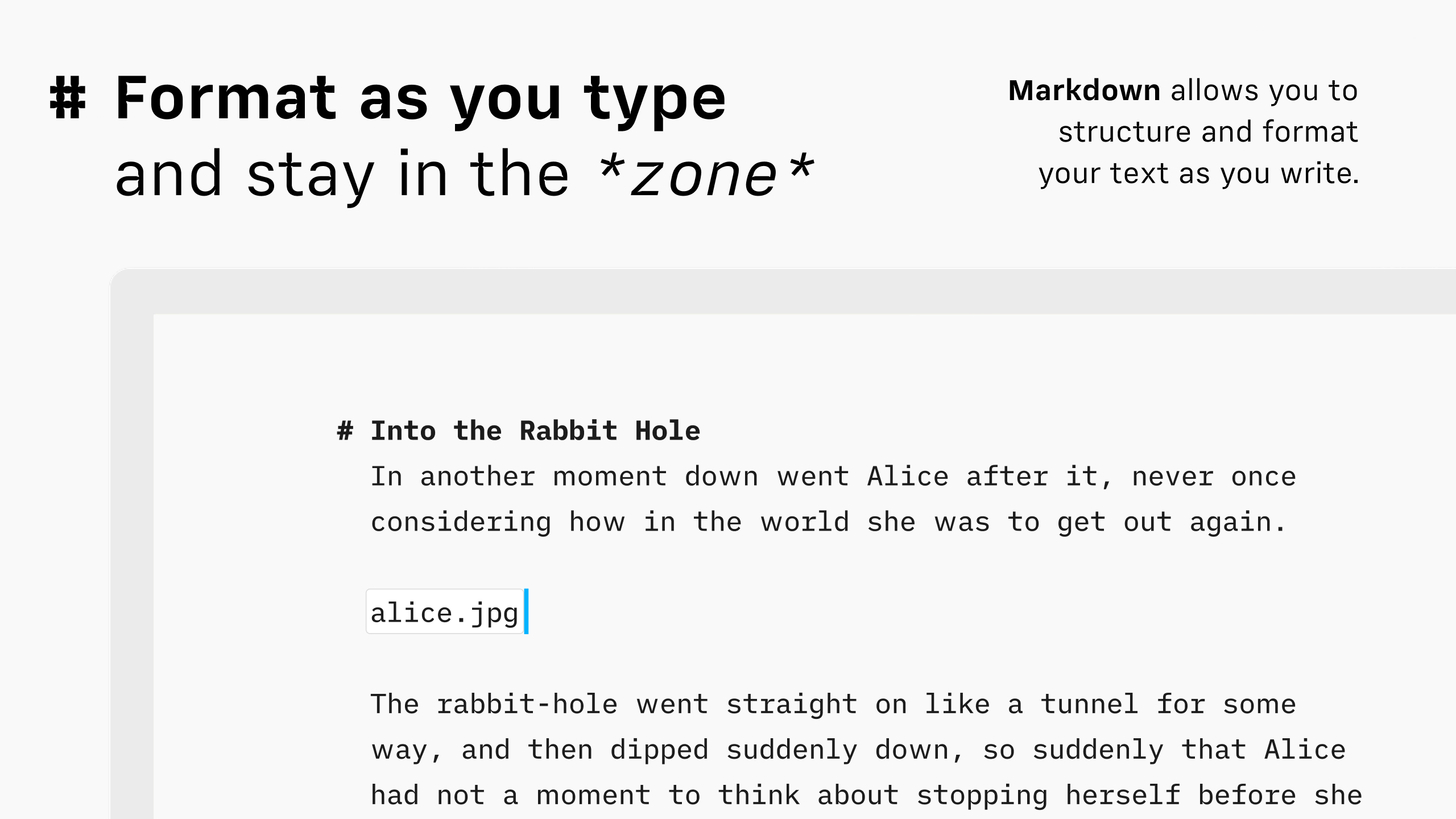
Key features include a split-screen mode for simultaneous editing and reference viewing, a customizable markdown-based writing environment, and an ‘Focus Mode' that dims everything but the current sentence or paragraph. Its target audience ranges from journalists and students to copywriters and busy professionals seeking an uncomplicated yet efficient writing tool.
Engaging the Writer's Mind with Simplicity
Imagine sitting at your desk, coffee in hand, and a blank canvas—the world outside fades away, leaving only your thoughts and words. iA Writer's environment exudes this calm, with a clean interface and a soothing, unobtrusive design. It's like having a quiet, dedicated notebook on your computer, one that only asks you to write, nothing more.
This app shines most when its core features come into play, helping you streamline your workflow without overwhelming you with options or settings.
Focus Mode: The Art of Distraction-Free Writing
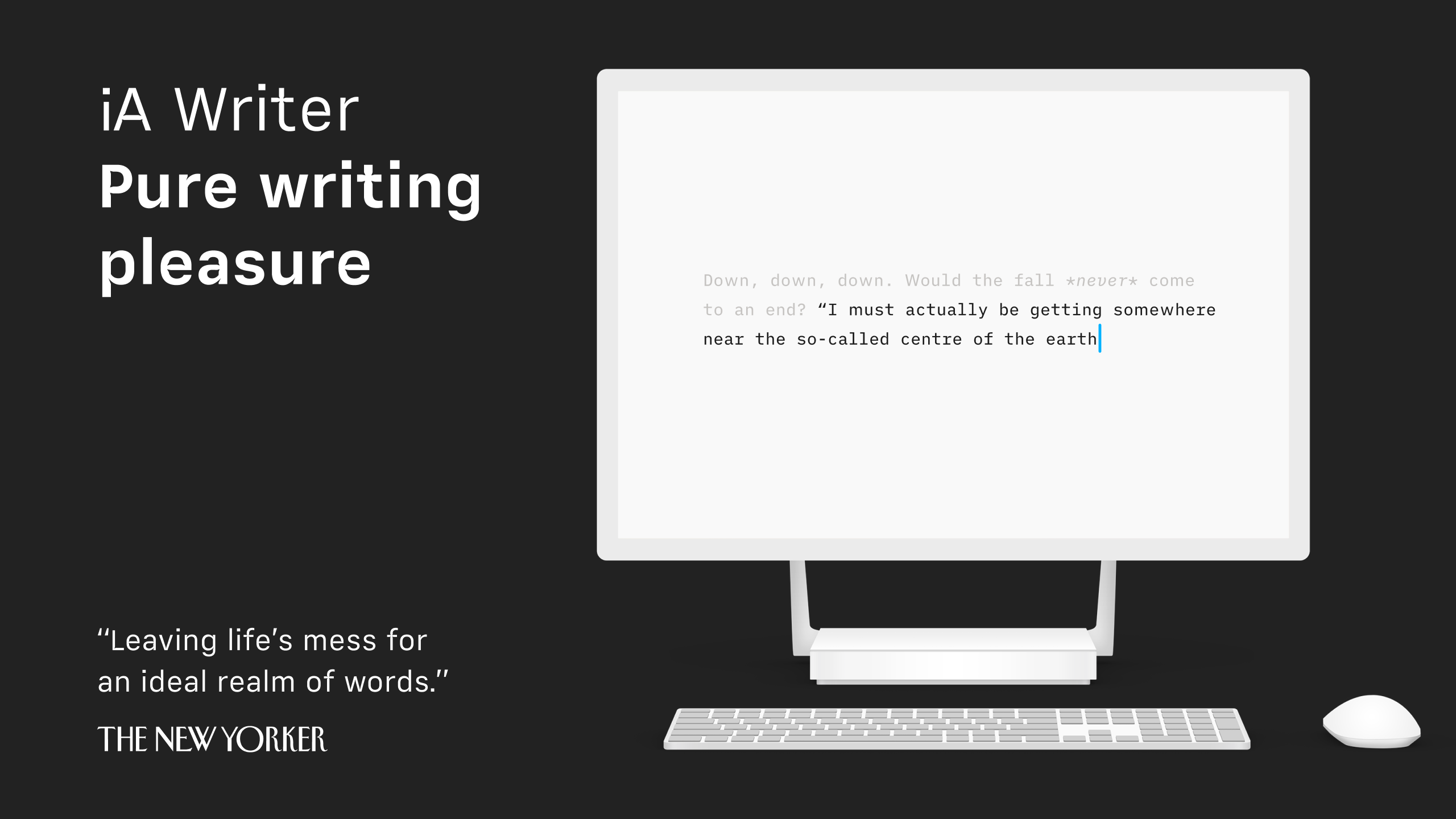
The Focus Mode is arguably iA Writer's crown jewel. Instead of being bombarded with formatting options or tiny buttons, you're presented with a full-screen, minimalist environment. The rest of the screen dims, highlighting your current sentence or paragraph, helping you drown out any external distractions and stay in the groove. Think of it as a spotlight guiding your words—ideal for those moments when concentration is crucial.
Compared to more feature-heavy writing apps, this singular focus significantly reduces cognitive load. You don't have to hunt for tools or toggle settings; everything is designed to keep you rooted in your flow, turning writing into a meditative act rather than a battleground of menus and options.
Split View and Markdown Support: Seamless Workflow Integration
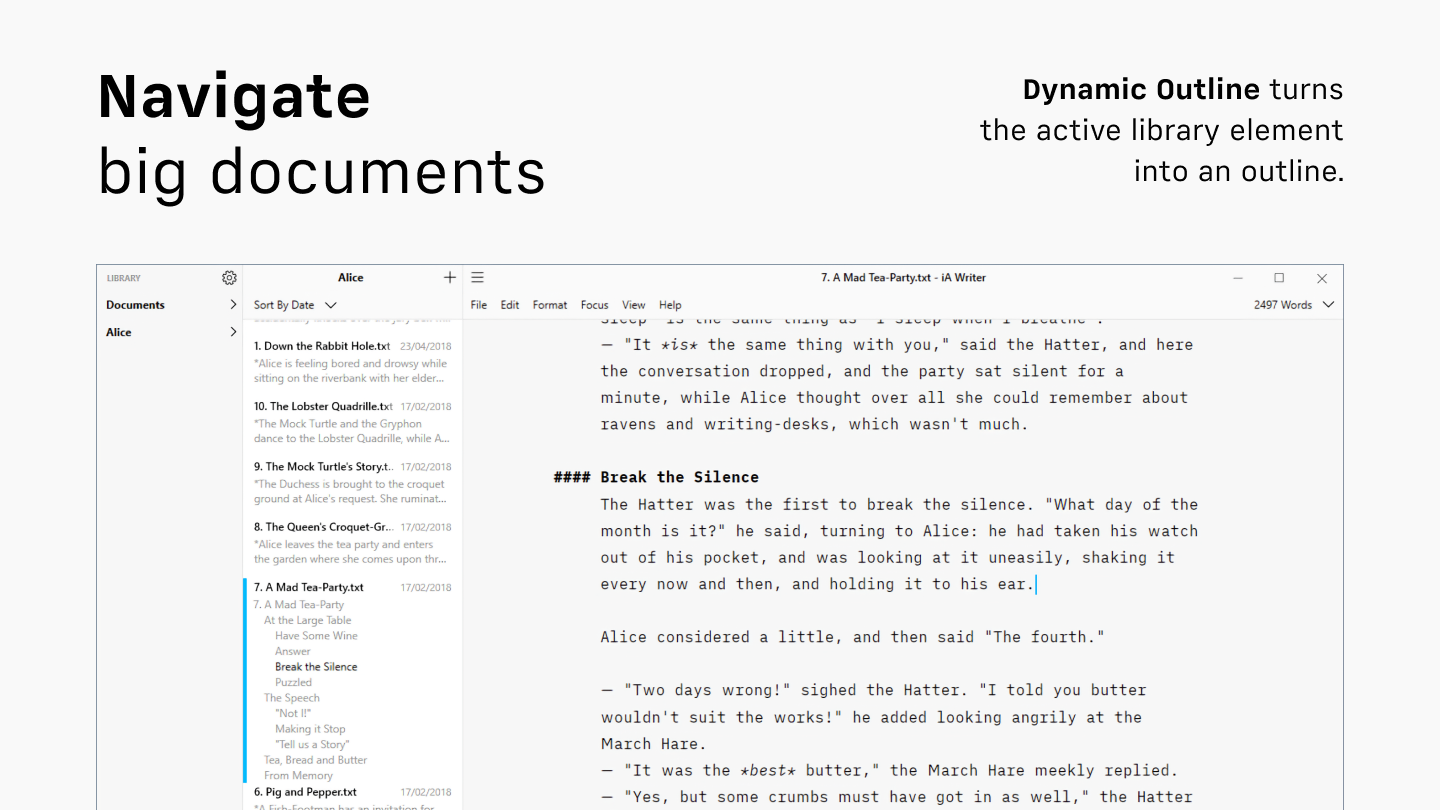
For writers who juggle multiple sources or need to keep notes nearby, iA Writer's split view feature is a godsend. You can have your draft on one side and research or reference material on the other, making cross-referencing as easy as flipping through pages of a physical notebook. Its markdown-based editing lends itself to quick formatting, exporting, and integrating into larger workflows without fuss.
This focus on workflow efficiency—allowing you to write, edit, and review without leaving the app—sets iA Writer apart from more bloated counterparts like Google Docs or Microsoft Word. Instead of distracting features that increase cognitive load, it offers just enough tools to produce and organize content smoothly.
Design, Usability, and Learning Curve: A Gentle Learning Curve with High Ease of Use
The interface resembles a well-organized writing desk—clean, uncluttered, and intuitive. Navigating menus and settings is straightforward, and even first-time users can get started quickly without a steep learning curve. The app's minimalist aesthetic feels calming, akin to a zen garden for your thoughts.
Performance-wise, iA Writer for Windows operates smoothly, with responsive typing and rapid rendering. It feels just as seamless as opening a physical notepad, encouraging longer writing sessions without lags or crashes.
How It Differs from Other Productivity Tools
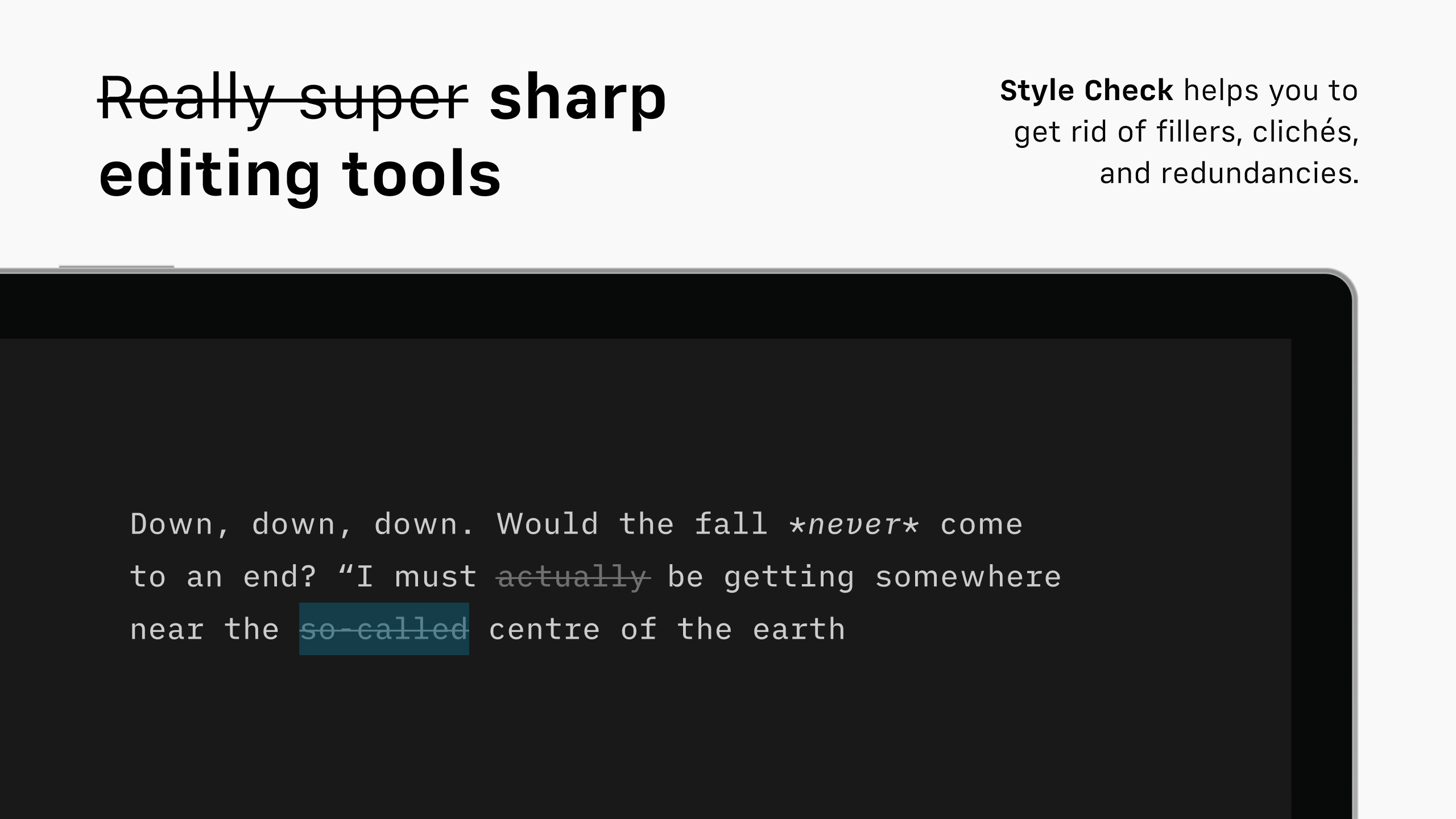
Unlike all-in-one office suites or complex note-taking apps, iA Writer is tailored for one thing: writing. Its most distinct advantage is its ability to integrate effortlessly into your workflow by reducing distractions and cognitive load. Its focus mode and split view act like a well-curated workspace that enhances productivity without overwhelming users with feature bloat. This positions it as an ideal companion for those who value workflow efficiency and mental clarity over multifunctionality and complex interfaces.
Recommendation and Usage Tips
Overall, I'd confidently recommend iA Writer for Windows to anyone seeking a dedicated, distraction-free writing environment. It's especially suitable for long-form writers, students, or professionals looking for a straightforward app that prioritizes their craft. For writers juggling multiple projects or requiring extensive formatting, it can serve as the primary drafting tool, followed by exports or integrations into more feature-rich applications.
For best results, pair iA Writer with a comfortable workspace and dedicated writing time—think of it as your personal writing sanctuary. Its simplicity can truly help you focus, making each word count and transforming writing into an enjoyable daily ritual rather than a chore.
Pros
- Clean and distraction-free writing interface
- Markdown support with live preview
- Cross-platform synchronization
- Focus mode feature
- Export options including PDF and Word
Cons
- Limited formatting options compared to full word processors
- No built-in cloud storage; reliance on external services
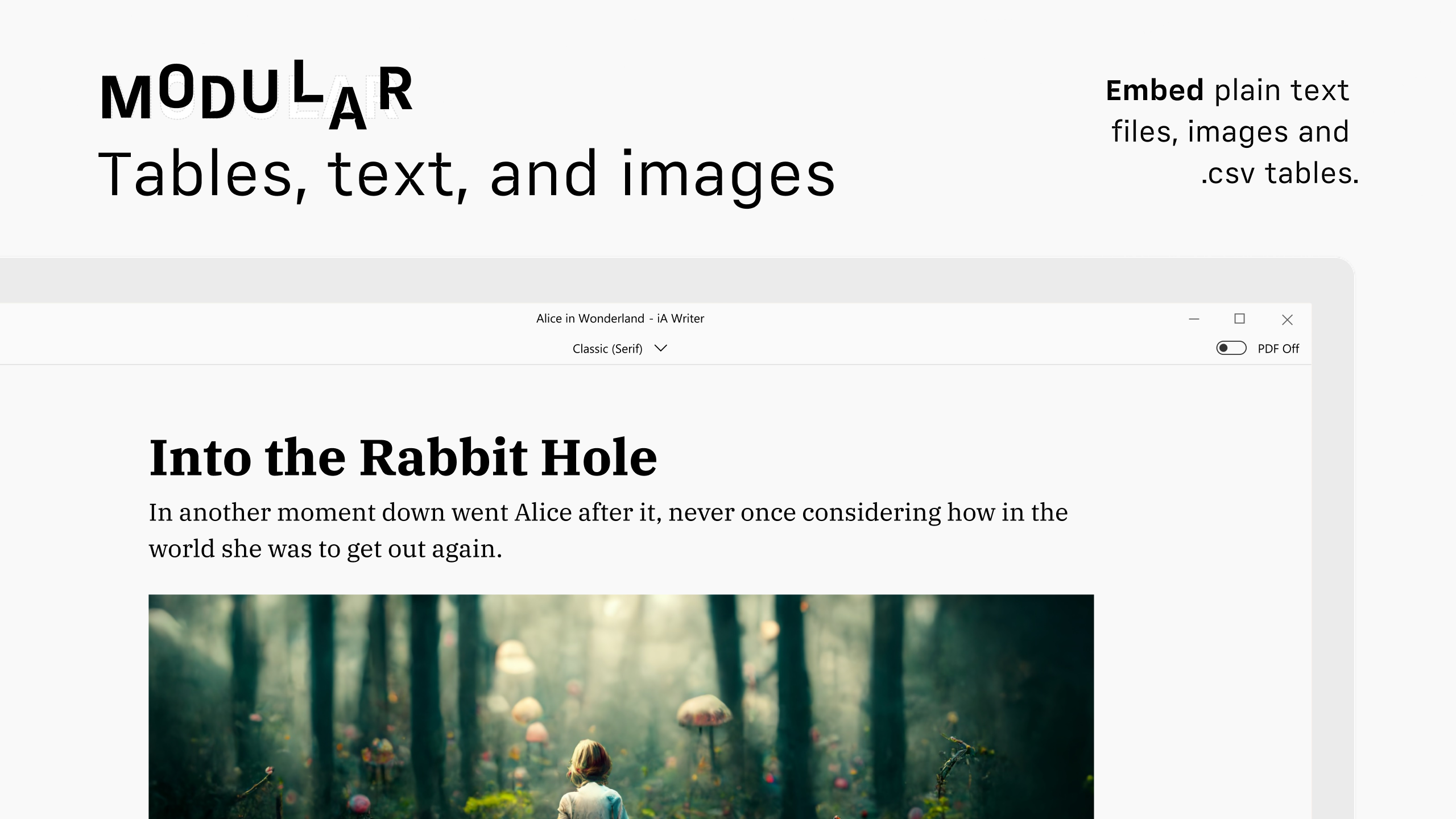
- Lacks rich media embedding features
- Limited customizability of interface
- No real-time collaboration features











