

- Name Hotspot
- Category Productivity
- Available on PC, Mobile, Surface Hub
- OS Windows 10 version 19041.0 or higher
- languages English (United States)
Hotspot for Windows: Streamlining Your Connectivity with Ease
Hotspot for Windows, developed by TechVidal, is a straightforward application designed to convert your Windows PC into a portable Wi-Fi hotspot seamlessly. Its primary aim is to help users share their internet connection effortlessly, whether at home, in the office, or on the go. With its focus on simplicity and reliable performance, this app caters mainly to users seeking quick and stable network sharing without fuss.
What Makes Hotspot for Windows Stand Out?
In a crowded market of network sharing tools, Hotspot for Windows positions itself with a clean, user-friendly interface backed by core features that prioritize stability and ease of use. Its main highlights include the ability to quickly start and stop hotspot sharing, customizable network settings, and the capacity to monitor connected devices—all wrapped in an experience designed to minimize technical complexity.
User-Centric Design and Intuitive Interface
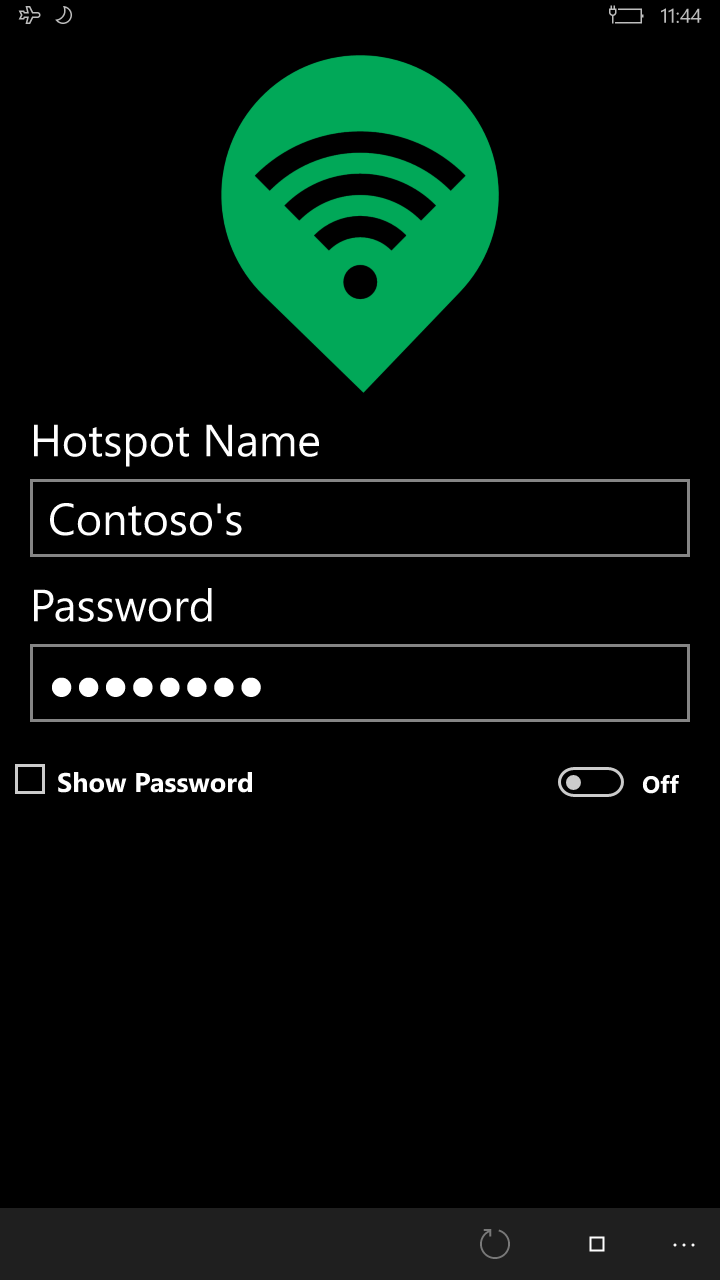
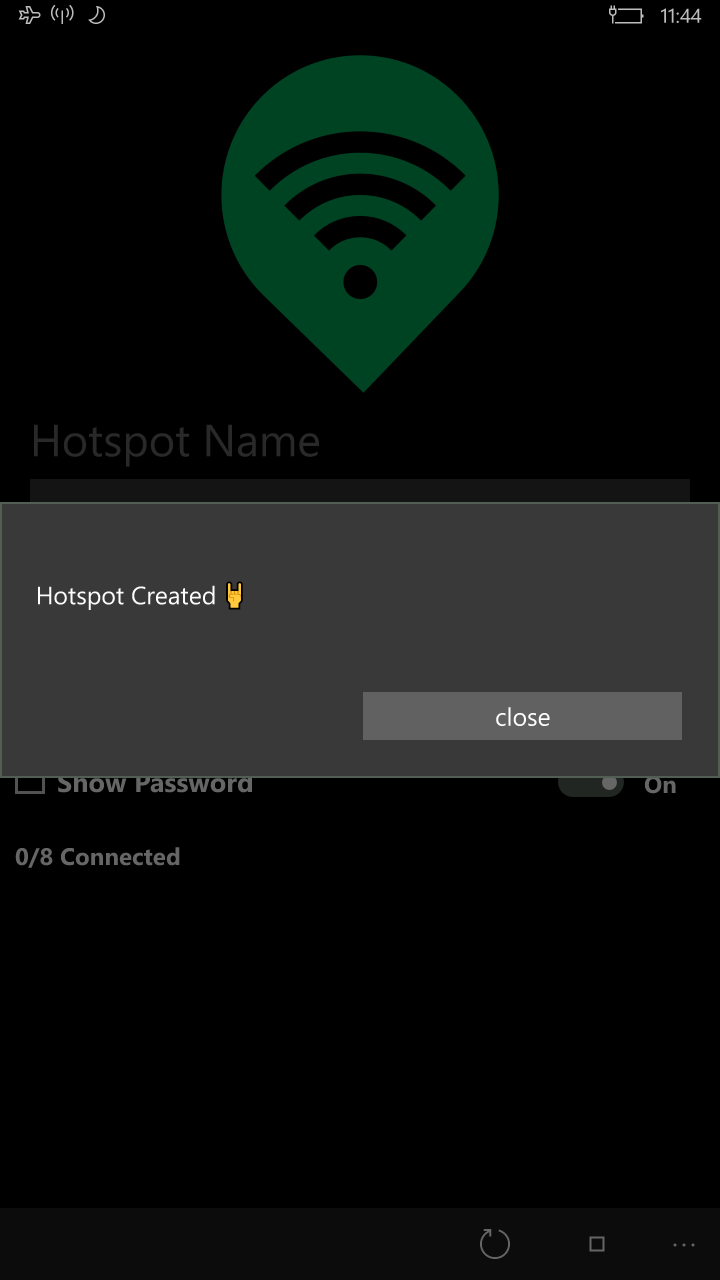
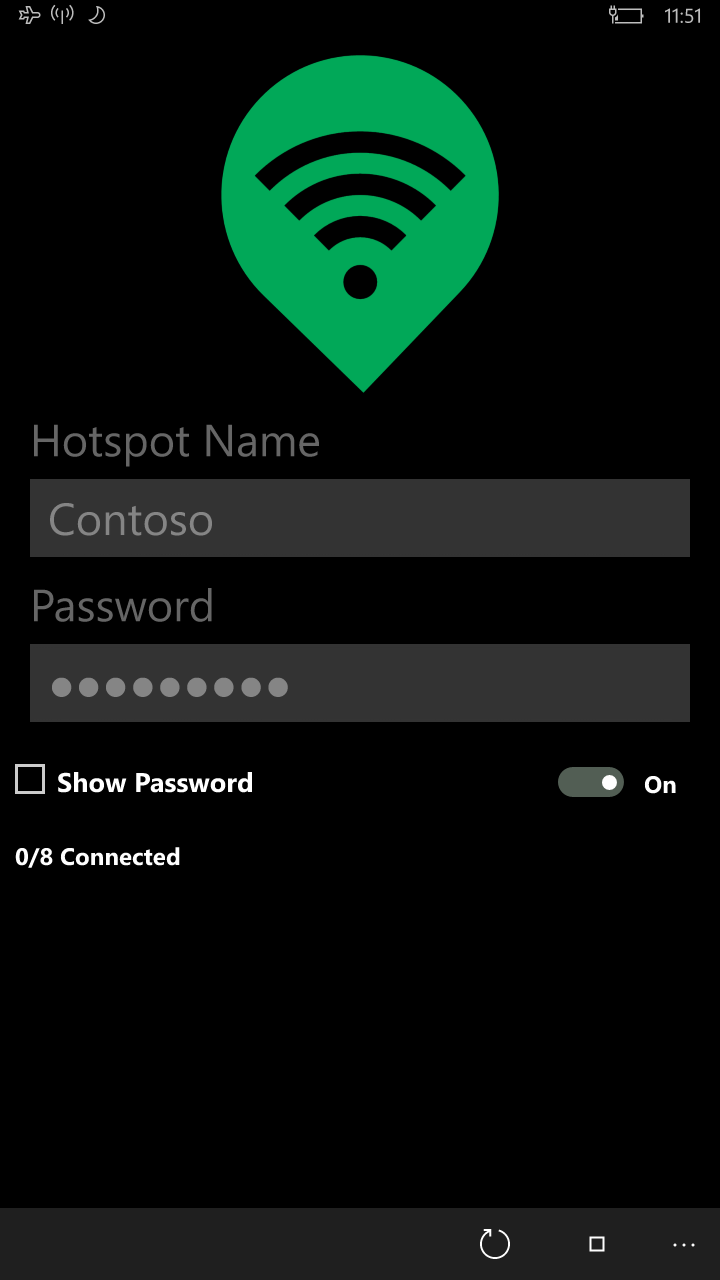
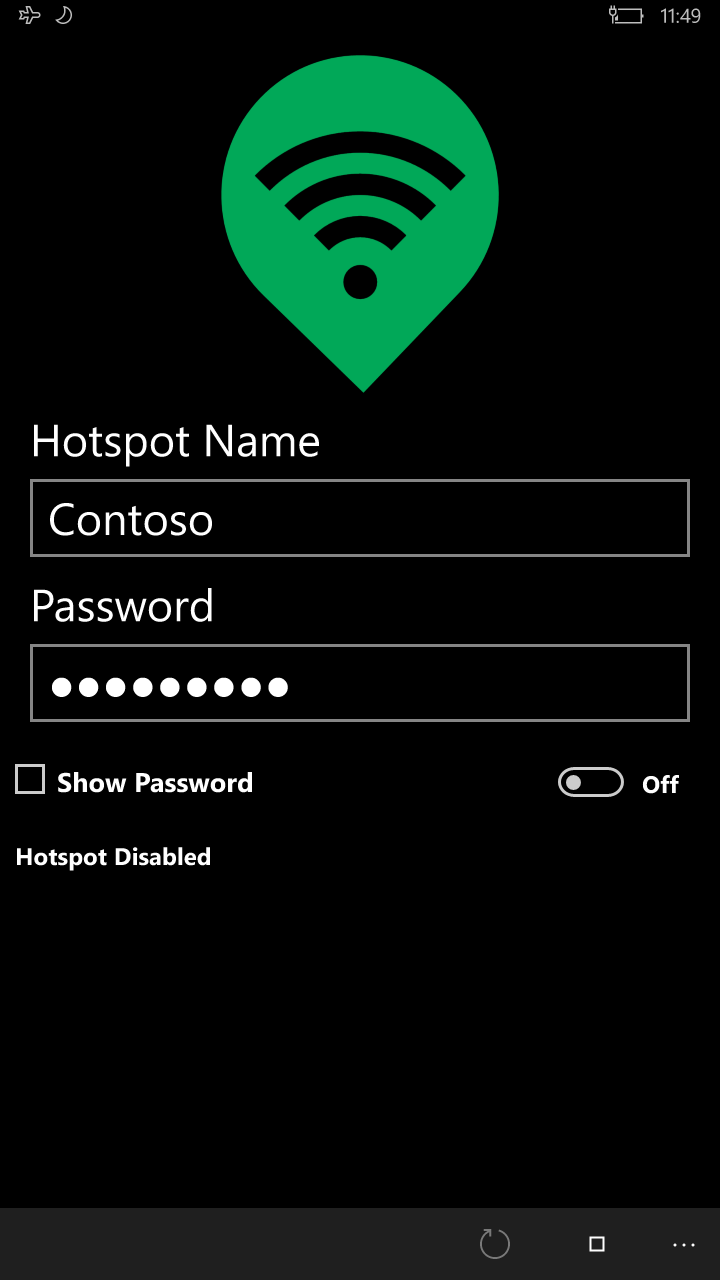
Imagine launching an app that greets you with a sleek, minimalistic dashboard resembling a well-organized control panel rather than a cluttered tech console. Hotspot for Windows excels in this area, offering a straightforward main screen where users can toggle the hotspot feature on or off with a single click. The process is visualized with clear icons and status indicators, making it accessible even for those who aren't tech experts. The app's flow feels smooth—interactions are responsive, and configuration options are organized logically, reducing the learning curve significantly.
Core Functionality: Reliable Network Sharing
At its heart, Hotspot for Windows ensures a robust and stable Wi-Fi sharing experience. Users can easily set up a network name and password, ensuring the connection remains secure. The app supports multiple devices, which means you can connect your smartphone, tablet, or other laptops without frustrating disconnections. Performance-wise, the app demonstrates steady throughput, making it suitable for streaming, online meetings, or casual browsing. The ability to quickly toggle the hotspot helps conserve device resources when sharing isn't needed, extending your device's battery life and reducing unnecessary background processes.
Enhanced Device Monitoring and Management
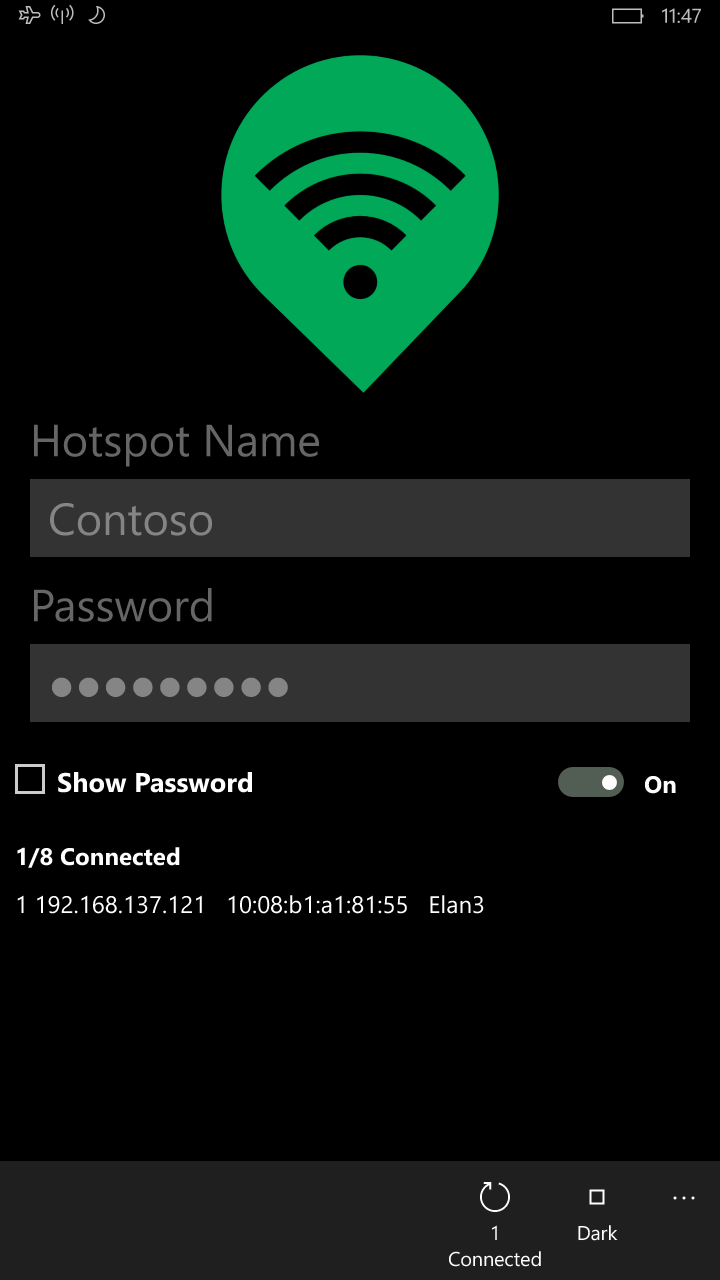
An often-overlooked aspect of hotspot apps is the management of connected devices. Hotspot for Windows provides an at-a-glance list of all currently linked devices, enabling you to monitor usage and, if necessary, disconnect unwanted connections with a simple click. This feature acts as a virtual security guard, giving you peace of mind while sharing your connection and ensuring you avoid unwanted bandwidth drain or security breaches. Such transparency demystifies network sharing, making the process more transparent and manageable.
Compared to Similar Productivity Tools
Unlike multifunctional network or device management apps cluttered with excessive features, Hotspot for Windows hones in on core functionality, reducing cognitive load. Its design emphasizes workflow efficiency: turning a complex networking task into a matter of one or two intuitive clicks. This focus on ease of use significantly lowers the mental effort—a vital advantage over bloated tools that require extensive setup and configuration. Furthermore, the app's stability and responsiveness mean less time troubleshooting, translating into a smoother, less stressful experience. It's like having a virtual switchboard operator who is always ready to connect your devices reliably without making you jump through hoops.
Recommendations and Use Cases
Based on its balanced mix of simplicity, stability, and user-focused features, Hotspot for Windows is highly recommended for users in need of quick, dependable network sharing—think business travelers, remote workers, or families sharing one internet connection among multiple devices. If your priority is a minimal learning curve and consistent performance without unnecessary frills, this app deserves a spot on your toolbelt. However, for those requiring advanced network management or extensive customization, exploring other more feature-rich solutions might still be necessary.
In essence, Hotspot for Windows by TechVidal is akin to a reliable roadside assistant—always ready, easy to call upon, and straightforward enough for anyone to handle. It's a practical solution designed not to overcomplicate but to serve a fundamental need effectively, making your connectivity worries a thing of the past.
Pros
- User-Friendly Interface
- Fast Connection Speeds
- Multiple Device Support
- Customizable Settings
- Lightweight App
Cons
- Limited Free Features
- Occasional Connection Drops
- Ads in Free Version
- Configuration Complexity for Novices
- Compatibility Issues with Certain Devices











