

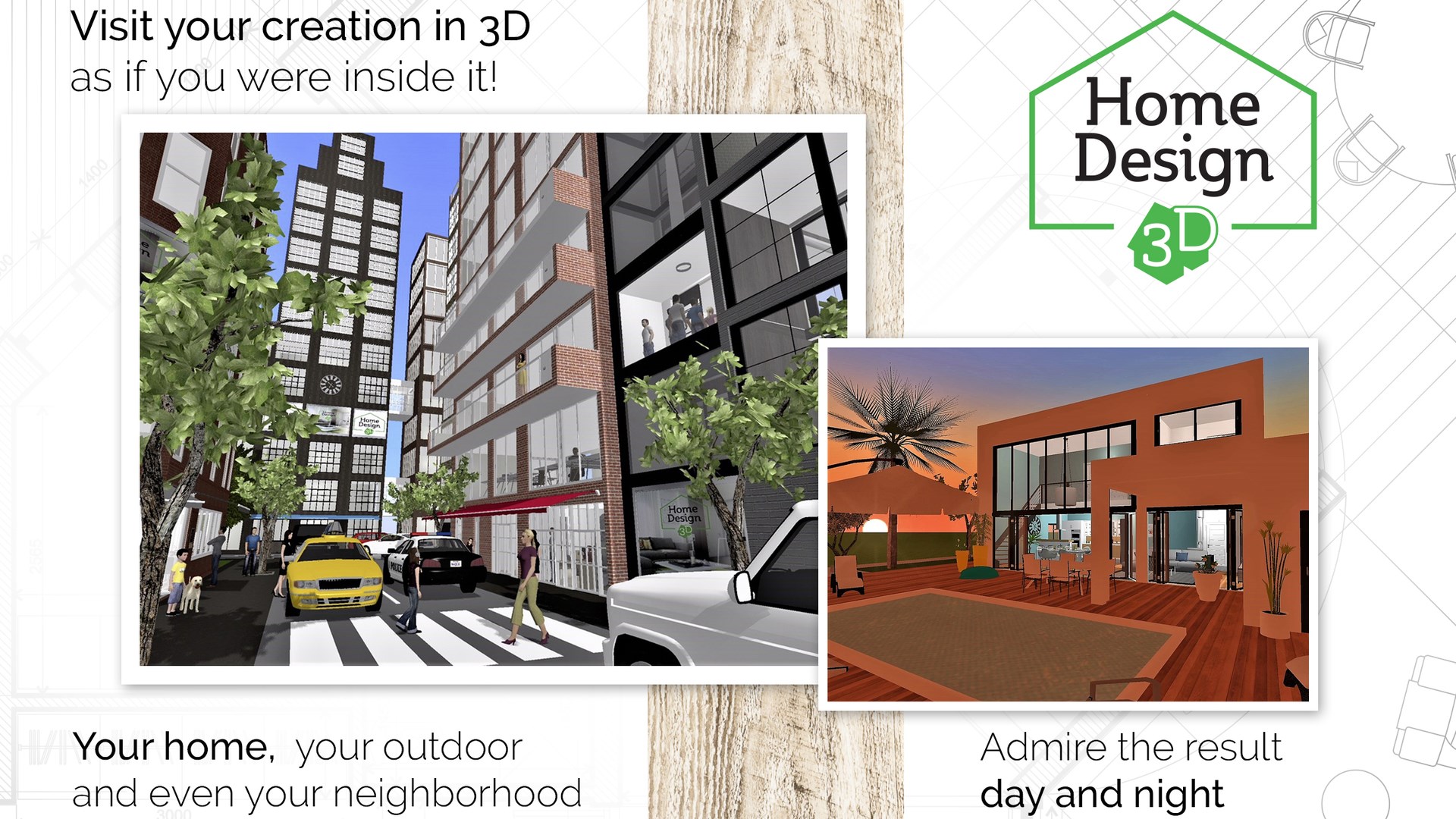
- Name Home Design 3D
- Category Productivity
- Available on PC
- OS Windows 10 version 16299.0 or higher
- Memory 2 GB
- DirectX Version 11
- Keyboard Integrated Keyboard
- Mouse Integrated Mouse
- Memory 6 GB
- languages Chinese (Simplified), Chinese (Traditional Chinese), Dutch, English, Finnish, French, German, Italian, Japanese, Korean, Norwegian (Bokmål), Portuguese, Russian, Spanish, Swedish, Turkish
Transform Your Space with Home Design 3D for Windows
If you've ever dreamed of redesigning your home without the mess of paint or the cost of a renovation, Home Design 3D for Windows offers a virtual playground to bring those visions to life. This app strikes a balance between creative freedom and user-friendly design, making it ideal for both beginners and experienced design enthusiasts who want to visualize their ideas in a vibrant, interactive environment.
About the Developer and Core Features
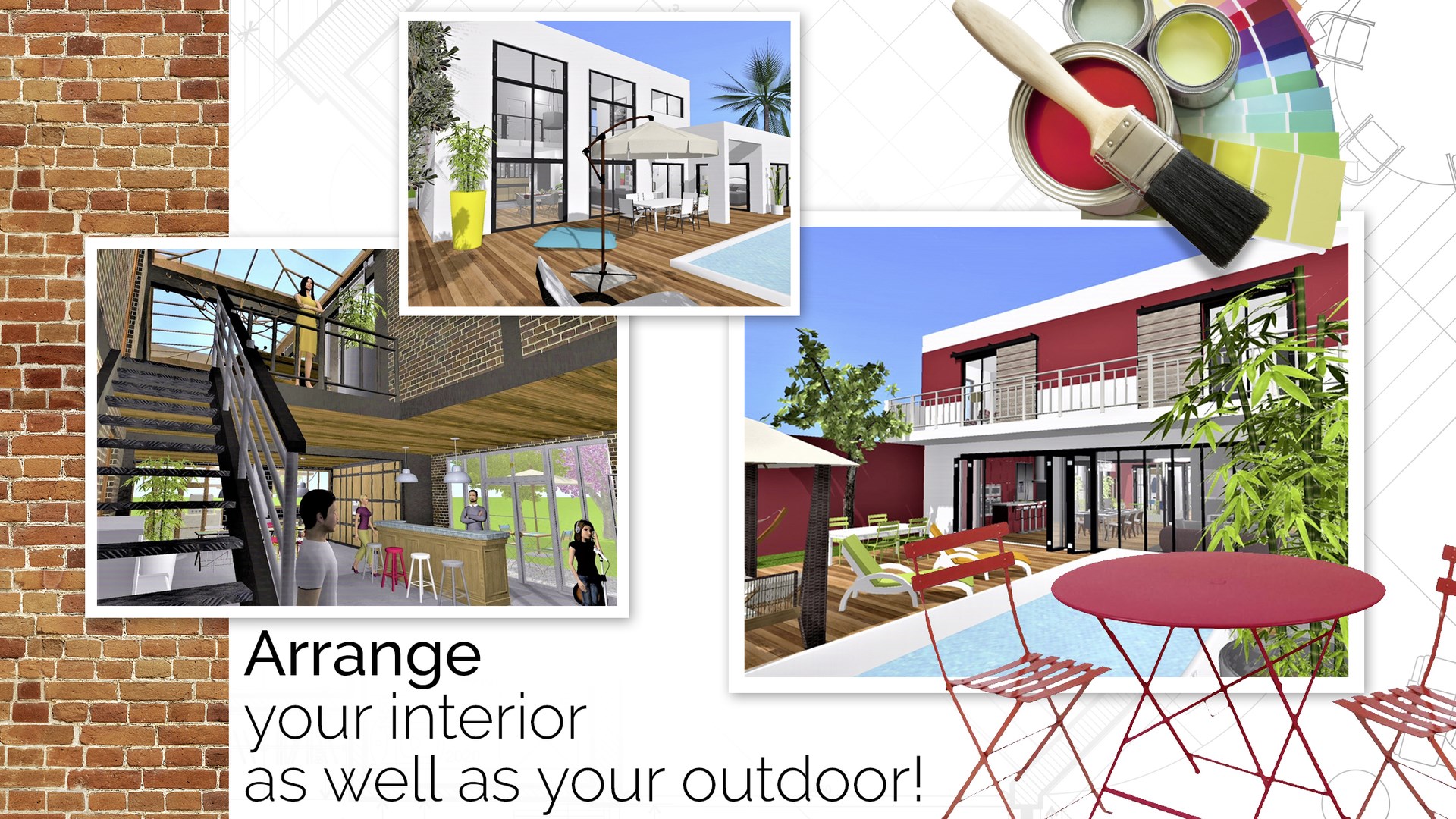
Produced by the collaborative efforts of Anuman Interactive and Microids, Home Design 3D for Windows is part of a well-established portfolio of interactive entertainment and utility applications. Emphasizing intuitive interior and exterior design tools, the app lets users craft detailed floor plans, visualize spaces in 3D, and experiment with color schemes and furniture arrangements.
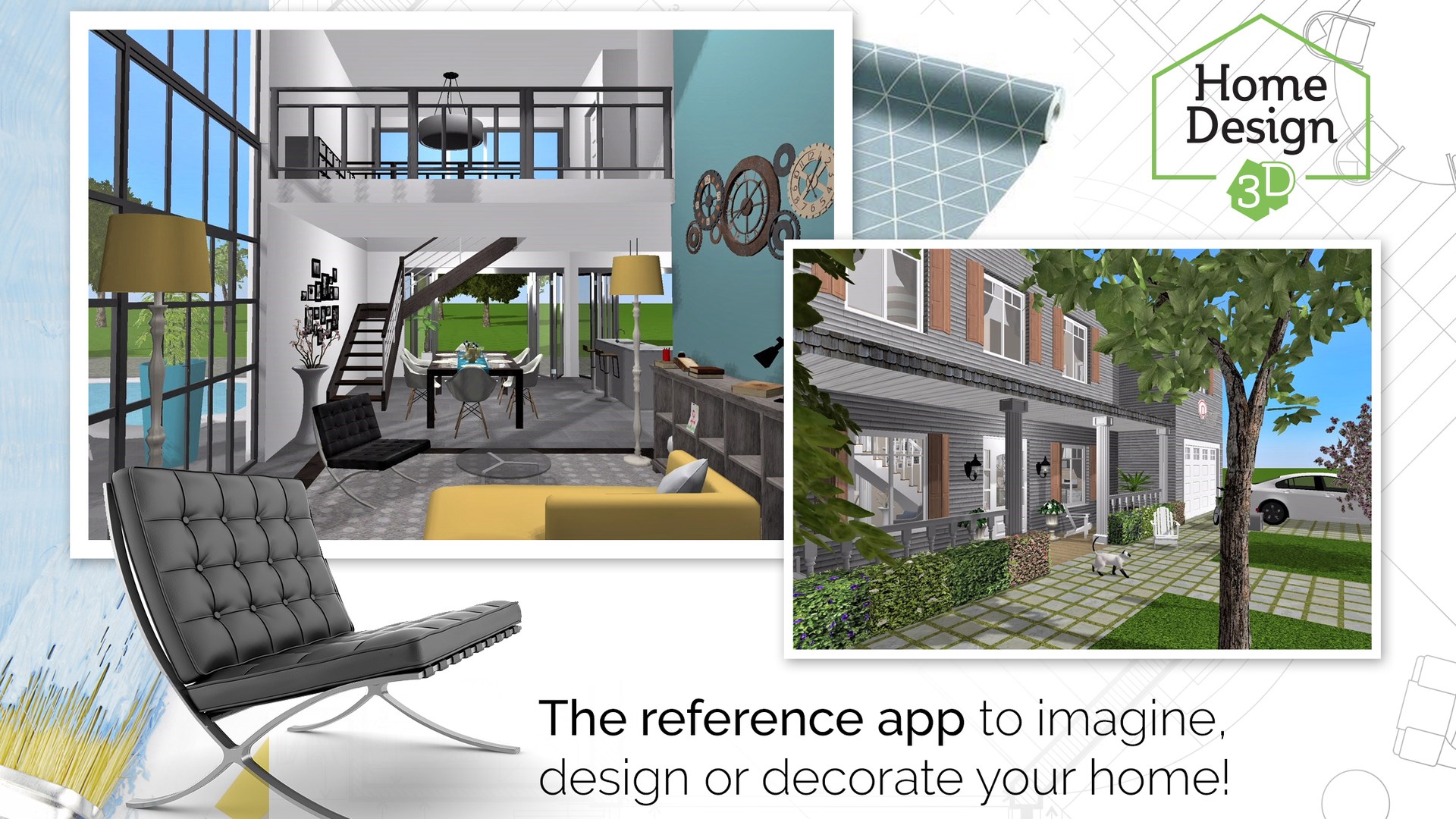
- Real-time 3D Visualization: Create your blueprint and see it come alive instantly in a three-dimensional space, providing a realistic sense of scale and aesthetics.
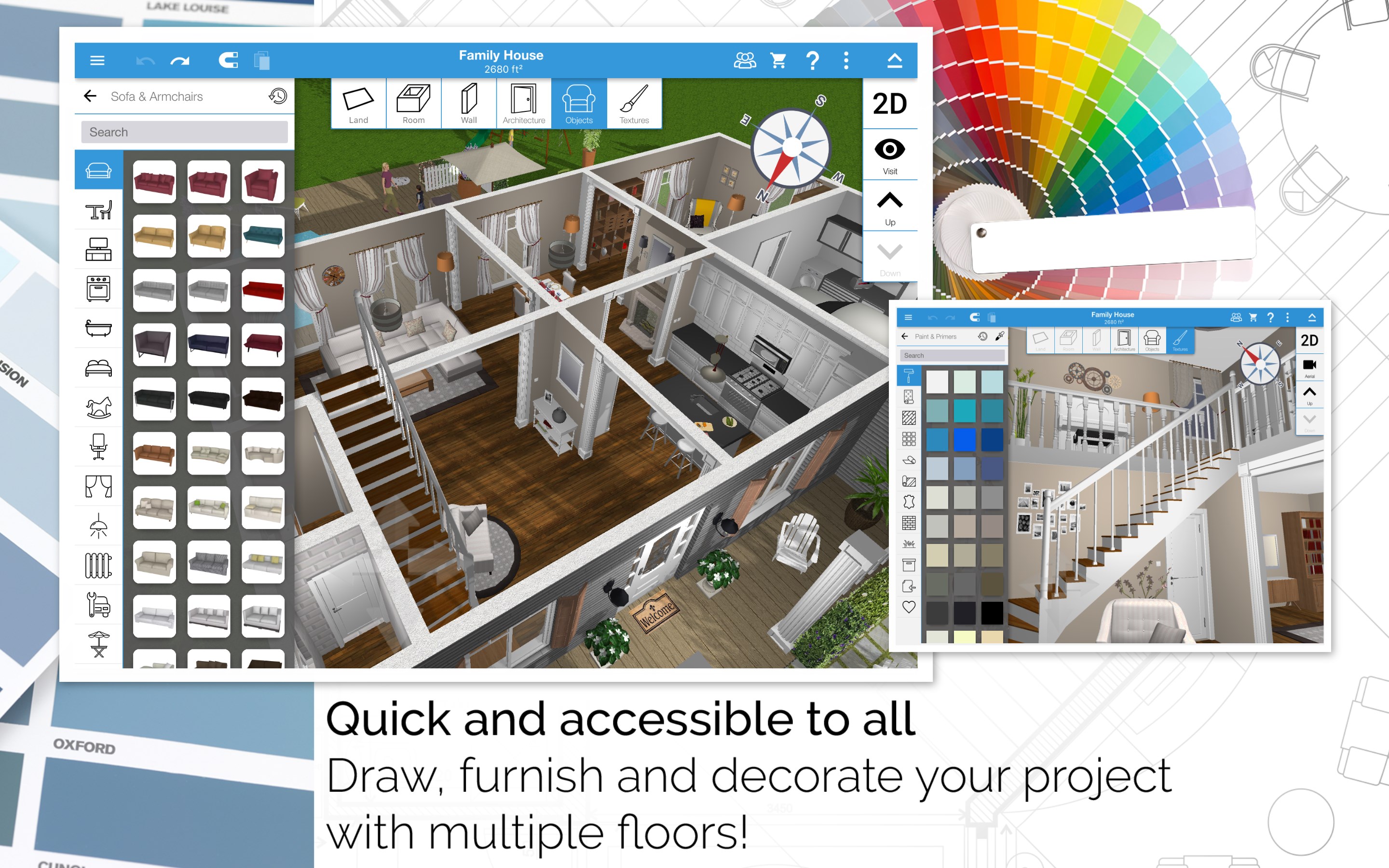
- Extensive Object Library: Access hundreds of furniture, decor, and structural elements, allowing for highly customizable designs tailored to your personal style.
- Drag-and-Drop Simplicity: Build and modify your layouts effortlessly with intuitive drag-and-drop controls, making complex designs accessible to users of all skill levels.
- Cross-Platform Compatibility: Designed specifically for Windows, yet easily shareable across devices, fostering collaboration and iterative design.
The target audience primarily includes homeowners contemplating renovations, DIY enthusiasts, interior design students, or anyone interested in visualizing space modifications before committing financially or physically.
Engaging and User-Centric Design
Jumping into Home Design 3D feels like stepping into a vibrant digital workshop. Its interface is clean, with a logical layout that feels less like a complicated software and more like a digital canvas—think of it as opening a well-organized art supply drawer. The toolbar is unobtrusive, allowing you to focus on your creative flow without feeling overwhelmed. Navigation is smooth, with responsive controls that mimic real-world movements—zooming in, rotating, and placing objects feels natural, as if you're manoeuvring physical toys on a table.
Learning curve is gentle, with helpful tooltips and a well-designed tutorial system that guides new users through the key features. Even those unfamiliar with 3D design software will find themselves quickly comfortable, thanks to intuitive gestures and straightforward commands.
Delving Into Core Functionalities
Designing with Real-Time 3D Visualization
The standout feature of Home Design 3D is undoubtedly its real-time 3D visualization. Unlike traditional flat blueprint apps, this feature allows users to see their plans unfold instantly in three dimensions, almost as if they're walking through a miniature model of their future space. This immediate feedback loop helps prevent costly mistakes, enabling quick iterations—adjusting a wall here, swapping furniture there—while maintaining immersion. It's like having a digital architect at your fingertips, ready to bring your ideas to vivid life.
Object Library and Customization
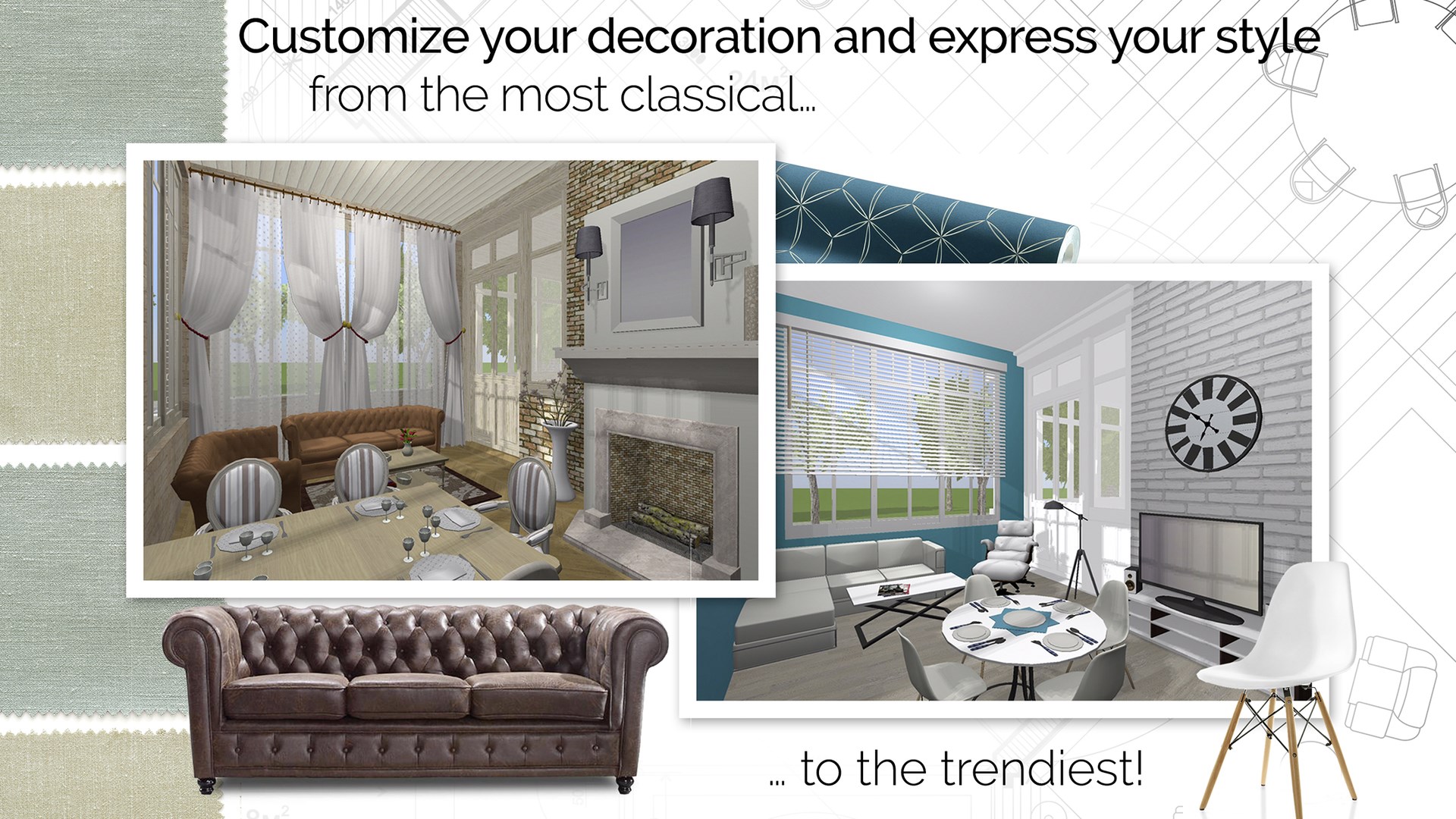
Imagine entering a virtual furniture warehouse where every piece is ready to be dragged into your design. The extensive object library covers all the essentials—from sofas and beds to lighting fixtures and decorative accents—allowing for detailed customization. Users can tweak colors, materials, and sizes to match their vision perfectly. This level of detail makes the app particularly appealing to those who want a high degree of control, yet don't want to get bogged down by overly complex parameters.
Streamlined Workflow and Experience
What sets Home Design 3D apart from other productivity or interior design apps is its focus on reducing cognitive load. The app's well-thought-out interface simplifies the design process without sacrificing depth. It emphasizes seamless workflow integration—moving from sketching to detailed viewing is effortless, and the drag-and-drop system keeps the experience smooth. Compared to feature-heavy apps that can feel overwhelming, this approach minimizes mental clutter and invites more playful exploration. It's like having a friendly guide walking you through your design journey, rather than a daunting set of tools to master.
Final Thoughts and Recommendations
Overall, Home Design 3D for Windows earns a solid recommendation for anyone interested in visualizing interior or exterior spaces without the need for professional CAD skills. Its most special features—real-time 3D visualization and an intuitive, clutter-free interface—make the design process approachable and enjoyable. If you're seeking a tool that balances sophistication with simplicity, this app is a commendable choice.
For casual hobbyists or serious DIYers looking to experiment with ideas or present concepts visually, it's an excellent starting point. However, for highly detailed or professional architectural planning, you might need more advanced software. Still, as a creative sandbox and planning assistant, Home Design 3D for Windows stands out as a user-friendly, engaging, and effective tool—worthy of a spot on your digital toolbox.
Pros
- Intuitive User Interface
- Extensive 3D Object Library
- Real-Time 3D Rendering
- Cross-Platform Compatibility
- Export and Sharing Features
Cons
- Limited Advanced Features for Professionals
- Performance Issues on Lower-End Devices
- Steep Learning Curve for Complex Designs
- Limited Customization Options for Textures
- In-App Purchases for Full Features











