


- Name GstarCAD
- Category Productivity
- Developer Gstarsoft Co., Ltd
- Available on PC
- OS Windows 10 version 0.0 or higher
- languages English, English (Afghanistan), English (Åland Islands), English (Albania), English (Algeria), English (American Samoa), English (Andorra), English (Angola), English (Anguilla), English (Antarctica), English (Antigua and Barbuda), English (Armenia), English (Aruba), English (Australia and New Zealand), English (Australia), English (Azerbaijan), English (Bahamas), English (Bangladesh), English (Barbados), English (Belarus), English (Belize), English (Benin), English (Bermuda), English (Bhutan), English (Bolivia), English (Bonaire, Saint Eustatius and Saba), English (Bosnia and Herzegovina), English (Botswana), English (Bouvet Island), English (British Indian Ocean Territory), English (British Virgin Islands), English (Brunei), English (Bulgaria), English (Burkina Faso), English (Burundi), English (Cambodia), English (Cameroon), English (Canada), English (Cape Verde), English (Caribbean), English (Cayman Islands), English (Central African Republic), English (Chad), English (Christmas Island), English (Cocos (Keeling) Islands), English (Comoros), English (Congo (DRC)), English (Congo), English (Cook Islands), English (Côte d'Ivoire), English (Croatia), English (Curaçao), en-cz, English (Djibouti), English (Dominica), English (Dominican Republic), English (Eastern Africa), English (Equatorial Guinea), English (Eritrea), English (Estonia), English (Ethiopia), English (Falkland Islands), English (Faroe Islands), English (Fiji), English (French Guiana), English (French Polynesia), English (French Southern and Antarctic Lands), English (Gabon), English (Gambia), English (Georgia), English (Germany), English (Ghana), English (Gibraltar), en-gr, English (Greenland), English (Guadeloupe), English (Guam), English (Guernsey), English (Guinea-Bissau), English (Guinea), English (Guyana), English (Haiti), English (Heard Island and McDonald Islands), English (Honduras), English (Hong Kong SAR), en-hu, English (Iceland), English (India), English (Indonesia), English (Iraq), English (Ireland), English (Isle of Man), English (Israel), English (Jamaica), English (Jersey), English (Jordan), English (Kazakhstan), English (Kenya), English (Kiribati), English (Kyrgyzstan), English (Laos), English (Latvia), English (Lesotho), English (Liberia), English (Libya), English (Lithuania), English (Macao SAR), English (Macedonia, FYRO), English (Madagascar), English (Malawi), English (Malaysia), English (Maldives), English (Mali), English (Malta), English (Marshall Islands), English (Martinique), English (Mauritius), English (Mayotte), English (Micronesia), English (Moldova), English (Monaco), English (Mongolia), English (Montserrat), English (Mozambique), English (Myanmar), English (Namibia), English (Nauru), English (Nepal), English (Netherlands Antilles (Former)), English (Netherlands), English (New Caledonia), English (New Zealand), English (Nicaragua), English (Niger), English (Nigeria), English (Niue), English (Norfolk Island), English (Northern America), English (Northern Mariana Islands), English (Oman), English (Pakistan), English (Palau), English (Palestinian Authority), English (Papua New Guinea), English (Philippines), English (Pitcairn Islands), English (Puerto Rico), English (Qatar), English (Reunion), English (Romania), English (Rwanda), English (Saint Barthélemy), English (St Helena, Ascension, Tristan da Cunha), English (Saint Kitts and Nevis), English (Saint Lucia), English (Saint Martin (French Part)), English (Saint Pierre and Miquelon), English (Saint Vincent and the Grenadines), English (Samoa), English (San Marino), English (São Tomé and Príncipe), en-sa, English (Senegal), English (Seychelles), English (Sierra Leone), English (Singapore), English (Sint Maarten), English (Slovakia), English (Slovenia), English (Solomon Islands), English (Somalia), English (South Africa), English (South Georgia and the South Sandwich Islands), English (Southern Africa), English (Sri Lanka), English (Sudan), English (Suriname), English (Svalbard and Jan Mayen), English (Swaziland), English (Tajikistan), English (Tanzania), English (Thailand), English (Timor-Leste), English (Togo), English (Tokelau), English (Tonga), English (Trinidad and Tobago), English (Turkey), English (Turkmenistan), English (Turks and Caicos Islands), English (Tuvalu), English (U.S. Minor Outlying Islands), English (U.S. Virgin Islands), English (Uganda), en-ae, English (United Kingdom), English (United States), English (Uzbekistan), English (Vanuatu), English (Holy See (Vatican City)), English (Vietnam), English (Wallis and Futuna), English (Western Africa), English (Zambia), English (Zimbabwe)
GstarCAD for Windows: A Powerful CAD Alternative with Streamlined Workflow
GstarCAD for Windows emerges as a compelling alternative to traditional CAD software, promising robust drafting capabilities combined with user-friendly features, all wrapped in an accessible interface.
Meet the Developer and Core Features
Developed and published by Gstarsoft Co., Ltd., this application targets professionals and design enthusiasts seeking efficient CAD tools on Windows. Its main highlights include rapid drafting tools, compatibility with various file formats, and intelligent annotation features. Whether you're an architect, engineer, or student, GstarCAD aims to simplify your design workflow with an emphasis on speed and accuracy.
An Enthralling Entry to the World of CAD
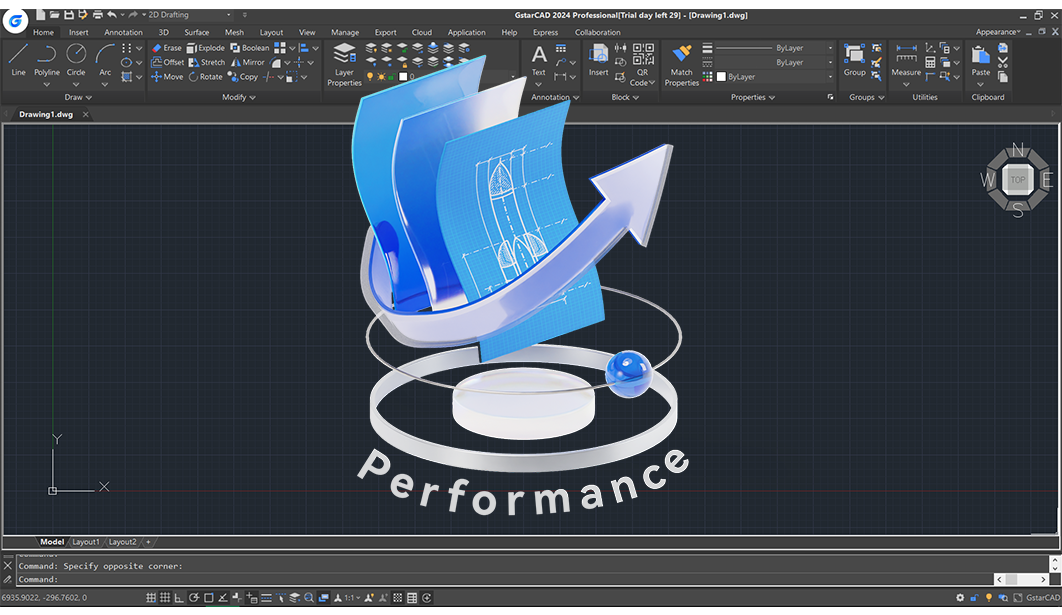
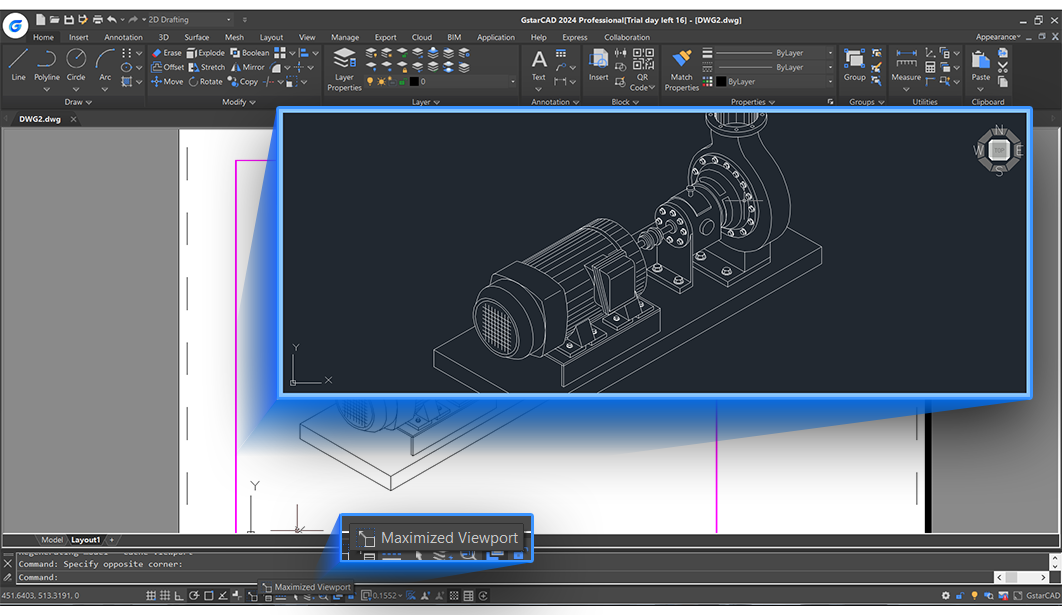
Imagine pulling out a trusty, professional-grade drafting table, but on your PC—GstarCAD makes that scene instantly possible. The interface feels like a familiar workspace where tools are intuitively positioned, inviting users to dive into creative projects without the usual steep learning curve. From the moment you open the app, you're greeted with a clean, organized layout designed to keep distraction at bay and productivity front and center.
Intuitive Drawing and Editing Tools
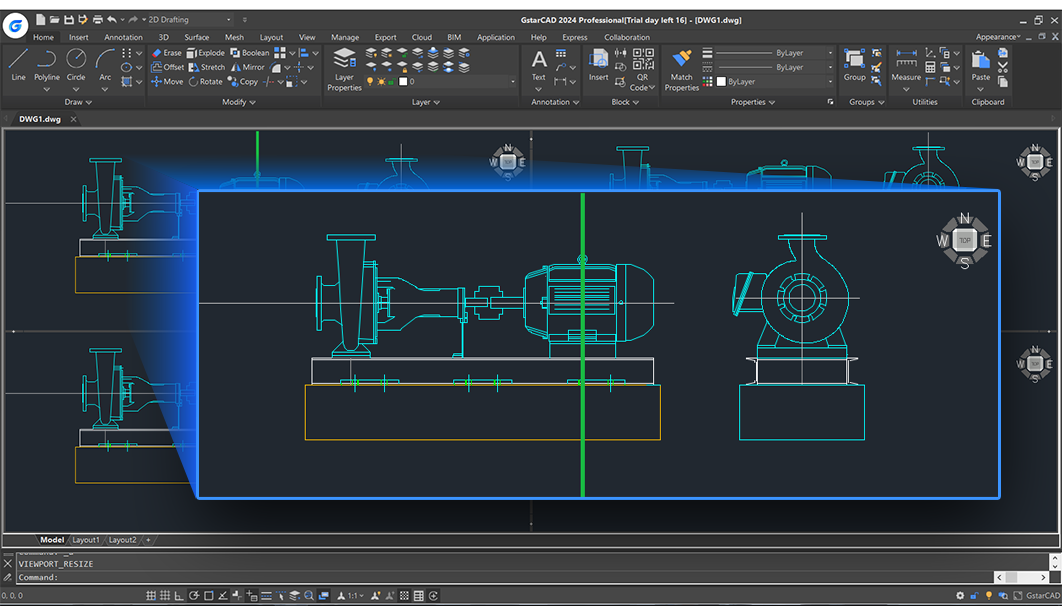
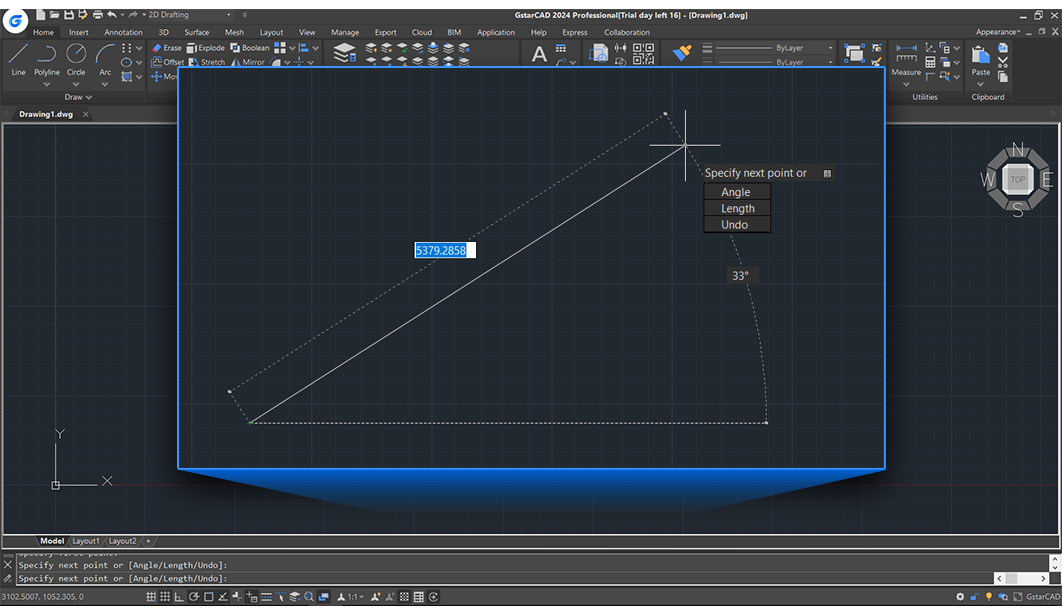
The core of GstarCAD's appeal lies in its powerful yet straightforward drafting capabilities. Its rich toolkit includes precision line, arc, circle, and polyline tools, all optimized for quick execution. What sets it apart is the intelligent object snapping and layer management, which dramatically reduces the cognitive load during complex drawings. For instance, the snap features are like friendly guides that magnetically align your elements, saving you from painstaking manual adjustments and enabling a smoother workflow.
Seamless Compatibility and File Management
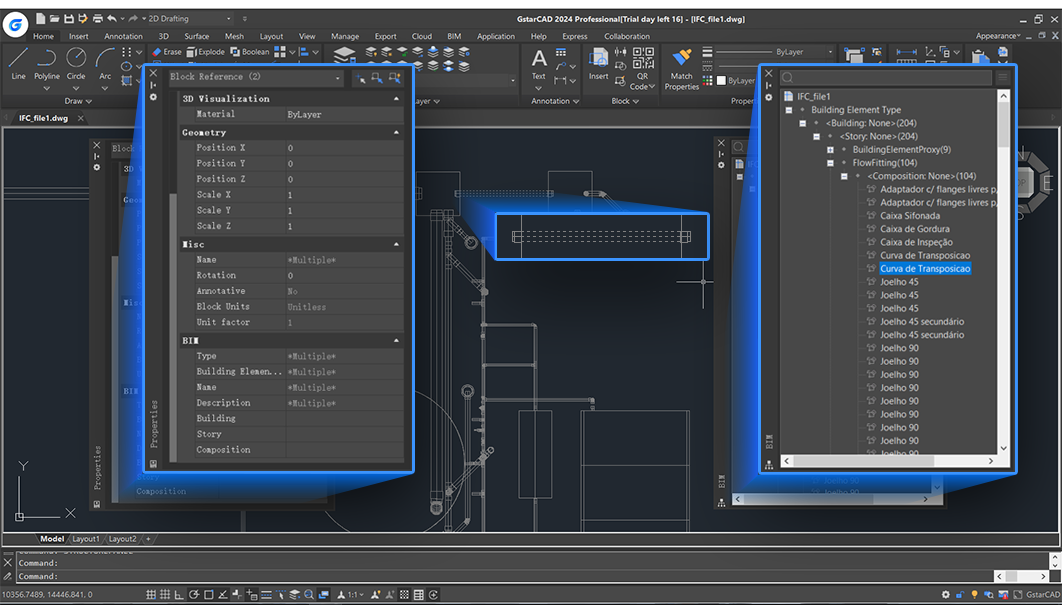
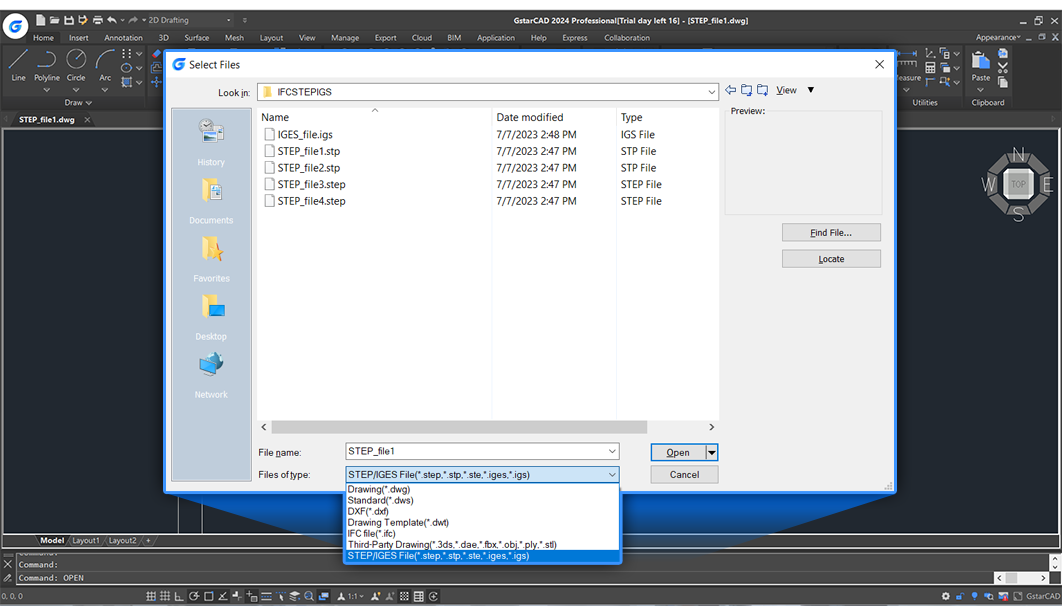
One of GstarCAD's standout features is its broad compatibility with industry-standard formats like DWG, DXF, and DWF. This ensures your work can easily flow between different software environments, akin to speaking multiple design languages effortlessly. The intuitive import and export processes are designed to keep your project files consistent and update-ready, eliminating one of the common frustrations in CAD workflows. This ease of integration is crucial for teams collaborating across platforms or transitioning from other CAD solutions.
User Experience and Unique Differentiators
The design of GstarCAD emphasizes reducing cognitive overload—think of it as having a well-organized toolbox without unnecessary clutter. Its interface is polished but not overly complex, making it accessible to newcomers without sacrificing powerful capabilities for veterans. Actions like quickly switching between drawing modes or accessing command histories feel seamless, akin to flipping through a well-indexed catalog. Compared to more feature-heavy CAD applications, GstarCAD's focus on workflow efficiency — especially through intelligent commands and a customizable workspace — stands out as a major asset, allowing users to focus on design rather than navigating the software.
Final Verdict and Recommendations
GstarCAD for Windows offers an impressive balance of performance, usability, and compatibility. Its focus on streamlining the design process makes it a strong candidate for professionals seeking a reliable yet straightforward CAD solution. While it may not boast the extensive feature set of industry giants, its thoughtful workflow enhancements and reduced learning curve make it particularly appealing for smaller firms, individual practitioners, or students.
Overall, I recommend GstarCAD as a practical, efficient alternative for those tired of overly complex CAD platforms. If your priority is to maximize productivity with minimal fuss, this app deserves your serious consideration—think of it as the well-organized workshop your design projects have been waiting for.
Pros
- Comprehensive CAD Toolset
- High Compatibility and File Support
- Lightweight and Fast Performance
- User-Friendly Interface
- Cost-Effective Licensing Options
Cons
- Limited Advanced Features
- Occasional Compatibility Issues
- Learning Curve for Complex Commands
- Limited Cloud Integration
- Less Extensive Community Support











