
- Name Goodnotes
- Category Productivity
- Developer Goodnotes Limited
- Available on PC, HoloLens
- OS Windows 10 version 19041.0 or higher
- Mouse Not specified
- Memory Not specified
- languages English
Introducing Goodnotes for Windows: A Digital Notebook Reinvented
If you've ever dreamed of seamlessly transitioning your beloved handwritten notes and organized workflows from iOS to the Windows universe, Goodnotes for Windows might just be the bridge you've been waiting for. Designed as a powerful yet intuitive digital note-taking app, it strives to bring the familiar handwriting experience and organizational prowess to Windows users, making it a compelling choice for students, professionals, and creatives alike. Developed by Goodnotes Limited, this app promises to elevate your digital productivity with its thoughtfully crafted features.
Core Features That Shine
Smart, Flexible Notebook Organization
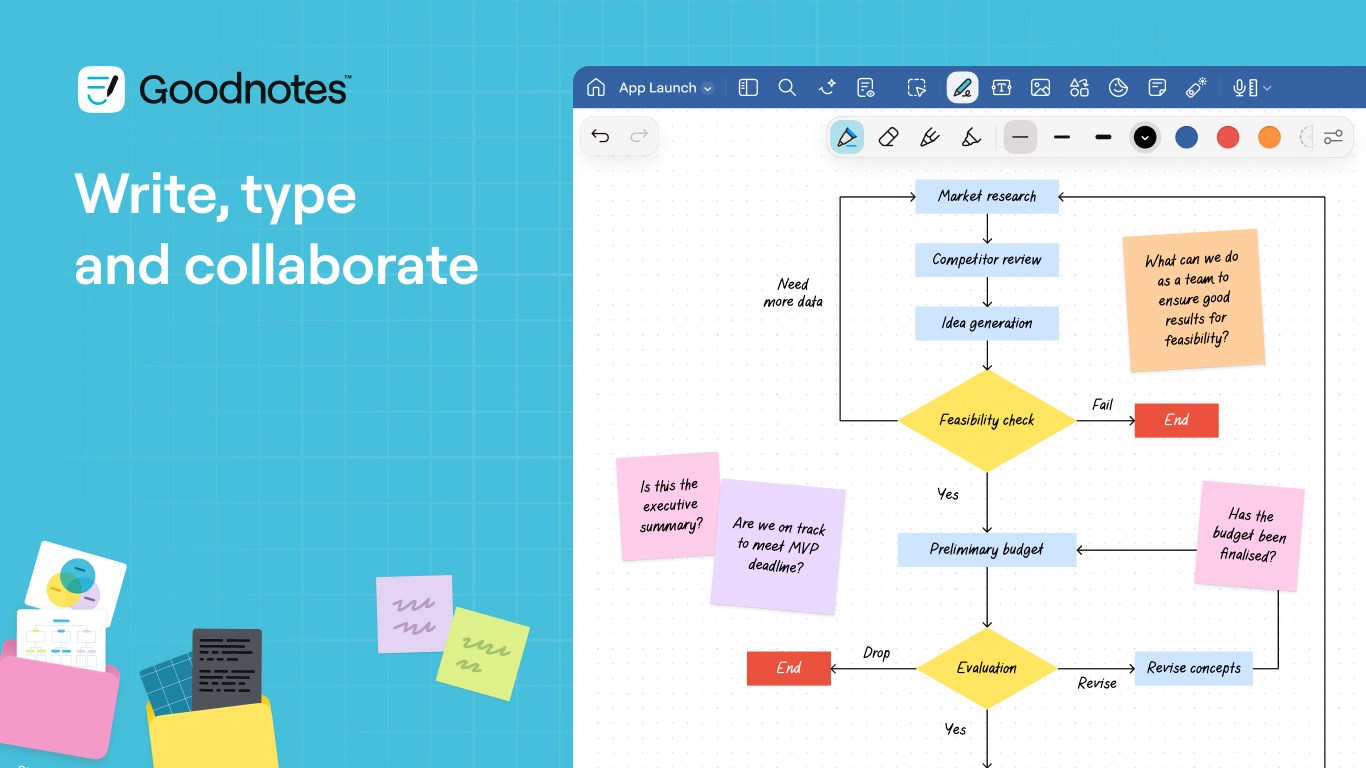
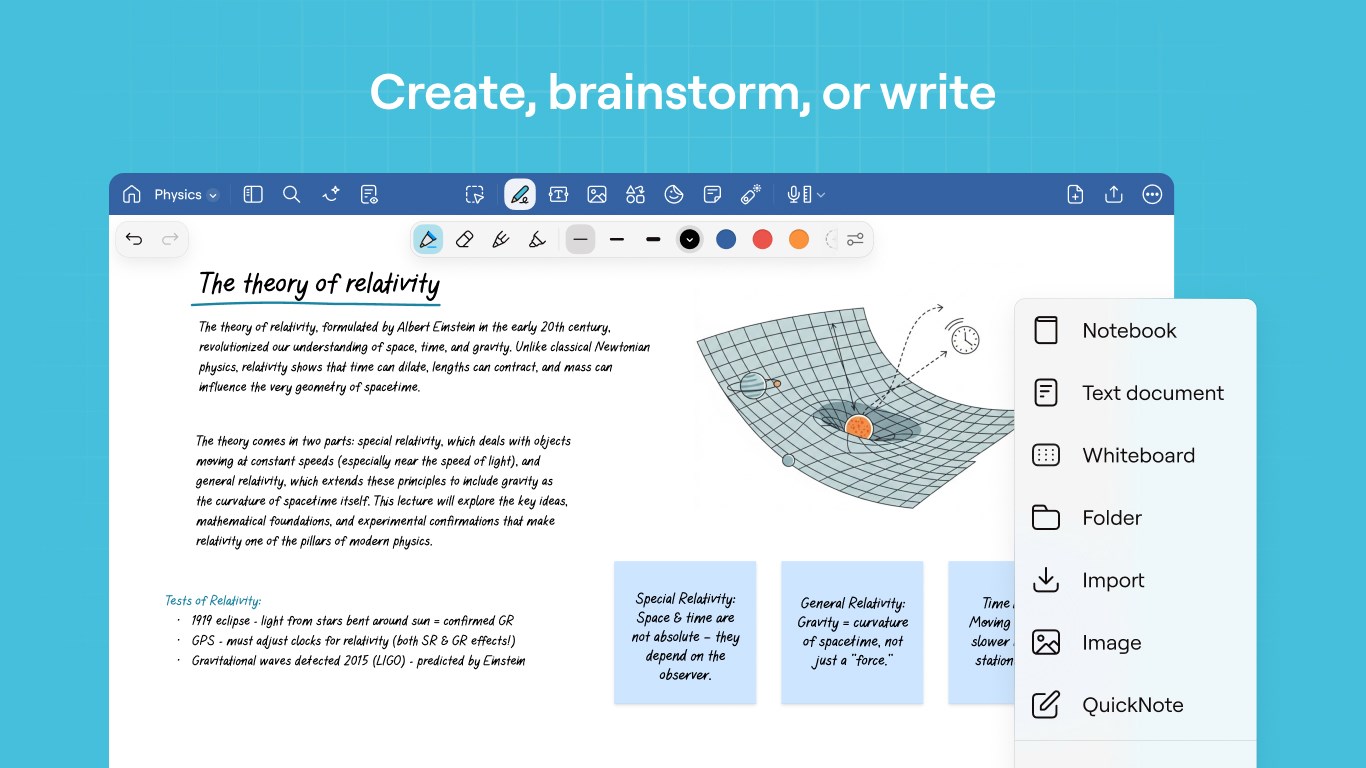
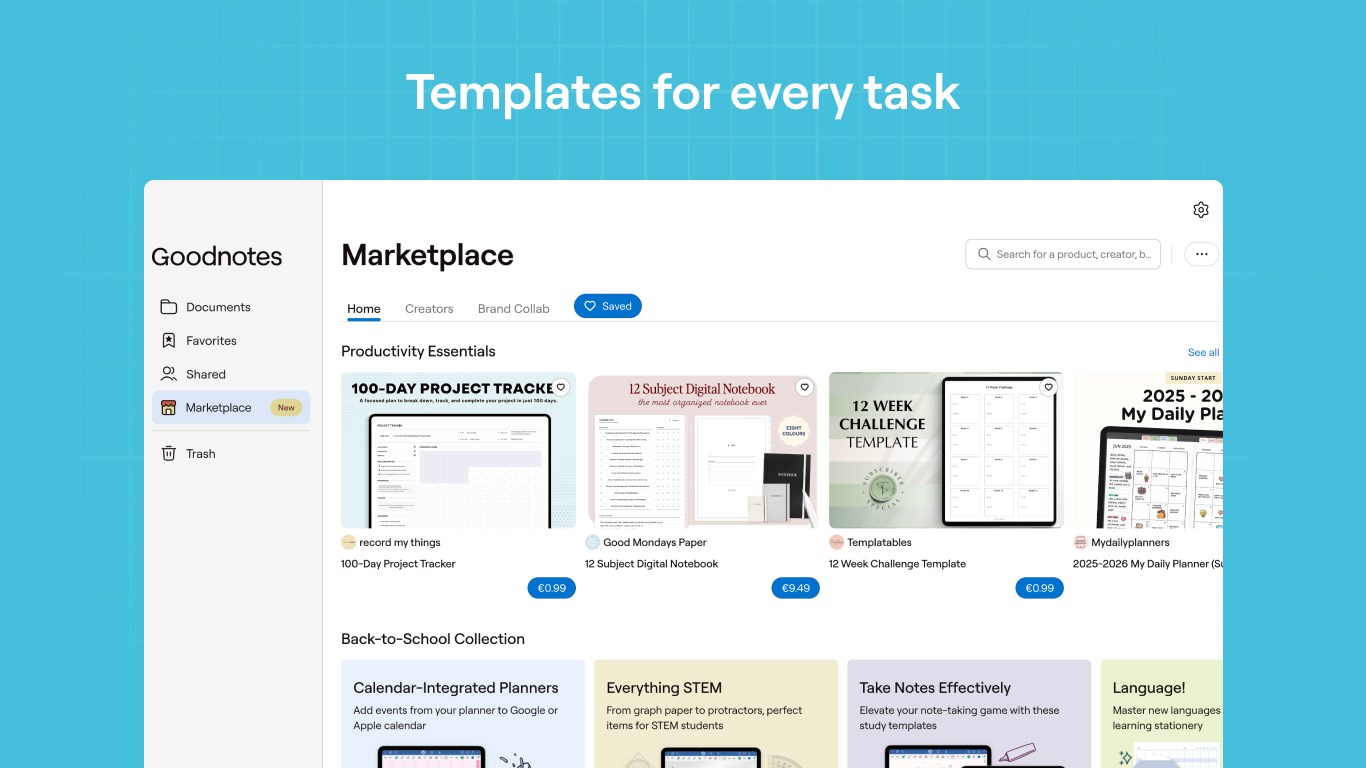
One of Goodnotes for Windows's standouts is its intelligent notebook management system. You can create, organize, and categorize notes in a way that feels almost physical—like stacking binders on a bookshelf but with the convenience of digital search. The app supports multiple notebooks, customizable covers, and seamless navigation, enabling users to keep their ideas neatly sorted without the digital clutter often associated with less refined apps.
Fluid Handwriting and Annotation Experience
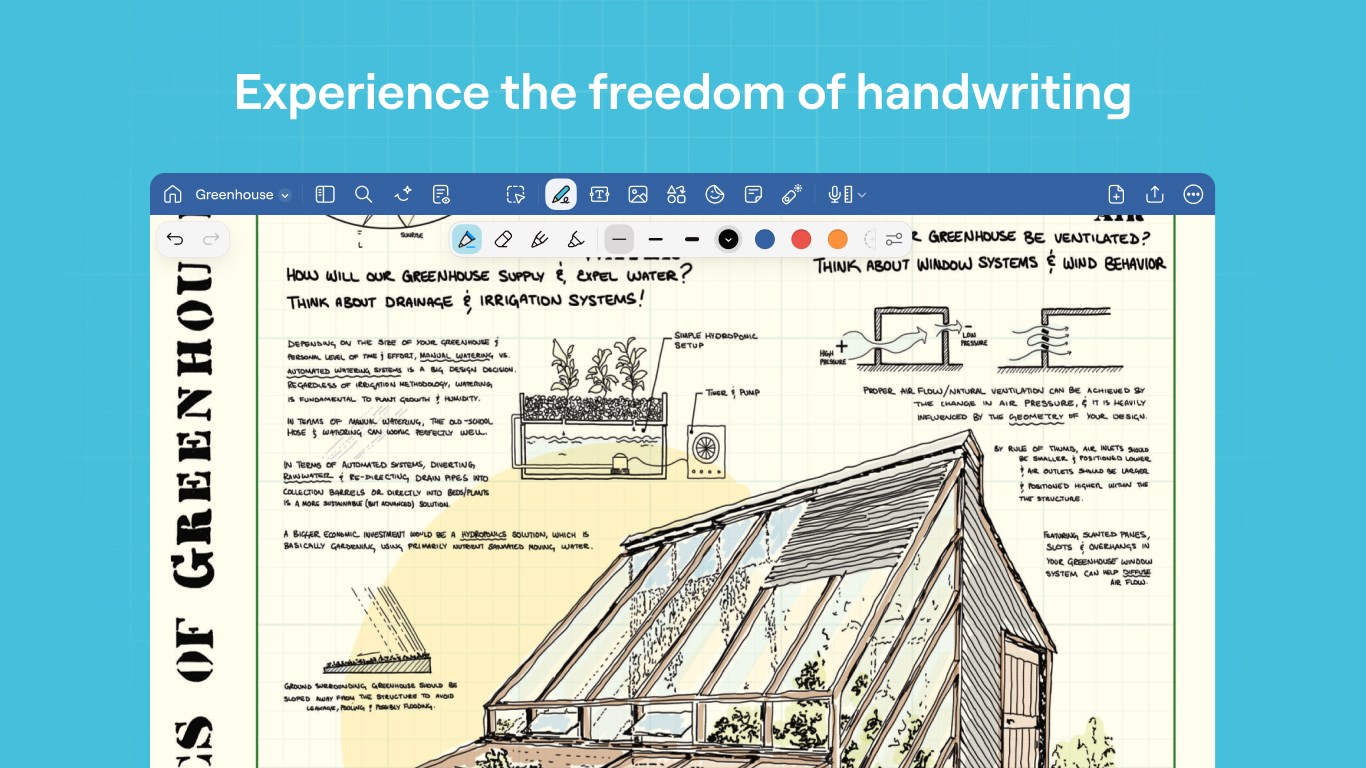
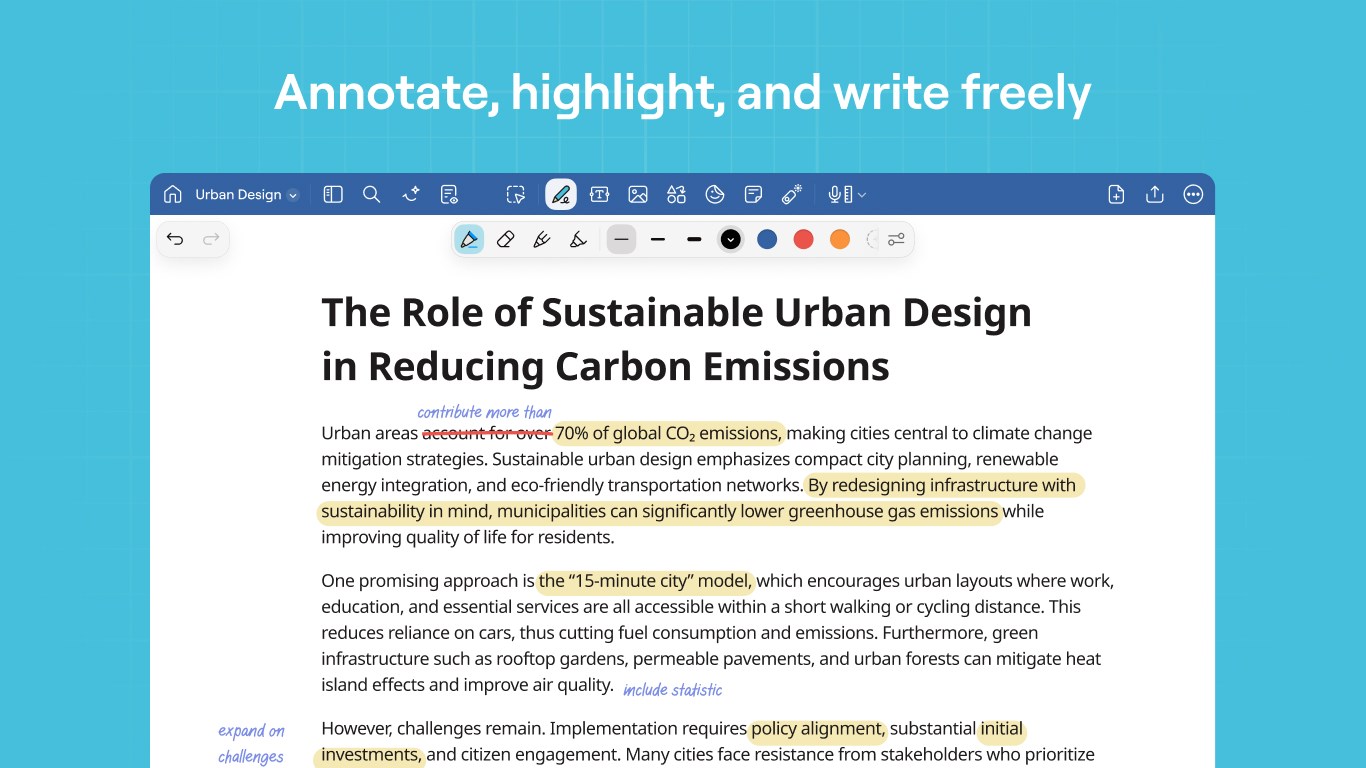
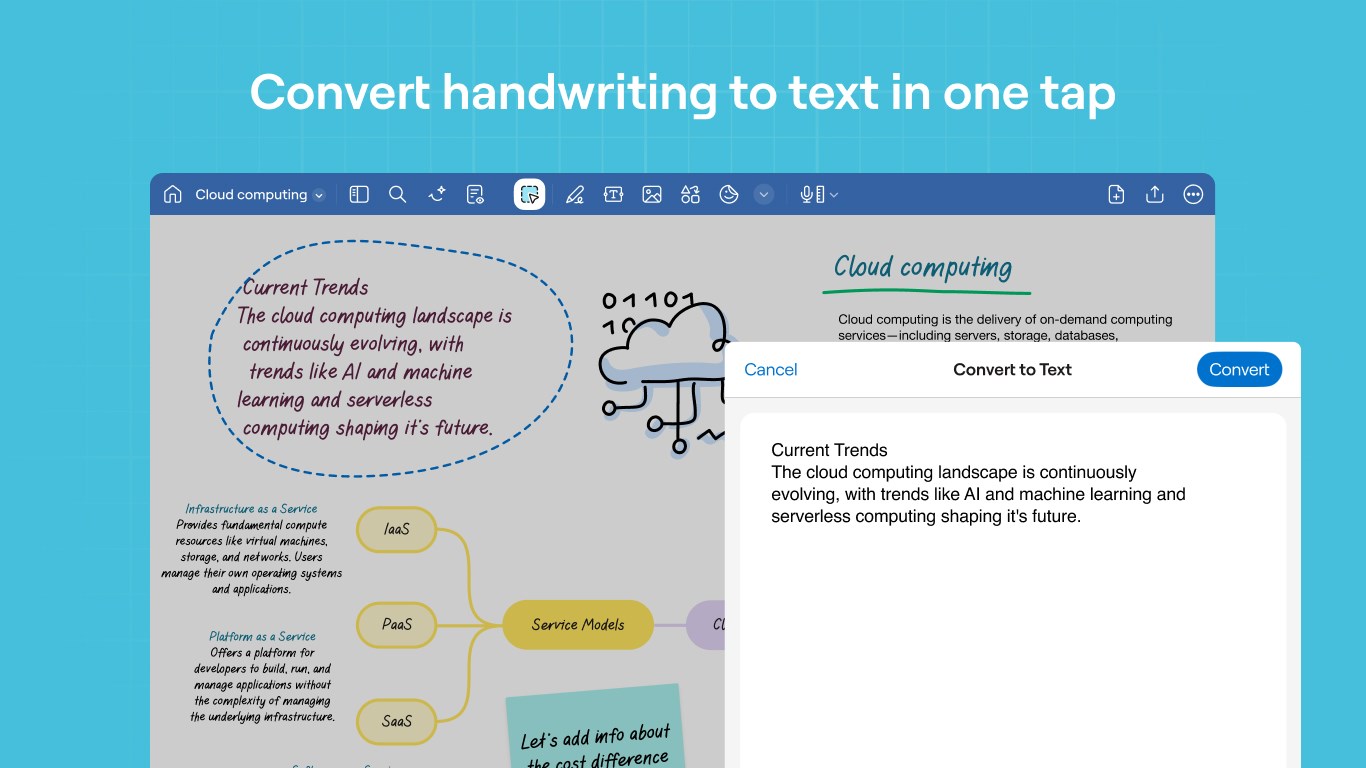
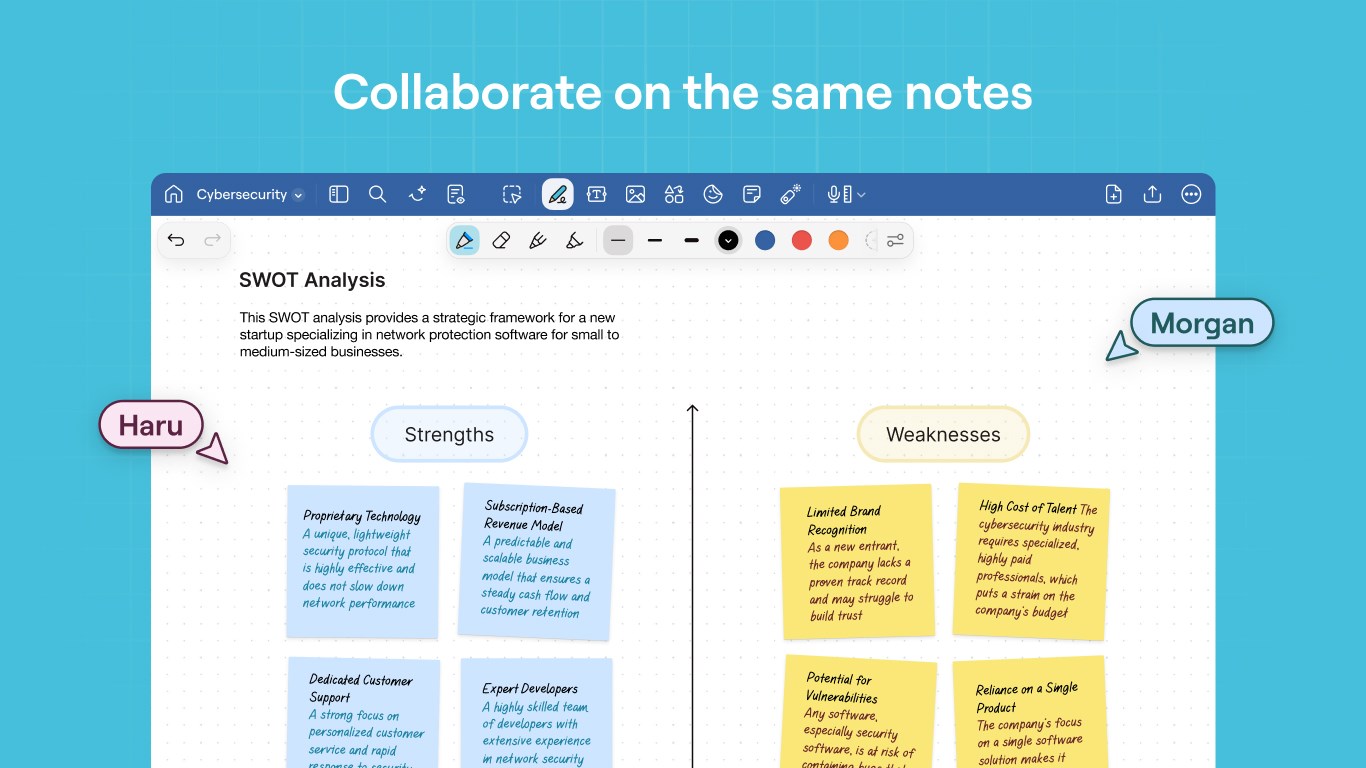
The app's handwriting engine is designed for natural, lag-free writing, making it feel almost like jotting down notes on paper. It supports stylus input with pressure sensitivity, enabling nuanced sketches, annotations, or handwritten notes that stay crisp and clear. Users can easily highlight, underline, or draw directly onto PDFs or images, turning the app into a versatile tool for annotating documents or brainstorming visually.
Deep Integration and Workflow Efficiency
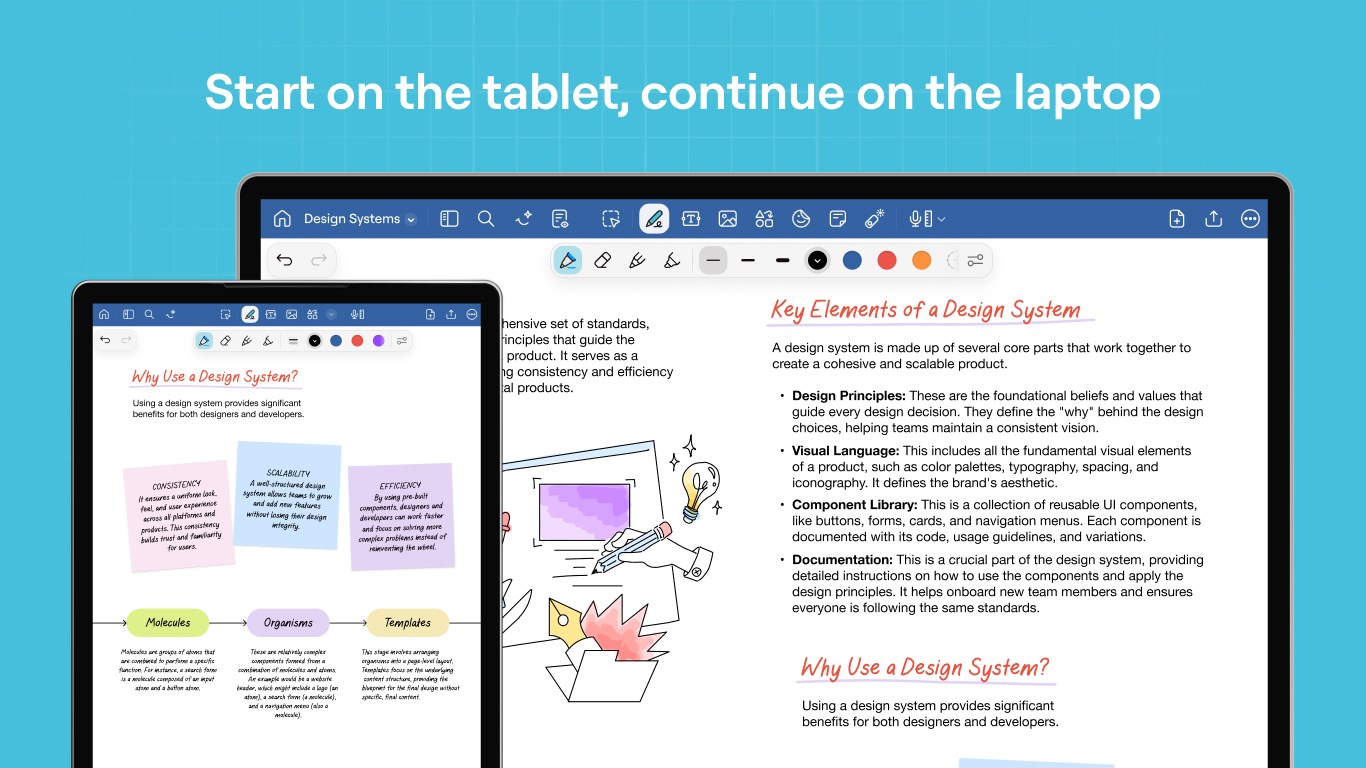
Unlike some note-taking apps that operate in isolation, Goodnotes for Windows offers robust integration options. It syncs seamlessly with cloud storage solutions like OneDrive, ensuring your notes are always accessible across devices. This smooth integration significantly reduces cognitive load—no more juggling multiple apps or losing track of files, which makes your workflow smoother and more efficient. The app's layout and features are designed to keep your focus on ideas rather than fiddling with complex controls.
A User Experience That Inspires Confidence
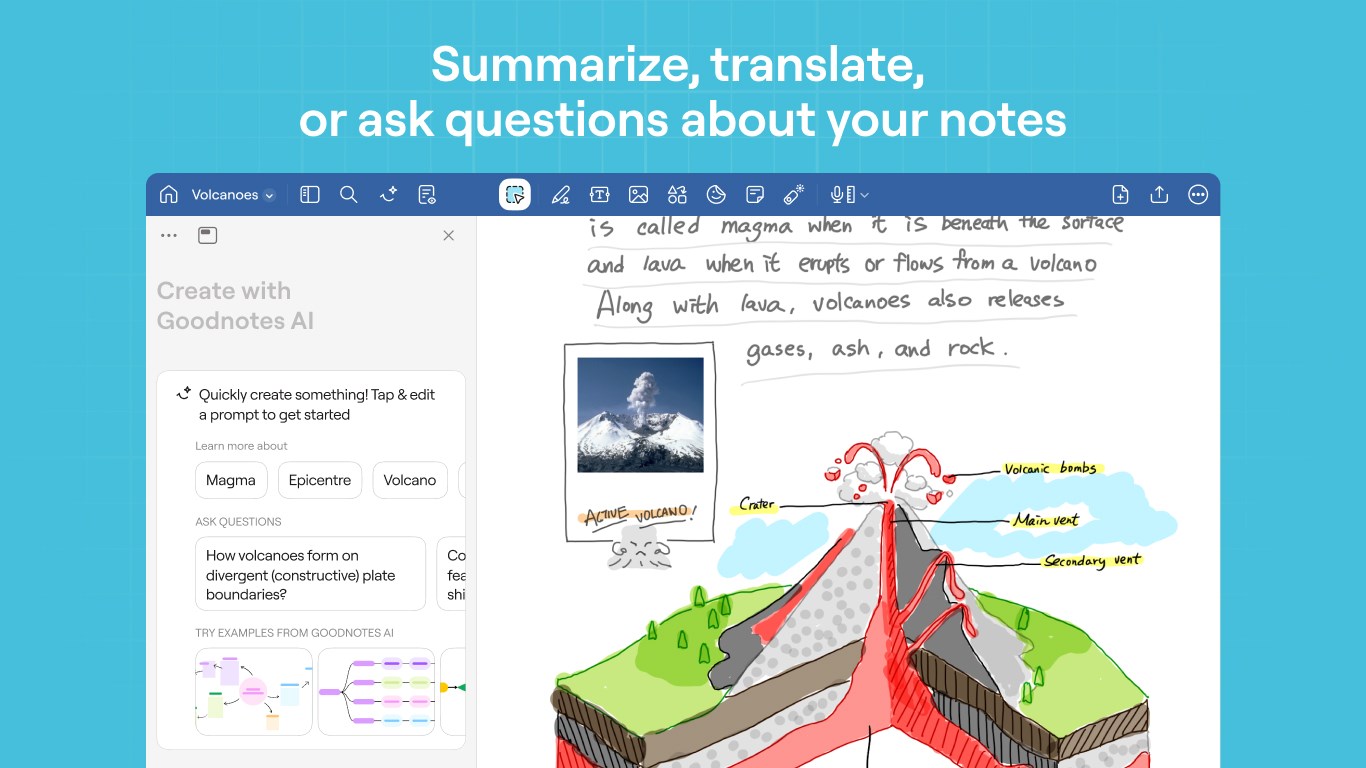
The interface of Goodnotes for Windows strikes an elegant balance between minimalist design and functional accessibility. Its layout is straightforward, mimicking a traditional notebook with virtual pages that turn fluidly. Navigation feels intuitive—think flipping through a familiar notebook, but with the instant search and editing abilities of a digital tool. The learning curve is gentle; even new users can master core functions in a matter of minutes, making it suitable for both tech-savvy users and those less familiar with digital note apps.
What Sets Goodnotes Apart from Its Peers?
Compared to other productivity applications like OneNote or Notability, Goodnotes for Windows emphasizes reducing cognitive load by streamlining the note-taking process rather than overwhelming users with endless features. Its focus on handwriting and sketching as primary input modes fosters a more natural workflow—similar to working on physical paper but with the added benefits of digital organization and searchability. This approach cleverly minimizes feature overload and promotes cognitive ease, helping users stay focused on their ideas rather than navigating complicated menus.
Final Recommendation
Overall, Goodnotes for Windows is a thoughtfully designed app that brings the familiar joy of handwritten notes into the digital realm without sacrificing usability or workflow efficiency. It's particularly recommended for users who prioritize handwriting-rich workflows, need robust note organization, and value a clean, distraction-free interface. If seamless integration, ease of use, and natural writing experience are your top priorities, this app is certainly worth exploring. For those seeking a serious upgrade from basic note apps or looking to bridge their iOS notes with Windows, Goodnotes for Windows presents a compelling, mature choice.
Pros
- Intuitive User Interface
- Apple Pencil Support
- Rich Annotation Tools
- Organizational Features
- Cloud Sync Integration
Cons
- Limited File Format Export Options
- Occasional App Crashes
- High Purchase Cost
- Learning Curve for Advanced Features
- Limited Collaboration Tools











