
- Name G App Launcher
- Category Productivity
- Developer Apppre Mobile
- Available on PC, Mobile, Surface Hub, HoloLens
- OS Windows 10 version 14393.0 or higher
- languages English
Streamlined Windows Navigation: G App Launcher Simplifies Your Workflow
In an era where efficiency is king, G App Launcher for Windows positions itself as an innovative tool designed to declutter your desktop and accelerate your task management. Developed by Apppre Mobile, this application offers a sleek, centralized hub that makes accessing your favorite apps feel almost instinctive, like having a personal assistant at your fingertips.
Core Highlights That Make G App Launcher Stand Out
Effortless App Access with a Single Click
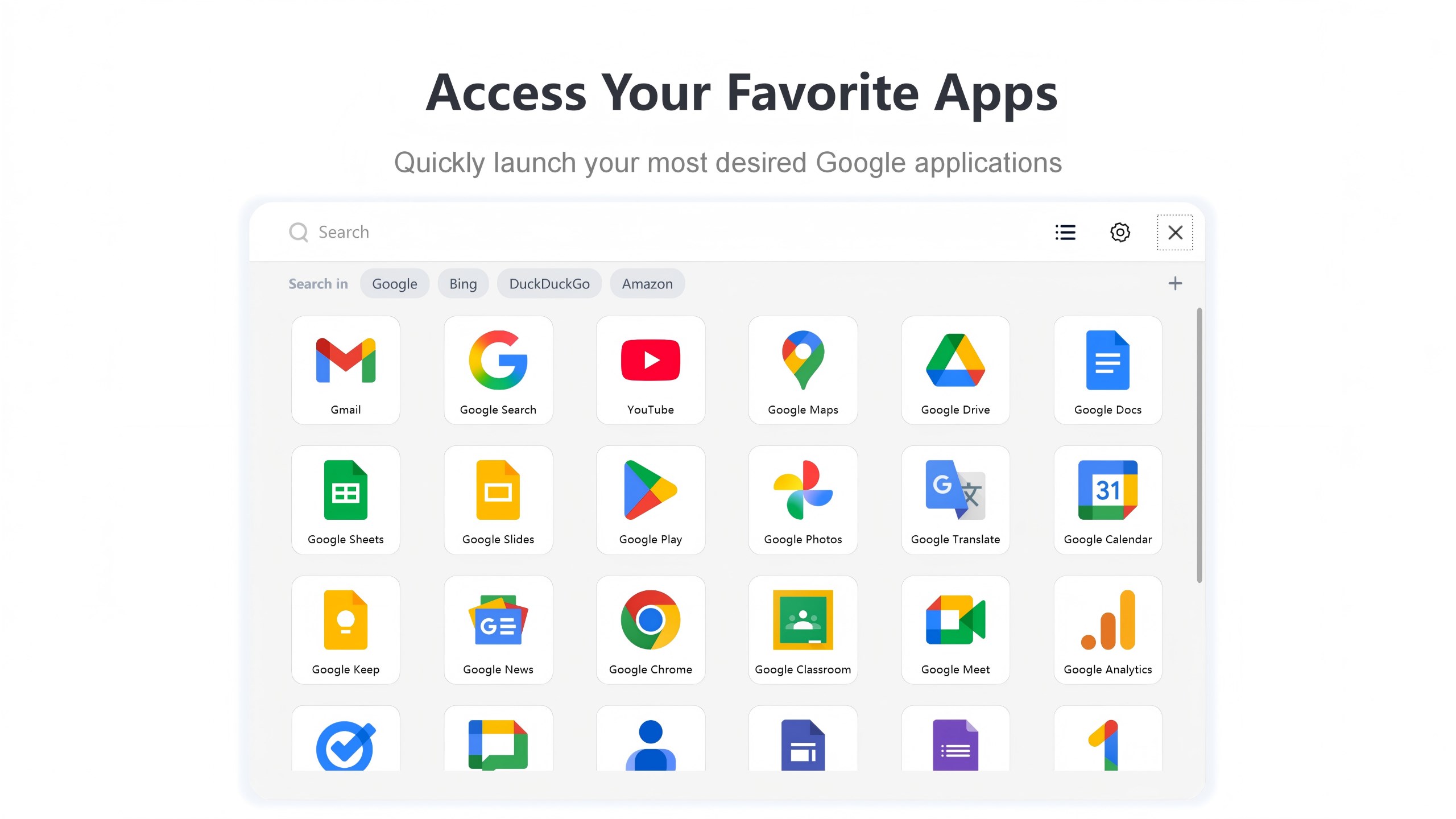
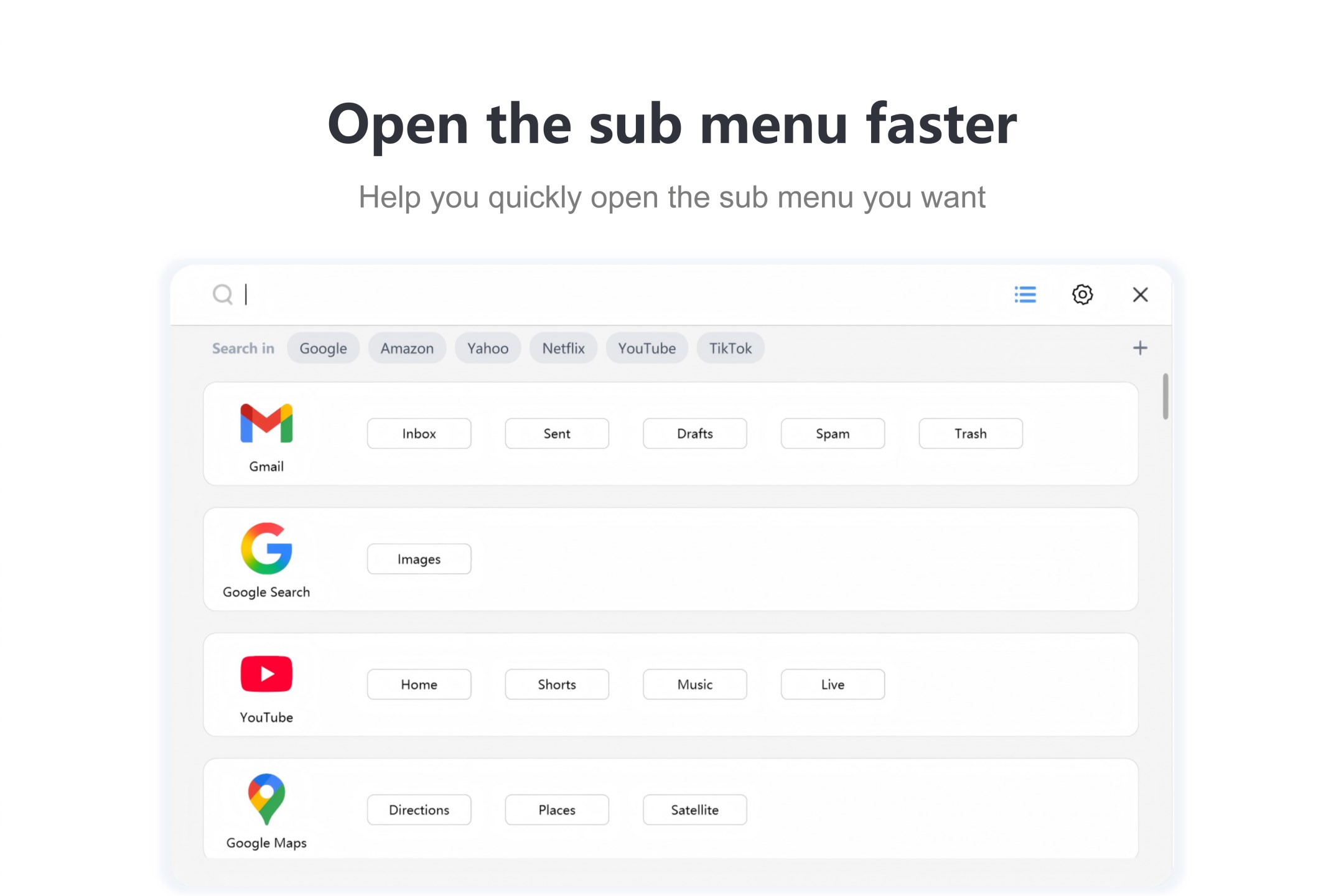
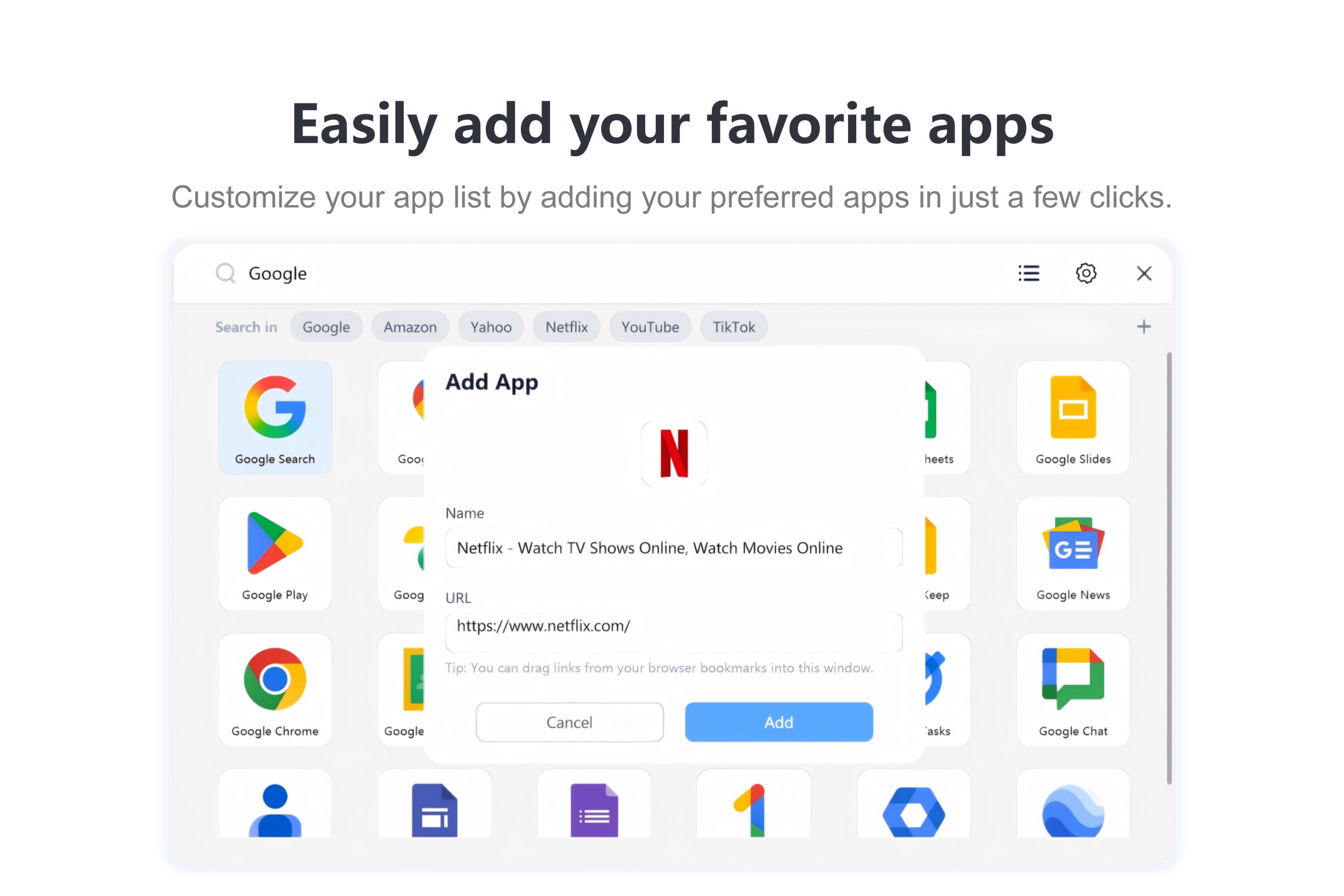
The app creates a streamlined launcher menu that consolidates all your essential applications, allowing you to open programs with just a few keystrokes or mouse clicks. Imagine the time saved when you no longer have to hunt through folders or search through the Start menu – everything you need is suddenly within arm's reach, organized neatly in one intuitive interface.
Customizable and User-Friendly Interface
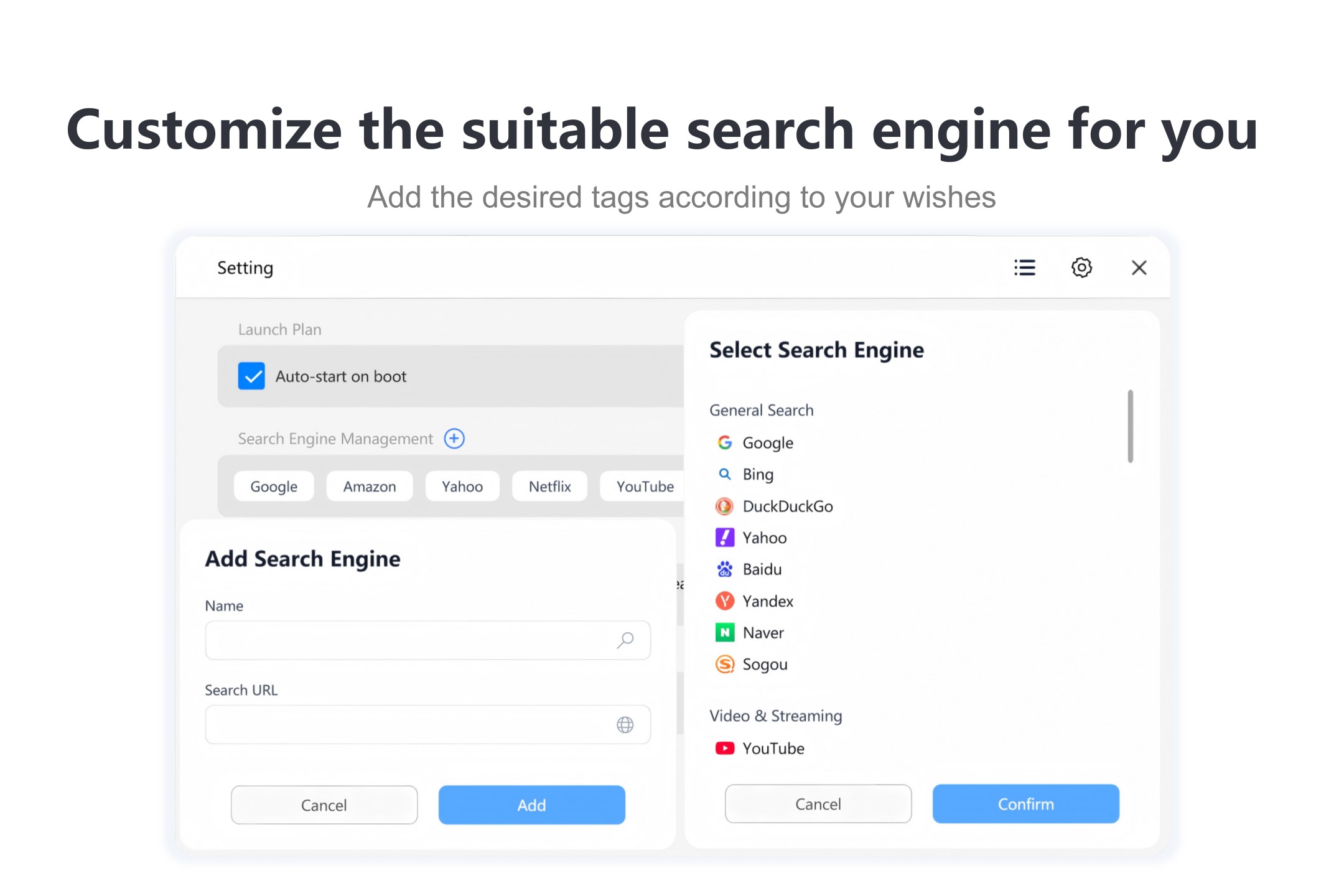
G App Launcher's interface is designed with simplicity and adaptability in mind. Users can customize hotkeys, icon arrangements, and grouping options to tailor the launcher to their unique workflow. The clean, minimalistic design ensures that the launchpad doesn't distract but rather integrates smoothly into your desktop environment, reducing cognitive load.
Seamless Workflow Integration
One of the app's strongest points is its ability to integrate seamlessly with your existing workflow. Whether you're switching between software, managing multiple projects, or orchestrating daily routines, G App Launcher acts as your command center, minimizing interruptions and helping you stay focused on your tasks without the clutter of conventional shortcuts or multiple desktop icons.
An In-Depth Look at the User Experience
Design and Aesthetics: Clean and Functional
The user interface adopts a modern, clean design reminiscent of a sleek control panel. The icons and layout are intuitive, avoiding unnecessary visual clutter. Transitioning between menus feels smooth, and customizing layouts is straightforward, which makes setup and adjustments hassle-free even for less tech-savvy users.
Performance and Responsiveness: Fast and Reliable
Functionally, G App Launcher delivers prompt response times. Whether you're launching a browser, opening a document, or switching between applications, there's minimal lag. This responsiveness ensures that your workflow remains uninterrupted, akin to flicking a switch and instantly having the right tool at your fingertips.
Learning Curve and Usability
Designed with simplicity in mind, the app has a gentle learning curve. Most users can get up and running within minutes, setting hotkeys and customizing options with ease. Its straightforward nature means less mental effort to remember where things are placed, effectively lowering cognitive load—a crucial advantage when managing busy workdays.
Unique Selling Points: What Sets It Apart?
Workflow Efficiency Through Centralized Control
Unlike traditional launchers, G App Launcher emphasizes nearly instantaneous access to frequently used applications without the distraction of navigating through multiple menus. It acts like a well-organized toolbox, reducing the mental effort required to locate tools—especially useful for power users managing complex tasks.
Reduced Cognitive Load Versus Feature Overload
While many productivity apps cram in numerous features, G App Launcher focuses on what truly matters: speed, clarity, and customization. It streamlines your environment, helping you avoid overwhelm and keeping focus sharp. This thoughtful design approach makes it a refined alternative to cluttered launchers or busy taskbars.
Conclusion: Is It Worth Incorporating Into Your Workflow?
All considered, G App Launcher for Windows offers a pragmatic yet powerful approach to desktop app management. It is particularly beneficial for users who value speed, minimalism, and workflow integration. If you often find yourself juggling multiple applications or seeking a more organized digital workspace, this launcher could be a worthy addition. Its focus on reducing cognitive load while enhancing accessibility makes it stand out among similar productivity tools. I recommend giving it a try—especially if you're craving a more efficient, less cluttered Windows experience.
Pros
- User-friendly interface
- Customizable shortcuts
- Seamless integration with Windows
- Fast launch times
- Regular updates and improvements
Cons
- Limited app customization options
- Occasional lag or slow response
- Requires Windows 10 or later
- Limited language support
- Basic notification features











