

- Name Foxit PDF Reader
- Category Productivity
- Available on PC
- OS Windows 10 version 0.0 or higher
- Mouse Integrated Mouse
- Memory 750 MB
- languages Chinese (Simplified), Chinese (Traditional Chinese), Danish, Dutch, English (United States), Finnish, French, German, Italian, Japanese, Korean , Norwegian, Polish, Portuguese (Brazil), Russian, Spanish, Swedish
Introducing Foxit PDF Reader for Windows: A Streamlined Companion for Your Digital Documents
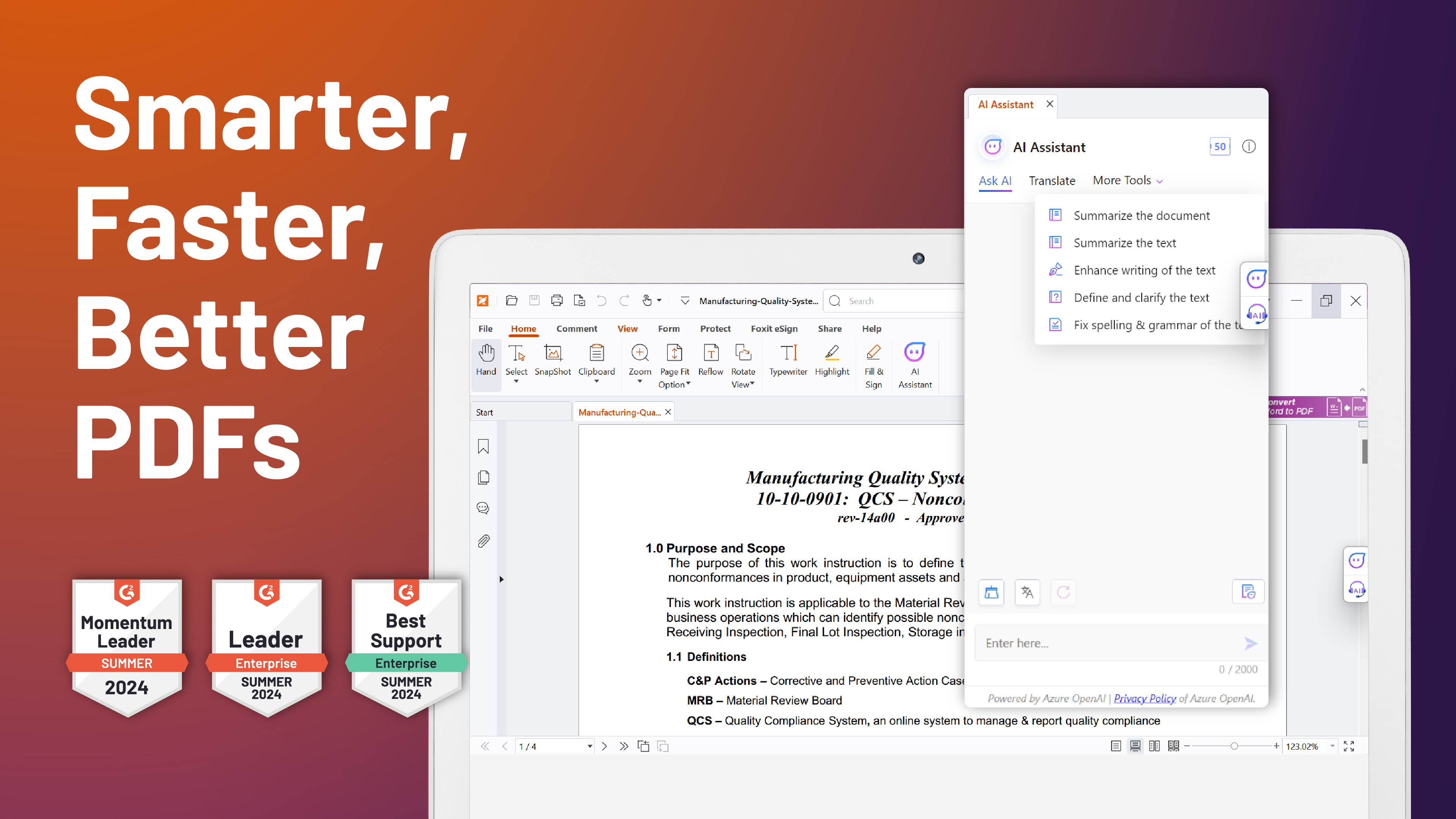
Foxit PDF Reader for Windows is a lightweight yet powerful application designed to enhance your interaction with PDF files through efficient viewing, annotation, and management features. Crafted by Foxit Software Inc., it aims to offer a seamless reading experience for both casual and professional users.
The Developers Behind the Tool
Produced by Foxit Software Inc., a well-established leader in PDF solutions, the application benefits from years of expertise in creating reliable and user-friendly document management tools that integrate smoothly into diverse workflows.
Key Features That Make It Stand Out
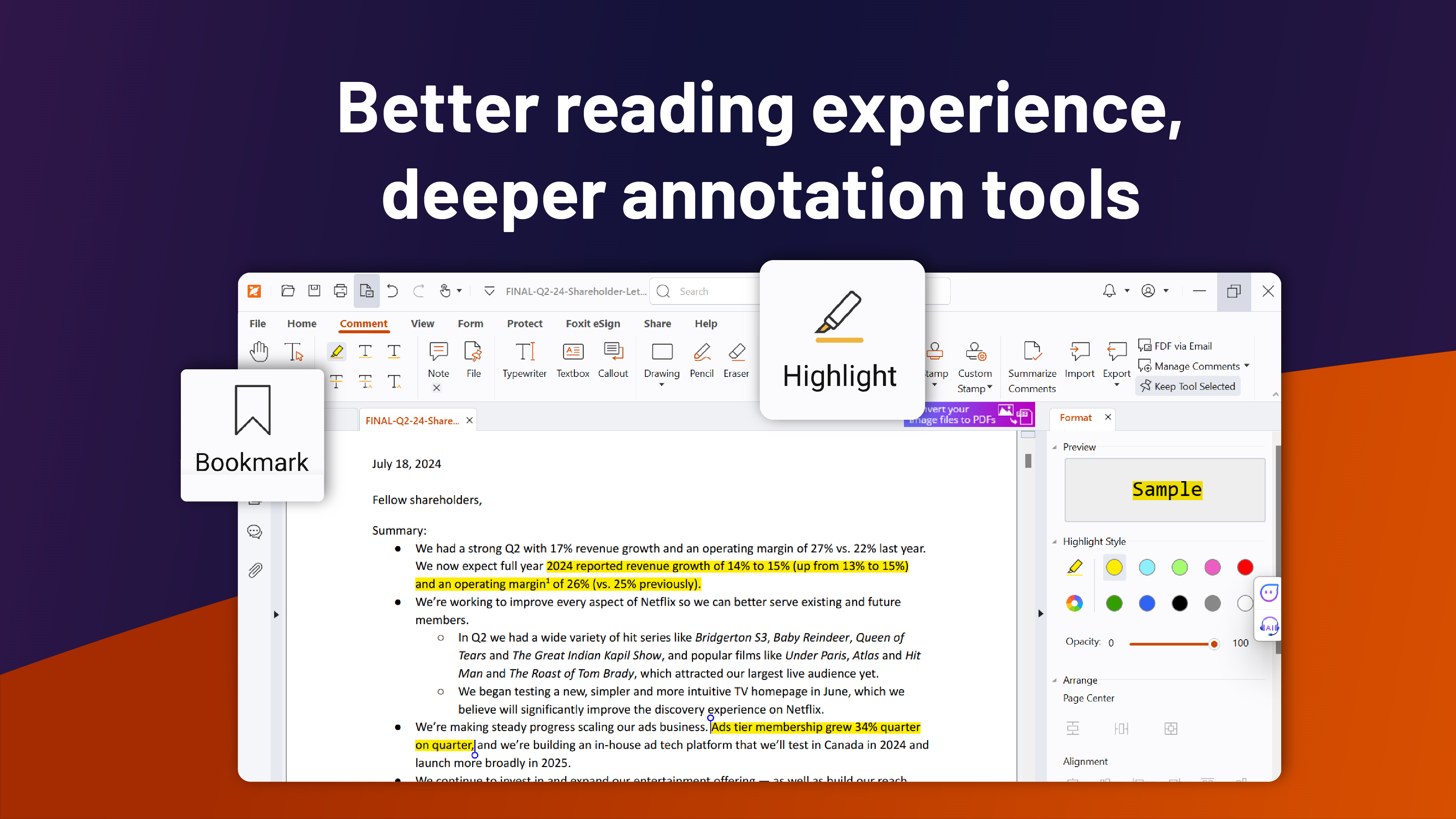
- Comprehensive annotation tools: Highlight, underline, add notes, and draw directly on PDFs for easy markups.
- Efficient document navigation: Bookmarking, thumbnail view, and search functionalities that simplify locating content within lengthy PDFs.
- Seamless integration: Supports cloud storage services like OneDrive, Dropbox, and Google Drive, enabling quick access and sharing.
- Lightweight and fast: Starts up swiftly with minimal system resource consumption, preserving your device's performance.
A Fun Yet Insightful Dive into Foxit PDF Reader
Imagine you're flipping through a well-organized scrapbook—each page inviting you to explore, annotate, and share effortlessly. That's exactly how Foxit PDF Reader transforms the mundane task of reading PDFs into an engaging, efficient experience. Its intuitive interface and smart tools act like a seasoned librarian guiding you through your digital documents, making the process feel less like a chore and more like a discovery.
Core Functionality: Navigating PDFs with Ease and Precision
Annotation Tools: Your Digital Highlighter
One of the standout features of Foxit PDF Reader is its robust set of annotation options. Whether you're reviewing a report, giving feedback on a contract, or studying a textbook, the ability to highlight, underline, and add sticky notes makes your interactions more productive. The interface for these tools is clean and straightforward, akin to using a well-designed toolkit—everything you need is just a click away, without cluttering your workspace.
Navigation & Search: Find What You Need in a Flash
Long PDFs can feel like sprawling city maps—complex and overwhelming. Foxit addresses this with an intuitive thumbnail view, bookmarks, and powerful search functions that act like your personal GPS. Jumping between sections becomes a matter of a few taps, saving you time and cognitive load—much like having a friendly guide leading you through a maze.
User Experience: Friendly, Fluid, and Accessible
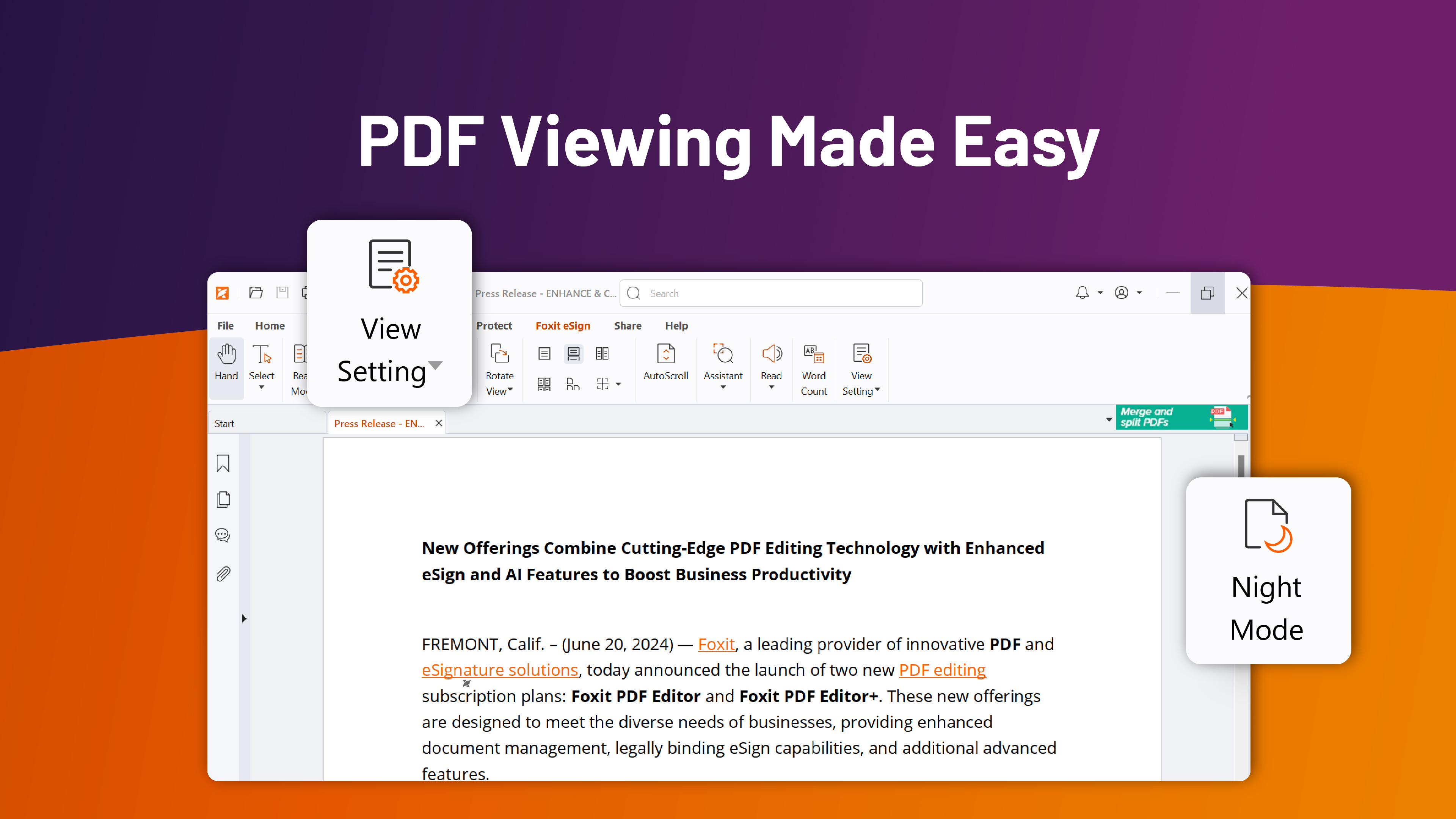
The app's interface is designed with simplicity in mind, resembling a well-organized desktop organizer rather than a cluttered control panel. Responsiveness is top-notch; pages load swiftly, and annotations sync seamlessly, creating a smooth reading journey. For new users, the learning curve is gentle—basic features are immediately accessible, while advanced functions can be explored gradually, much like learning to use new gadgets without frustration. This thoughtful design reduces cognitive load, allowing you to focus on your documents rather than wrestling with the software.
Distinct Advantages: Workflow Integration and Cognitive Load Reduction
Compared to other productivity apps, Foxit PDF Reader's unique strength lies in how it integrates effortlessly into your existing workflow while keeping complexity at bay. Its cloud support and quick access minimize the steps between finding a document, reviewing, and sharing—turning what used to be a series of tedious tasks into a fluid operation. Unlike some bulky PDF tools packed with features that overwhelm users, Foxit emphasizes what matters most: making your document tasks easier and faster. Think of it as a well-trained assistant: it's there when you need it, unobtrusive when you don't.
Final Verdict: A Recommended Companion for Daily PDF Needs
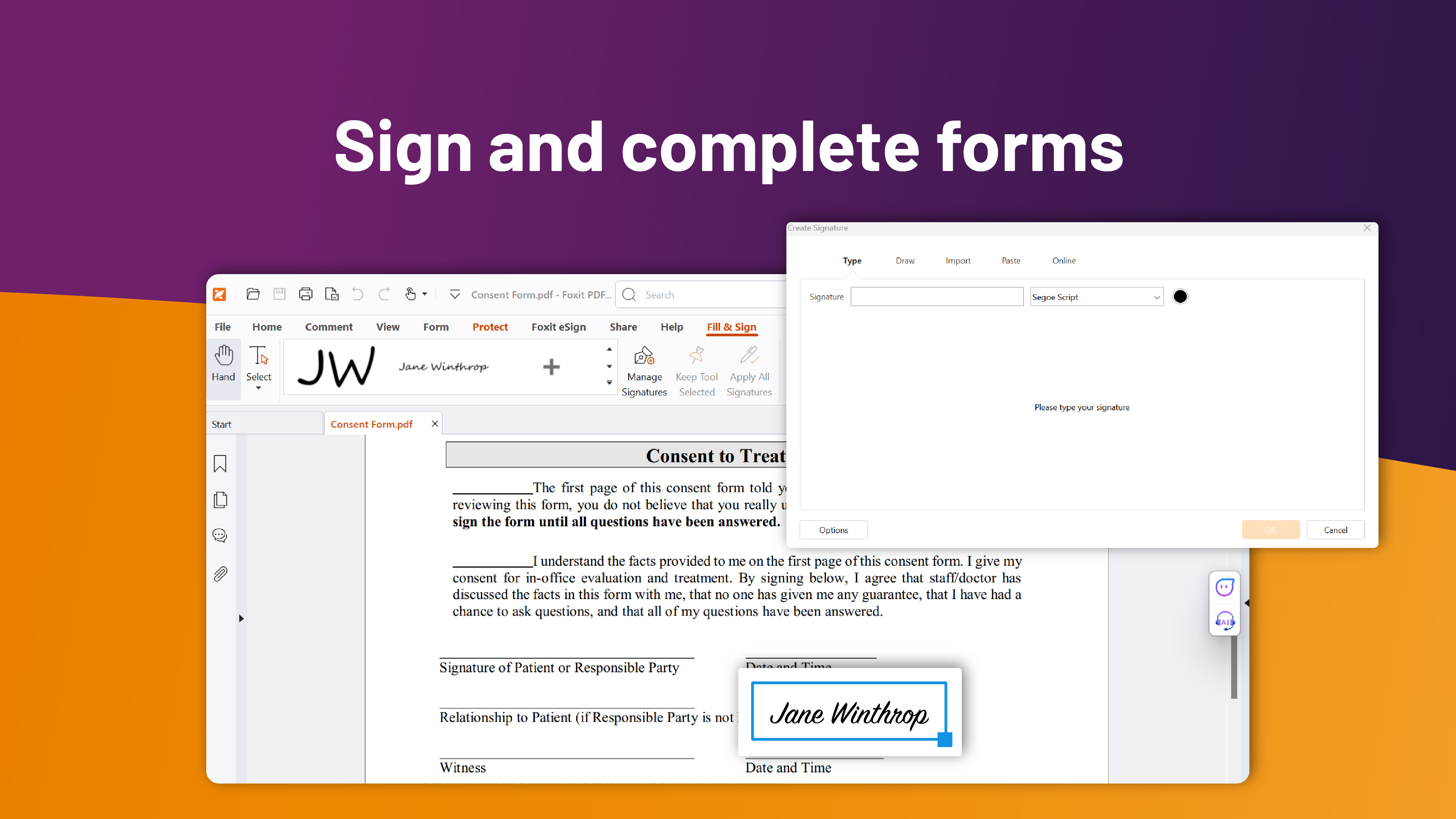
I would confidently recommend Foxit PDF Reader for Windows to anyone who values a straightforward, reliable, and efficient PDF viewing experience. Its balance of functionality and simplicity makes it suitable for students, professionals, and casual users alike. If your goal is to streamline your PDF workflow without jumping through hoops or wading through unnecessary options, this app deserves a spot on your desktop. Use it as your primary PDF companion, especially if you routinely review, annotate, and organize numerous documents each day.
Pros
- User-friendly interface
- Robust PDF editing features
- Fast and reliable performance
- Cloud integration
- Free to use with essential features
Cons
- Limited advanced editing tools
- Occasional app crashes when opening very large PDFs
- Some features are only available in the paid version
- Limited customization options for the interface
- Offline mode is somewhat restricted











