

- Name File Analyzer Plus
- Category Productivity
- Developer Bitberry Software
- Available on PC
- OS Windows 10 version 17763.0 or higher
- Mouse Integrated Mouse
- DirectX Not specified
- Memory Not specified
- languages English (United States)
Introducing File Analyzer Plus: Your Streamlined File Management Companion
File Analyzer Plus for Windows, developed by Bitberry Software, is designed to simplify and optimize your file management journey. It acts as an intelligent assistant that helps you analyze, organize, and understand your digital clutter with ease, making file handling less of a chore and more of a strategic task.
Meet the Developer Behind the Magic
Bitberry Software, a reputable development team known for creating user-centric productivity tools, brings this application to life. Their focus on crafting intuitive and efficient software solutions ensures that users gain value without the complexity often associated with powerful file management utilities.
Key Features That Brighten Your Workflow
- Deep File Analysis & Categorization: Automatically scans your directories to classify files based on types, sizes, and usage frequency, helping you gain a swift overview of your storage landscape.
- Customizable Reports & Insights: Generates detailed reports that illuminate patterns and potential redundancies, empowering informed decision-making about space optimization.
- Seamless Folder & File Management: Offers intuitive tools for bulk sorting, renaming, and deleting files, reducing manual effort and potential errors.
- Integration & Workflow Efficiency: Designed to integrate smoothly into your existing routines, minimizing cognitive load by consolidating file analytics into a single, user-friendly interface.
A Closer Look: Why File Analyzer Plus Stands Out
An Engaging Beginning: Making File Management a Breeze
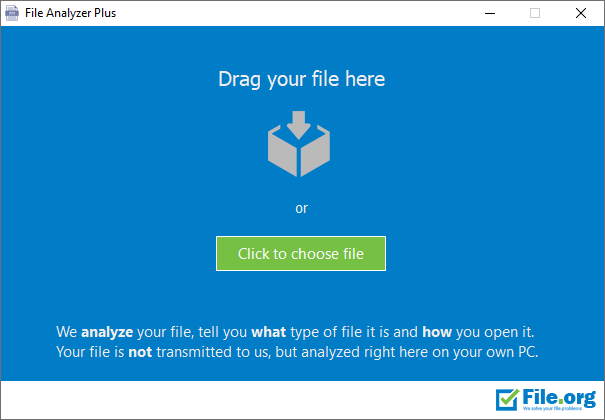
Imagine opening your computer and instead of feeling overwhelmed by a chaotic sea of files, you're greeted with a clear map showcasing your digital universe. That's the essence of File Analyzer Plus—it transforms your file system from an opaque labyrinth into a transparent, manageable landscape. The app's interface is akin to a neatly organized dashboard, inviting even the most tech-averse to dive in and take control without feeling lost.
Deep Analysis & Smart Categorization
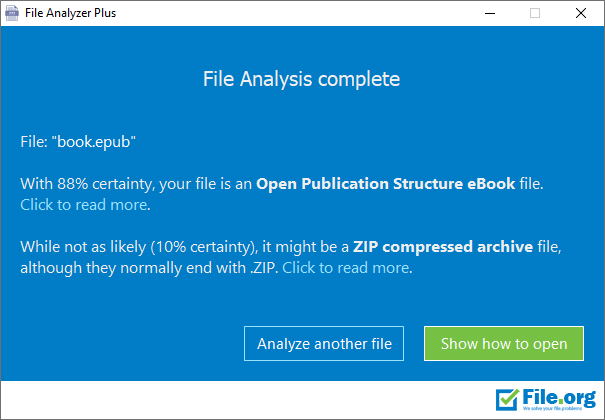
One of the standout features of File Analyzer Plus is its ability to perform in-depth file analysis. Think of it as a diligent librarian who not only catalogues every book but also highlights which shelves need sprucing up. The software automatically scans your storage, identifies different file types—images, documents, videos, archives—and categorizes them. Moreover, it points out duplicate or seldom-used files, helping you declutter effortlessly. This feature significantly reduces the cognitive load, as users are spared the tedious task of manual sorting and guessing.
Workflow Integration & User Experience
Unlike some bulky, feature-laden tools that require steep learning curves, File Analyzer Plus offers a sleek, straightforward interface. Its operation feels like having a trusted assistant beside you—smooth, intuitive, and responsive. The application responds quickly to commands and presents information logically, making it accessible even for beginners. Additionally, it's designed to integrate seamlessly into existing workflows—whether you're cleaning up your personal PC or managing files for work projects—without disruptive steps or complicated configurations. This thoughtful design directly correlates with reduced cognitive and operational load, so users can focus on their core tasks rather than wrestling with the tool itself.
Comparison & Final Recommendations: Does It Live Up to Its Promise?
When set against other productivity apps, File Analyzer Plus distinguishes itself through its emphasis on workflow efficiency and clarity over feature complexity. Many similar tools offer extensive options, but often at the cost of usability. In contrast, this app prioritizes reducing the mental effort required to manage files—making it a valuable ally for users seeking streamlined, effective file management without the bells and whistles that can bog down performance.
Given its strengths in intelligent analysis, ease of use, and seamless workflow adaptation, I recommend File Analyzer Plus for professionals, students, and casual users alike who wish to maintain a tidy digital space effortlessly. For those overwhelmed by digital clutter or seeking straightforward tools that boost productivity without unnecessary fuss, this application presents a compelling choice. It's particularly useful for users managing large volumes of files regularly or those looking to regain control over their storage with minimal cognitive strain.
In conclusion, File Analyzer Plus is not simply an analyzer; it's a smarter, more organized way to see your files clearly and act decisively. It's like having a responsible digital librarian who works silently behind the scenes, ensuring your workspace remains clean and efficient—highly recommended to anyone serious about optimizing their digital life.
Pros
- User-friendly interface
- Fast scanning speed
- Detailed file information
- Supports multiple file formats
- Built-in filtering options
Cons
- Limited export options
- Occasional false positives in duplicate detection
- No cloud integration
- No real-time monitoring features
- GUI could be more modern











