
- Name fGadget Clock Pro
- Category Productivity
- Available on PC
- OS Windows 10 version 17763.0 or higher
- languages English (United States)
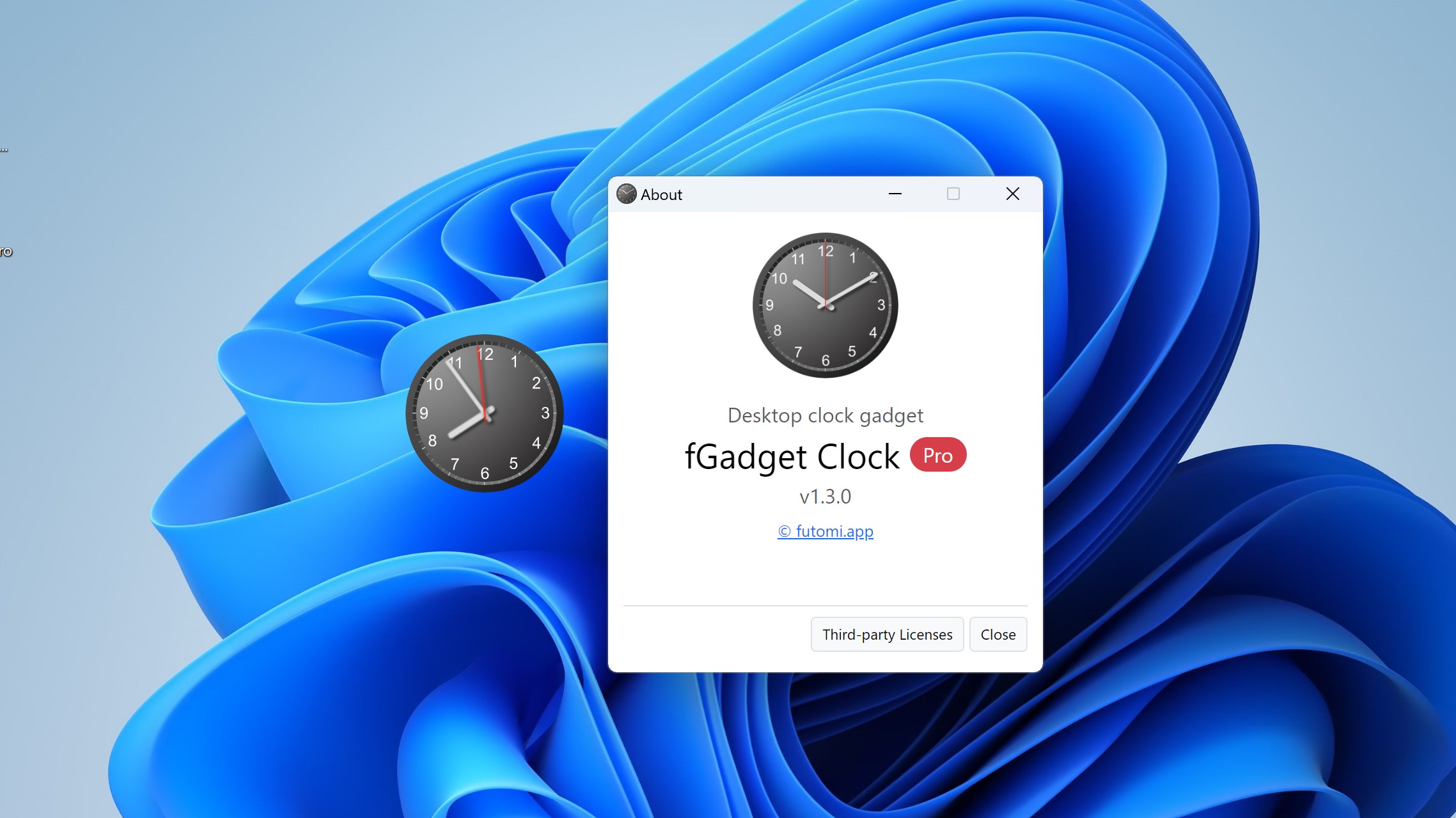
Introducing fGadget Clock Pro for Windows
fGadget Clock Pro for Windows is a versatile desktop clock application designed to enhance your productivity and streamline your workflow with its intuitive interface and customizable features. It aims to replace traditional clock widgets with a modern, feature-rich tool that fits seamlessly into your digital environment.
About the Developer: Futomi Co., Ltd.
Developed by Futomi Co., Ltd., a company dedicated to creating efficient and user-friendly productivity tools, fGadget Clock Pro exemplifies their commitment to delivering innovative desktop solutions that improve daily task management and time tracking.
Key Features that Stand Out
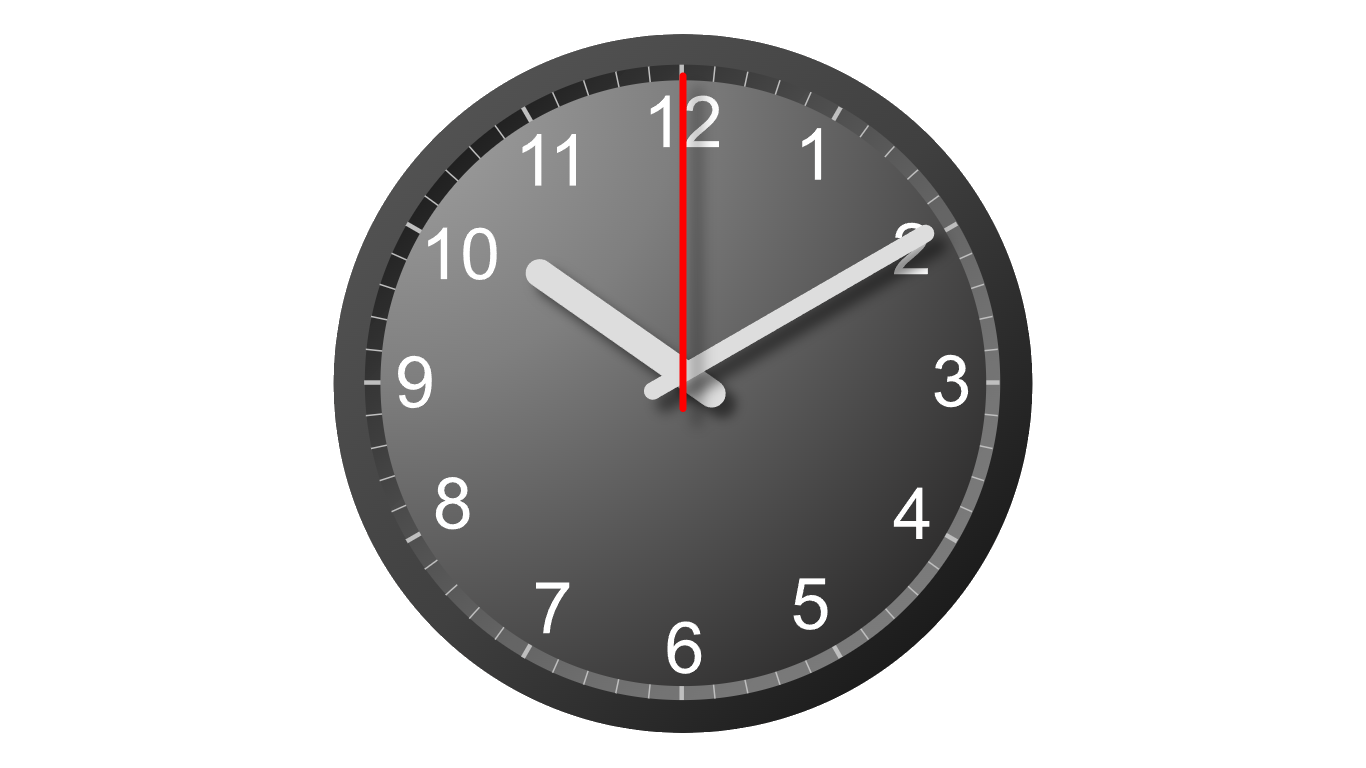
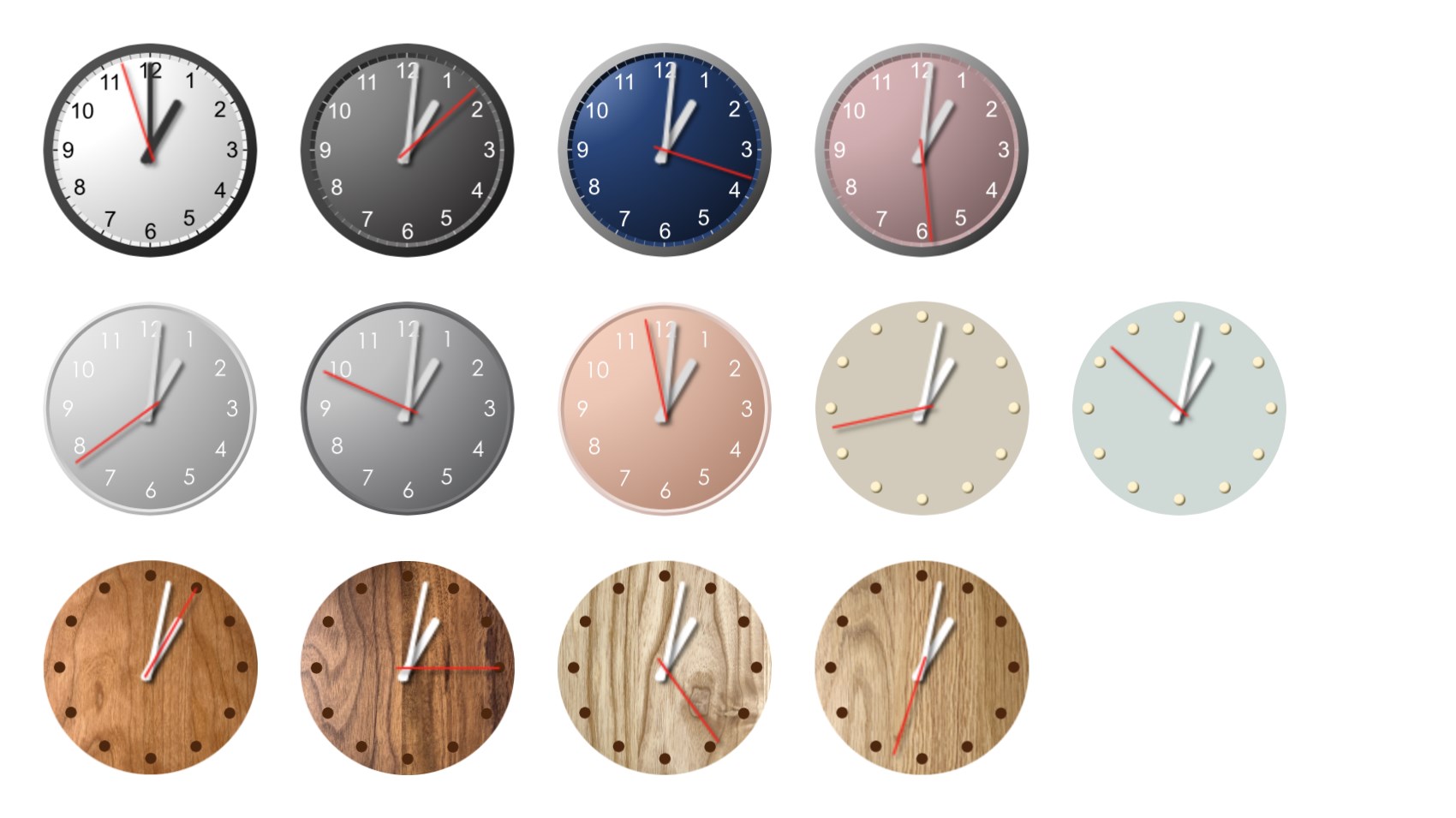
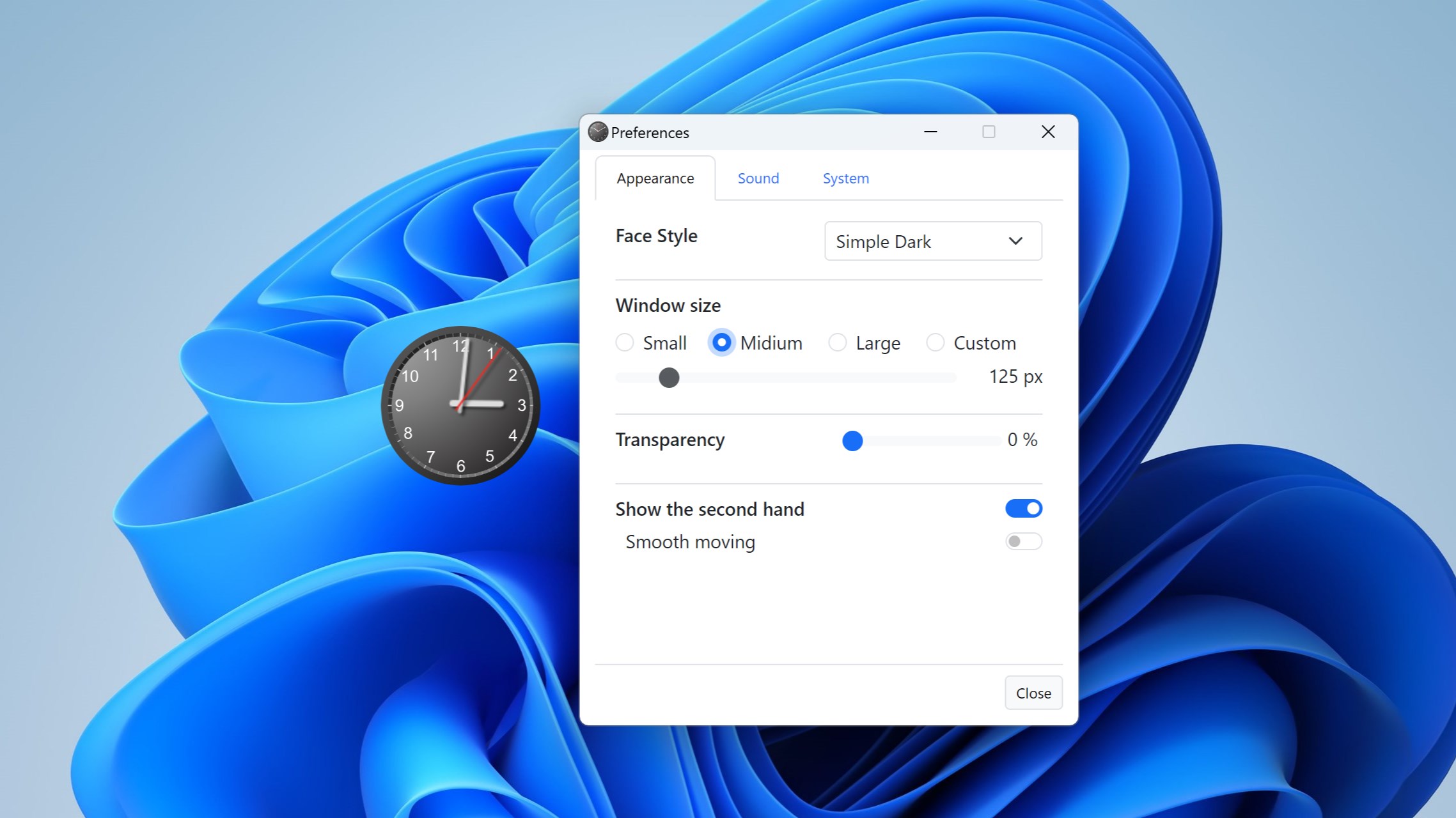
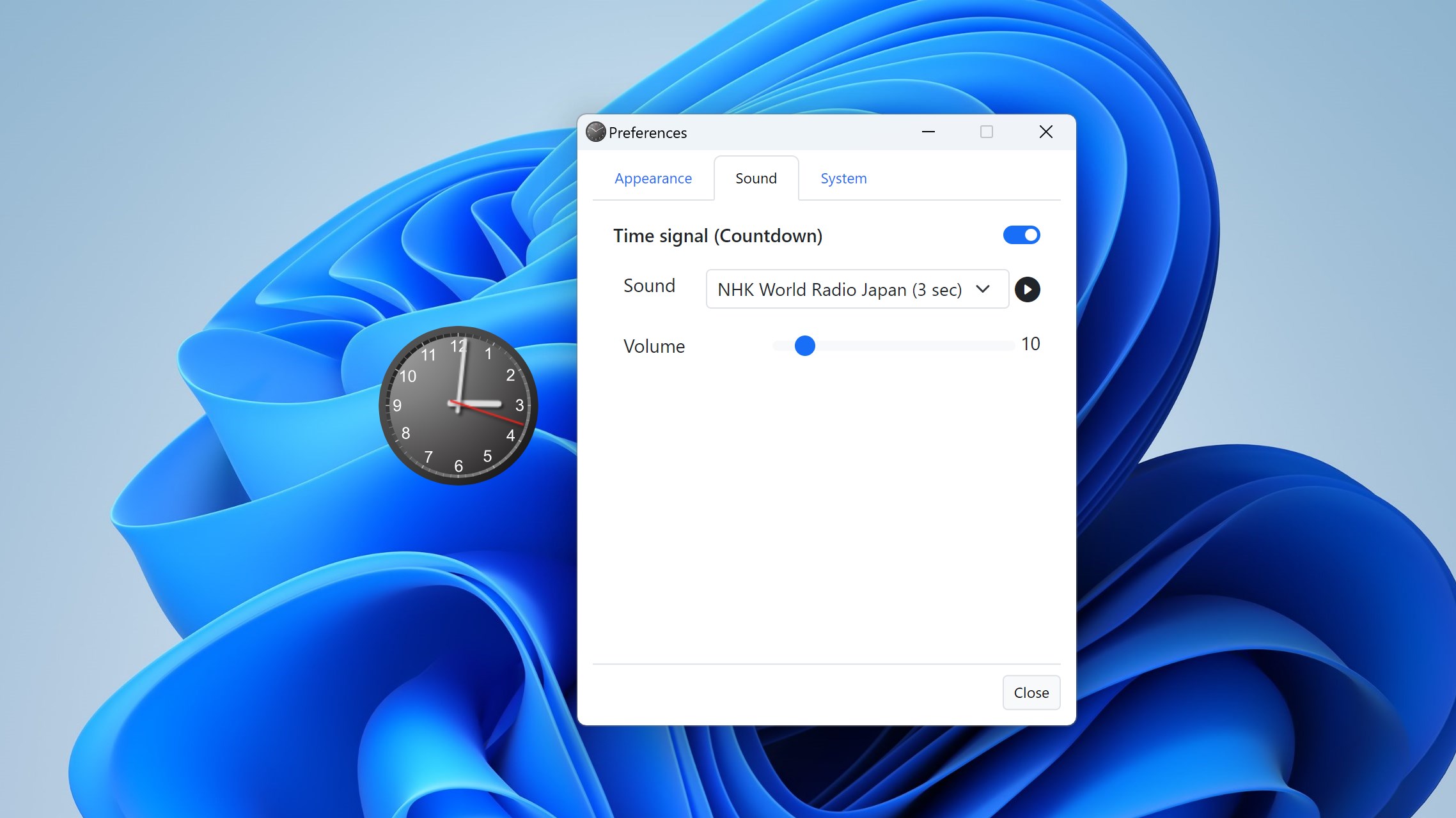
- Highly Customizable Clock Displays: Choose from various styles, sizes, and themes to make your desktop clock match your personal aesthetic or workspace environment.
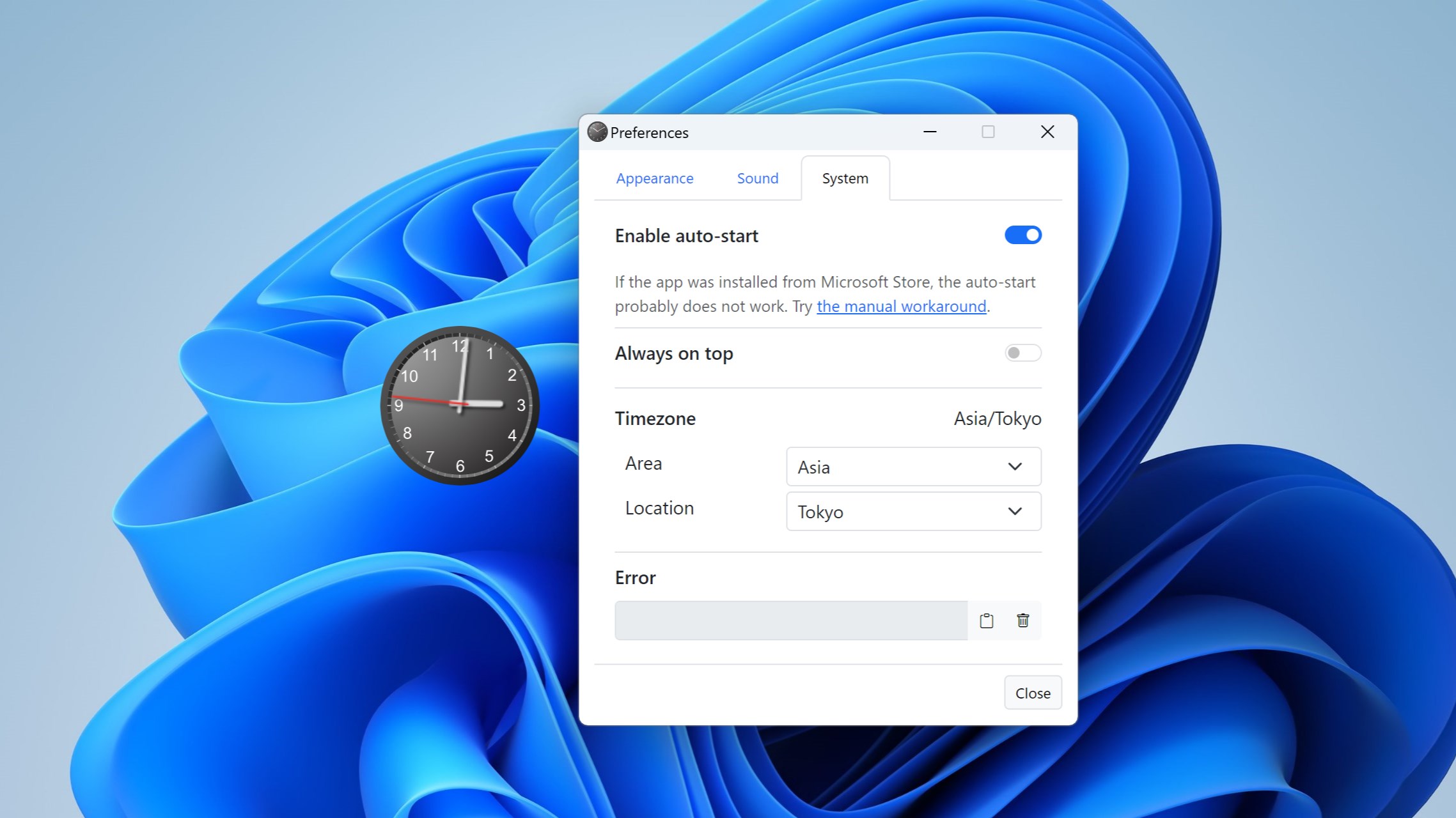
- Multiple Time Zones Support: Effortlessly monitor times across different regions, perfect for international collaboration or travel planning.
- Reminders and Alarms Integration: Set up alerts directly within the clock widget to keep you on schedule without cluttering your screen.
- Minimal Resource Usage: Designed to run smoothly in the background without consuming excessive system resources, ensuring your computer's performance remains unaffected.
An Engaging Look at fGadget Clock Pro
Think of your desktop as your command center—every element should serve a purpose without becoming a distracting spectacle. fGadget Clock Pro acts like a sleek, stylish wristwatch glued to your screen, blending utility with elegance. It's not just a clock; it's a companion that subtly keeps your schedule in check while adding a touch of personality to your workspace. Whether you're juggling international meetings or just need a constant time reference, this app feels like having a trusted assistant by your side.
Core Functionality Deep Dive
The first standout feature is its **customizable clock faces**, which allow you to select from minimalist digital displays to vintage analog styles. This flexibility means you can tailor your desktop aesthetic to match your mood or environment, making the clock a seamless part of your desktop rather than an intrusive overlay. The process is straightforward—drag, drop, and choose from a variety of themes with an intuitive GUI, making setup a breeze even for less tech-savvy users.
Next, the **multiple time zones** feature addresses the modern world's dynamic nature—whether coordinating international calls or tracking remote colleagues' schedules, you can add various clocks for different regions with just a few clicks. These clocks can be synchronized precisely and displayed alongside your main clock, turning your desktop into a multi-regional time hub, all without complicating your workflow.
User Experience and Workflow Efficiency
The interface of fGadget Clock Pro is clean, uncluttered, and designed with user convenience at its core. The controls feel responsive, akin to turning the dial of a finely crafted watch, and navigating through customization options takes no time at all. The learning curve is gentle: most users will have the clock up and running within minutes, allowing them to focus on their tasks rather than deciphering complex menus.
Compared to other productivity tools that often bundle too many features, fGadget Clock Pro manages to strike a perfect balance between functionality and simplicity. The app's core advantage lies in **reducing cognitive load**—it provides exactly what you need to know at a glance without overwhelming you with options or clutter. Its seamless integration into the desktop environment means fewer distractions, enabling a more efficient workflow. And because it's lightweight, it doesn't bog down system resources, making it suitable even for older or less powerful machines.
Final Verdict and Recommendations
All in all, fGadget Clock Pro is a thoughtfully designed tool that elevates a simple widget into a powerful productivity asset. It's particularly well-suited for professionals who need quick access to multiple time zones, or anyone who appreciates a customizable, unobtrusive desktop companion. For users seeking an elegant, low-maintenance clock that integrates smoothly into their daily routine, this app comes highly recommended.
While it may not offer the extensive features of complex scheduling apps, its focus on core timekeeping functions with minimal fuss makes it stand out—think of it as the Swiss Army knife of desktop clocks. For those aiming to streamline their workspace and keep time management effortless, fGadget Clock Pro offers a reliable and visually appealing solution. Give it a try, and let it become your trusty timekeeper, adding both style and efficiency to your digital environment.
Pros
- Intuitive and customizable interface
- Multiple clock themes and styles
- Additional features like weather and calendar
- Smooth performance and quick loading
- Regular updates with new themes
Cons
- Limited free features
- Battery consumption can be high
- Occasional minor bugs in updates
- Limited widget customization options
- Compatibility may vary across devices











