
- Name Fantastical
- Category Productivity
- Developer Flexibits Inc.
- Available on PC, Mobile, Surface Hub, HoloLens
- OS Windows 10 version 19041.0 or higher
- languages English (United States)
Introducing Fantastical for Windows: A Sleek and Smart Calendar Companion
If you're on the lookout for a calendar app that combines powerful features with an intuitive interface, Fantastical for Windows might just become your new daily driver. Developed by Flexibits Inc., renowned for their award-winning calendar solutions, this app aims to elevate your scheduling experience with an elegant design and smart functionalities tailored for productivity enthusiasts and busy professionals alike.
Core Features That Make Fantastical Stand Out
Intelligent Event Creation and Natural Language Input
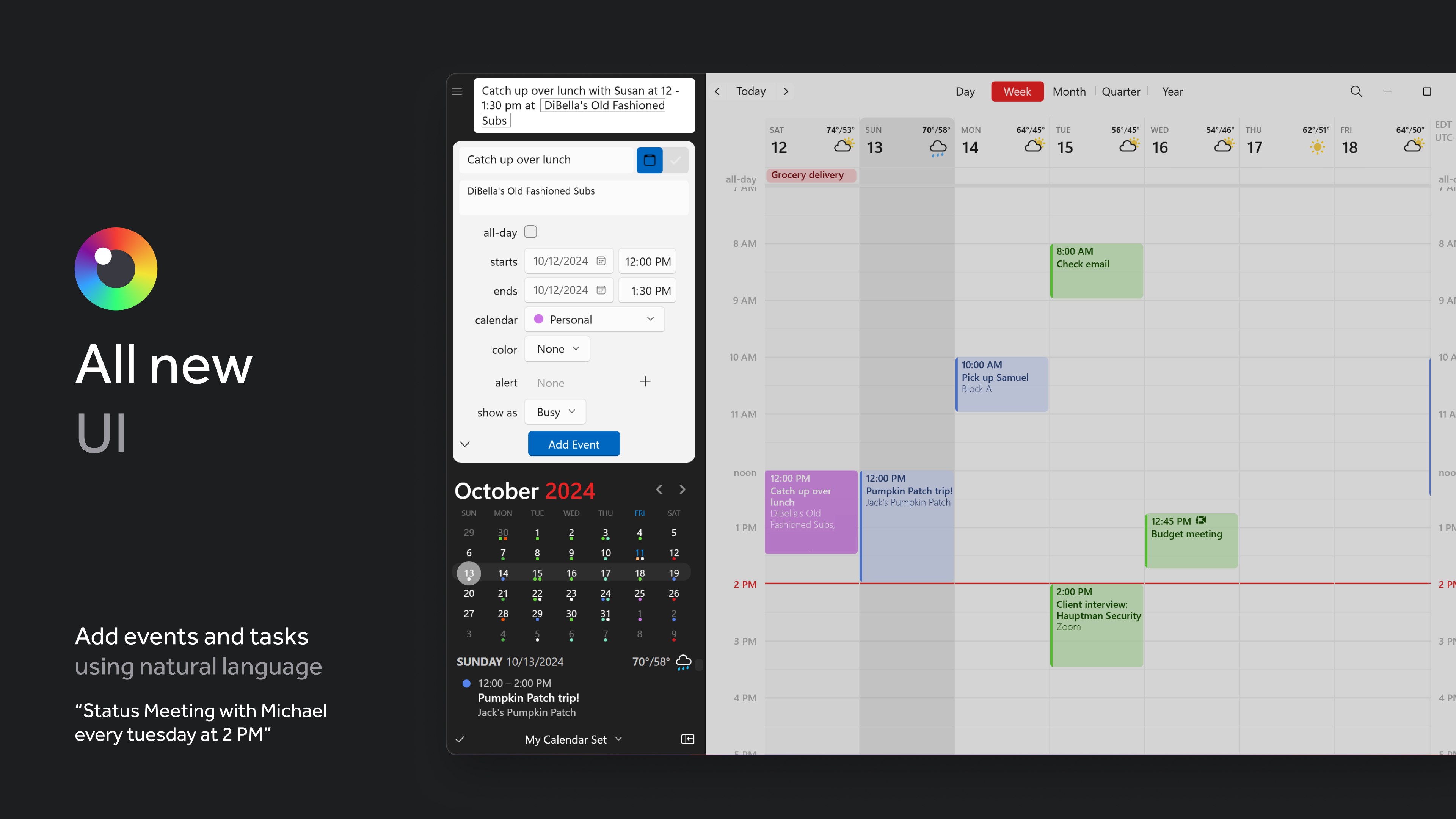
One of Fantastical's standout features is its ability to parse natural language input seamlessly. Imagine typing "Lunch with Sarah next Wednesday at noon" and watching the app instantly create an event with all details properly filled—no fuss, no manual entry. This intuitive feature minimizes the cognitive load associated with scheduling, making event creation quick and effortless, especially for those juggling multiple commitments daily.
Unified View with Multiple Calendars
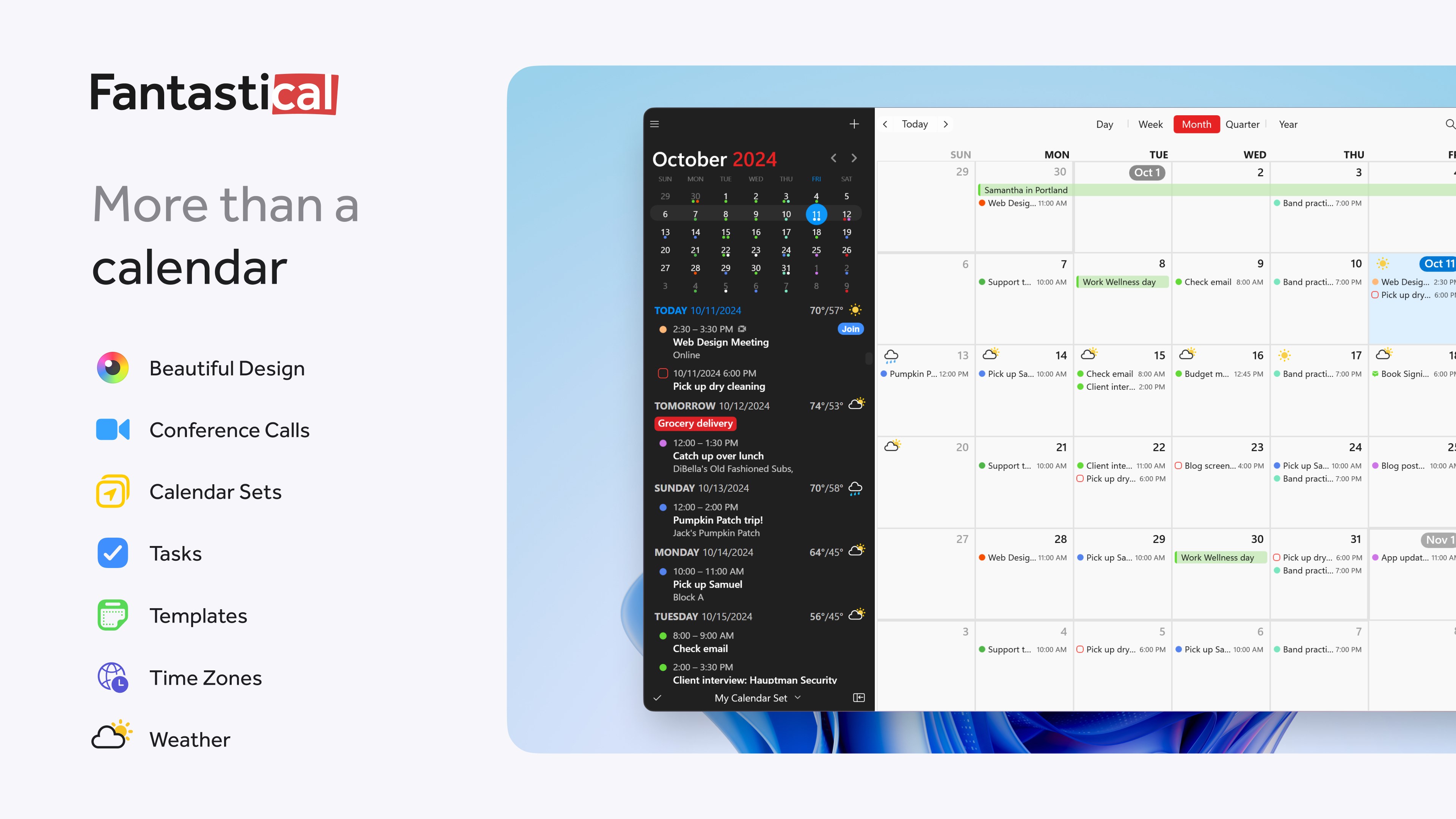
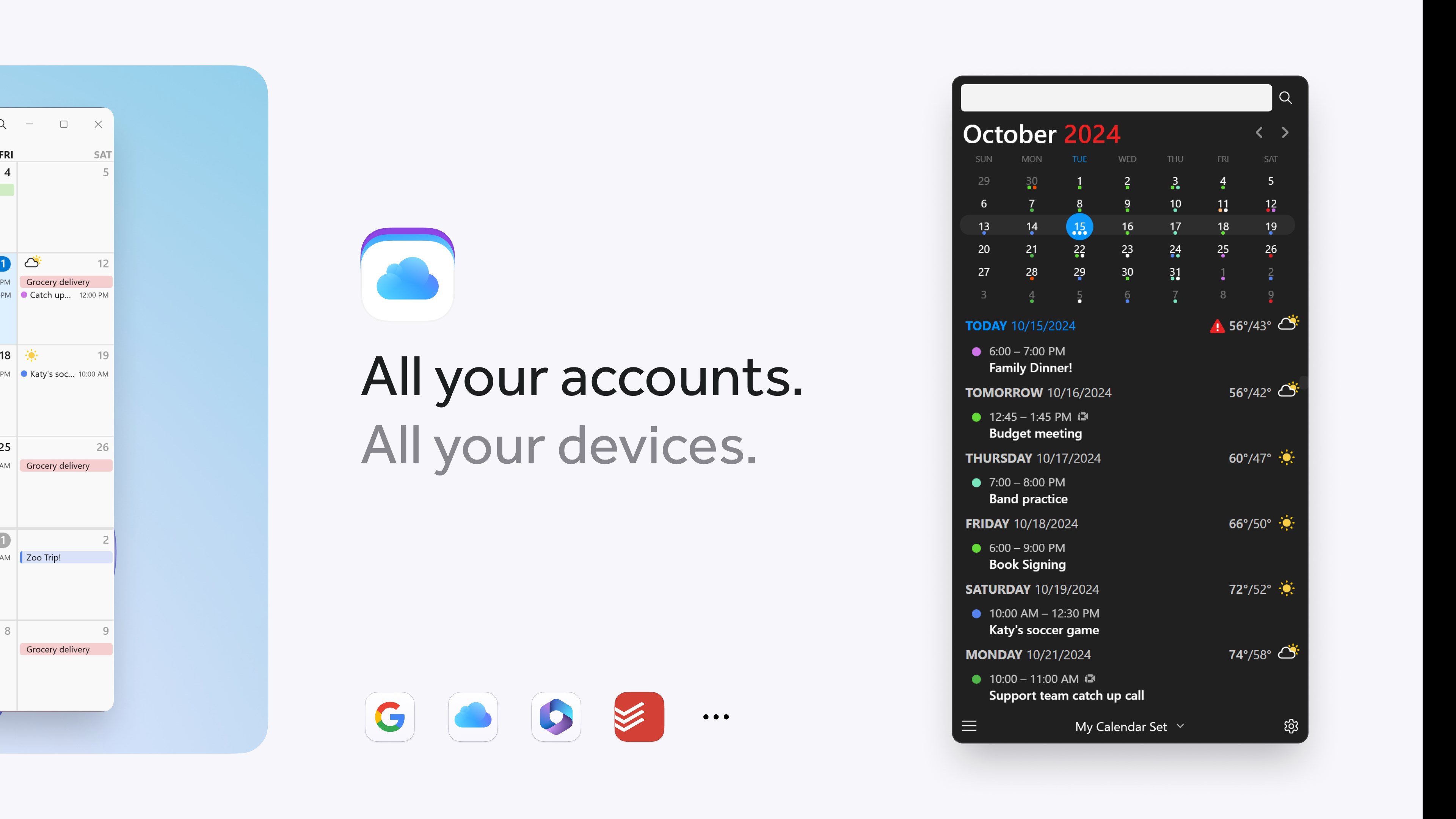
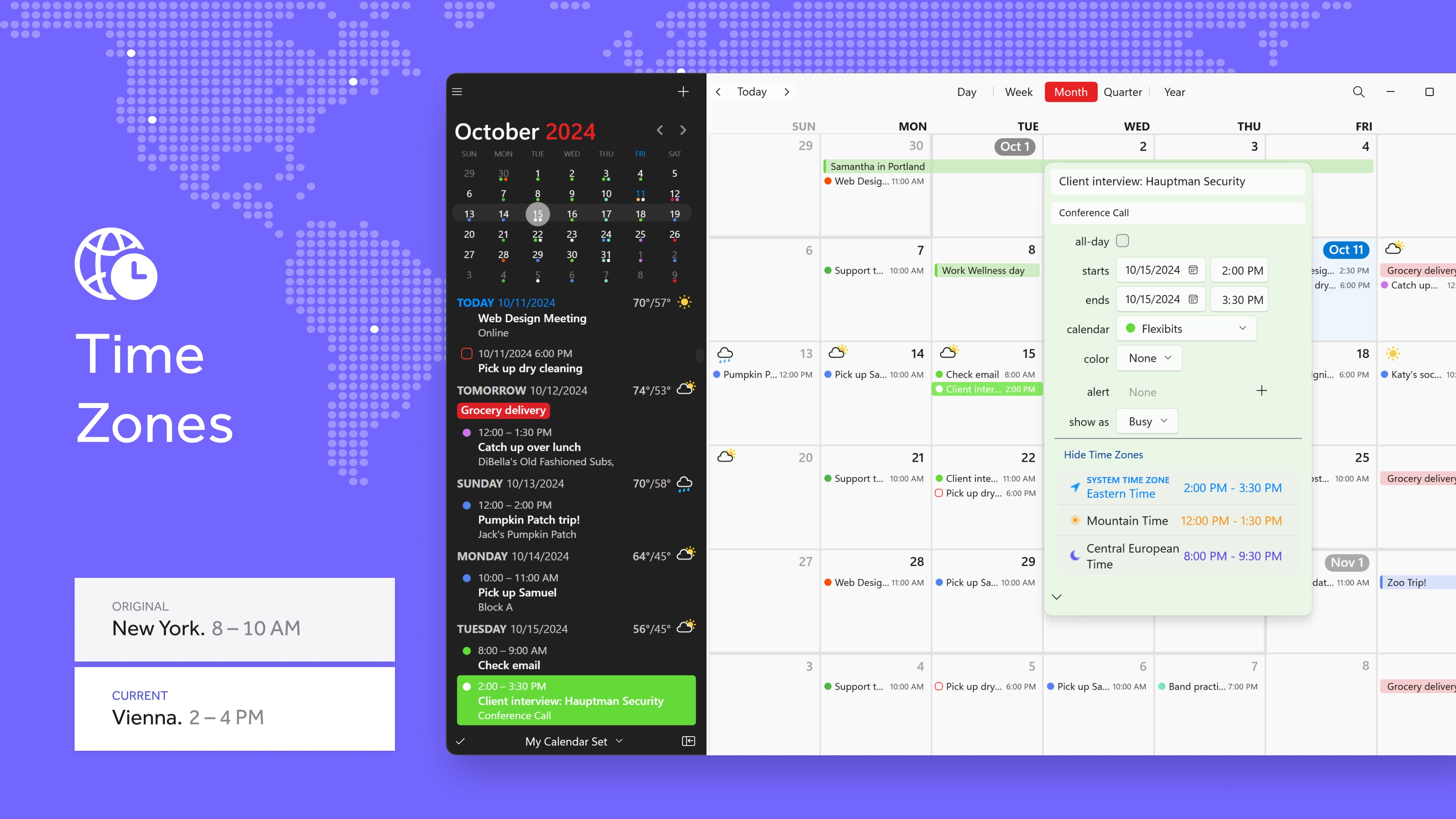
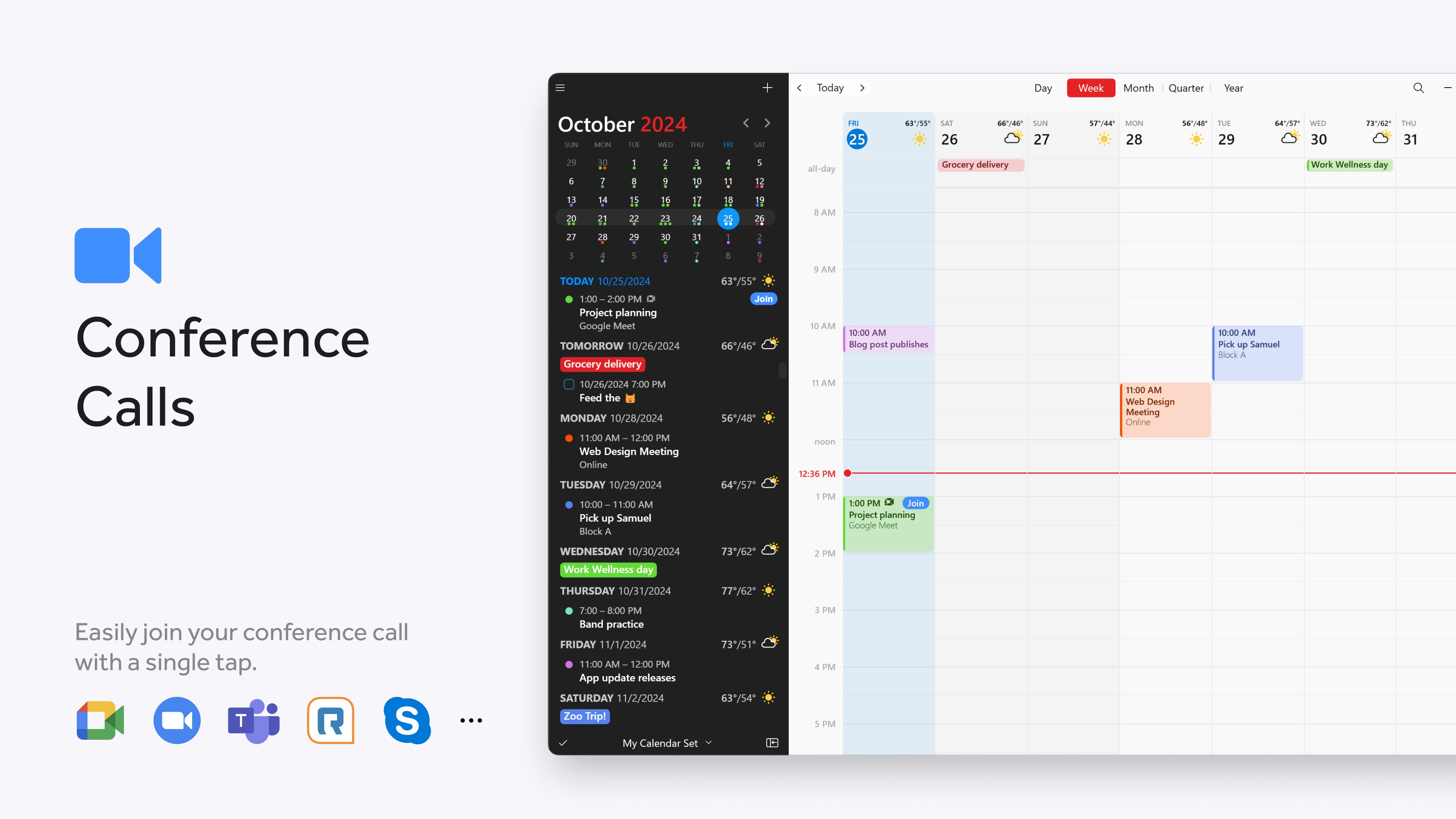
Fantastical offers a comprehensive unified calendar view that consolidates your various calendars—be it work, personal, or shared—into a clean, color-coded interface. This integration ensures you have a holistic picture of your day at a glance, aiding in better planning and avoiding scheduling conflicts. The app's design emphasizes clarity and ease of navigation, reducing the overwhelm often caused by cluttered calendar layouts.
Smart Reminders and Notifications
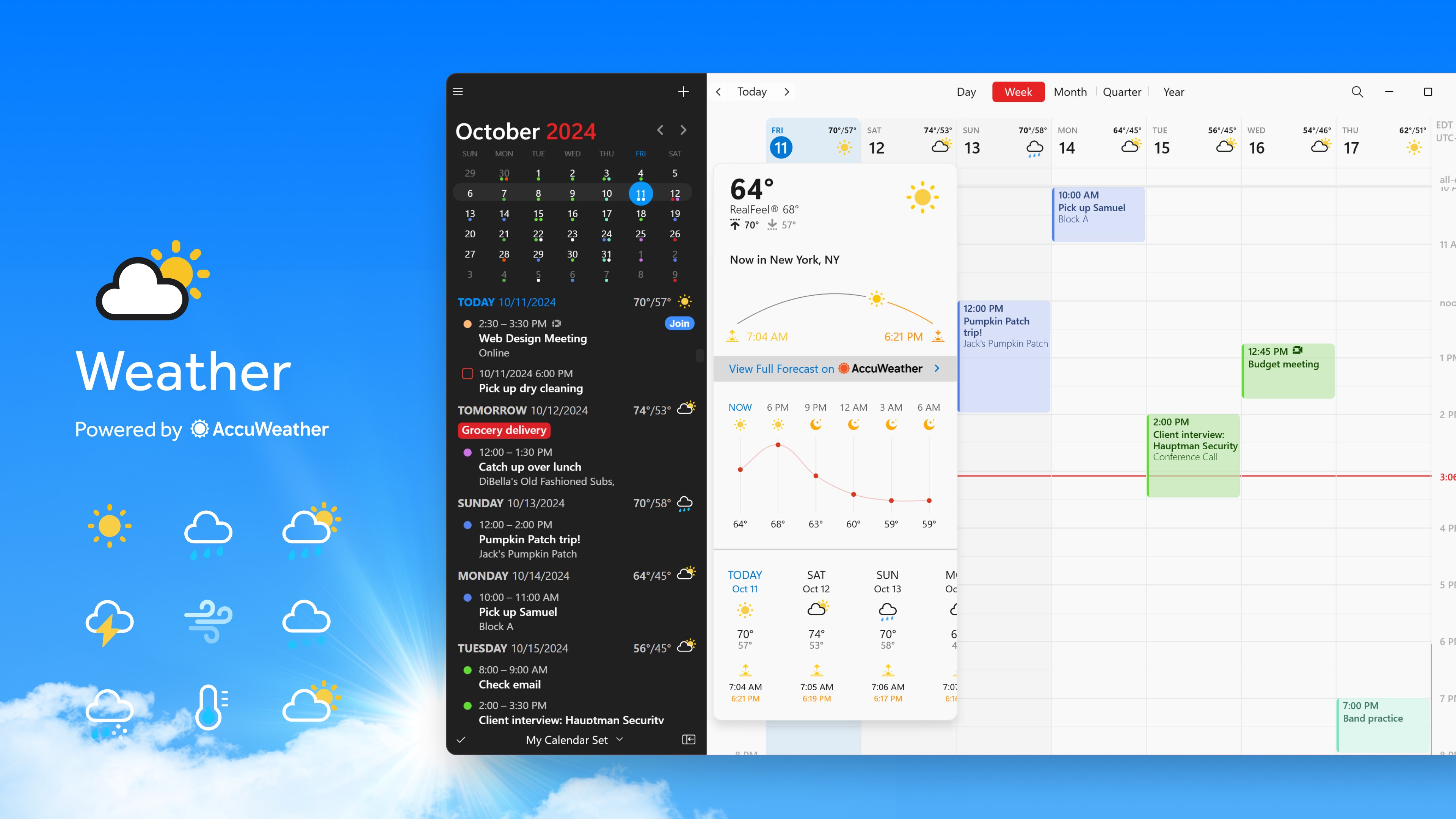
Stay on top of your tasks with Fantastical's intelligent reminders. The app can trigger notifications based on your location or specific time, helping you prepare ahead of events. These context-aware prompts are real game-changers for busy users who need timely nudges without constant manual adjustment, integrating smoothly into your workflow without becoming intrusive.
Design, Usability, and User Experience
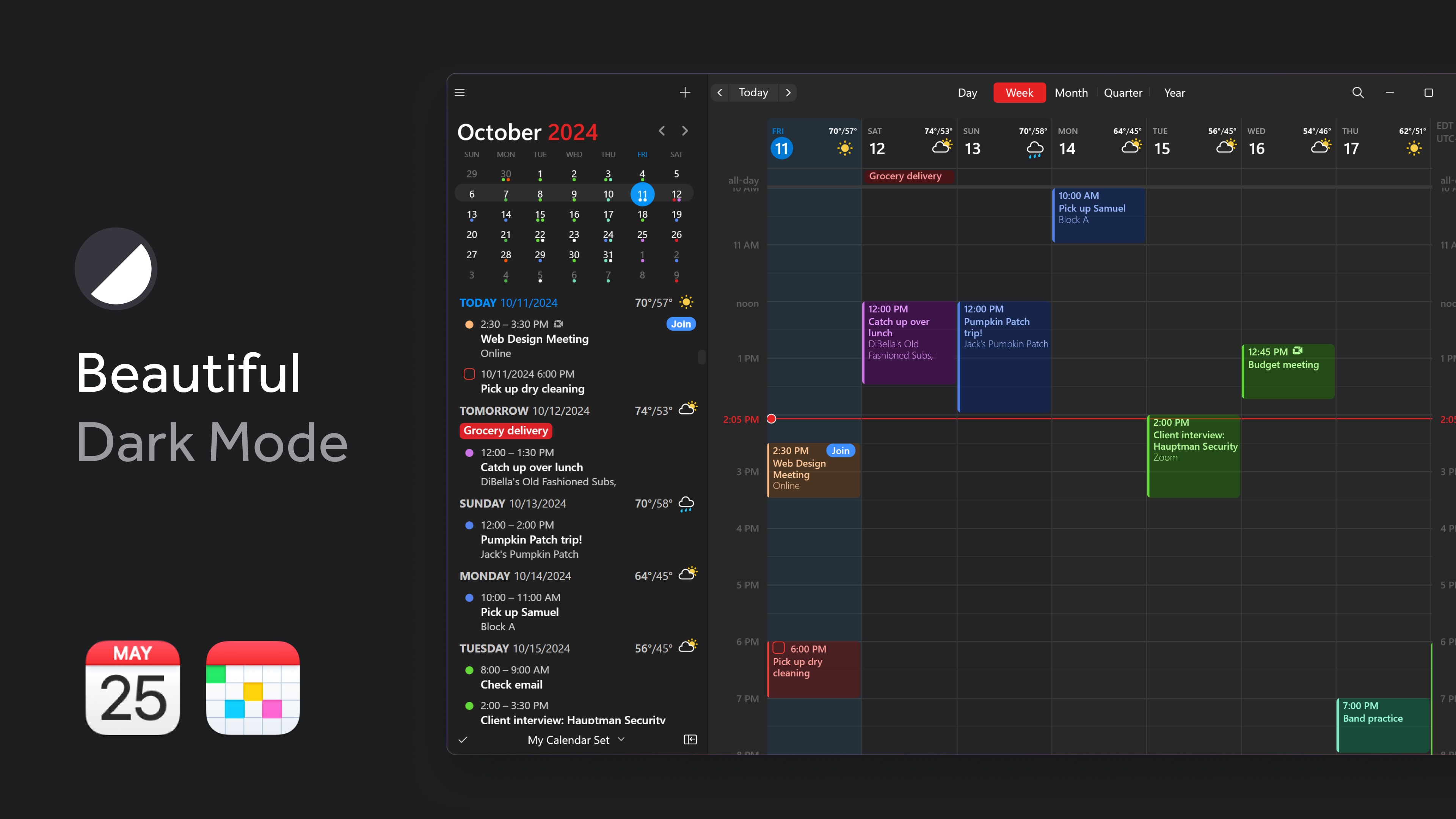
From the moment you open Fantastical, its modern, minimalist interface welcomes you like a well-organized workspace. The design employs a clean layout with a calming palette that makes navigating through days, weeks, or months a pleasure rather than a chore. The app runs smoothly on Windows, with fluid transitions and quick response times that feel almost effortless—like flipping through a well-worn paper planner but with all the advantages of digital flexibility.
Learning curve? Surprisingly gentle. Most users will find themselves creating events and managing calendars within minutes, thanks to guided setup and intuitive controls. The interface encourages a natural workflow, making it easier to stay consistent without frustration or confusion. Plus, its seamless integration with Microsoft 365 and other calendar services ensures you don't have to switch apps or lose context.
Unique Advantages: Workflow Integration & Cognitive Load Reduction
Compared to other productivity tools, Fantastical's real strength lies in its focus on reducing cognitive load through feature simplicity and smart integration. While many calendar apps pile on features—sometimes at the expense of usability—Fantastical strikes a fine balance. Its natural language parsing and consolidated view reduce the mental effort needed to coordinate multiple calendars. By streamlining event creation and reminder setup, it minimizes interruptions, allowing you to concentrate on tasks rather than managing buffers.
Furthermore, its tight integration with workflows—such as integrating with your email and task management apps—ensures that scheduling is a natural extension of your daily activities rather than a separate chore. This thoughtful design helps prevent overwhelm and keeps your cognitive resources freed for actual work, not navigation or manual data entry.
Final Verdict and Recommendations
Fantastical for Windows demonstrates a commendable blend of simplicity and sophistication. Its core functionalities—particularly natural language input and integrated calendar views—are thoughtfully designed to enhance productivity without adding unnecessary complexity. For users seeking a calendar app that respects their workflow and minimizes mental clutter, Fantastical emerges as a compelling choice, especially if you value an elegant interface and reliable performance.
While it may not have every feature of some bloated productivity suites, its focus on core calendar tasks with smart enhancements makes it highly recommended. For professionals, students, or anyone who juggles multiple commitments and appreciates a tool that adapts to their natural way of thinking, Fantastical offers a user-friendly yet powerful experience. I suggest giving it a try if you aim to refine your scheduling habits and streamline your daily planning—your calendar will thank you.
Pros
- Intuitive User Interface
- Natural Language Input
- Multi-platform Sync
- Multiple Calendar Support
- Advanced Reminder Features
Cons
- Limited Customization Options
- Offline Mode Limitations
- Learning Curve for Beginners
- Performance on Low-end Devices
- Limited Export Options











