

- Name Easy Mail - Email & Messaging and more
- Category Productivity
- Developer WunderApps GmbH
- Available on PC
- OS Windows 10 version 19041.0 or higher
- Memory 2 GB
- Keyboard Not specified
- Mouse Not specified
- languages English, French, German, Italian, Portuguese, Portuguese (Brazil), Spanish, Spanish (Spain)
Easy Mail - Streamlined Email & Messaging for Windows
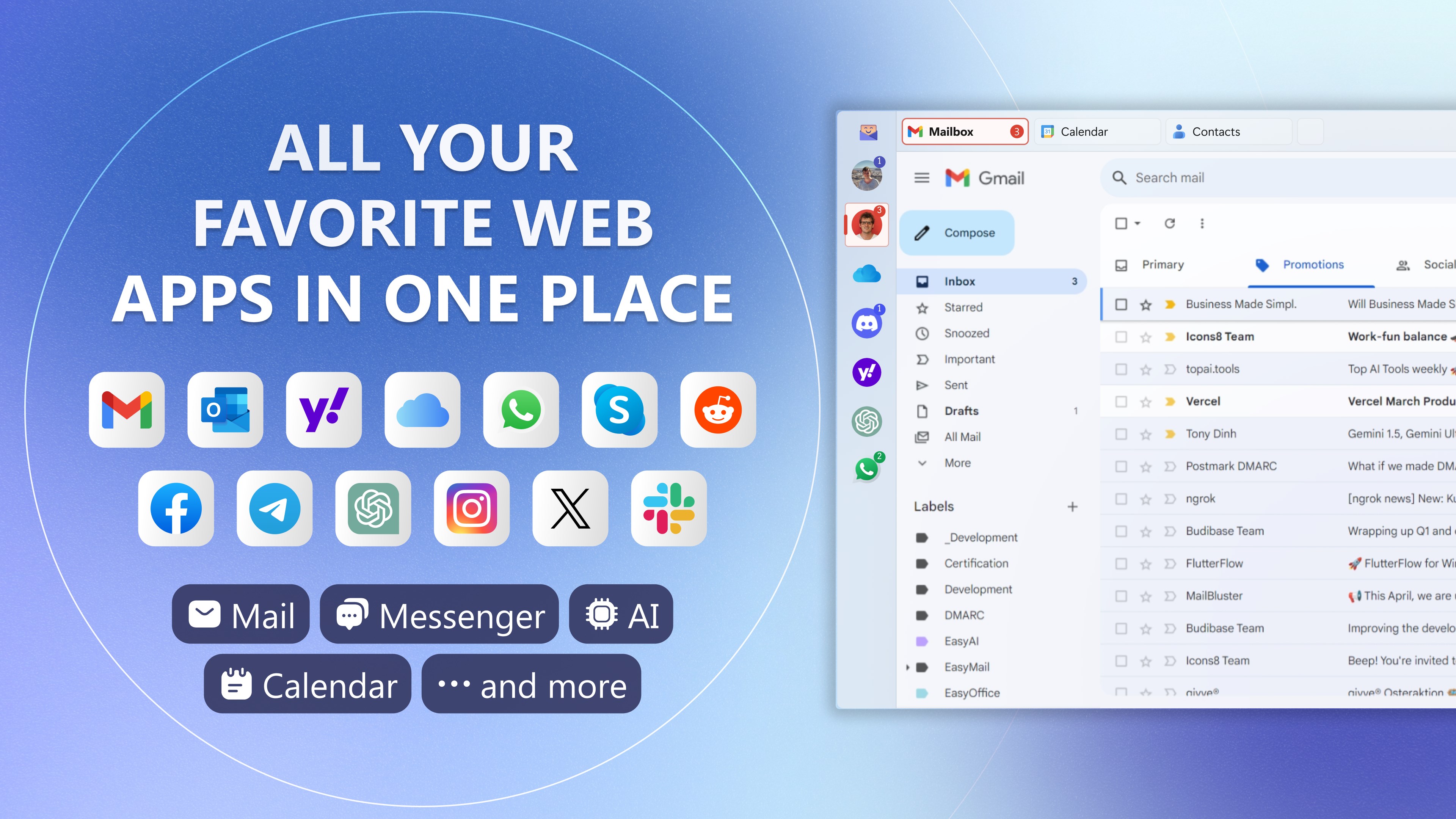
Imagine managing your emails and messaging all within a sleek, unified app that minimizes fuss and maximizes efficiency—that's exactly what Easy Mail promises. Designed to serve as a central hub for your communication needs, it aims to simplify how you handle multiple accounts and messaging platforms in one intuitive environment.
Developed by WunderApps GmbH, Published by Tim Grabinat
Created by the innovative team at WunderApps GmbH, Easy Mail is brought to you by publisher Tim Grabinat. This collaboration underscores a focus on delivering a seamless, user-friendly experience tailored for productivity enthusiasts and everyday users alike.
Key Features That Stand Out
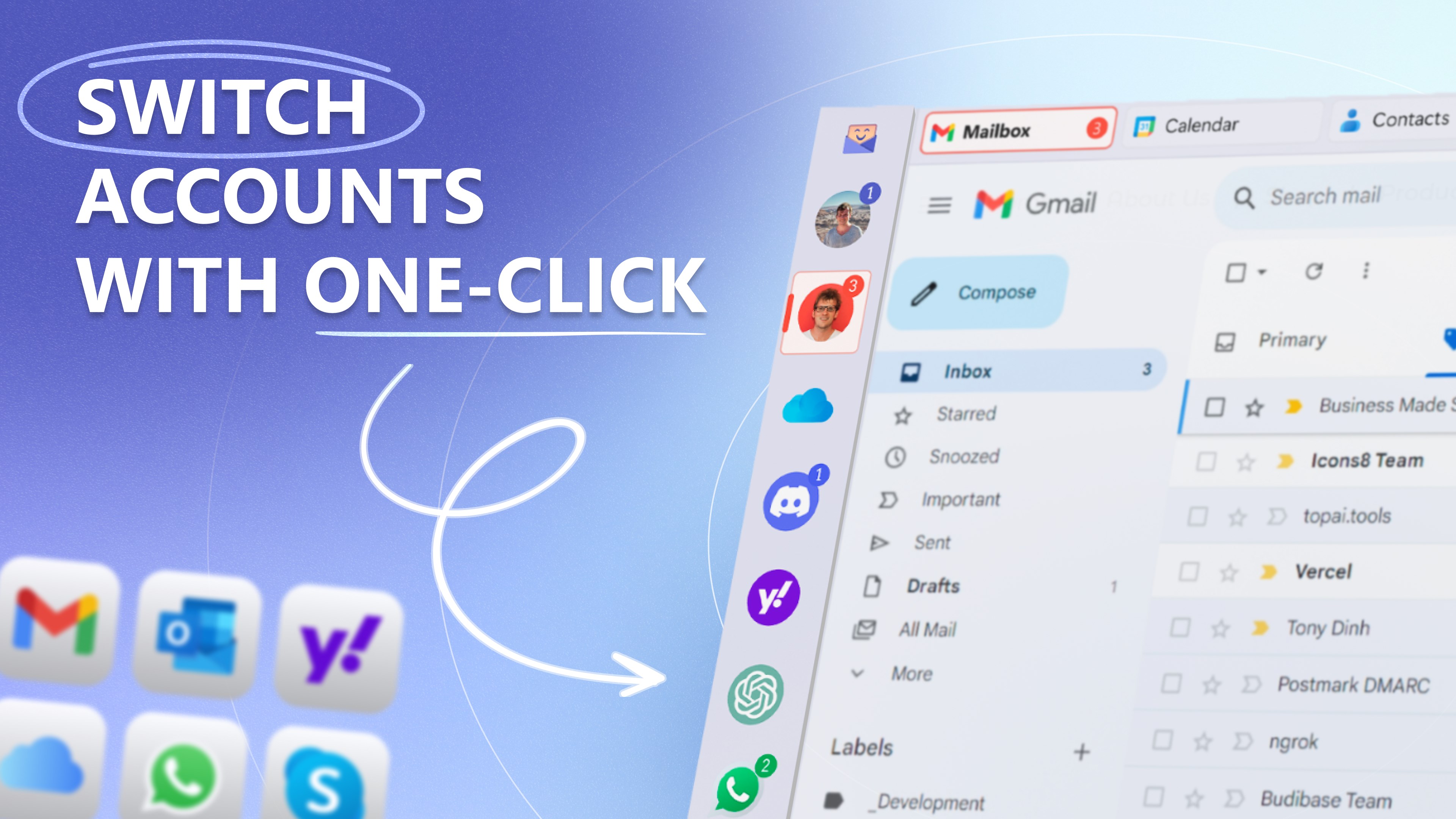
- Unified Inbox for Multiple Accounts: Consolidate emails and messages from various services into a single, manageable interface, reducing the hassle of switching between apps.
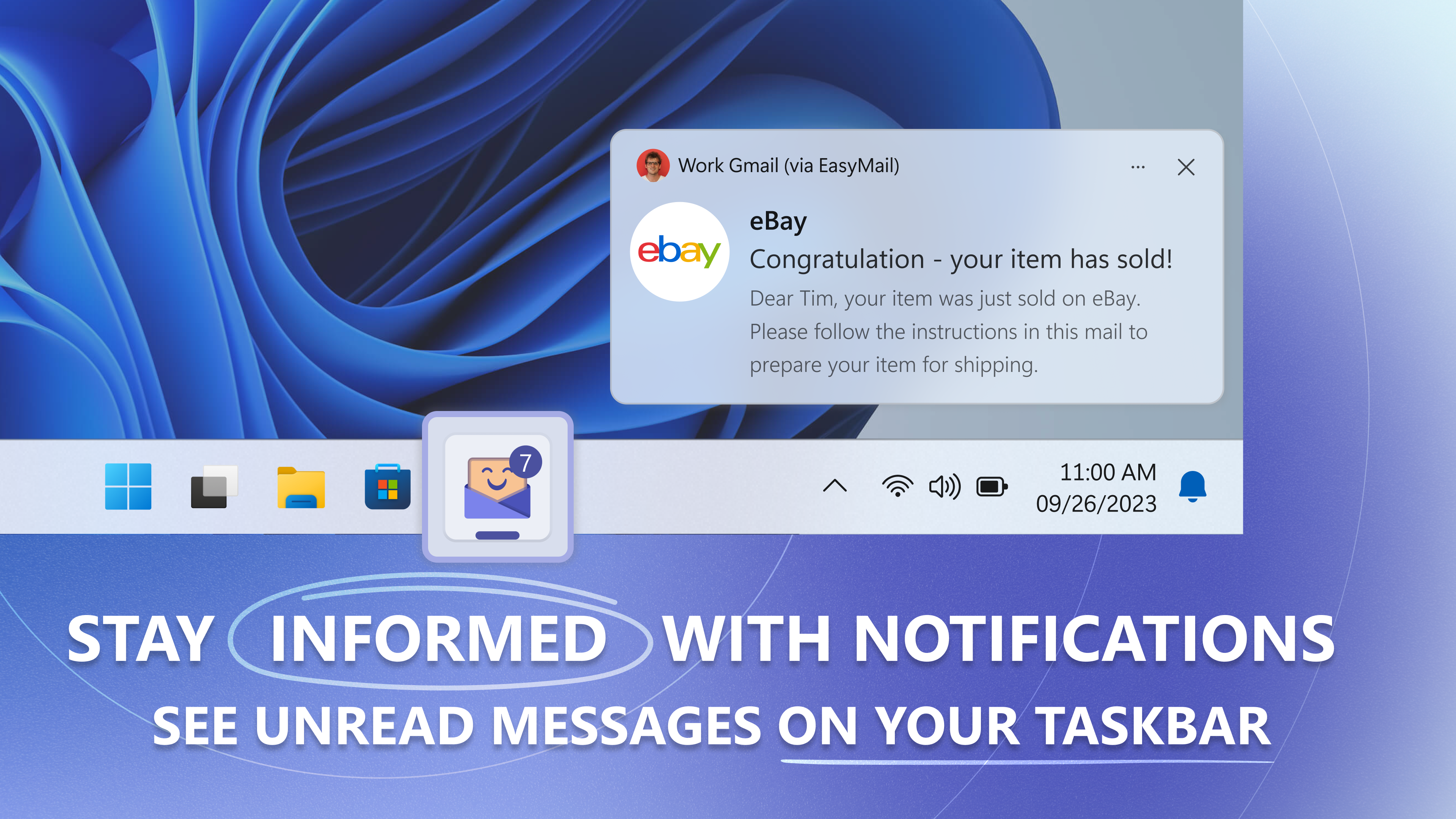
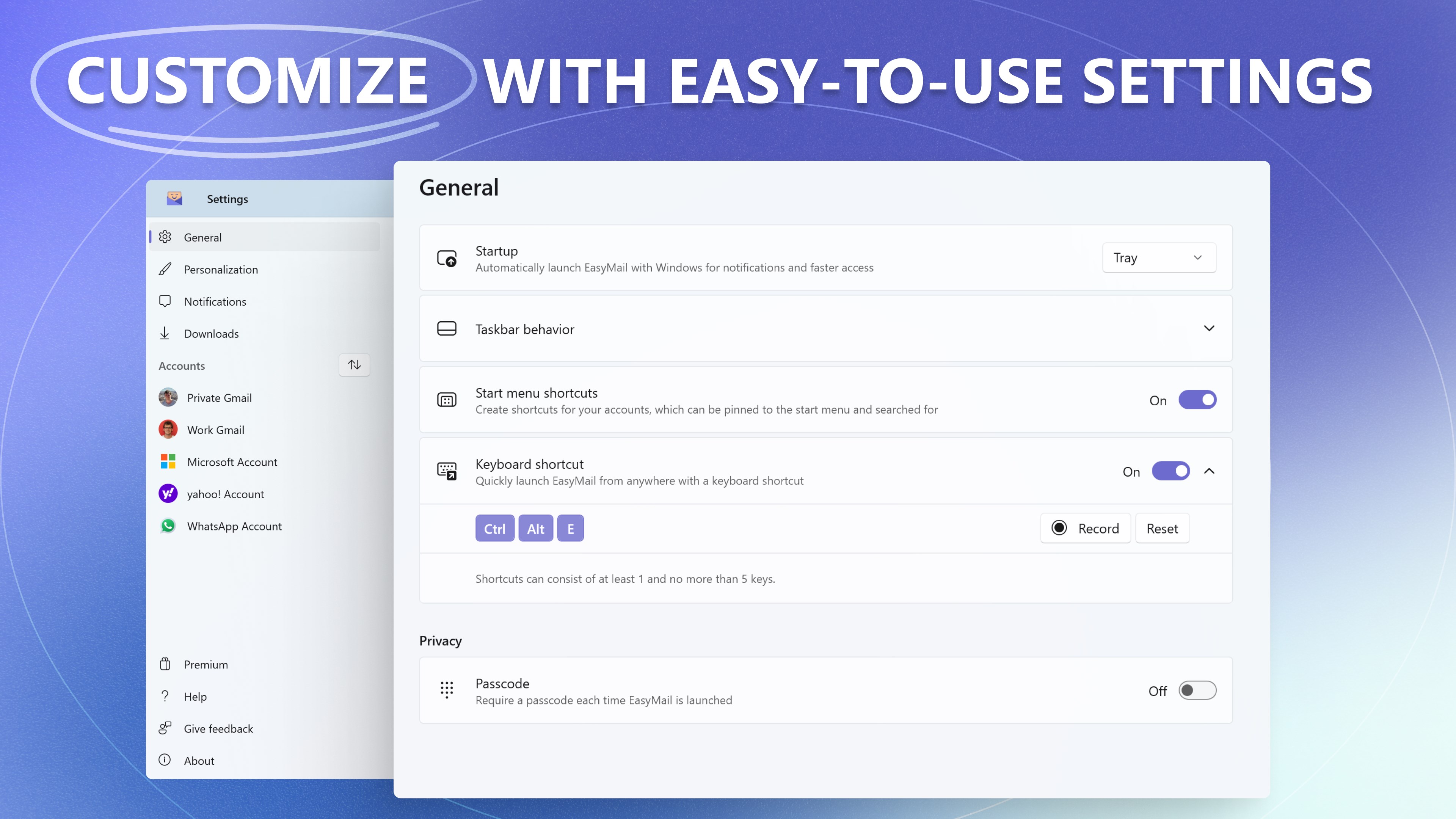
- Customizable Notifications and Filters: Stay on top of important messages with tailored alerts and smart filtering options, helping prioritize what truly matters.
- Intuitive Interface with Streamlined Workflow: An elegant, minimalistic design ensures ease of navigation, enabling users to focus on their communication flow without visual clutter.
- Efficient Message Management Tools: Features like quick replies, snooze, and easy archiving assist in quick decision-making, simplifying ongoing conversations.
A Fun Dive into Its Core Capabilities
Simple Yet Powerful Interface Design
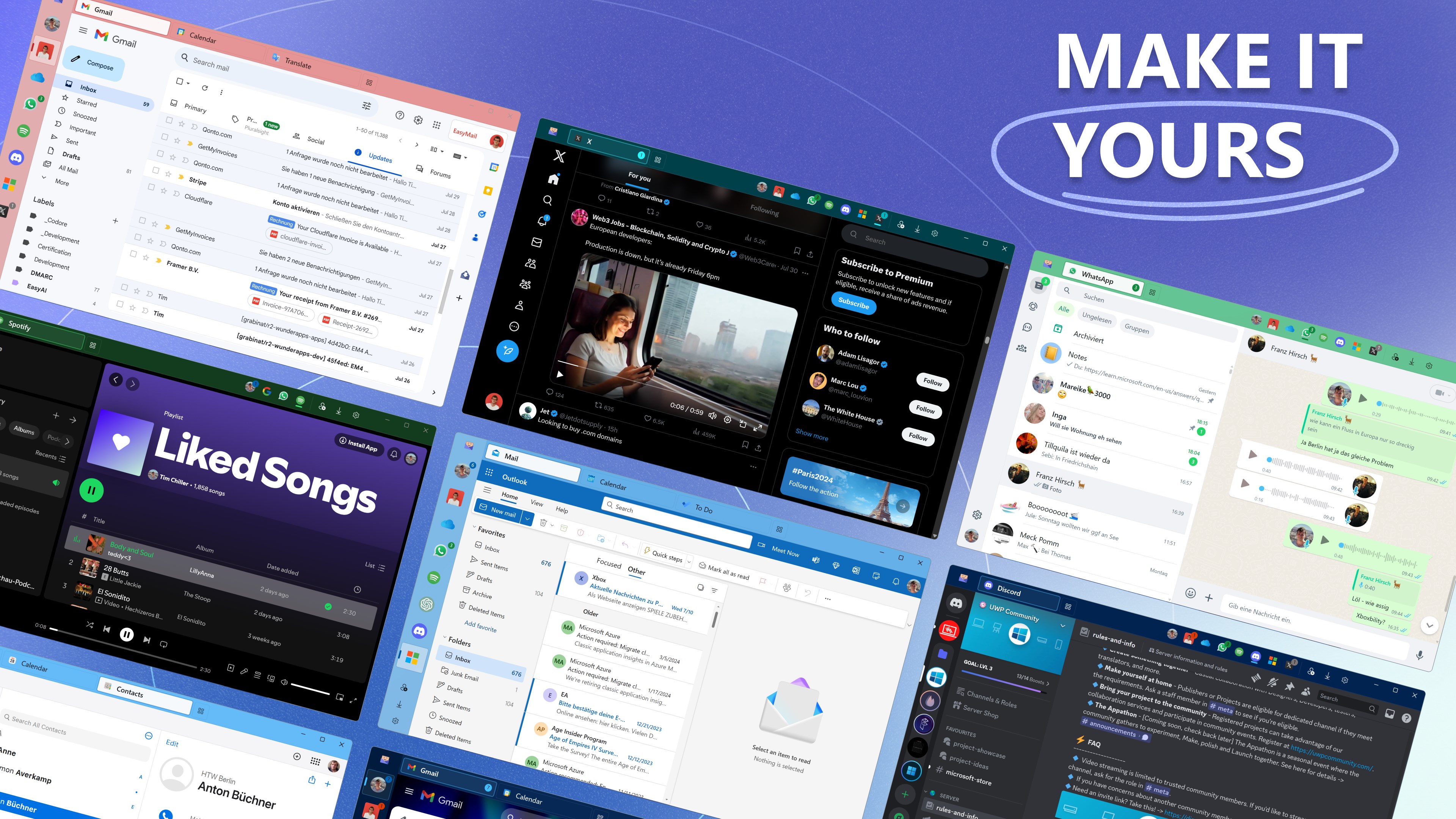
Imagine opening your email app and being greeted with a clean, clutter-free workspace—like stepping into a well-organized inbox that invites productivity. Easy Mail's interface strikes a welcoming balance between minimalism and functionality. The layout is thoughtfully crafted with clearly labeled sections, intuitive icons, and adaptable themes. Transitioning between your email accounts and messaging conversations feels smooth, almost like turning the pages of a well-loved book. This focus on clarity helps reduce cognitive load, making it easier to stay focused on your tasks rather than wrestling with complex menus.
Workflow Integration to Boost Efficiency
One of Easy Mail's crowning achievements lies in its ability to unify disparate communication channels into a seamless workflow. The app excels at integrating multiple email providers and messaging platforms, akin to having a personal assistant that sorts and presents your messages in one spot. Unlike traditional email clients that require toggling between apps or browser tabs, Easy Mail acts like a conductor, orchestrating all notifications so you don't miss critical updates. This integration minimizes interruptions, allowing you to handle correspondence without losing your train of thought—greatly improving productivity and reducing the mental fatigue often associated with managing multiple tools.
Reducing Complexity, Enhancing Focus
What truly sets Easy Mail apart is its thoughtful approach to feature depth. Instead of bombarding users with every possible option, the app emphasizes essential features—like smart prioritization and easy message actions—that lessen cognitive load. Think of it as navigating with a GPS designed to simplify your route rather than plotting endless detours; this focus allows you to work efficiently without feeling overwhelmed. Its learning curve is gentle, making it accessible even for those less tech-savvy, while still offering advanced filtering and customization for power users.
Is It Worth Your Time? Recommendations & Usage Tips
Overall, Easy Mail offers a refreshing approach to managing multiple communication channels without unnecessary complexity. If you value a unified, clutter-free workspace that prioritizes workflow efficiency and minimizes distractions, this app warrants serious consideration. It's particularly suitable for professionals juggling multiple email accounts, remote teams coordinating via messages, or anyone seeking a smarter way to stay connected.
For best results, start with customizing notifications and filters tailored to your routine. Take time to explore its integration settings—this small investment can pay off by transforming how smoothly your communications flow.
In summary, Easy Mail isn't just another email app—it's a thoughtfully designed tool that acts like a well-organized digital assistant, making your daily digital interactions less stressful and more productive. It's a promising choice for those who want to streamline their communication hub without sacrificing feature richness or usability.
Pros
- User-friendly interface
- Multi-account support
- Real-time notifications
- Built-in messaging features
- Customization options
Cons
- Limited offline functionality
- Occasional sync delays
- Basic search capabilities
- Some features are locked behind premium
- Occasionally crashes on certain devices











