

- Name Easy GIF Animator
- Category Multimedia design
- Developer Blumentals Software
- Available on PC
- OS Windows 10 version 0.0 or higher
- Keyboard Integrated Keyboard
- Mouse Integrated Mouse
- languages English, German, Dutch
Easy GIF Animator for Windows: A Blend of Simplicity and Creativity
If you're looking for a straightforward yet powerful tool to craft animated GIFs without wrestling with complex interfaces, Easy GIF Animator for Windows offers an inviting solution. Designed by Blumentals Software, this application aims to bridge the gap between casual users and those seeking quick, high-quality animations—making it a nifty companion for marketers, social media enthusiasts, or even enthusiasts dabbling in simple graphic design.
Who's Behind the Magic?
Developed by Blumentals Software, a reputable name in the realm of user-friendly multimedia tools, Easy GIF Animator is part of a suite that emphasizes intuitive design and practical features. The publisher, Blumentals Solutions SIA, is known for creating software that targets both beginners and professionals seeking efficiency and ease of use.
Top Highlights: What Makes This App Stand Out
- Effortless Animation Creation: Users can quickly convert images or video clips into lively GIFs, making the process as simple as drag-and-drop.
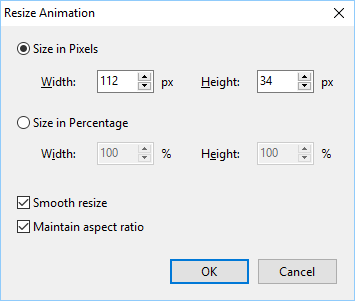
- Built-In Editing Tools: Equipped with an array of editing features like cropping, adding effects, and optimizing GIFs, it offers comprehensive control.
- Template-Based Designs: Multiple pre-made templates help jumpstart projects, ideal for users needing quick results.
- Optimized for Web: The final GIFs are optimized for fast loading and high quality, perfect for sharing online.
A Fun and Functional Experience
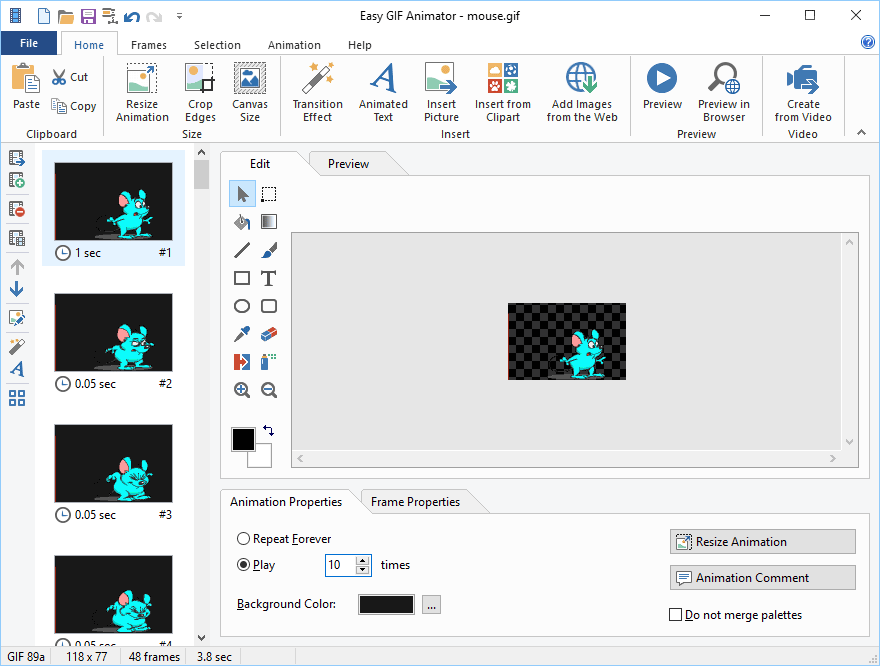
Stepping into Easy GIF Animator feels like entering a well-organized workshop. The first thing you'll notice is its welcoming interface—clean, with clearly labeled tools that make you feel like you've just found an expert's toolbox. It's akin to having a Swiss Army knife designed specifically for animated images—compact, versatile, and easy to handle. The app's responsiveness is smooth; clicking buttons and applying changes happen seamlessly, reducing frustration and enabling you to focus on your creative flow.
Unpacking the Core Features
Creating GIFs with Confidence
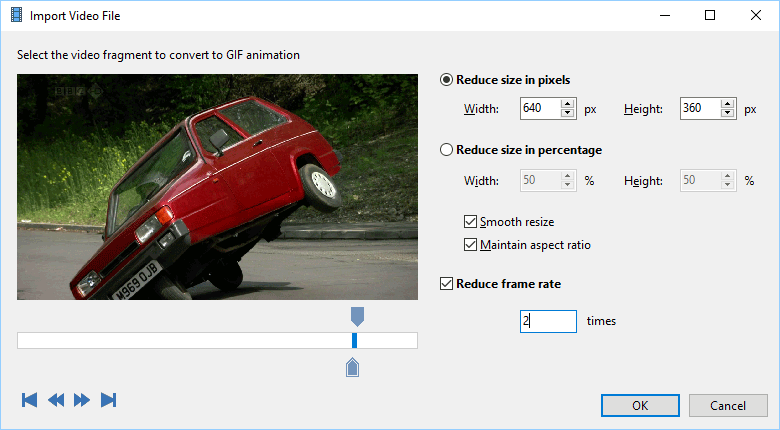
The standout feature here is the ability to turn static images or video snippets into animated GIFs effortlessly. Whether you're a casual user capturing a funny moment or a marketer designing engaging banners, the process is streamlined. Simply import your media—supporting various formats—drag your timeline, add some effects if needed, and export. The software's design makes this process almost intuitive, even for beginners.
Fine-Tuning and Personalizing
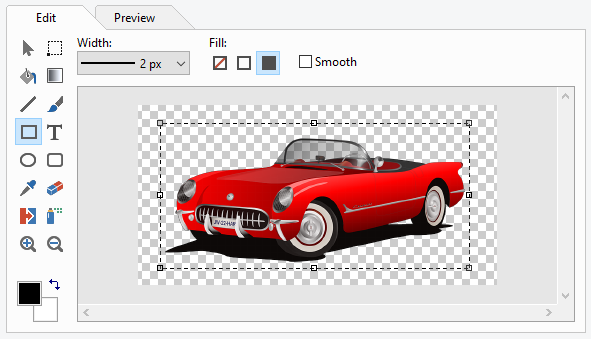
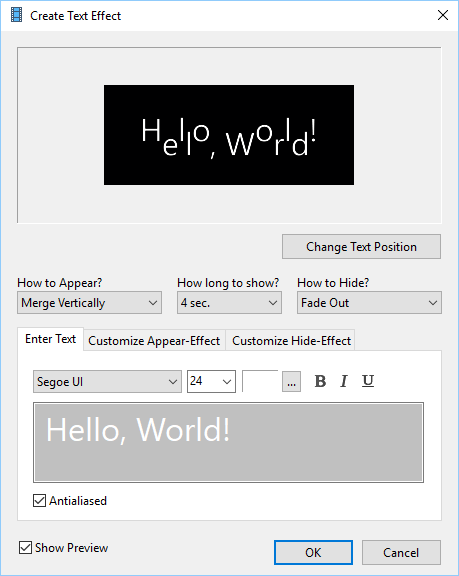
The editing suite is where Easy GIF Animator shines. You can add text overlays, apply transition effects, or tweak frame timings with a few clicks. The ability to add effects like shadows, glow, or filters enables you to craft visually appealing GIFs that stand out. This level of control ensures your animations aren't just slapdash but polished slices of digital art.
Templates and Optimization
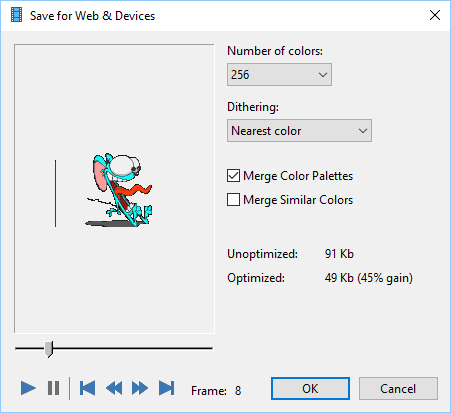
For those in a hurry or unsure where to start, the library of templates offers a quick launchpad. These templates give your GIFs a professional look—be it for social media badges, banners, or funny memes. After creation, the app provides optimization options to balance quality and file size, which is crucial for web sharing. This dual focus on ease and efficiency makes Easy GIF Animator a valuable tool for fast-paced workflows.
Design, Usability, and Uniqueness
The interface's simplicity ensures a gentle learning curve—think of it as a friendly guide rather than a daunting software labyrinth. Beginners will appreciate the straightforward navigation, while more experienced users can dive into detailed customization options. The real differentiation lies in its specialized focus on GIFs, combining a mix of powerful features within a tidy workspace. Unlike more bloated multimedia tools, Easy GIF Animator remains laser-focused on its core task, which is creating engaging, optimized GIFs swiftly.
Final Recommendations
Overall, Easy GIF Animator for Windows is recommended for users seeking an accessible, reliable, and quick way to produce animated GIFs. It's particularly well-suited for small businesses, social media managers, and hobbyists who prefer a no-fuss tool without sacrificing quality. The application's unique advantages—its ease of use and robust editing options—make it a standout in its niche. For those who need a dedicated GIF creator that combines simplicity with functionality, this app is worth considering.
Pros
- User-Friendly Interface
- Wide Range of Editing Tools
- Fast Rendering Speed
- Supports Multiple Formats
- Affordable Pricing
Cons
- Limited Advanced Animation Features
- Occasional Stability Issues
- Few Customization Options for Export Settings
- Limited Support for Mobile Devices
- Basic Library of Effects











