



- Name DVD Player for Windows 10/ 11
- Category Productivity
- Developer FileViewer
- Available on PC, Mobile, Surface Hub, HoloLens
- OS Windows 10 version 17763.0 or higher
- languages English (United States)
Streamlined DVD Playback for Windows 10 & 11: A Practical Review
If you're tired of juggling multiple media players or struggling with complicated interfaces, this DVD Player for Windows 10/11 by FileViewer offers a straightforward solution designed to get you watching your physical discs hassle-free. Aiming for simplicity and efficiency, it positions itself as a reliable companion for Windows users seeking uncomplicated DVD playback.
About the Developer and Core Features
Developed by FileViewer and published under File Viewer Pro Inc., this application brings a dedicated focus to DVD playback within the Windows ecosystem. Its main features include seamless disc recognition without the need for additional codecs, a clean and intuitive interface, and support for a variety of DVD formats, ensuring broad usability across different media types. Additionally, its lightweight design means it won't bog down your system, allowing for quick startup and smooth viewing experience.
Enter the World of Effortless DVD Watching
Imagine settling into your favorite chair, pressing play, and having the disc's content come alive on your screen without a maze of menus or lag. That's precisely the experience this app aims to deliver—making DVD playback feel as simple as turning on a TV. Its no-fuss approach makes it especially appealing to users who value practicality over bells and whistles, letting you focus on the movies rather than the tech.
Core Functionality Deep Dive
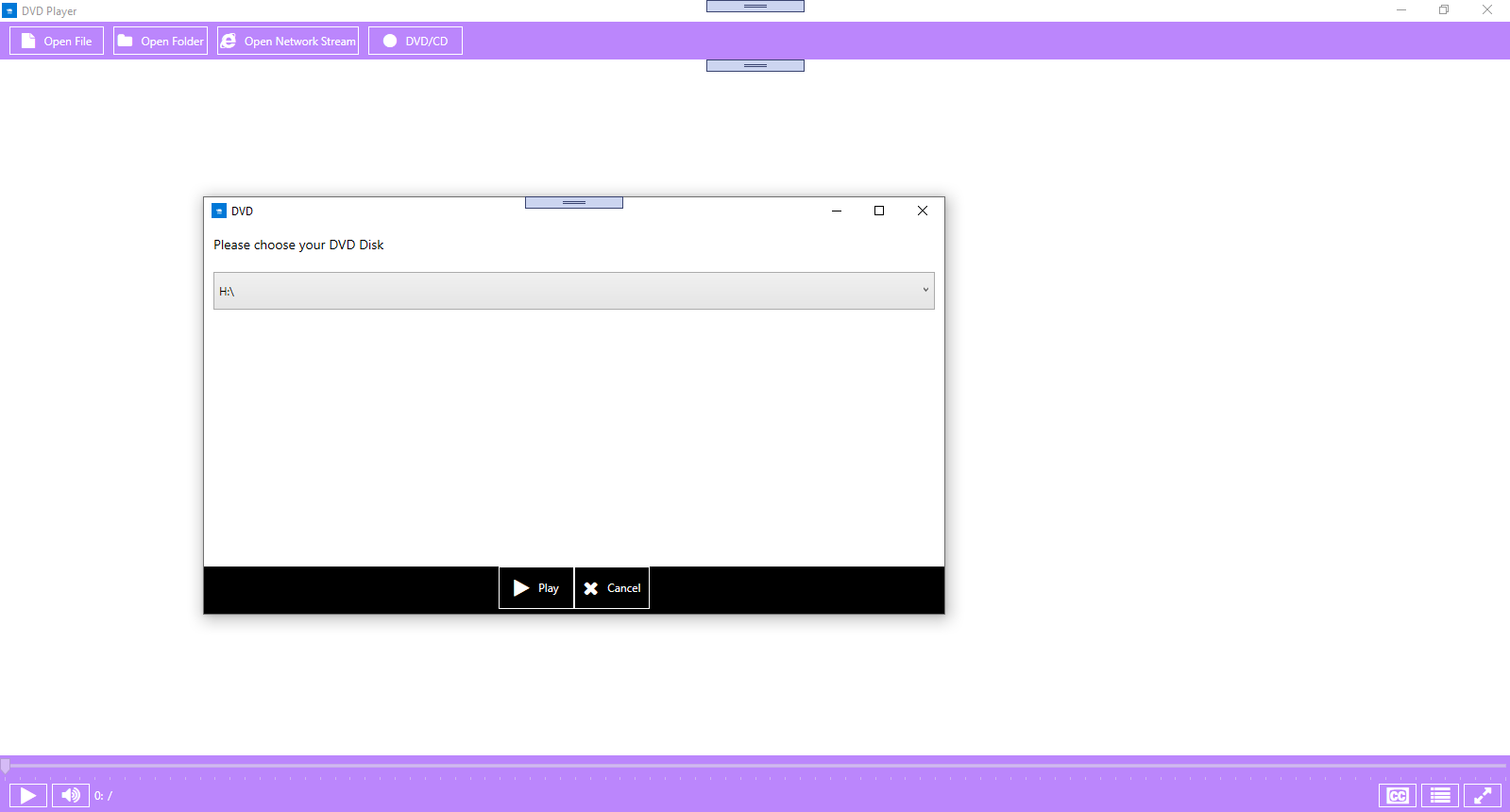
Disc Recognition and Playback: Once inserted, the app quickly recognizes your DVD and begins playback with minimal delay. It effectively handles regional codes and various formats, eliminating common frustrations like incompatible discs or obscure errors. The playback controls are straightforward, providing essential features such as play, pause, fast-forward, and rewind, all accessible with a click or swipe. Its stability during long viewing sessions ensures you won't experience unexpected crashes, contributing to a reliable entertainment experience.
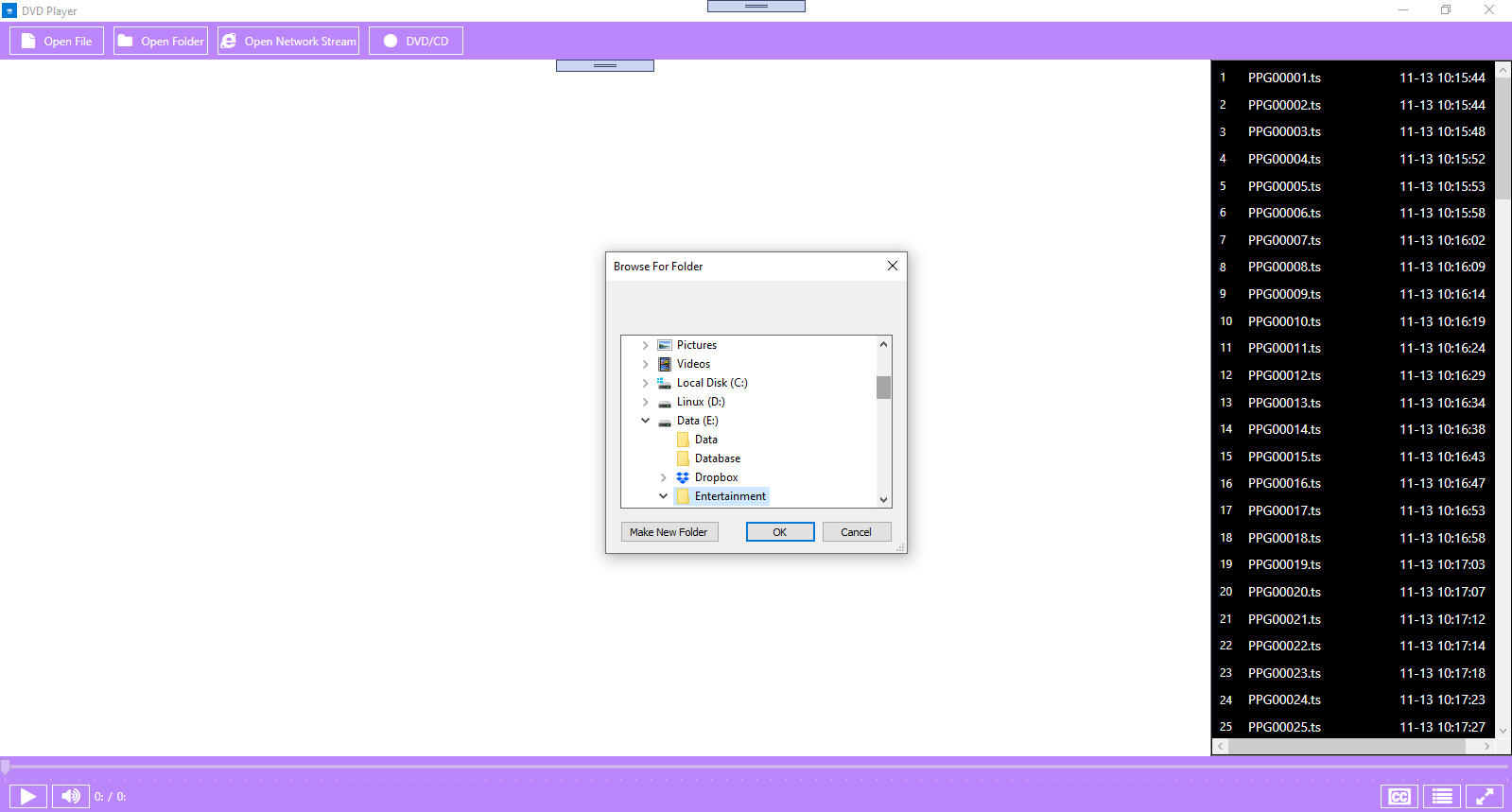
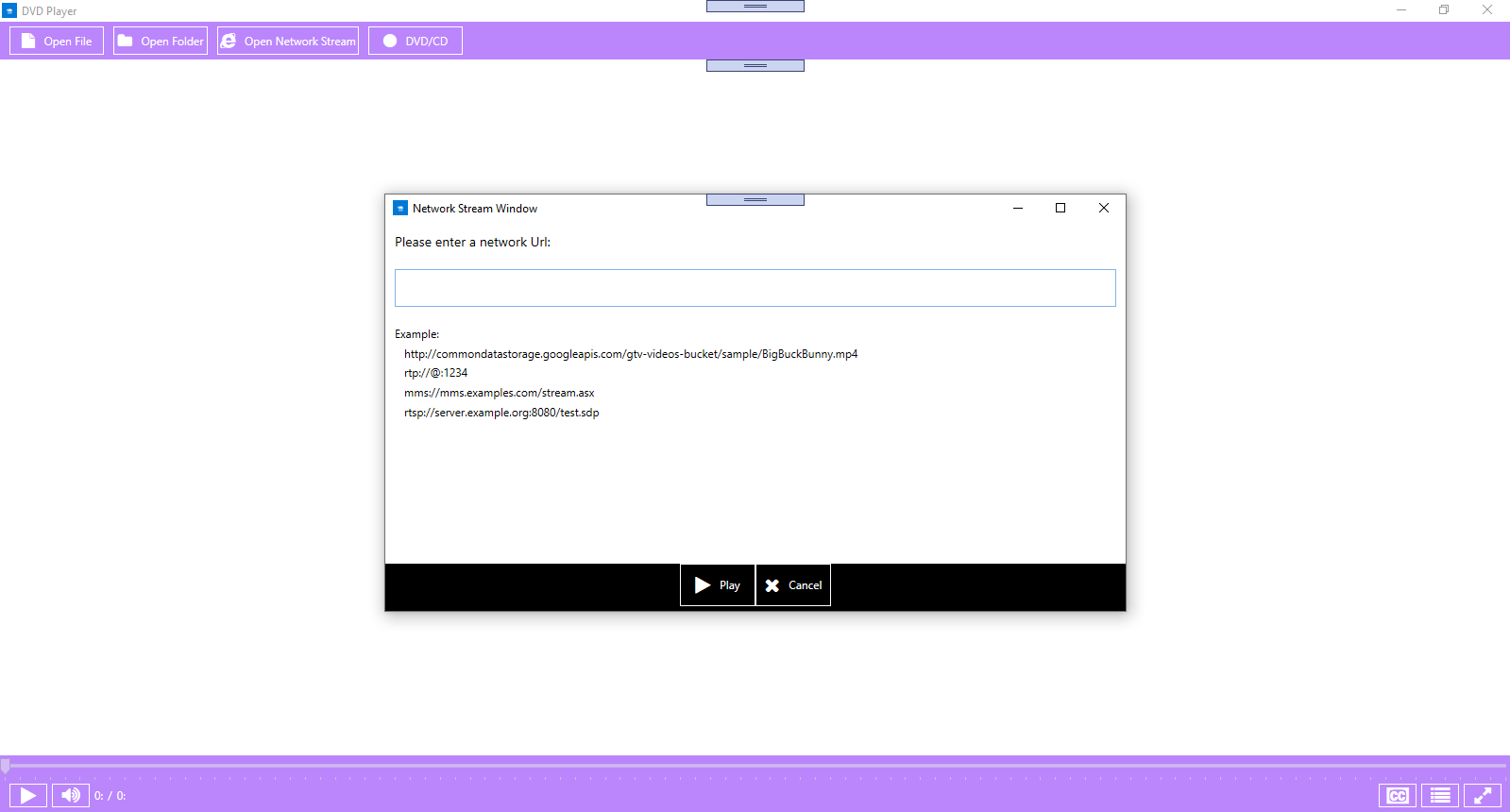
User Interface and Experience: The interface design echoes the simplicity of a classic remote control—minimalist, uncluttered, and easy to navigate. Bright icons and logical layout help users find functionalities effortlessly, even if they're not tech-savvy. The overall responsiveness is noteworthy; the app feels snappy, with controls reacting instantly to user commands. The minimal learning curve makes it accessible for all age groups, turning what could be an intimidating tech task into a familiar, comfortable routine.
Workflow Efficiency and Unique Advantages: Unlike many multi-purpose media players overloaded with features, this DVD player concentrates solely on delivering a smooth, distraction-free viewing experience. Its emphasis on streamlining the playback workflow directly reduces cognitive load, letting users enjoy their media without second-guessing complex settings. Moreover, it cleverly sidesteps feature bloat—no extraneous tools or settings clutter the interface—highlighting a design philosophy that values clarity and usability. This differentiation makes it a more effective tool for pure DVD playback, especially for users who simply want “plug and play” convenience.
Final Thoughts and Recommendations
All in all, this DVD Player for Windows 10/11 stands out as a focused, no-nonsense application that excels in delivering what most users want—reliable and easy DVD viewing. Its simple interface, quick responsiveness, and the avoidance of unnecessary features make it a recommended choice for everyday use. If your goal is effortless playback without the overhead of complicated media suites, this app can be a dependable, low-friction solution. I suggest giving it a try, especially if you value straightforward functionality over extra bells and whistles.
Pros
- User-Friendly Interface
- Supports Multiple Video Formats
- Seamless Integration with Windows 10/11
- Lightweight and Fast
- Built-in Playback Controls
Cons
- Limited Feature Set
- No Support for 4K or HDR Content
- Occasional Crashes on Certain Systems
- Limited Customization Options
- Requires Windows 10/11











