




- Name DuckDuckGo, Duck.ai (optional)
- Category Productivity
- Developer DuckDuckGo, Inc.
- Available on PC, Mobile, Surface Hub, HoloLens
- OS Windows 10 version 19041.0 or higher
- languages Dutch, English (United States), French, German, Italian, Polish , Portuguese (Portugal), Russian, Spanish (Spain)
Introducing DuckDuckGo for Windows: Your Privacy-Focused Search Companion
In an era where digital privacy is more valued than ever, DuckDuckGo for Windows emerges as a sleek, user-friendly application designed to streamline your search experience without sacrificing your privacy. Tailored for users seeking a reliable, privacy-respecting search engine companion on their desktops, this app offers a seamless gateway to the web, emphasizing simplicity and security.
About the Developer and Core Features
Meet DuckDuckGo, Inc.
Developed and published by DuckDuckGo, Inc., a company renowned for its commitment to user privacy, this application embodies their mission to make private browsing accessible and effortless for everyone.
Key Highlights of the App
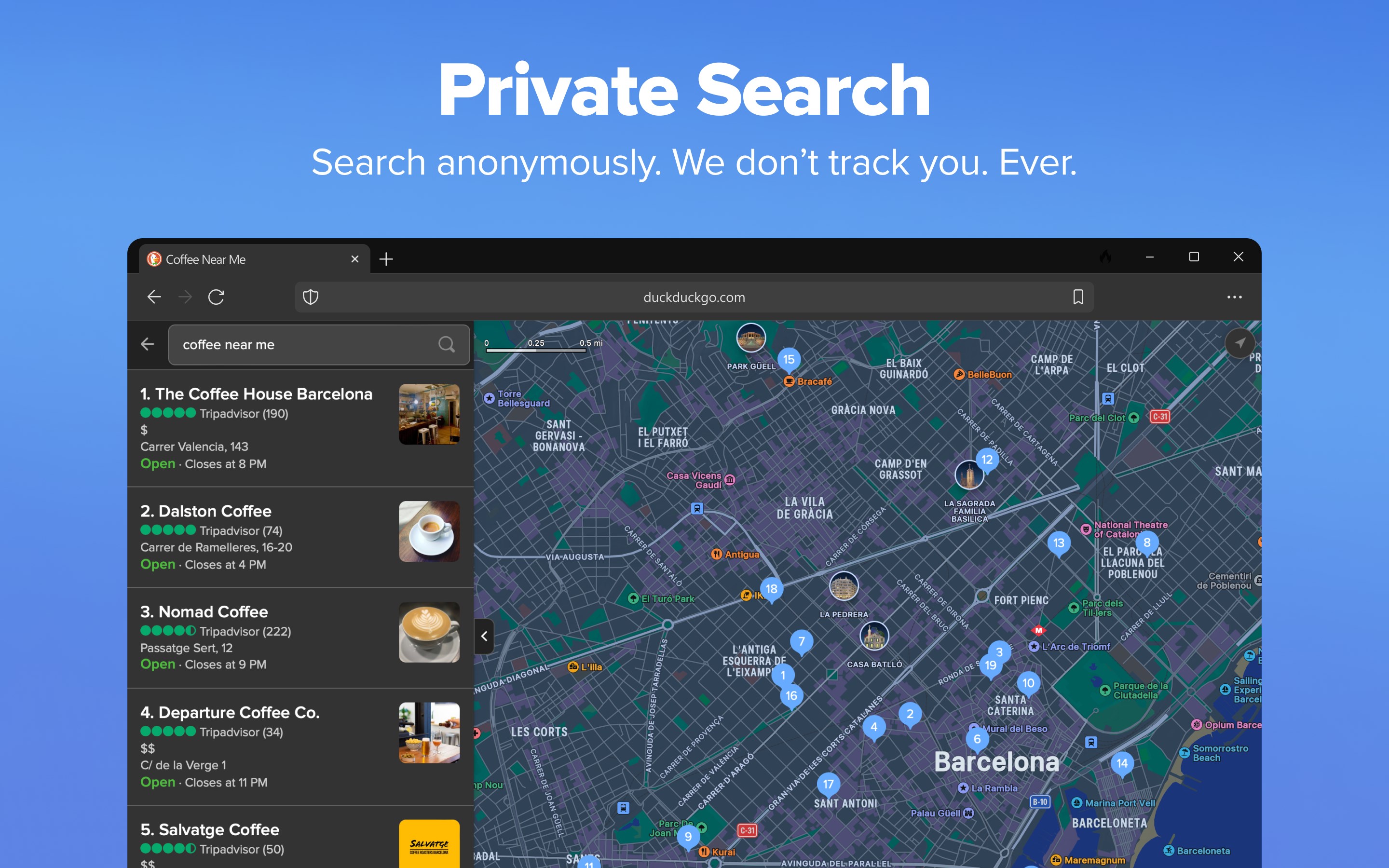
- Privacy-First Search Integration: Directly integrated with DuckDuckGo's search engine, ensuring all your searches are private and anonymous.
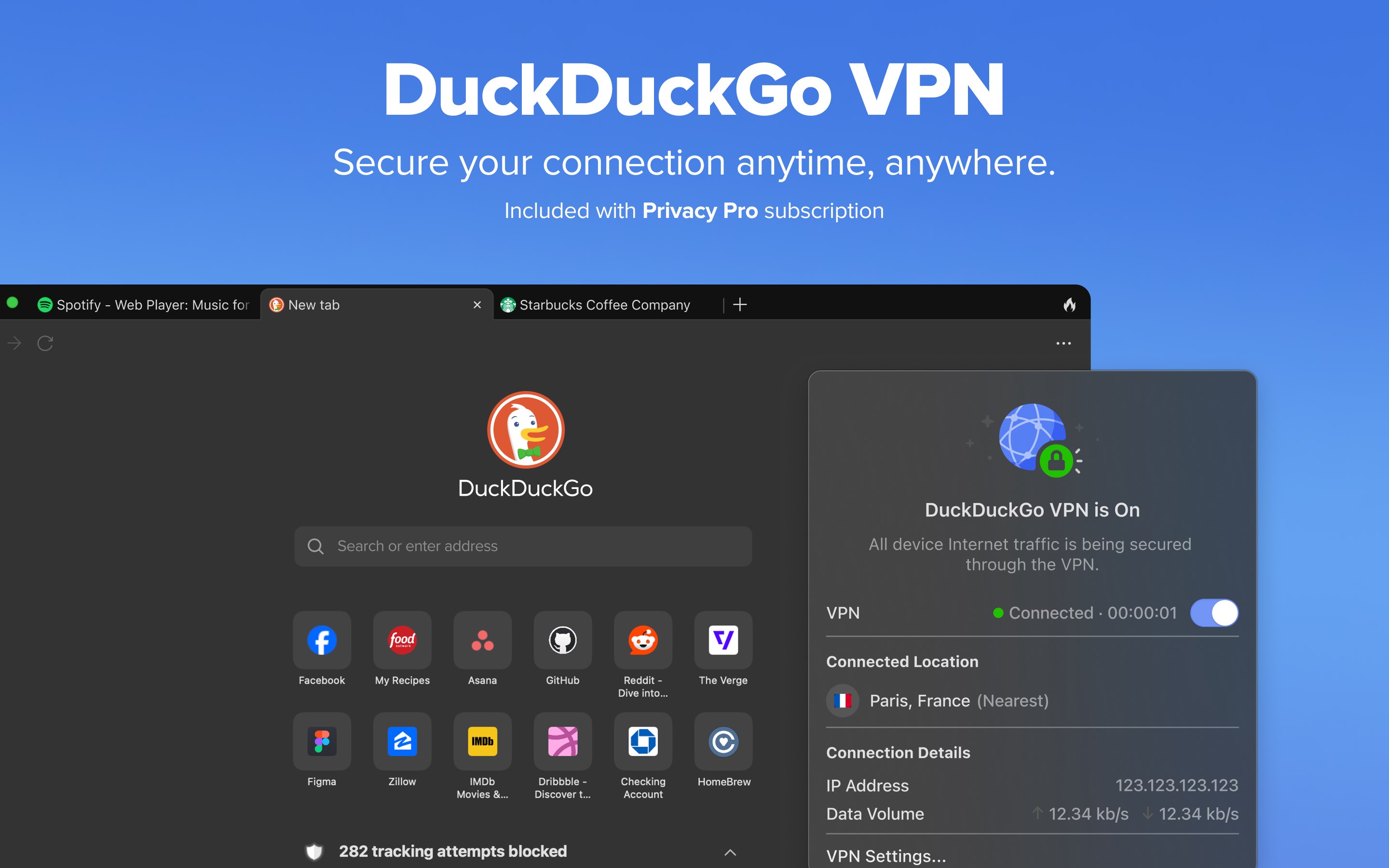
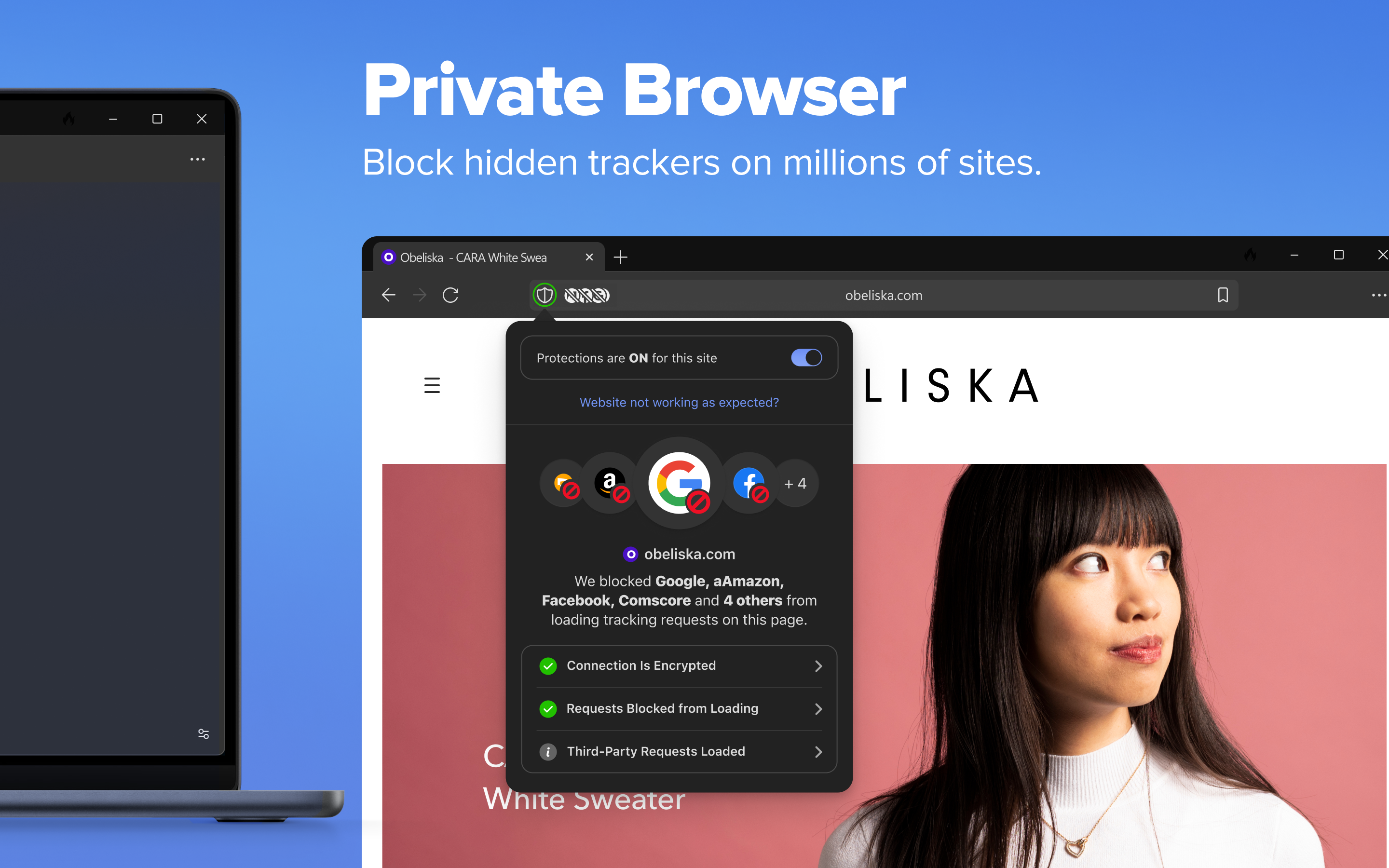
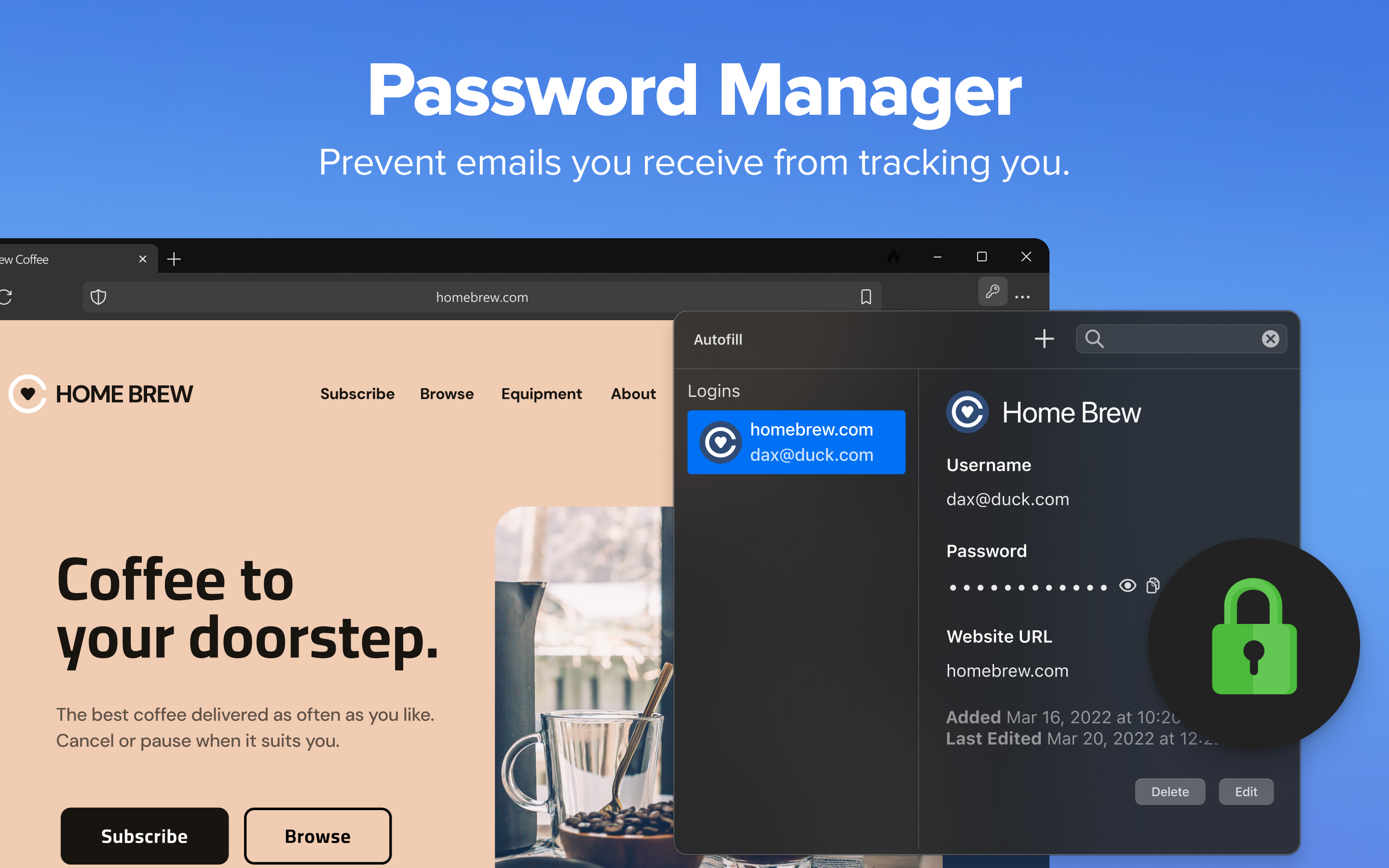
- Easy Access to Privacy Tools: Quick toggles and options to activate privacy protection features like tracker blocking and encryptions.
- Customizable Search Experience: Options to tweak search preferences, enabling users to personalize results without complex settings.
- Lightweight and Fast: The app is designed to be minimalistic, offering rapid performance without unnecessary bloat.
Targeted at privacy-conscious users, tech enthusiasts, and everyday internet navigators who prefer a straightforward tool to support their online activities while safeguarding their data.
A Closer Look: Elevating Your Search Workflow
A Peek into Its User-Friendly Interface
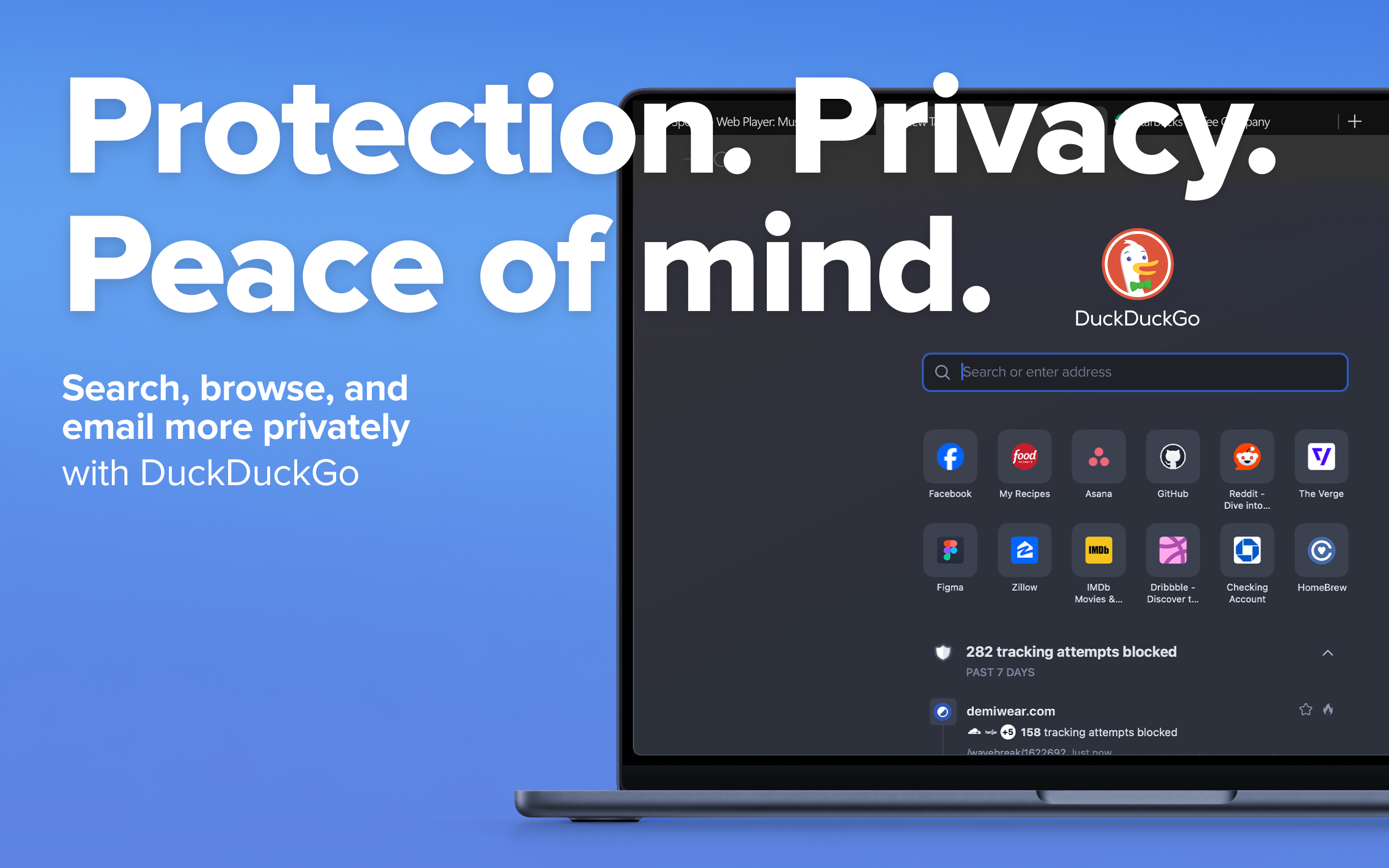
Imagine opening a window to the internet where the view is clear, unobstructed, and clutter-free—this describes the app's interface. With a clean, minimalistic design akin to a well-organized desk, the app makes it effortless to start searching immediately. The intuitive layout requires no steep learning curve; even first-time users find themselves navigating with ease. Clear icons, straightforward menus, and contextual tooltips serve as gentle guides, making privacy features readily accessible without being overwhelming.
Core Functionality that Boosts Efficiency
The app's standout feature is its seamless integration with DuckDuckGo's search engine, empowering users to perform private searches directly from their desktop without switching browsers or opening additional tabs. This reduces cognitive load—no more memorizing complex commands or managing multiple extensions, instead, you get quick, private access at your fingertips.
Another significant strength lies in its streamlined privacy controls—toggling between tracker blocking and encrypted search is just a click away. This instant access not only preserves your workflow speed but ensures you're in control without disrupting your browsing rhythm.
Moreover, the app's ability to remember preferred settings allows for a personalized experience, further reducing repetitive adjustments and letting you focus on what matters most—your search and exploration.
Performance, Experience, and Unique Value
The app's operation is remarkably smooth, with snappy responsiveness that feels like a trusted companion ready to assist at every step. The interface's simplicity ensures minimal distractions, which helps in maintaining focus and reducing mental fatigue—a stark contrast to feature-heavy browsers laden with clutter.
Compared to other productivity tools or search extensions, DuckDuckGo for Windows excels in reducing cognitive load—fewer bells and whistles mean you spend less time figuring out how to use the tool and more time achieving your objectives. Its core strength lies in balancing straightforward usability with privacy-enhancing features, making it ideal for those who value efficiency over complexity.
Final Verdict: A Solid Choice for Privacy-Aware Users
I'd recommend this app to anyone seeking a streamlined, privacy-conscious search solution on their Windows PC. It's especially beneficial for users who prefer a straightforward, no-fuss approach—think of it as having a private research assistant that's always ready but never intrusive. For those already using other privacy tools or looking to complement their existing workflow, DuckDuckGo for Windows offers a compelling, lightweight addition, ensuring your online searches remain discreet and hassle-free.
Pros
- User-friendly interface
- Fast and accurate search results
- Strong privacy protection
- Cross-platform compatibility
- Open-source elements for transparency
Cons
- Limited integration with other tools
- Occasional search result inaccuracies
- Minimal customization options
- Ads placement in search results
- Optional AI assistant feature isn't fully optimized yet











