

- Name Dropbox
- Category Productivity
- Available on PC
- OS Windows 10 version 19045.0 or higher
- languages Chinese (Simplified), Chinese (Traditional), Danish, Dutch, English (United States), French, German, Indonesian, Italian, Japanese, Korean, Malay, Norwegian (Bokmål), Polish, Portuguese (Brazil), Russian, Spanish, Spanish (Spain), Swedish, Thai, Ukrainian
Effortless File Synchronization and Cloud Management
Dropbox for Windows positions itself as a seamless bridge between your local device and the cloud, enabling effortless access, backup, and sharing of files that keeps your workflow smooth and your data secure. Developed by Dropbox Inc., a leader in cloud storage services, this application caters to individuals and teams eager to simplify their digital collaboration.
Core Features That Make Your Life Easier
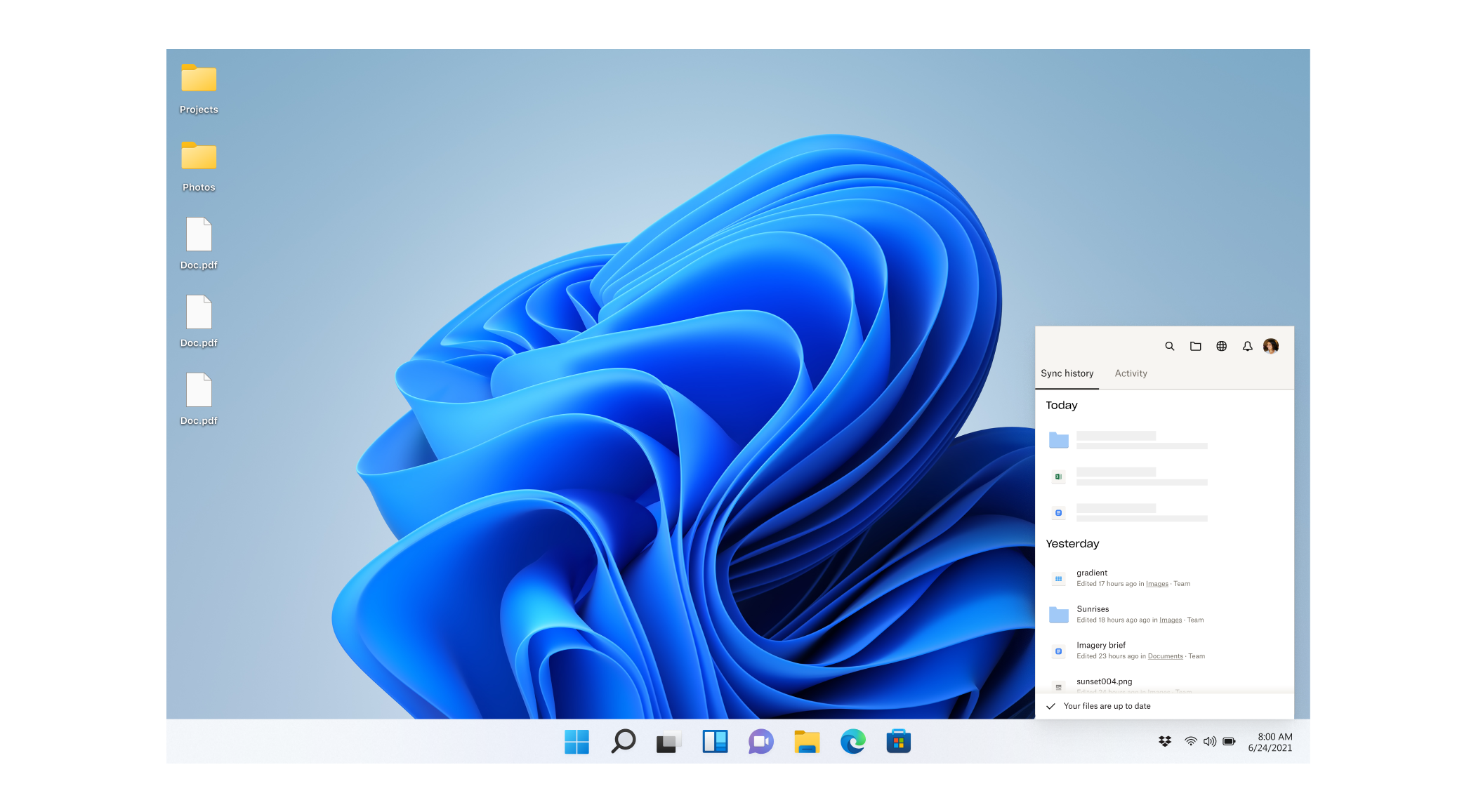
First, the standout feature is automatic file synchronization. Once installed, Dropbox monitors designated folders on your PC, ensuring all changes are instantly reflected across devices—imagine having your files updating themselves like magic, without lifting a finger.
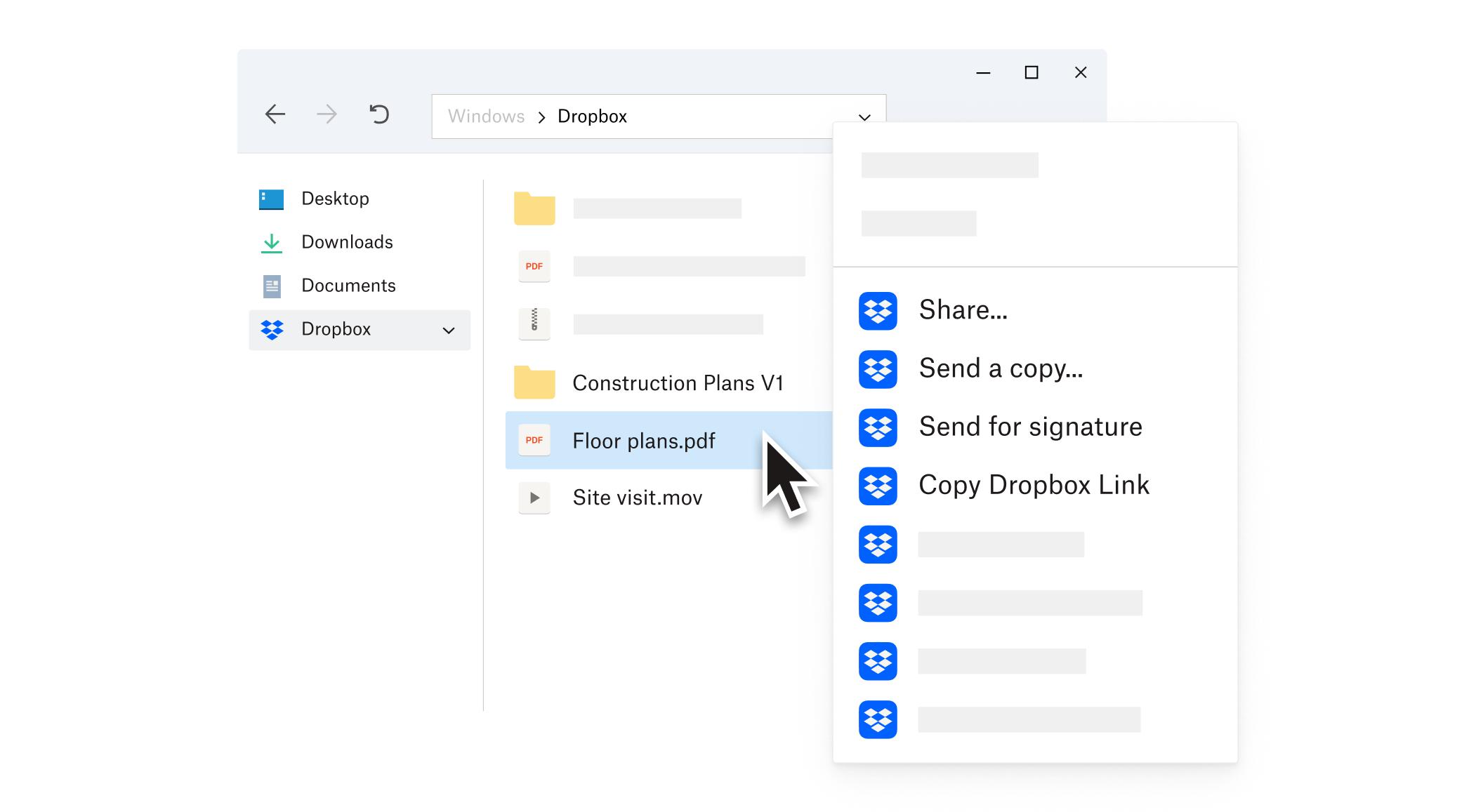
Second, seamless file sharing and collaboration tools stand out. Share folders or specific files with colleagues via links, set permission levels, and even comment directly within files—transforming your desktop into an extension of your collaborative workspace.
Third, offline access coupled with intuitive version history allows you to work without an internet connection, then sync changes once online, while also recovering earlier versions of files—an essential safeguard in today's fast-paced digital environment.
Smooth and User-Friendly Experience
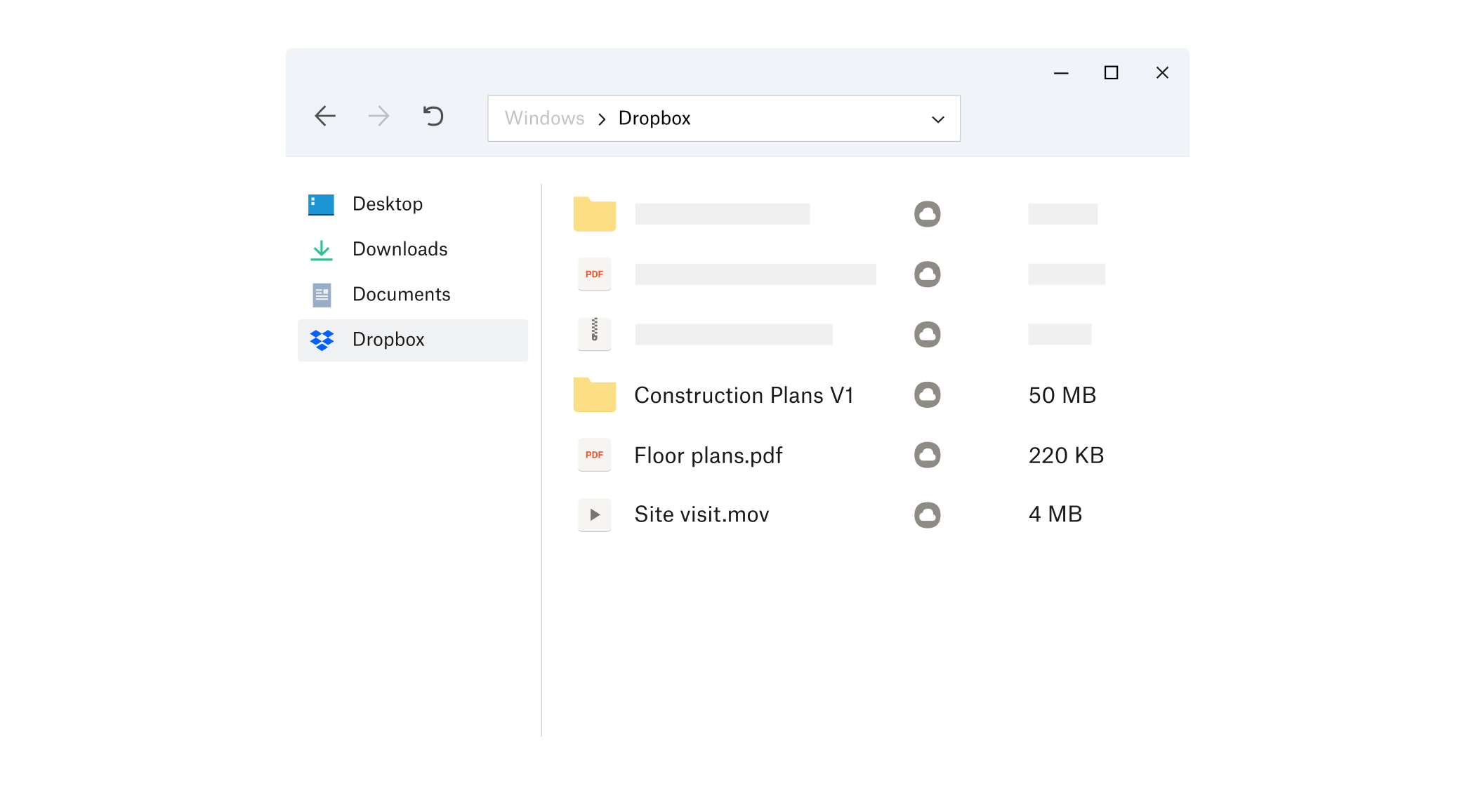
The interface design of Dropbox for Windows is clean and minimalistic, resembling a familiar folder structure that feels comfortable to any Windows user. Navigating through your files is intuitive, mimicking the native Explorer environment, which lowers the learning curve and makes onboarding straightforward.
Operation-wise, the app demonstrates high responsiveness; actions such as uploading, sharing, or syncing files happen swiftly, making it feel like a well-oiled machine. The app's background processes are streamlined efficiently, ensuring your system's resources are used judiciously without noticeable lag.
For new users, the initial learning curve is gentle—basic features are easily understood, yet the application offers advanced options for power users who want to fine-tune their file management workflows. This balance ensures both novices and seasoned professionals can benefit equally.
Unique Strengths in Workflow Integration and Cognitive Load Reduction
One of Dropbox's most impressive aspects is how it seamlessly integrates into various workflows, from simple personal storage to complex team collaborations. Unlike feature-heavy competitors that drown users in options, Dropbox emphasizes core functionalities that reduce cognitive overload. Its intelligent syncing minimizes the mental toggling between multiple tools—it's like having a reliable assistant rather than juggling several apps.
Furthermore, the app's focus on reducing workflow friction sets it apart. With features such as automatic file backup, quick sharing, and contextual links, users can stay focused on their tasks without being distracted by convoluted controls or unnecessary features. It's akin to having a well-organized desk—everything you need is within easy reach, and nothing blocks your path.
Should You Use Dropbox for Windows?
Overall, Dropbox for Windows is a solid choice for anyone seeking a dependable, simple-to-use cloud storage solution that integrates smoothly into daily workflows. Its standout synchronization capabilities and user-centered interface make it particularly suitable for professionals who prioritize reliability and ease of access. For users already embedded in the Dropbox ecosystem or those tired of cumbersome cloud apps, this client enhances productivity without additional fuss.
While it may lack some of the more elaborate collaborative features found in newer collaboration platforms, its core strengths in file management and workflow efficiency make it a recommended addition to any user's productivity toolkit. For best results, pair it with other productivity tools to create a cohesive digital environment.
Pros
- Deep Dropbox Integration
- Simple User Interface
- Automatic Backup
- Offline Access
- Collaboration Features
Cons
- Limited Free Storage
- Sync Speed Variability
- Occasional App Crashes
- Limited Offline Editing Features
- Requires Stable Internet Connection











