
- Name DOCX Editor for Windows
- Category Productivity
- Developer HUXSoft.com
- Available on PC, Mobile, Surface Hub, HoloLens
- OS Windows 10 version 17763.0 or higher
- languages English (United States)
An Efficient and Intuitive DOCX Editor for Windows
If you're seeking a straightforward yet powerful tool to manage and edit DOCX files seamlessly, the DOCX Editor for Windows by HUXSoft offers a compelling solution. Designed with simplicity and productivity in mind, this application aims to streamline your document workflow without the clutter of unnecessary features.
Development Team and Key Highlights
The app is developed and published by HUXSoft.com, a team dedicated to creating user-centric productivity tools. Their focus is on offering clean, efficient, and reliable software solutions for Windows users.
- Core Functionality Highlights:
- Fast and accurate DOCX file editing with minimal setup
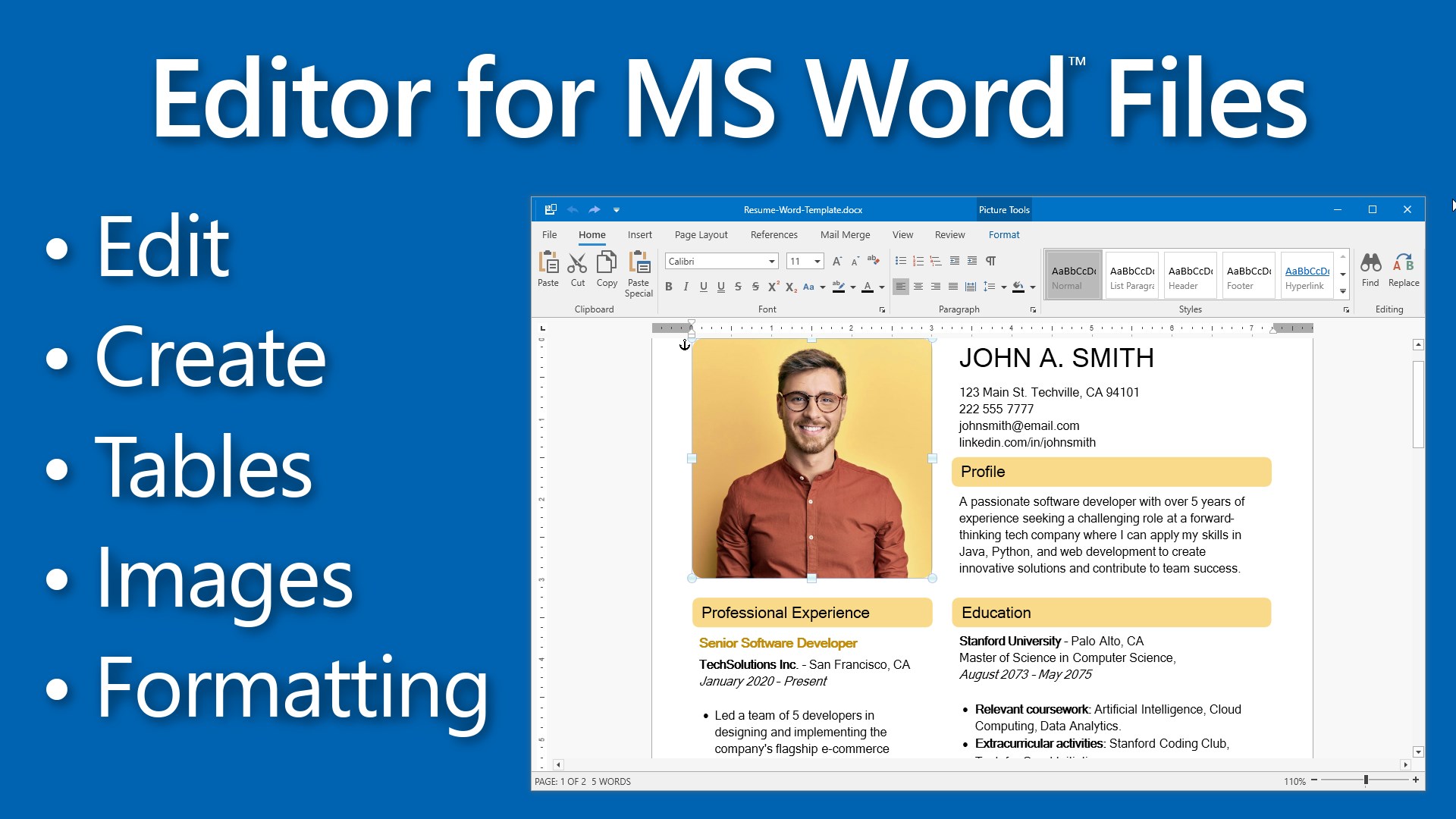
- Intuitive interface that mimics popular document editors for ease of use
- Seamless integration with Windows file explorer for efficient workflow
- Lightweight design that ensures quick startup and smooth operation
The target audience encompasses professionals, students, and casual users who need a reliable DOCX editing tool without the complexity of full-featured office suites.
Engaging Introduction: Turning Document Chaos into Simplicity
Imagine this: you're racing against a deadline, your desktop cluttered with multiple open programs, and your document sits stubbornly unedited. Enter the DOCX Editor for Windows—like a trusted assistant that's always at your side, ready to streamline your editing process with a few clicks. It's exactly what you need when efficiency and clarity are paramount, turning what could be a cumbersome task into a smooth, almost effortless experience.
Clean Interface Designed for Focused Productivity
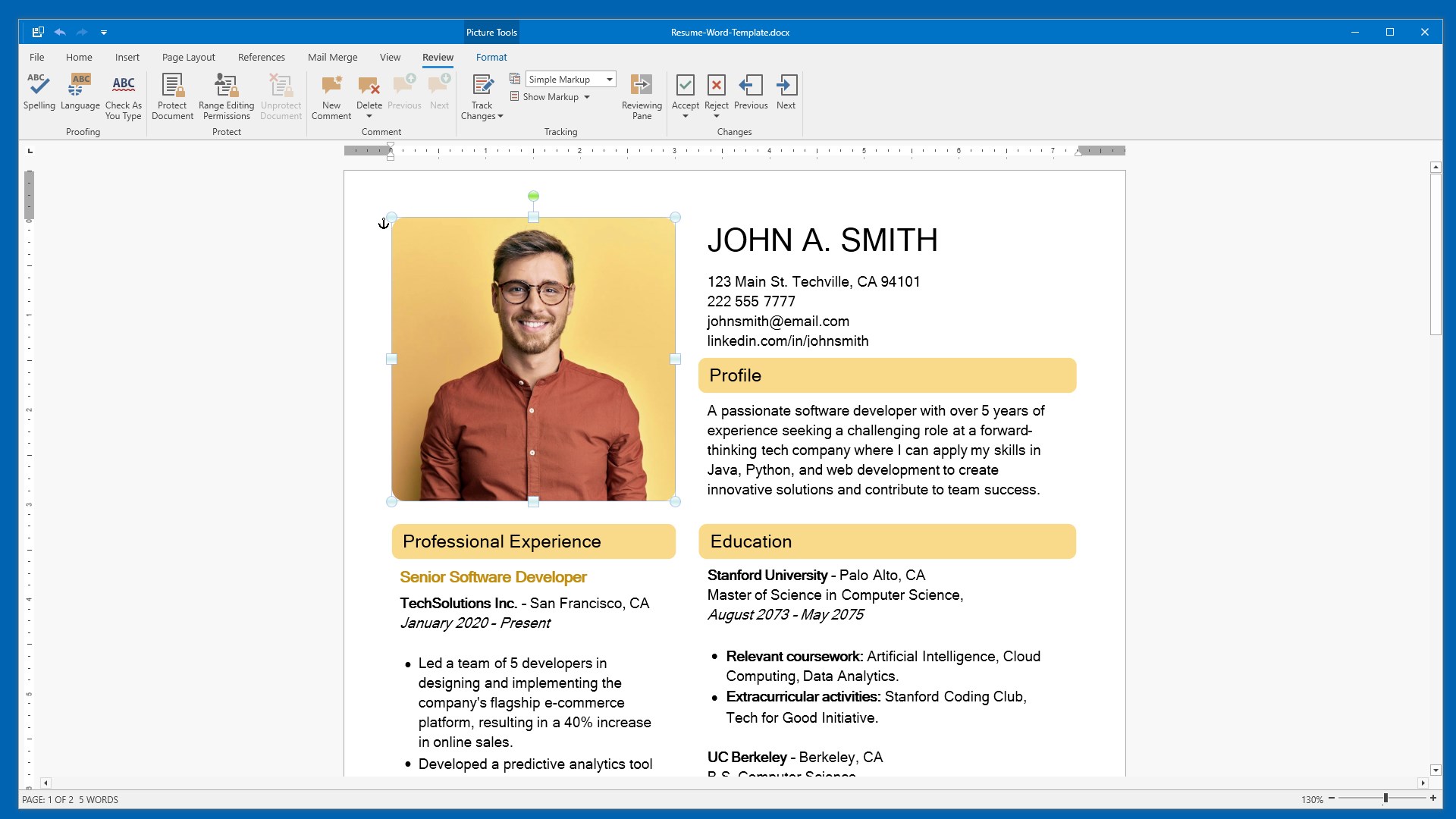
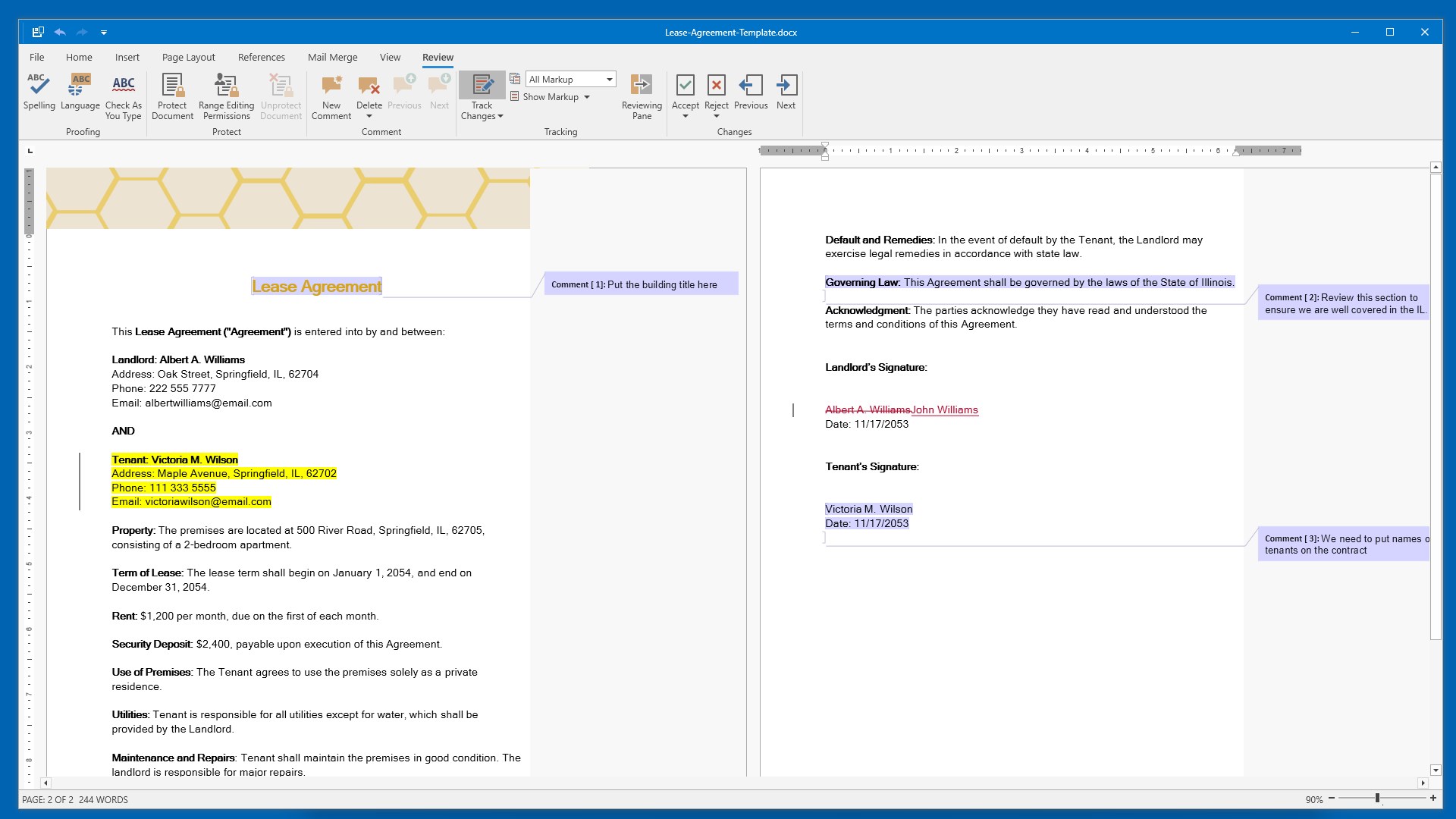
The first thing that strikes you about this app is its clean, minimalistic interface. It resembles familiar word processors but without the overwhelming ribbon of options. The layout is straightforward, giving you quick access to essential tools such as formatting, inserting images, or reviewing documents. This reduces cognitive load, allowing you to focus on your content rather than battle with menus. Navigation feels natural, like flipping through a well-organized folder—everything you need is right where you'd expect it.
Moreover, the app's responsive design ensures that switching between pages or editing modes feels fluid, making the editing process enjoyable rather than frustrating. Its lightweight footprint means you won't experience sluggishness or long loading times, even with larger documents.
Core Functionalities That Boost Workflow Efficiency
Seamless File Management and Editing
Unlike bulkier office suites, this editor shines by delivering rapid editing capabilities for DOCX files. Opening a document from Windows File Explorer is instant—thanks to its tight integration—meaning less time navigating menus and more time editing. The app preserves your document's formatting accurately while offering necessary tools like text styling, table insertion, and image embedding. For users familiar with standard word processors, the transition is smooth, akin to slipping into a favorite pair of shoes.
Focused User Experience with Reduced Learning Curve
The simplified interface eliminates the intimidation factor for new users, yet it packs enough features for everyday editing tasks. Think of it as a well-designed cockpit: intuitive controls, straightforward workflows, and minimal distractions. This design helps reduce cognitive load, enabling you to work efficiently without feeling overwhelmed by an overabundance of features. As such, even unseasoned users can become proficient quickly, making it ideal for both casual use and professional environments requiring quick edits.
What Sets It Apart: Workflow Integration and Feature Simplicity
One of the most distinctive strengths of this application is its focus on streamlining workflow integration. Unlike many feature-heavy editors that drown users in options, DOCX Editor for Windows emphasizes essential editing functions combined with tight integration into the Windows environment. It behaves like a natural extension of your system, enabling rapid file access and saves—think of it as having your documents stored in your pocket, ready to be edited anytime, anywhere.
This approach significantly reduces cognitive load compared to more complex platforms. Users aren't bogged down by features they rarely use, which often complicate workflows. Instead, this app offers a focused and efficient editing experience that minimizes distractions, helping you stay in your workflow zone.
Final Recommendation and Usage Suggestions
Overall, I recommend the DOCX Editor for Windows to anyone who values simplicity, speed, and integration over overwhelming feature sets. It's particularly suited for quick edits, note-taking, and light document management when you don't need the heavyweight features of full-scale office applications. For professional environments that require frequent, straightforward document edits without fuss, this tool can be a reliable companion.
If your workflow benefits from seamless Windows integration and minimal learning curve, give this app a try. While it might lack some advanced editing features found in larger suites, its core strengths lie in delivering core editing tasks efficiently and intuitively—making it a worthy addition to your productivity toolbox.
Pros
- Intuitive User Interface
- Rich Formatting Tools
- Fast Performance
- Cloud Integration Support
- Regular Updates and Support
Cons
- Limited Offline Functionality
- Occasional Formatting Glitches
- Export Options Are Simplified
- Learning Curve for Advanced Features
- Occasional Sync Delays











