
- Name Digital Planner - Creative Agenda & Organizer
- Category Productivity
- Available on PC, Mobile, Surface Hub, HoloLens
- OS Windows 10 version 19041.0 or higher
- languages Arabic, Chinese (Simplified), English, English (United States), French, German, Italian, Japanese, Korean , Portuguese (Brazil), Portuguese (Portugal), Spanish (Spain)
A Fresh Take on Digital Planning: An In-Depth Review of Creative Agenda & Organizer for Windows
If you've ever felt overwhelmed by a jumble of scattered notes, deadlines, and ideas cluttering your digital workspace, the Digital Planner - Creative Agenda & Organizer by Softwings LLC promises to be your new organizational ally. Designed to streamline your planning with an intuitive interface and thoughtful features, this app aims to turn chaos into clarity, all within a sleek Windows environment.
What Is This App All About?
Creative Agenda & Organizer is a dedicated digital planner that combines the flexibility of a traditional agenda with the power of modern organization tools. Its main mission is to help users create a personalized, efficient workflow suited to both professional tasks and personal projects.
Developer and Core Features
The app is developed by Softwings LLC, a team committed to enhancing productivity through well-crafted software. Its standout features include:
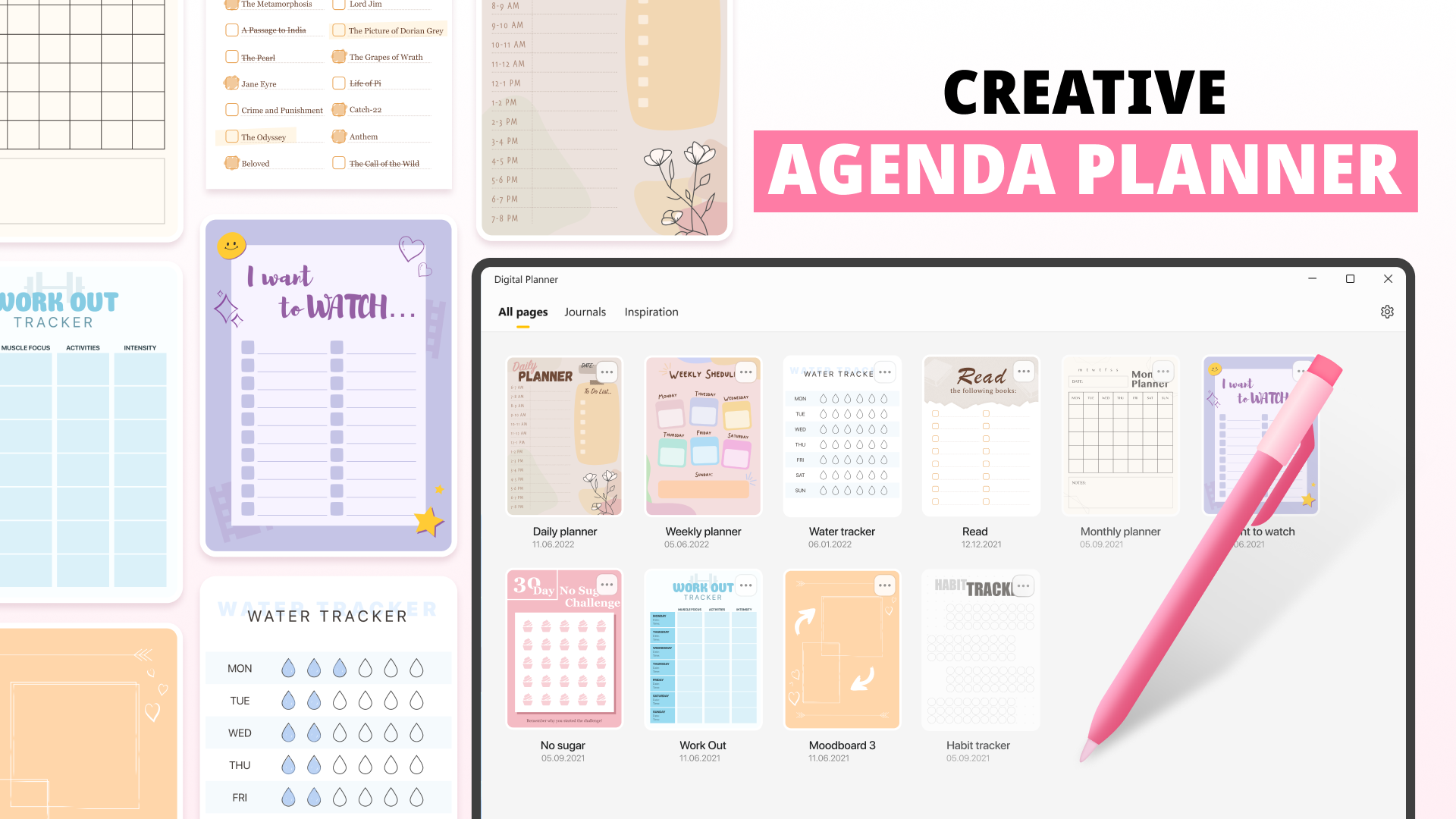
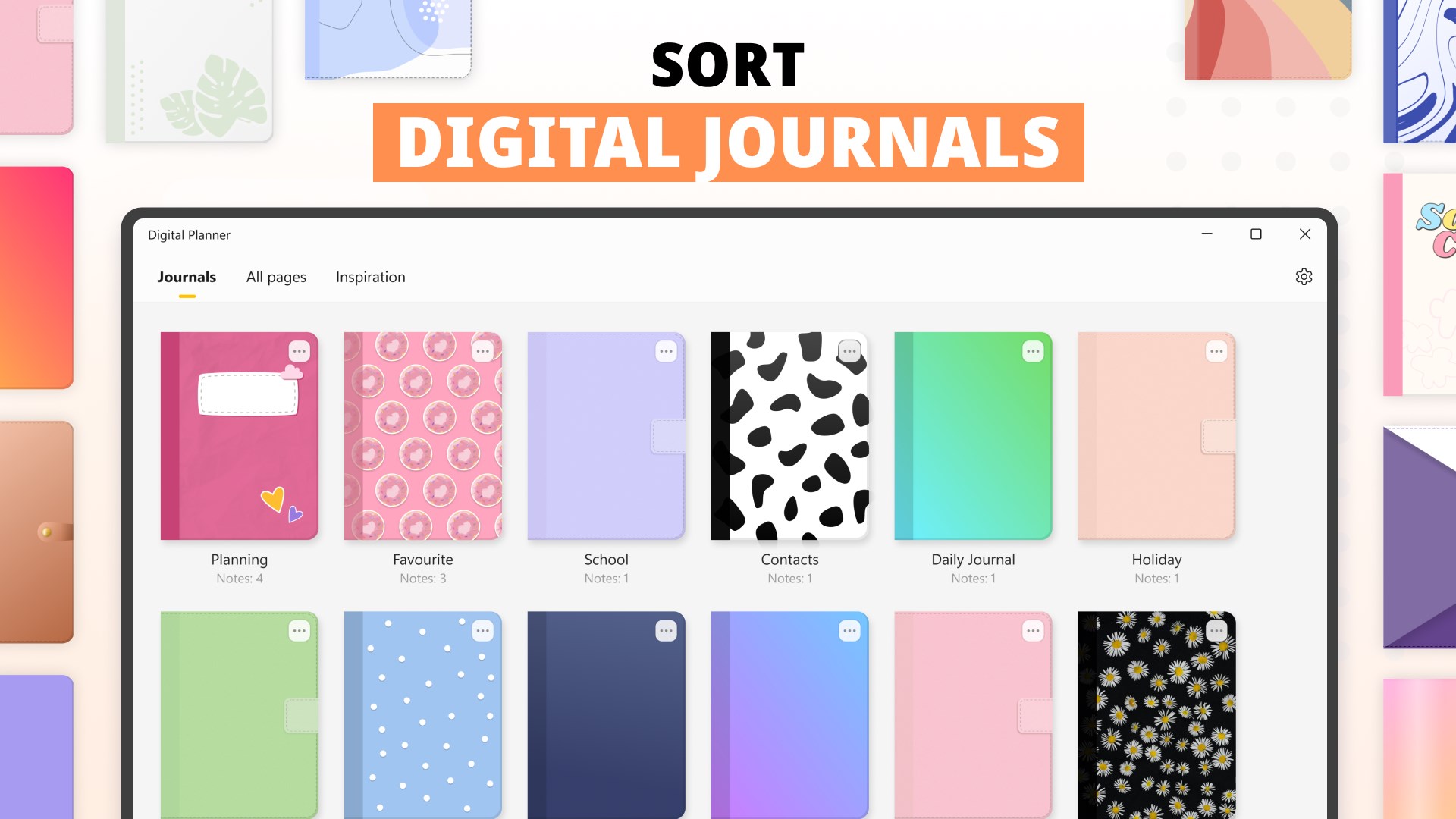
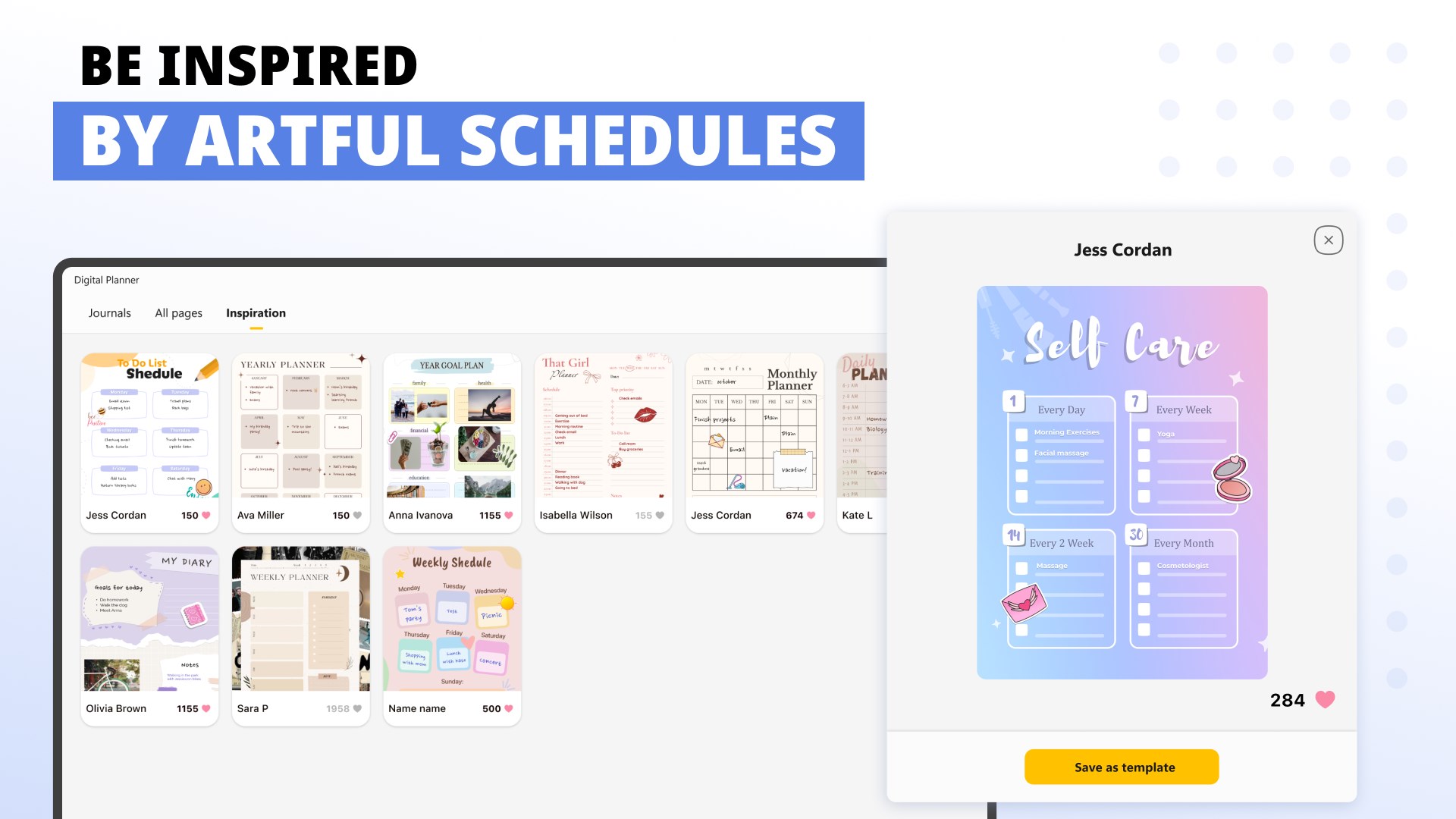
- Flexible Customization: Personalize your planner with templates, categories, and color schemes tailored to your style.
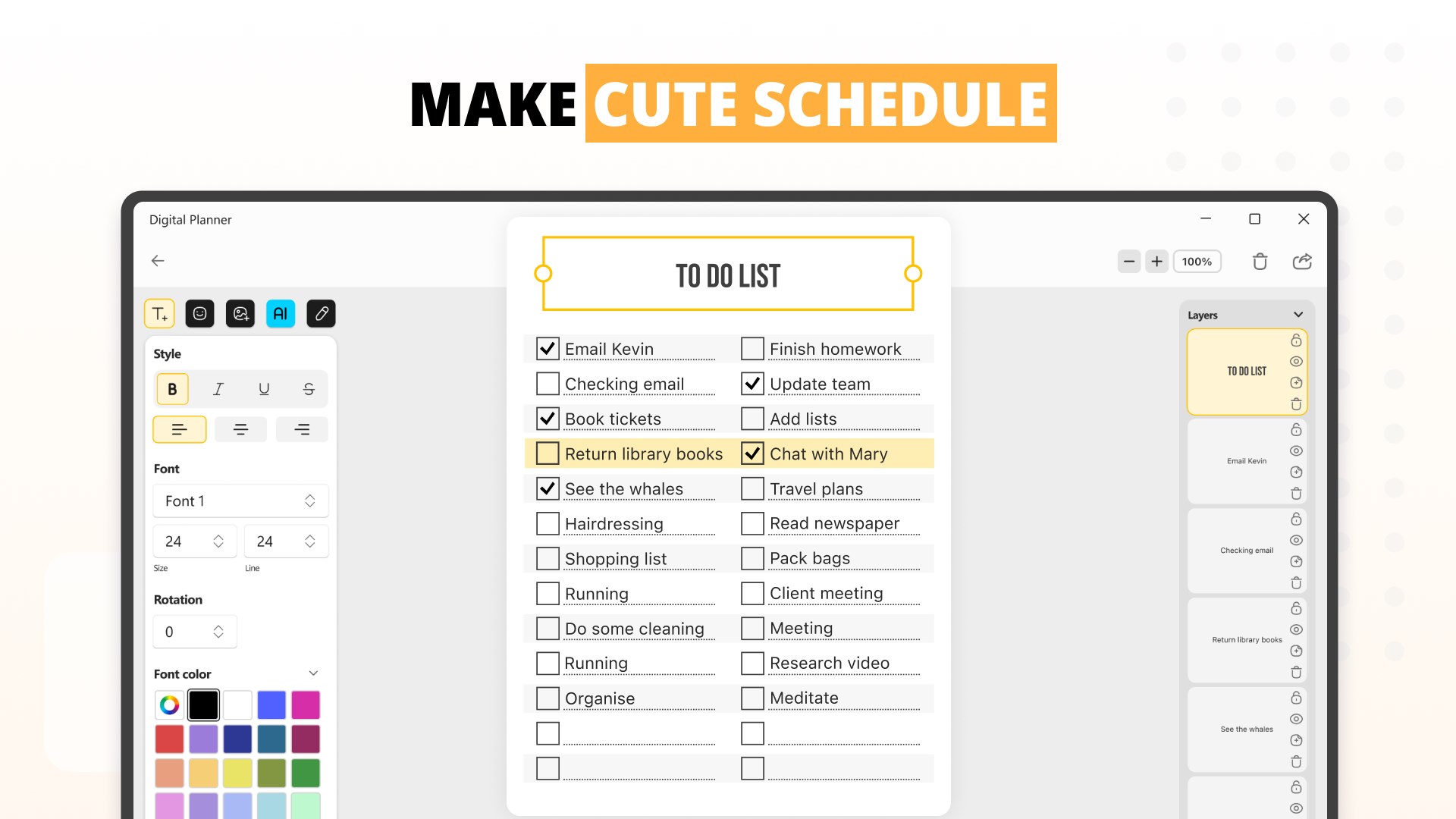
- Intuitive Calendar & Task Management: Seamlessly integrate events, to-dos, and notes in one unified workspace.
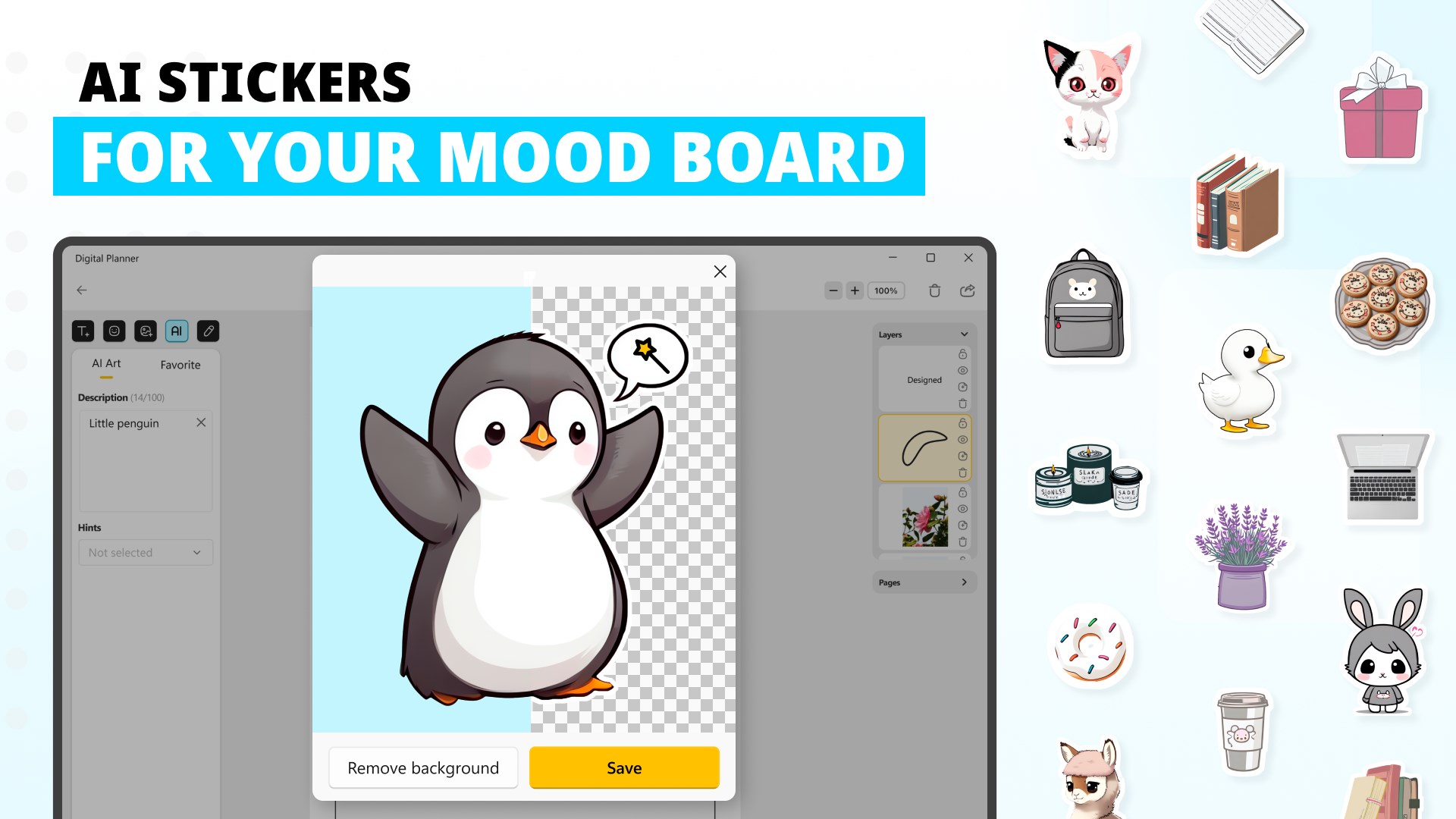
- Creative Workflow Tools: Use built-in brainstorming and doodling options to keep ideas flowing and visualized.
- Cross-Device Syncing & Exporting: Keep your information accessible across platforms and easily export for sharing or backup.
Designed with a target audience of students, professionals, freelancers, and creative individuals, this app caters to anyone seeking a versatile digital planner that adapts to various workflows.
Experience the Creative Agenda: A Deeper Dive
Stepping into the app feels like entering a tidy, well-organized creative studio—welcoming, clean, and ready for action. The learning curve is gentle, thanks to thoughtful onboarding and clear icons that guide your journey from scattershot ideas to structured plans.
Core Functionality: Organizing with Style and Substance
First, the calendar and task modules are the backbone of the app. Unlike traditional planners, this tool integrates scheduling and task management into a single view, reducing the cognitive load of switching between multiple apps. Visual cues like color coding and priority tags help you quickly grasp your workload at a glance. The interface stays uncluttered, making task entry and modification feel like flipping through a clean notebook rather than wrestling with a complex software.
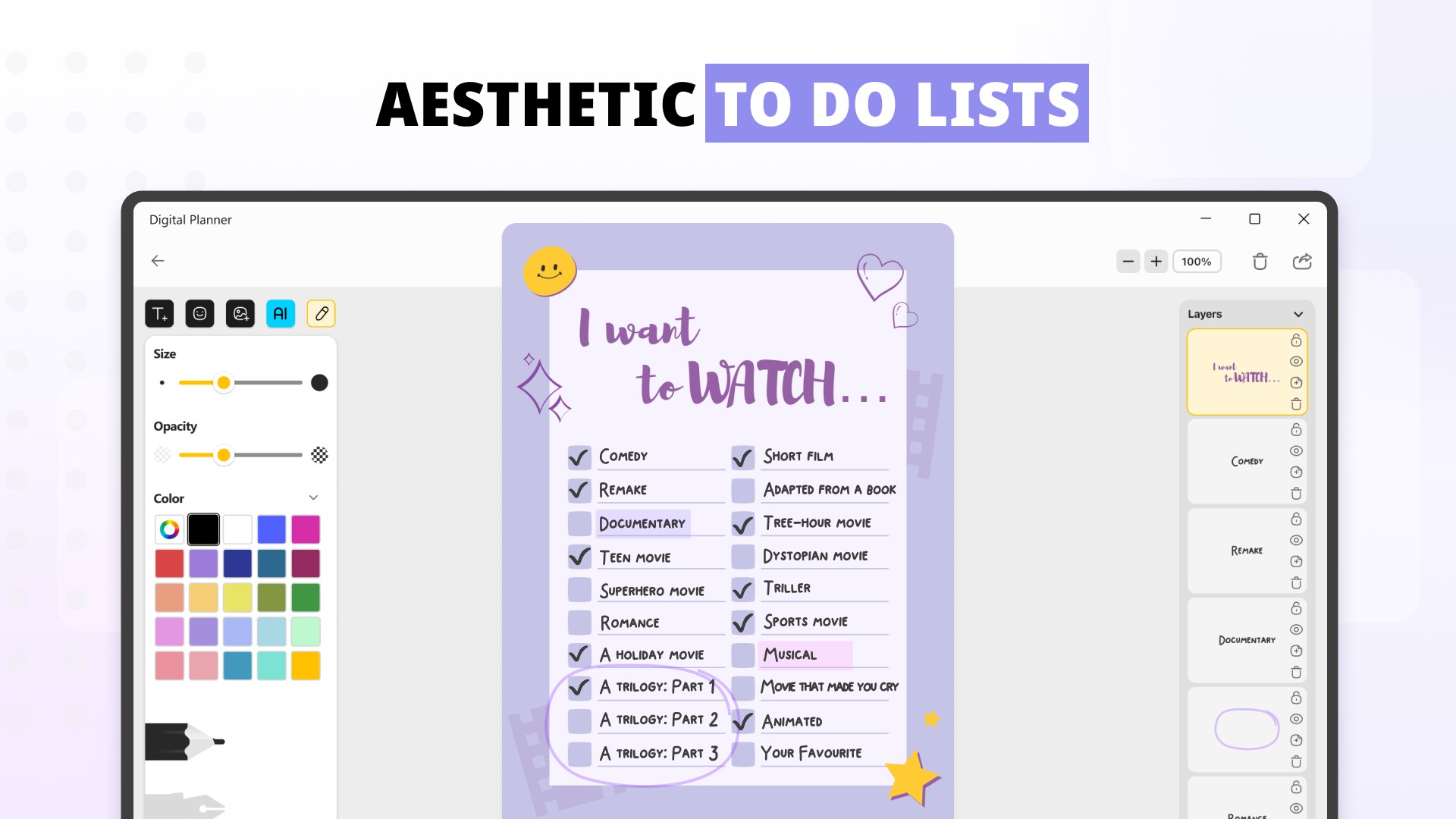
Second, the creative workspace sets this app apart. With integrated doodling, note-taking, and brainstorming features, it accommodates a user's need for visual thinking without requiring external tools. Imagine jotting down an idea and instantly transforming it into a mind map or a flowchart—it's just a few taps away. The fluidity of these tools aligns with real-world creative processes, fostering spontaneity without sacrificing organization.
Design, Ease of Use, and User Experience
The app's design strikes a balance between functional minimalism and creative flair. The interface employs soft pastel palettes and crisp icons, reducing eye strain and inviting frequent use. Navigation feels natural, with menus and options logically arranged—most tasks can be accomplished with minimal clicks. The app runs smoothly on Windows devices, with responsive interactions that are swift and lag-free. Beginners will appreciate the straightforward onboarding, while seasoned users can dive into deeper customization options.
What Makes It Stand Out from Similar Apps?
While many productivity tools focus on either comprehensive features or minimalism, Creative Agenda excels by emphasizing workflow efficiency and reducing cognitive load. Its integrated creative tools eliminate the need to juggle multiple apps, streamlining your planning process. The app's architecture reduces unnecessary complexity: instead of overwhelming users with dozens of options, it offers a clean core experience augmented with optional advanced features.
This focus on simplicity combined with strong customization allows users to adapt the app to their unique workflows, rather than forcing them into predefined templates. It's like having a customizable agile workspace that evolves with your needs—efficient, stress-free, and inspiring.
Recommendations and Usage Tips
I would recommend Creative Agenda & Organizer primarily to users who value a blend of visual creativity and structured planning—think artists, project managers, or students who prefer colorful, interactive workflows. For those overwhelmed by feature-heavy apps, this strikes a good balance by reducing unnecessary complexity, which helps keep mental bandwidth free for actual thinking rather than technical fiddling.
To get the most out of this app, start with customizing your templates and color schemes to match your personal aesthetic. Use the creative workspace freely to map out ideas visually, especially for projects that benefit from diagrams or sketches. The cross-device syncing ensures your improvements are always at hand, making it suitable for busy lifestyles on the go.
Final Verdict
Overall, Digital Planner - Creative Agenda & Organizer is a noteworthy addition to the Windows productivity landscape. Its most distinctive features—the unified workflow integration and the creative workspace—set it apart from more conventional calendar apps. While it may not replace heavy-duty task managers or comprehensive project tools, its focus on reducing complexity and fostering creative, organized thinking makes it a valuable companion for a broad audience.
Whether you're juggling multiple projects or simply seek a more inspiring way to plan your day, this app deserves a try. With its intuitive interface and thoughtfully designed features, it offers a tidy, efficient, and creative approach to digital planning that can genuinely enhance your workflow.
Pros
- Intuitive User Interface
- Extensive Customization Options
- Creative Tools Integration
- Cloud Syncing Capabilities
- Regular Updates and Support
Cons
- Limited Export Options
- Occasional Performance Lag
- Learning Curve for Advanced Features
- Limited Offline Functionality
- Initial Setup Complexity











