
- Name Digital Notebook — Smart Pencil Notes & PDF editor
- Category Productivity
- Available on PC, Surface Hub
- OS Windows 10 version 19041.0 or higher
- languages Chinese (Simplified), English, English (United States), French, German, Italian, Japanese, Portuguese, Portuguese (Brazil)
Introducing Digital Notebook — Smart Pencil Notes & PDF Editor for Windows
Imagine having a virtual dossier where your handwritten notes seamlessly transform into organized, editable PDFs—all integrated beautifully within your workflow. That's exactly what Digital Notebook offers: a smart solution that bridges handwritten notes and digital editing, designed to boost productivity for students, professionals, and creatives alike.
About the Developer
Developed by Appsprings LLP, a company known for creating intuitive and user-focused productivity tools, Digital Notebook exemplifies their commitment to enhancing digital note-taking and document management experiences.
Key Features That Stand Out
- Real-time Handwritten to Text Translation: Effortlessly convert your handwritten notes into editable, searchable text, saving time on transcription.
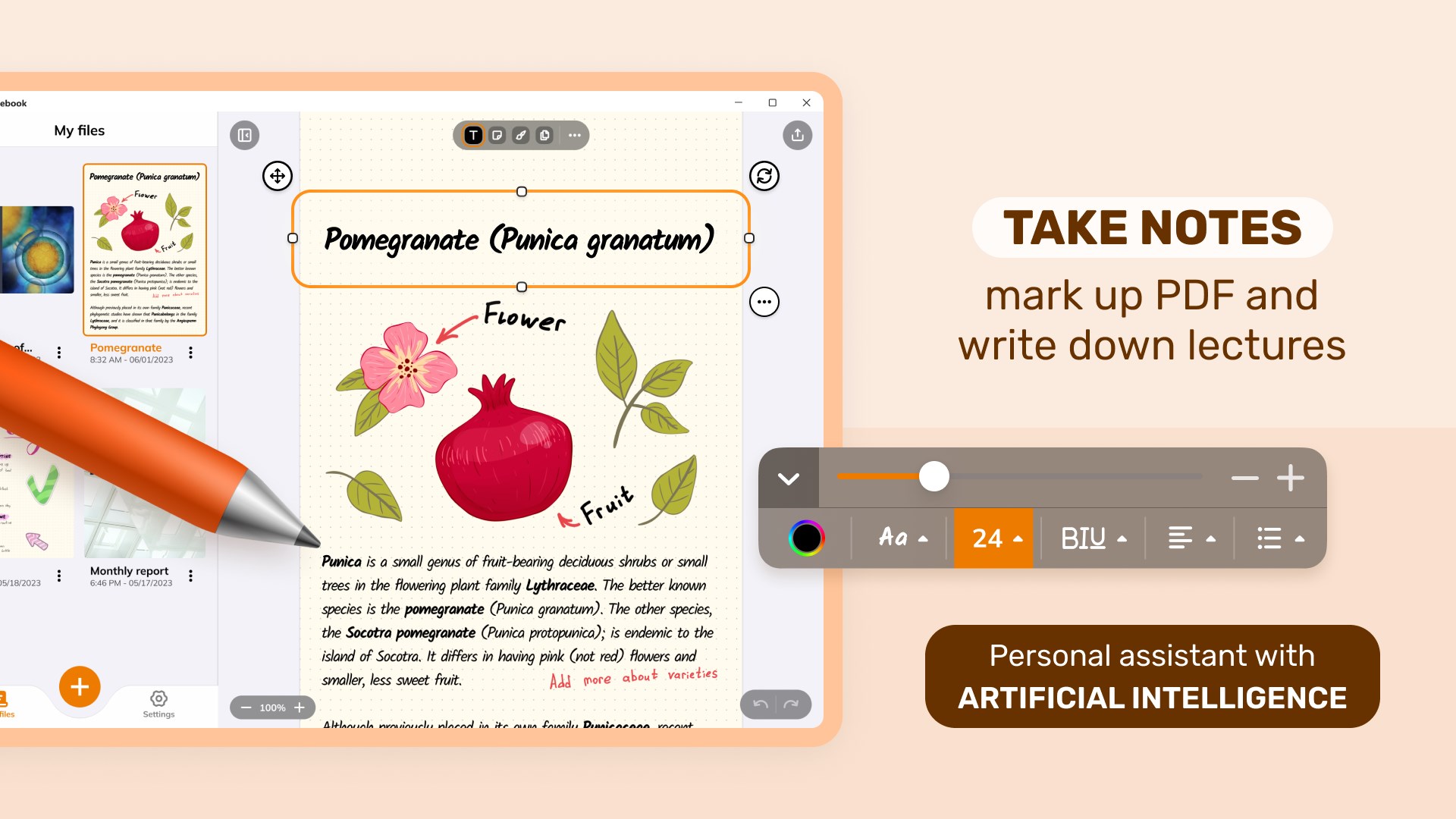
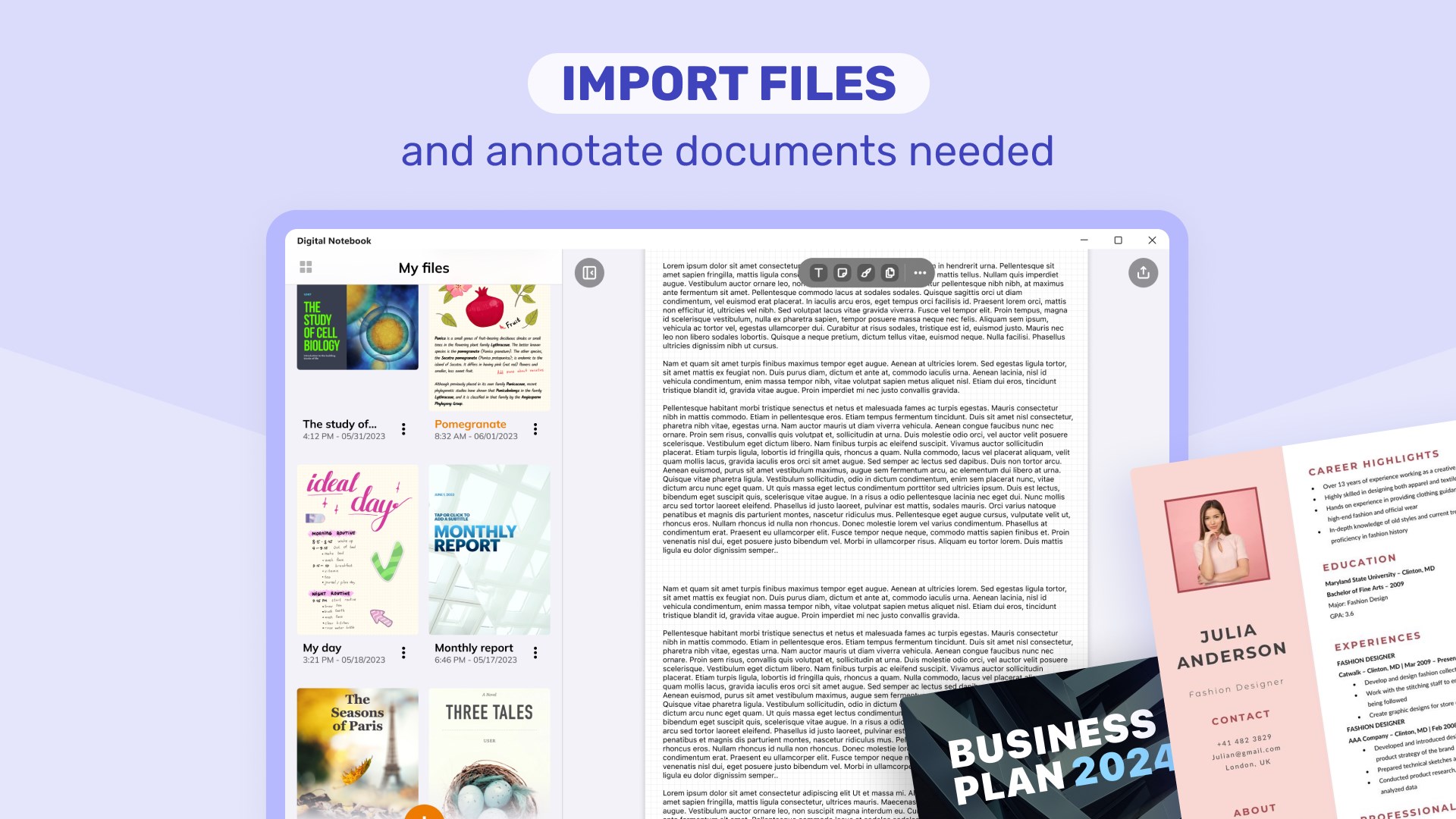
- Integrated PDF Editing: Annotate, highlight, and organize your PDF documents directly within the app, seamlessly blending note-taking with document management.
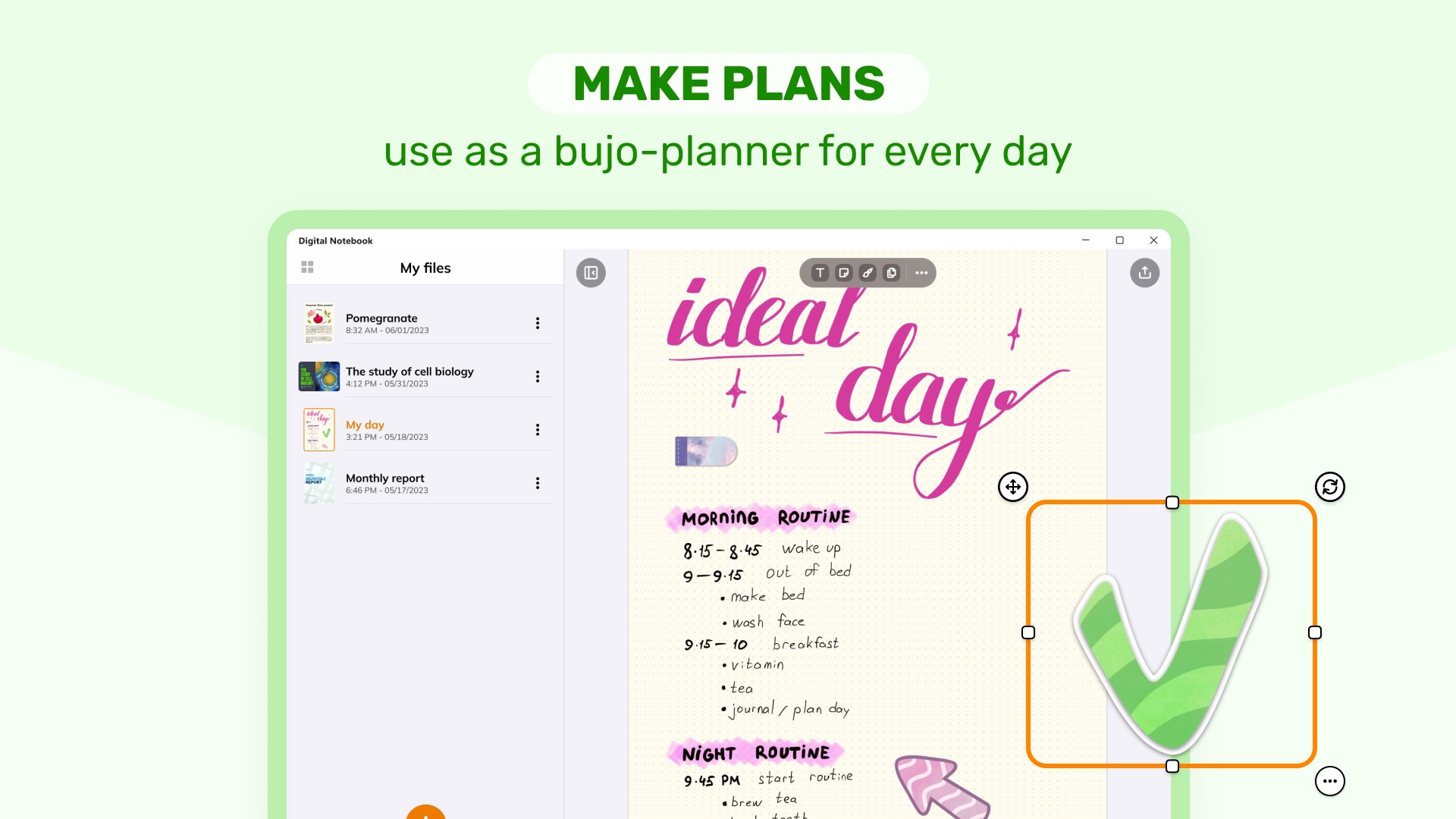
- Smart Workflow Integration: Sync notes across devices and integrate with other work environments, streamlining your daily productivity.
- Intuitive Pen & Writing Tools: Customizable pens, colors, and eraser tools that mimic real-world writing for a natural feel.
Targeted at students, professionals, educators, and anyone who works heavily with notes and documents, this app is designed to cater to a broad spectrum of users looking for an all-in-one digital notebook solution.
A Vibrant Dive into Digital Note-Taking and PDF Editing
Imagine sitting in a cozy café, jotting down ideas with a stylus on a digital pad, only to have those notes instantly tidy and editable at your fingertips. Digital Notebook transforms this scene into reality—serving as your digital companion that keeps your thoughts flowing smoothly without the chaos of switching between different apps or tools. This isn't just a simple note-taking app; it's more like having a smart, flexible workspace right on your desktop.
Powerful OCR and Text Conversion
One of the app's shining features is its real-time handwriting recognition, powered by robust OCR technology. As you write with your stylus or pen, the app transcribes your handwritten notes into digital text immediately. This process reduces the cognitive load—saving you from re-typing or worrying about losing important information, which can often be a pain point with traditional note apps. For students and professionals juggling notebooks and digital files, this feature simplifies workflow and ensures your notes are always accessible and searchable. The clarity and speed of this conversion set it apart from many competitors that often struggle with accuracy or slow processing.
Seamless PDF Annotation & Editing
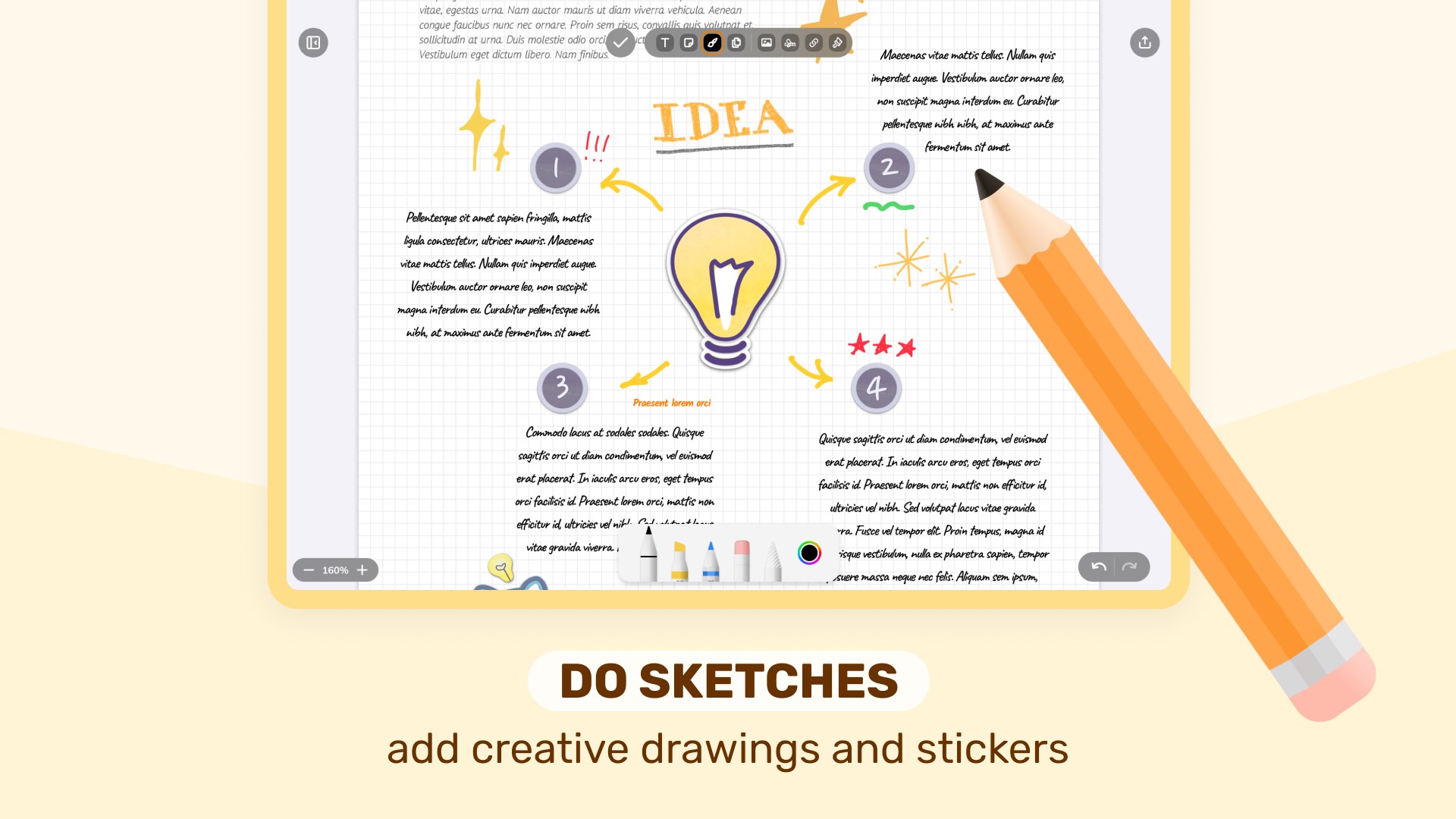
Another highlight is the app's comprehensive PDF editing suite. Picture having your annotated materials—highlighted passages, handwritten comments, or sketches—integrated into a single document that can be easily organized or shared. The smoothness of annotations, combined with a clutter-free interface, makes editing an enjoyable task rather than a chore. The interface feels familiar yet refined, much like using a high-quality physical notebook, but with digital flexibility that transforms how you handle PDFs and notes.
User Experience: Design, Flow, and Learning Curve
The app's interface is clean, intuitive, and designed for minimal distraction—think of it as a well-organized workspace where every tool has its place. Navigating between notebooks, converting handwriting, and editing PDFs is straightforward; even first-time users can adopt the core functions within minutes. The writing experience mimics real pen and paper, with smooth strokes and responsiveness that cater to both casual scribblers and precision-oriented users. Overall, the learning curve is gentle, making it accessible to a wide audience, from tech-savvy professionals to casual users seeking better organization tools.
What Makes It Unique and Why It Excels
Compared to other productivity apps, Digital Notebook's standout feature is how it integrates handwriting recognition with PDF editing within a single platform designed for workflow efficiency. It reduces the need to switch between multiple apps—your notes are instantly translatable, and your PDFs are instantaneously annotated—minimizing cognitive overload and streamlining your tasks. While many apps boast similar features, few manage to combine them so seamlessly without sacrificing speed or usability. This balance of simplicity and power highlights its unique advantage: prioritizing workflow integration over feature bloat.
Final Recommendation and Usage Suggestions
If you're someone who values organized, efficient, and flexible note management with minimal learning hassle, Digital Notebook is highly recommended. Its intelligent handwriting recognition and integrated PDF editing make it a compelling choice for students, researchers, and busy professionals alike. For best results, leverage the stylus support to mimic real-world writing, and explore the syncing features to keep your notes accessible across devices. While it may not replace specialized OCR or PDF tools for heavy-duty professional use, it excels as an all-in-one solution to elevate your note-taking and documentation workflow.
In conclusion, Digital Notebook stands out as a thoughtful, user-centric application that simplifies the bridge between analog and digital—making it more than just a note app; it's your smart workspace in a click.
Pros
- Intuitive handwriting recognition
- Rich PDF editing features
- Customizable digital notebook interface
- Seamless integration with Microsoft ecosystem
- Supports stylus input for natural writing experience
Cons
- Limited template variety
- Occasional lag during intensive editing
- PDF annotation tools could be more robust
- Syncing may sometimes be slow or fail unexpectedly
- Learning curve for new users











