
- Name DeskFX Audio Enhancer and Equalizer Plus
- Category Multimedia design
- Developer NCH Software
- Available on PC
- OS Windows 10 version 0.0 or higher
- Keyboard Integrated Keyboard
- Mouse Integrated Mouse
- languages English
An In-Depth Look at DeskFX Audio Enhancer and Equalizer Plus for Windows
If you've ever wished your computer's audio could sound richer, deeper, and more nuanced—as if upgrading your speakers without actually changing them—DeskFX Audio Enhancer and Equalizer Plus might just be your new best friend. Designed to provide a comprehensive audio tweaking experience, this app promises to elevate your listening, whether for music, movies, or podcasts, all within a user-friendly interface.
What is DeskFX Audio Enhancer and Equalizer Plus?
At its core, DeskFX is a professional-grade audio processing tool crafted by NCH Software, a reputable developer known for their diverse range of audio and utility applications. It aims to give users precise control over sound output through advanced equalization and audio effects. The app's primary vision is to transform your ordinary audio experience into something more immersive and tailored to your preferences.
- Primary Features: Advanced equalizer with multiple presets, real-time sound effects, and customizable audio filters.
- Developer & Publisher: NCH Software, a company with decades of experience in audio and multimedia utilities.
- Target Users: Audiophiles seeking to fine-tune their listening, content creators needing optimized sound, and general users looking for an enhanced audio experience on Windows.
Vivid Soundscapes at Your Fingertips
Imagine turning your humble laptop speakers into a concert hall or your basic headset into a professional studio monitor—DeskFX promises just that. As someone who enjoys both casual listening and a hint of audio engineering curiosity, I found this app surprisingly versatile. Its interface feels like a familiar dashboard, inviting newcomers with intuitive controls but also offering enough depth for audiophiles eager to experiment. Think of it as your personal sound chef, seasoning your audio with just the right flavor.
Powerful Equalizer & Preset Magic
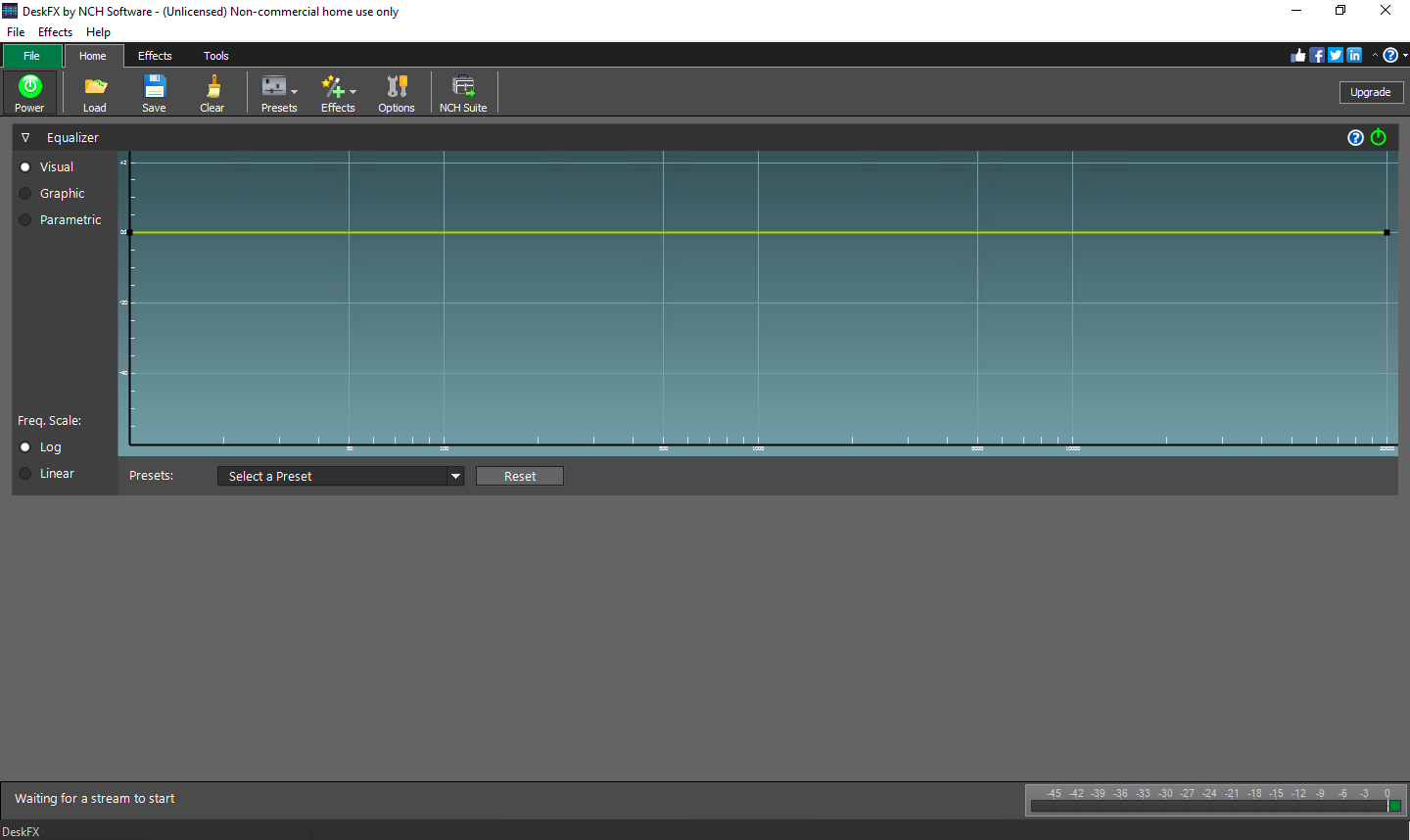
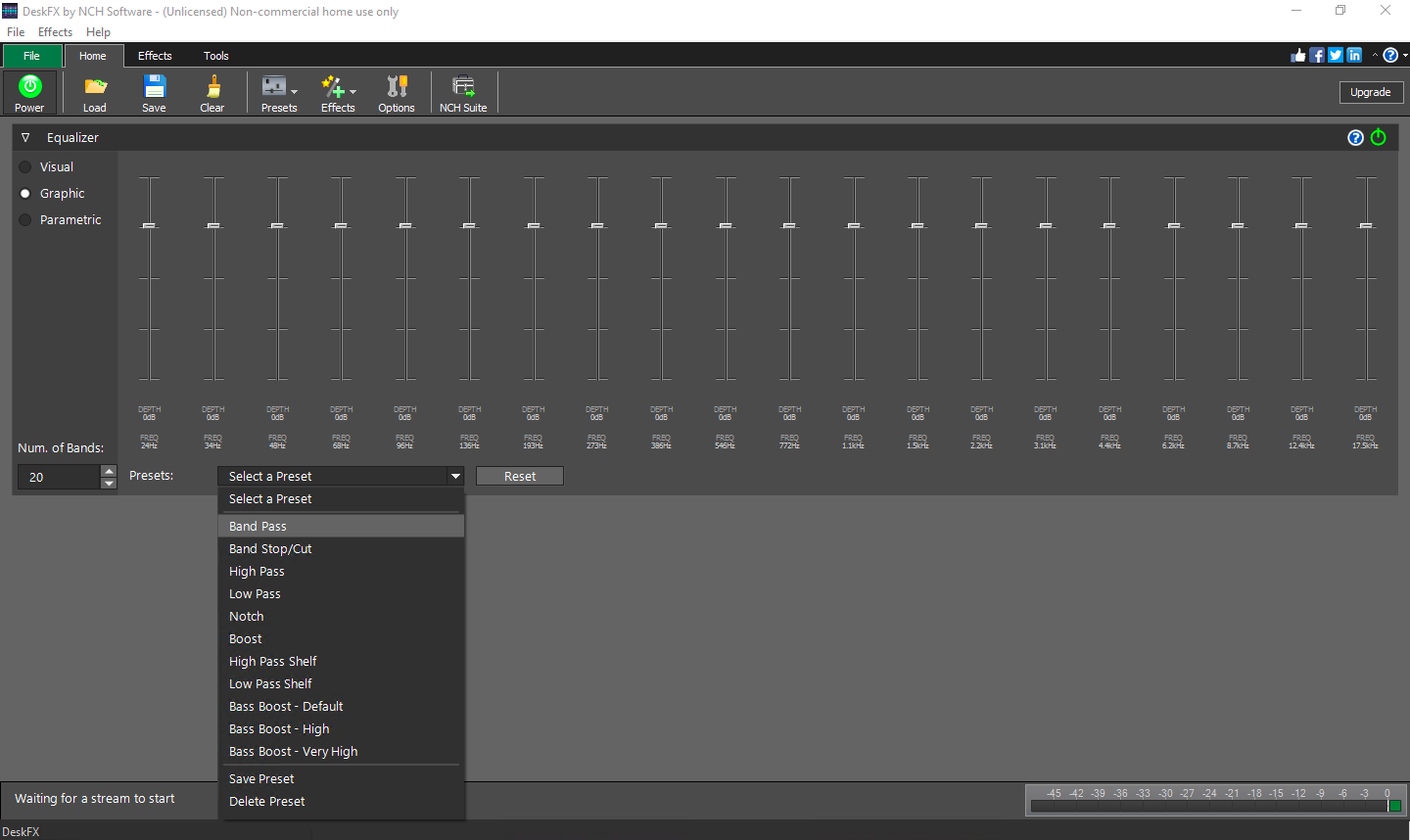
The heart of DeskFX lies in its sophisticated equalizer, which boasts multiple bands for fine-tuning audio frequencies. Whether you want more bass punch or clearer vocals, you can tweak to perfection or select from a broad array of presets optimized for different genres and environments. What sets it apart is its real-time adjustment capability, allowing you to instantly hear changes—it's like having a DJ mixer for your own audio universe.
Real-Time Effects & Custom Filters
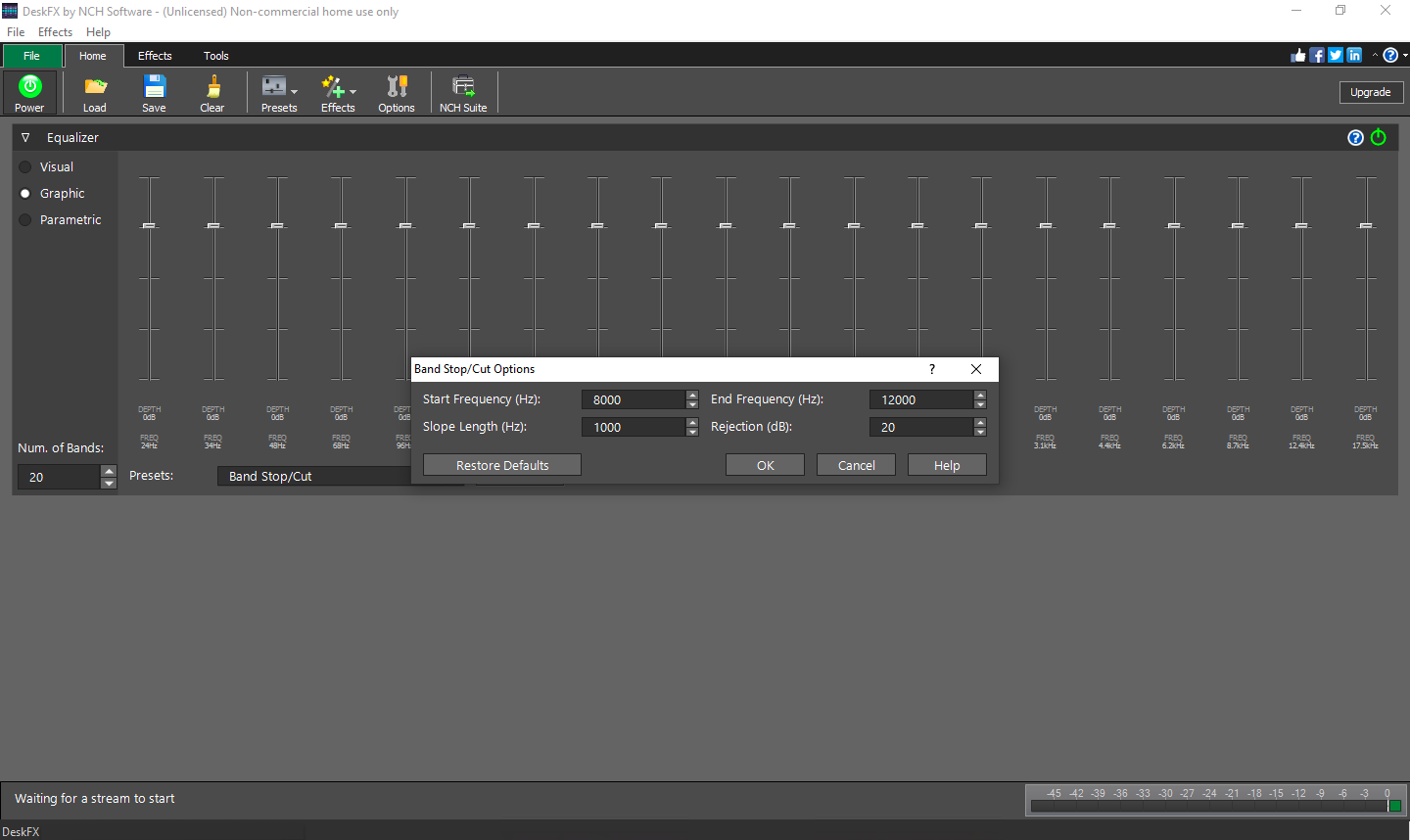
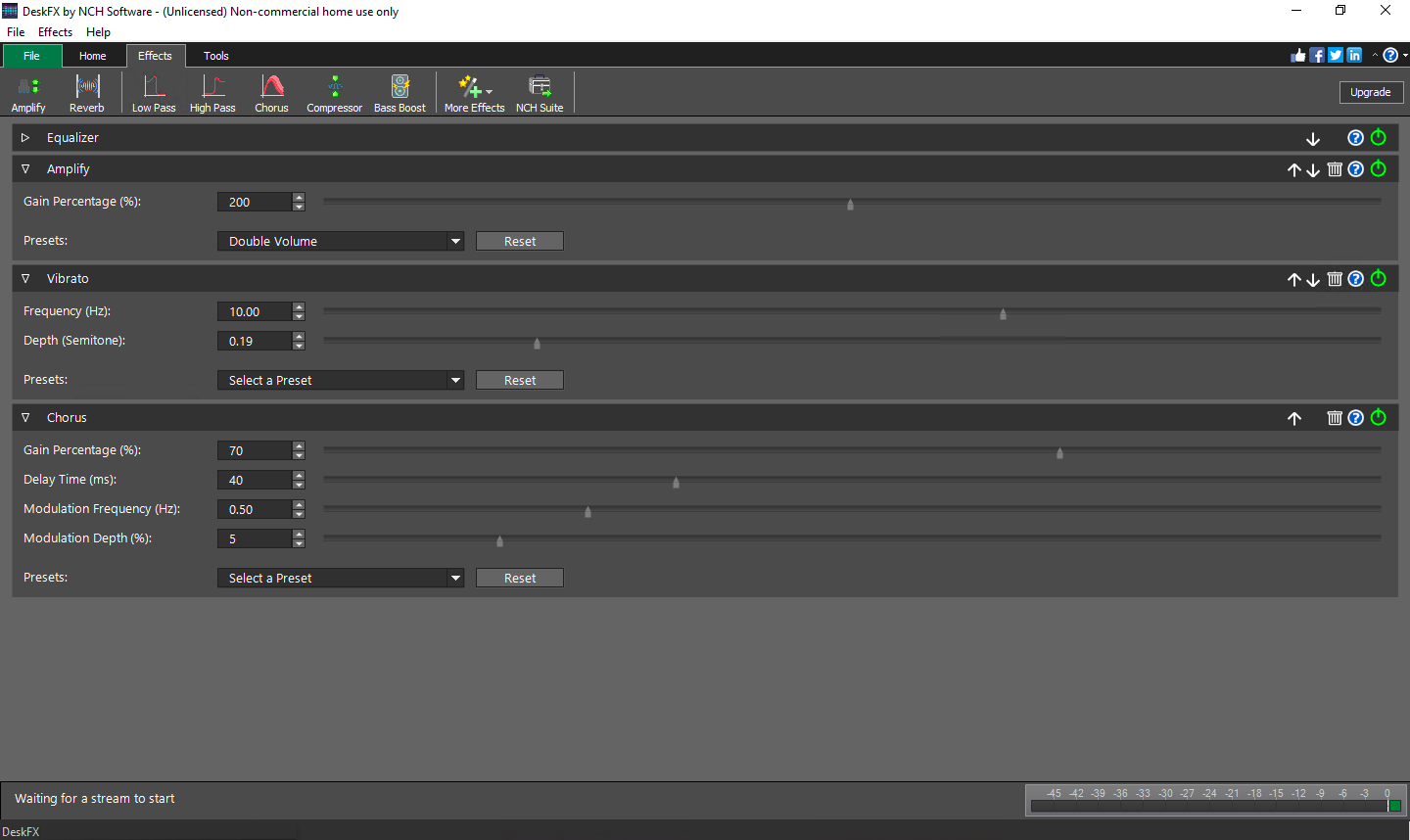
Beyond equalization, DeskFX offers a suite of effects—such as reverb, echo, and voice modulation—that can be layered over your audio. These are especially fun for creating unique soundscapes or for improving voice clarity during calls. The real-time processing ensures that adjustments are seamless, with no distracting delays, enhancing the overall user experience.
User Experience & Unique Edge
The app's interface is clean, with sliders, buttons, and drop-down menus laid out logically, resembling a professional audio mixing desk. The learning curve is gentle enough for beginners but also accommodates detailed tweaking for seasoned audiophiles. Smooth operation is evident, even when applying multiple effects simultaneously. One particularly notable feature is its ability to memorize custom settings, making it easy to switch between different audio profiles for different scenarios.
Compared to other multimedia enhancement tools, DeskFX's standout feature is its focus on real-time, multi-parameter control coupled with a straightforward interface. While many apps offer similar equalization features, few combine these with an array of effects in an easily accessible format—making it a powerful yet approachable choice for users seeking meaningful audio improvements without a steep learning curve.
Final Thoughts & Recommendations
All things considered, DeskFX Audio Enhancer and Equalizer Plus strikes a commendable balance between professional features and user-friendliness. It's like having a digital sound engineer at your fingertips, capable of transforming your audio environment with just a few clicks. If you're someone who values sound quality—be it for entertainment, content creation, or communication—this app is worth trying out.
While it might not replace high-end professional audio software for studio use, its capabilities are more than sufficient for most everyday needs. For users eager to explore audio customization without investing in expensive hardware or complex software, DeskFX offers a solid, reliable solution. I'd recommend it particularly to those who enjoy personalizing their listening experience or seeking to squeeze the most quality out of their existing equipment.
Pros
- Intuitive User Interface
- Wide Range of Audio Effects
- Real-Time Audio Enhancement
- Compatibility with Multiple Applications
- Customizable Presets
Cons
- Limited Free Features
- Occasional Stability Issues
- Interface Customization Could Be Improved
- Compatibility Limitations on Certain Systems
- Limited Export Options for Presets











