
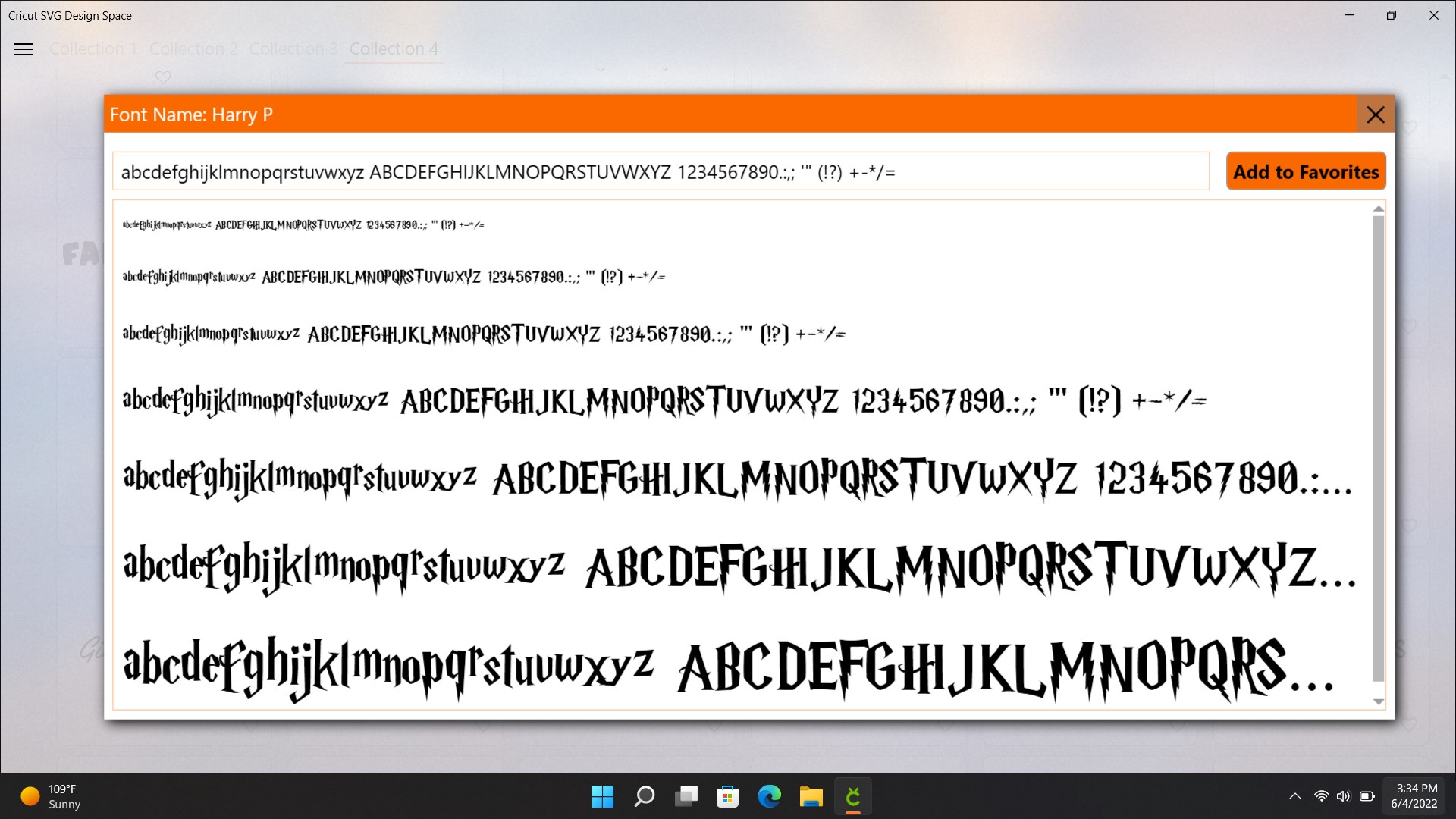
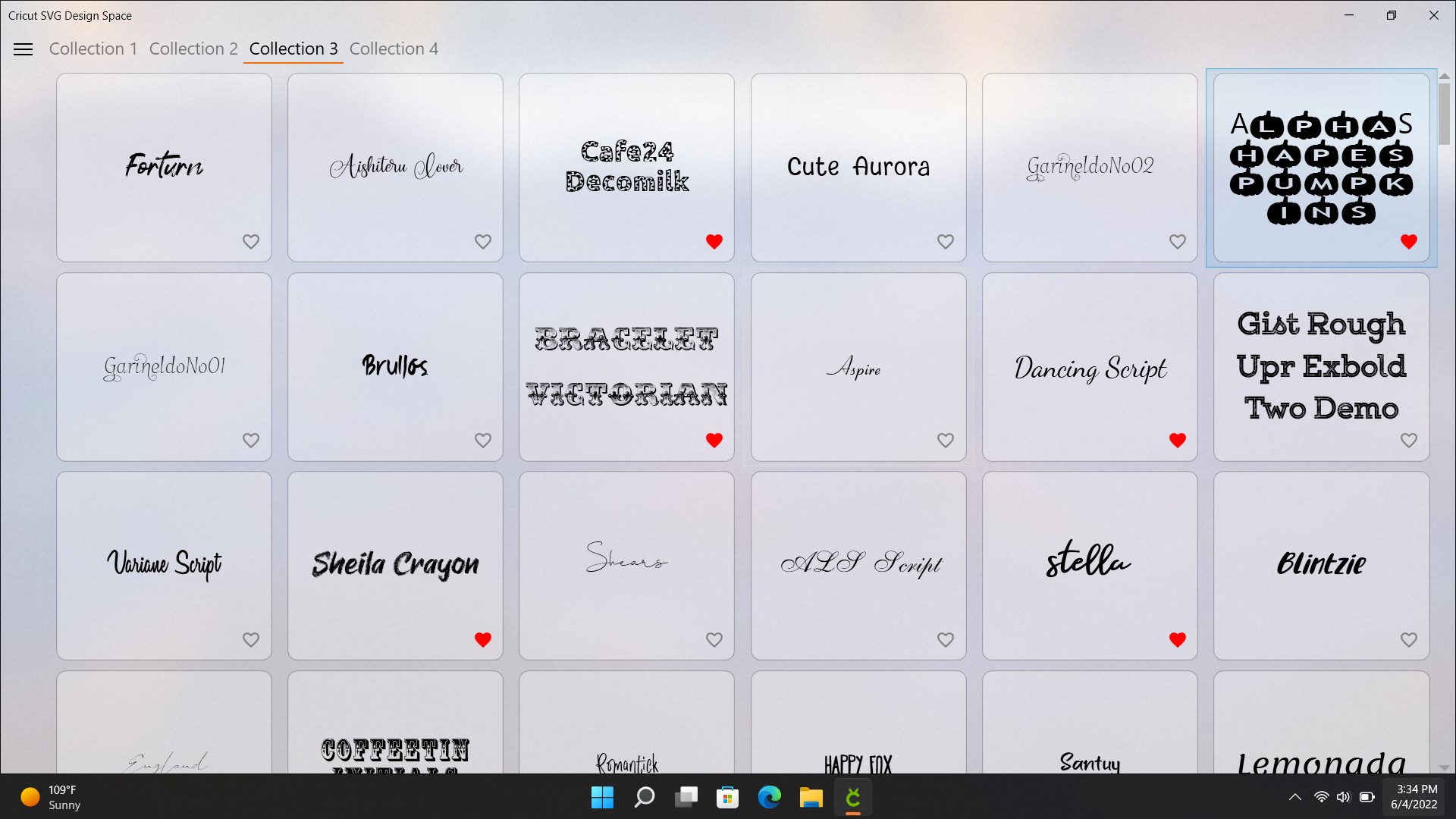
- Name Design Space for Maker, Explore Air
- Category Multimedia design
- Developer muzzumoh
- Available on PC, Surface Hub
- OS Windows 10 version 14393.0 or higher
- languages English (United States)
Introducing the Design Space for Maker, Explore Air for Windows
Design Space for Maker, Explore Air for Windows is a versatile and user-friendly application designed to help makers and hobbyists unleash their creativity using their Cricut machines. Developed by muzzumoh, this app offers a seamless digital workspace that bridges the gap between inspiration and execution, making crafting more accessible and enjoyable for all skill levels.
Meet the Developers and Core Highlights
Created by muzzumoh, a dedicated team committed to enhancing DIY and craft experiences, the app showcases innovation with its intuitive design and rich feature set. Its standout features include an advanced design interface, direct device control, and easy project sharing capabilities — all tailored to empower both novices and seasoned makers. The principal target audience comprises hobby crafters, educators, and small business entrepreneurs looking to simplify their creative workflows and produce professional-quality designs effortlessly.
A Vibrant, Creative Canvas in Your Hands
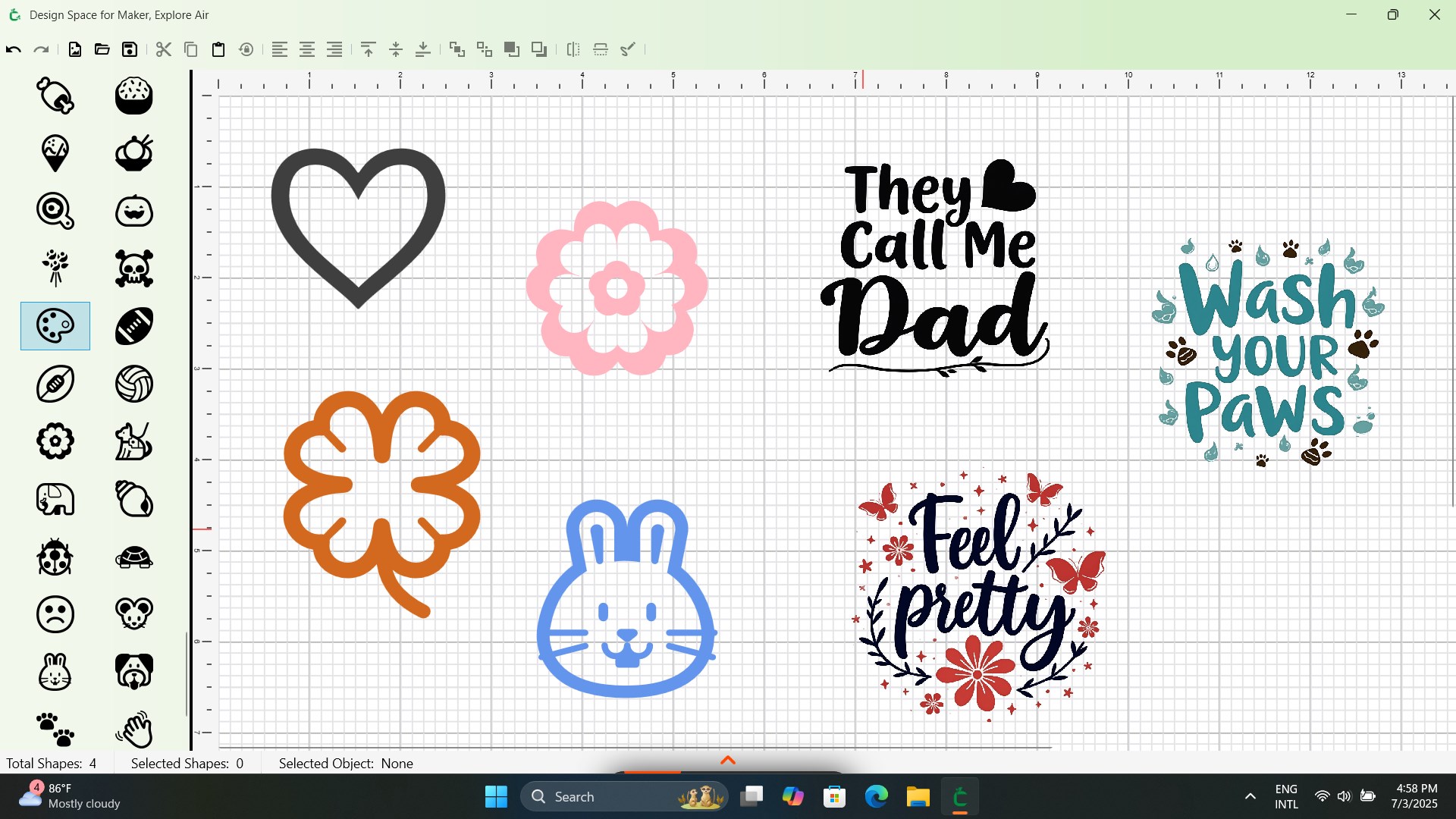
Imagine stepping into a lively workshop where your ideas dance and take shape with just a few taps — that's the experience Design Space for Maker offers. From the moment you open the application, the interface welcomes you with a clean, organized layout reminiscent of a well-stocked artist's studio. Navigating through tools feels as smooth as gliding a brush across a canvas, making the creative process feel natural rather than cumbersome. Whether you're designing for a specific project or exploring new themes, the app encourages experimentation with minimal learning curve, making it ideal even for first-time users eager to dive into vinyl decals, paper crafts, or fabric designs.
Powerful Core Features that Amplify Your Creativity
Intuitive Design Environment
The app's drawing and editing tools are both robust and straightforward. With drag-and-drop functionality, you can quickly assemble complex designs or effortlessly modify existing ones. The layer management system helps keep intricate projects organized, giving users control akin to working with a professional graphic editor but without the steep learning curve. This visual environment reduces frustration and encourages a flow state, allowing your ideas to blossom without technical hurdles.
Seamless Machine Integration and Control
One of the most compelling features is the application's ability to connect directly with Cricut Explore Air devices via Windows. It's like having your cutter right beside you, responding instantly to commands. You can send designs, adjust settings, and monitor cutting progress all within the app, turning your PC into a command center. This integration ensures precision and saves time, especially beneficial when working on intricate patterns or batch projects. Plus, the Bluetooth connectivity provides wireless freedom, making your workspace less cluttered and more flexible.
Project Management and Sharing
Beyond design and device control, the app excels at project management—allowing you to save, organize, and revisit your work easily. Sharing projects with friends or classmates is straightforward, a valuable feature for educators or small teams collaborating remotely. The ability to export designs in various formats also facilitates cross-platform use and printing. This social and collaborative dimension enriches the creative process, transforming solitary crafting into shared experiences.
Usability and Differentiation from Competitors
The interface's visual clarity and fluid operation make it stand out among multimedia design apps. Unlike more complex professional tools that intimidate newcomers, Design Space for Maker simplifies every step with guided workflows and accessible controls. Its most unique advantage lies in its tailored integration with Cricut Explore Air, offering optimized performance and dedicated features that generic design apps lack. This specialization ensures users get the most out of their machines without convoluted workarounds, and it enables seamless transitions from design to physical creation, much like a well-orchestrated symphony of creativity.
Final Verdict: Is It Worth a Try?
Given its user-centric design, specialized features, and smooth handling, I would recommend Design Space for Maker, Explore Air for Windows as a highly capable companion for makers of all levels. Whether you're creating personalized home decor, educational projects, or artisanal products, this app provides a reliable, accessible platform to turn ideas into reality. For those already invested in Cricut ecosystems, it undoubtedly enhances productivity and inspiration. Beginners interested in exploring digital design with their cutting machines will find it particularly welcoming. Just keep in mind that its full potential shines when paired with a Cricut Explore Air device, making it a perfect fit for dedicated craft enthusiasts and small-scale entrepreneurs alike.
Pros
- User-Friendly Interface
- Seamless Connectivity with Explore Air Devices
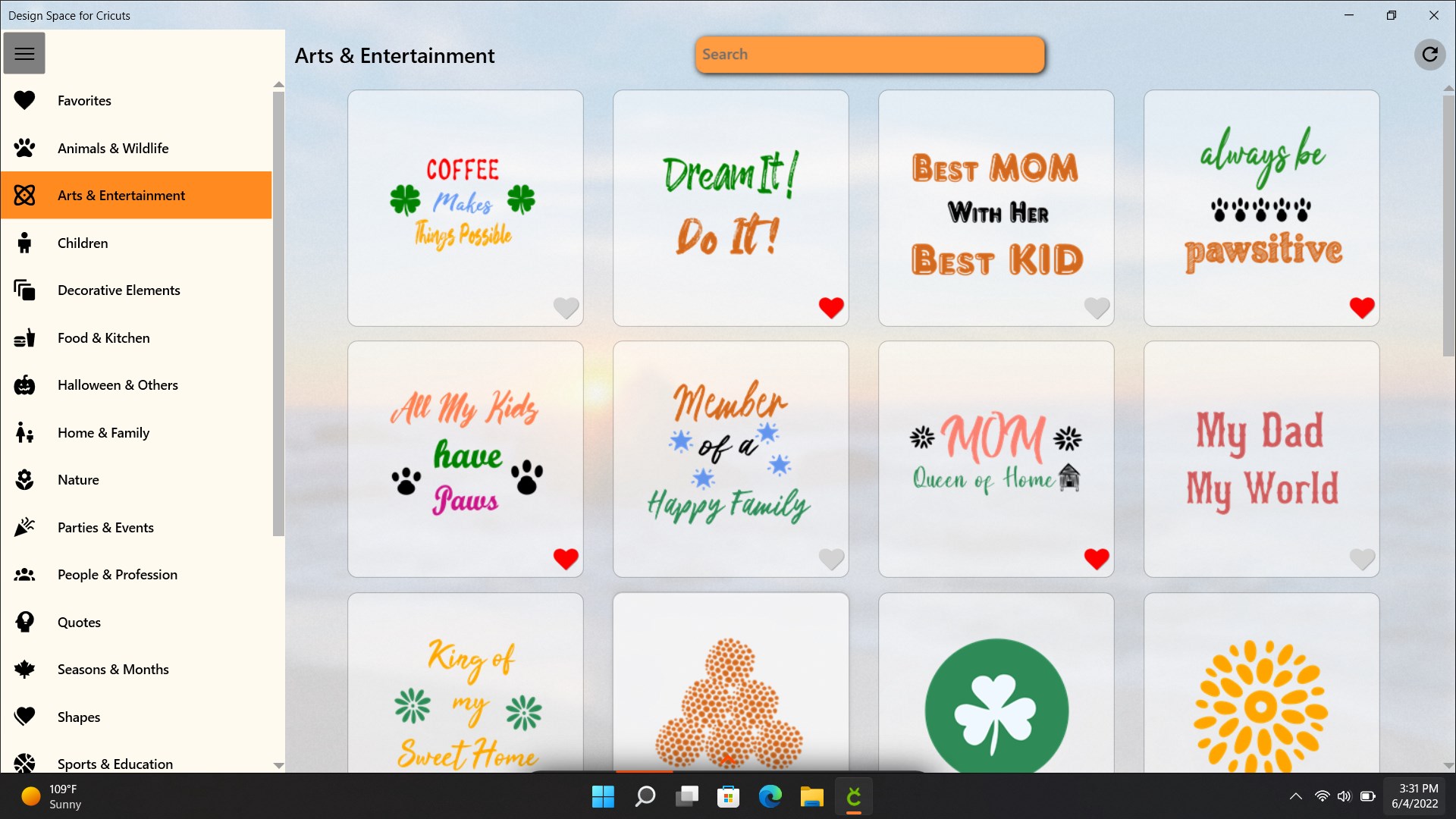
- Extensive Design Library
- Cloud-Based Storage
- Robust Customization Options
Cons
- Limited Compatibility with Other Devices
- Occasional App Glitches
- Needs More Offline Features
- Learning Curve for Beginners
- Design Asset Limitations in Free Version











