

- Name Debut
- Category Multimedia design
- Developer NCH Software
- Available on PC
- OS Windows 10 version 15063.0 or higher
- Keyboard Integrated Keyboard
- Mouse Integrated Mouse
- Memory 4 GB
- languages English (United States)
Introducing Debut for Windows: Your All-in-One Multimedia Creation Companion
Debut for Windows by NCH Software is a versatile video recording and screen capture tool designed to bring your multimedia projects to life with ease and precision.
Who's Behind the Magic?
Developed and published by NCH Software, a reputable firm known for creating a wide array of user-friendly multimedia and business software solutions, Debut continues their tradition of offering reliable tools tailored for both amateurs and professionals.
Core Features Spotlight
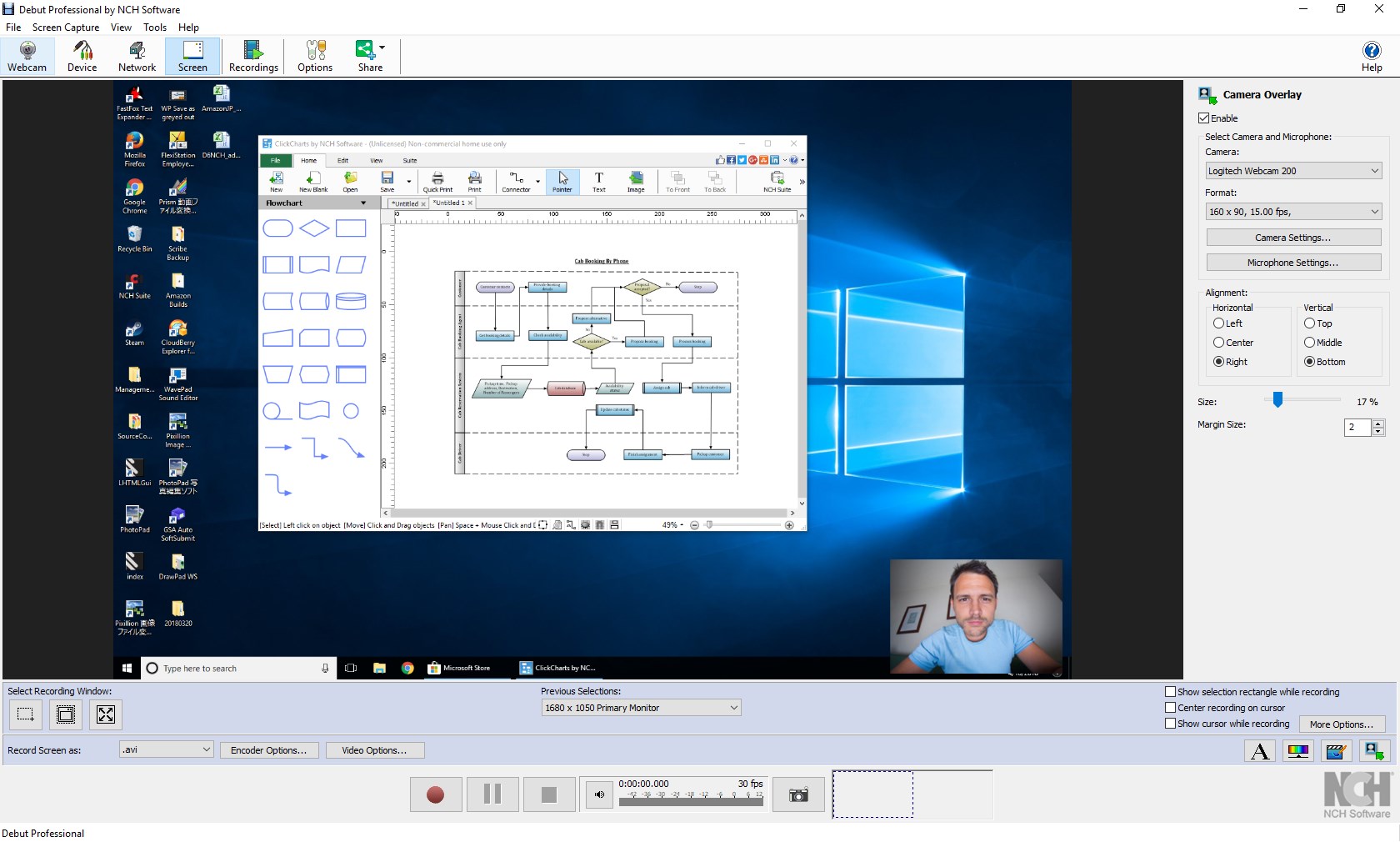
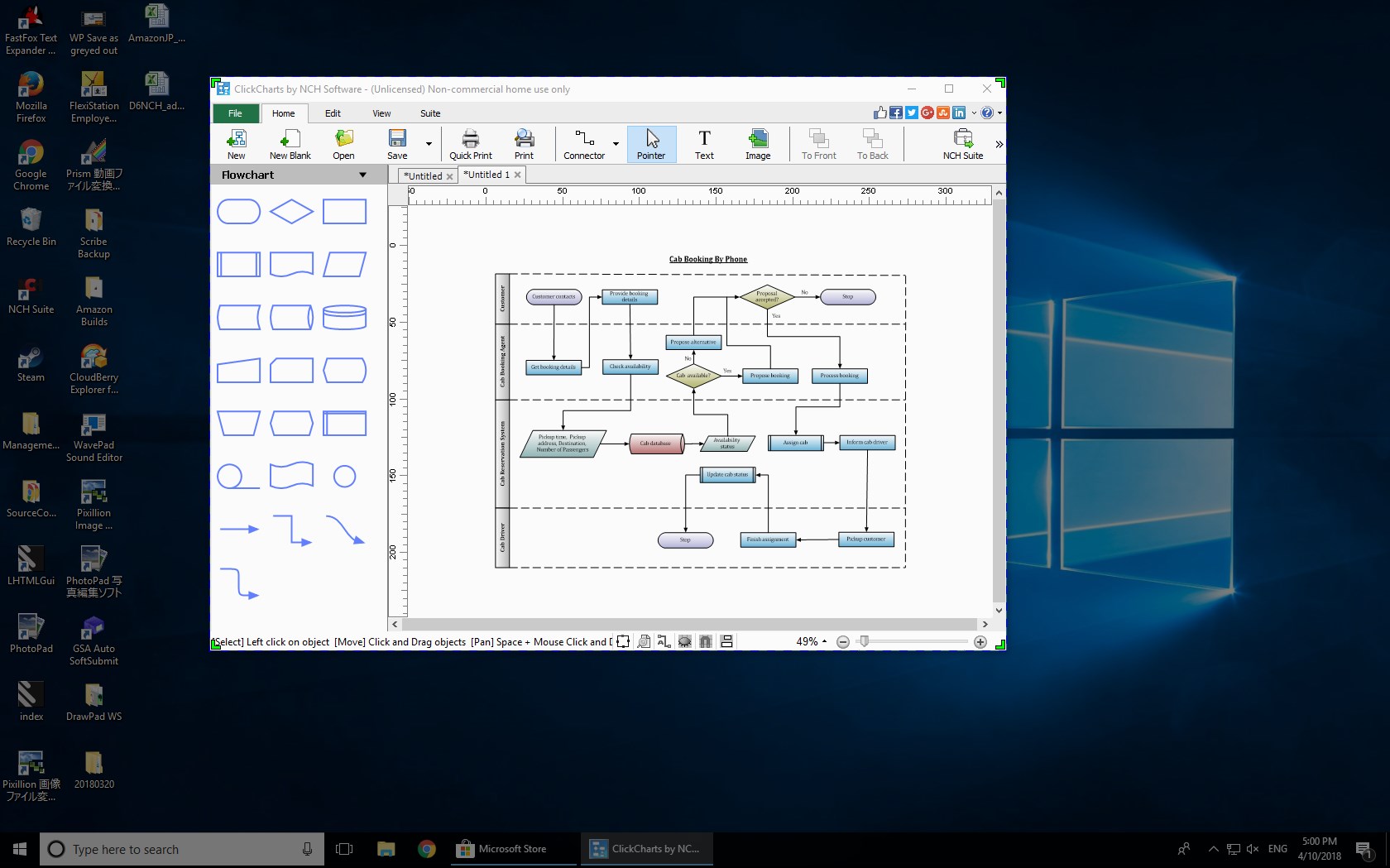
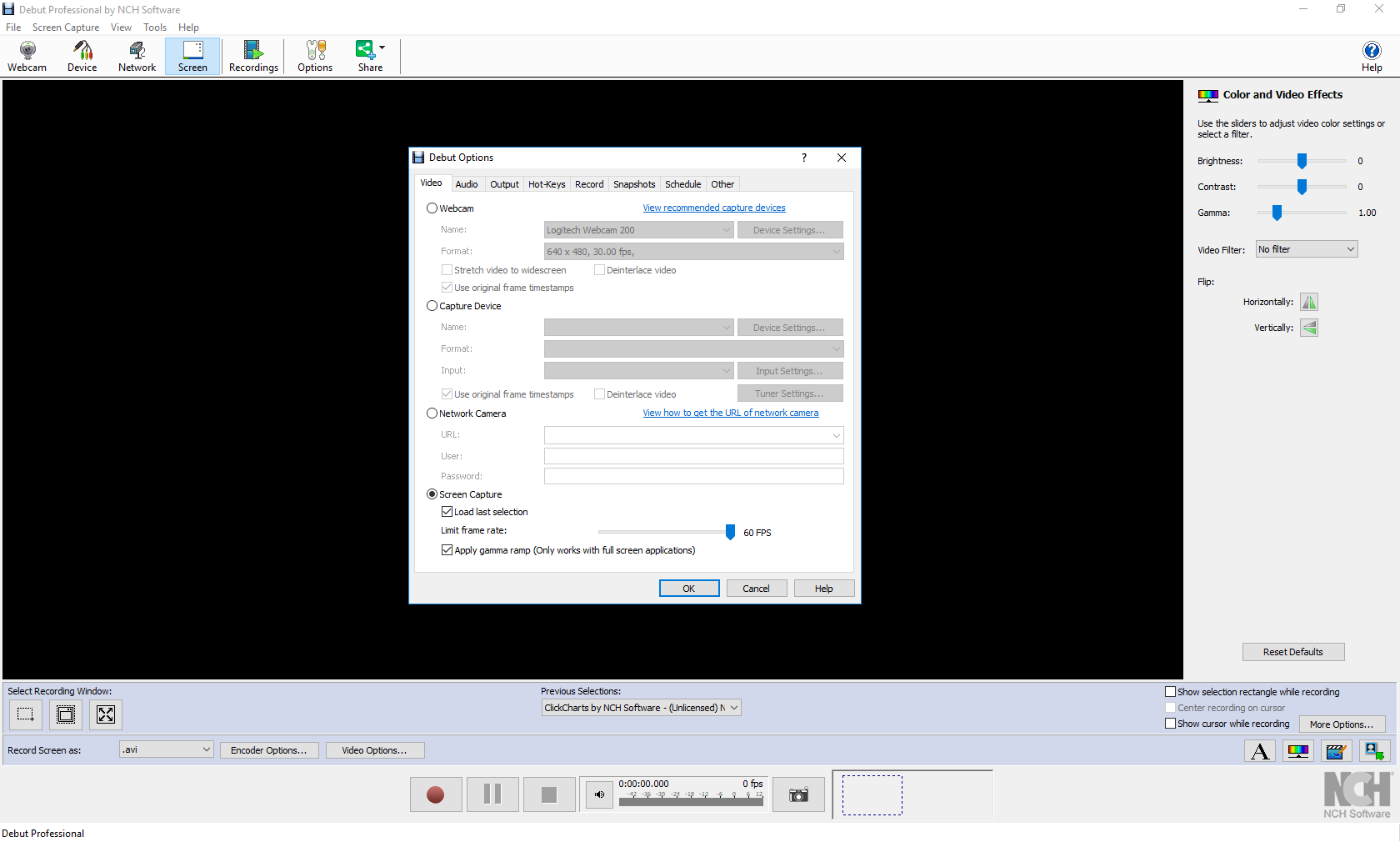
- Multi-Source Recording: Capture from webcam, screen, or external devices simultaneously, ensuring flexibility for diverse recording needs.
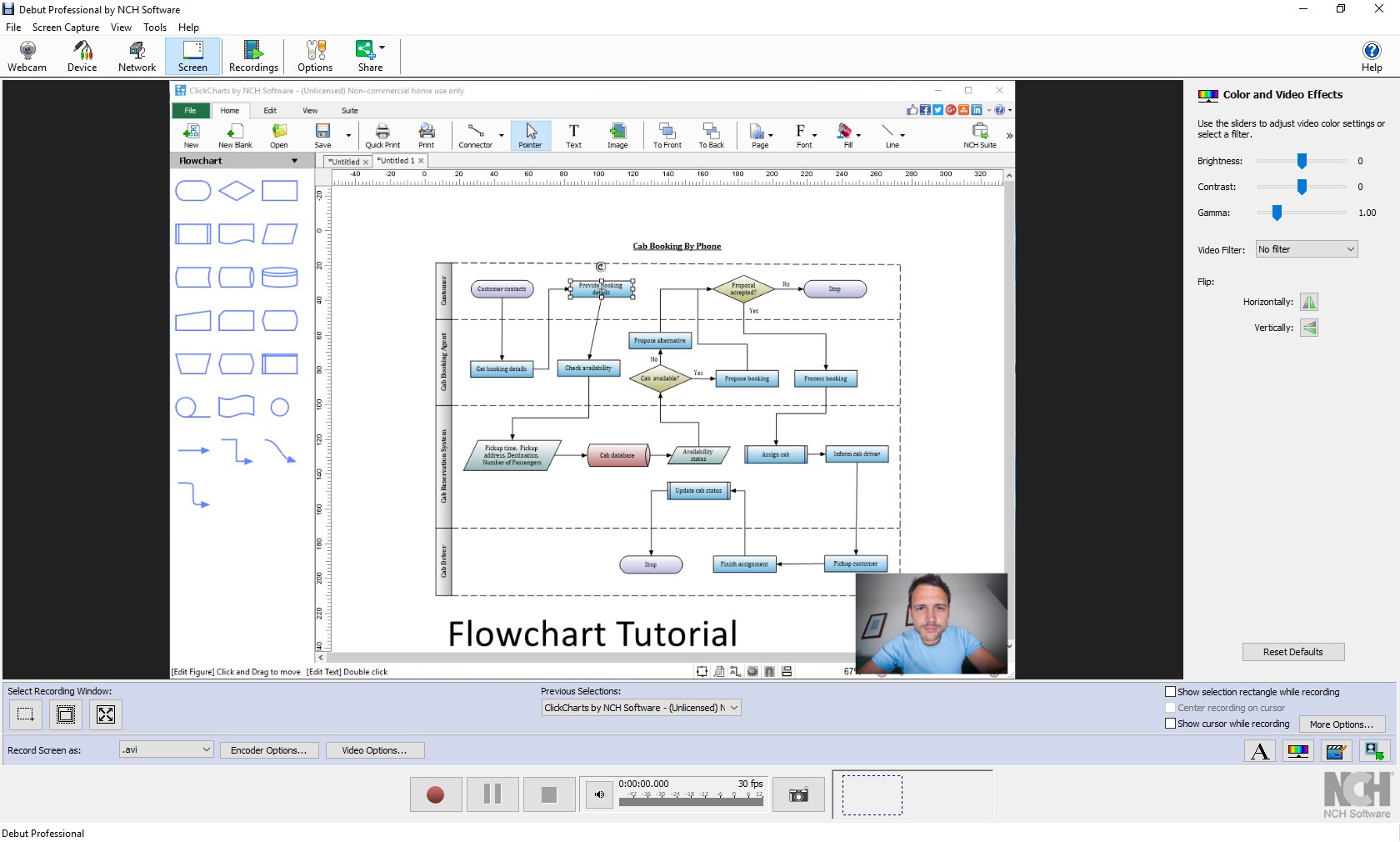
- Enhanced Video Editing: Basic editing options such as trimming, adding text overlays, and applying filters to refine your recordings directly within the app.
- Scheduled Recordings: Set timers to automate recordings, ideal for capturing live streams or unattended sessions.
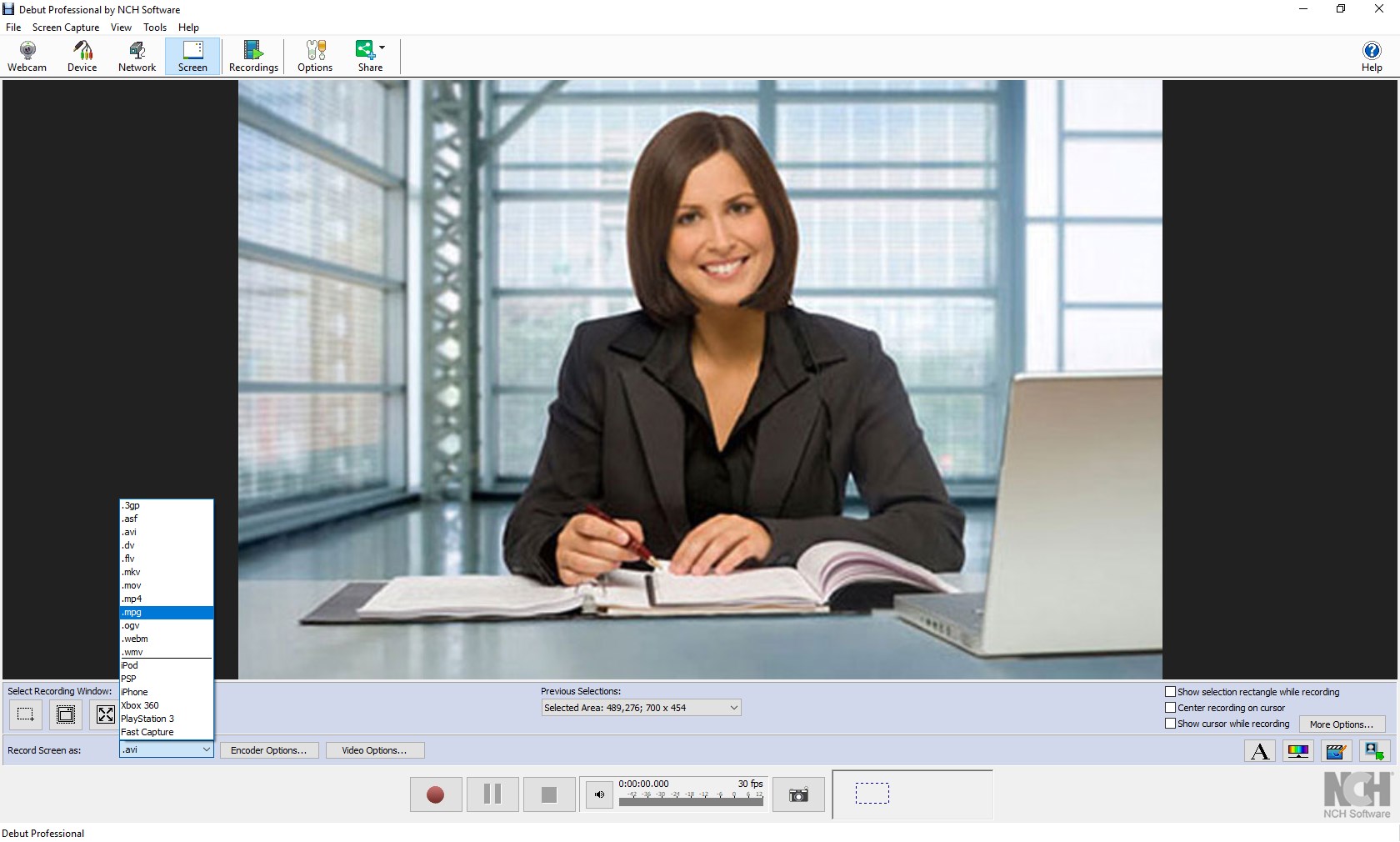
- Multiple Output Formats: Export videos in popular formats like MP4, AVI, WMV, and more, facilitating easy sharing and compatibility.
Designed with a wide audience in mind, Debut caters to educators, small business owners, content creators, and tech enthusiasts who seek an intuitive yet capable multimedia recording solution.
Captivating and Functional: A Closer Look at Debut
Imagine capturing the perfect gaming moment, recording an important online lecture, or creating a captivating tutorial—Debut turns these scenarios into achievable realities effortlessly. Its friendly interface welcomes users of all levels, making multimedia capture as simple as pressing a button. Let's dive deeper into what makes Debut stand out among its peers.
Seamless User Interface and Intuitive Workflow
From the moment you launch Debut, you're greeted with a clean, uncluttered workspace that's akin to walking into a well-organized studio. The main control panel prominently displays the recording options, status, and accessible settings. The learning curve is gentle—users can start recording within minutes, with tooltips and straightforward menus guiding every step. Actions such as selecting capture sources, adjusting quality, or scheduling recordings are just clicks away, ensuring a smooth and frustration-free experience.
Flexible Recording Modes and Advanced Scheduling
The highlight here is Debut's robust scheduling feature. Picture this: you're preparing a webinar or live event and want to ensure you don't miss a second. Simply set the start and end times, select your sources, and let Debut handle the rest. Its multi-source recording capability is equally impressive, allowing you to mix webcam footage with screen activities effortlessly. Whether for creating tutorials, game recordings, or surveillance footage, these features set Debut apart by offering professional-level control with accessible settings.
Unique Selling Points: Simplicity Meets Versatility
Compared to other multimedia recording tools, Debut's standout feature is how effortlessly it blends simplicity with powerful options. Its straightforward interface, paired with the ability to record multiple sources simultaneously and schedule recordings, makes it highly practical without overwhelming users with complex menus. Additionally, the app's capacity to export in various formats ensures compatibility with numerous editing tools and media players, providing a seamless workflow from capture to sharing.
Final Verdict: Is Debut Worth Your Time?
Given its balance of user-friendly design and versatile features, Debut for Windows is recommended for those seeking a reliable, no-fuss multimedia recording solution. Whether you're a beginner eager to delve into video content creation or a professional in need of a dependable screen recorder, Debut offers an accessible yet potent platform. Its distinctive advantages, especially in multi-source recording and scheduling, make it a compelling choice in its category.
Practically, I'd suggest trying Debut if you need to routinely capture webinars, tutorials, or gaming sessions—especially if you value a straightforward interface that doesn't compromise on functionality. For more advanced editing or post-production, consider pairing it with dedicated editing software, but for quick, reliable recordings, Debut stands out as a commendable option.
In summary, Debut for Windows by NCH Software is a dependable and approachable multimedia recording tool that offers unique scheduling and multi-source capabilities—making your recording tasks efficient and straightforward, much like having a reliable assistant at your fingertips.
Pros
- Intuitive user interface
- Rich recording features
- Lightweight and fast
- Low resource consumption
- Affordable pricing with free version
Cons
- Limited editing functionalities
- No direct sharing options
- Occasional stability issues with long recordings
- Limited support for advanced formats
- Basic annotation tools











